
In Control Mod makes you in control of mob spawning. It features two kinds of rule files. One is for blocking spawns of certain mobs under certain conditions (conditions like the current weather, time of the day, biome, block, light level, mod, minimum height, distance to spawn, …) and it also allows you to alter the stats of these mobs (give them more health, make them angry, and so on). The other rule file allows you to add new spawns to the world. Like adding blazes to the overworld.
Features:
There are currently five rule files:
- spawn.json: with this file you can block spawning of certain creatures under certain conditions. In addition, when a spawn is allowed you can also alter some of the properties of the mob like maximum health and others
- summonaid.json: this is a file that is structured the same as spawn.json but is only used when zombies are summoned for aid
- potentialspawn.json: with this file you can remove and add spawn rules under certain conditions. The rules in this file are used before the rules in spawn.json are fired so make sure that when you add a rule for new mobs here, the new mobs are allowed in spawn.json
- loot.json: with this file you can control the loot that mobs drop when they are killed based on various criteria
- experience.json: this file controls how much experience you get from killing mobs. It has a similar structure to loot.json except that you cannot control experience based on the type of damage (like magic, fire, explosion, …)
Note, everywhere in the rules below that you can specify items you can use the following notations:
- minecraft:sand (just normal minecraft sand)
- minecraft:stained_hardened_clay@13 (adds metadata 13)
- With NBT (same format as for /give command): minecraft:stained_hardened_clay@13/{display:{Lore:[\”My Clay\”]}}
Spawn Control
In this section the rules in spawn.json and summonaid.json are explained. Every rule is basically a set of ‘criteria’ and a set of ‘actions’. Note that in the case of summonaid.json the affected mob will most likely be a zombie. The following criteria are currently supported:
- onjoin: if this is set to true then this spawn rule will also be fired when entities join the world. This is a much stronger test and will allow you to disable spawns from mob spawners as well as prevent passive mob spawns that don’t always go through the regular ‘checkspawn’ event. Use this with care!
- minheight: this rule accepts an integer and indicates the minimum height (inclusive) at which this rule will fire. This height is the y level at which the mob would spawn
- maxheight: same as minheight but this represents the maximum y level
- minlight: integer value (between 0 and 15) indicating the minimum light level on the block that the mob will spawn on
- maxlight: maximum light level
- mincount: string value that is either a number in which case it will count how many mobs of the given class are already in the world or else of the form “<amount>,<mob>” to count the number of mobs of that type. That way you can have a rule file based on the number of mobs already present
- maxcount: similar to mincount
- minspawndist: floating point number indicating the minimum distance (in minecraft units) to the spawn point in the world
- maxspawndist: maximum distance to spawn
- mintime: integer value representing the time of the day (a number between 0 and 23999)
- maxtime: maximum time of the day
- mindifficulty: floating point value representing the local difficulty of the place where the mob will spawn. This is a number between 0 and 4
- maxdifficulty: maximum local difficulty
- canspawnhere: a check that is specific to the entity implementation. This is called by Minecraft automatically if you return ‘default’ as the result of this rule. For many mobs this check will do the standard light level check
- isnotcolliding: a check that is specific to the entity implementation. This is called by Minecraft automatically if you return ‘default’ as the result of this rule. For many mobs this check will do a test if the mob would collide with blocks after spawning
- difficulty: a string with one of the following values: easy, normal, hard, peaceful
- weather: a string with one of the following values: rain or thunder
- tempcategory: a string with one of the following values: cold, medium, warm, or ocean. This represents the temperature category of the current biome
- hostile: a boolean that matches hostile mobs
- passive: a boolean that matches passive mobs
- seesky: a boolean that is true if the block on which the mob will spawn can see the sky (not in a cave)
- structure: this is a string representing the name of the structure to test for. This way you can make sure a rule only fires in a village for example. For vanilla the following structures can occur: ‘Village’, ‘Fortress’, ‘EndCity’, ‘Mineshaft’, ‘Stronghold’, ‘Temple’, ‘Monument’ and ‘Mansion’ (for 1.11 only). ‘Temple’ is also used for witch huts. Modded structures should also work
- mob: this is either a single string or a list of strings. Every string is an ID for a mob. On 1.10.2 this has to be a name like ‘Creeper’, ‘Skeleton’, … On 1.11.2 you can also use names like ‘minecraft:creeper’ and so on
- mod: this is either a single string or a list of strings. Every string represents a mod id. By using this you can block spawns of certain mods
- block: this is either a single string or a list of strings. Every string is in the form: modid:registryname. For example: minecraft:stone or minecraft:cobblestone. This represents the block on which the mob will spawn
- biome: this is either a single string or a list of strings. This represents the biome in which the mob will spawn
- dimension: this is either a single integer or a list of integers. This represents the dimension in which the mob will spawn
- random: this accepts a floating point number and it will fire the rule if a random number is less then this number. So if you want to have a rule that fires with 10% chance then use 0.1 here
- incity: only if Lost Cities mod is present: check if the position is in a city
- instreet: only if Lost Cities mod is present: check if the position is in a street
- inbuilding: only if Lost Cities mod is present: check if the position is in a building
- insphere: only if Lost Cities mod is present: check if the position is in a city sphere
- nbt: allows you to add NBT to a spawned mob
Then there are a number of actions. The most important action is ‘result’:
- result: this is either ‘deny’, ‘allow’, or ‘default’. Use ‘deny’ to block the spawn. If ‘allow’ is used then the spawn will be allowed even if vanilla would normally disallow it (i.e. too much light). If ‘default’ is used then it is possible the spawn can still be denied if there is not enough light for example. If ‘allow’ or ‘default’ is used then you can use any of the following actions:
- healthmultiply: this is a floating point number representing a multiplier for the maximum health of the mob that is spawned. Using 2 here for example would make the spawned mob twice as strong.
- healthadd: this is a floating point number that is added to the maximum health
- speedmultiply: this is a floating point number representing a multiplier for the speed of the mob
- speedadd: this is a floating point number that is added to the speed
- damagemultiply: this is a floating point number representing a multiplier for the damage that the mob does
- damageadd: this is a floating point number that is added to the damage
- angry: this is a boolean that indicates if the mob will be angry at and/or target the nearest player. For zombie pigman this will make them angry at the player immediatelly. Same for enderman and wolves
- potion: this is either a single string or a list of strings. Every string represents a potion effect which is indicated like this: <potion>,<duration>,<amplifier>. For example “minecraft:invisibility,10,1”
- helditem: this is either a single string or a list of strings. Every string represents a possible item that the spawned mob will carry in its hand. This works only with mobs that allow this like skeletons and zombies. You can also specify a weight with this by adding “<number>=” in front of the string. Like this: “1=minecraft:diamond_sword”, “2=minecraft:iron_sword”
- armorboots: this is either a single string or a list of strings representing random armor that the spawned mob will wear
- armorhelmet: is either a single string or a list of strings representing random armor that the spawned mob will wear
- armorlegs: is either a single string or a list of strings representing random armor that the spawned mob will wear
- armorchest: is either a single string or a list of strings representing random armor that the spawned mob will wear
Additional Spawns
In this section the rules in potentialspawn.json are explained. Every rule is basically a set of criteria and then a list of additional mobs to spawn under those criteria. The following criteria as explained from spawn.json can also be used here: mintime, maxtime, minlight, maxlight, minheight, maxheight, minspawndist, maxspawndist, random, structure, mindifficulty, maxdifficulty, seesky, weather, tempcategory, difficulty, block, biome, and dimension. mincount and maxcount are also supported but they only work in the format “<amount>,<mob>”. i.e. you have to specify a mob.
Then every mob entry has the following attributes:
- mob: an entity name in the form Creeper, Skeleton, … for and optionally the notation modid:name for 1.11.2
- weight: an integer indicating the weight of this spawn. i.e. how important it is compared to other spawns
- groupcountmin: the minimum amount of mobs to spawn at once
- groupcountmax: the minimum amount of mobs to spawn at once
You can also remove mob spawn entries with the remove keyword. This is either a string or a list of strings representing mobs that have to be removed from the possible spawns.
Loot Control
Here we explain how you can control the loot given by mobs when they are killed. The following criteria from spawn.json can also be used here: mintime, maxtime, minlight, maxlight, minheight, maxheight, minspawndist, maxspawndist, random, mindifficulty, maxdifficulty, passive, hostile, seesky, weather, tempcategory, structure, difficulty, block, biome, and dimension. In addition the following criteria are specific for loot:
- player: boolean value indicating if the mob was killed by a player
- fakeplayer: boolean value indicating if the mob was killed by a fake player (automation behaving as if it is a player)
- realplayer: boolean value indicating if the mob was killed by a real player (no automation)
- projectile: boolean value indicating if the mob was killed by a projectile
- explosion: boolean value indicating if the mob was killed by an explosion
- magic: boolean value indicating if the mob was killed by magic
- fire: boolean value indicating if the mob was killed by fire
- source: a string or a list of strings representing the damage source. Some sources are ‘lightningBolt’, ‘lava’, ‘cactus’, ‘wither’, ‘anvil’, …
- helditem: a string or a list of strings representing the item that the player is holding in his/her main hand. The rule will match if the player has any of these items
- gamestage: a string indicating the current game stage. This only works if the ‘gamestages’ mod is present
In addition there are the following possible outputs:
- item: this is a string or a list of strings representing new loot that will be dropped
- nbt: this is a JSON specifying the NBT that will be used for the loot items
- remove: this is a string or a list of strings representing items to remove from the loot
- removeall: if this is present then all items will be removed from the loot (before new items are added by this rule)
Experience
This is similar to loot control except that it controls how much experience you get from killing a mob. All keywords from loot control can be used here except the ones that are about damage type (magic, explosion, …) as that information is not present in this event. There are four outputs that work for these rules:
- result: set this to ‘deny’ to not give any experience at all
- setxp: set a fixed XP instead of the default one
- multxp: multiple the normal XP with this number
- addxp: after multiplying the normal XP add this amount to the final XP
Commands
This mod has the following commands:
- ctrlreload: after editing the rule files you can use this command to reload it and reapply the new rules
- ctrldebug: dumps debug info about spawning in the log. Warning! This can produce a lot of output
- ctrlshowmobs: show all entities and their names that can be used in spawn.json for mob names
- ctrlkill: kill all entities of a given type. Possible types are: ‘all’, ‘hostile’, ‘passive’, or ‘entity’. It is also possible to give the name of an entity instead of a type. On 1.11 this would be ‘minecraft:enderman’ for example. On 1.10 ‘Enderman’. There is also an optional extra parameter for a dimension ID
Examples for spawn.json
Here are a few examples for spawn.json:
The first example allows only spawns in plains biomes. All other spawns are prevented:
[
  {
    "biome": "Plains",
    "result": "allow"
  },
  {
    "result": "deny"
  }
]
This example prevents ALL passive mob spawns in a certain dimension:
[
  {
    "passive": true,
    "dimension": 111,
    "onjoin": true,
    "result": "deny"
  }
]
Only allow creepers, skeletons and passive mobs:
[
  {
    "mob": ["Creeper", "Skeleton"],
    "result": "allow"
  },
  {
    "passive": true,
    "result": "allow"
  },
  {
    "result": "deny"
  }
]
Disallow hostile mob spawns above 50. Below 50 only allow spawns on stone and cobblestone:
[
  {
    "minheight": 50,
    "hostile": true,
    "result": "deny"
  },
  {
    "maxheight": 50,
    "block": ["minecraft:stone", "minecraft:cobblestone"],
    "result": "allow"
  },
  {
    "result": "deny"
  }
]
Make all mobs on the surface very dangerous. Underground there is a small chance of spawning invisible but weak zombies. In addition zombies and skeleton on the surface spawn with helmets so they don’t burn:
[
  {
    "mob": ["Skeleton","Zombie"],
    "seasky": true,
    "result": "allow",
    "healthmultiply": 2,
    "damagemultiply": 2,
    "speedmultiply": 2,
    "armorhelmet": ["minecraft:iron_helmet", "minecraft:golden_helmet"]
  },
  {
    "seasky": true,
    "hostile": true,
    "result": "allow",
    "healthmultiply": 2,
    "damagemultiply": 2,
    "speedmultiply": 2
  },
  {
    "seasky": false,
    "random": 0.1,
    "mob": "Zombie",
    "result": "allow",
    "healthmultiply": 0.5,
    "potion": "minecraft:invisibility,10000,1"
  }
]
Make all zombies slower but have more health:
[
  {
    "mob": "Zombie",
    "result": "default",
    "nbt": {
      "Attributes": [
        {
          "Base": 40.0,
          "Name": "generic.maxHealth"
        },
        {
          "Base": 0.23,
          "Modifiers": [
            {
              "Operation": 2,
              "Amount": -0.5,
              "Name": "effect.moveSlowdown 0"
            }
          ],
          "Name": "generic.movementSpeed"
        }
      ]
    }
  }
]
Examples for potentialspawn.json
Here are some examples for potentialspawn.json:
This example makes blazes spawn in the overworld but only on netherack:
[
  {
    "dimension": 0,
    "block": "minecraft:netherack",
    "mobs": [
      {
        "mob": "Blaze",
        "weight": 5,
        "groupcountmin": 1,
        "groupcountmax": 2
      }
    ]
  }
]
This examples removes all squid spawns everywhere and also adds extra iron golems in villages with a maximum of three:
[
  {
    "remove": "Squid"
  },
  {
    "structure": "Village",
    "maxcount": "3,VillagerGolem",
    "mobs": [
      {
        "mob": "VillagerGolem",
        "weight": 5,
        "groupcountmin": 1,
        "groupcountmax": 2
      }
    ]
  }
]
Examples for joot.json
Here are some examples for loot.json:
Make blazes only spawn blaze rods if they are killed by a player in a nether fortress:
[
  {
    "mob": "Blaze",
    "remove": "minecraft:blaze_rod"
  },
  {
    "mob": "Blaze",
    "structure": "Fortress",
    "player": true,
    "item": "minecraft:blaze_rod"
  }
]
Let the wither only drop a netherstar if it is killed with a stick:
[
  {
    "mob": "WitherBoss",
    "remove": "minecraft:nether_star"
  },
  {
    "mob": "WitherBoss",
    "player": true,
    "helditem": "minecraft:stick",
    "item": "minecraft:nether_star"
  }
]
In this example zombies will drop an enchanted diamond sword:
  {
    "mob": "minecraft:zombie",
    "player": true,
    "item": "minecraft:diamond_sword",
    "nbt": {
      "ench": [
        {
          "lvl": 3,
          "id": 22
        }
      ]
    }
  }
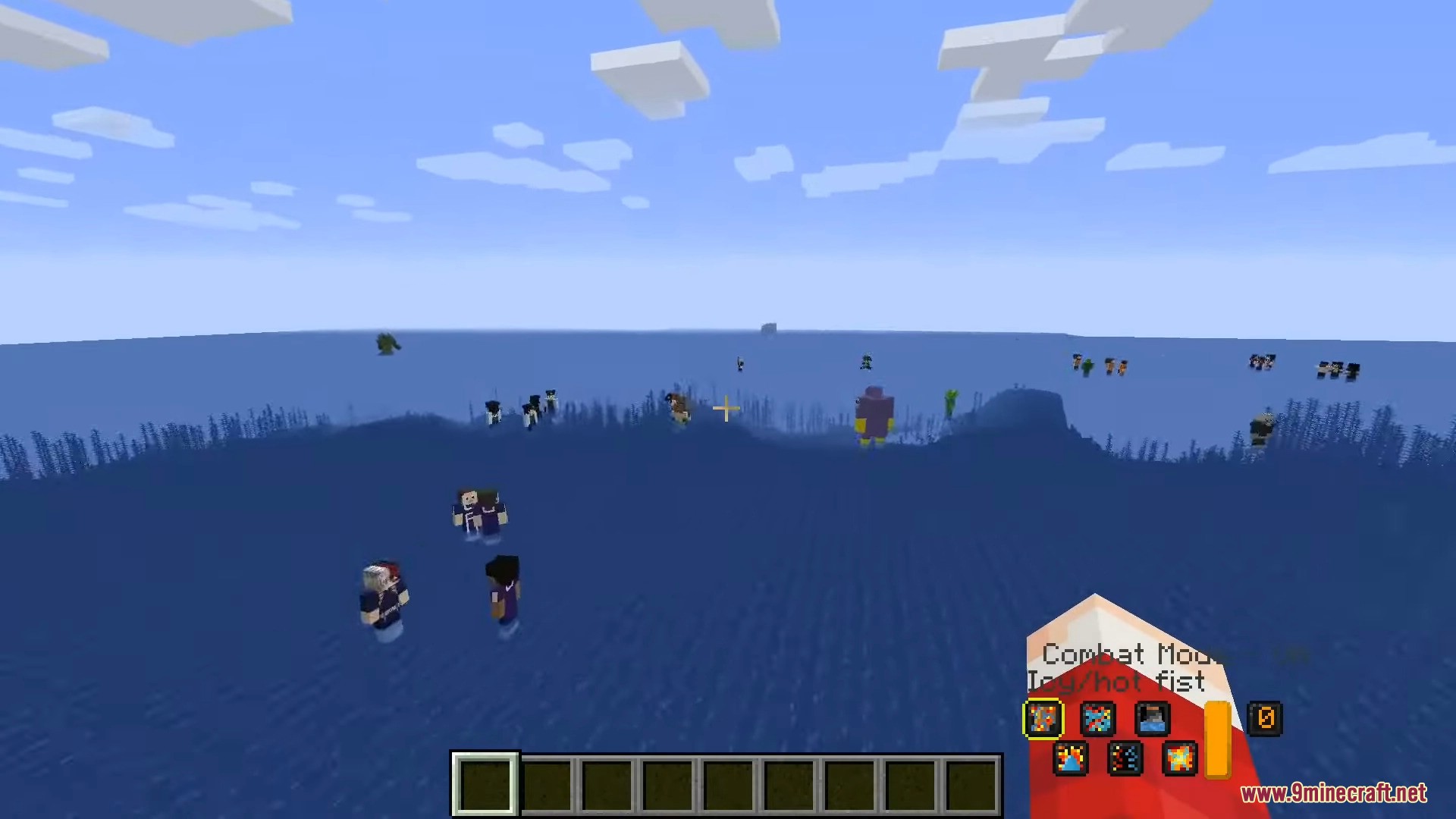
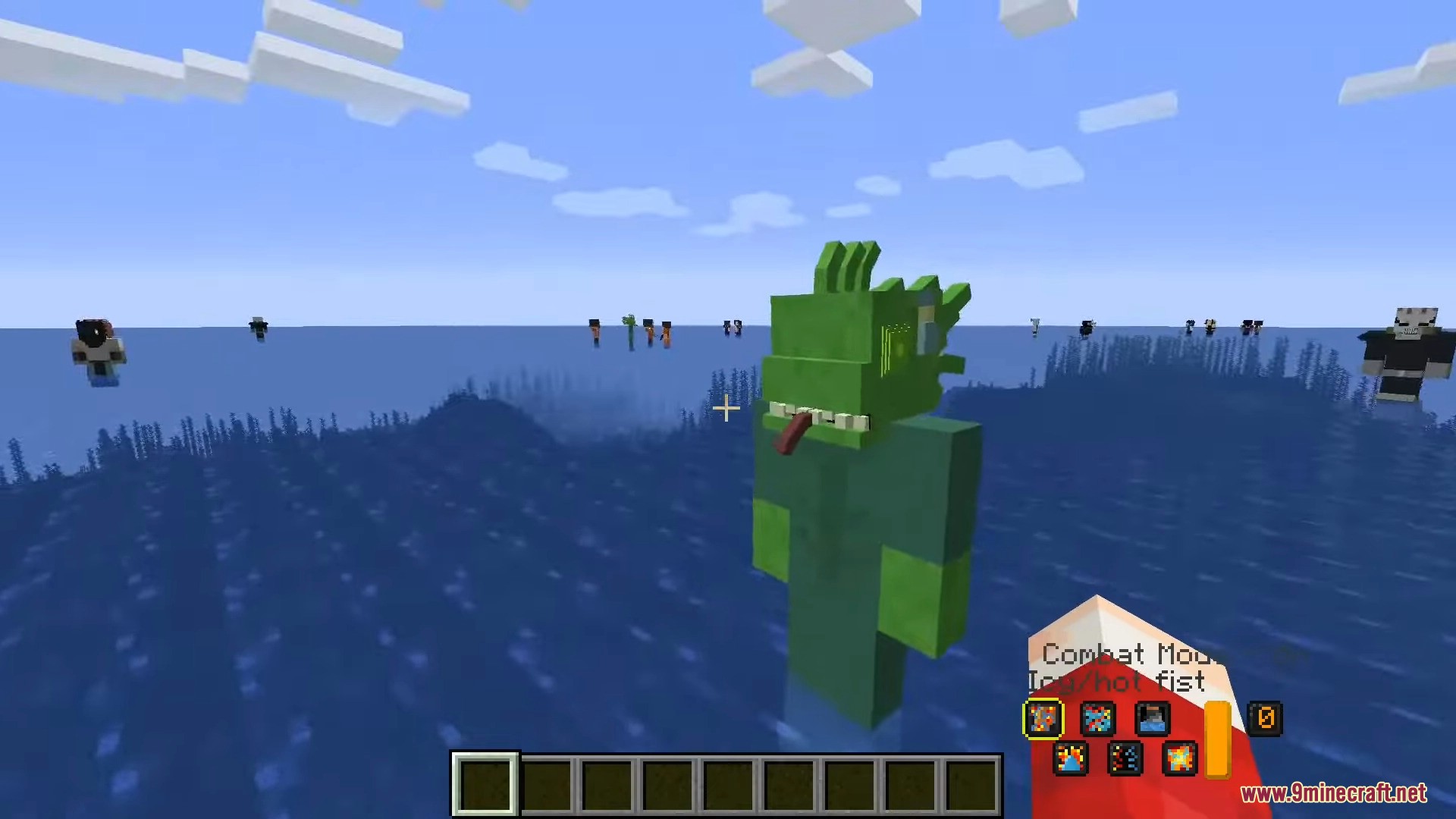
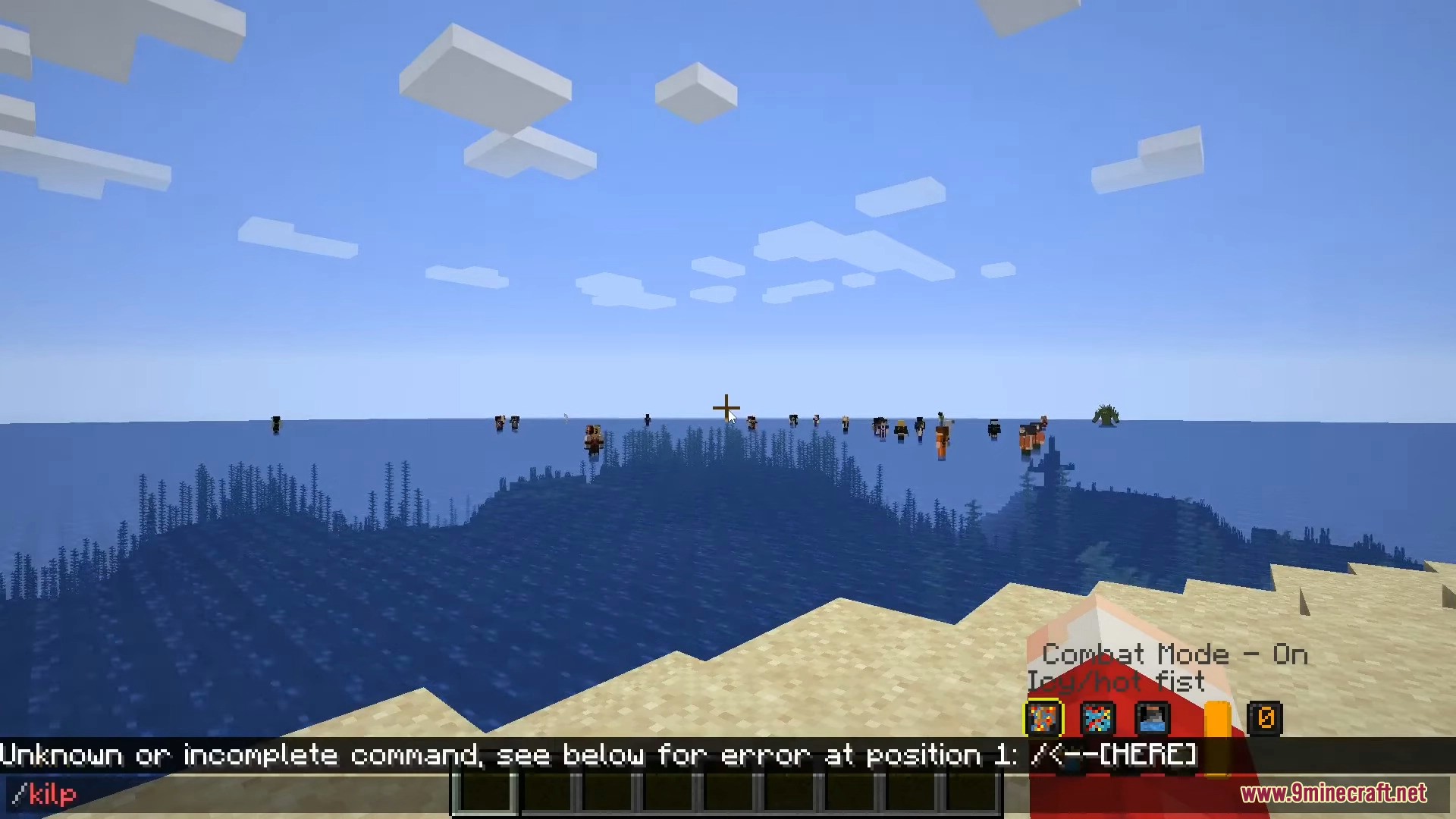
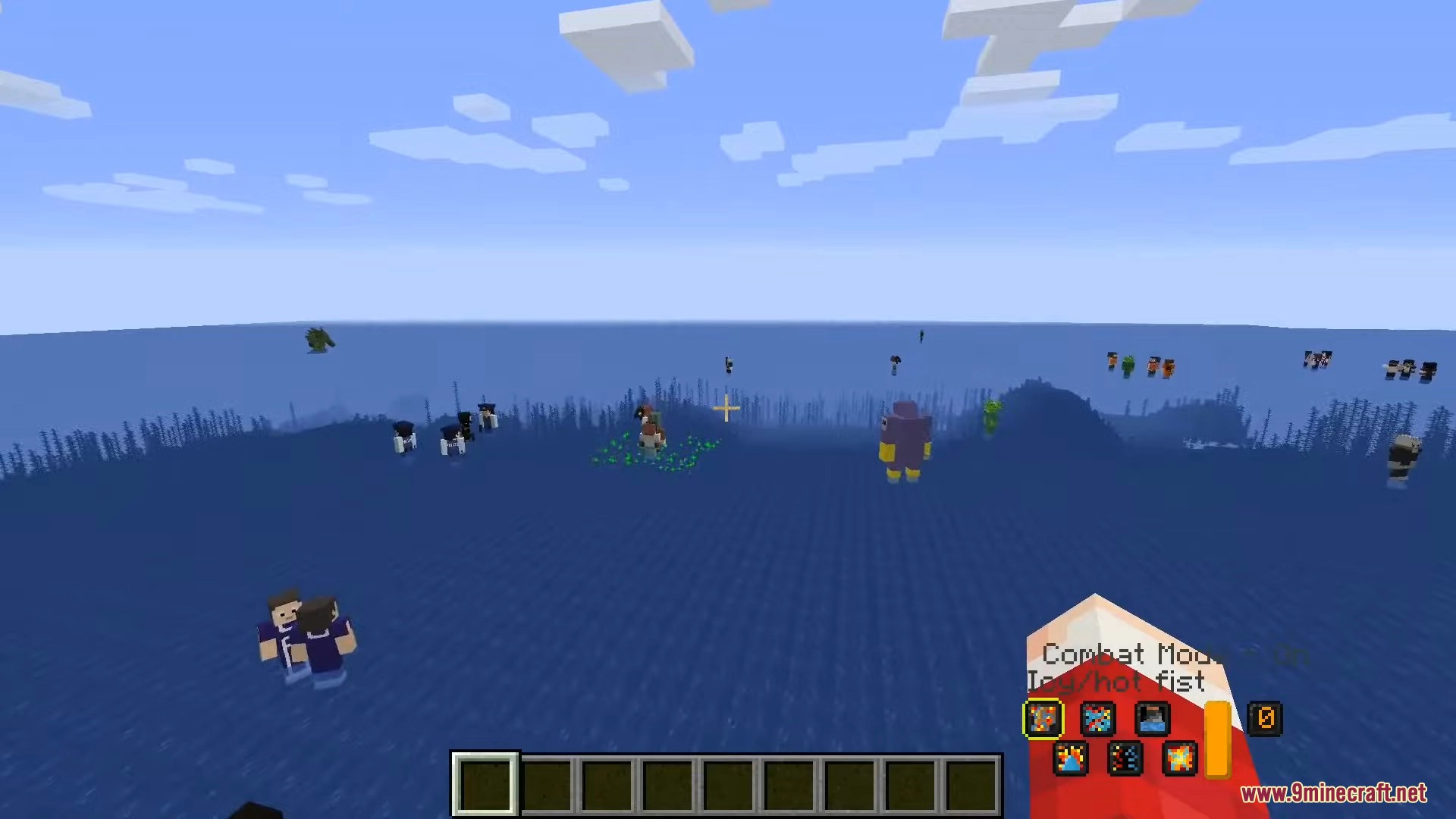
Screenshots:
In Control Mod Download Links
For Minecraft 1.10.2
Forge version: Download from Server 1
For Minecraft 1.12.2
Forge version: Download from Server 1
For Minecraft 1.15.2
Forge version: Download from Server 1
For Minecraft 1.16.5
Forge version: Download from Server 1
For Minecraft 1.18.2
Forge version: Download from Server 1 – Download from Server 2
For Minecraft 1.19.2
Forge version: Download from Server 1 – Download from Server 2
For Minecraft 1.19.3
Forge version: Download from Server 1 – Download from Server 2
For Minecraft 1.20.1, 1.20
Forge version: Download from Server 1 – Download from Server 2
For Minecraft 1.21.1, 1.21
NeoForge version: Download from Server 1 – Download from Server 2
- Edition: Minecraft Java
- File type: .jar
- Minecraft versions listed: 1.21.1, 1.20.1
- How to install: Install the matching mod loader (Forge, Fabric or NeoForge) for your Minecraft version. → Download the .jar. → Put it in the .minecraft/mods folder and launch that loader profile.
- Where to get it: In MC Java Mods, or directly above on this page.
Install steps are the general flow for this file type — How to install Minecraft Java mods & modpacks walks through it step by step.
- Downloads as 196757.mcaddon
- Download size: 85 KB
- Download link checked 26 Jul 2026 — working
- Mirrored on our own servers — the download does not depend on the original host
These come from our own check of the pack file, not from the source page.