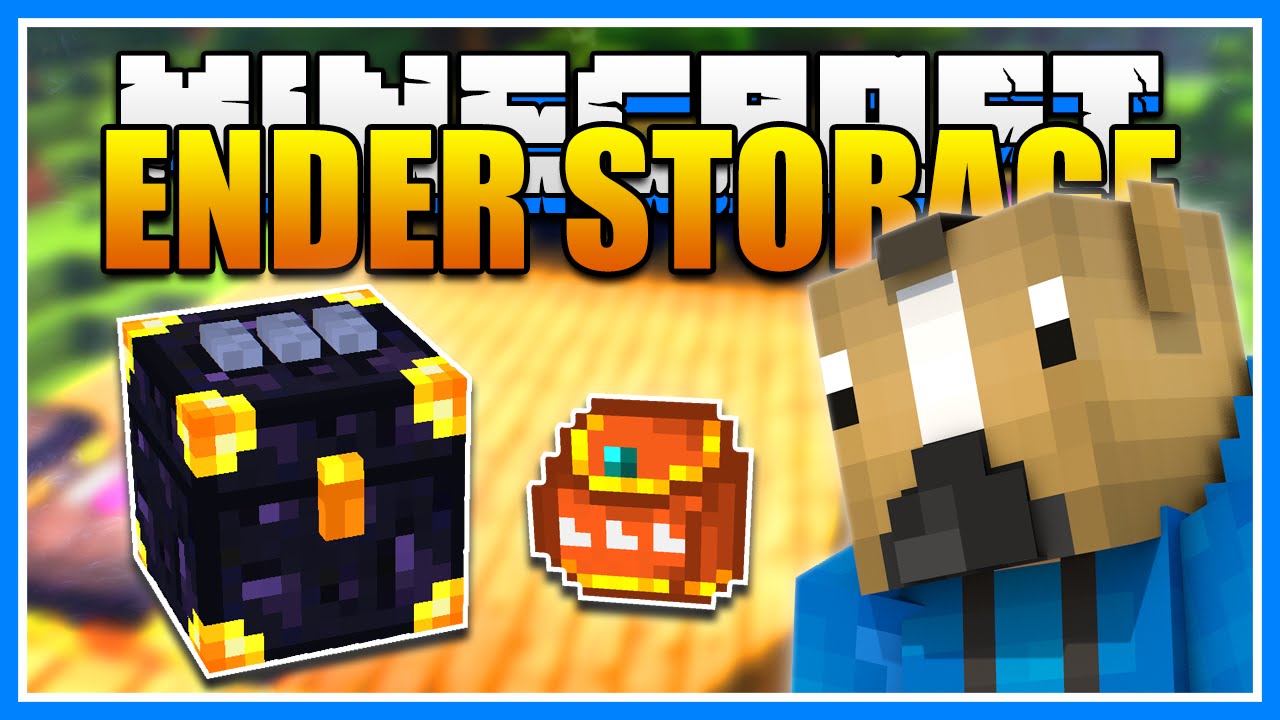
Ender Storage Mod (1.21.1, 1.20.1) – Access Your Items Anywhere
For Minecraft 26.2+ We've developed a brand-new version of Ender Storage called Ender Storage 9minecraft Mod. This new build comes with many new features…
⬇ DownloadFor Minecraft 26.2+
We’ve developed a brand-new version of Ender Storage called Ender Storage 9minecraft Mod. This new build comes with many new features, major improvements, and continuous updates for the latest Minecraft versions as fast as possible. Download the new version here: https://www.9minecraft.net/ender-storage-9minecraft-mod/
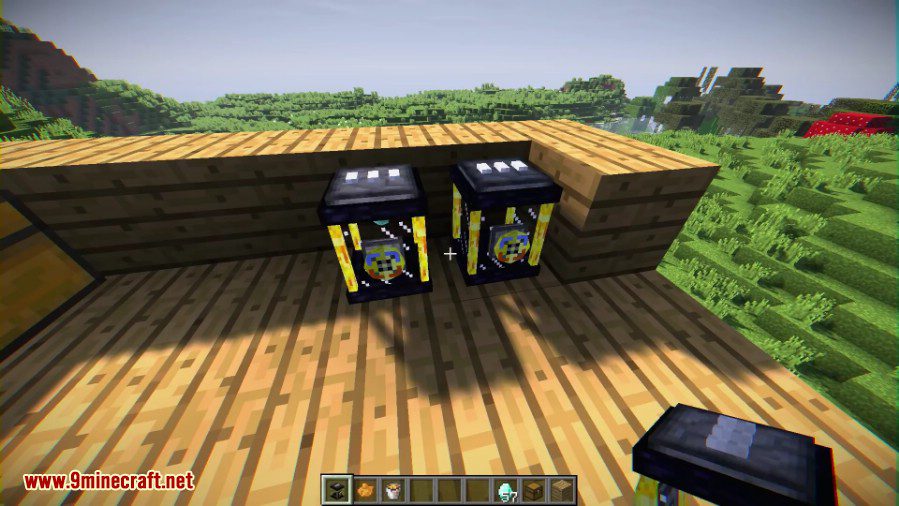
Ender Storage Mod adds special chests, pouches, and tanks that share contents across any distance. You can link them using a three-color code. All storage blocks with the same color combination share the same inventory, even if they are in different dimensions. This mod also includes a portable pouch to access your items on the go and tanks for storing liquids.
Features:
Ender Chest
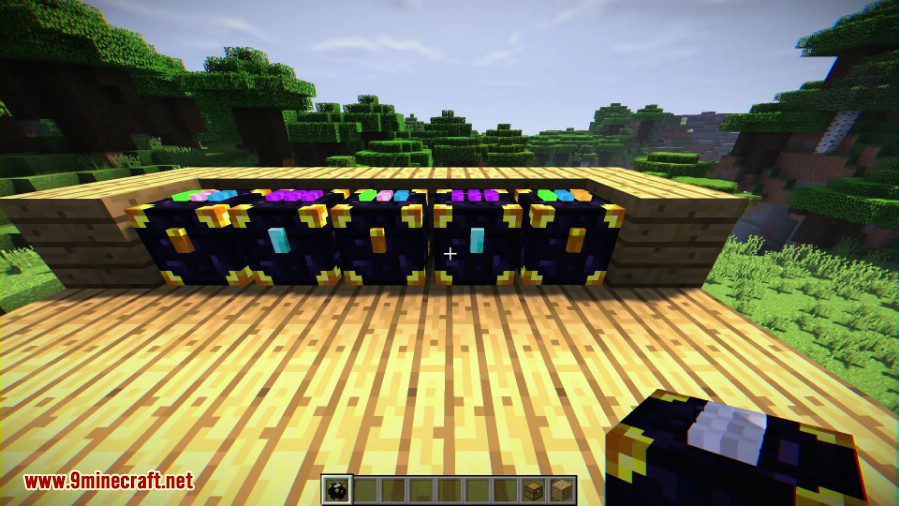
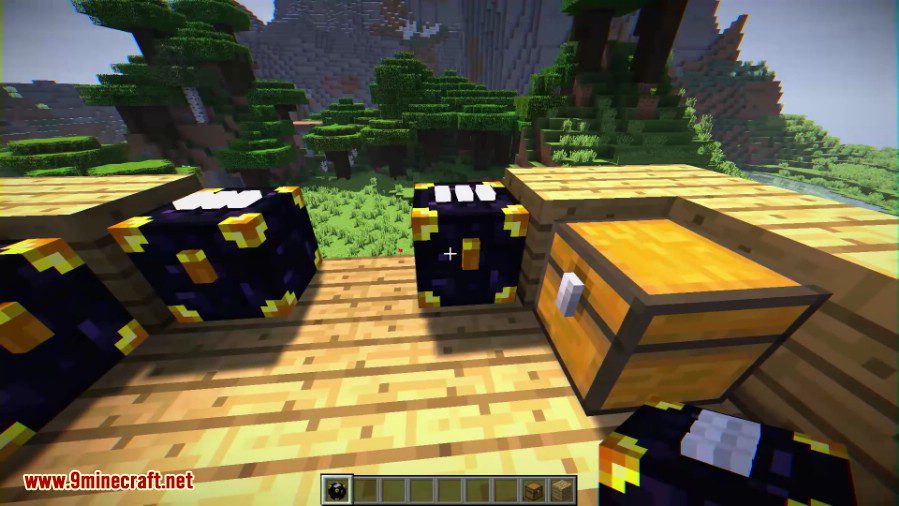
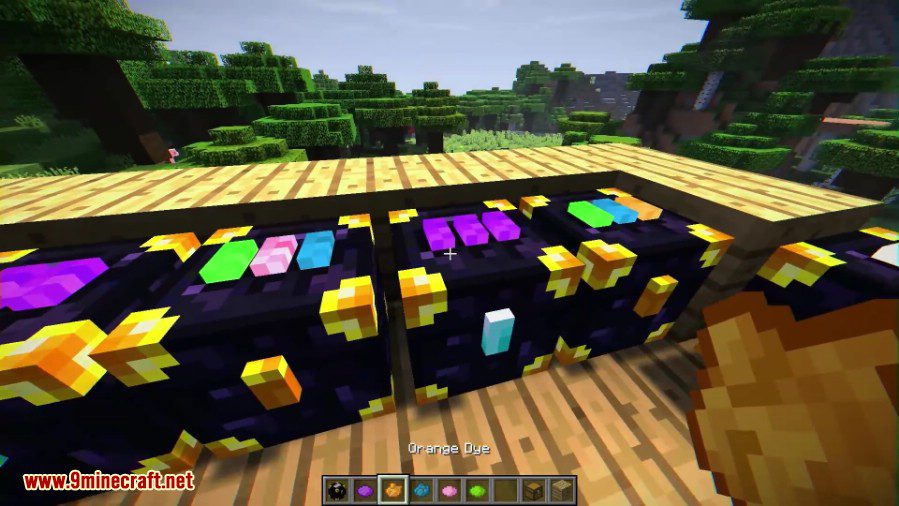
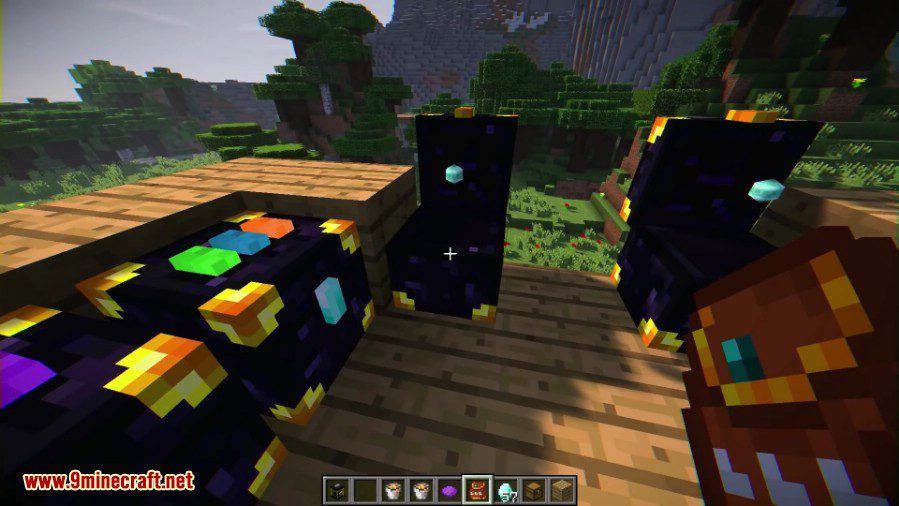
- Adds a new Ender Chest with three wool pads on top for color-coding.
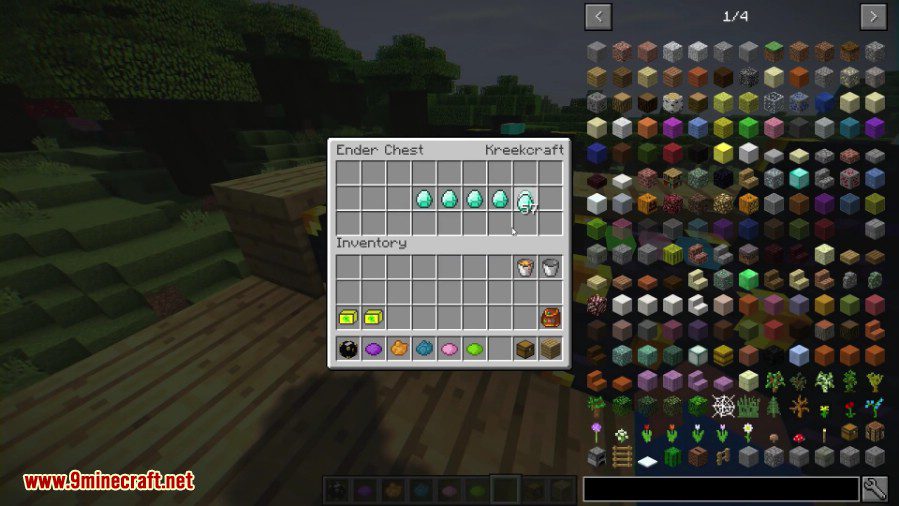
- Chests with the same three-color code share a single inventory.
- Access the same items from anywhere, even across dimensions like the Nether or the End.
- You can create up to 4,096 different public storage networks using 16 dyes.
- Use a diamond on the latch to create a private, player-specific network that others can’t access.
- Works with pipes from other mods to transport items automatically.
Ender Pouch
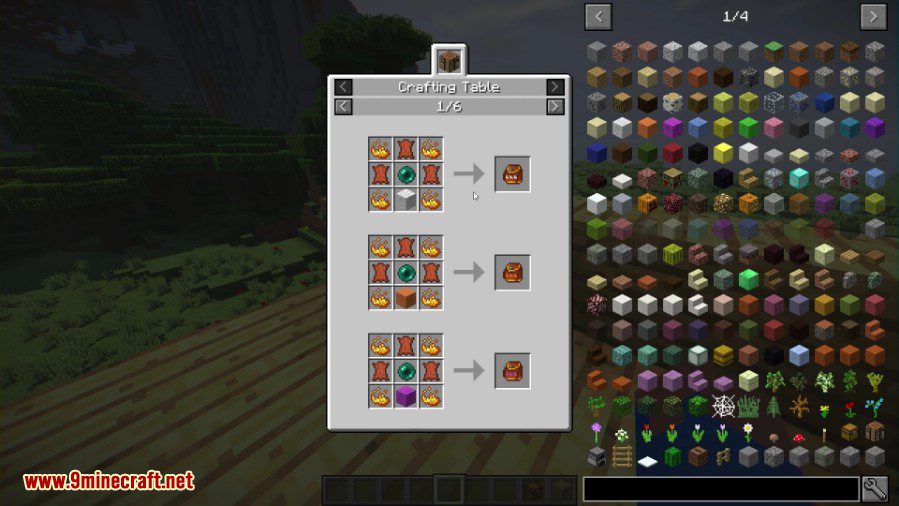
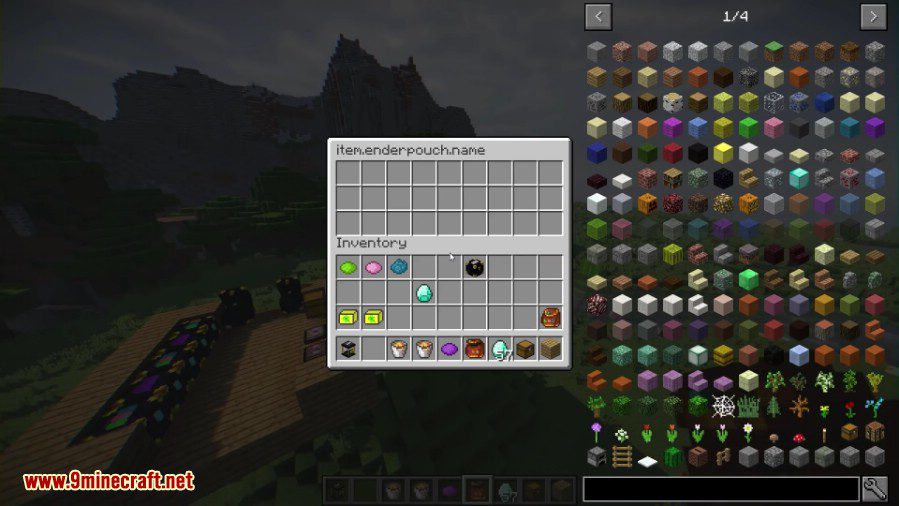
- A portable pouch that connects to an Ender Chest network.
- Lets you open a chest’s inventory directly from your hotbar, wherever you are.
- Change the pouch’s color code by shift-right-clicking it on any Ender Chest.
Ender Tank
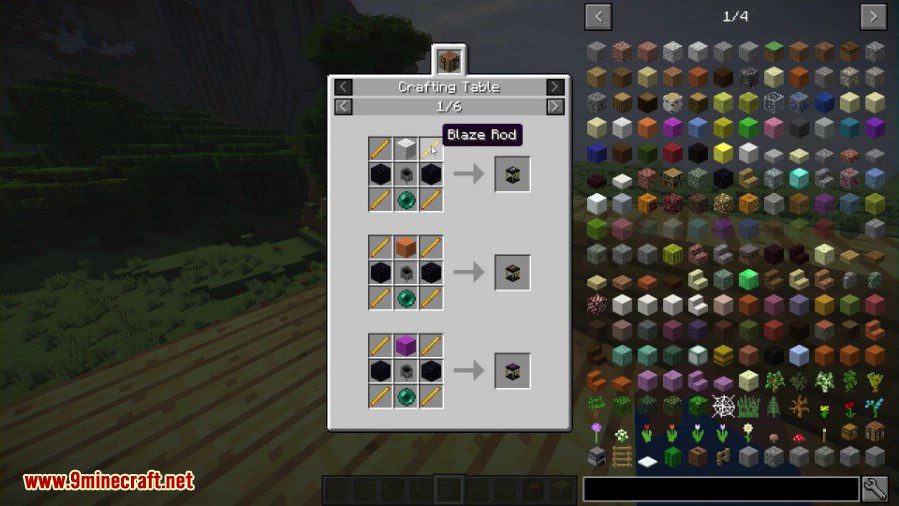
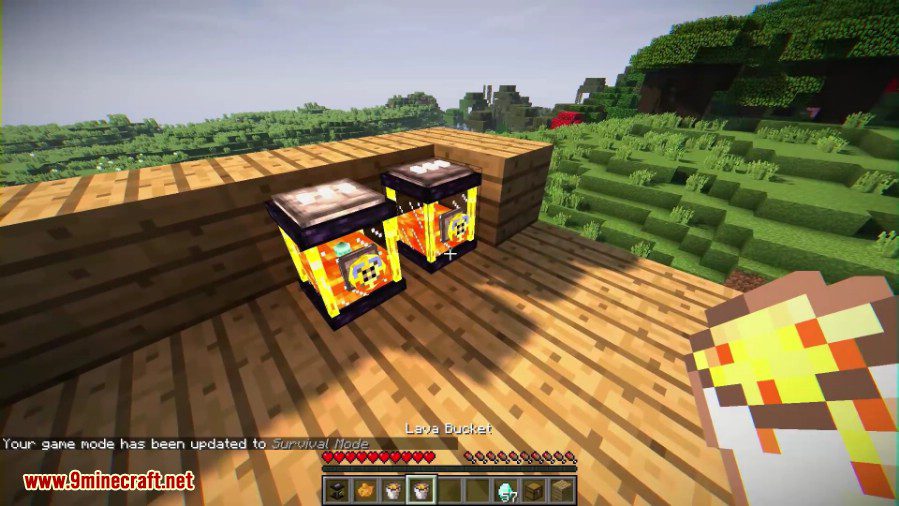
- Works just like the Ender Chest but stores up to 16,000 mB of any liquid.
- Tanks with matching color codes share the same liquid storage.
- Features a dial to switch between input and output modes for use with pipes.
- Can also be made private to a single player by using a diamond on it.
How to Use:
- Place an Ender Chest or Ender Tank in your world.
- Right-click the three wool pads on top with different dyes to set its color code.
- Any other chest or tank with the exact same color code will now share its inventory.
- To link an Ender Pouch, shift-right-click it on the Ender Chest you want to connect to.
- To make a storage network private, right-click the latch on the chest or tank with a diamond. This makes the network exclusive to your player.
Crafting Recipes:
Ender Chest
Note: The pads on top of the Ender Chest will start out the same color as the wool used to craft it.
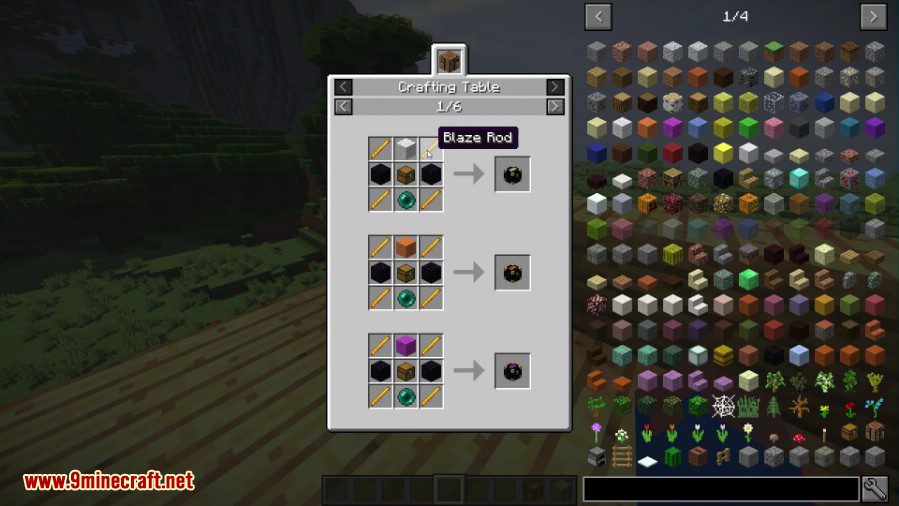
Ender Tank
Ender Pouch
Screenshots:
Ender Storage Mod Download Links
For Minecraft 1.7.10
Forge version: Download from Server 1 – Download from Server 2
For Minecraft 1.9.4
Forge version: Download from Server 2
For Minecraft 1.10.2
Forge version: Download from Server 2
For Minecraft 1.11.2
Forge version: Download from Server 1
For Minecraft 1.12.2
Forge version: Download from Server 1 – Download from Server 2
For Minecraft 1.14.4
Forge version: Download from Server 1
For Minecraft 1.15.2
Forge version: Download from Server 1 – Download from Server 2
For Minecraft 1.16.5
Forge version: Download from Server 1 – Download from Server 2
For Minecraft 1.18.2
Forge version: Download from Server 1 – Download from Server 2
For Minecraft 1.19.2
Forge version: Download from Server 1 – Download from Server 2
For Minecraft 1.20.1, 1.20
Forge version: Download from Server 1 – Download from Server 2
For Minecraft 1.20.4
NeoForge version: Download from Server 1 – Download from Server 2
For Minecraft 1.21.1, 1.21
NeoForge version: Download from Server 1 – Download from Server 2
- Edition: Minecraft Java
- File type: .jar
- Minecraft versions listed: 1.21.1, 1.20.1
- How to install: Install the matching mod loader (Forge, Fabric or NeoForge) for your Minecraft version. → Download the .jar. → Put it in the .minecraft/mods folder and launch that loader profile.
- Where to get it: In MC Java Mods, or directly above on this page.
Install steps are the general flow for this file type — How to install Minecraft Java mods & modpacks walks through it step by step.
- Downloads as 196774.mcaddon
- Download size: 142 KB
- Download link checked 26 Jul 2026 — working
- Mirrored on our own servers — the download does not depend on the original host
These come from our own check of the pack file, not from the source page.