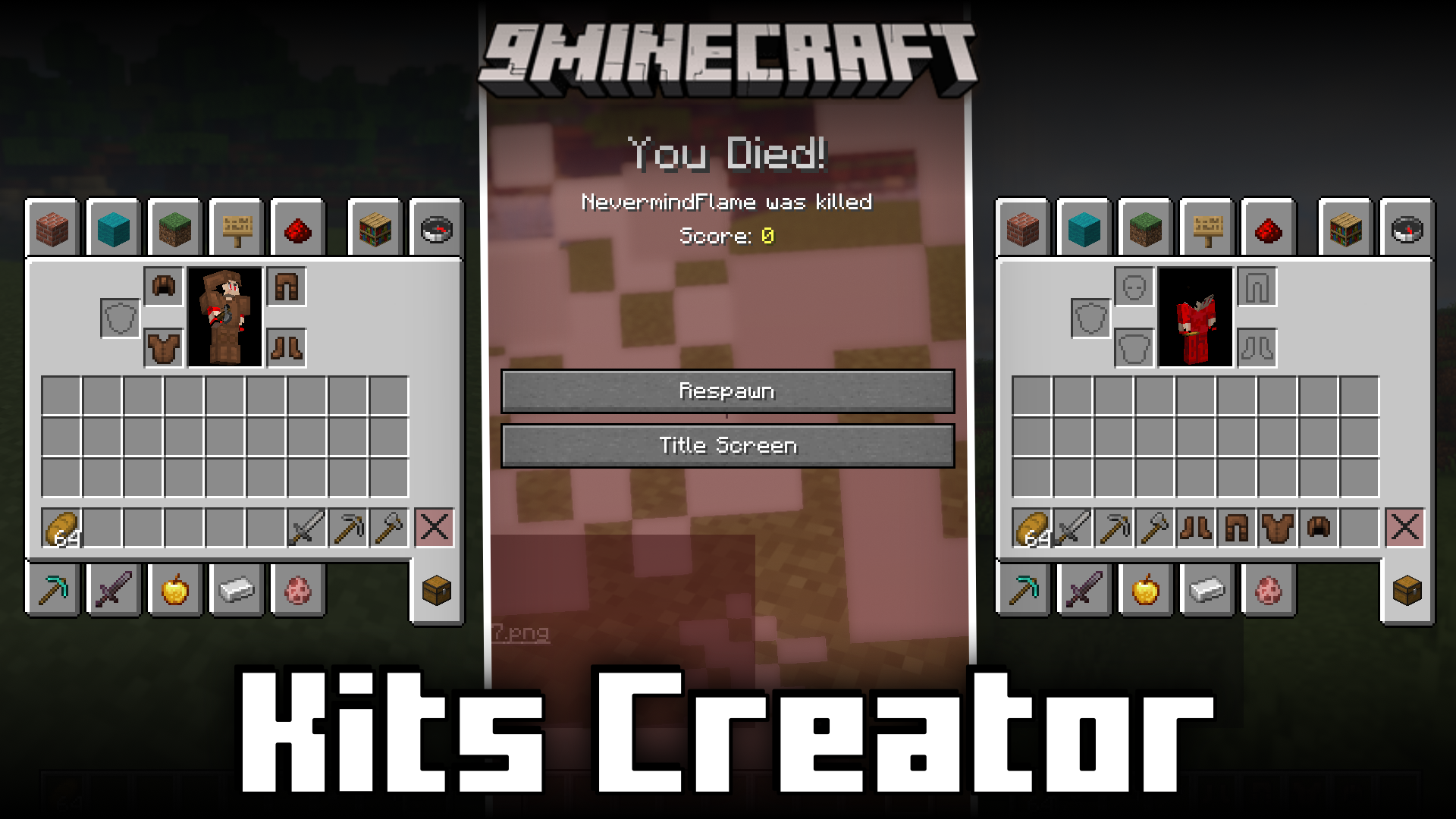
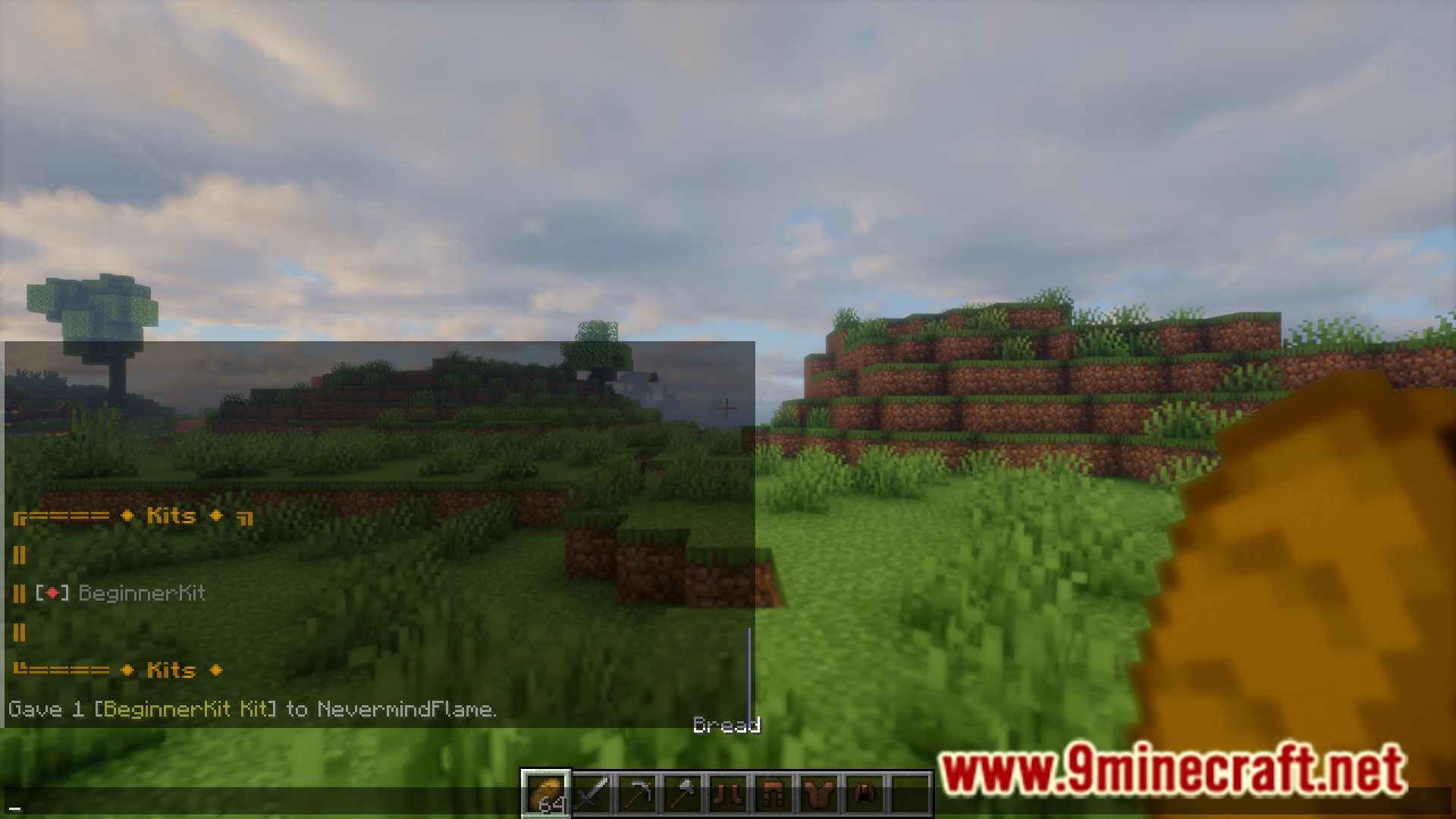
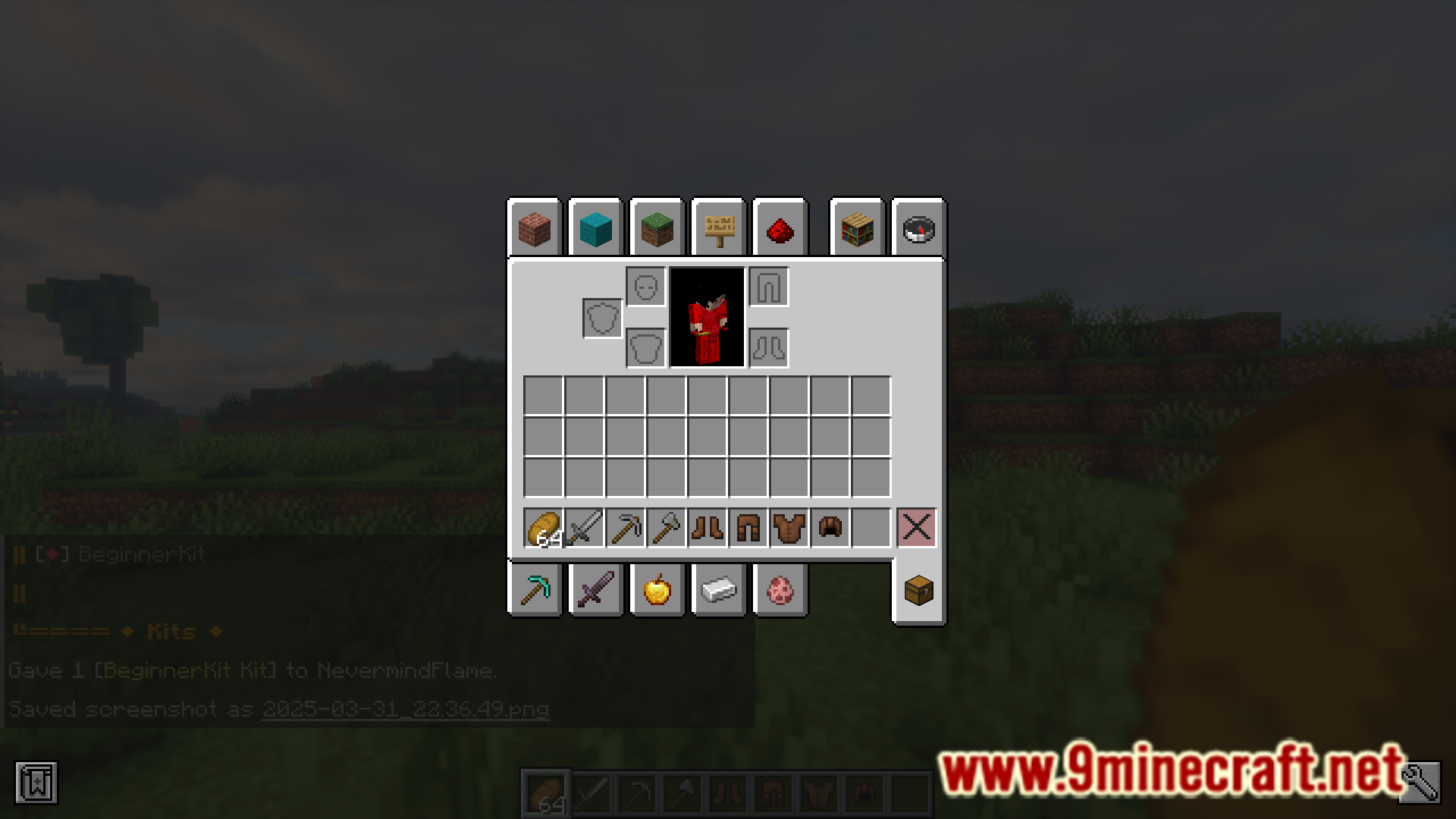
Kits Creator Mod allows you to create and customize kits that can be activated by players using commands. Players with admin access can create custom kits and then use commands to save them. Other players can then use commands to select the required kit and get all of the included items in their inventory. All of the functions of this mod are fulfilled using commands. A list of useful commands as listed by the developer are given below.
Features:
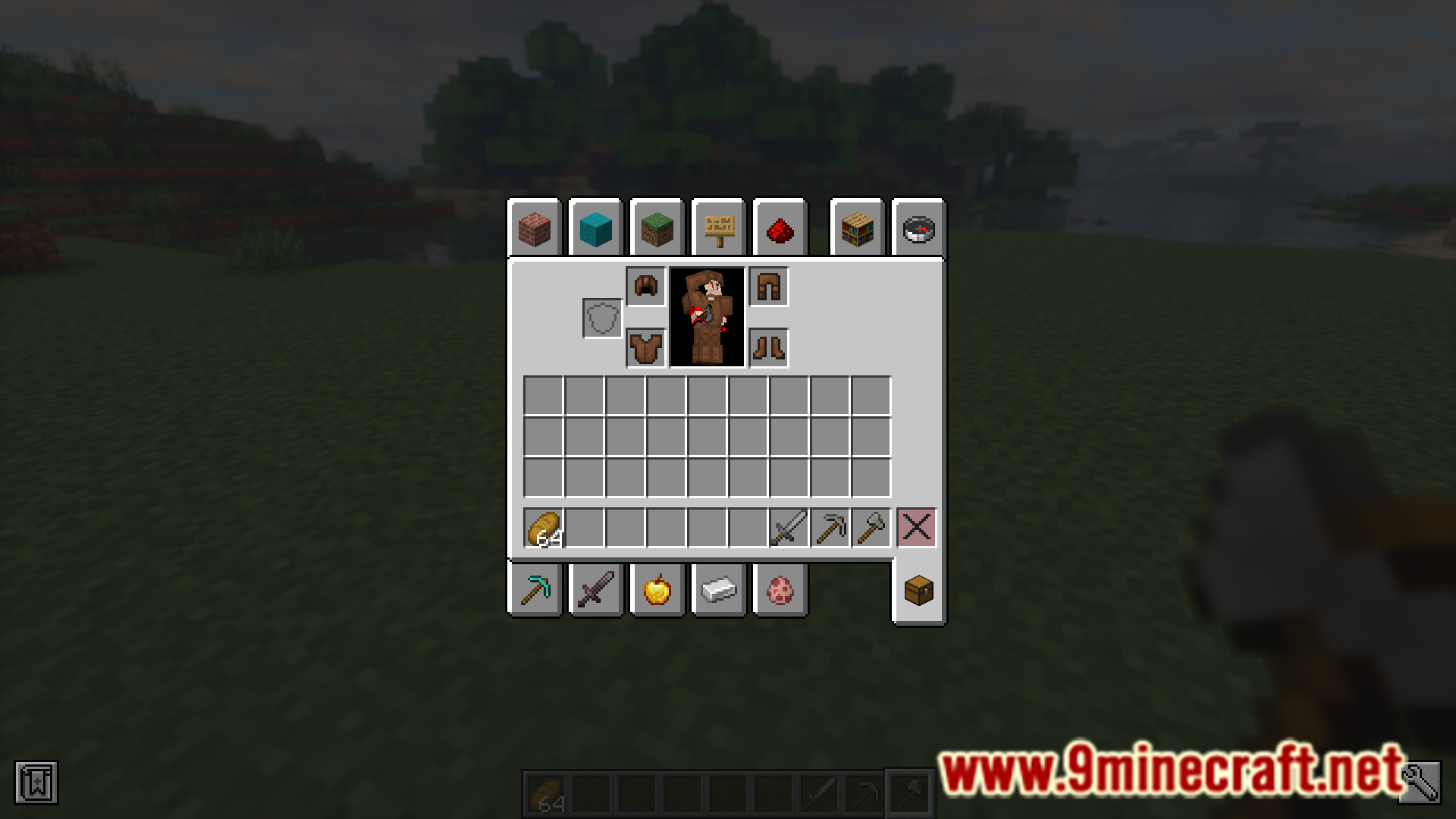
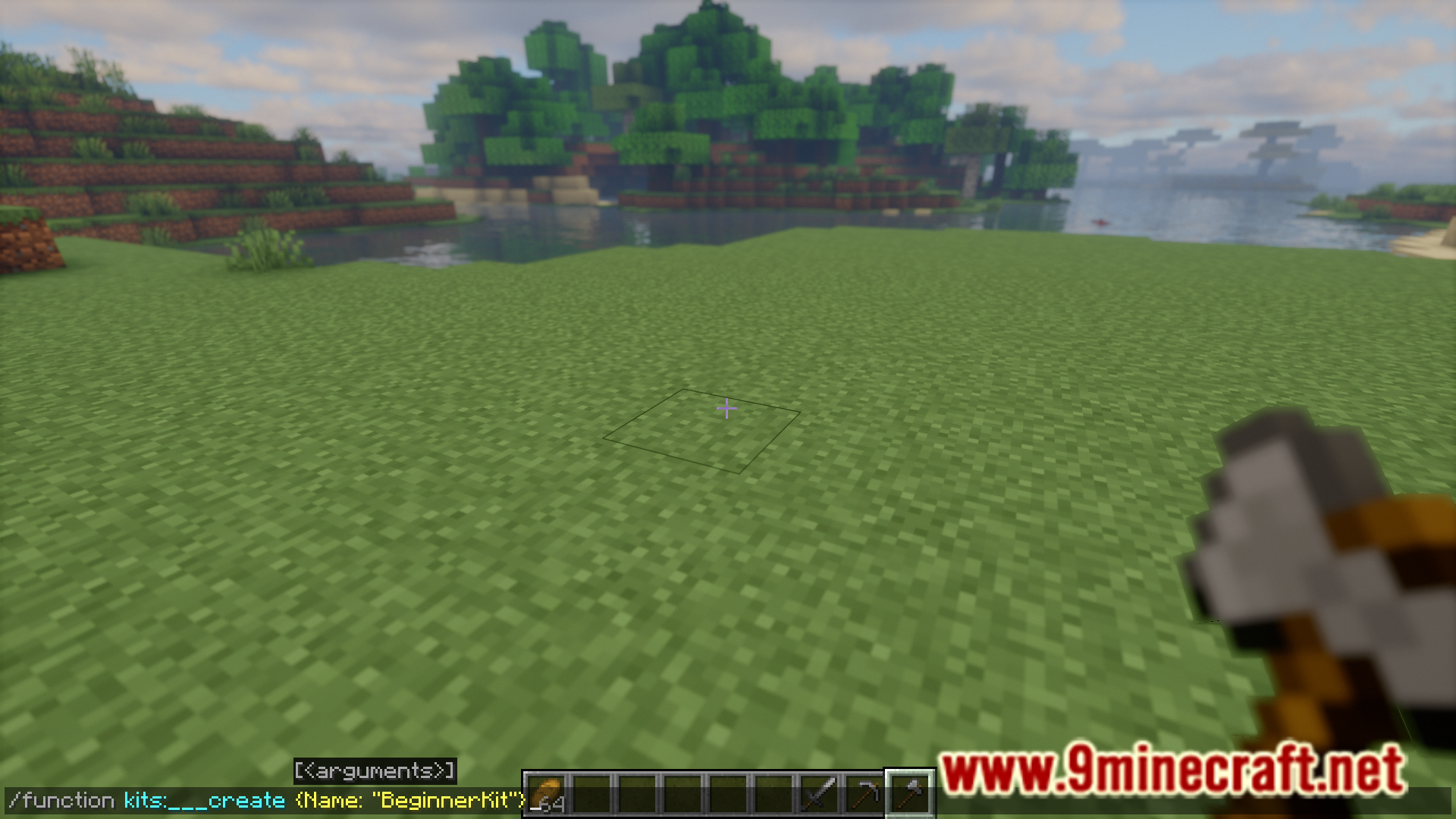
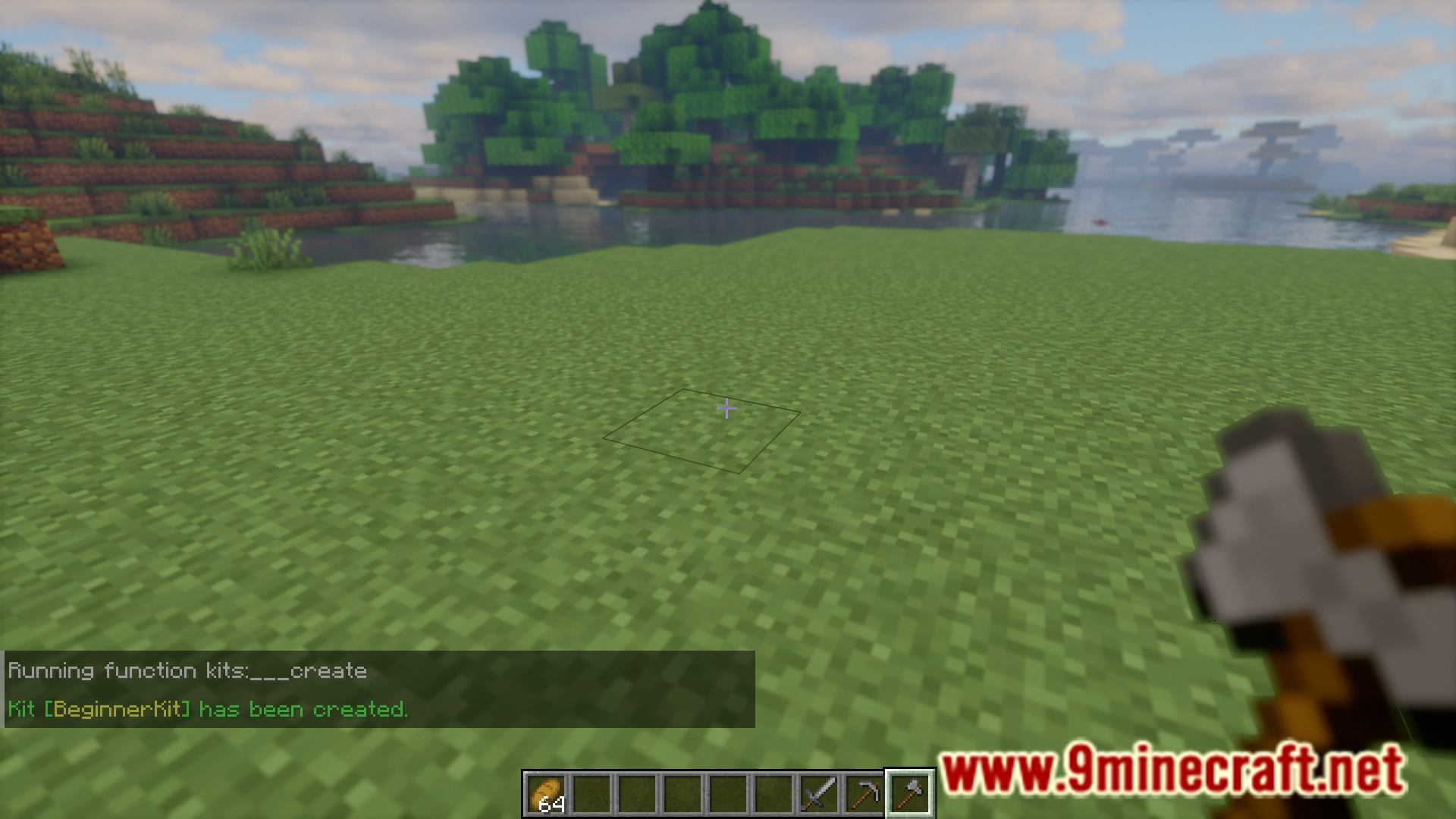
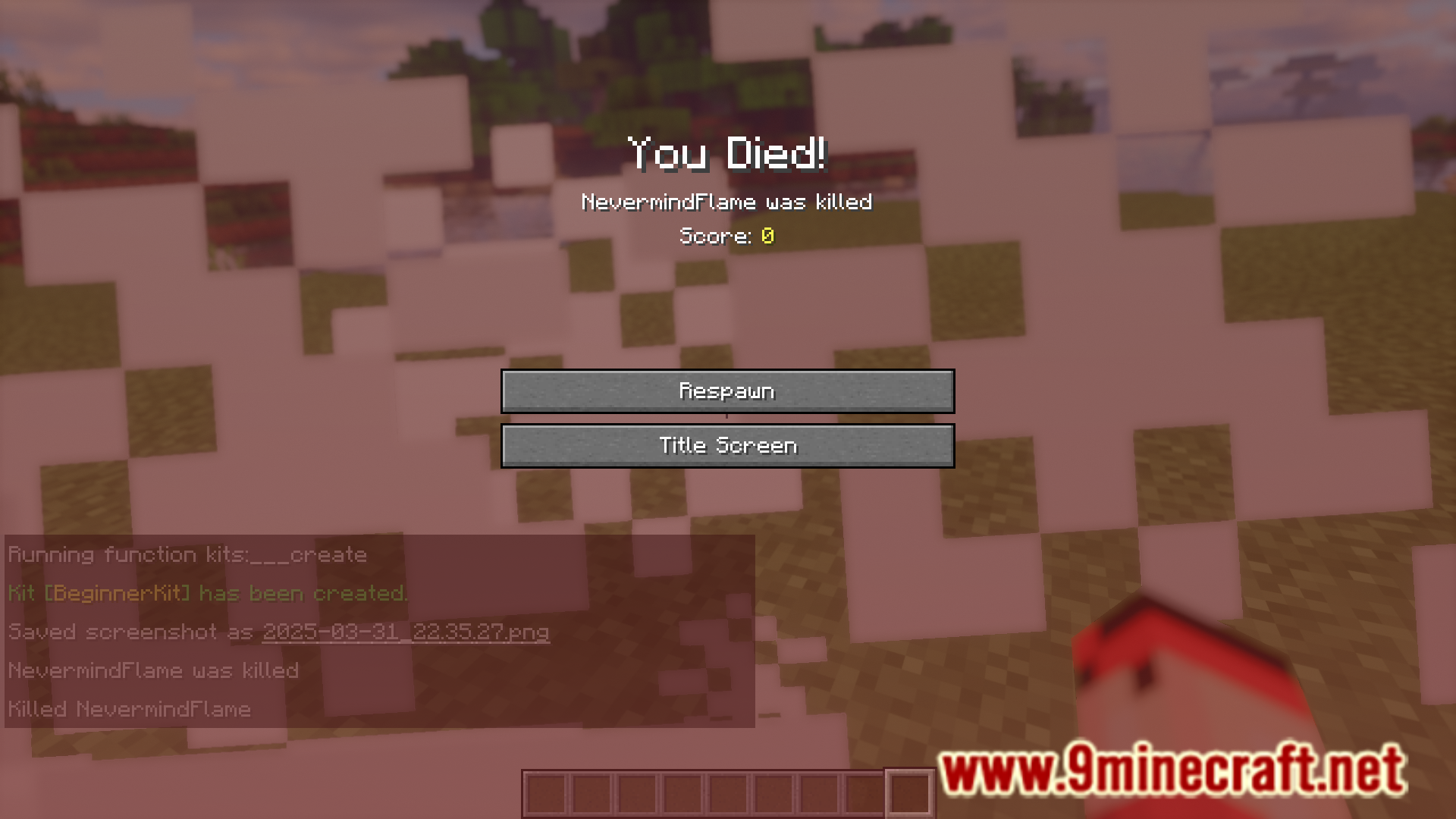
- Creating a Kit: Place the desired items in your inventory and run the following command – /function kits:___create {Name: “YourKitName”}
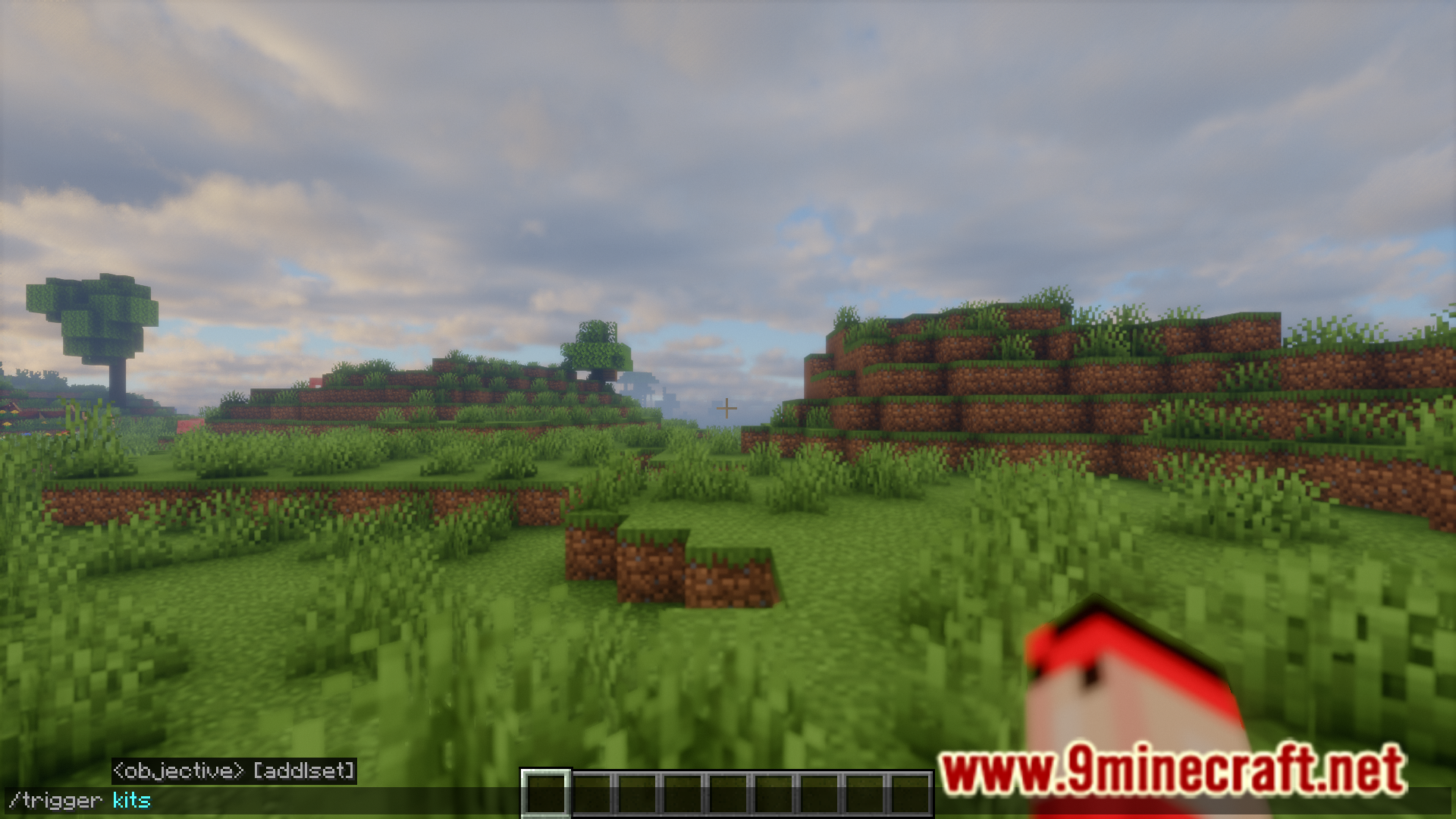
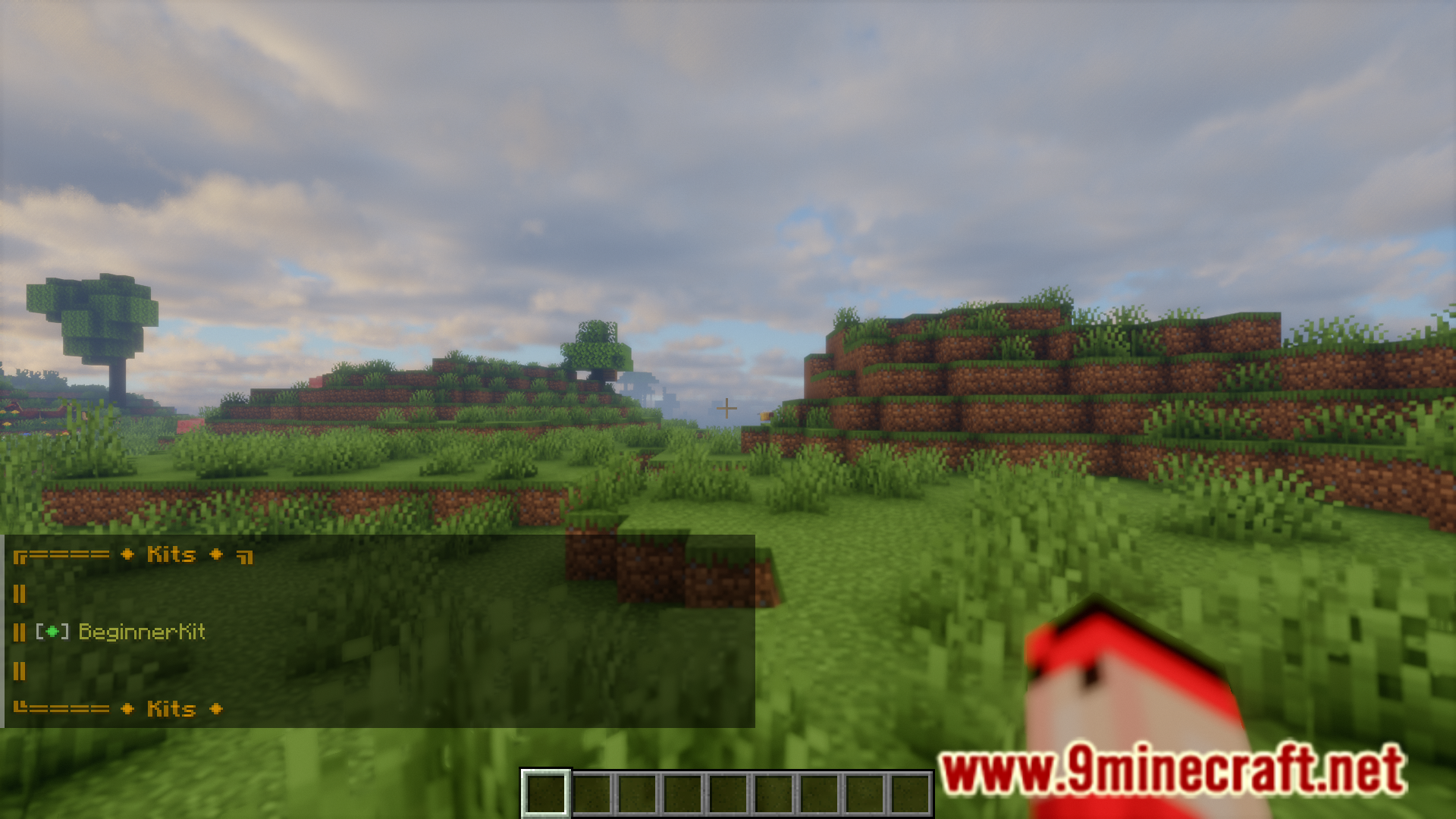
- Accessing Kits: Players can quickly access any available kit with the /trigger kits command.
- Removing a Kit: /execute kits:___remove {Name: “YourKitName”}
- Adjusting Cooldown Settings: /execute kits:__settings
Screenshots:
Kits Creator Mod Download Links
For Minecraft 1.21.4, 1.21.1
Forge/NeoForge/Fabric/Quilt version: Download from Server 1 – Download from Server 2
Quick facts
- Edition: Minecraft Java
- File type: .jar
- Minecraft versions listed: 1.21.4, 1.21.1
- How to install: Install the matching mod loader (Forge, Fabric or NeoForge) for your Minecraft version. → Download the .jar. → Put it in the .minecraft/mods folder and launch that loader profile.
- Where to get it: In MC Java Mods, or directly above on this page.
Install steps are the general flow for this file type — How to install Minecraft Java mods & modpacks walks through it step by step.
Verified by MCModsHub
- Downloads as 196833.mcaddon
- Download size: 298 KB
- Download link checked 26 Jul 2026 — working
- Mirrored on our own servers — the download does not depend on the original host
These come from our own check of the pack file, not from the source page.