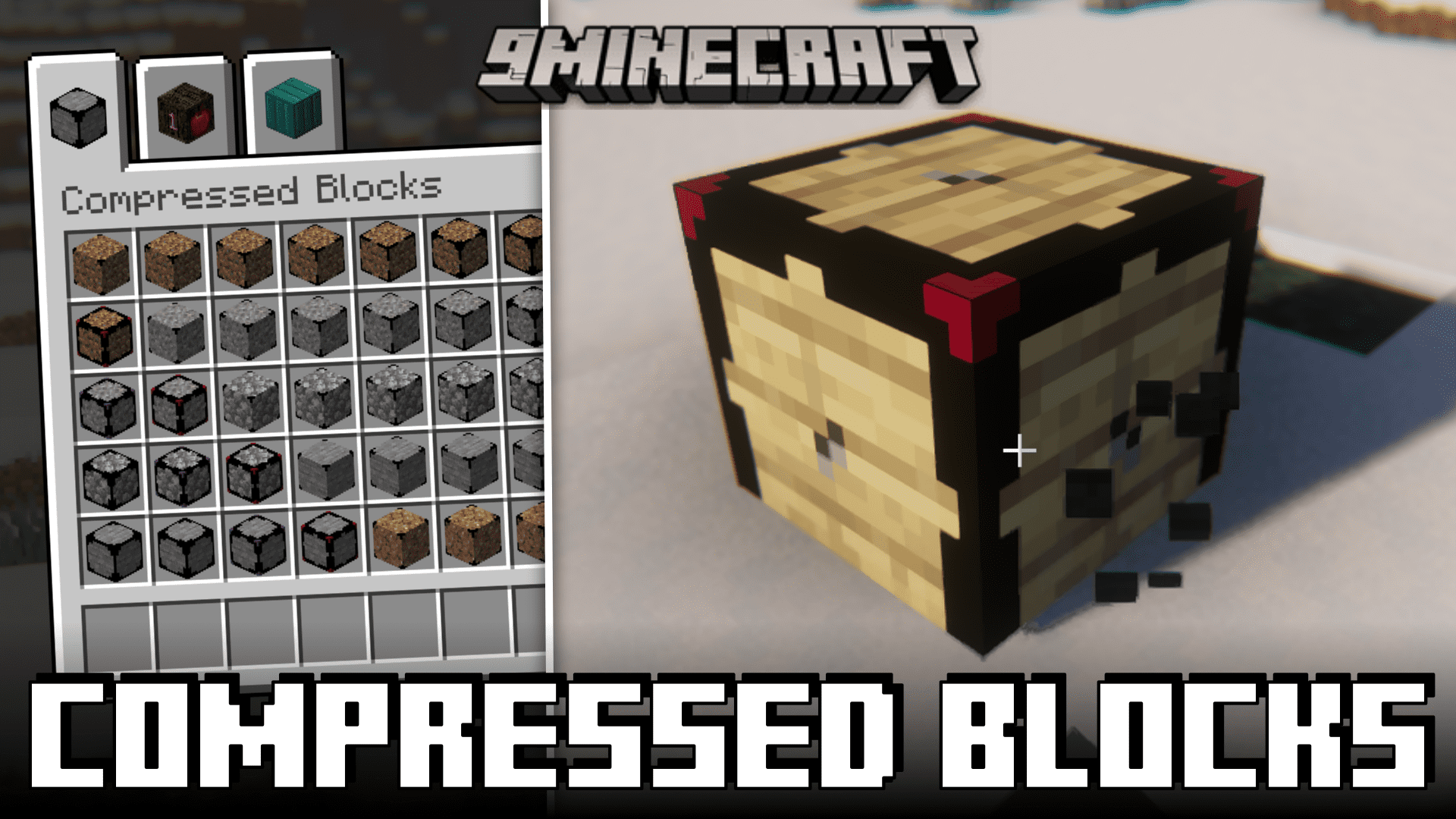
CB: Compressed Blocks Mod (1.21.5, 1.20.1) – Store Billions of Blocks!
What if I tell you that it is possible to store billions of blocks in a single inventory slot? Yes, this is very much possible by using CB: Compressed…
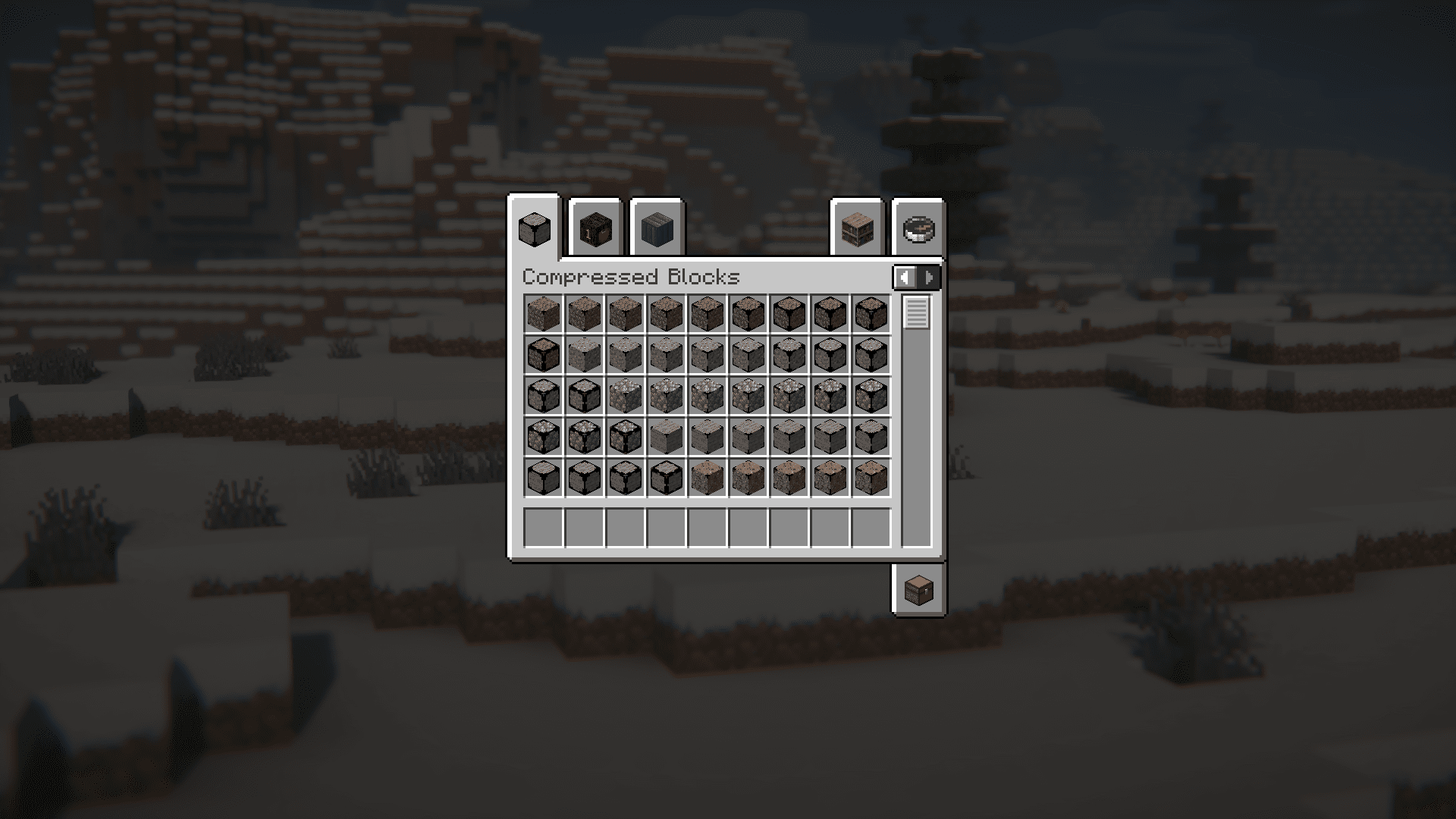
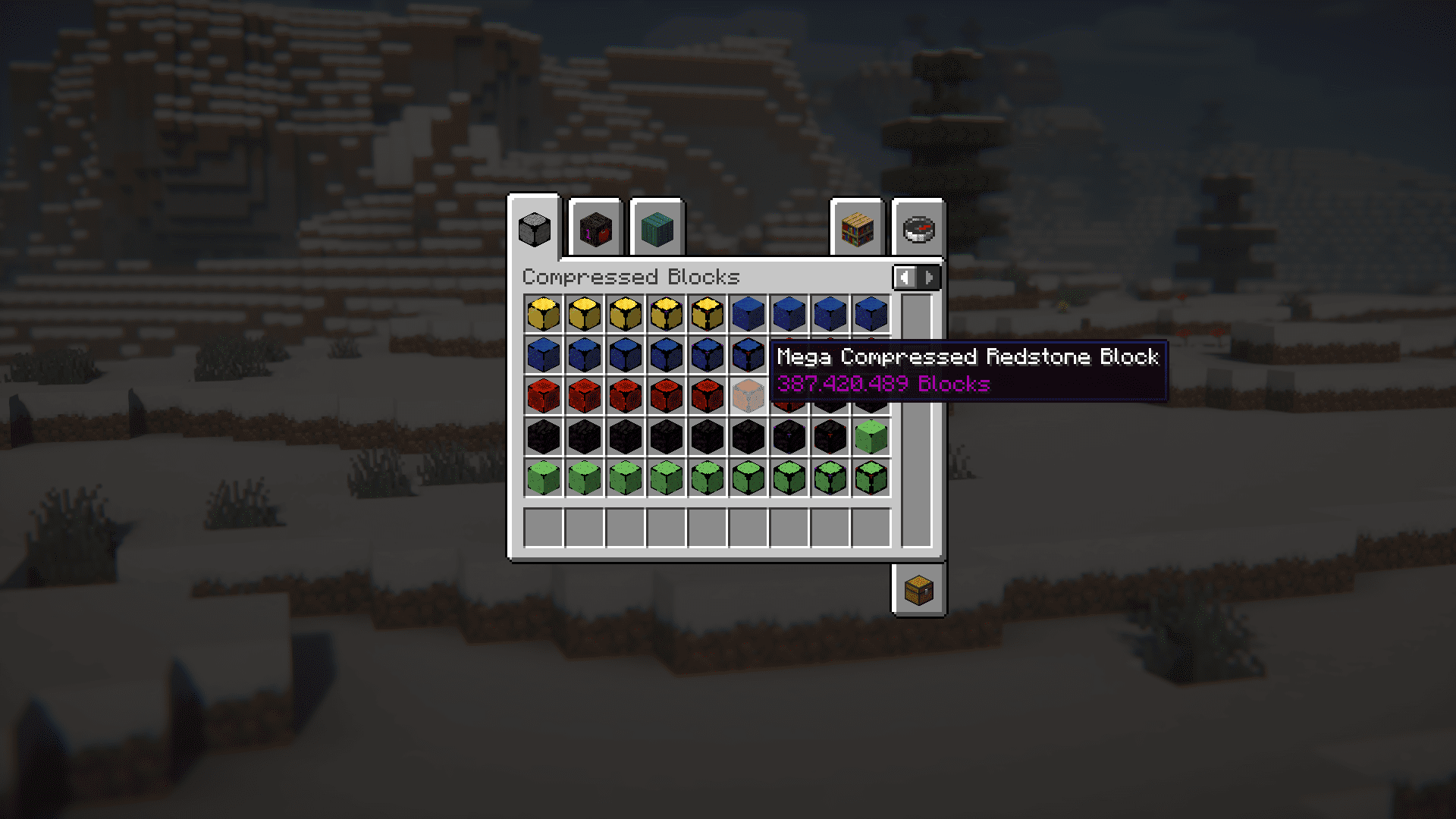
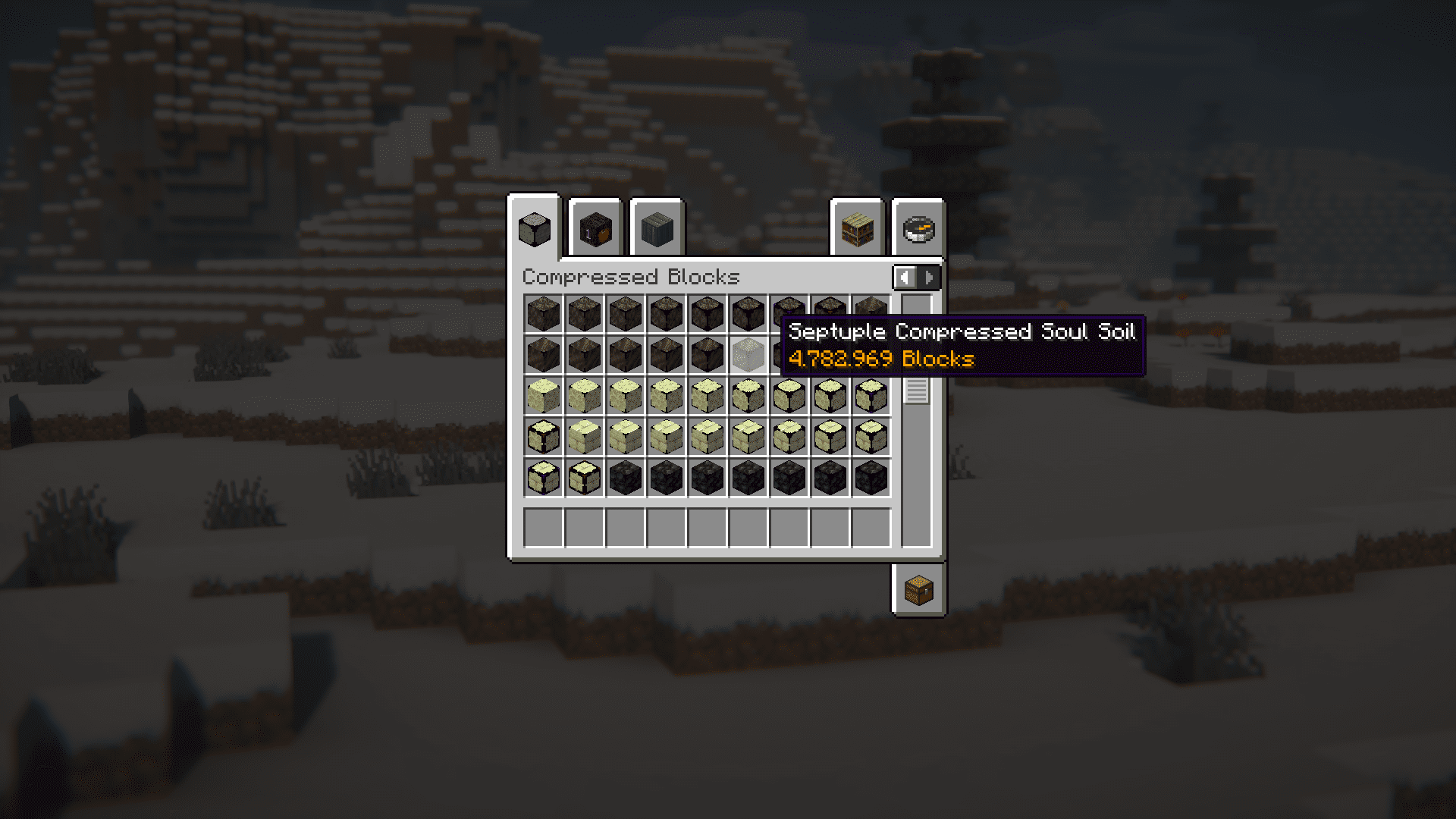
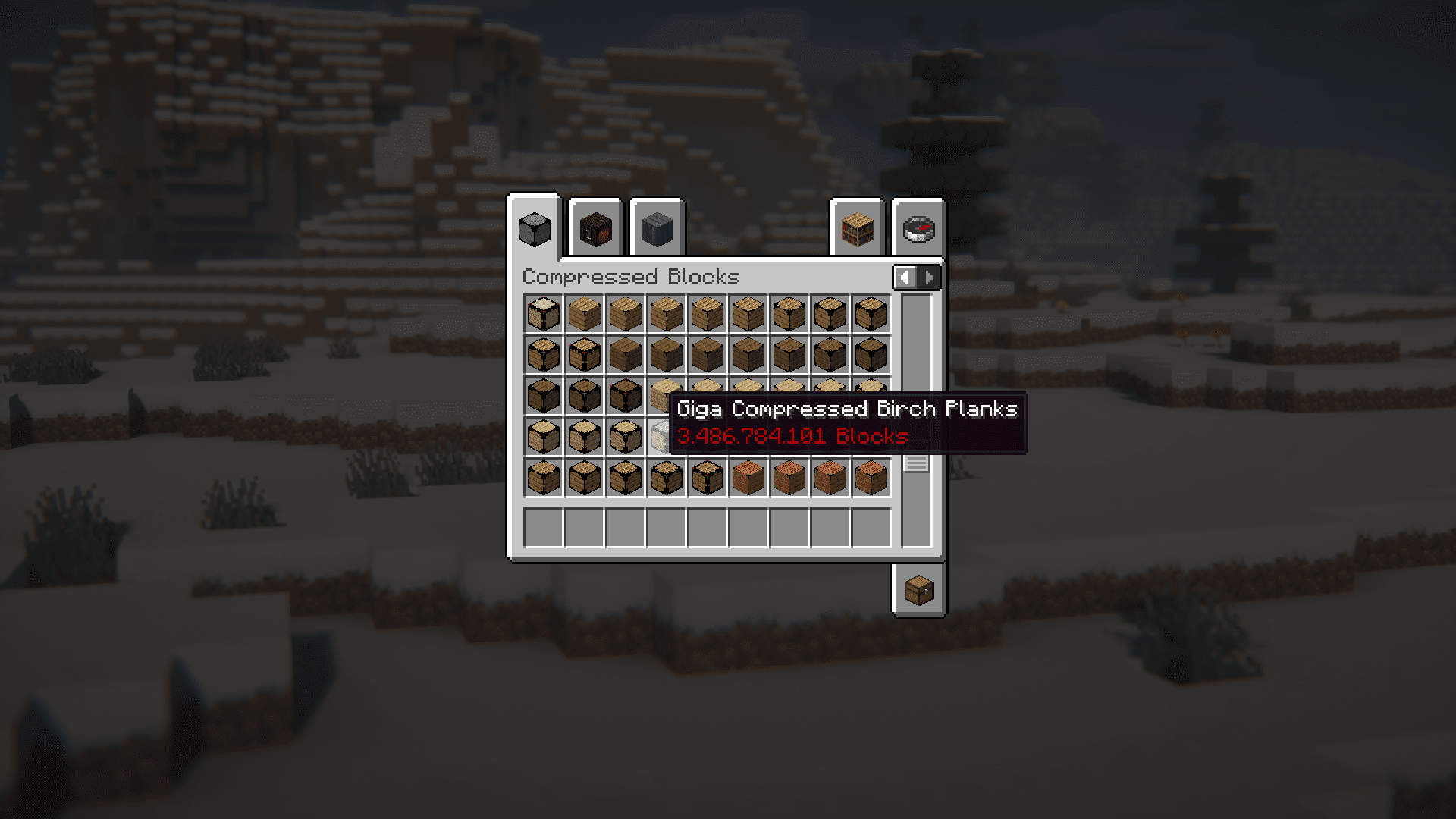
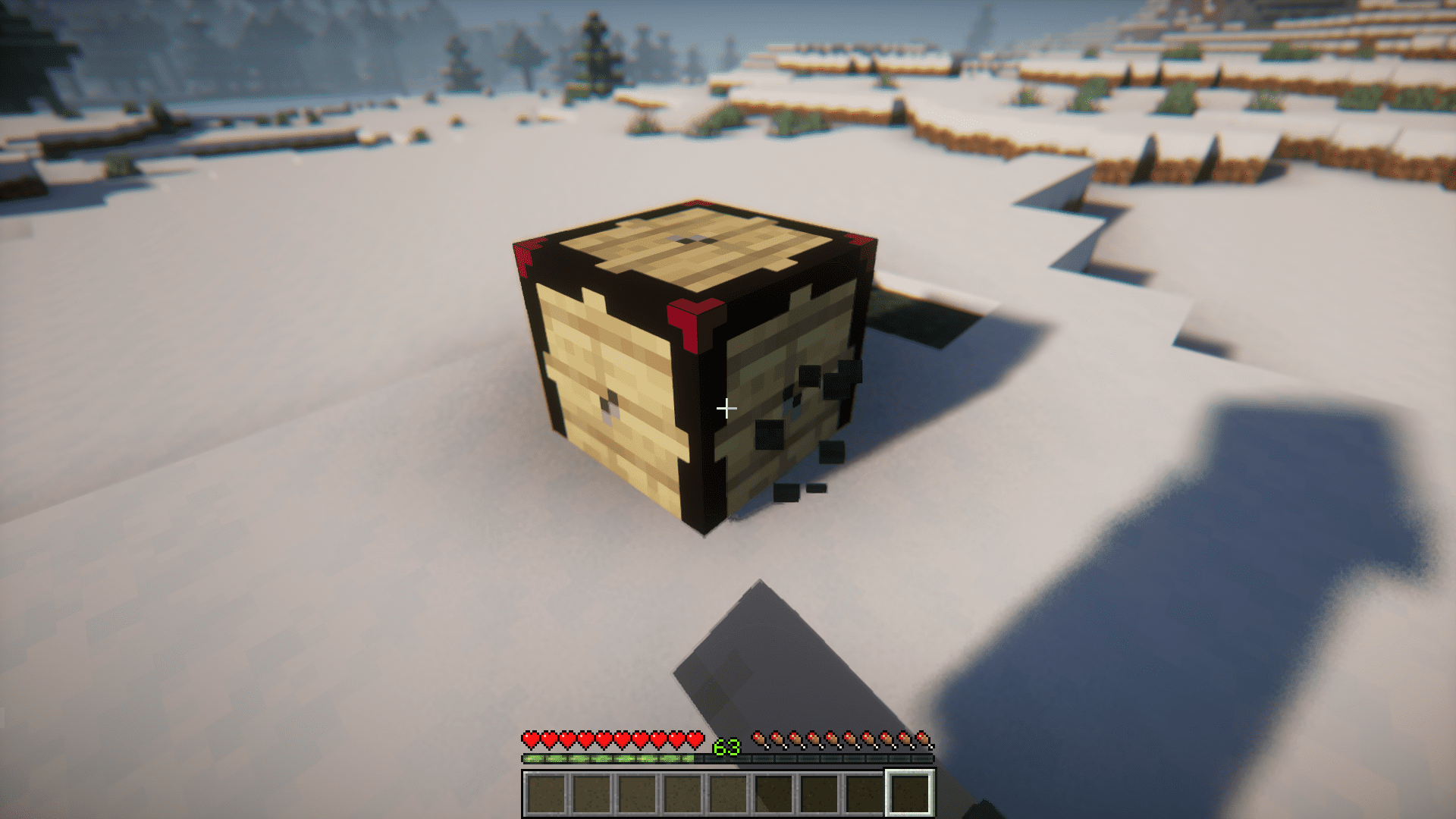
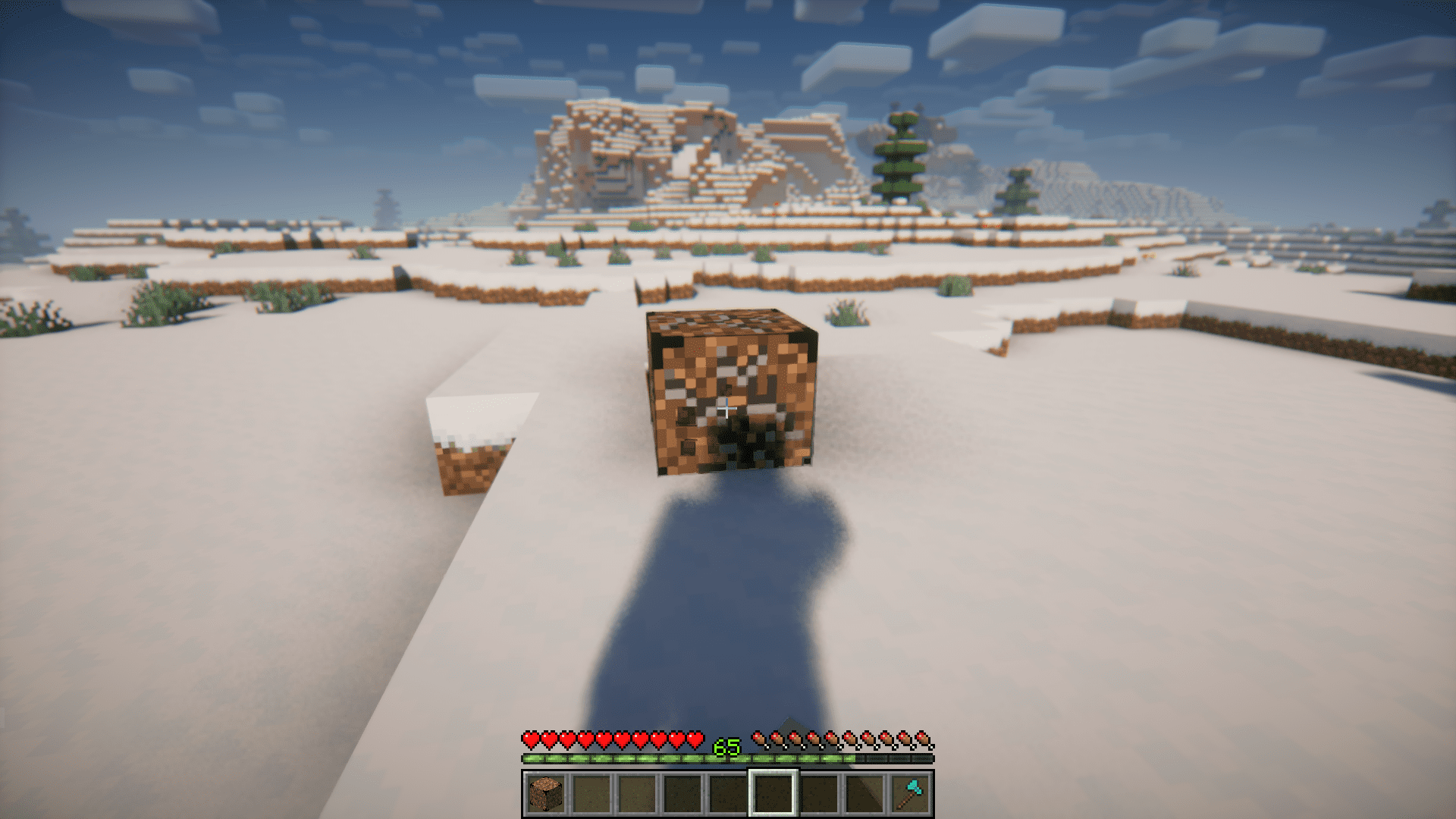
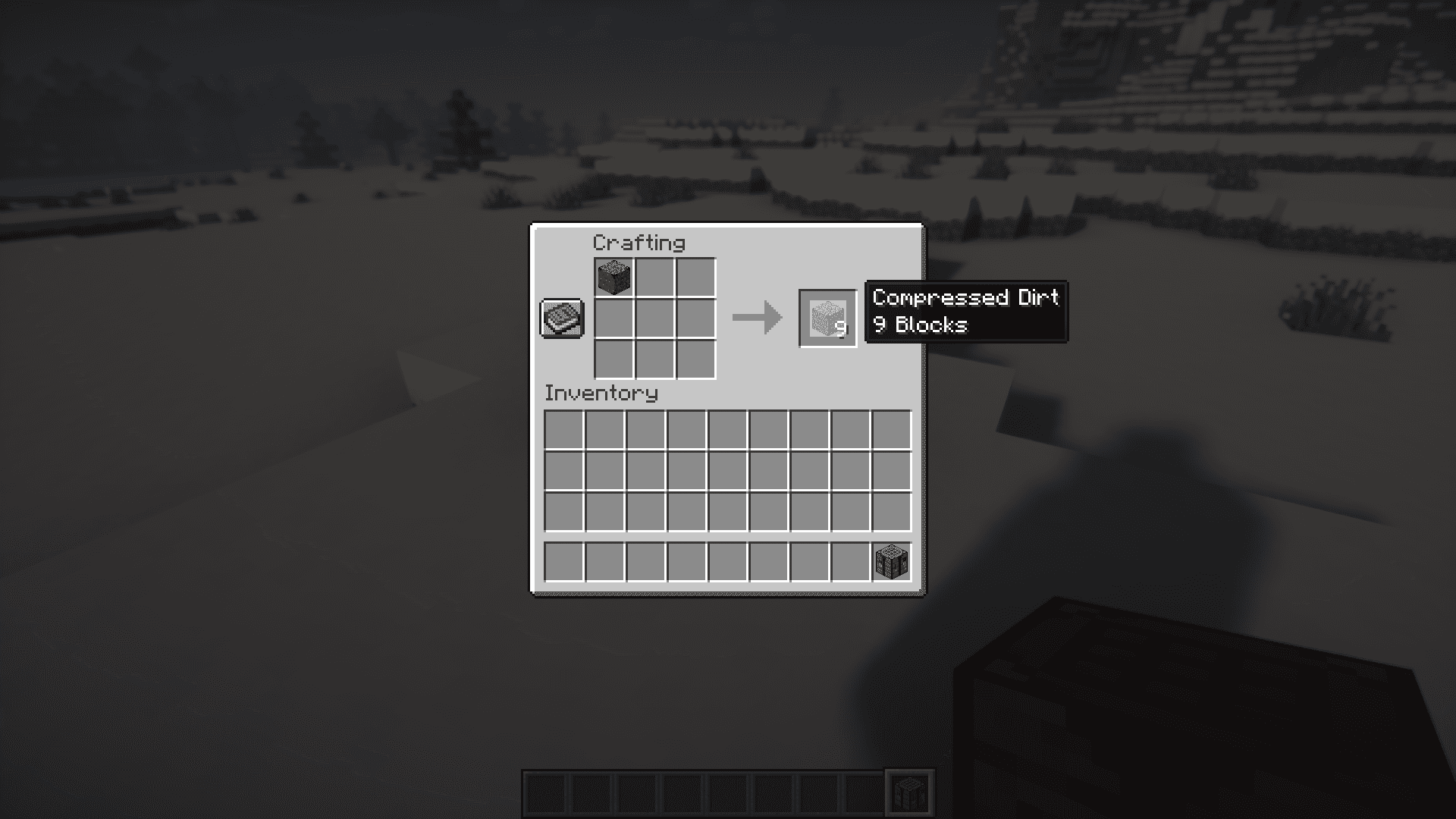
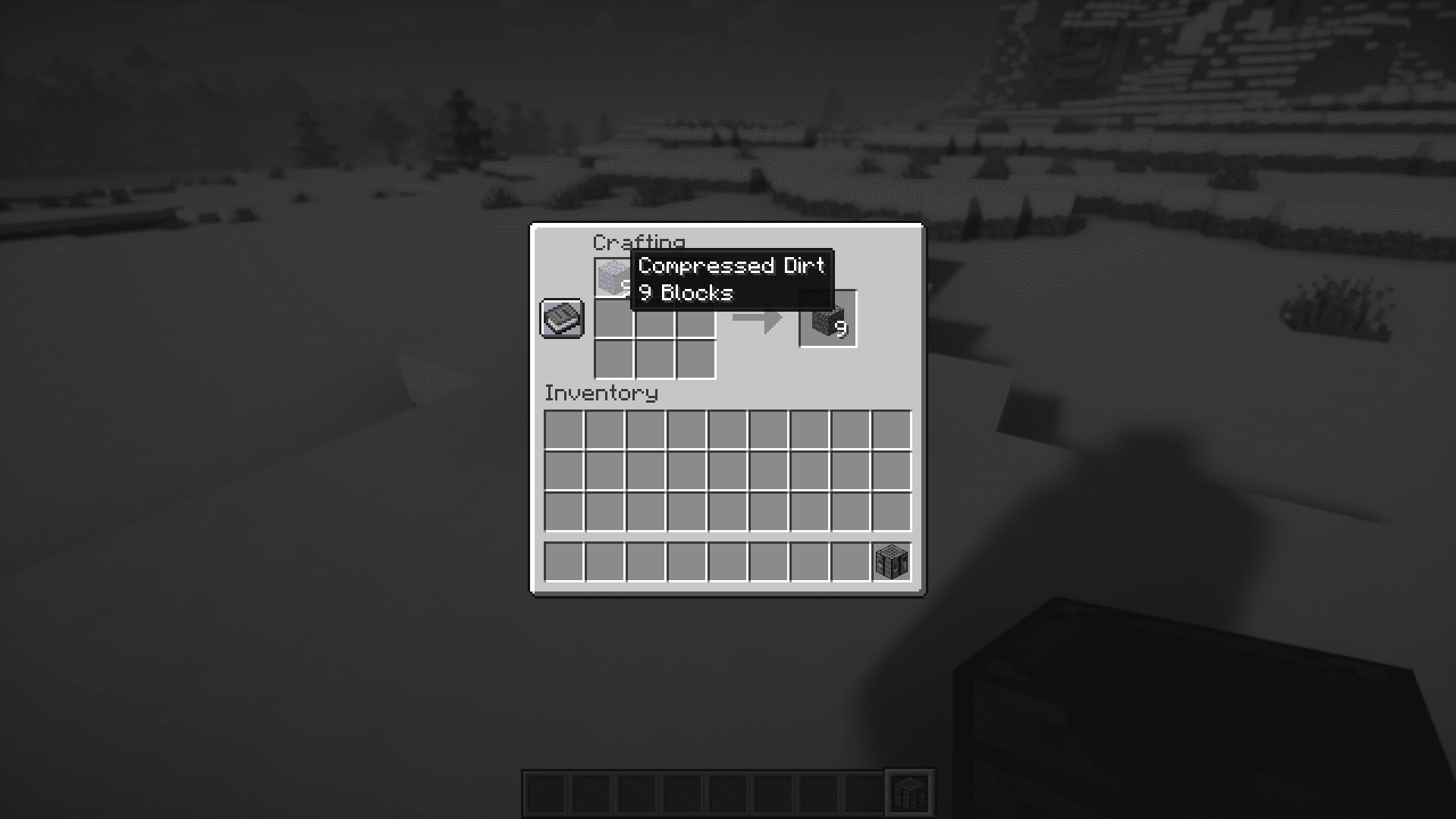
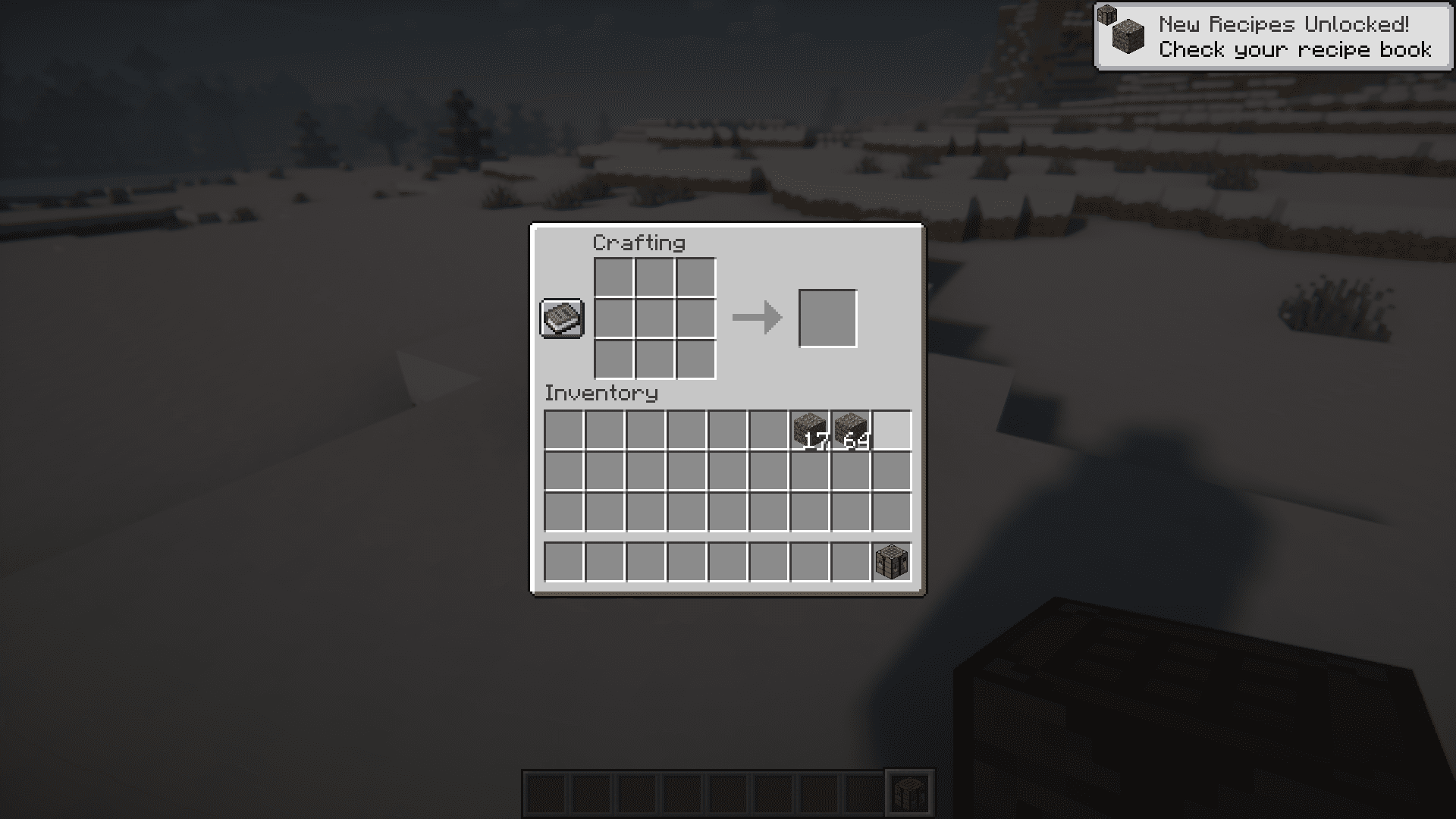
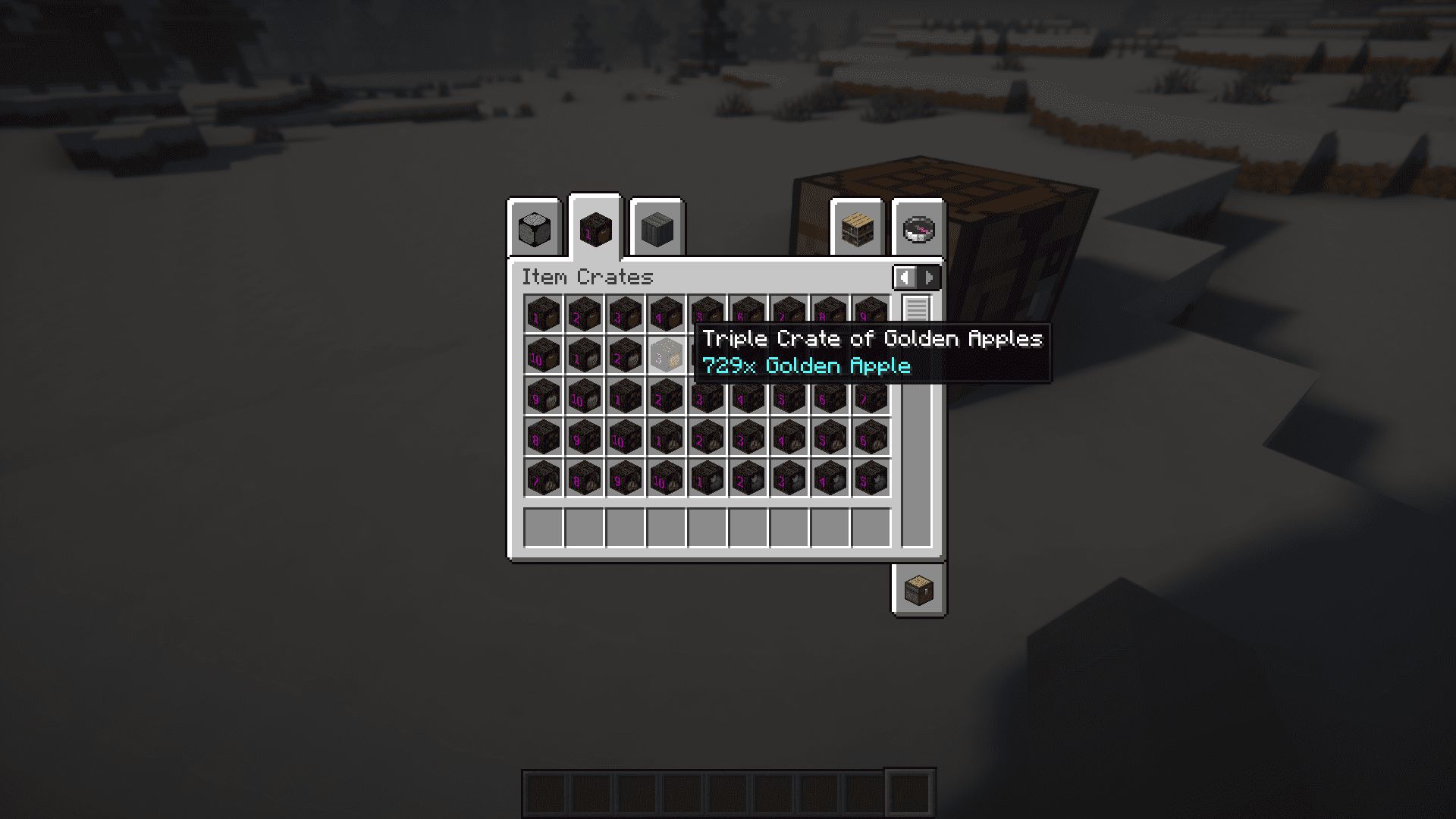
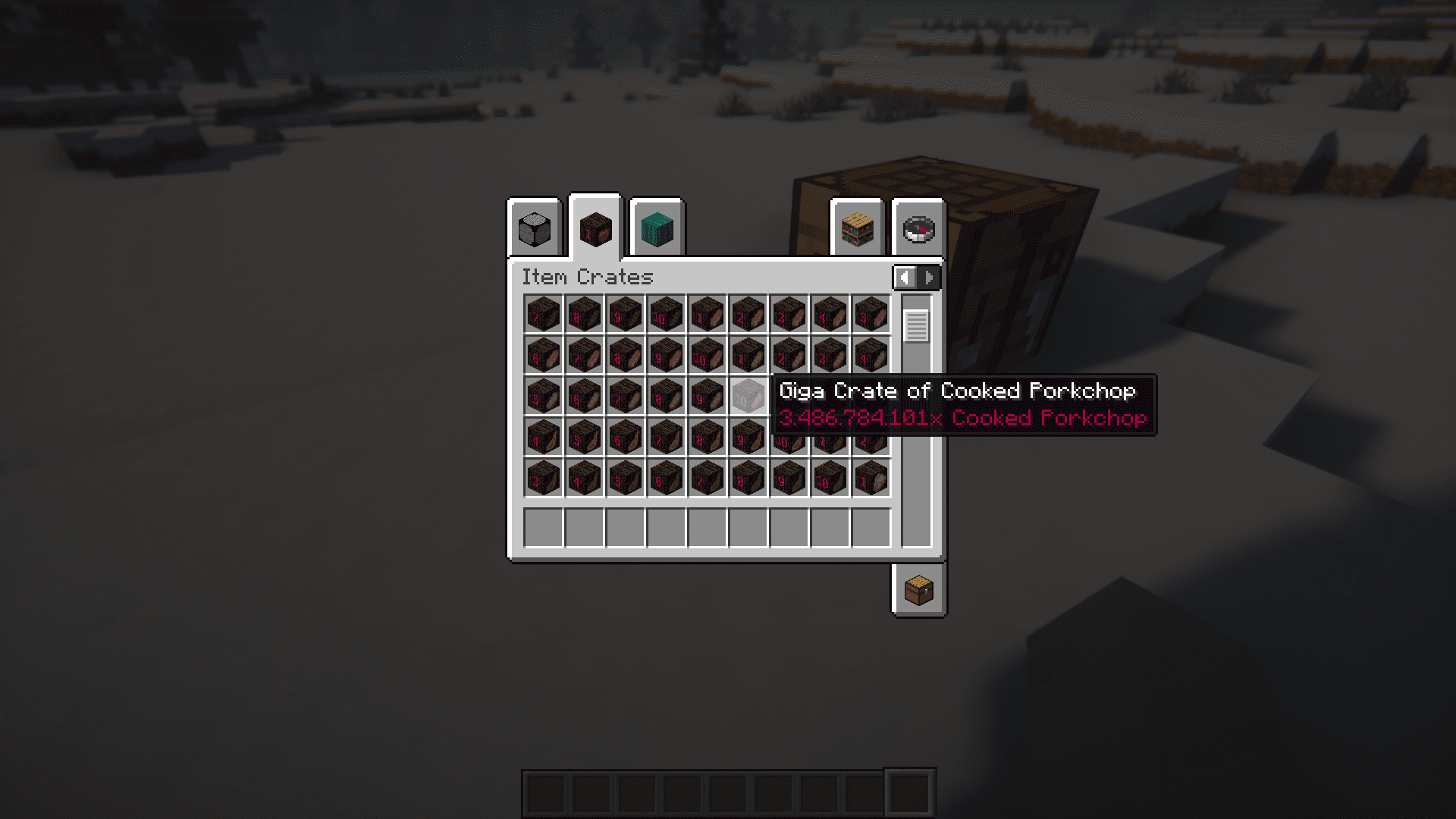
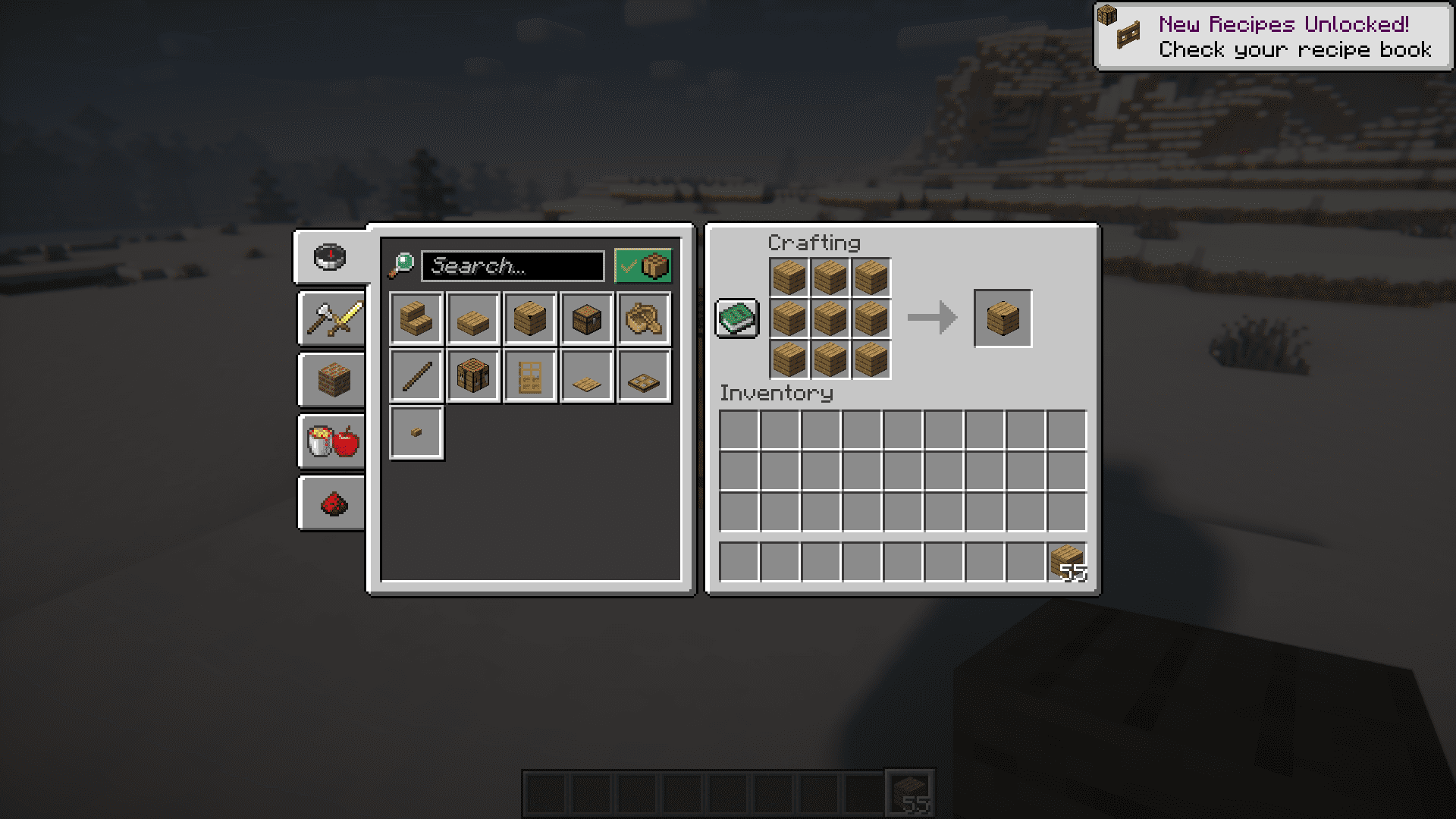
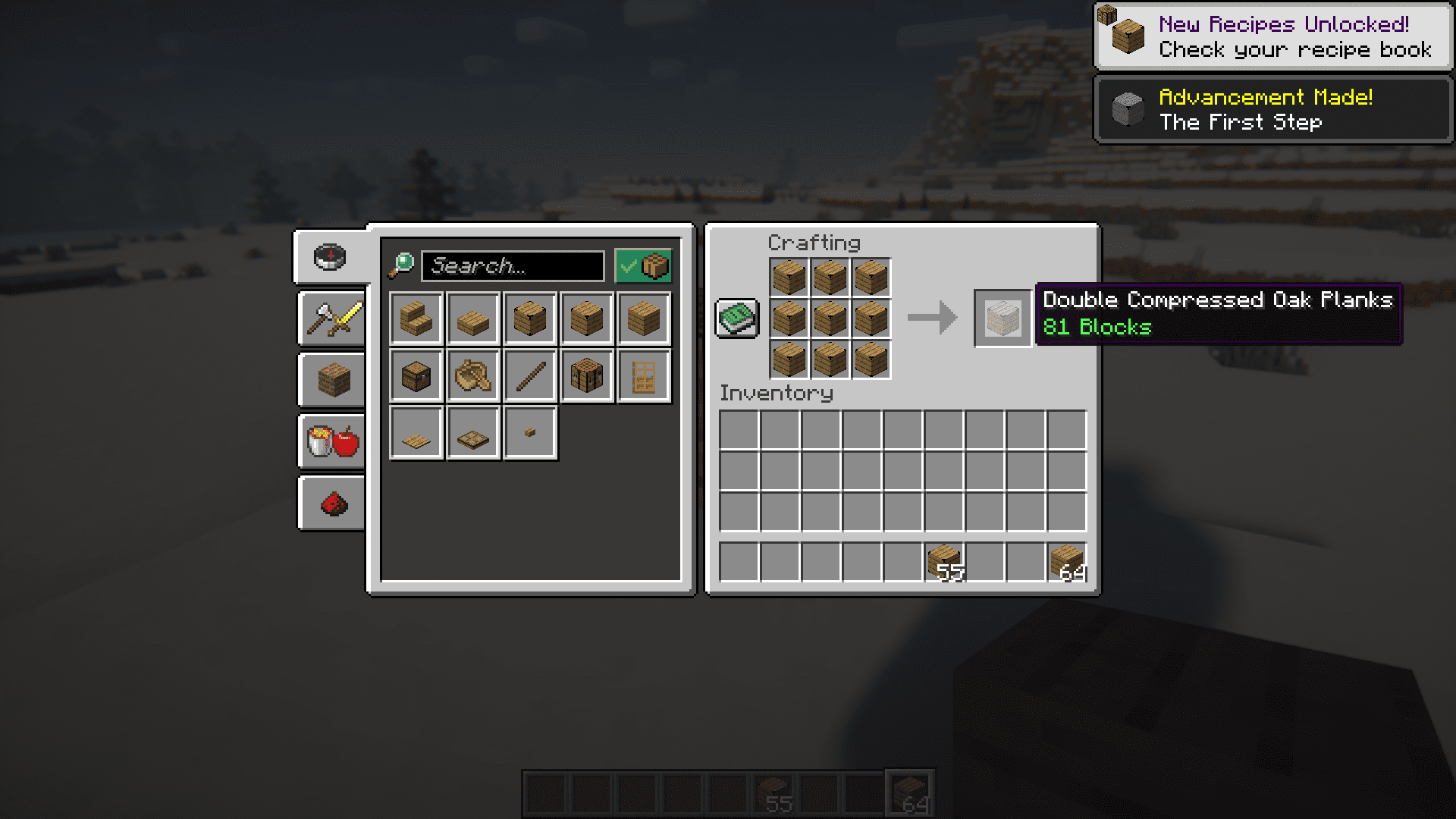
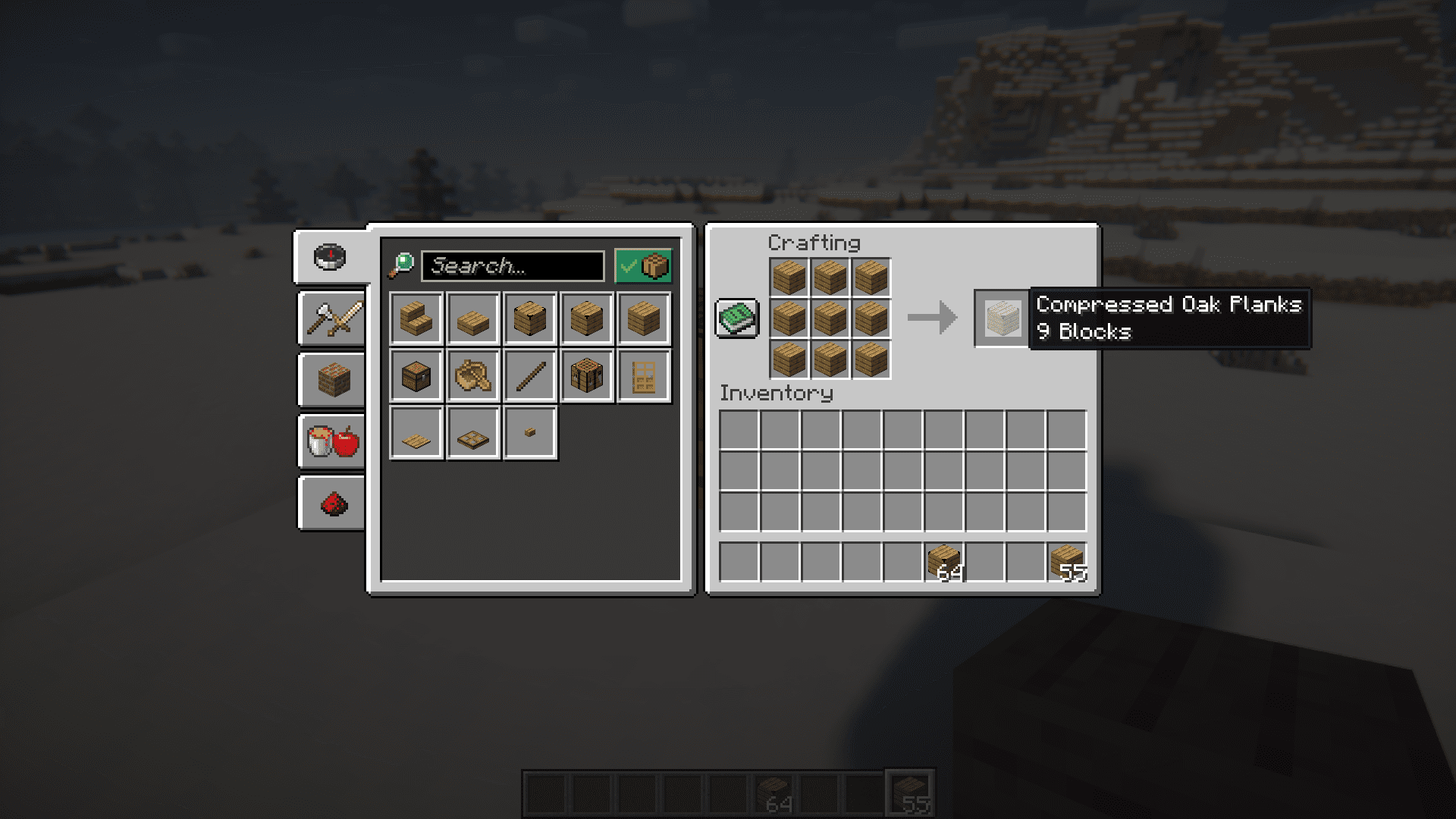
⬇ DownloadOpen in MCModsHubGet it on Google Play →What if I tell you that it is possible to store billions of blocks in a single inventory slot? Yes, this is very much possible by using CB: Compressed Blocks Mod. This mod adds a feature where you can place 9 blocks of the same type into a 3×3 crafting grid (one in each slot) to compress it into a concentrated block which can later be uncrafted into the 9 original blocks. This applies not only to blocks, but also to many items in the game. Nine of those compressed blocks can further be compressed into an even more concentrated block. This process can be repeated until you get a super compressed block that contains 3,486,784,101 blocks of the same type. This is 10 different levels of compression. While a casual Minecraft player does not have to deal with million, let alone billions, of blocks throughout their entire Minecraft survival gameplay, they can still make use of the mod for the storage and transportation of tens of thousands of blocks. It will be possible to transport items from an entire storage facility all at once, by combining the compression feature with the functionality of shulker boxes. Players with highly efficient farms or those playing on servers with large farms can make use of the mod to store millions of items without having to build a storage system with hundreds of chests.
Screenshots:
CB: Compressed Blocks Mod Download Links
For Minecraft 1.14.4
Forge version: Download from Server 1 – Download from Server 2
For Minecraft 1.15.2
Forge version: Download from Server 1 – Download from Server 2
Fabric version: Download from Server 1 – Download from Server 2
For Minecraft 1.16.5
Forge version: Download from Server 1 – Download from Server 2
Fabric version: Download from Server 1 – Download from Server 2
For Minecraft 1.17.1
Forge version: Download from Server 1 – Download from Server 2
Fabric version: Download from Server 1 – Download from Server 2
For Minecraft 1.18.2
Forge version: Download from Server 1 – Download from Server 2
Fabric version: Download from Server 1 – Download from Server 2
For Minecraft 1.19.2
Forge version: Download from Server 1 – Download from Server 2
Fabric version: Download from Server 1 – Download from Server 2
For Minecraft 1.19.4
Forge version: Download from Server 1 – Download from Server 2
Fabric version: Download from Server 1 – Download from Server 2
For Minecraft 1.20.2, 1.20.1
Forge version: Download from Server 1 – Download from Server 2
Fabric version: Download from Server 1 – Download from Server 2
For Minecraft 1.20.4
Forge version: Download from Server 1 – Download from Server 2
NeoForge version: Download from Server 1 – Download from Server 2
Fabric version: Download from Server 1 – Download from Server 2
For Minecraft 1.20.6
Forge version: Download from Server 1 – Download from Server 2
NeoForge version: Download from Server 1 – Download from Server 2
Fabric version: Download from Server 1 – Download from Server 2
For Minecraft 1.21.1, 1.21
NeoForge version: Download from Server 1 – Download from Server 2
Fabric version: Download from Server 1 – Download from Server 2
For Minecraft 1.21.4
NeoForge version: Download from Server 1 – Download from Server 2
Fabric version: Download from Server 1 – Download from Server 2
For Minecraft 1.21.5
Forge version: Download from Server 1 – Download from Server 2
NeoForge version: Download from Server 1 – Download from Server 2
Fabric version: Download from Server 1 – Download from Server 2
CB: Compressed Blocks Mod (1.21.5, 1.20.1) – Store Billions of Blocks! is a free Minecraft Java mod. Compatible with Minecraft 1.21.5, 1.20.1. Download it and open it directly in the game.