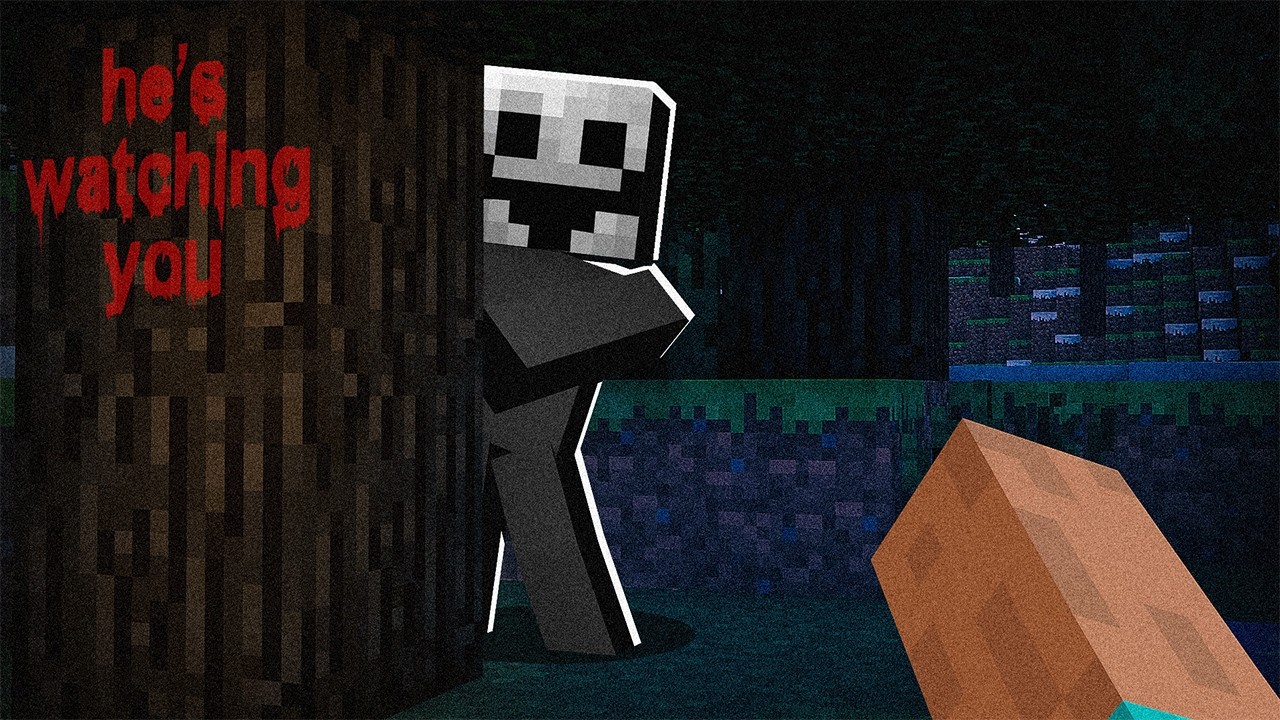
The Fake Player Mod (1.20.1, 1.19.2) – Fake Player Joined Your World
Java mod listed for Minecraft 1.19–1.20. Downloads from the MC Java Mods app on Android.
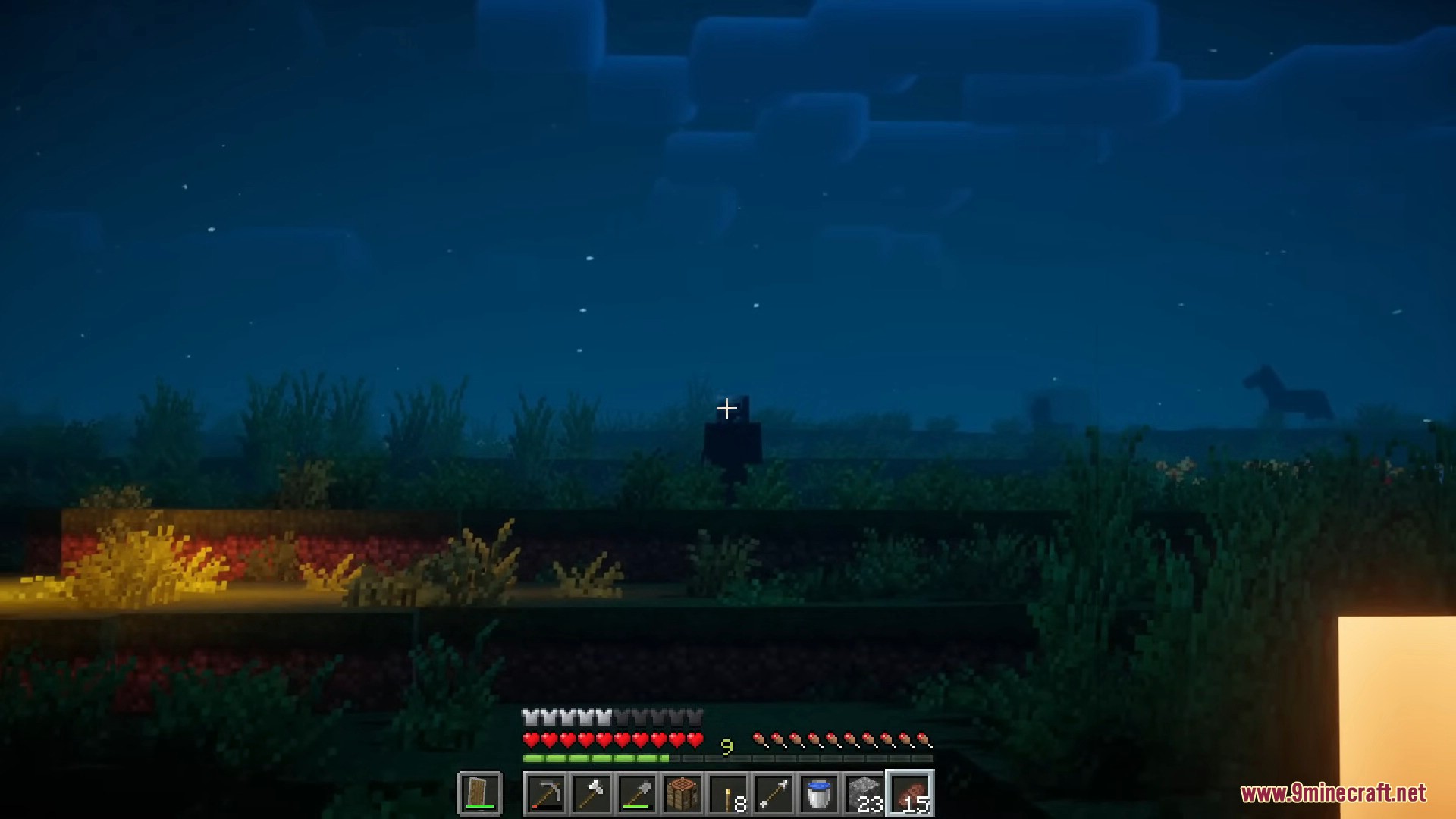
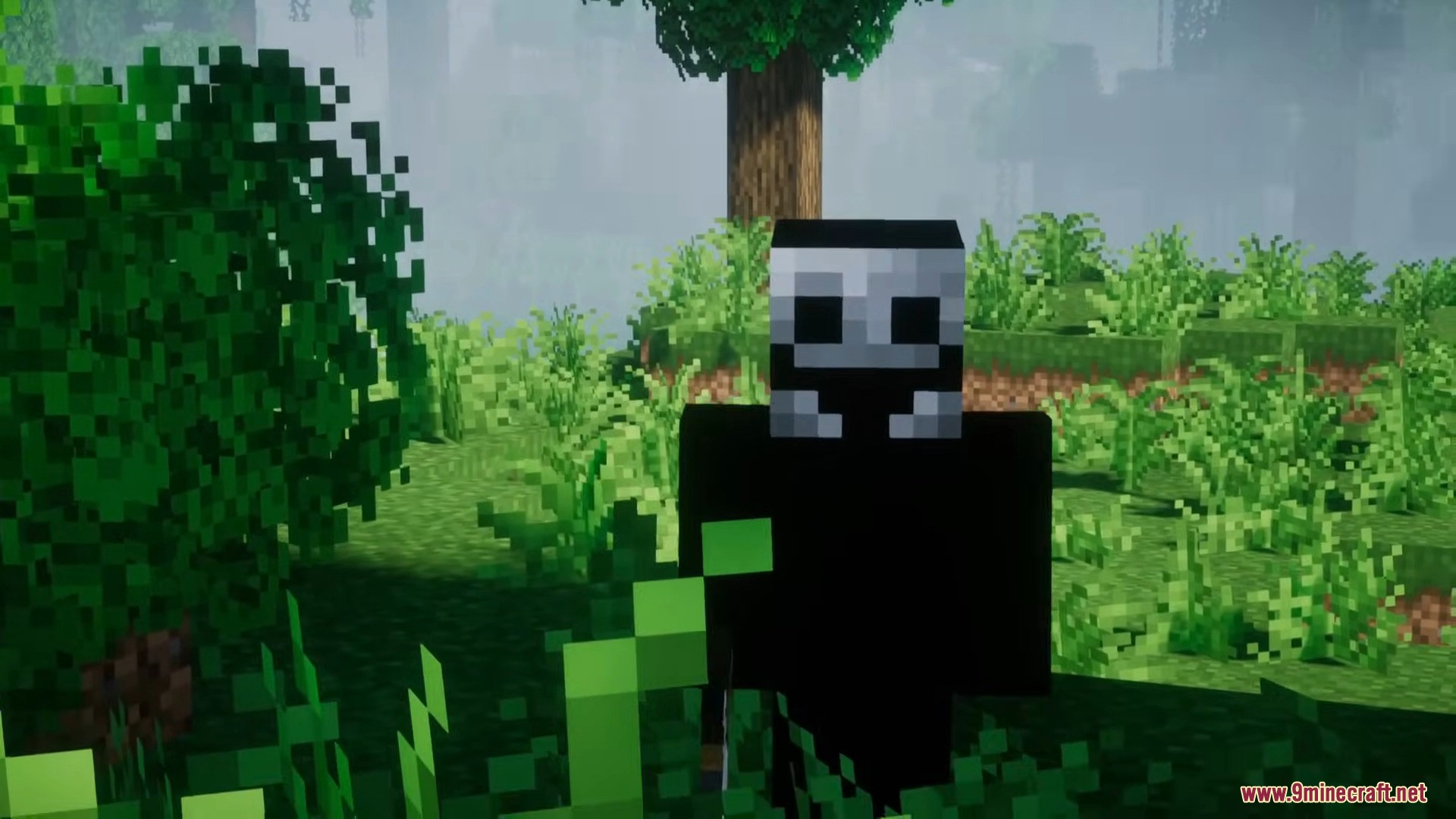
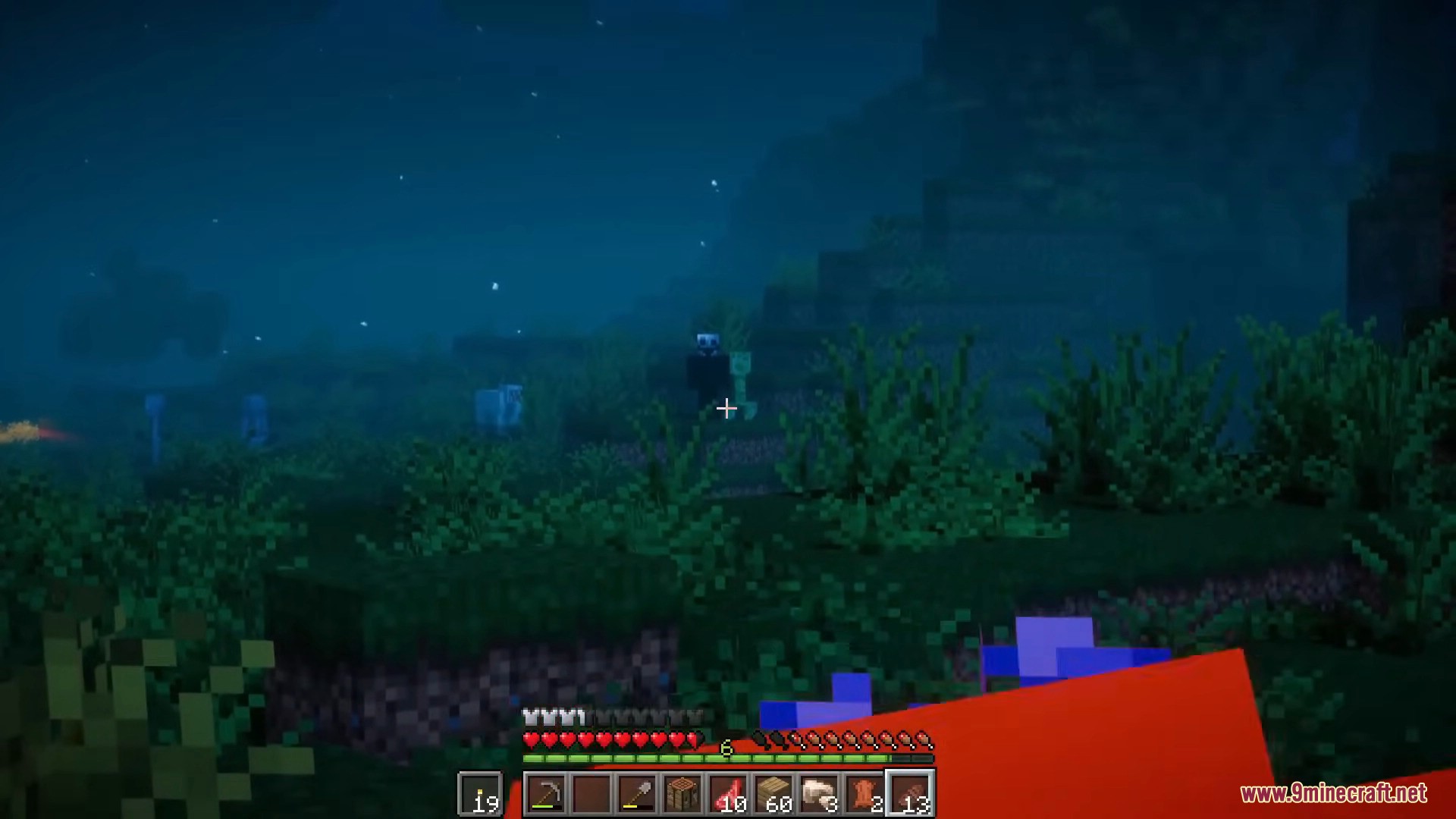
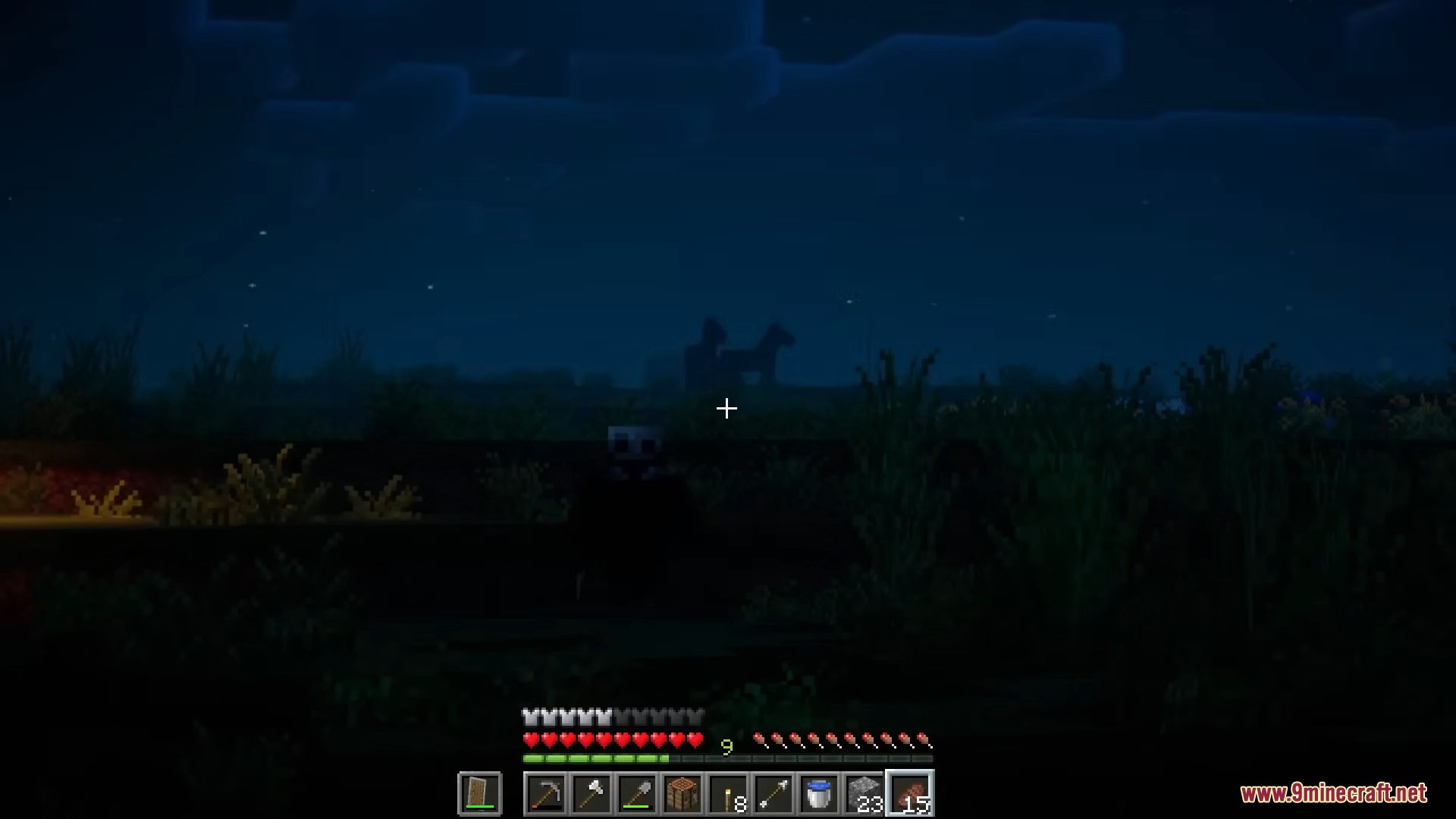
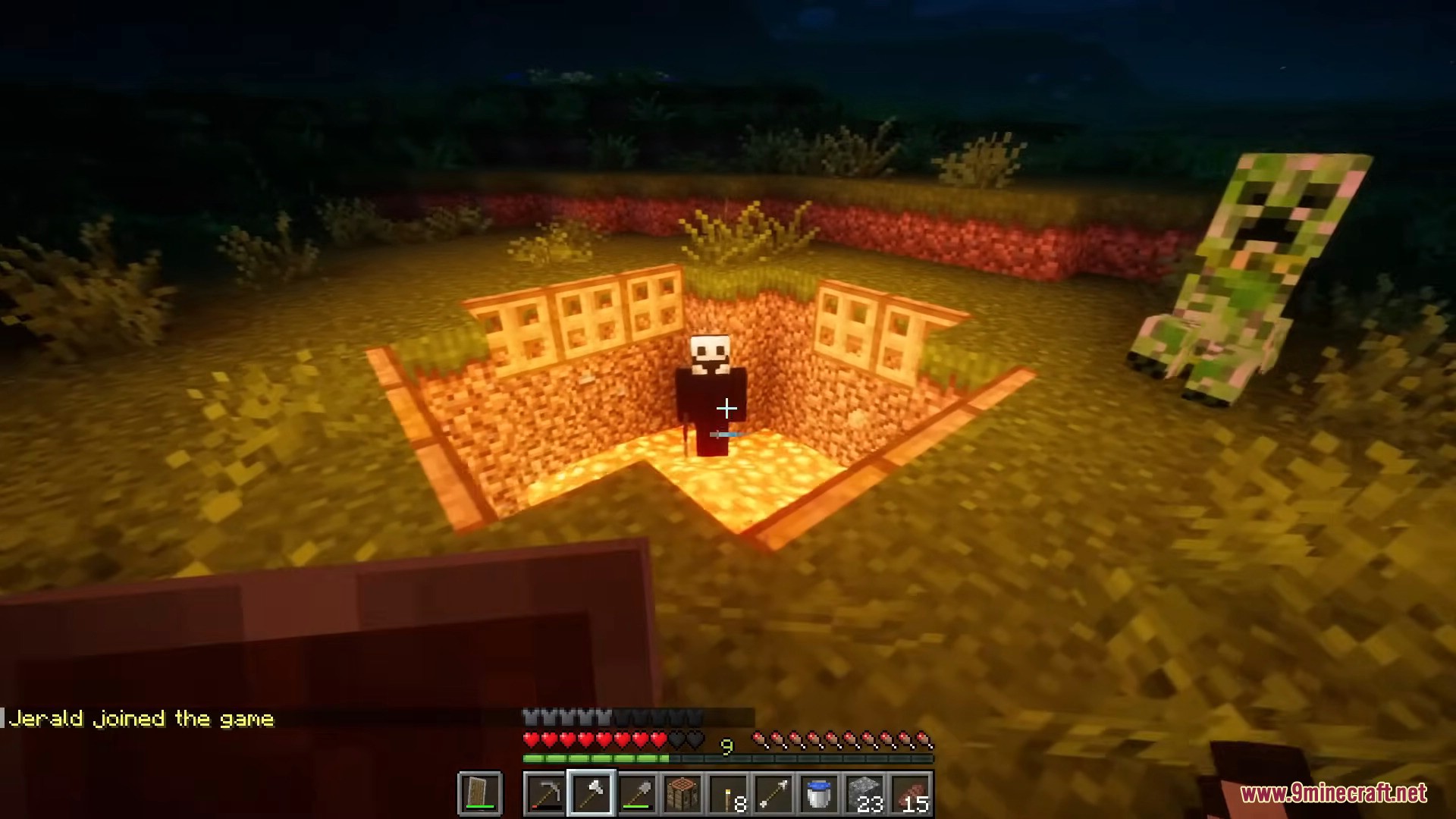
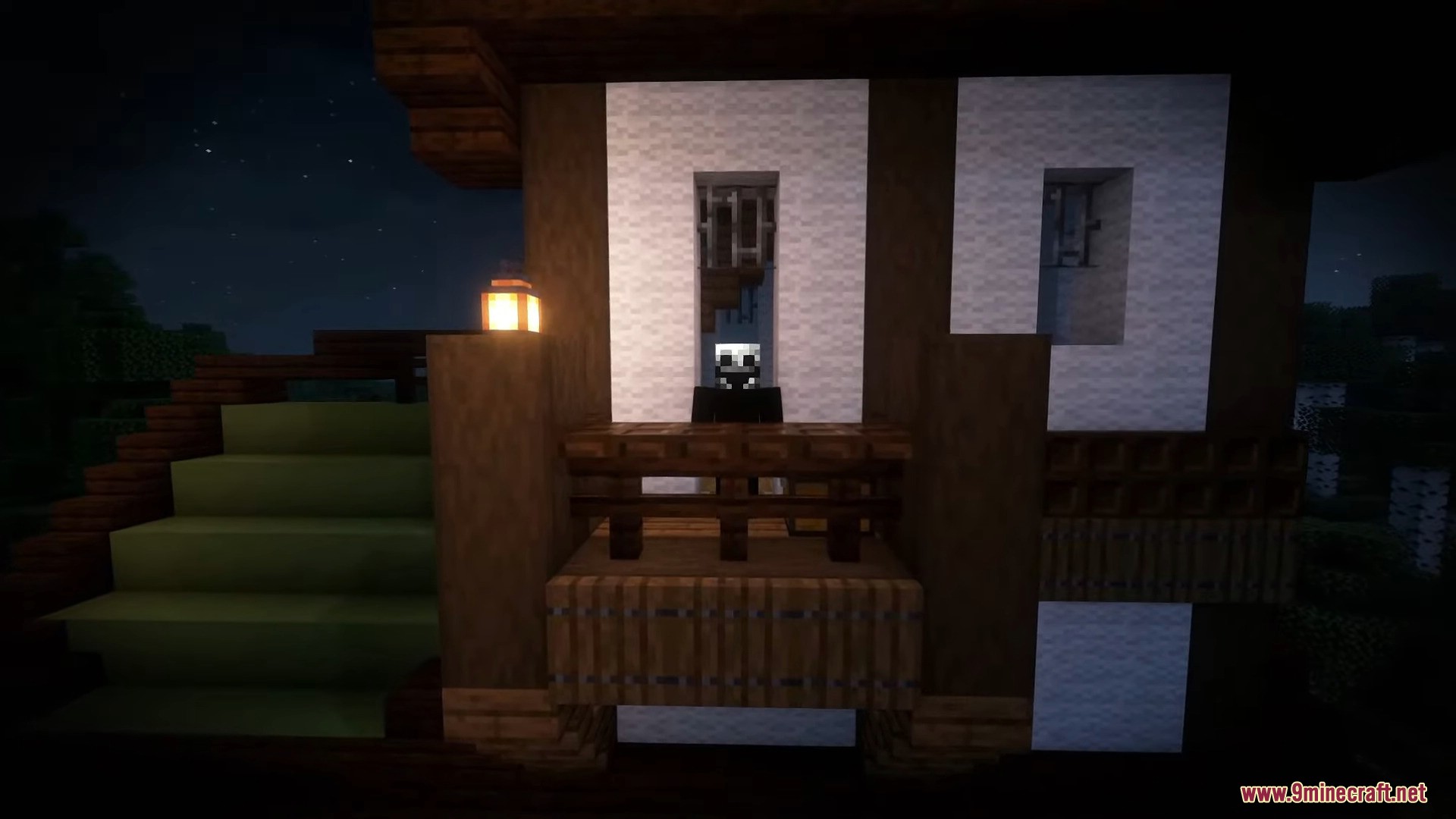
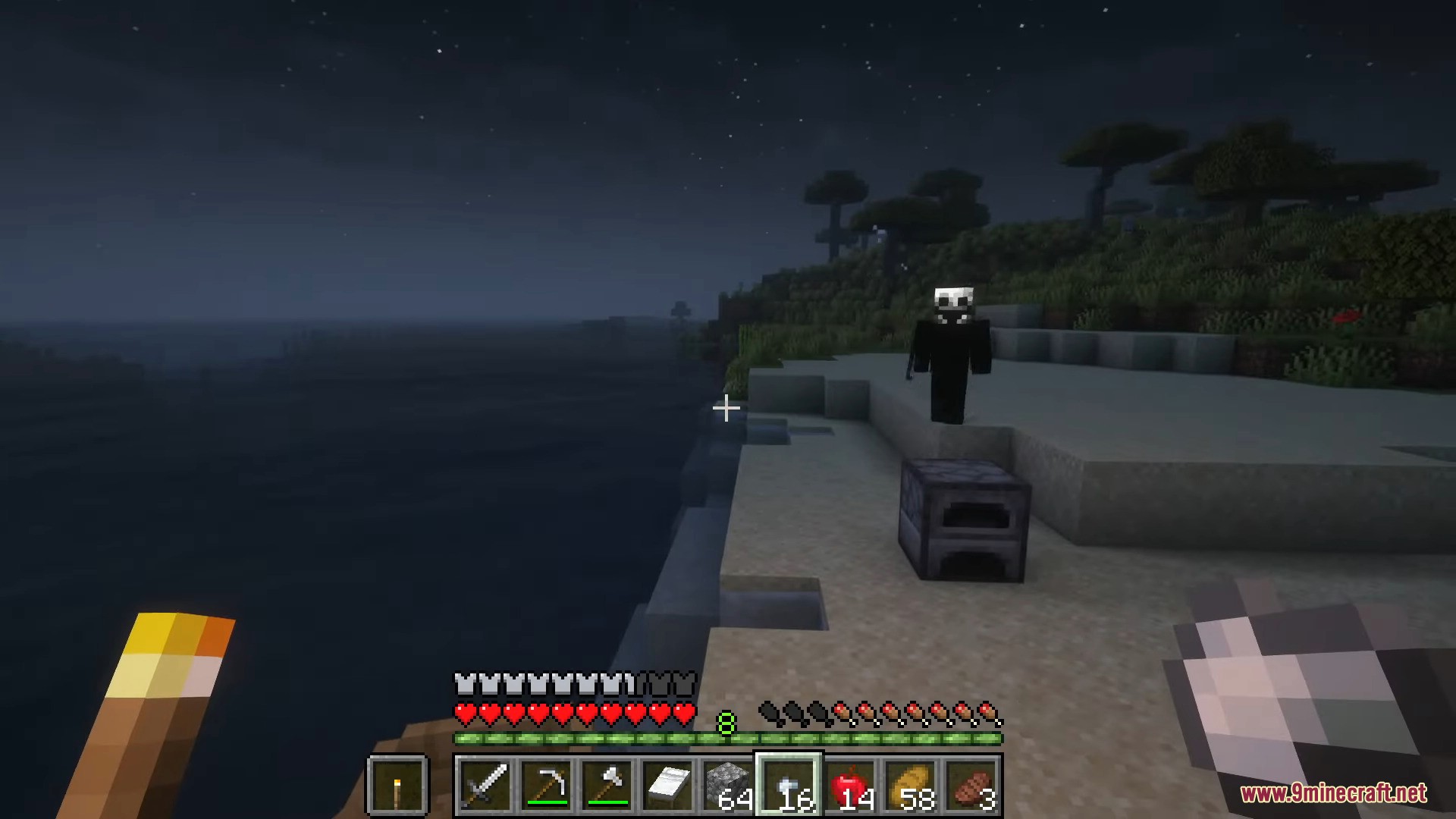
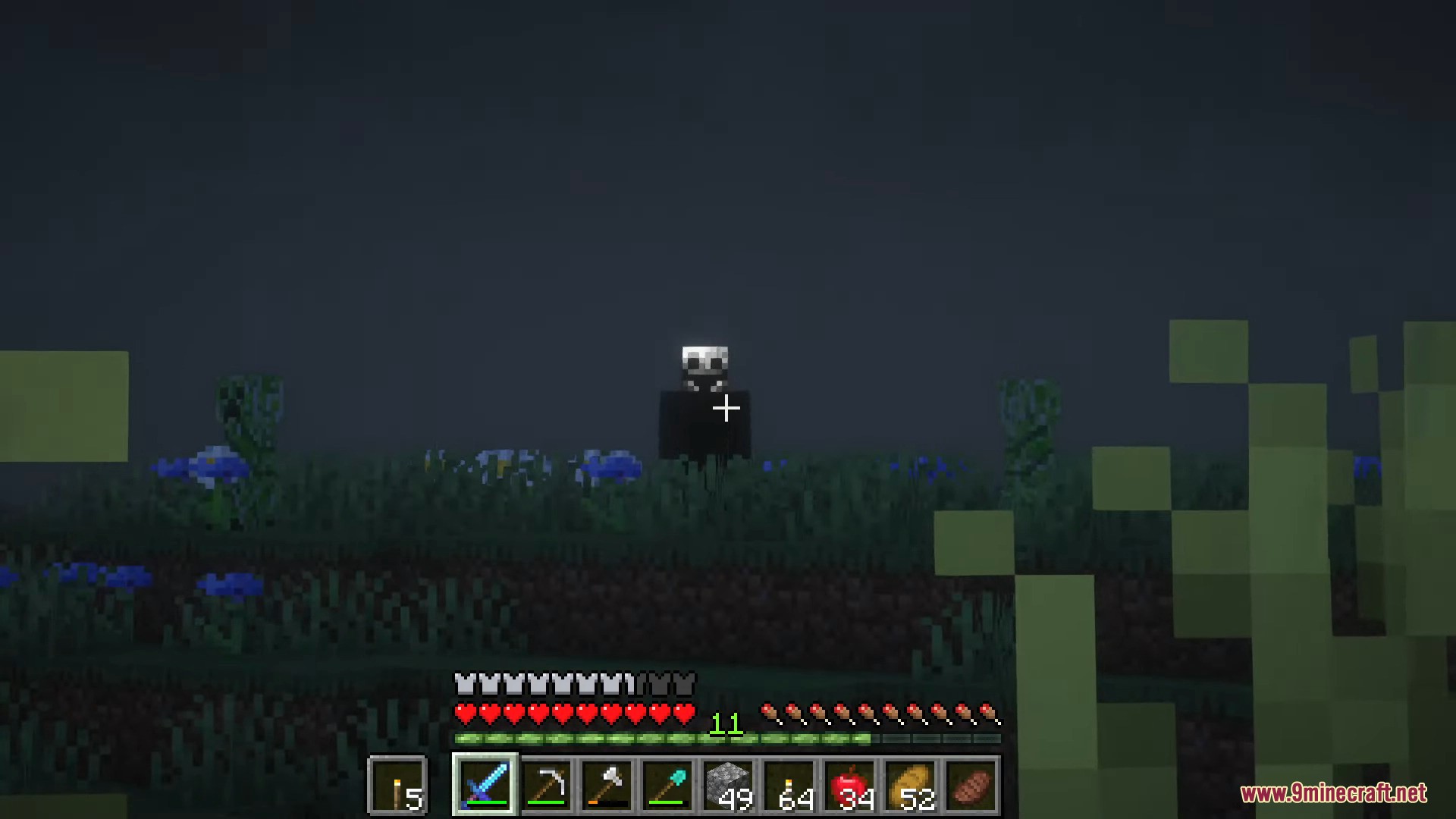
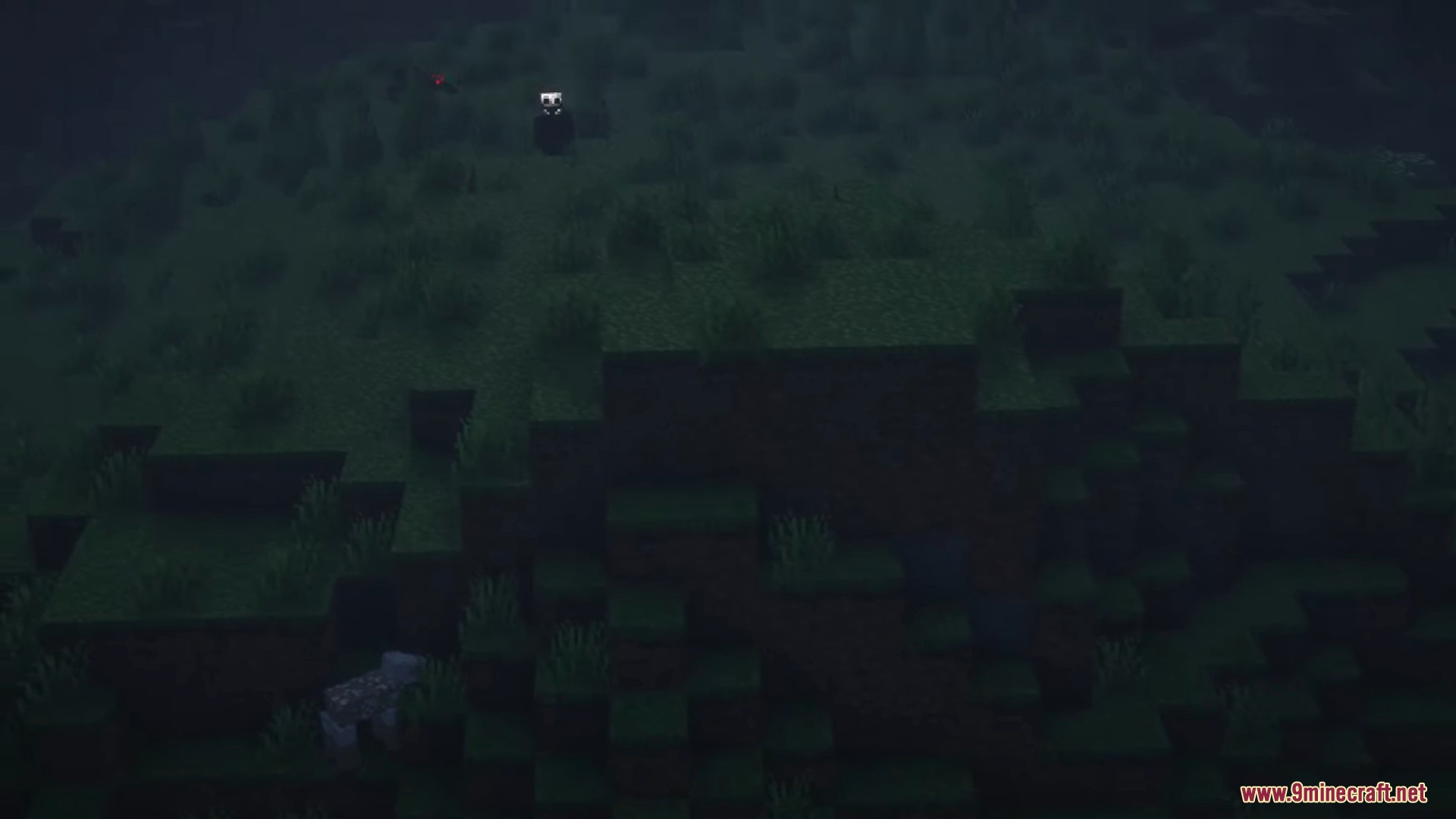
⬇ DownloadThe Fake Player Mod adds a randomly appearing fake player to Minecraft single-player. It can perform various actions, like placing blocks such as furnaces or wood, breaking in-game torches, standing ominously in the distance, or even acting as a jump scare to frighten players in dungeons. In essence, it makes the player’s life as uncomfortable as possible, keeping them constantly on edge and expecting surprises everywhere.
Features:
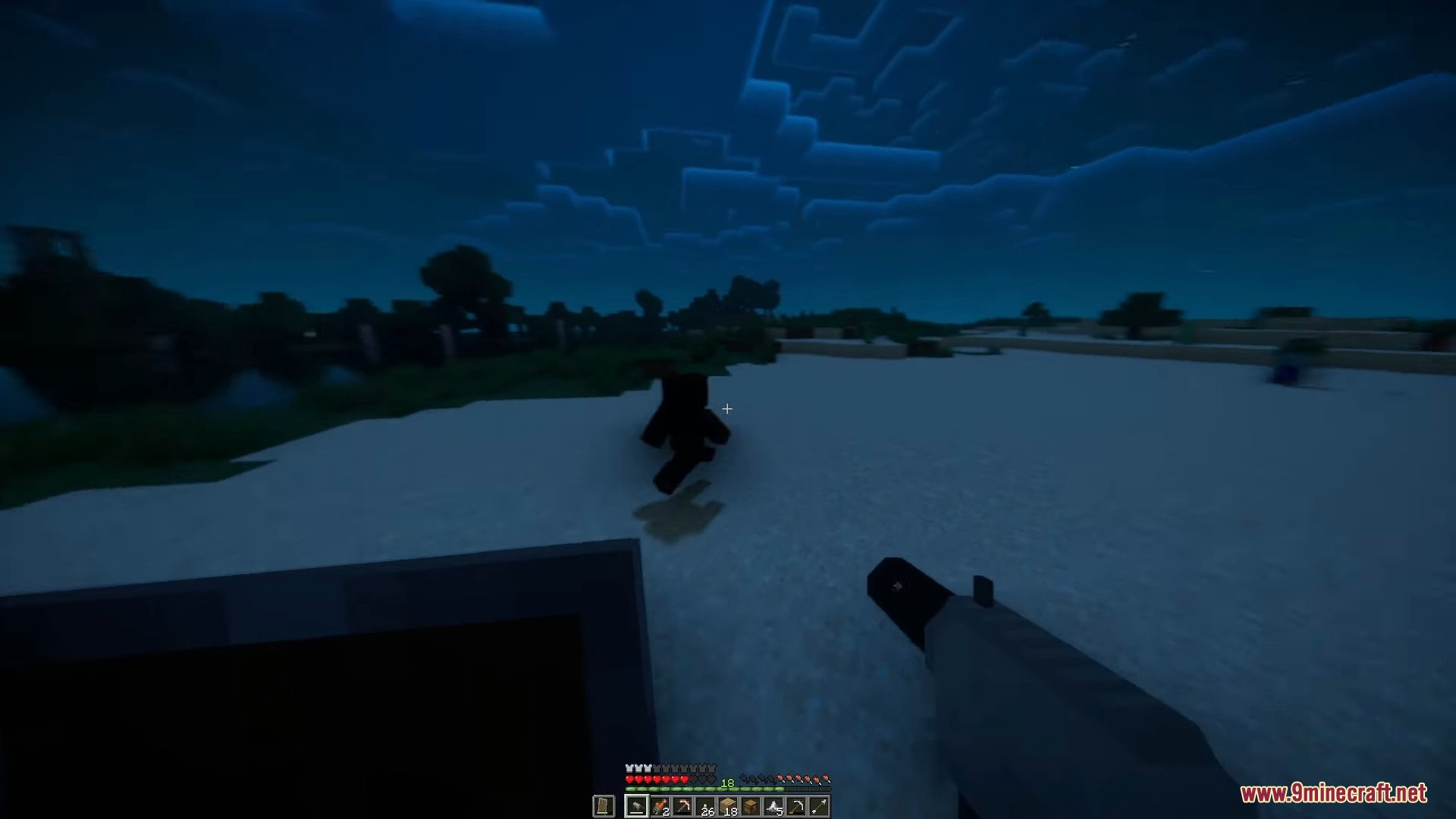
- Fake Player Mob: These mobs resemble regular players and can perform actions like wandering, attacking when provoked, and interacting with the environment.
- Fake players can have their skins updated to match real player usernames or custom links.
- Players can make fake players sit, sleep, toggle slim skins, or hide their name tags using specific items.
- Fake players are created by combining a Robot Shell and Robot AI in a crafting table.
- Adds unsettling moments to keep players on edge.
Screenshots:



The Fake Player Mod Download Links
For Minecraft 1.20.1, 1.20
Forge version: Download from Server 1 – Download from Server 2
For Minecraft 1.19.2
Forge version: Download from Server 1 – Download from Server 2
- Edition: Minecraft Java
- File type: .jar
- Minecraft versions listed: 1.20.1, 1.19.2
- How to install: Install the matching mod loader (Forge, Fabric or NeoForge) for your Minecraft version. → Download the .jar. → Put it in the .minecraft/mods folder and launch that loader profile.
- Where to get it: In MC Java Mods, or directly above on this page.
Install steps are the general flow for this file type — How to install Minecraft Java mods & modpacks walks through it step by step.
- Downloads as 196926.mcaddon
- Download size: 10.7 MB
- Download link checked 26 Jul 2026 — working
- Mirrored on our own servers — the download does not depend on the original host
These come from our own check of the pack file, not from the source page.