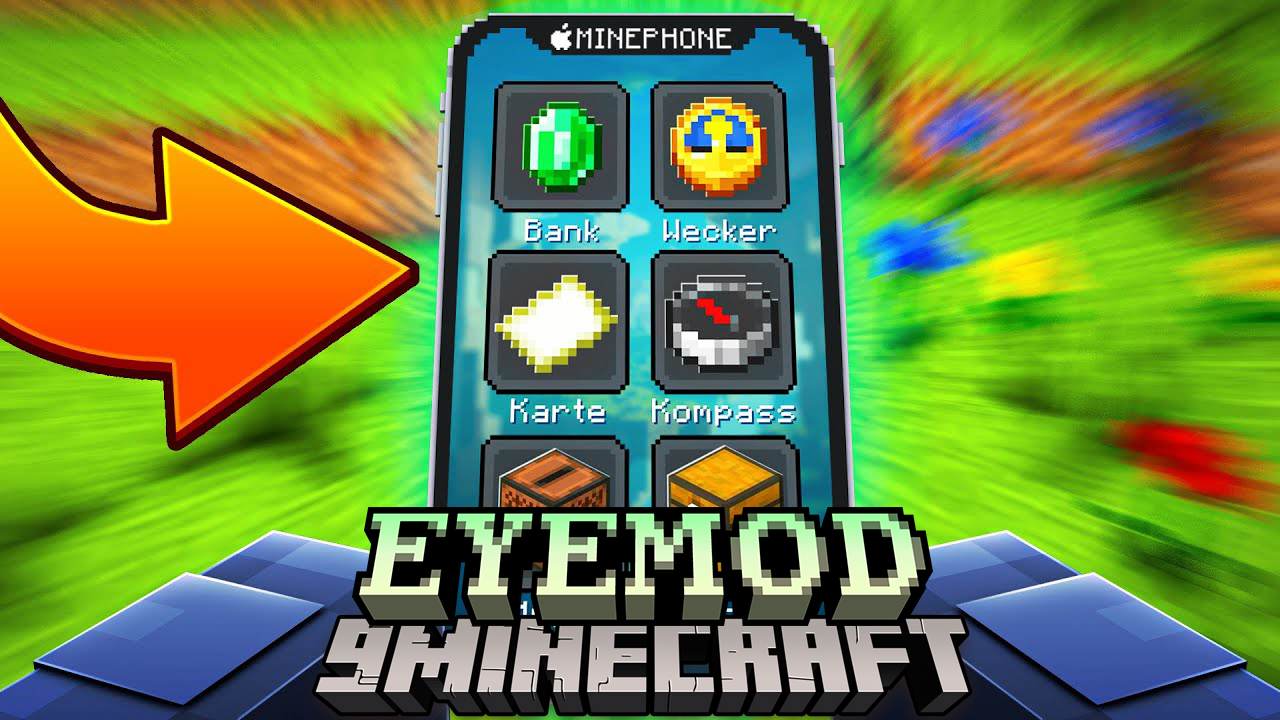
EyeMod Mod (1.20.1, 1.19.2) – Real iPhone, iPod, iPad
Java mod listed for Minecraft 1.19–1.20. Downloads from the MC Java Mods app on Android.
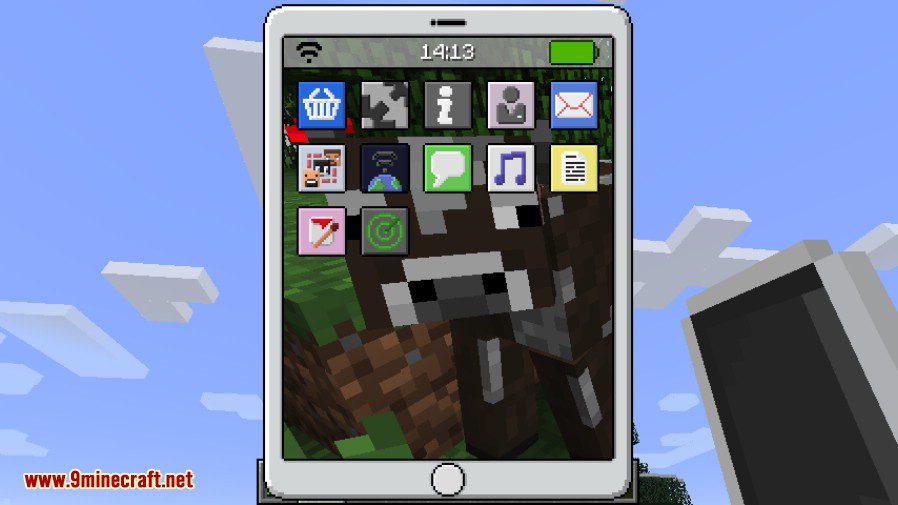
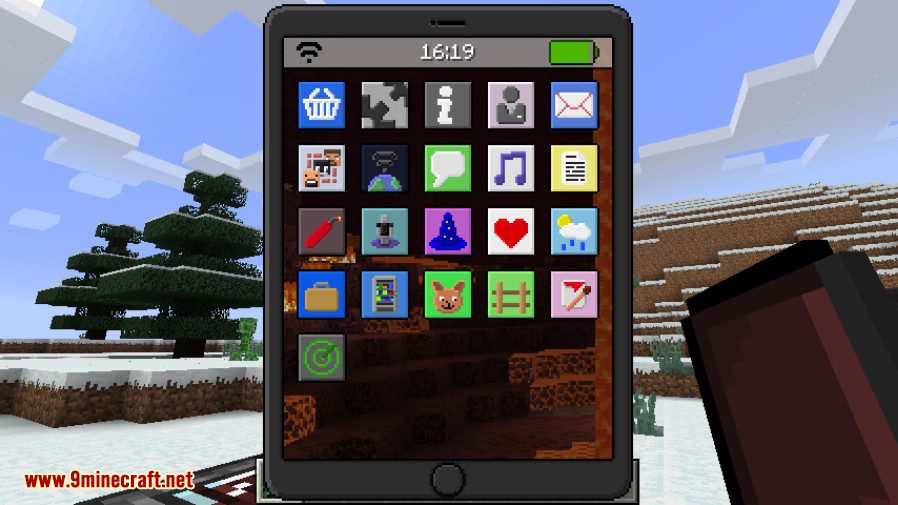
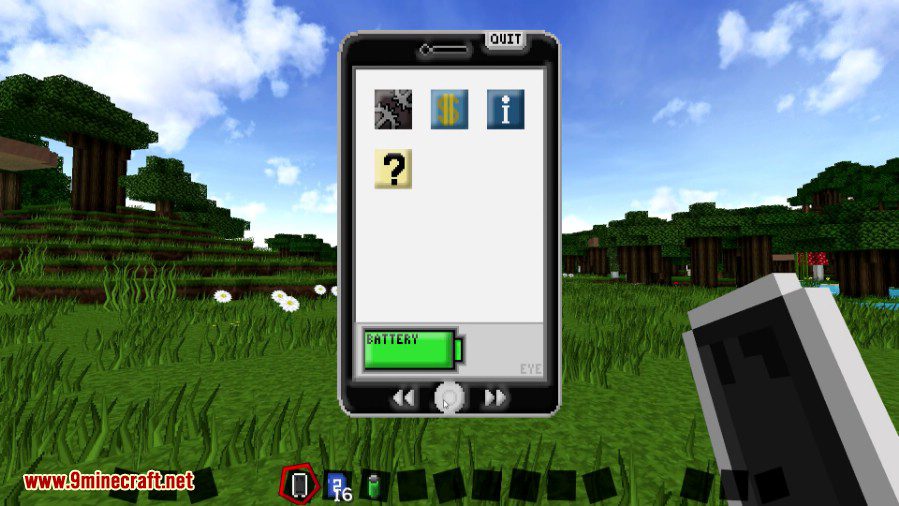
⬇ DownloadEyeMod Mod adds a overpowered Eyephone in to the game, buy your apps with your collected diamonds and gold and troll your friends or just help your self out of some difficult stuff.
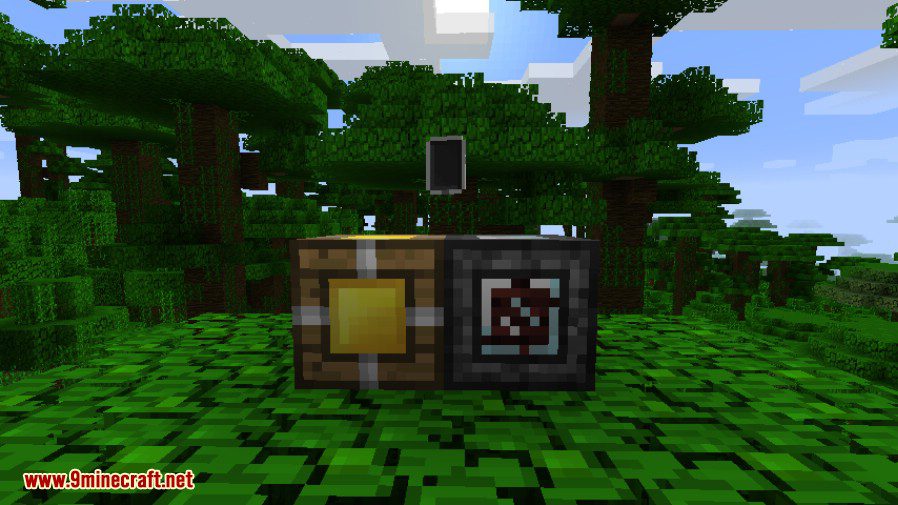
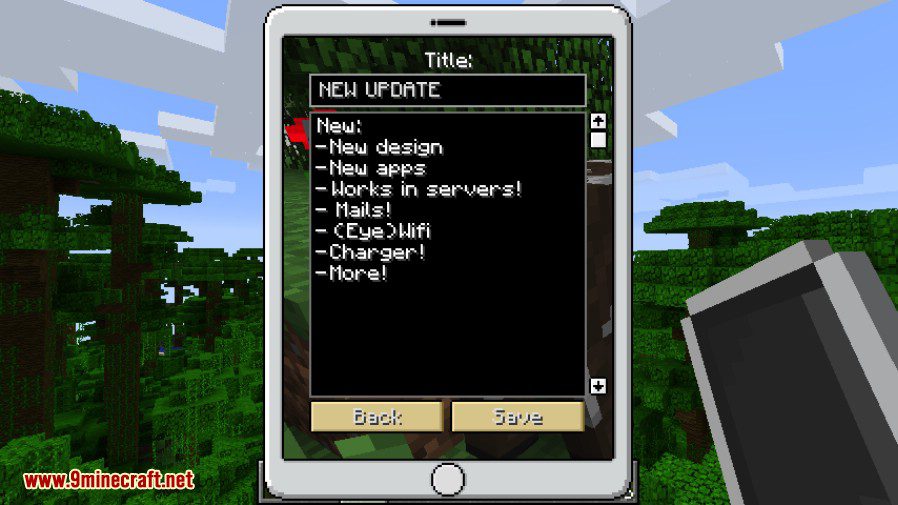
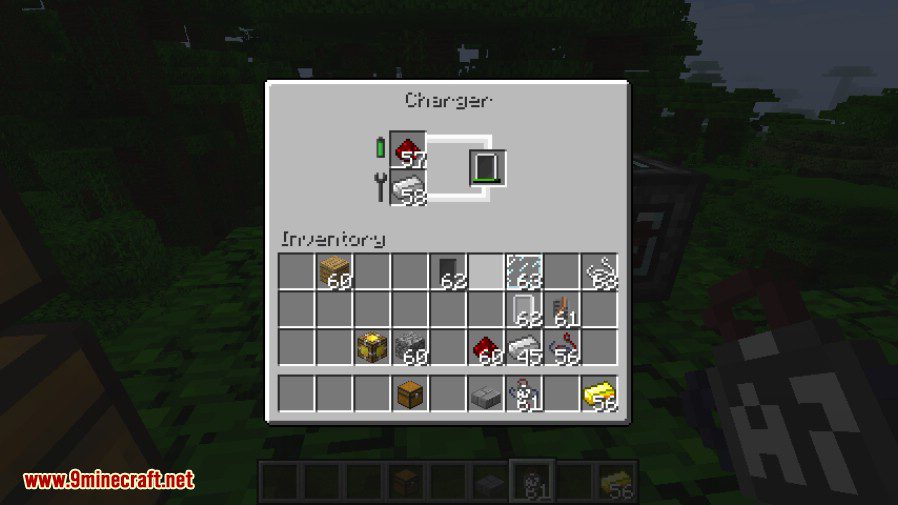
This mod also adds besides new apps and a new design also a 2 new blocks. One is called the ‘Charger’, it charges your EyePhone battery and repairs the damage when you accidentally drop it! The ‘Server’ block this server block gives you acces to the EyeNet, it handles your mail and more. It adds a lot of fun to the game.Control everything from world edit, spawning mobs, TNT, and more!
Apps List:
- Weather app
- TNT app
- Thrashbin app
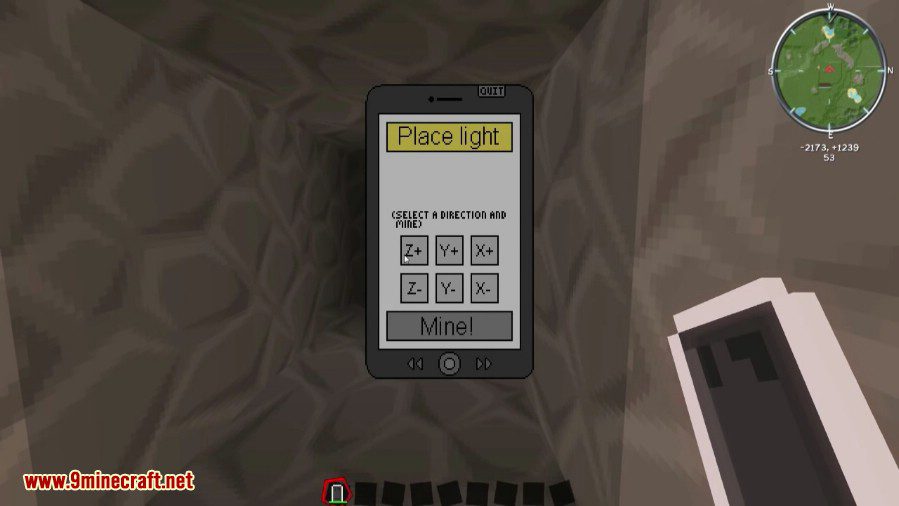
- Mine app
- Spawn app
- Menu app
- Teleportation app
- Magic app
- Games app
- Stats app
- Life app
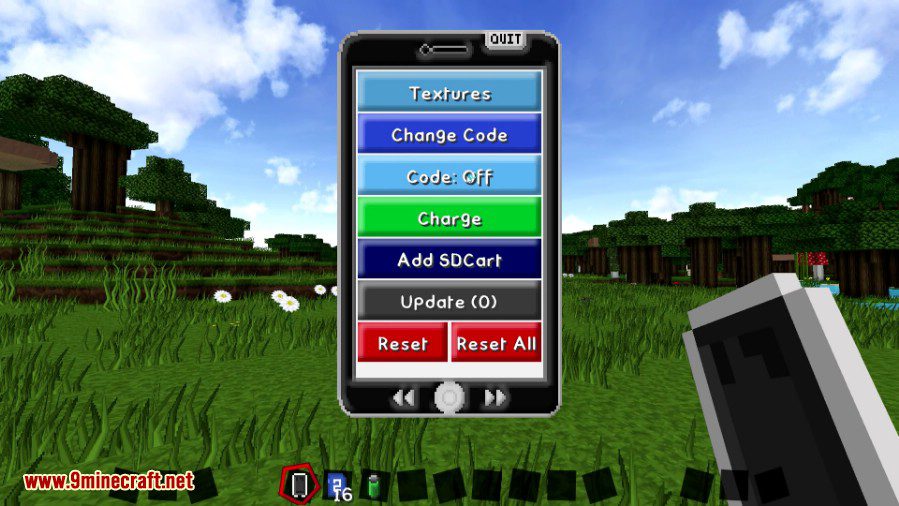
- Settings app
- Music app
- Info app
- And much more
EyeMod Mod (Fabric version):
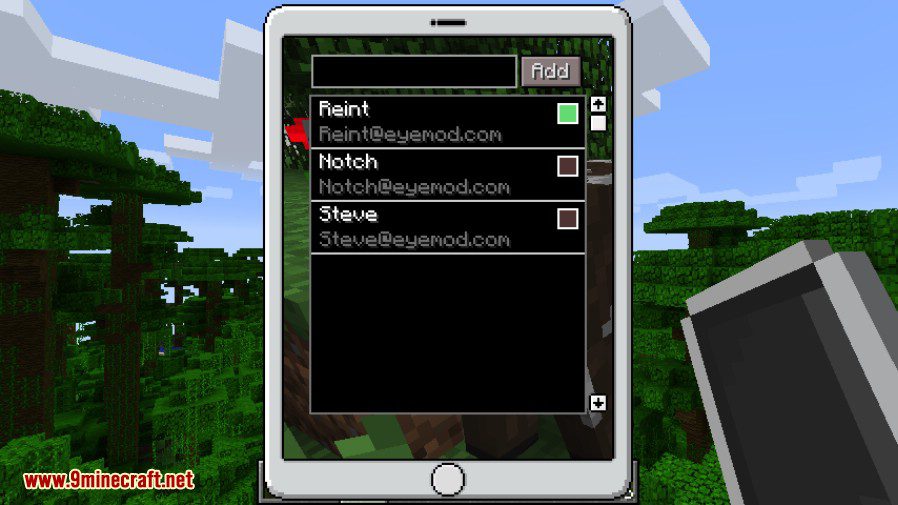
- This mod adds a working phone to the game. It has 20 new apps (with more to come) that all add their own functionallity. Where of 7 of those apps might be a bit to overpowered. Have fun with your friends or make your singleplayer world just a little bit easier with this mod. This mod allows you to send messages to your friend through a router or blow their house up, its up to you.
- Besides chatting and blowing stuff up, you can also do a lot more! Never get lost with the Map app, or find your diamonds with the X-Ray app. Set a stopwatch to keep track of your time some task or play some music while you are mining. Customize the EyePhone so it fits your style, if you want a more vanilla experience, you can disable the overpowered apps, or leave them on just to have some fun! Up to you (read setup). All the apps are listed below, with more to come!
- Important: Make sure to make a normal screenshot with F2, this will generate the screenshot folder, otherwise, the eyemod can not find the ‘screenshots’ folder and won’t be able to save your photo.
Screenshots:
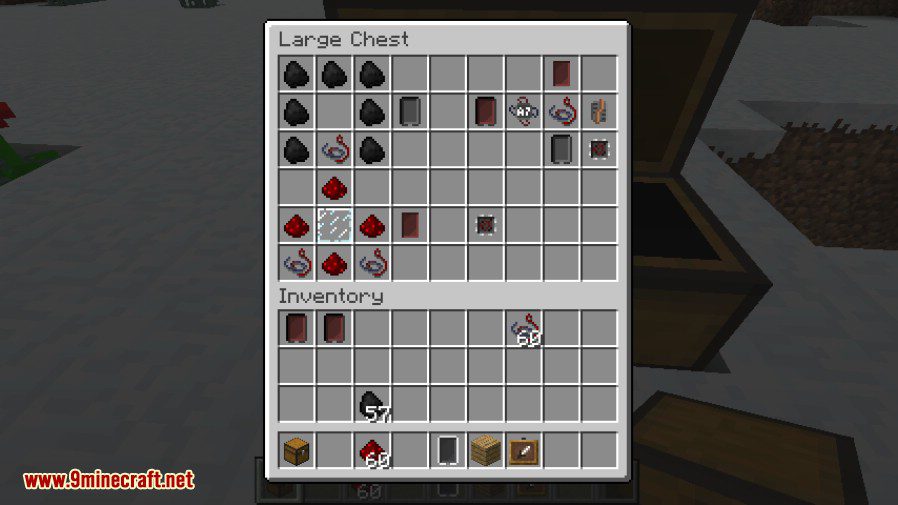
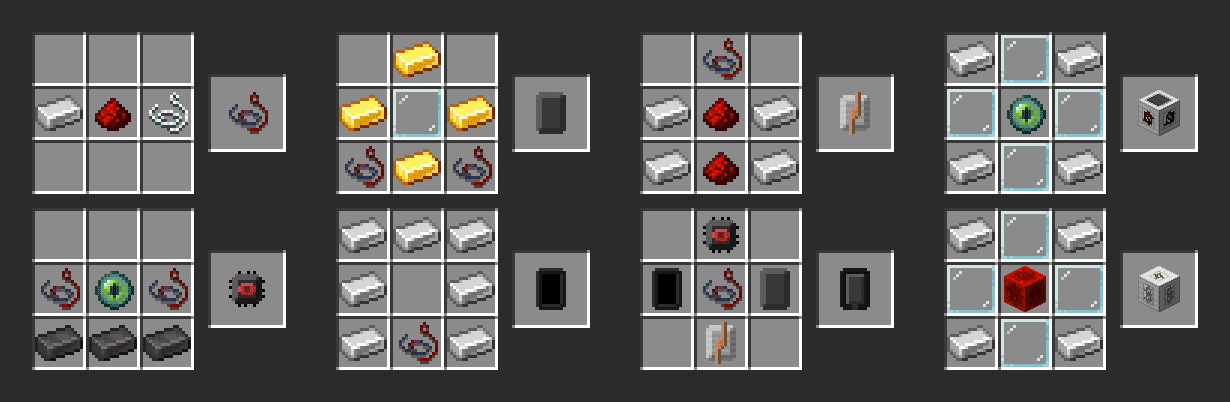
Crafting Recipes:
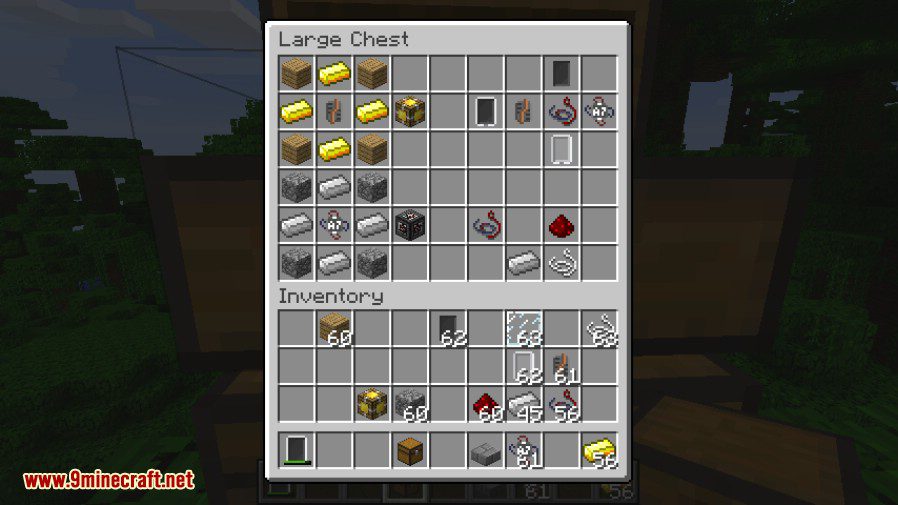
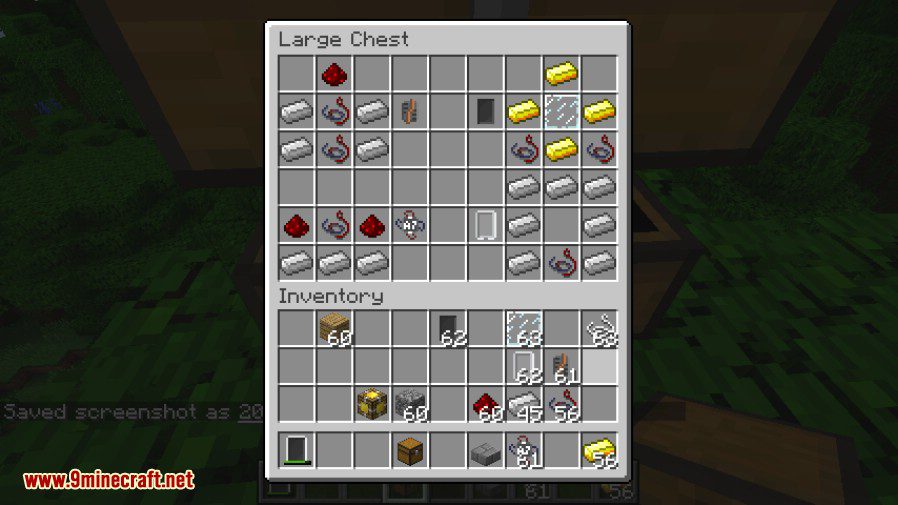
Fabric version:
How to use:
For EyeMod Mod (Fabric version):
- App access: You can change the accessibility of all the apps via gamerules so you can disable them to your preference. Use the following command for that: /gamerule EyeAccessApp 0/1/2. Replace with the app name (tab should provide you with auto complete). The following levels can be set:
- 0 – Everyone has access (default for non-op apps).
- 1 – Only access for OP’s (server) and in singleplayer (default for op apps).
- 2 – No access at all.
- App price: You can also change the price of the app, using the command: /gamerule EyePriceApp .
EyeMod Mod Download Links
For Minecraft 1.7.10
Forge version: Download from Server 1
For Minecraft 1.12.2, 1.12.1, 1.12
Forge version: Download from Server 1 – Download from Server 2
For Minecraft 1.16.5
Forge version: Download from Server 1
Fabric version: Download from Server 1
For Minecraft 1.17.1
Fabric version: Download from Server 1
For Minecraft 1.18.2
Forge version: Download from Server 1
Fabric version: Download from Server 1
For Minecraft 1.19
Forge version: Download from Server 1
Fabric version: Download from Server 1
For Minecraft 1.19.2
Forge version: Download from Server 1
Fabric version: Download from Server 1
For Minecraft 1.19.3
Forge version: Download from Server 1
Fabric version: Download from Server 1
For Minecraft 1.19.4
Forge version: Download from Server 1 – Download from Server 2
For Minecraft 1.20.1, 1.20
Forge version: Download from Server 1 – Download from Server 2
- Edition: Minecraft Java
- File type: .jar
- Minecraft versions listed: 1.20.1, 1.19.2
- How to install: Install the matching mod loader (Forge, Fabric or NeoForge) for your Minecraft version. → Download the .jar. → Put it in the .minecraft/mods folder and launch that loader profile.
- Where to get it: In MC Java Mods, or directly above on this page.
Install steps are the general flow for this file type — How to install Minecraft Java mods & modpacks walks through it step by step.
- Downloads as 196955.mcaddon
- Download size: 350 KB
- Download link checked 26 Jul 2026 — working
- Mirrored on our own servers — the download does not depend on the original host
These come from our own check of the pack file, not from the source page.