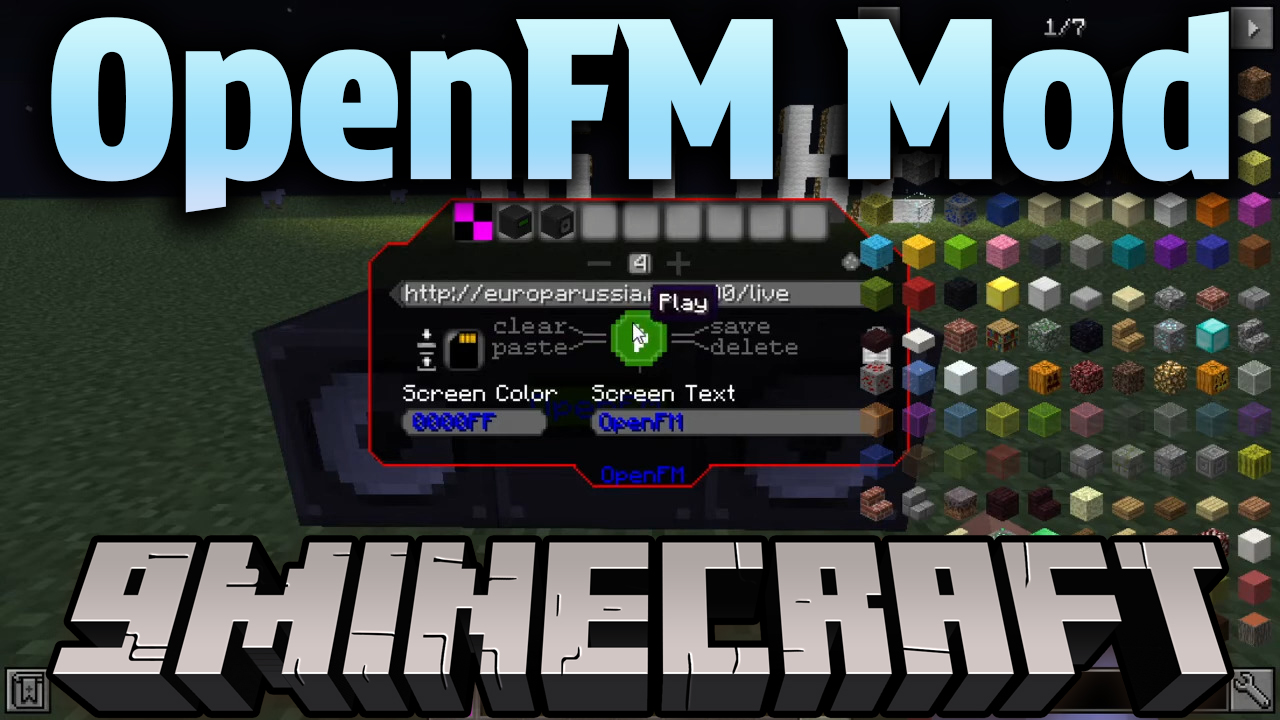
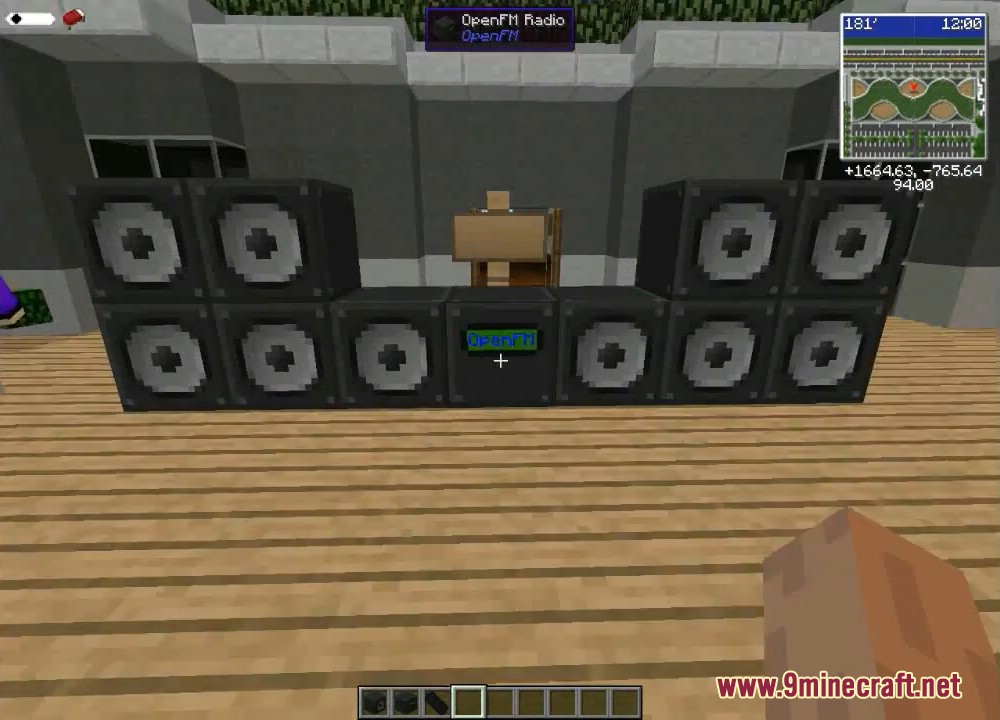
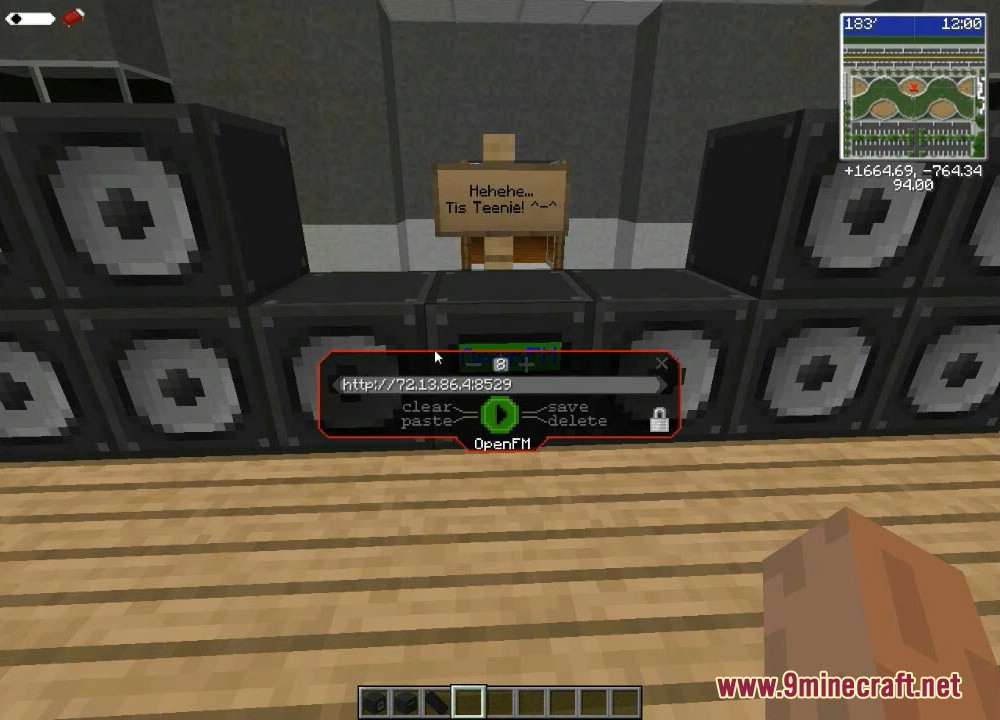
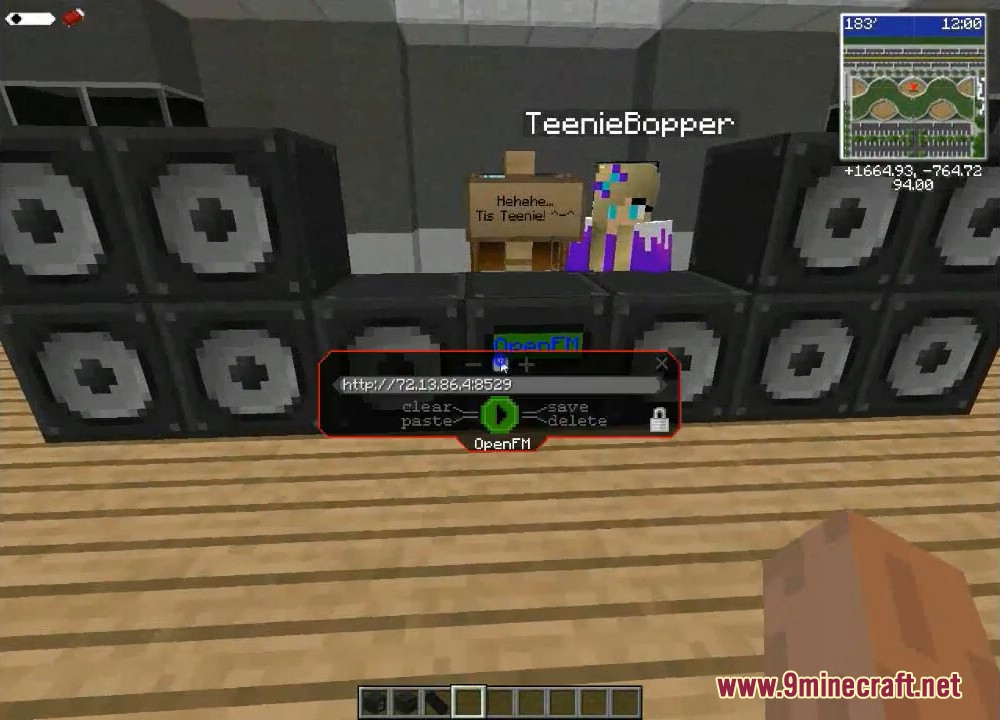
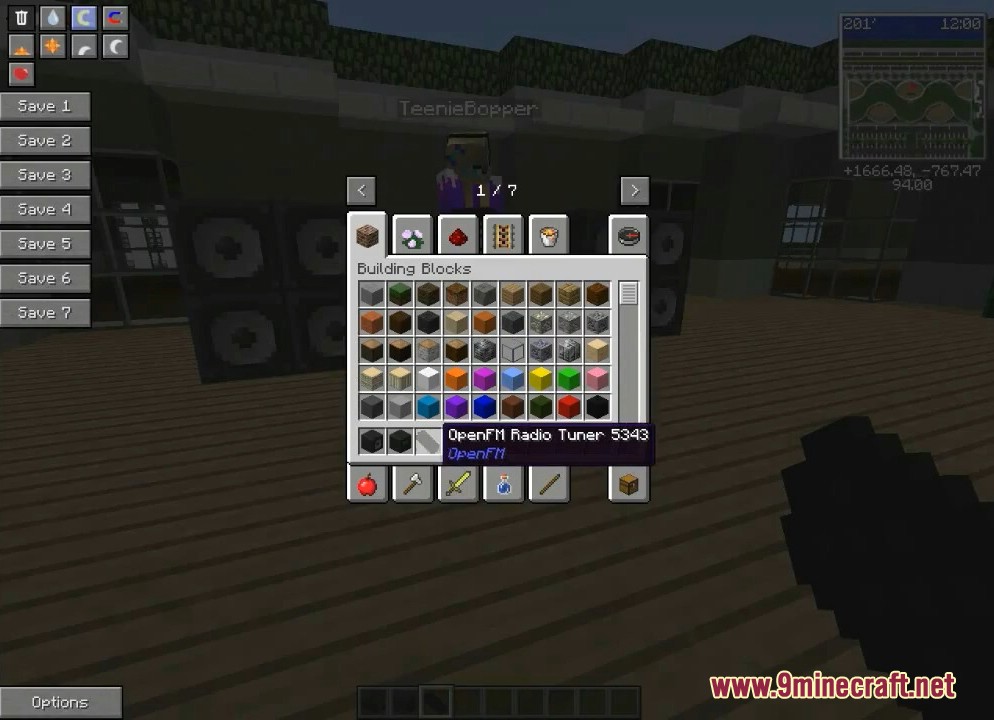
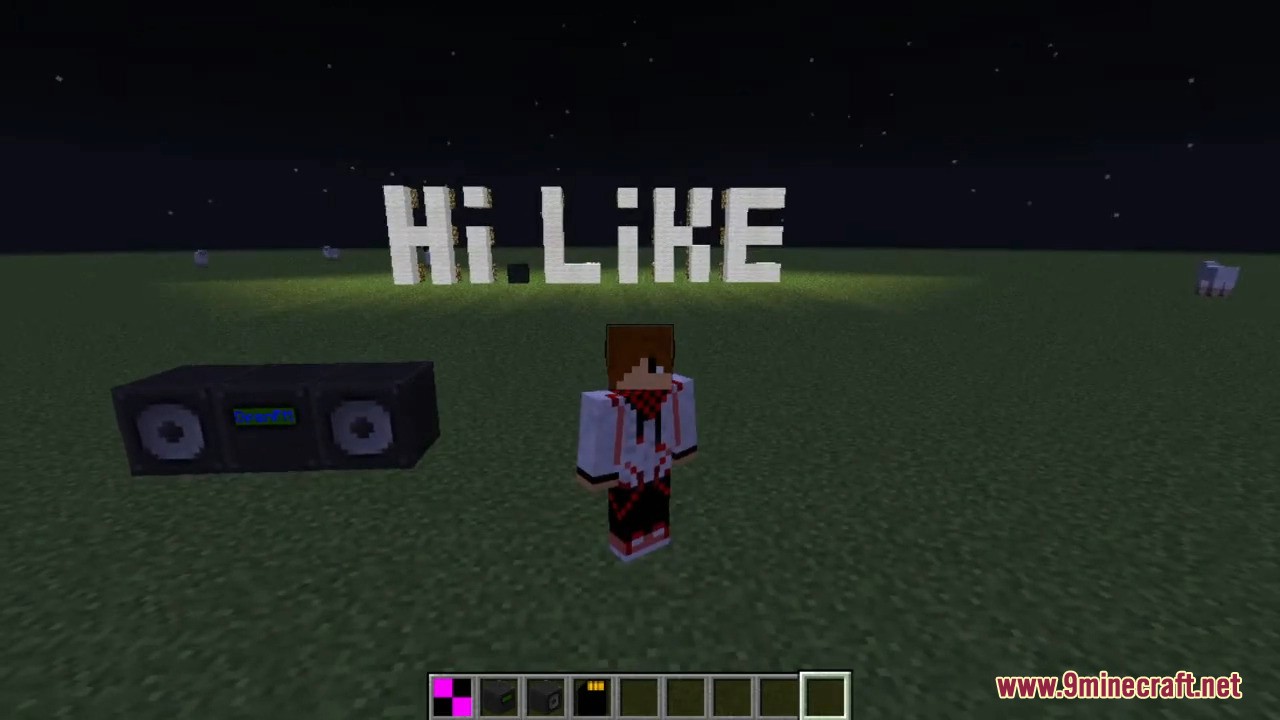
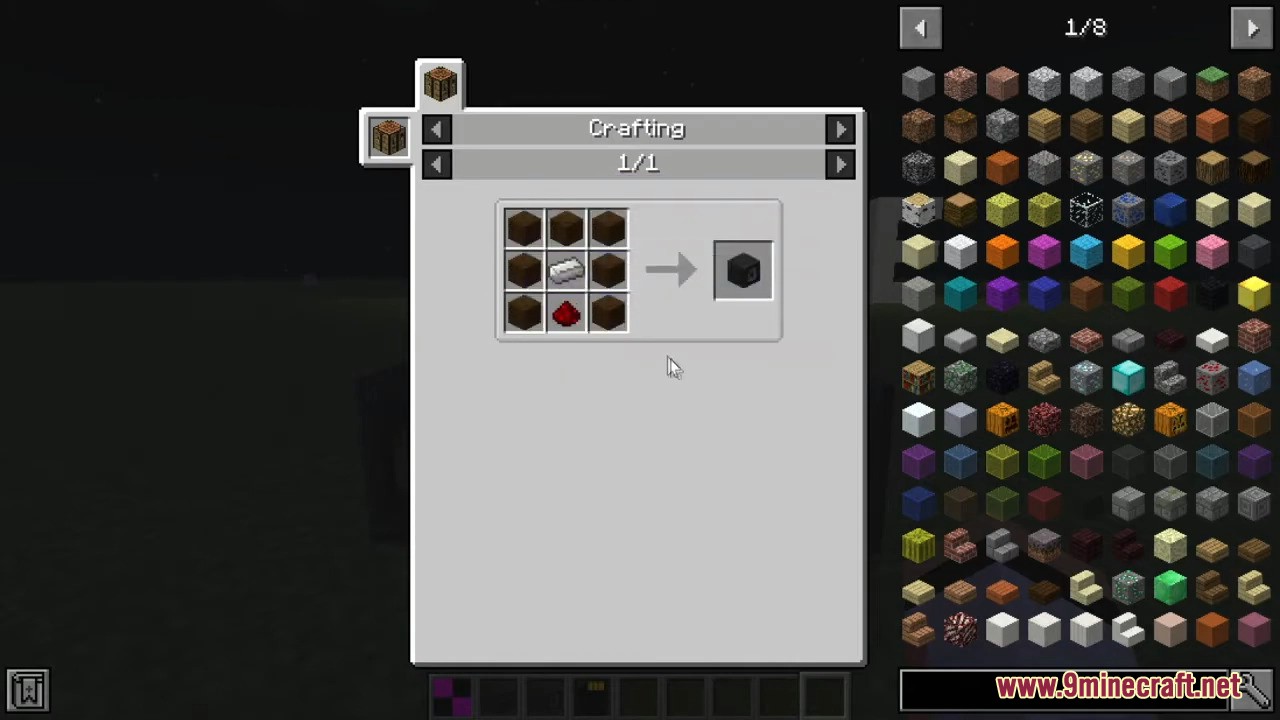
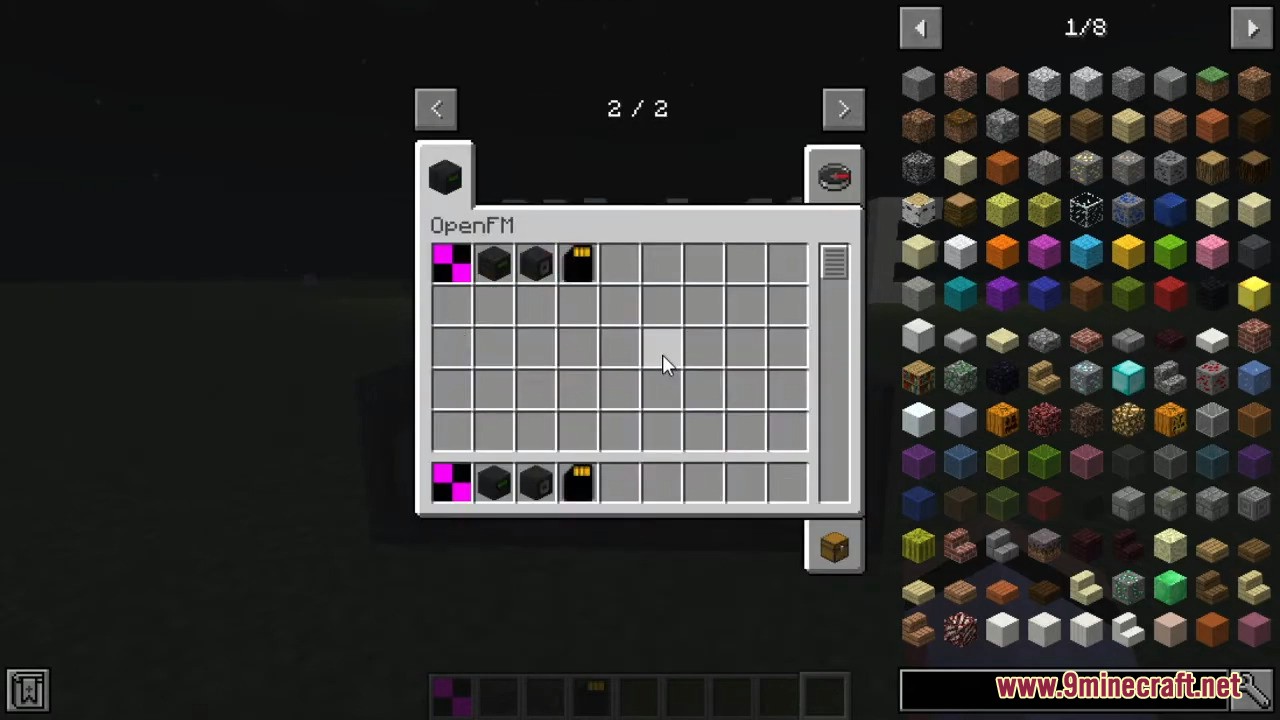
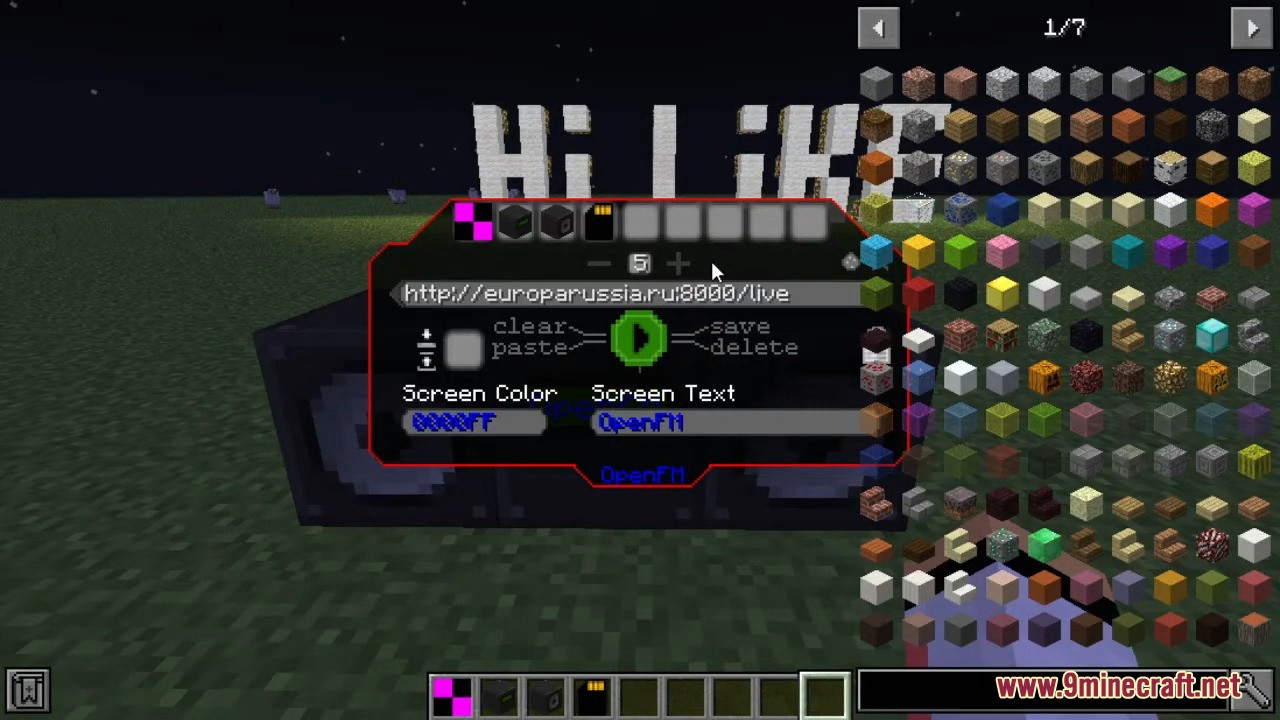
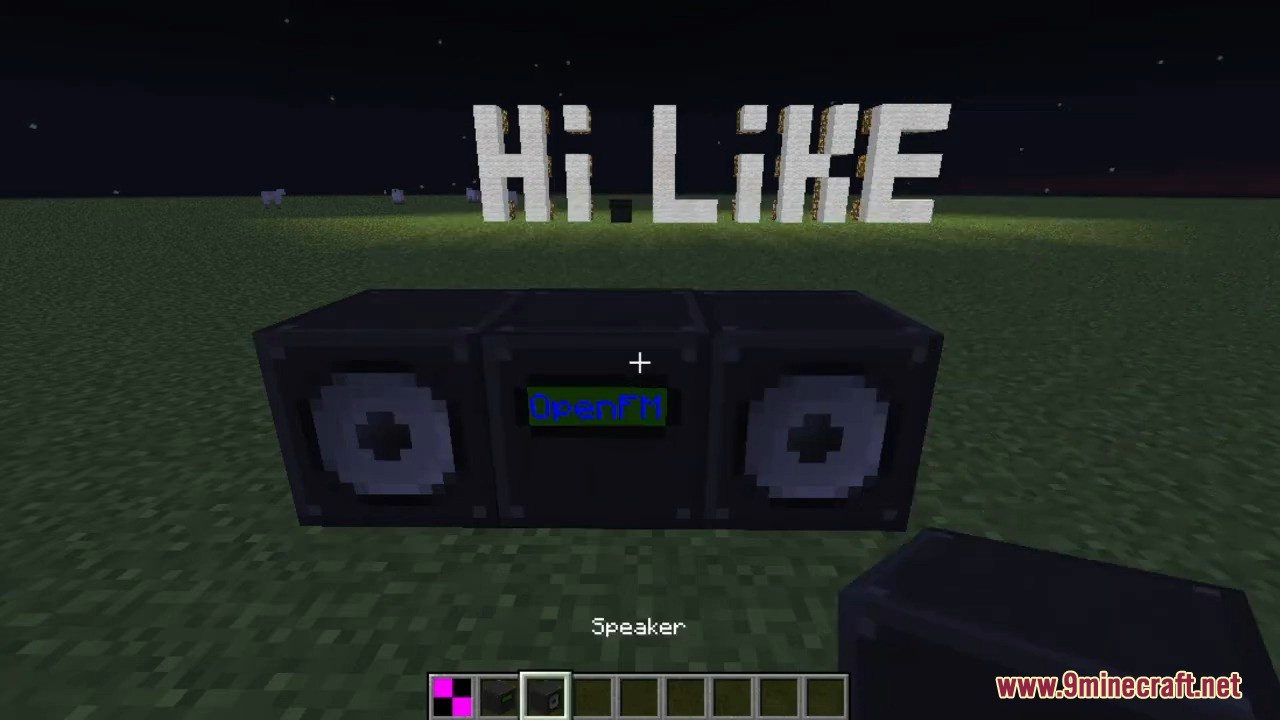
OpenFM Mod adds a block to the game that can play streaming radio stations broadcast on the internet. You can create an in-game radio that plays quieter as you move away from it. By placing additional speakers, you can play the radio in specific locations. This mod is essentially an add-on for the OpenComputers or ComputerCraft mods, but it does not depend on them and can operate independently in regular Minecraft. The mod adds four items: the radio itself, a speaker, a memory card, and a special remote. Once installed, the radio block has its own interface. You need to copy the link to an audio stream into it and press play. You can name the block, save the radio station to a library, or onto a memory card. By default, the radio block plays sound within a certain radius, but if you place a speaker, click it with the remote, and then click the radio block, the speaker will link to the radio block and start playing sound from the speaker. You can find such audio stream link online. Note: If the block doesn’t play after inserting a link, replacing it with another link might also fail. Just break the block and reinstall it after encountering problematic streams.
Screenshots:
OpenFM Mod Download Links
For Minecraft 1.12.2
Forge version: Download from Server 1 – Download from Server 2
For Minecraft 1.10.2, 1.9.4
Forge version: Download from Server 1
For Minecraft 1.8.9
Forge version: Download from Server 1
For Minecraft 1.7.10
Forge version: Download from Server 1 – Download from Server 2
- Edition: Minecraft Java
- File type: .jar
- How to install: Install the matching mod loader (Forge, Fabric or NeoForge) for your Minecraft version. → Download the .jar. → Put it in the .minecraft/mods folder and launch that loader profile.
- Where to get it: In MC Java Mods, or directly above on this page.
Install steps are the general flow for this file type — How to install Minecraft Java mods & modpacks walks through it step by step.
- Downloads as 197018.mcaddon
- Download size: 905 KB
- Download link checked 15 Jul 2026 — working
- Mirrored on our own servers — the download does not depend on the original host
These come from our own check of the pack file, not from the source page.