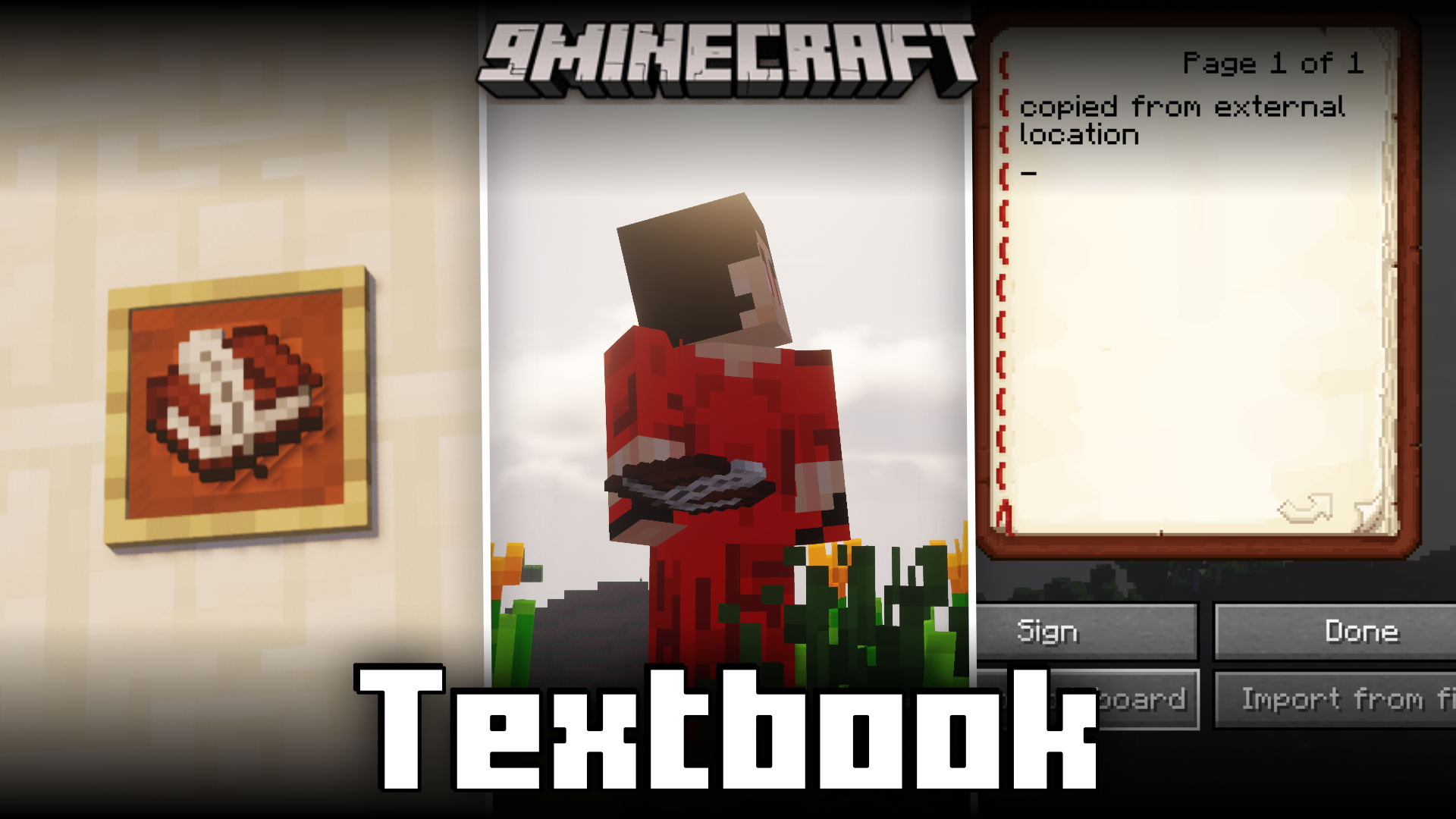
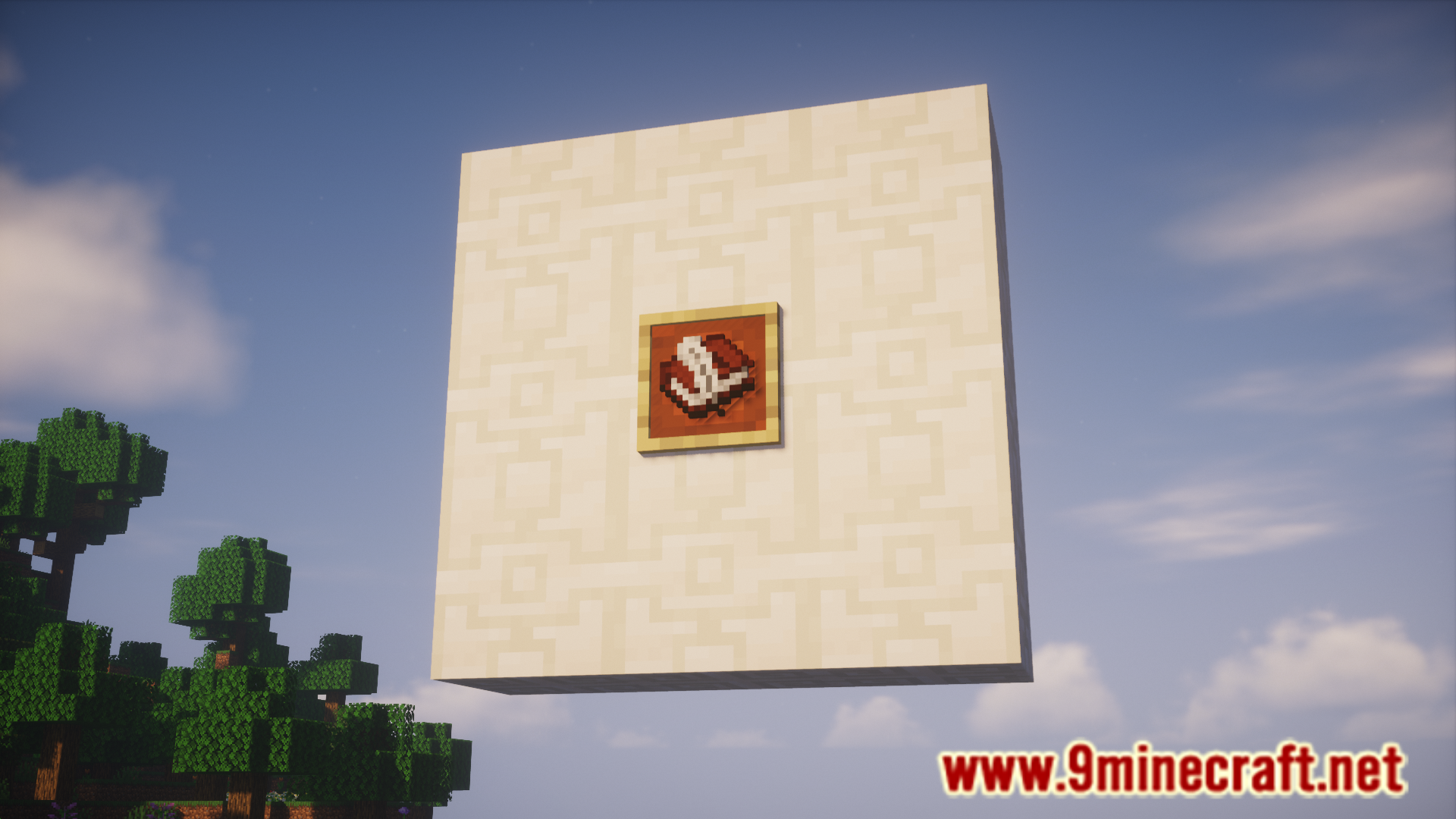
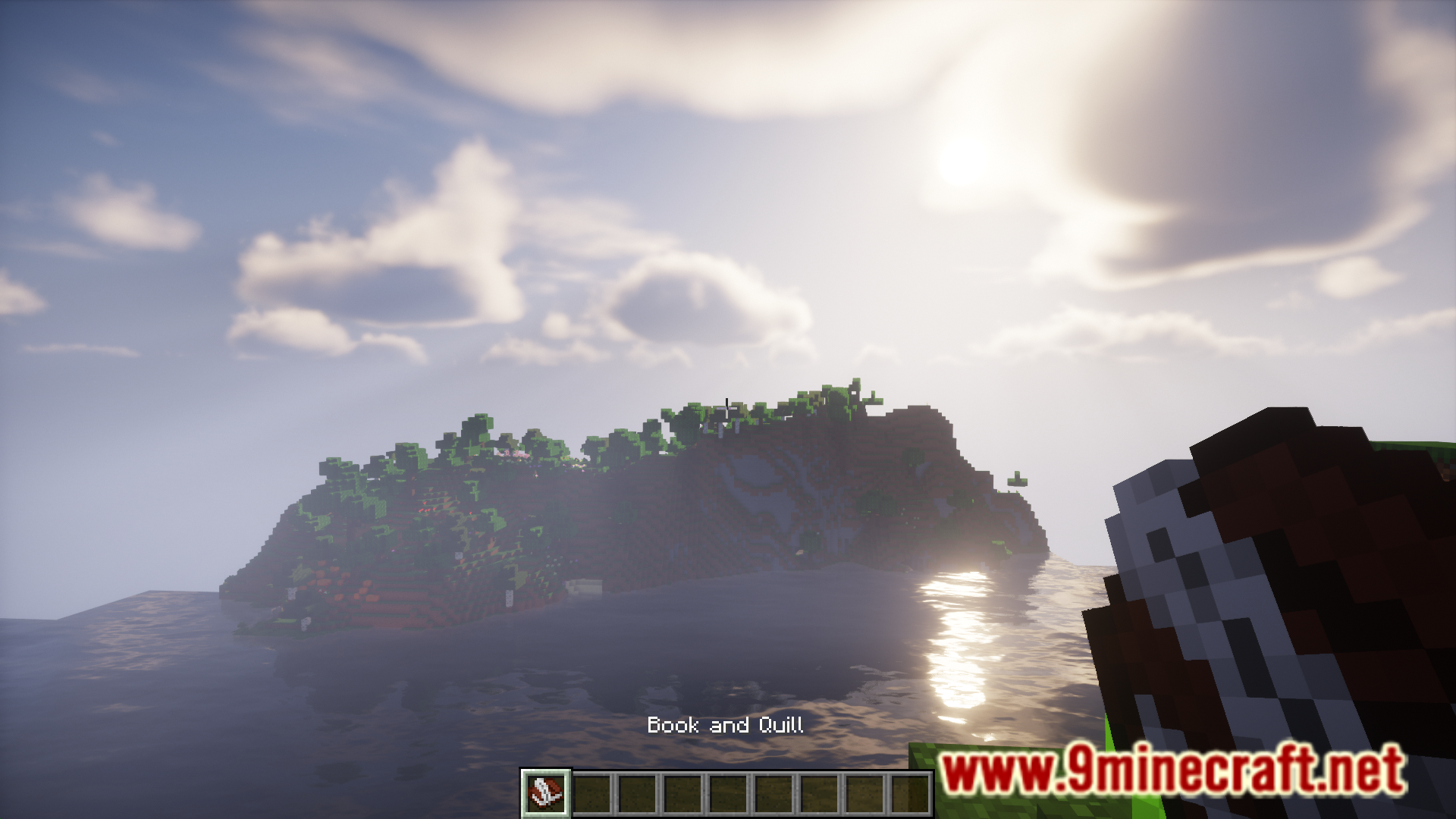
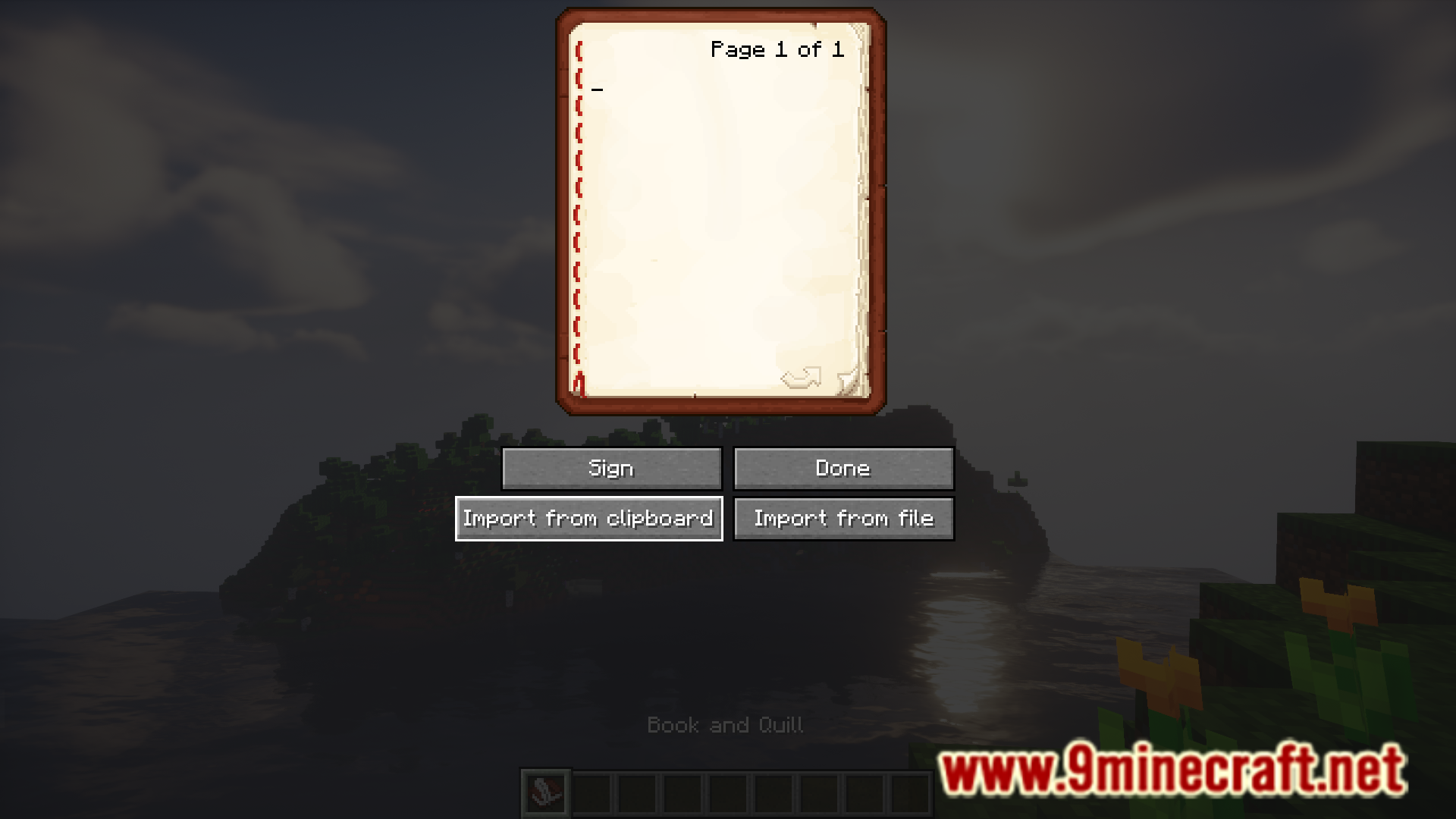
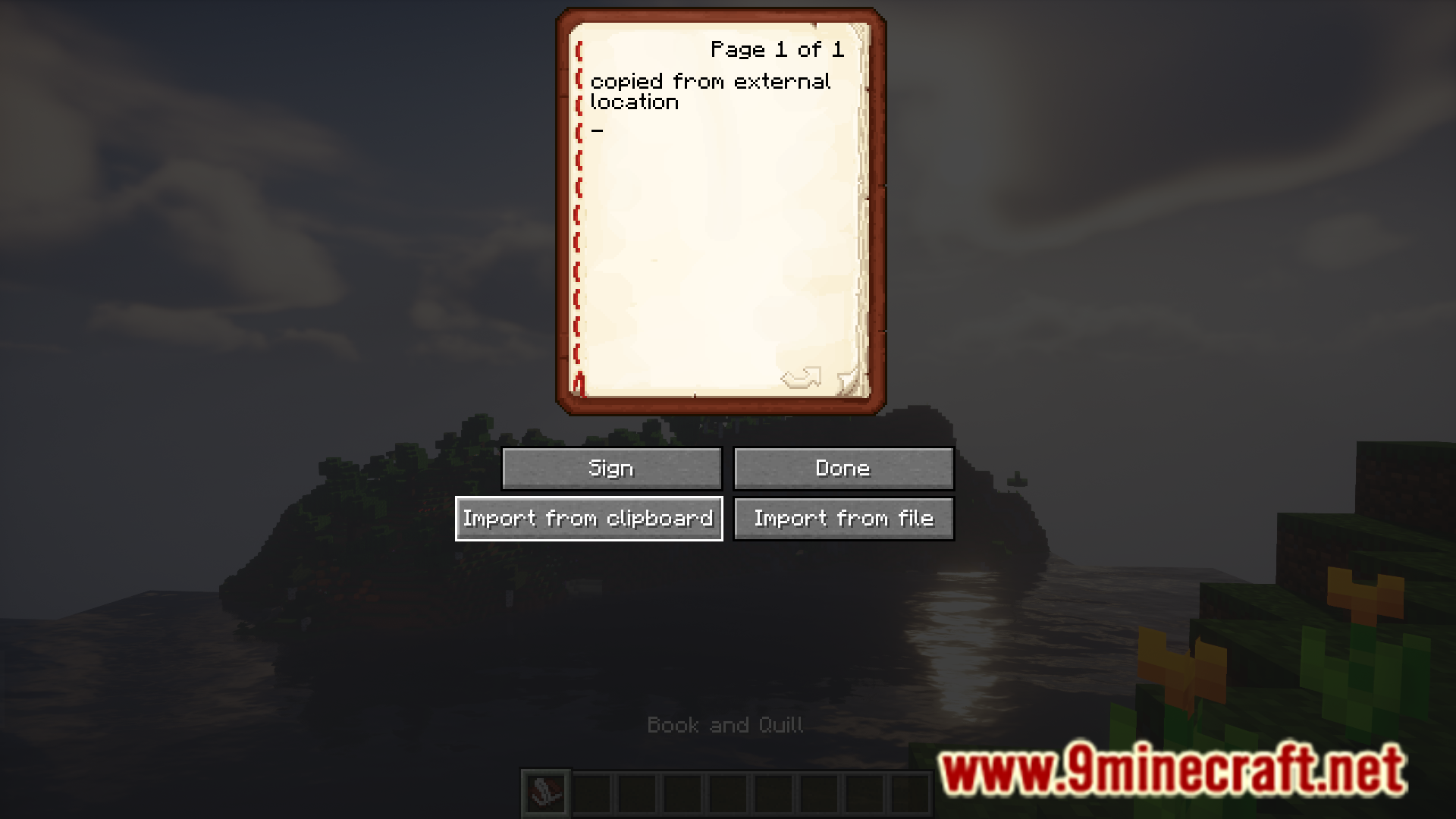
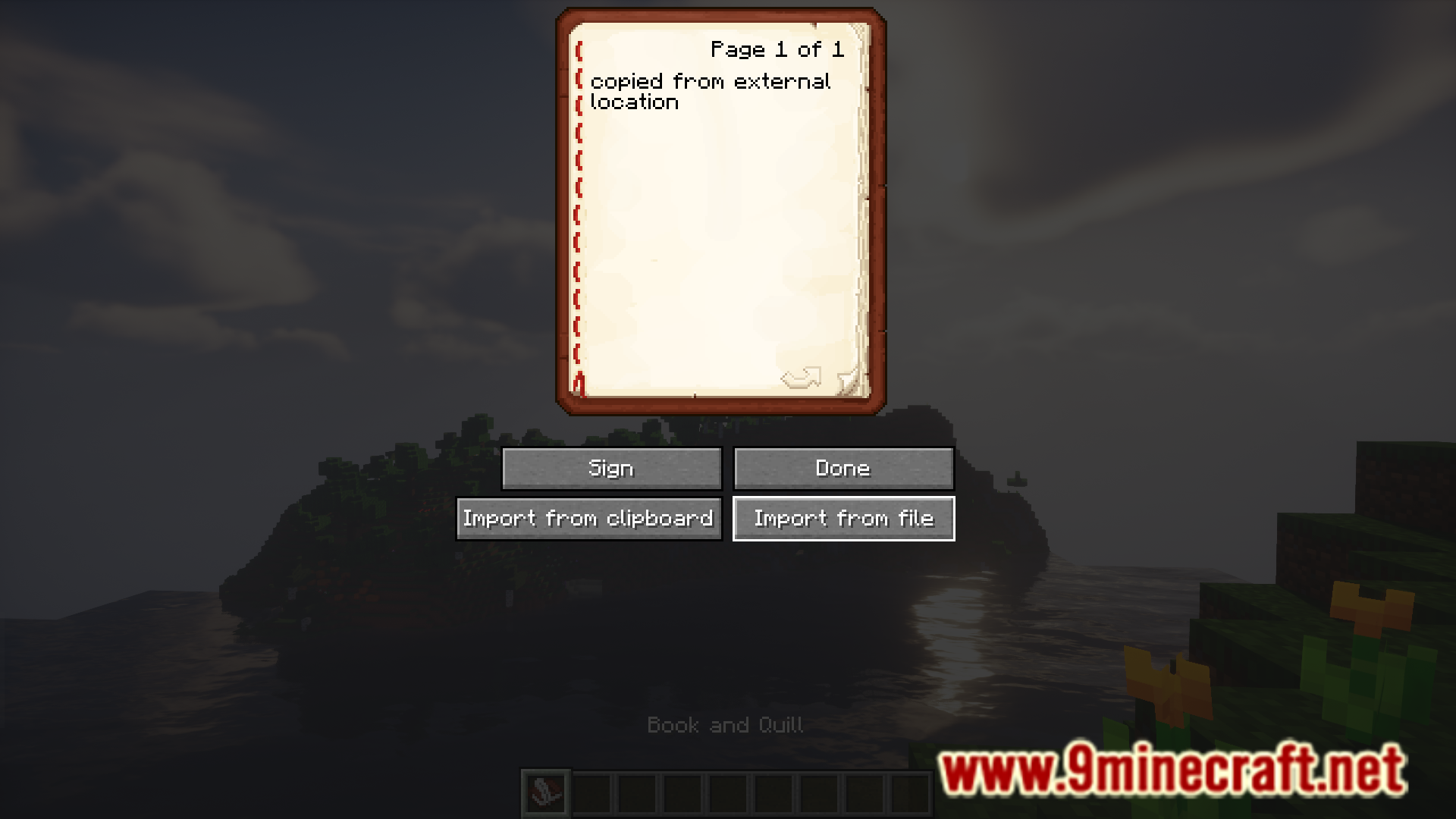
Using the book and quill item, you can write books in Minecraft. If you take a look at the GUI of the book and quill item, you will see that there are only two buttons given below the book. One is for signing the book, and the other is for saving your work and closing the GUI. There is no option to introduce any external content into the book. Textbook Mod is here to change that. WIth this mod installed, you will have two more buttons in the book and quill GUI. The first button allows you to copy text from your clipboard into the book, and the second allows you to import text content from an external file of your choice.
Features:
- Allows you to introduce external text content into Minecraft books.
- Two new buttons to the Book and Quill GUI.
- Note: Importing will overwrite anything that is already written.
Screenshots:

Requires:
Minecraft Forge
Fabric API
Quilt Loader
Annotated DI
Mod Menu
Fireplace Lib
Textbook Mod Download Links
For Minecraft 1.21.1, 1.21
Fabric version: Download from Server 1 – Download from Server 2
For Minecraft 1.20.4
Fabric version: Download from Server 1 – Download from Server 2
For Minecraft 1.20.1
Fabric/Quilt version: Download from Server 1 – Download from Server 2
For Minecraft 1.18.2
Forge version: Download from Server 1 – Download from Server 2
Fabric/Quilt version: Download from Server 1 – Download from Server 2
For Minecraft 1.17.1
Forge version: Download from Server 1 – Download from Server 2
Fabric/Quilt version: Download from Server 1 – Download from Server 2
For Minecraft 1.16.5
Fabric/Quilt version: Download from Server 1 – Download from Server 2
For Minecraft 1.15.2
Fabric/Quilt version: Download from Server 1 – Download from Server 2
- Edition: Minecraft Java
- File type: .jar
- Minecraft versions listed: 1.21.1, 1.20.1
- How to install: Install the matching mod loader (Forge, Fabric or NeoForge) for your Minecraft version. → Download the .jar. → Put it in the .minecraft/mods folder and launch that loader profile.
- Where to get it: In MC Java Mods, or directly above on this page.
Install steps are the general flow for this file type — How to install Minecraft Java mods & modpacks walks through it step by step.
- Downloads as 197094.mcaddon
- Download size: 101 KB
- Download link checked 26 Jul 2026 — working
- Mirrored on our own servers — the download does not depend on the original host
These come from our own check of the pack file, not from the source page.