Inventory-Free Mod (1.21.3, 1.20.1) – Locked Inventory Slots
Java mod listed for Minecraft 1.20–1.21. Downloads from the MC Java Mods app on Android.
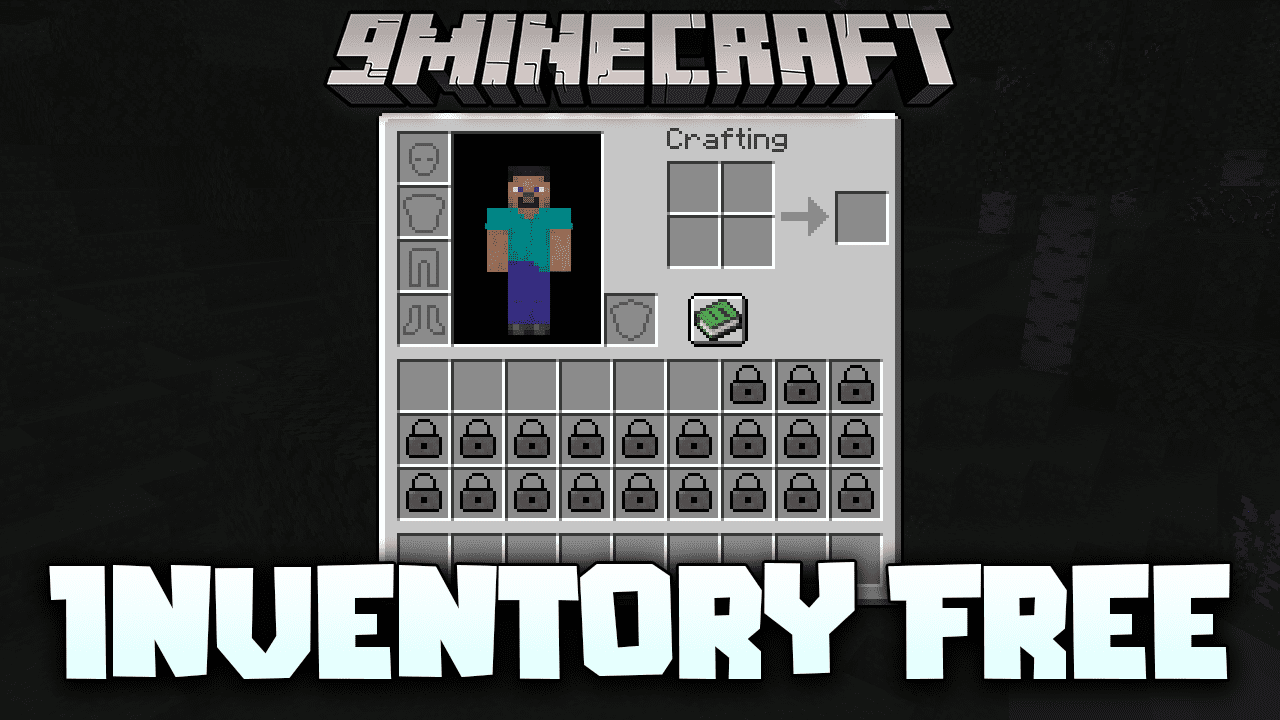
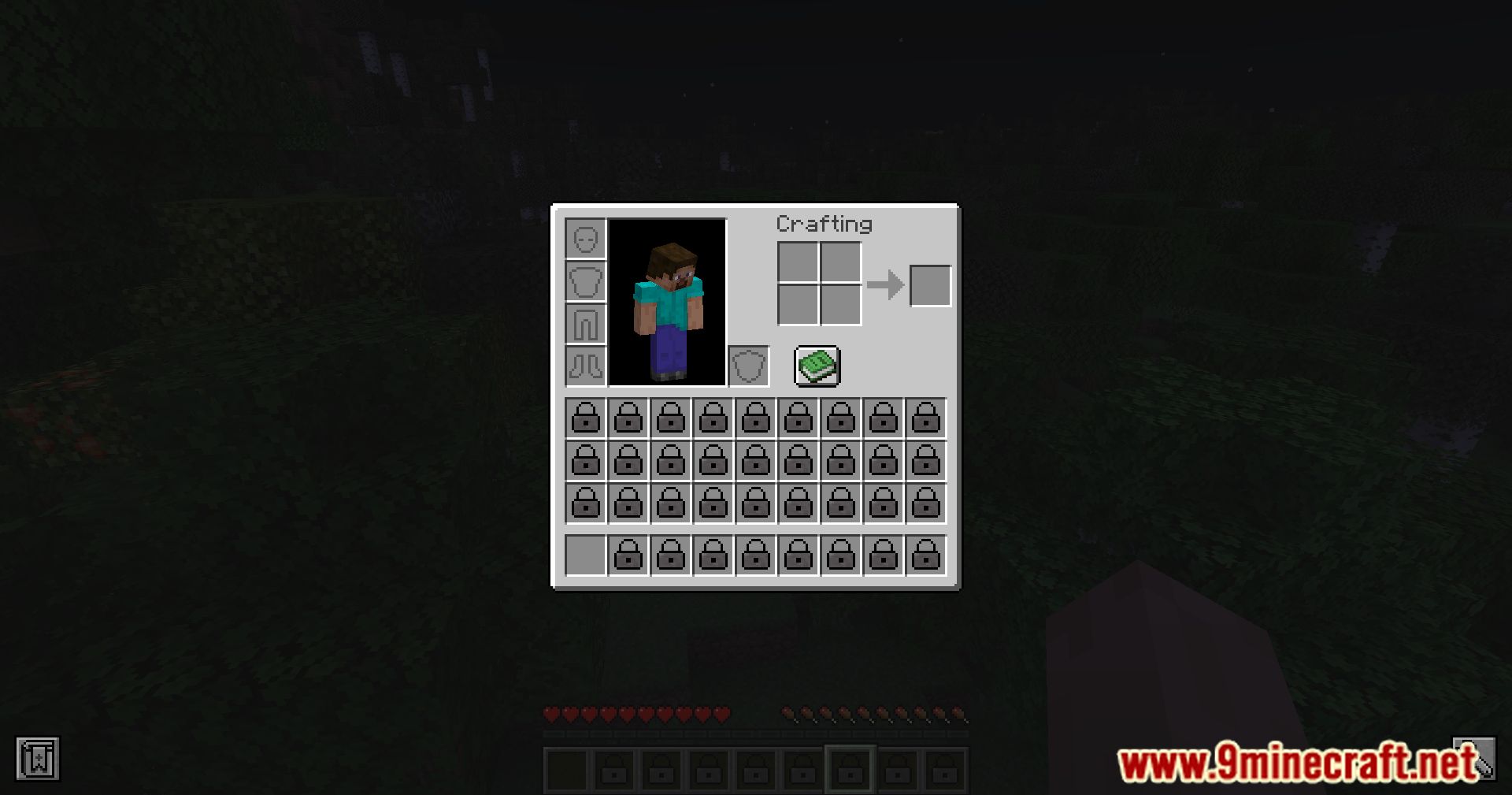
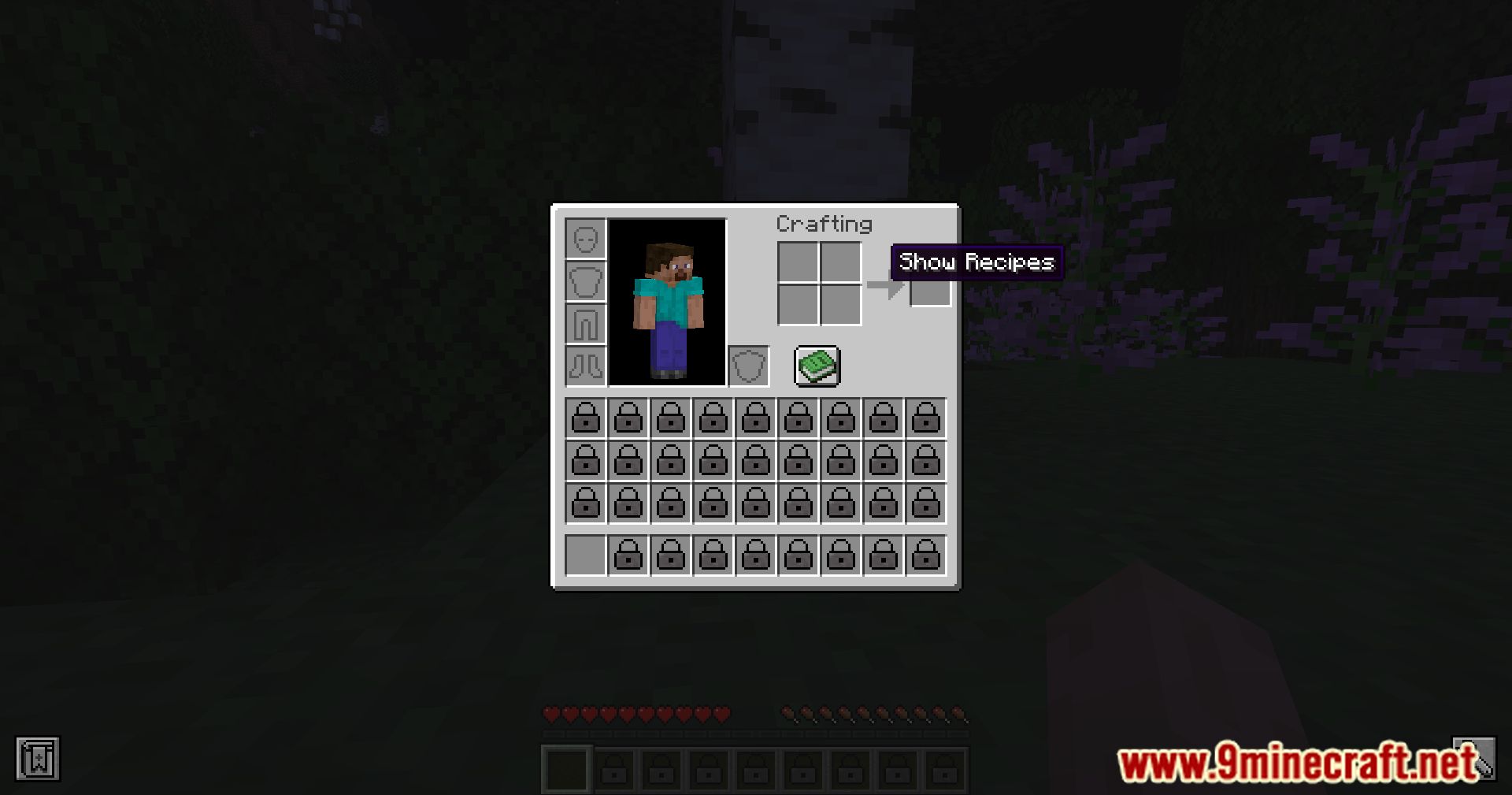
⬇ DownloadInventory-Free Mod makes Minecraft more challenging by locking all inventory slots except the hotbar. It’s suitable for creators of realistic modpacks and for players who enjoy tackling the game at higher difficulty levels. There are several console commands available to adjust accessible slots, which can be useful for map builders.
Features:
- Allows players to disable specific inventory slots.
- Supports customization through configuration settings.
- Applies inventory locking to survival and adventure modes.
- Exempts players in spectator or creative modes from inventory restrictions.
Screenshots:
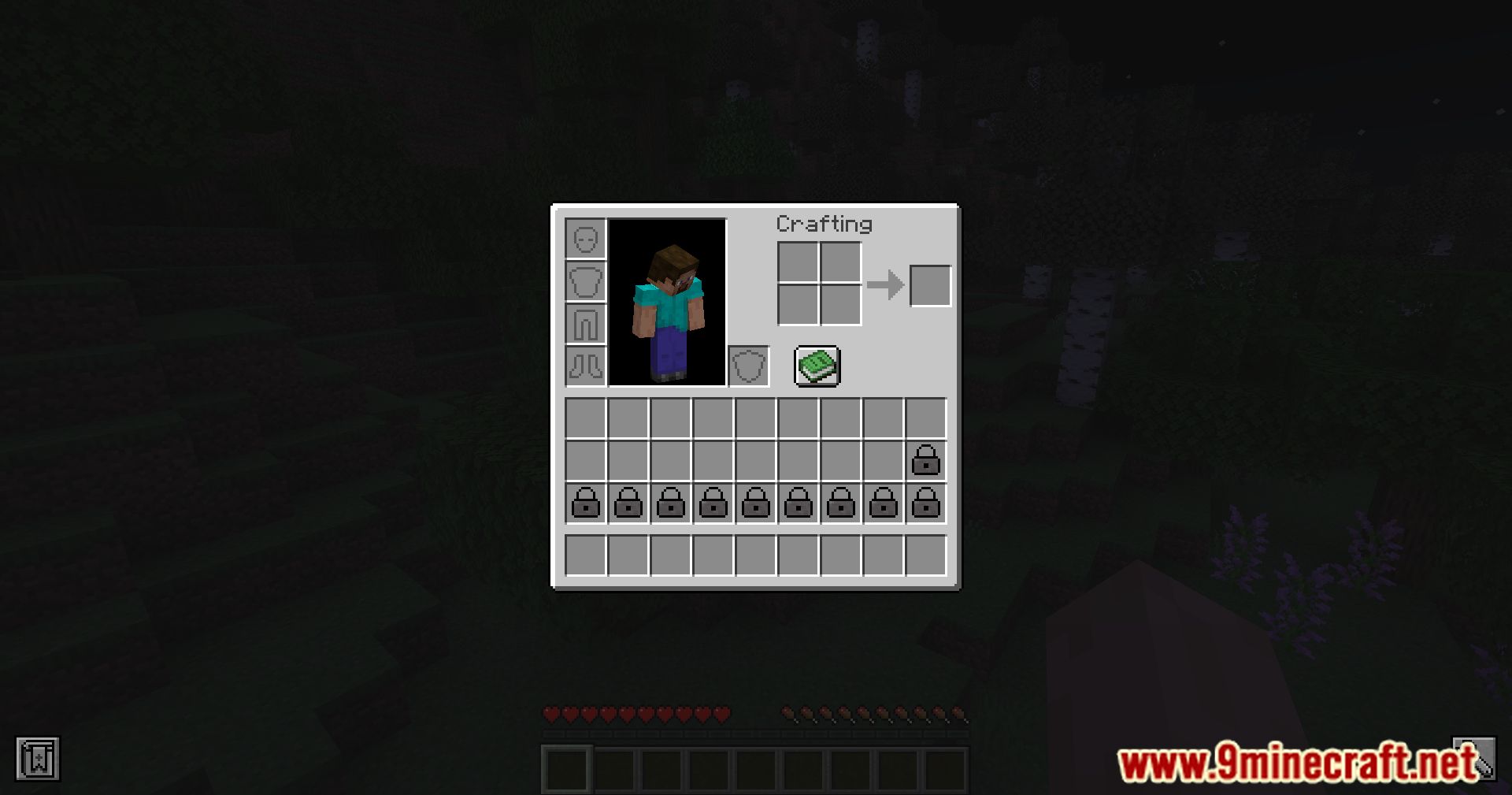
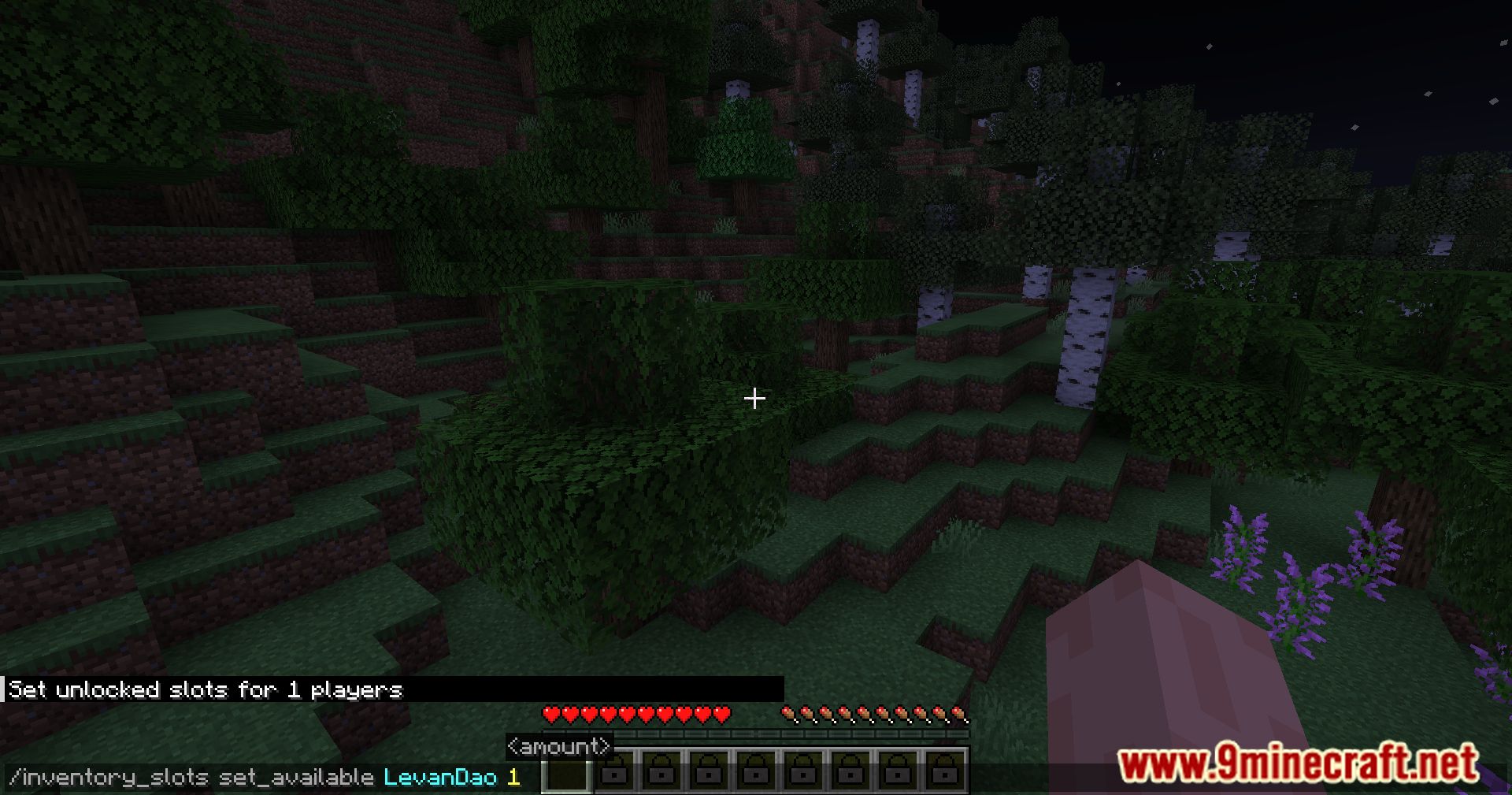
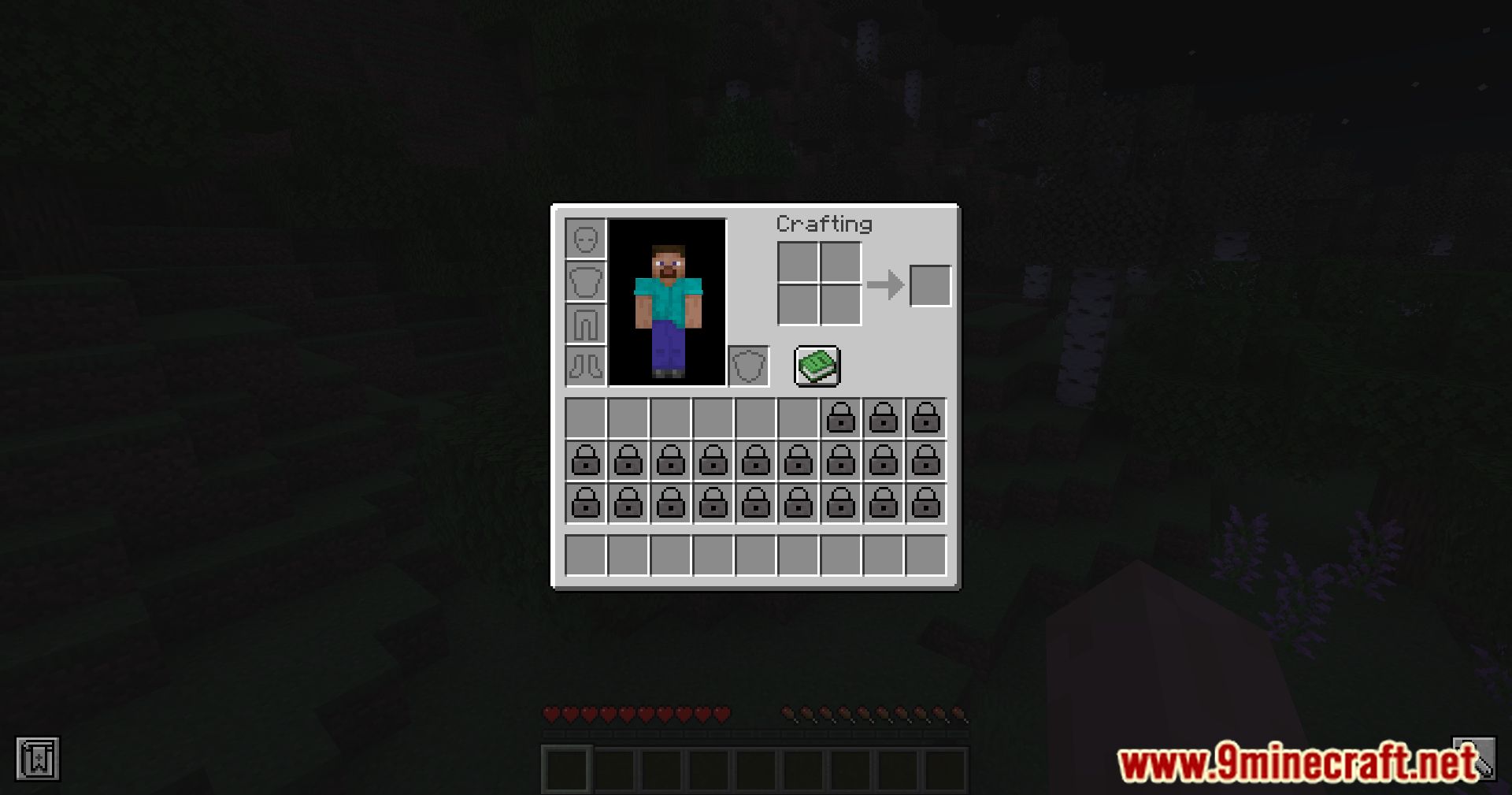
Commands:
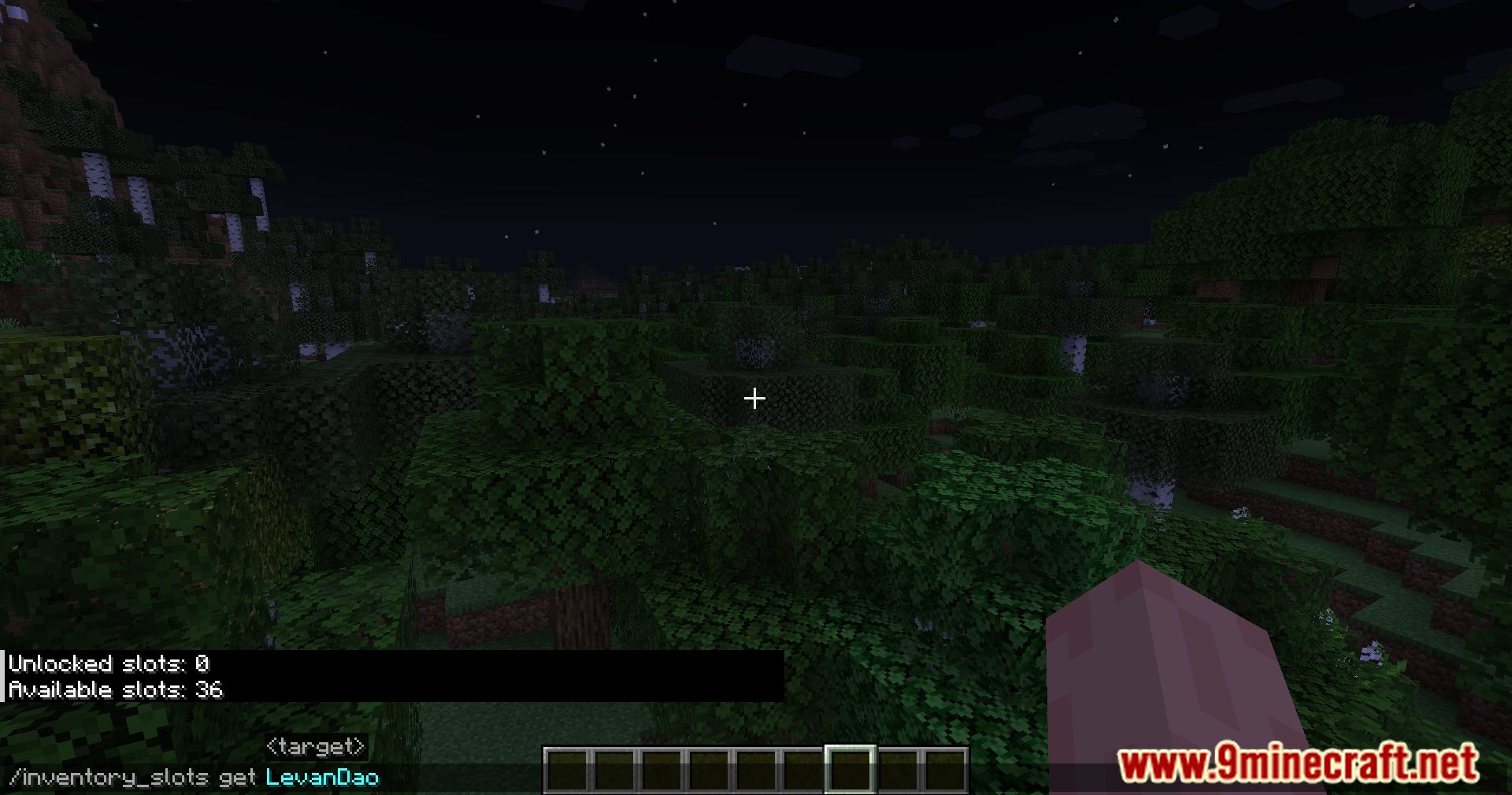
- /inventory_slots get – Displays information about the accessible and locked inventory slots for a specific player.
- /inventory_slots clear – Resets the player’s inventory settings, locking all slots except the hotbar.
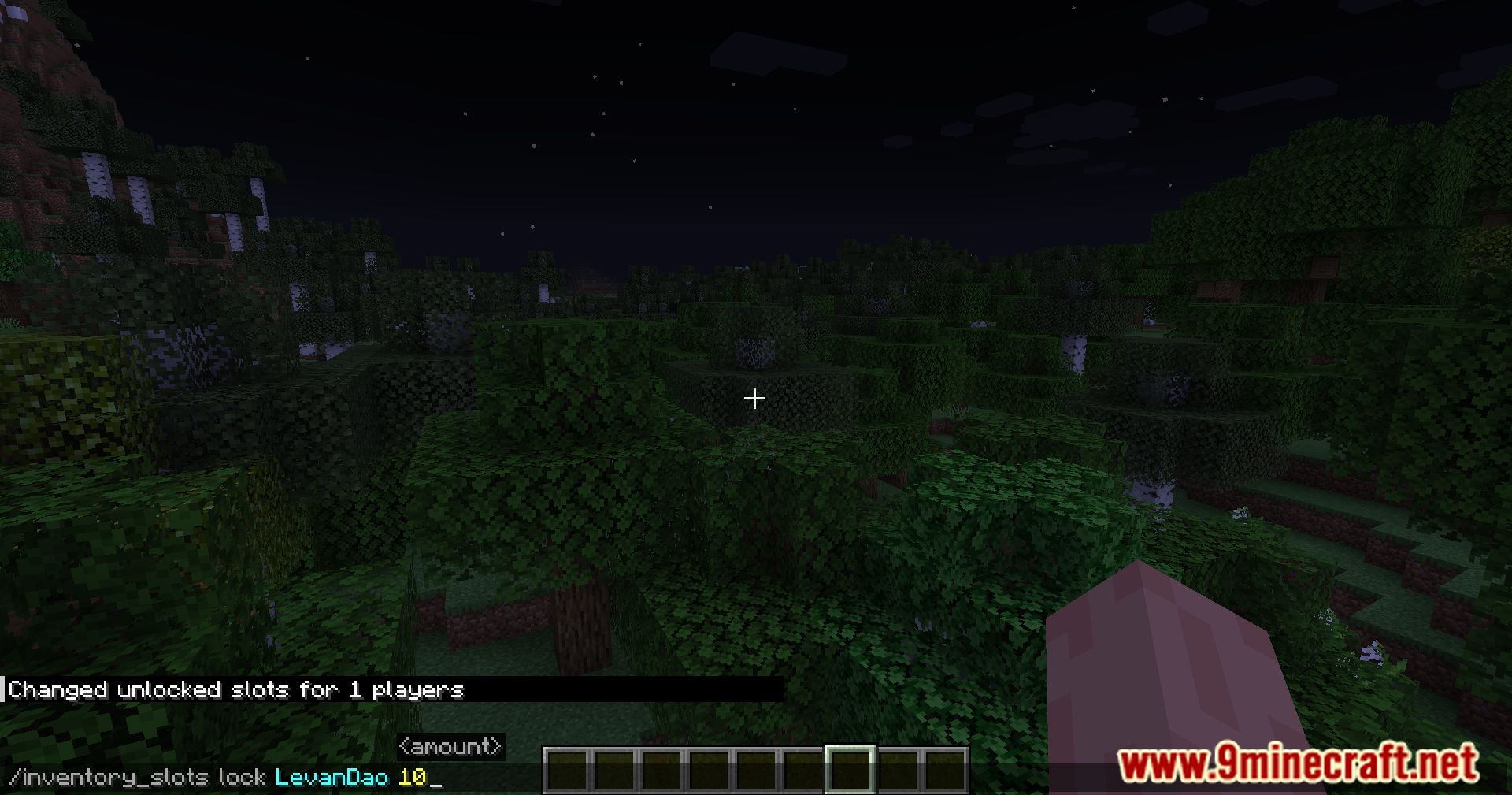
- /inventory_slots lock – Locks a specified number of inventory slots for the player. Note: the number of locked slots will add to the already existing locked slots.
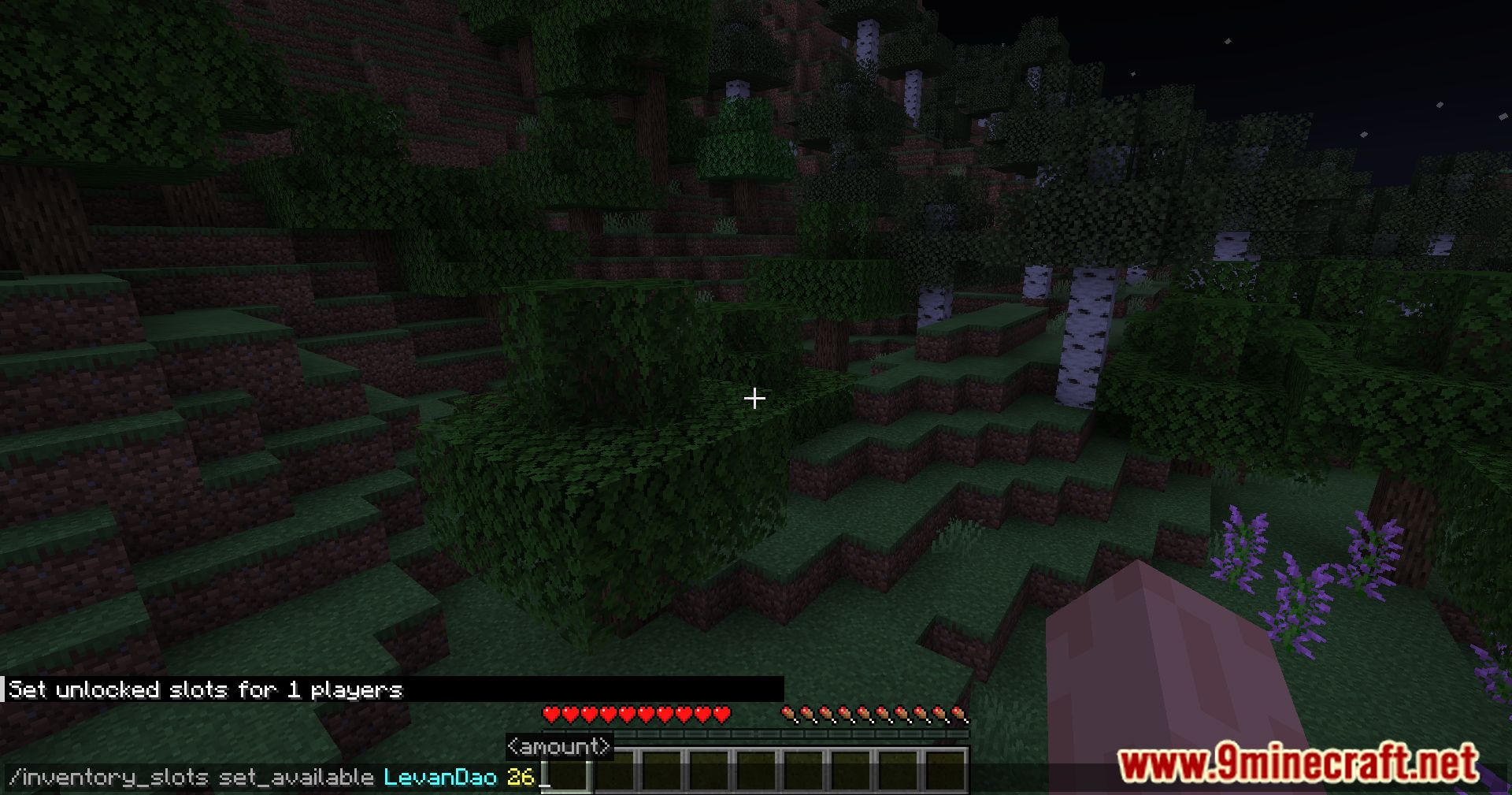
- /inventory_slots set_available – Sets the number of accessible inventory slots for the player.
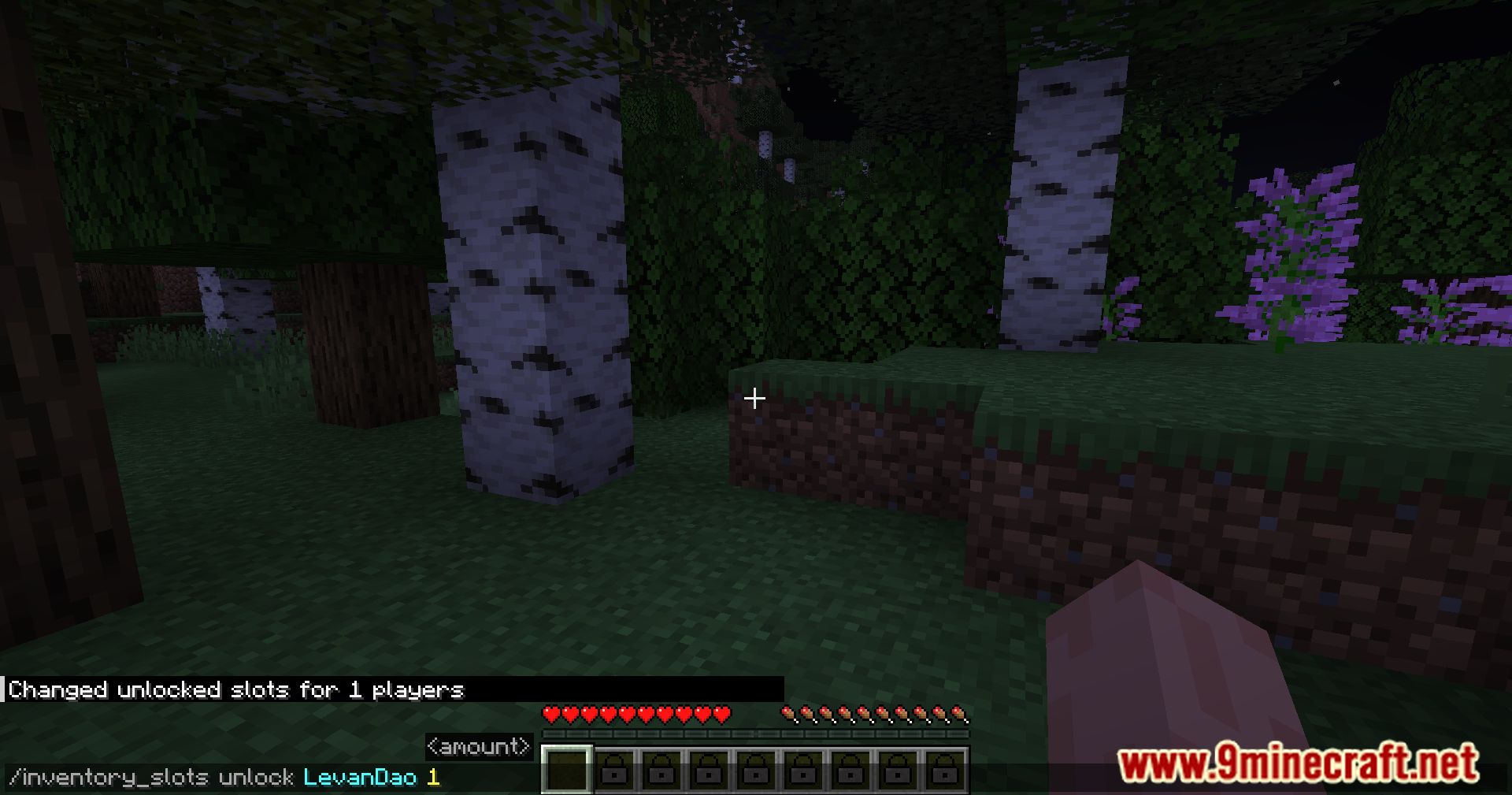
- /inventory_slots set_unlocked – Unlocks a specified number of inventory slots for the player. Functions similarly to “lock,” i.e., it unlocks additional inventory slots. Note: it only works with the internal inventory and doesn’t affect the hotbar.
- /inventory_slots unlock – Works the same as “set_unlocked” but also affects the hotbar.
Inventory-Free Mod Download Links
For Minecraft 1.14.4
Forge Version: Download from Server 1 – Download from Server 2
For Minecraft 1.15.2
Forge Version: Download from Server 1 – Download from Server 2
For Minecraft 1.16.5
Forge Version: Download from Server 1 – Download from Server 2
For Minecraft 1.17.1
Forge Version: Download from Server 1 – Download from Server 2
For Minecraft 1.18.1
Forge Version: Download from Server 1 – Download from Server 2
For Minecraft 1.18.2
Forge Version: Download from Server 1 – Download from Server 2
For Minecraft 1.19.2, 1.19.1, 1.19
Forge Version: Download from Server 1 – Download from Server 2
For Minecraft 1.19.3
Forge Version: Download from Server 1 – Download from Server 2
For Minecraft 1.19.4
Forge Version: Download from Server 1 – Download from Server 2
For Minecraft 1.20.1
Forge Version: Download from Server 1 – Download from Server 2
For Minecraft 1.20.2
NeoForge Version: Download from Server 1 – Download from Server 2
For Minecraft 1.20.4
NeoForge Version: Download from Server 1 – Download from Server 2
For Minecraft 1.20.6
NeoForge Version: Download from Server 1 – Download from Server 2
For Minecraft 1.21.1, 1.21
NeoForge Version: Download from Server 1 – Download from Server 2
For Minecraft 1.21.3, 1.21.2
NeoForge Version: Download from Server 1 – Download from Server 2
- Edition: Minecraft Java
- File type: .jar
- Minecraft versions listed: 1.21.3, 1.20.1
- How to install: Install the matching mod loader (Forge, Fabric or NeoForge) for your Minecraft version. → Download the .jar. → Put it in the .minecraft/mods folder and launch that loader profile.
- Where to get it: In MC Java Mods, or directly above on this page.
Install steps are the general flow for this file type — How to install Minecraft Java mods & modpacks walks through it step by step.
- Downloads as 197101.mcaddon
- Download size: 30 KB
- Download link checked 26 Jul 2026 — working
- Mirrored on our own servers — the download does not depend on the original host
These come from our own check of the pack file, not from the source page.