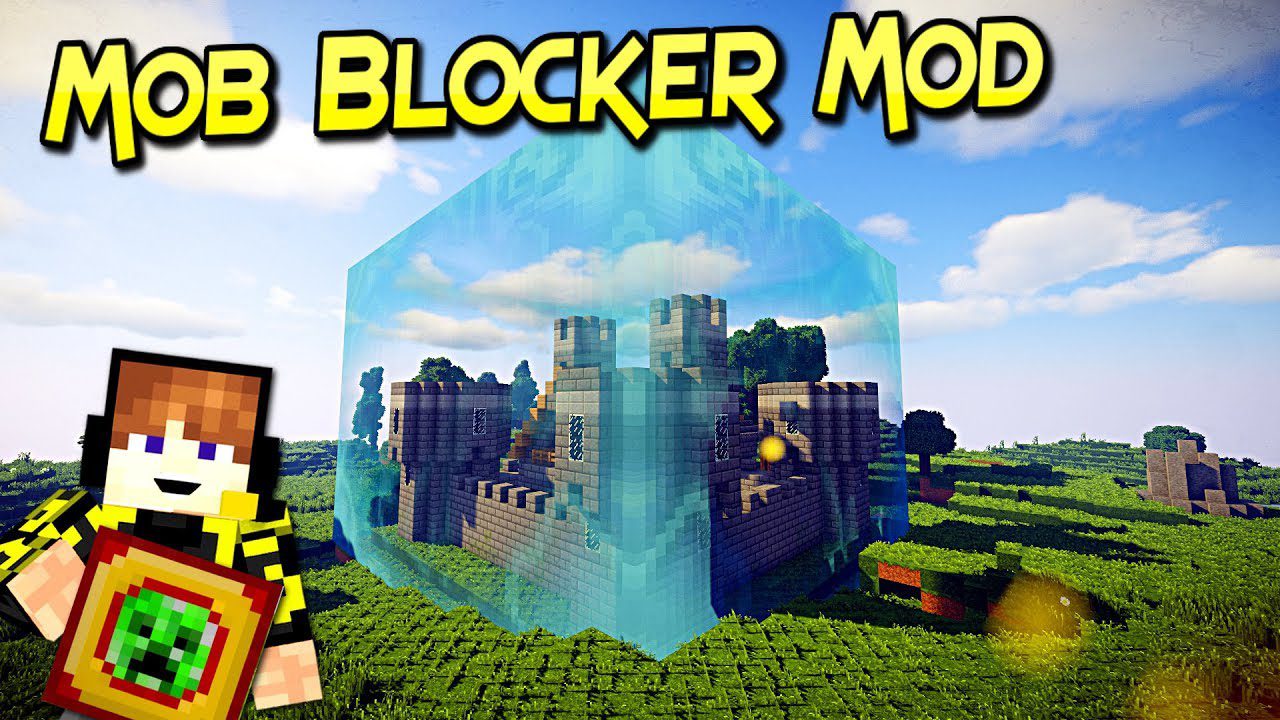
Mob Blocker Mod (1.21.4, 1.20.1) – Safe in the First Night
Mob Blocker Mod adds a mob-blocking block: the Chunk Protector. This block will, for 3 (configurable) days, protect the entire chunk it is placed in from…
⬇ DownloadOpen in MCModsHubGet it on Google Play →Mob Blocker Mod adds a mob-blocking block: the Chunk Protector. This block will, for 3 (configurable) days, protect the entire chunk it is placed in from all types of hostile mobs. Upon first entering a world, each player is gifted one of these blocks to use. It’s recommended that they use it to assemble shelter at night while shielded from danger. After the Chunk Protector decays, you’d better have a wall up. Never resort to spending the night in a dirt hole ever again.
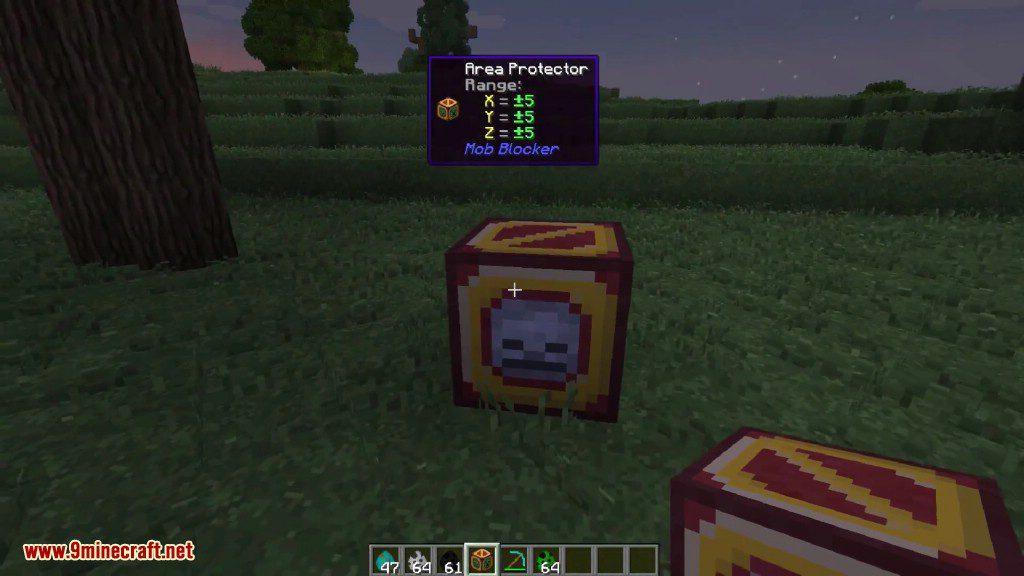
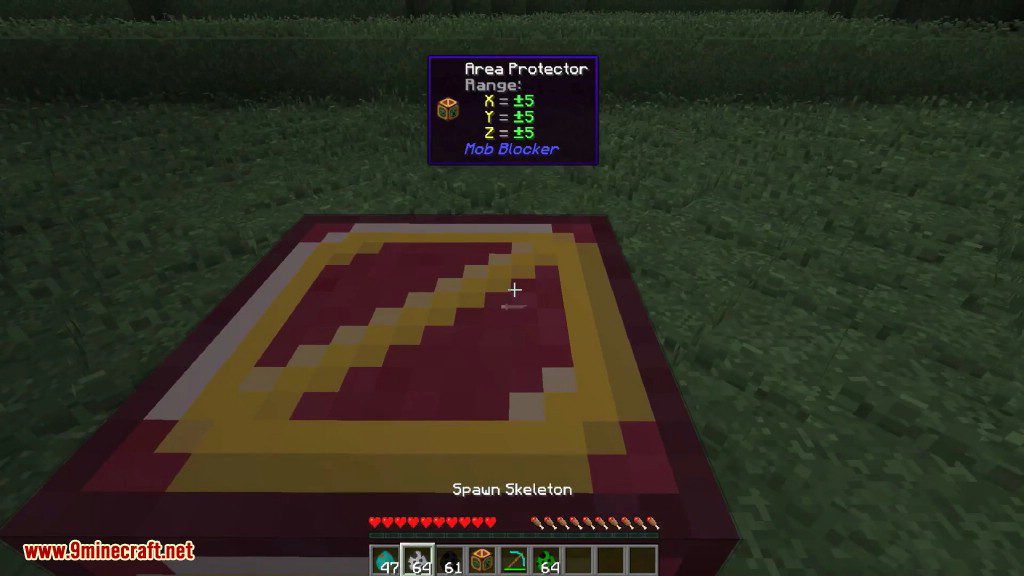
Also available is the Area Protector, which can be crafted, but only protects an 11*11*11 area by default. This mod is very configurable, allowing you to change most of the important settings so that you can tweak the mod for your playstyle.
Screenshots:
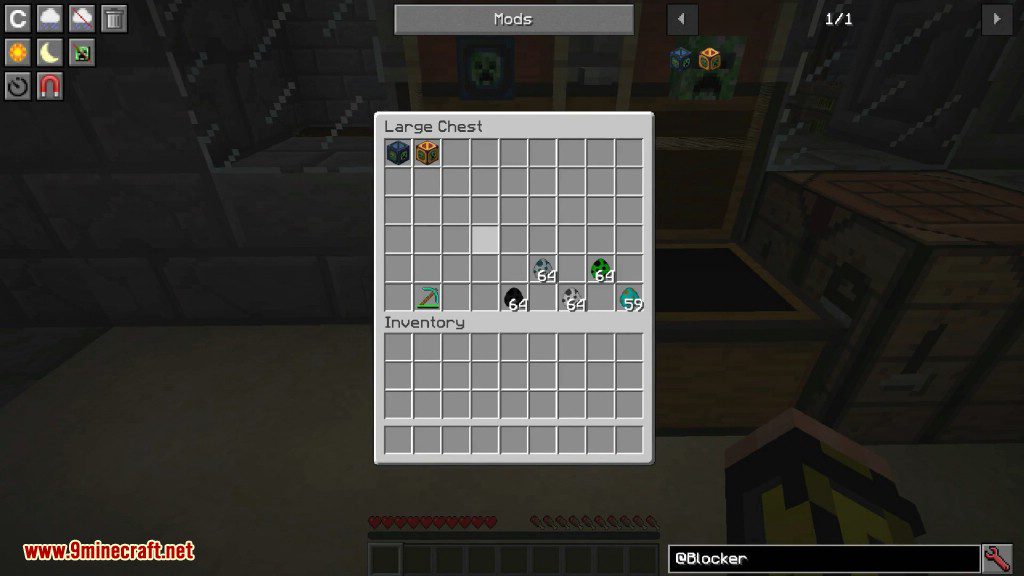
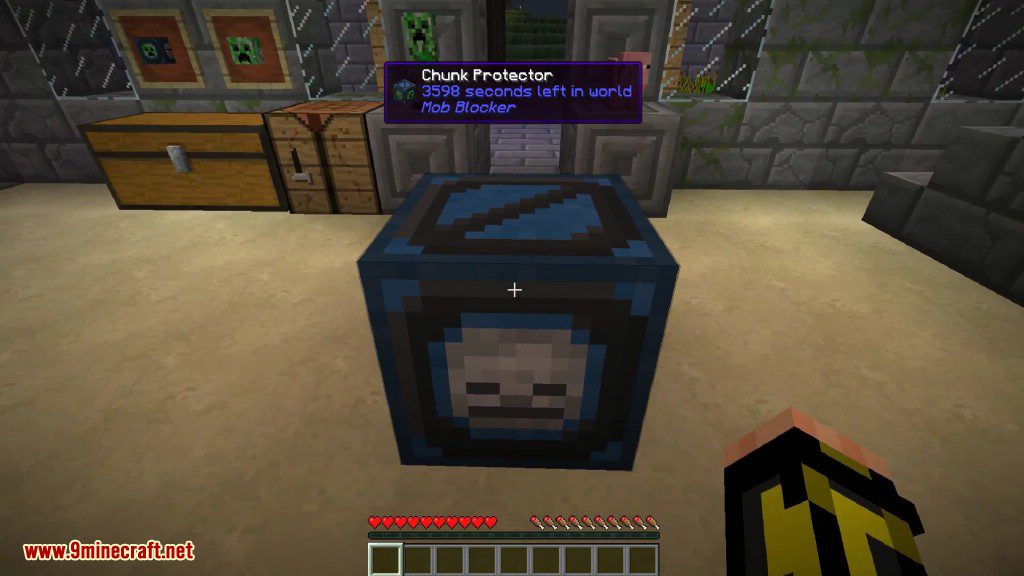
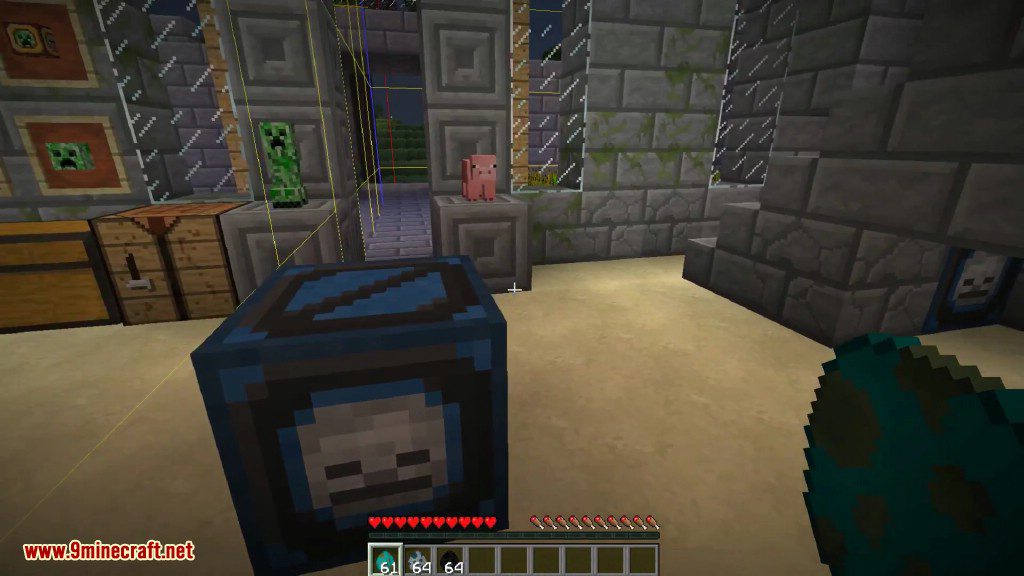
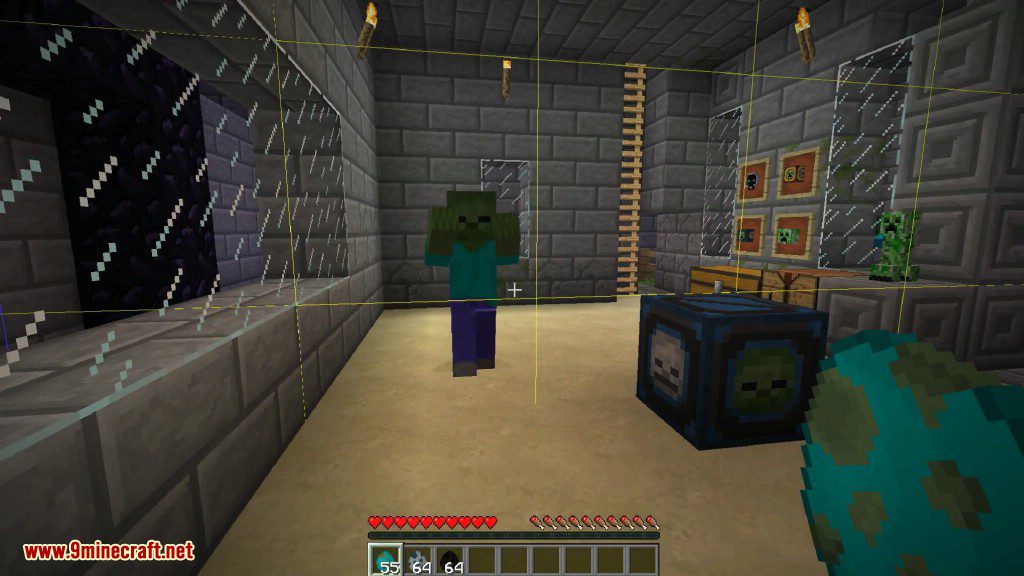
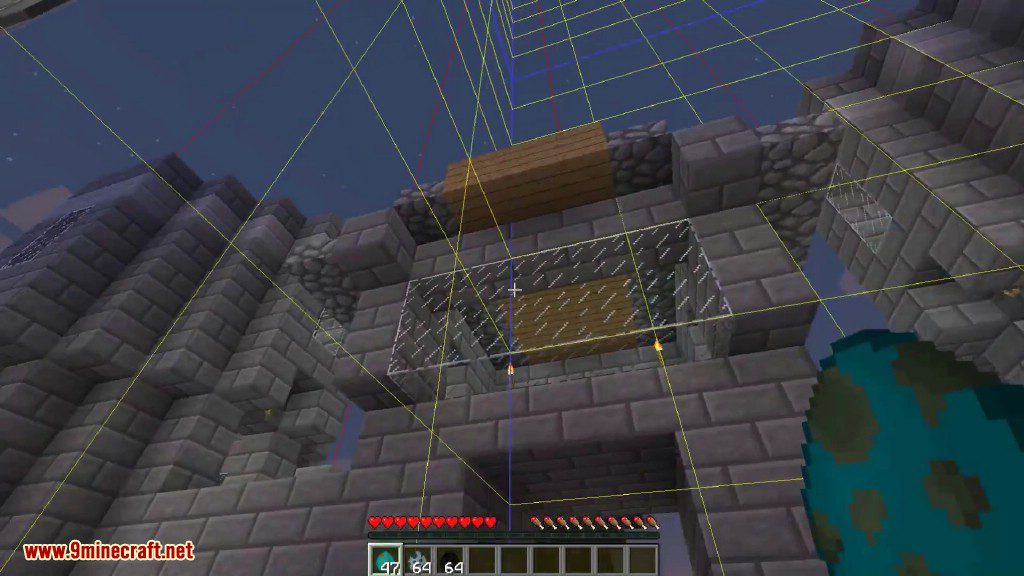
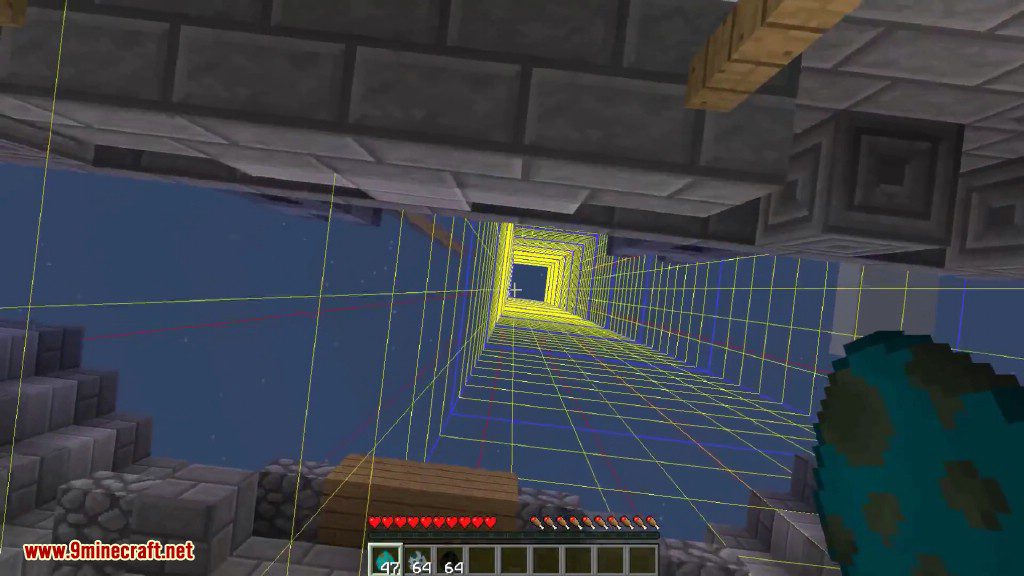
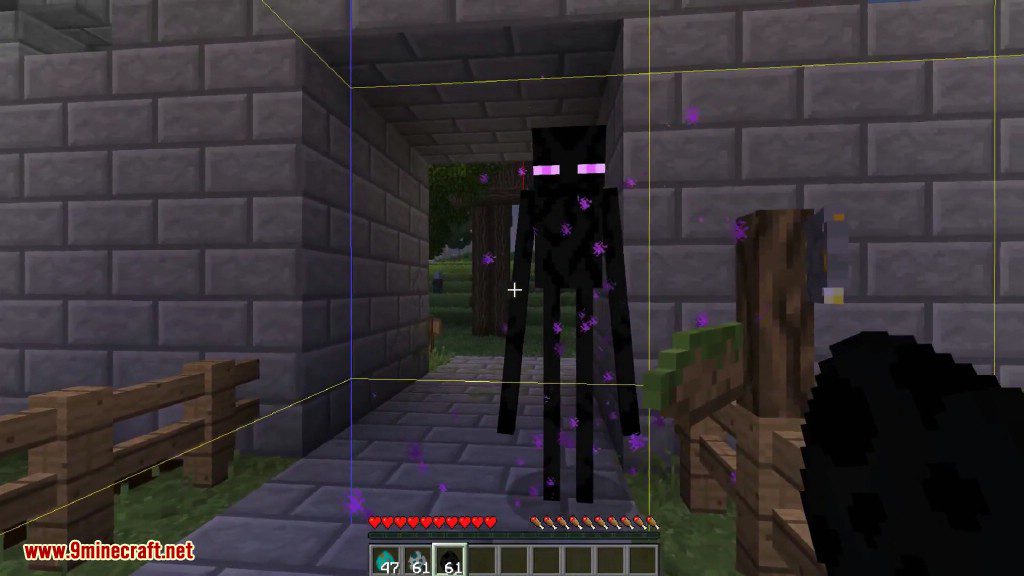
Crafting Recipes:
Area Protector
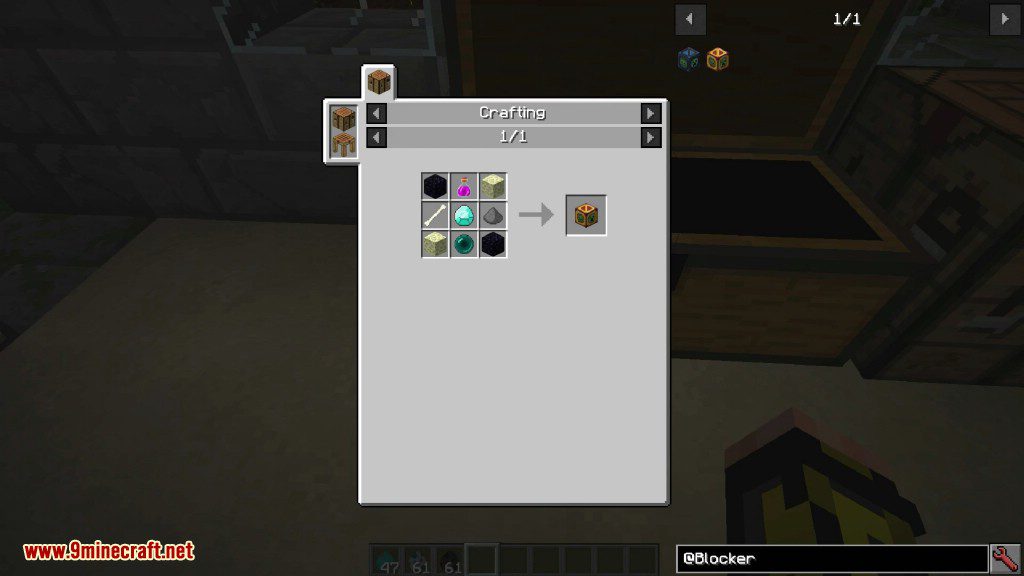
How to use:
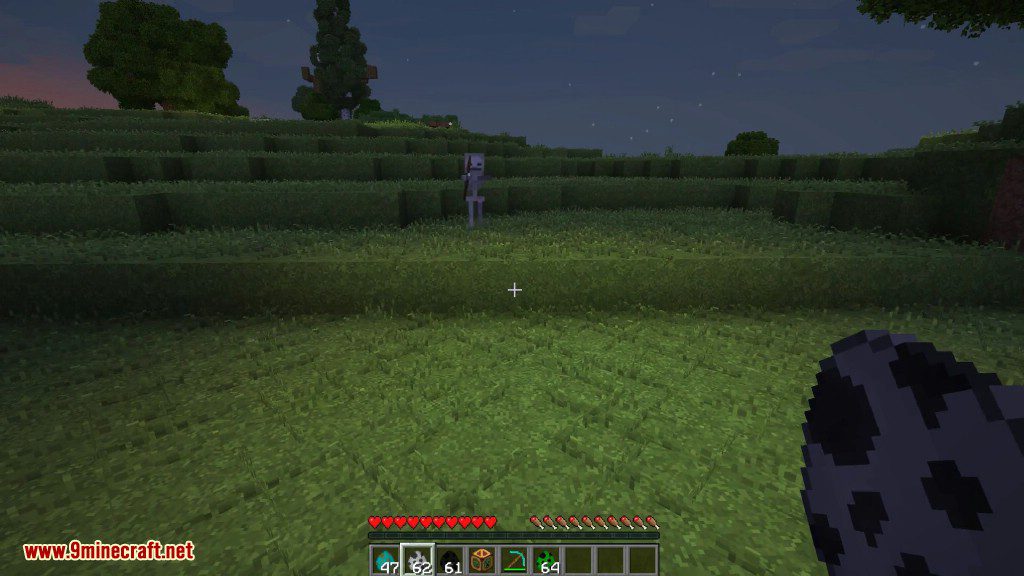
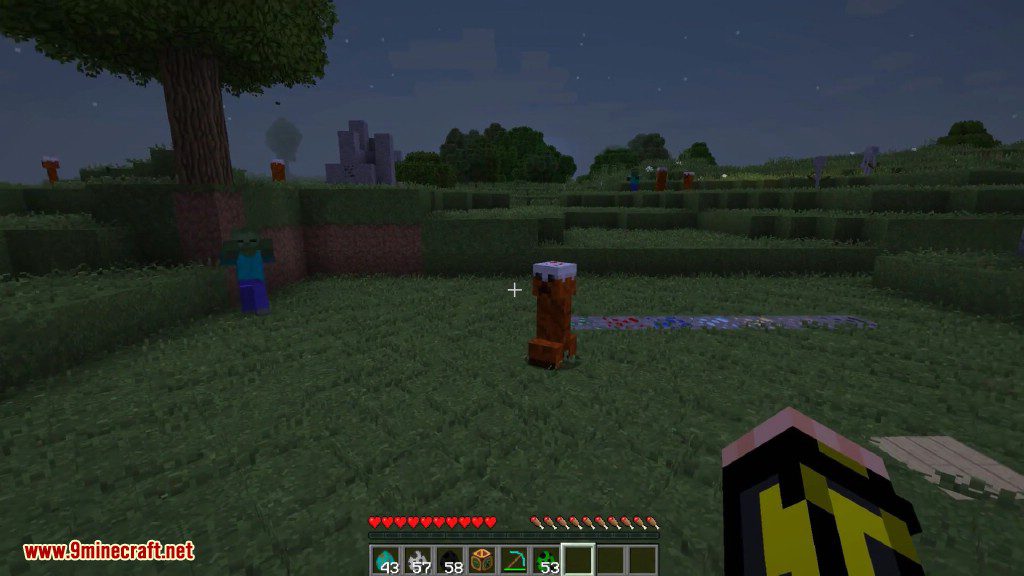
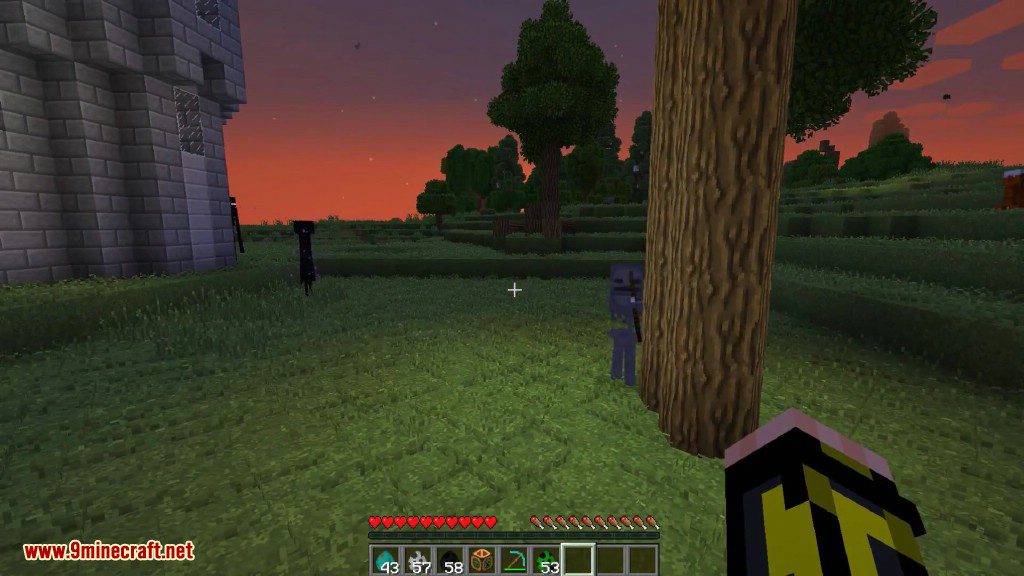
- When you first enter the game, you will be gifted a Chunk Protector. This block will immediately teleport invading mobs away from you, so that you can gather resources in the day and build through the night. Even Skeleton arrows and Witch potions are nullified upon entering the border of safety!
- Of course, there’s a catch. Every day, the Chunk Protector will decay a bit. After a few (configurable) days, it will vanish without a trace. Hopefully by then you’ll have built some walls!
- Later, you can craft the Area Protector. This block won’t go away, but instead of an entire chunk, only protects a small area around itself.
Mob Blocker Mod Download Links
For Minecraft 1.11.2, 1.10.2
Forge version: Download from Server 1
For Minecraft 1.21.4
NeoForge version: Download from Server 1 – Download from Server 2
For Minecraft 1.21.1, 1.21
NeoForge version: Download from Server 1 – Download from Server 2
For Minecraft 1.20.1
Forge version: Download from Server 1 – Download from Server 2
For Minecraft 1.14.4
Forge version: Download from Server 1
For Minecraft 1.12.2, 1.12.1, 1.12
Forge version: Download from Server 1
Mob Blocker Mod (1.21.4, 1.20.1) – Safe in the First Night is a free Minecraft Java mod. Compatible with Minecraft 1.21.4, 1.20.1. Download it and open it directly in the game.