ModsJava
MyWorldGen Mod (1.8.9, 1.7.10) – Enhancing World Generation
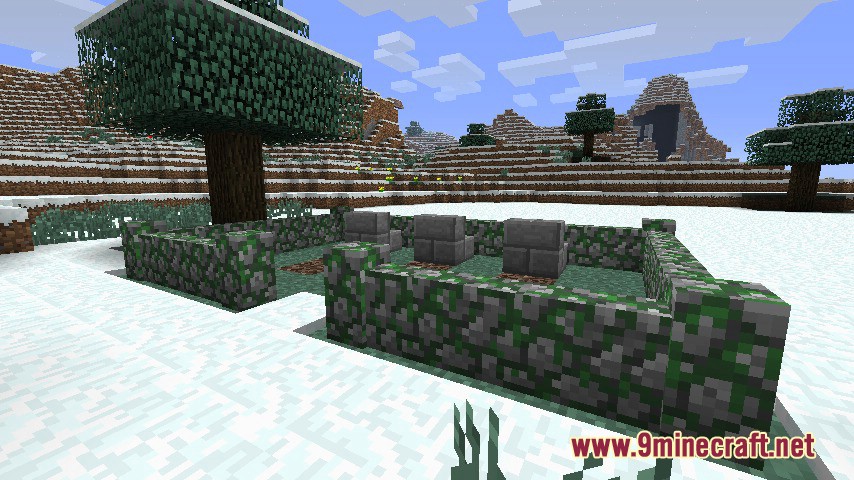
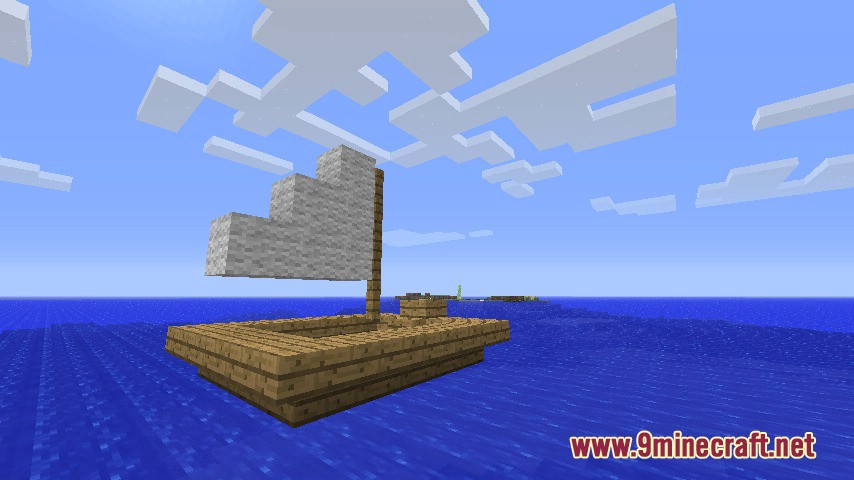
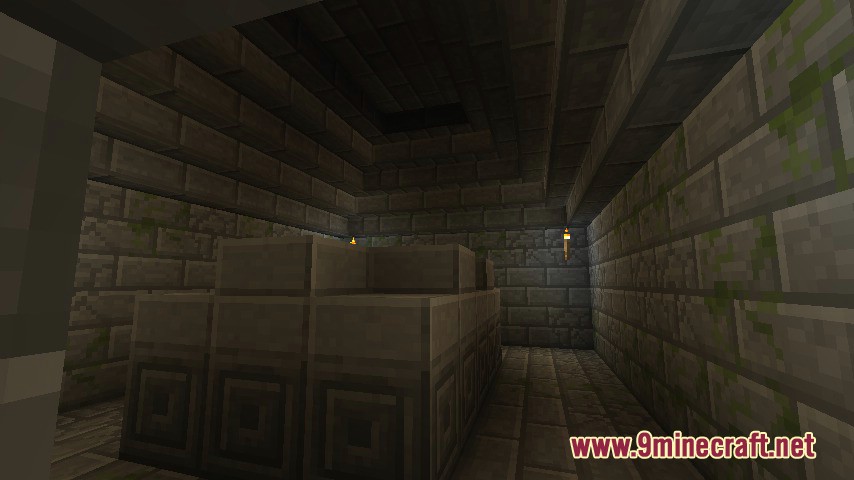
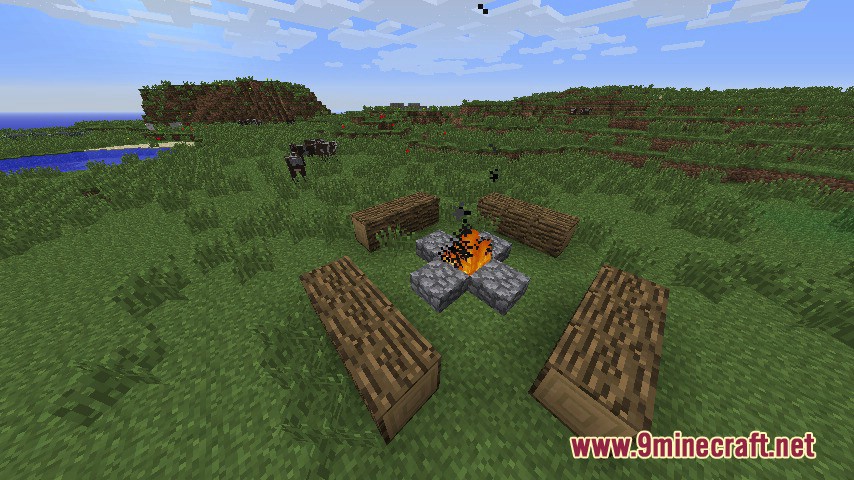
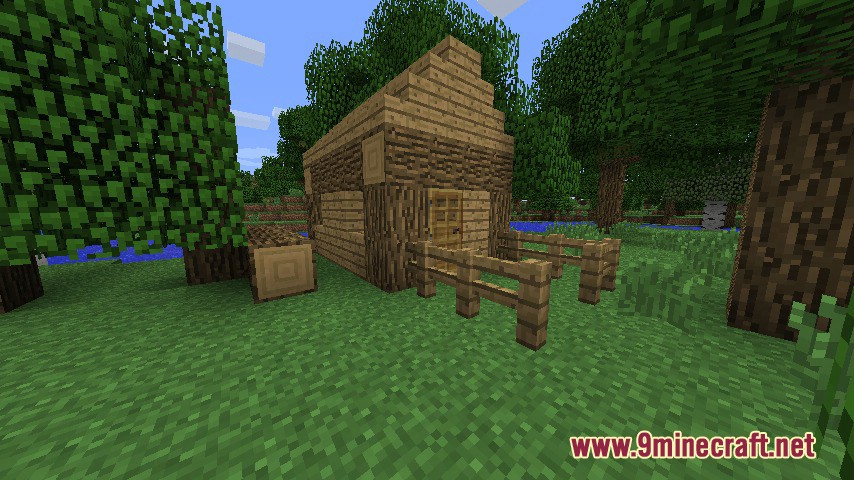
With MyWorldGen Mod, various structures will generate across the world. A plus of the mod is that you can choose which structures will generate and add…
⬇ DownloadOpen in MCModsHubGet it on Google Play →With MyWorldGen Mod, various structures will generate across the world. A plus of the mod is that you can choose which structures will generate and add new ones using schematic files. The structures available for generation (in schematic format) are stored in the .minecraft/worldgen folder.
Features:
- Players can add their own structures using schematic files, which are stored in the .minecraft/worldgen folder.
- The mod works on servers, enabling custom world generation for multiplayer communities.
- Special blocks ensure structures are placed correctly in the world, matching specific materials like grass, stone, or air.
- Includes tools like the “Schematic Save Wand” and “Load Wand” for creating and placing custom structures.
- Adds variety and creativity to Minecraft worlds without introducing new biomes or hard-coded structures.
Screenshots:
MyWorldGen Mod Download Links
For Minecraft 1.8.9
Forge version: Download from Server 1
For Minecraft 1.7.10
Forge version: Download from Server 1 – Download from Server 2
For Minecraft 1.6.4
Forge version: Download from Server 1
MyWorldGen Mod (1.8.9, 1.7.10) – Enhancing World Generation is a free Minecraft Java mod. Download it and open it directly in the game.
Explore more