Hidden Names Mod (1.21.4, 1.20.1) – Hide And Customize Other Player Names
Java mod listed for Minecraft 1.20–1.21. Downloads from the MC Java Mods app on Android.
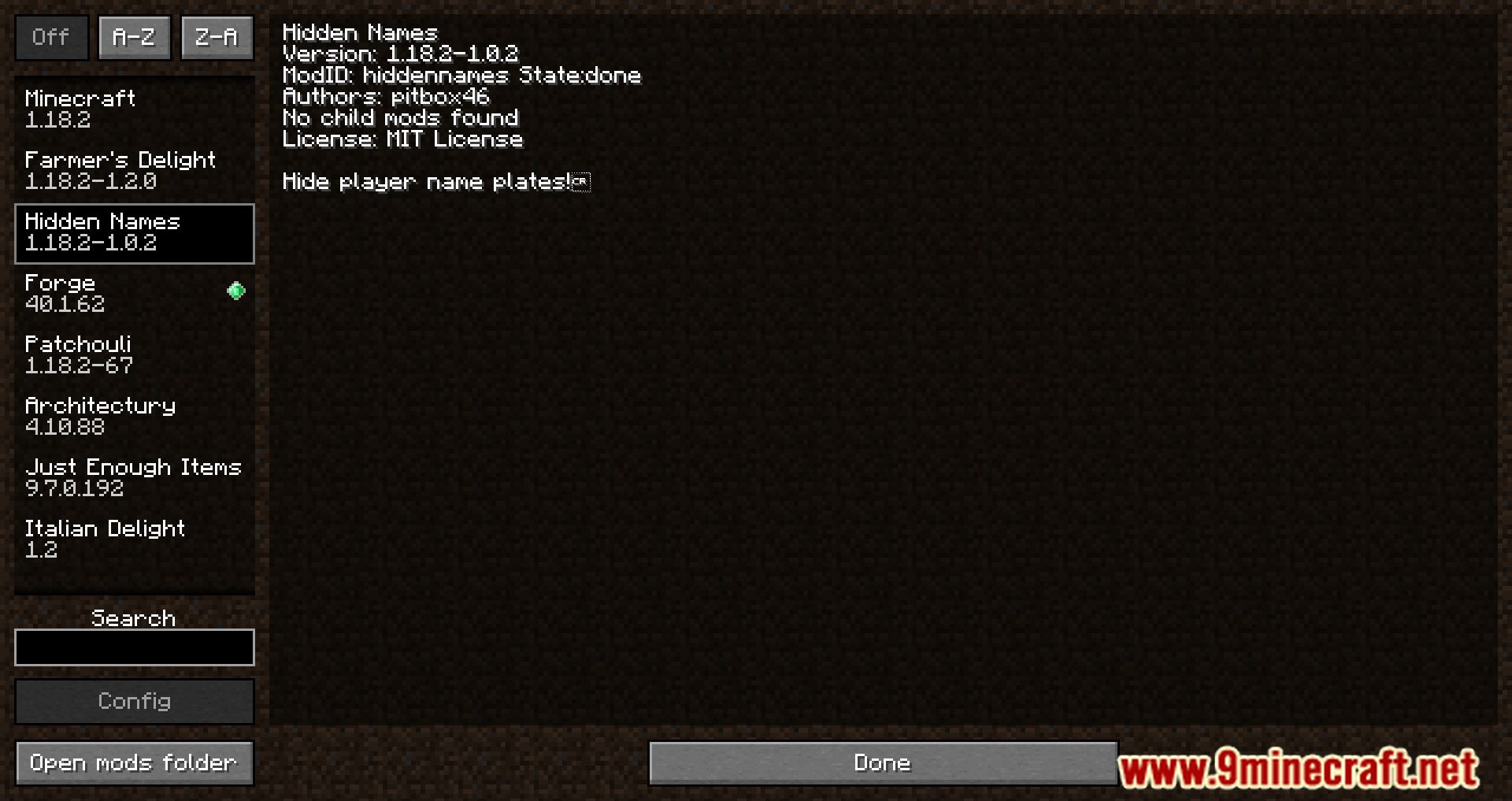
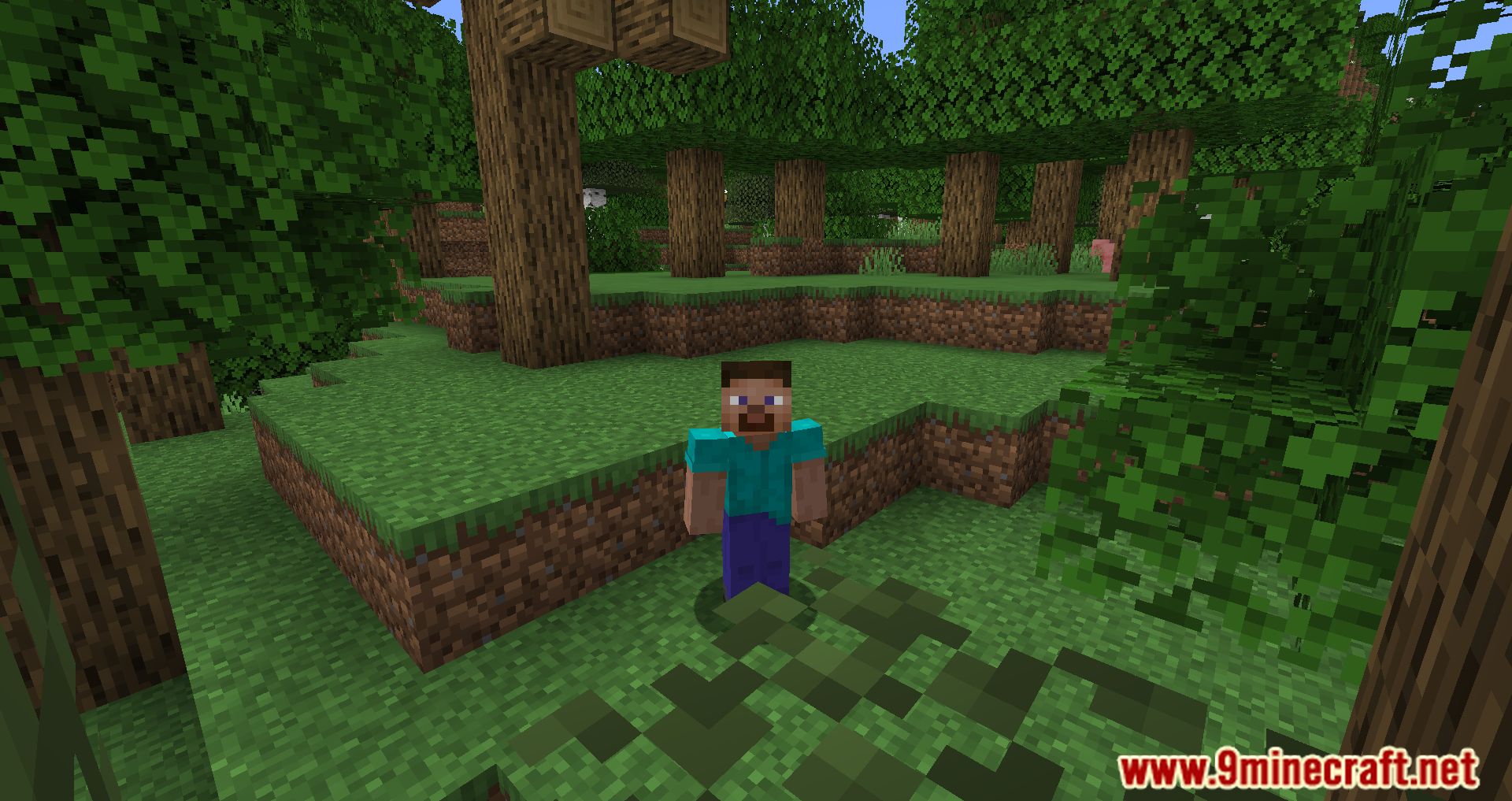
Hidden Names Mod allows you to hide the player's nickname that is visible through walls. This way, when playing with friends, you can hide from other…
⬇ DownloadHidden Names Mod allows you to hide the player’s nickname that is visible through walls. This way, when playing with friends, you can hide from other players, as seeing nicknames through walls is cheating, and this mod will fix it. Now, the game has several commands available; by entering certain ones, you will remove the display of the nickname above the player.
Features:
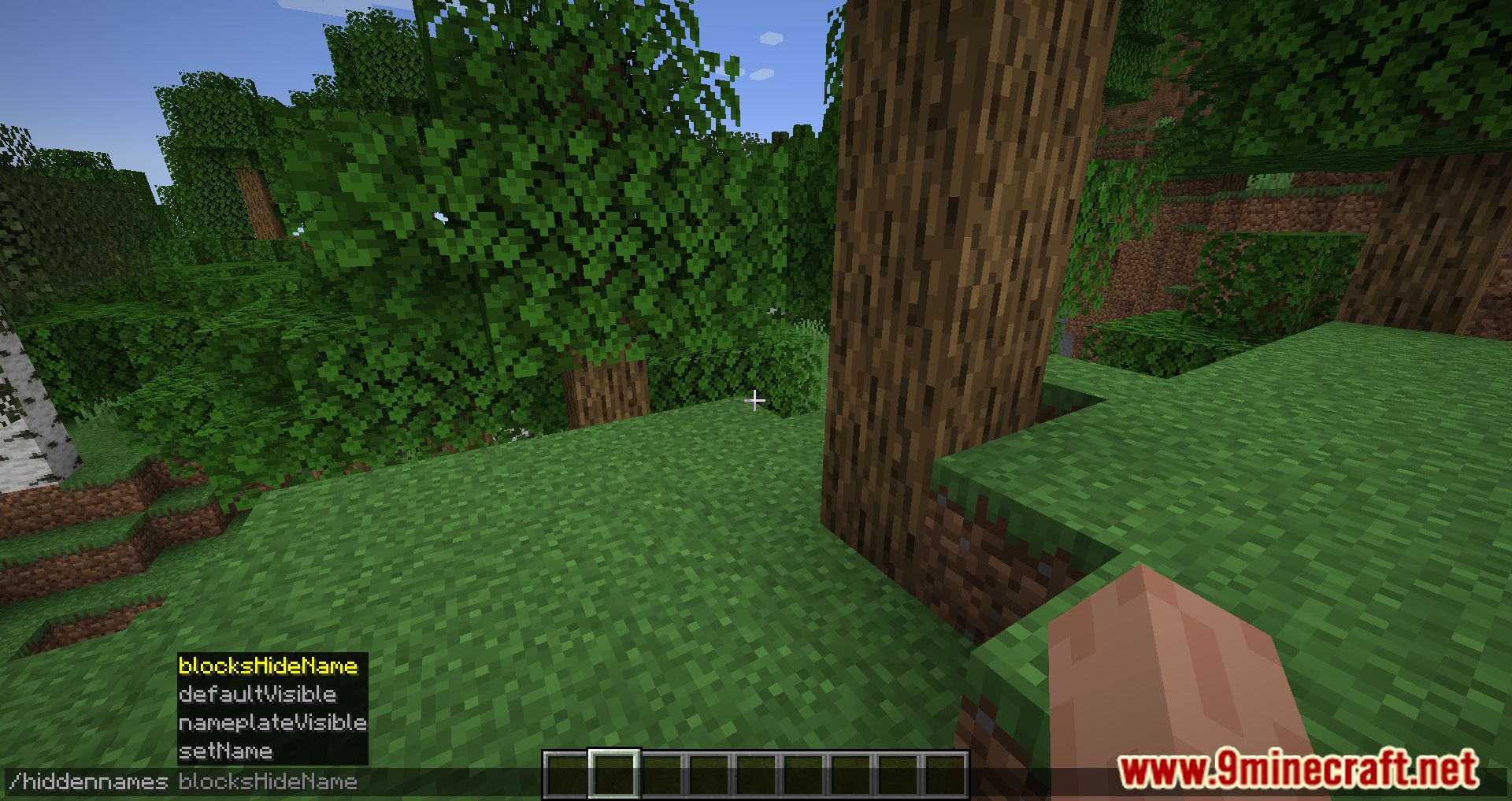
Command:
- /hiddennames nameplateVisible [player(s)] [true/false]
- /hiddennames defaultVisible [true/false]
- /hiddennames blocksHideName [true/false] Blocks in the way hide the nameplate
- /hiddennames setName [player(s)] [colour] [animation] [“name”] The name argument has to be in quotes.
- /hiddennames setName [player(s)] name [“name”]
- /hiddennames setName [player(s)] colour [colour]
- /hiddennames setName [player(s)] animation [animation]
- /hiddennames setName [player(s)] reset
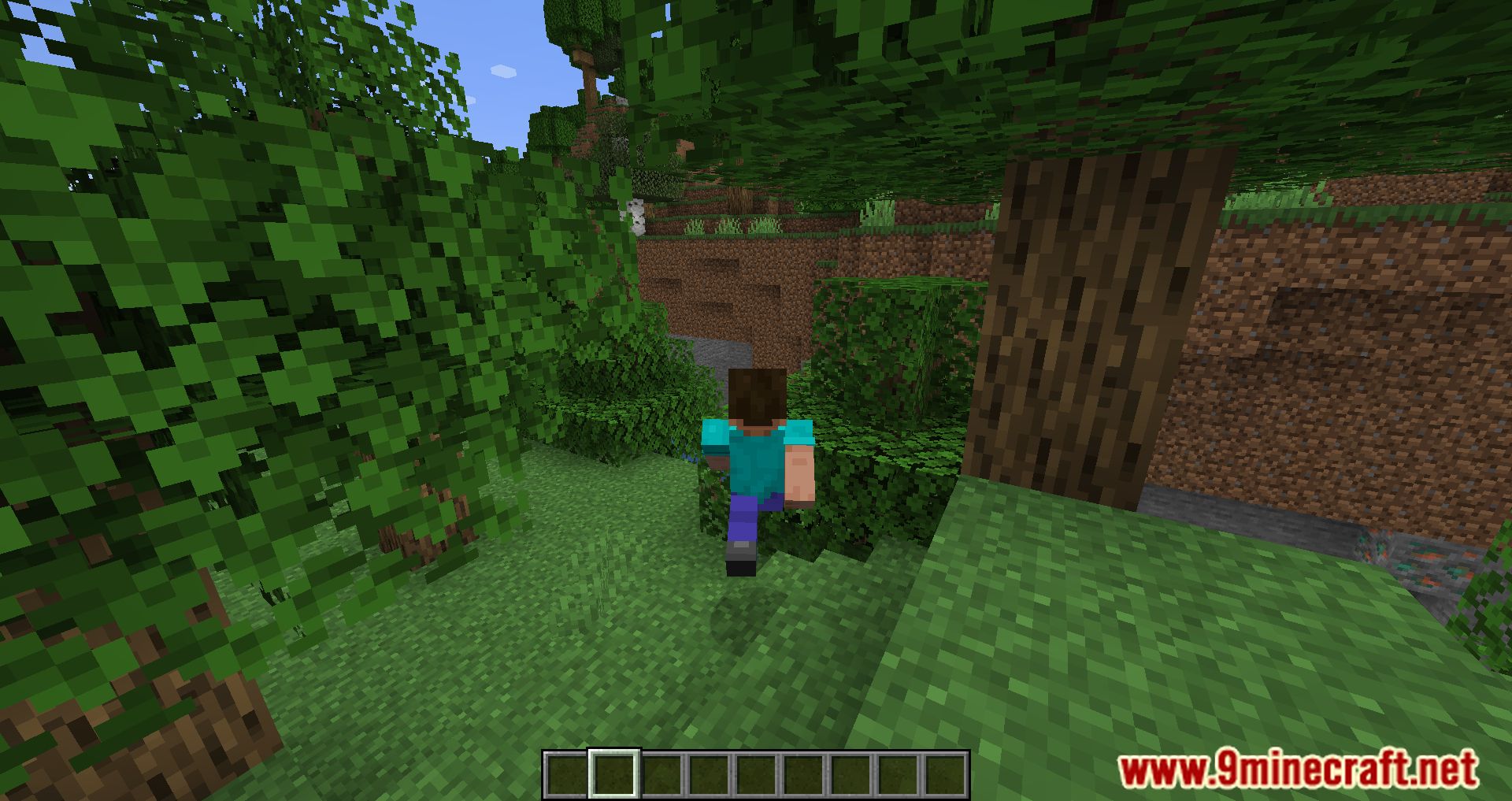
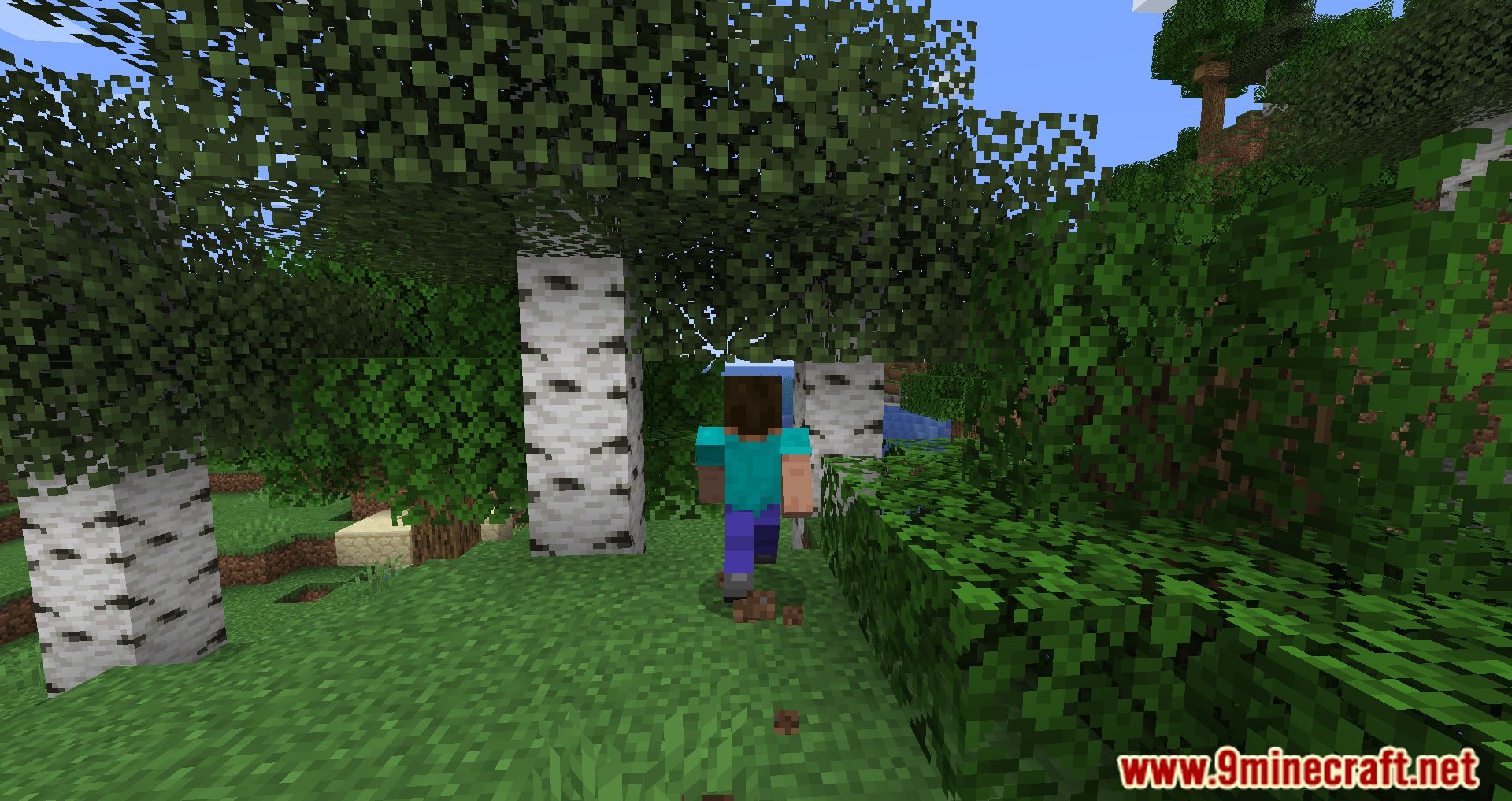
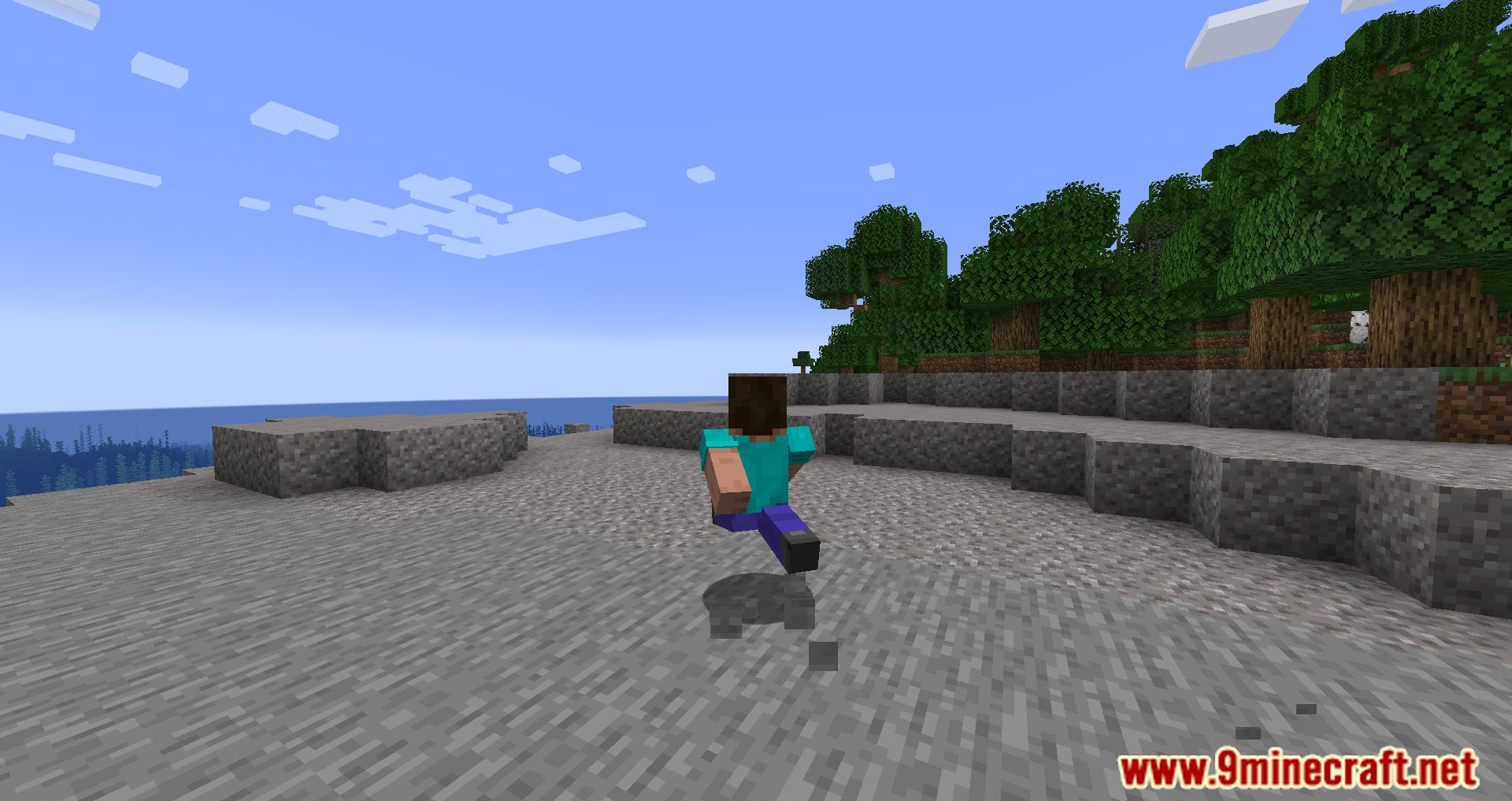
Screenshots:
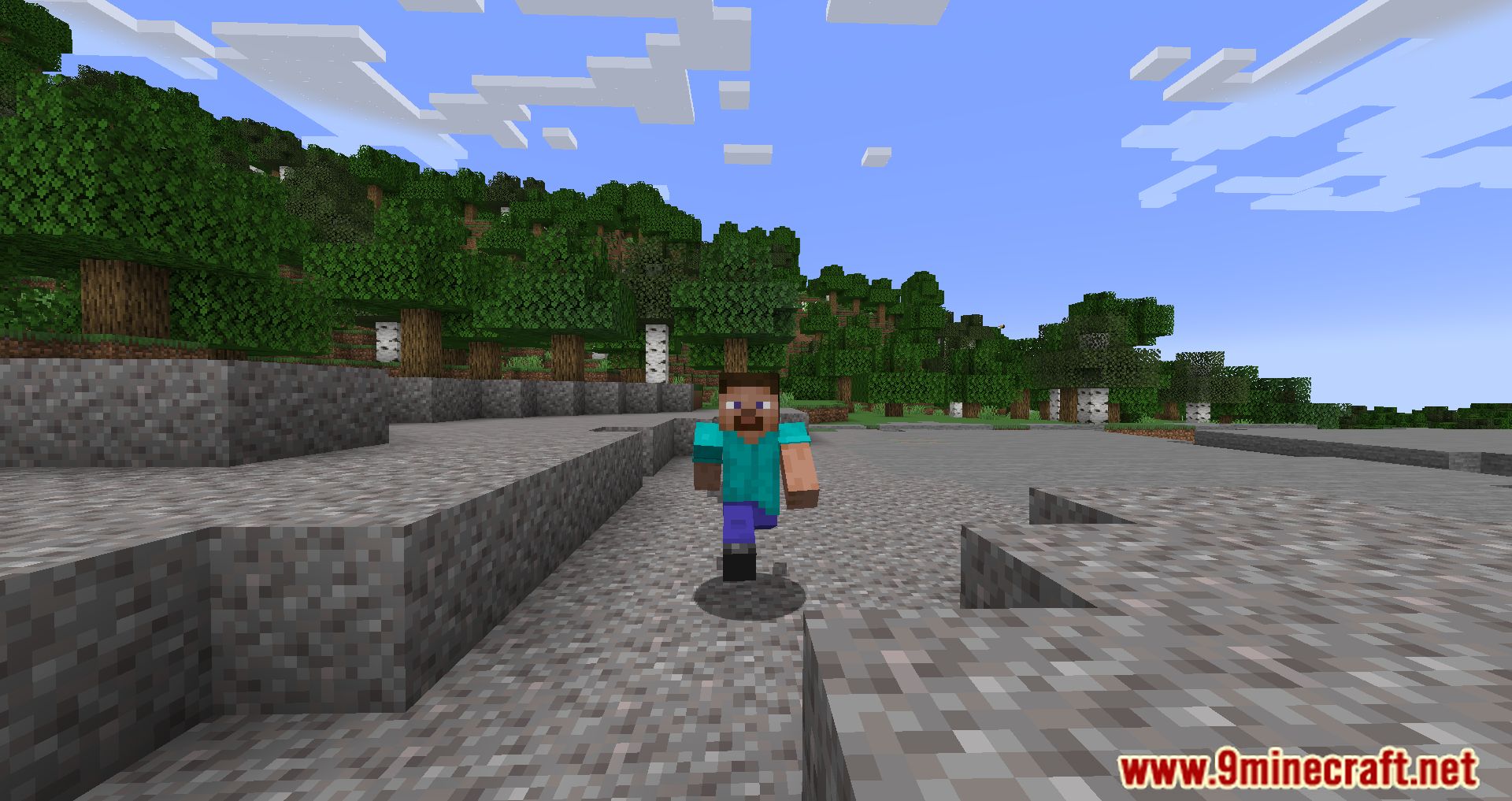
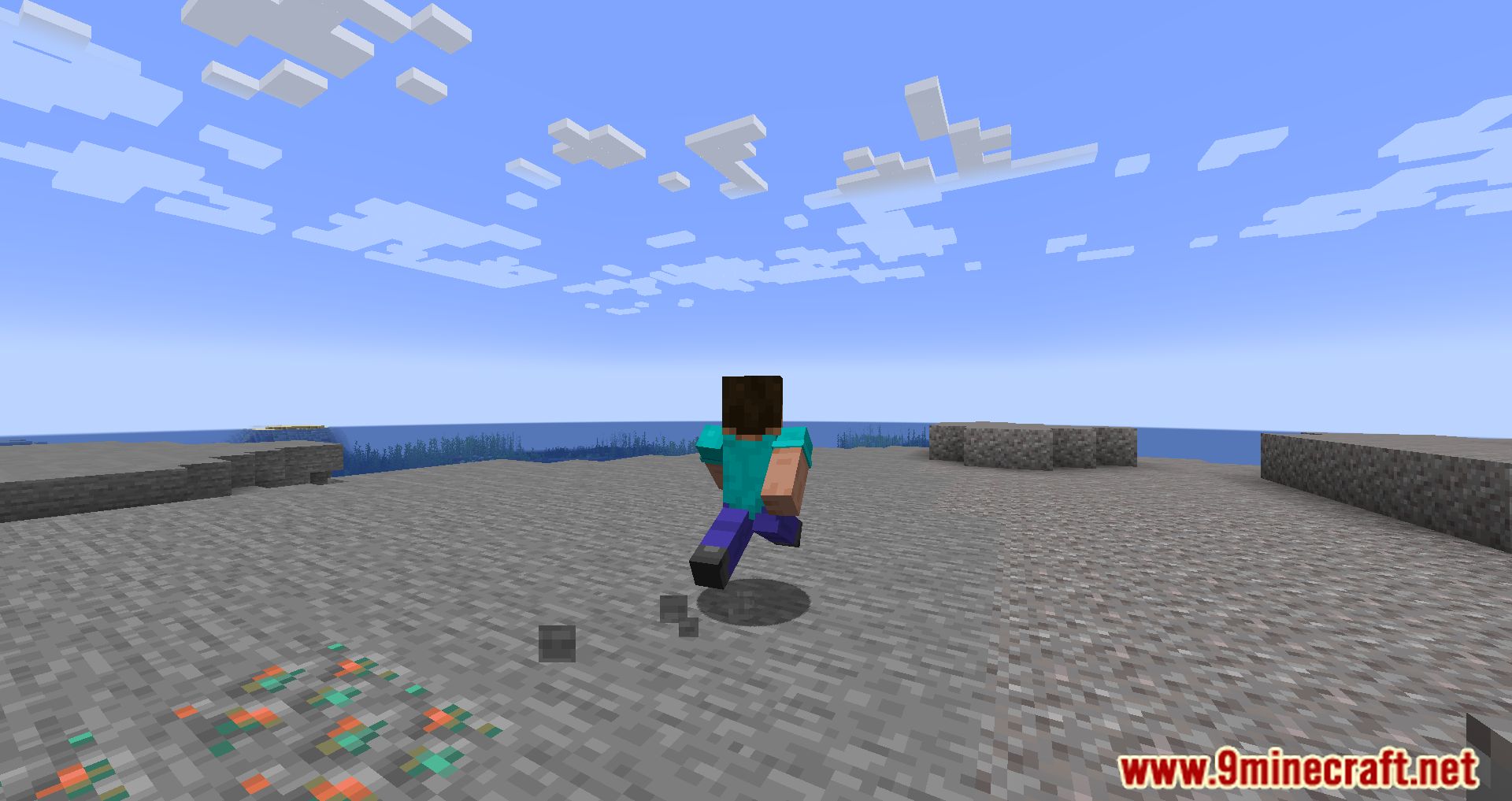
Hidden Names Mod Download Links
For Minecraft 1.21.4
NeoForge Version: Download from Server 1 – Download from Server 2
For Minecraft 1.21.1, 1.21
NeoForge Version: Download from Server 1 – Download from Server 2
For Minecraft 1.20.4
NeoForge Version: Download from Server 1 – Download from Server 2
For Minecraft 1.20.1
Forge Version: Download from Server 1 – Download from Server 2
For Minecraft 1.19.4
Forge Version: Download from Server 1 – Download from Server 2
For Minecraft 1.19.3
Forge Version: Download from Server 1 – Download from Server 2
For Minecraft 1.19.1, 1.19
Forge Version: Download from Server 1 – Download from Server 2
For Minecraft 1.18.2
Forge Version: Download from Server 1 – Download from Server 2
For Minecraft 1.17.1
Forge Version: Download from Server 1 – Download from Server 2
For Minecraft 1.16.5
Forge Version: Download from Server 1 – Download from Server 2
- Edition: Minecraft Java
- File type: .jar
- Minecraft versions listed: 1.21.4, 1.20.1
- How to install: Install the matching mod loader (Forge, Fabric or NeoForge) for your Minecraft version. → Download the .jar. → Put it in the .minecraft/mods folder and launch that loader profile.
- Where to get it: In MC Java Mods, or directly above on this page.
Install steps are the general flow for this file type — How to install Minecraft Java mods & modpacks walks through it step by step.
- Downloads as 197186.mcaddon
- Download size: 47 KB
- Download link checked 26 Jul 2026 — working
- Mirrored on our own servers — the download does not depend on the original host
These come from our own check of the pack file, not from the source page.