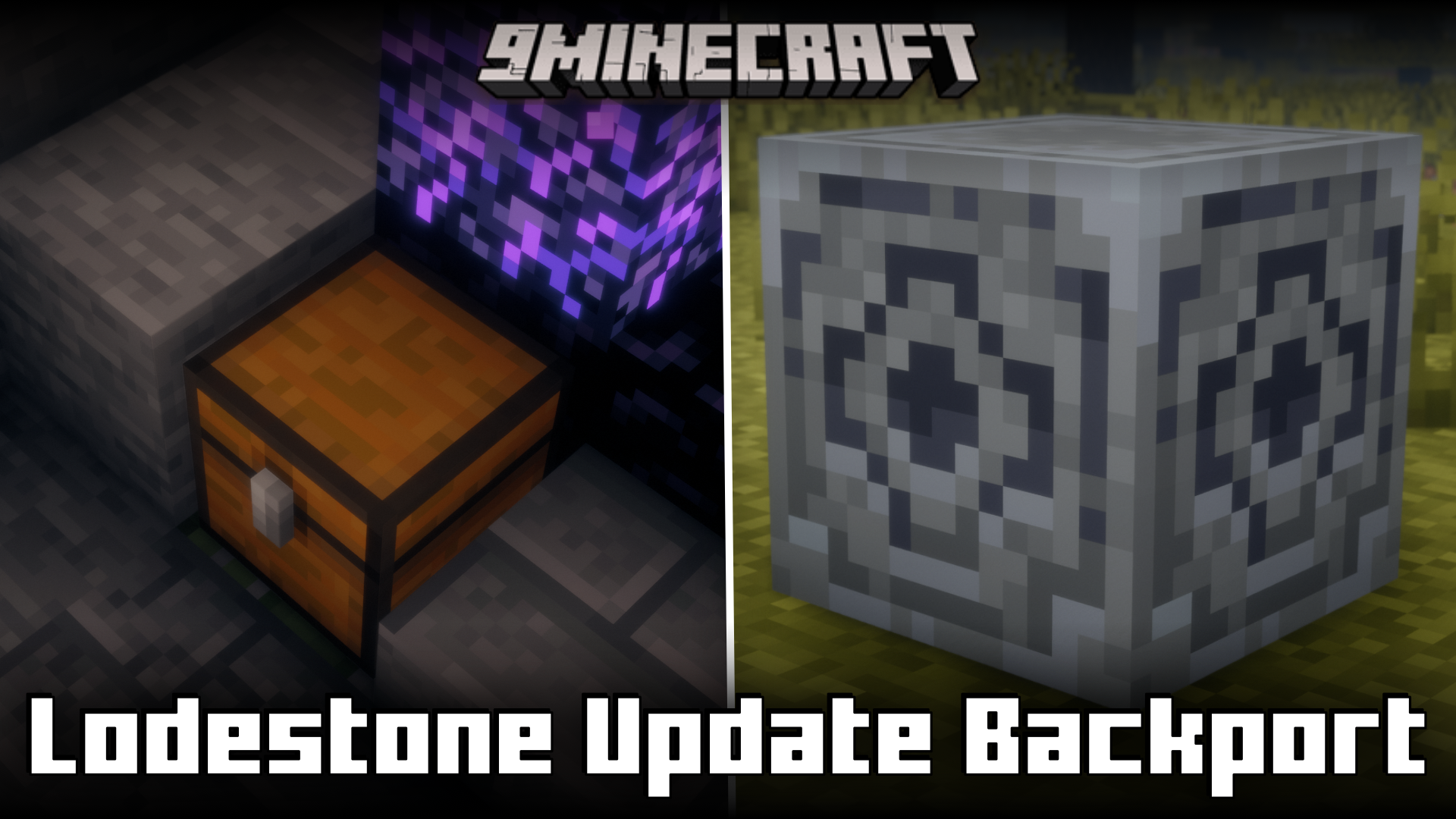
Lodestone Update Backport Mod (1.21.4, 1.20.1) – Recipe And Features From 1.21.5 Backported
Java mod listed for Minecraft 1.20–1.21. Downloads from the MC Java Mods app on Android.
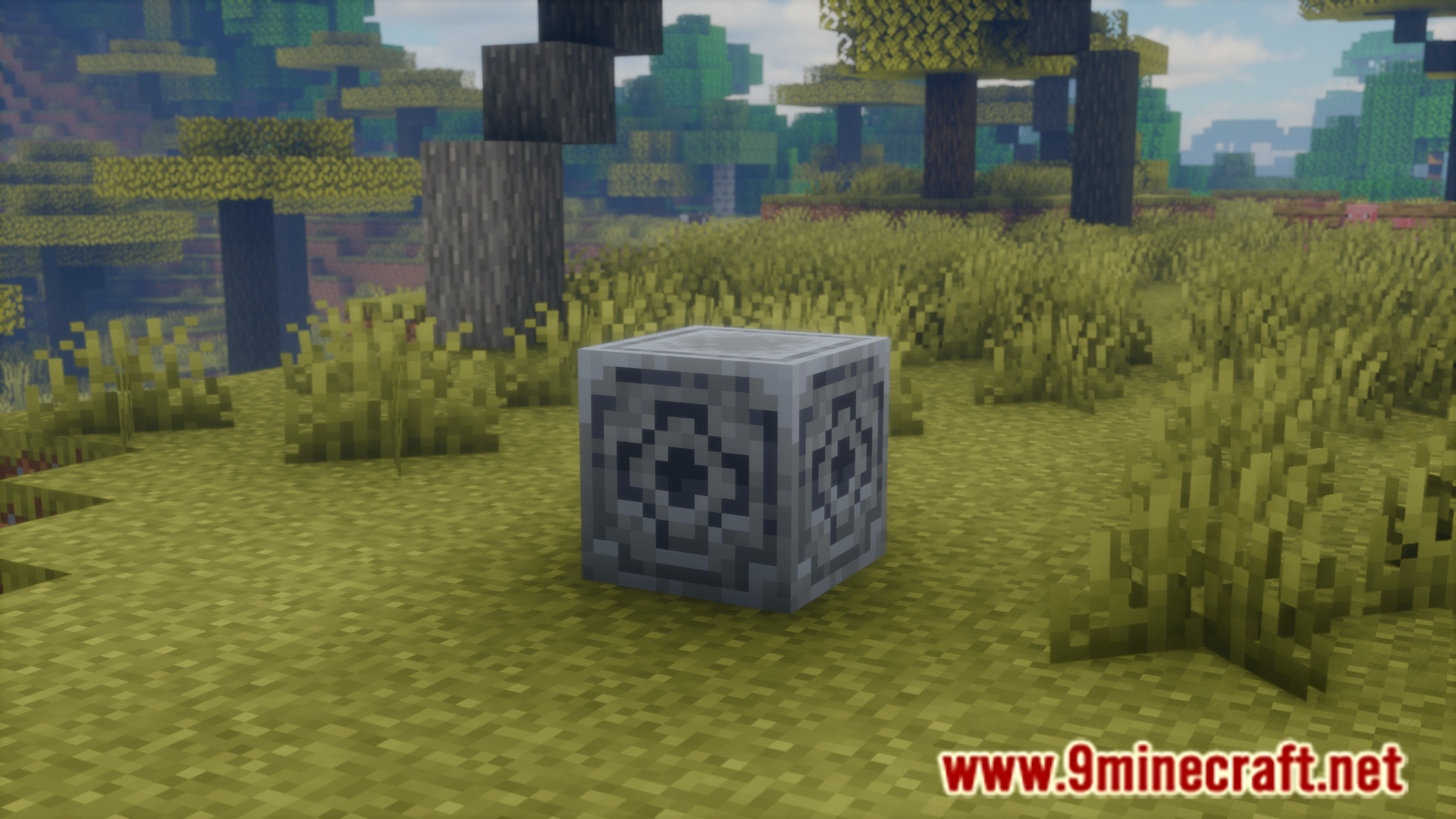
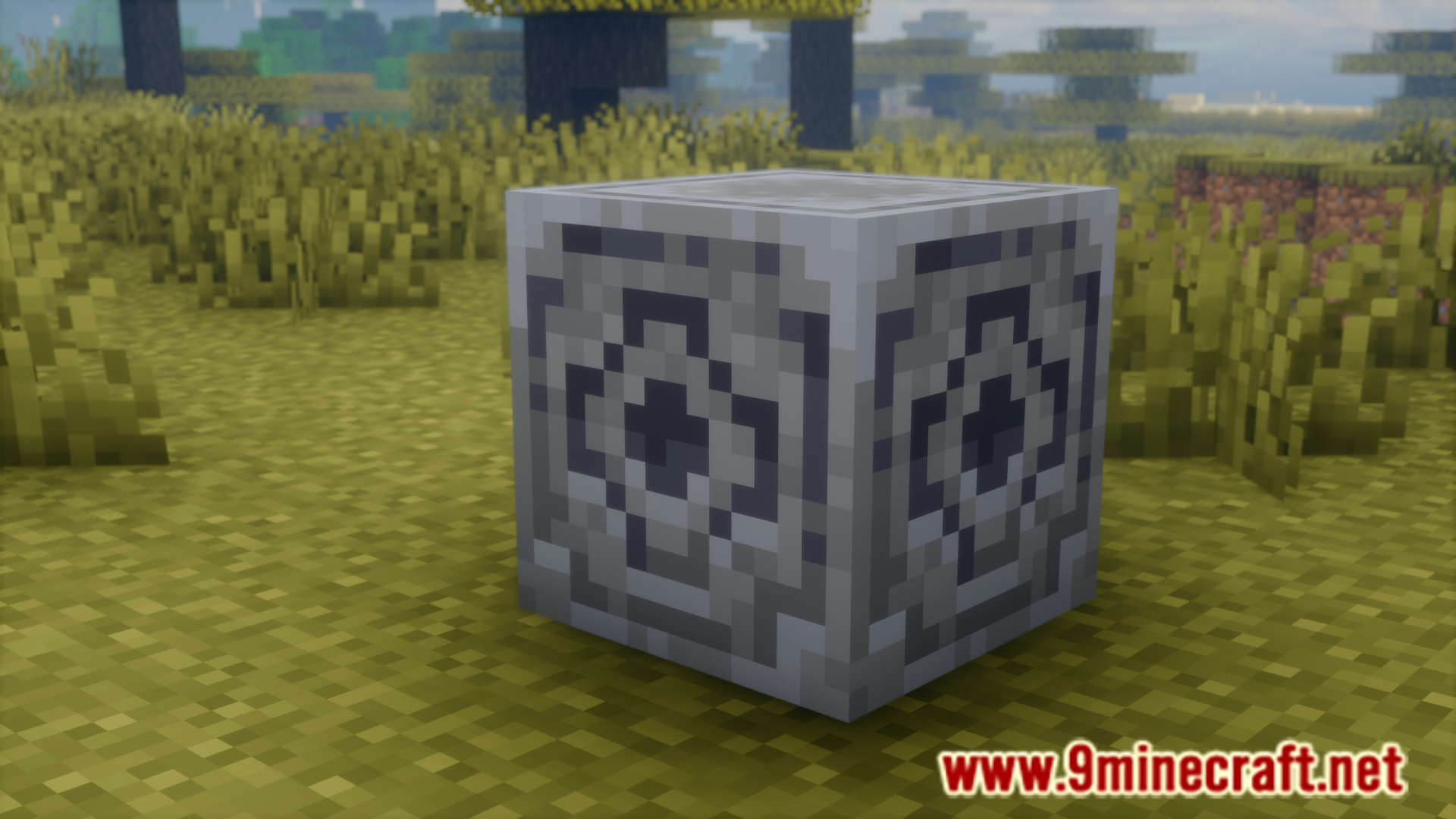
⬇ DownloadThe 1.21.5 update brought a lot of changes to the game. And one of the blocks that was changed the most is the lodestone block. In the earlier versions, crafting a lodestone would require eight chiseled stone bricks and one netherite ingot. From version 1.21.5 versions onwards, the crafting recipe for lodestone is cheaper as it would only require an iron ingot instead of a netherite ingot. Lodestone Update Backport Mod allows players to utilise the cheaper crafting recipe from 1.21.5 in older versions of the game. Furthermore, the mod also makes some other changes. These changes, as noted by the developer, are listed below.
Features:
- Cheaper Recipe: Crafting with an iron ingot instead of a netherite ingot.
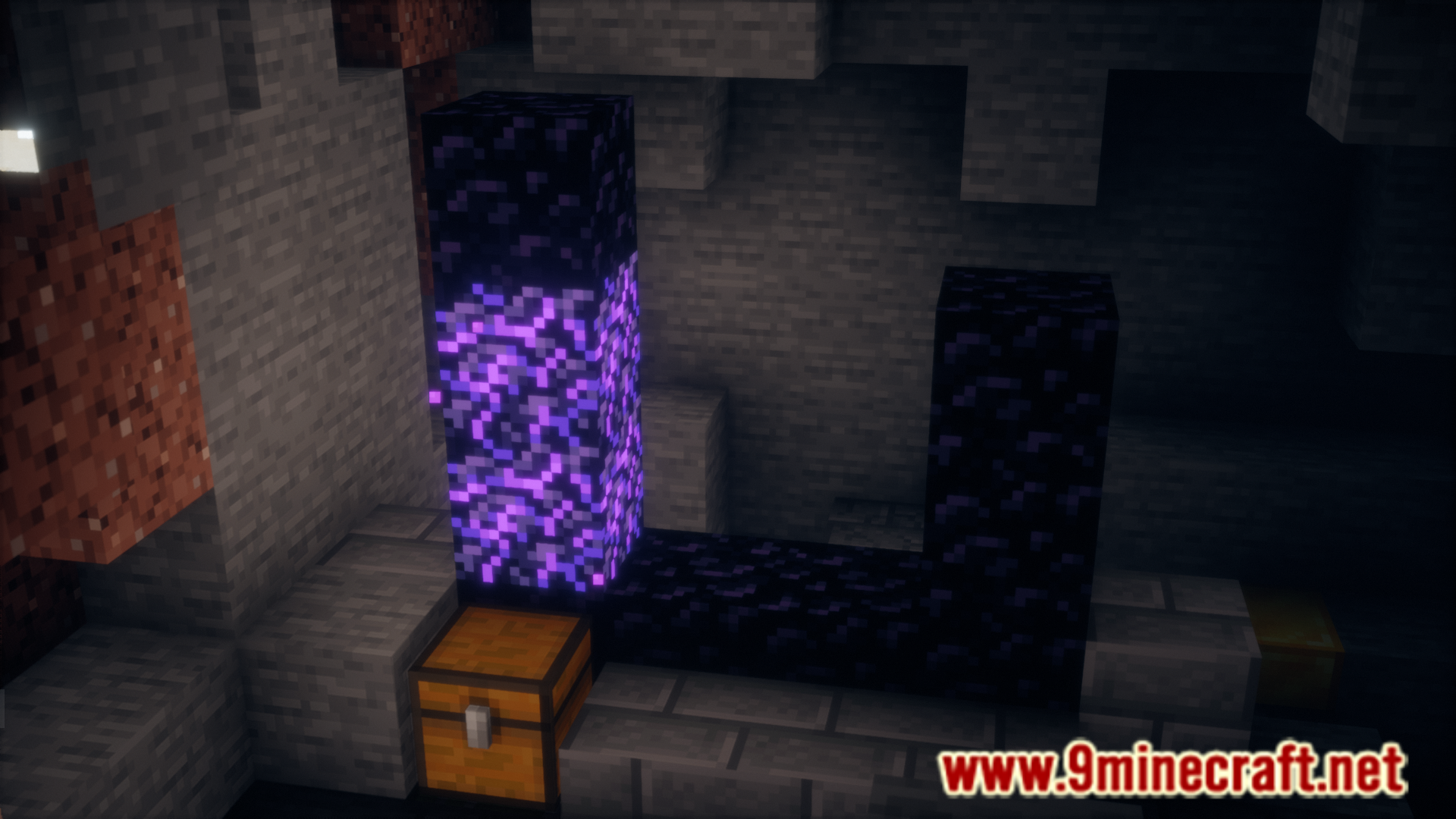
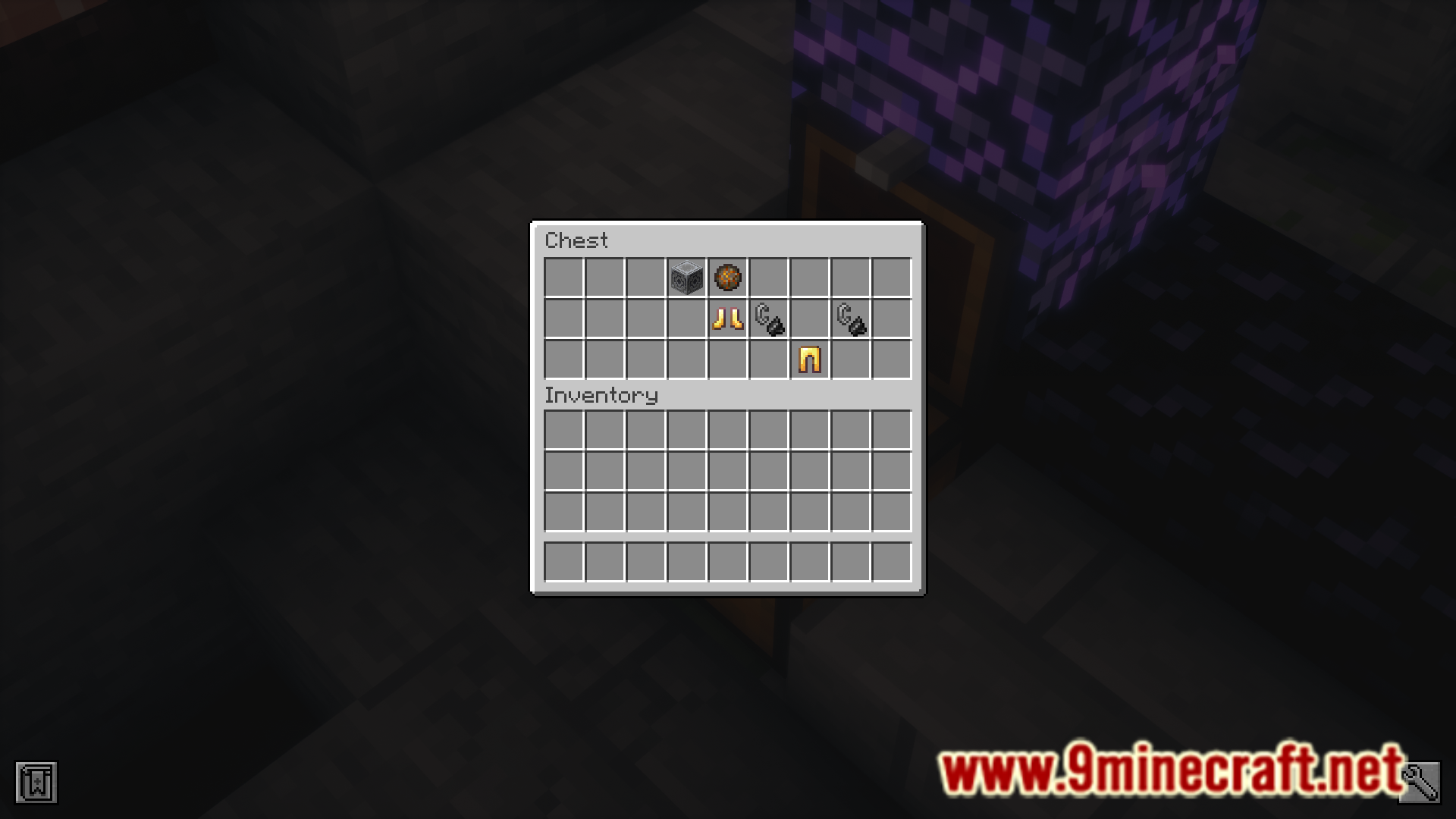
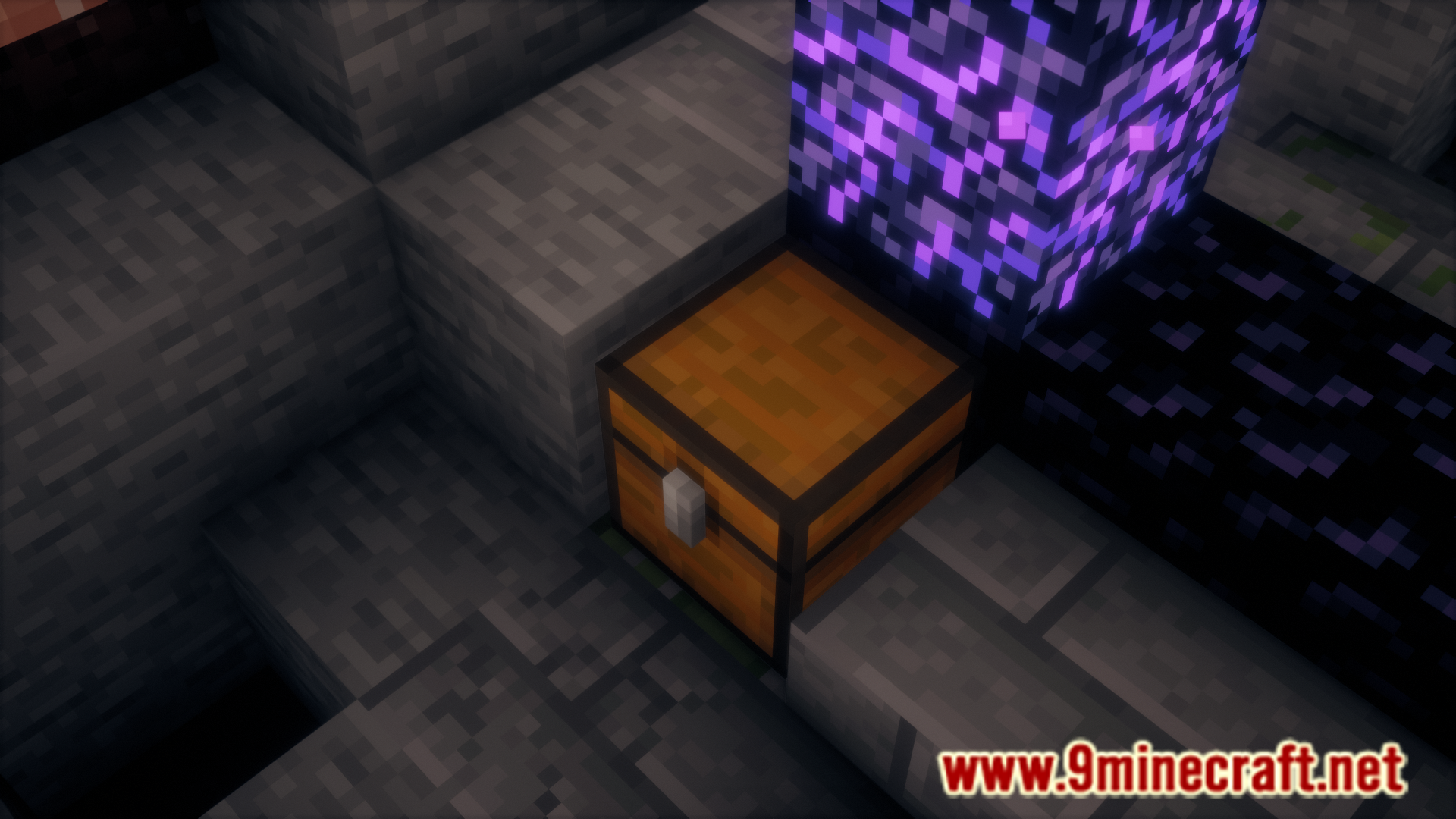
- Ruined Portal Loot: Ruined portal chests may now contain a lodestone or two.
- Updated advancement: “Country Lode, Take Me Home” now resides in the adventure section.
- Updated Recipe Unlock: The recipe is now unlocked when you obtain iron, not netherite.
Screenshots:
Lodestone Update Backport Mod Download Links
For Minecraft 1.21.4
Forge/NeoForge/Fabric/Quilt version: Download from Server 1 – Download from Server 2
For Minecraft 1.20.6, 1.20.1
Forge/NeoForge/Fabric/Quilt version: Download from Server 1 – Download from Server 2
For Minecraft 1.19.4
Forge/NeoForge/Fabric/Quilt version: Download from Server 1 – Download from Server 2
For Minecraft 1.18.2
Forge/NeoForge/Fabric/Quilt version: Download from Server 1 – Download from Server 2
For Minecraft 1.17.1
Forge/NeoForge/Fabric/Quilt version: Download from Server 1 – Download from Server 2
For Minecraft 1.16.5
Forge/NeoForge/Fabric/Quilt version: Download from Server 1 – Download from Server 2
- Edition: Minecraft Java
- File type: .jar
- Minecraft versions listed: 1.21.4, 1.20.1, 1.21.5
- How to install: Install the matching mod loader (Forge, Fabric or NeoForge) for your Minecraft version. → Download the .jar. → Put it in the .minecraft/mods folder and launch that loader profile.
- Where to get it: In MC Java Mods, or directly above on this page.
Install steps are the general flow for this file type — How to install Minecraft Java mods & modpacks walks through it step by step.
- Downloads as 197215.mcaddon
- Download size: 66 KB
- Download link checked 26 Jul 2026 — working
- Mirrored on our own servers — the download does not depend on the original host
These come from our own check of the pack file, not from the source page.