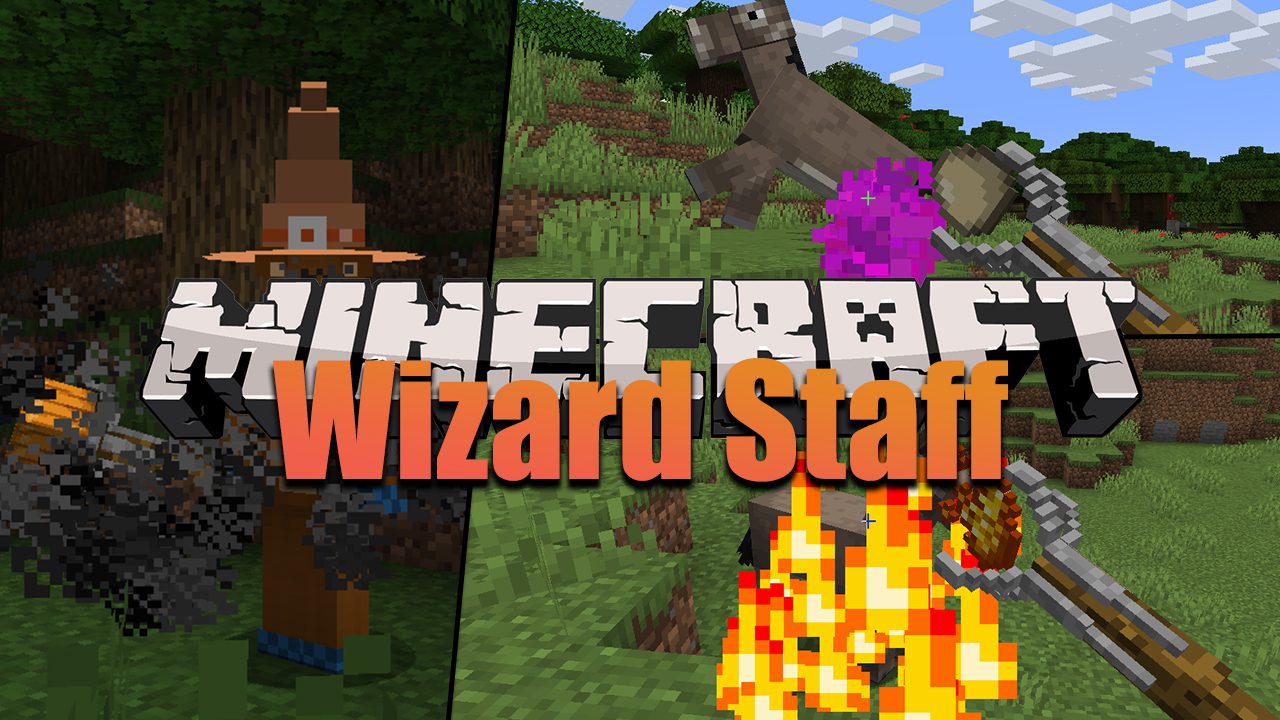
Wizard Staff Mod (1.19.2, 1.18.2) – Sorcery, Wizardy, Time Manipulation
Java mod listed for Minecraft 1.18–1.19. Downloads from the MC Java Mods app on Android.
⬇ DownloadWizard Staff Mod brings into the game the prospects of a sorcery experience. While the number of magic related mods currently available on this site are tremendous, Wizard Staff still stands out due to its amazing attention to detailing, balancing and simplicity. Players can utilize up to eight disparate spells, which were inspired by a numerous ordinary artifacts. Consequently, these items become much more useful than how it original was, making the game a lot more entertaining to play. For instance, a clock artifact combined with the Staff can fast forward through time, an egg combination can be used to turn any entities into a spawn egg, and much more…
Features:
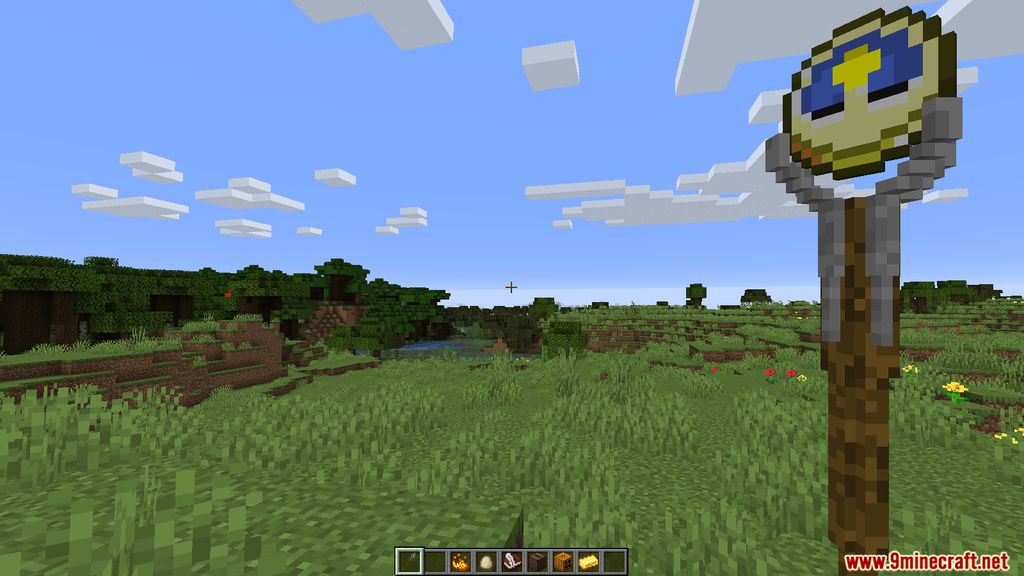
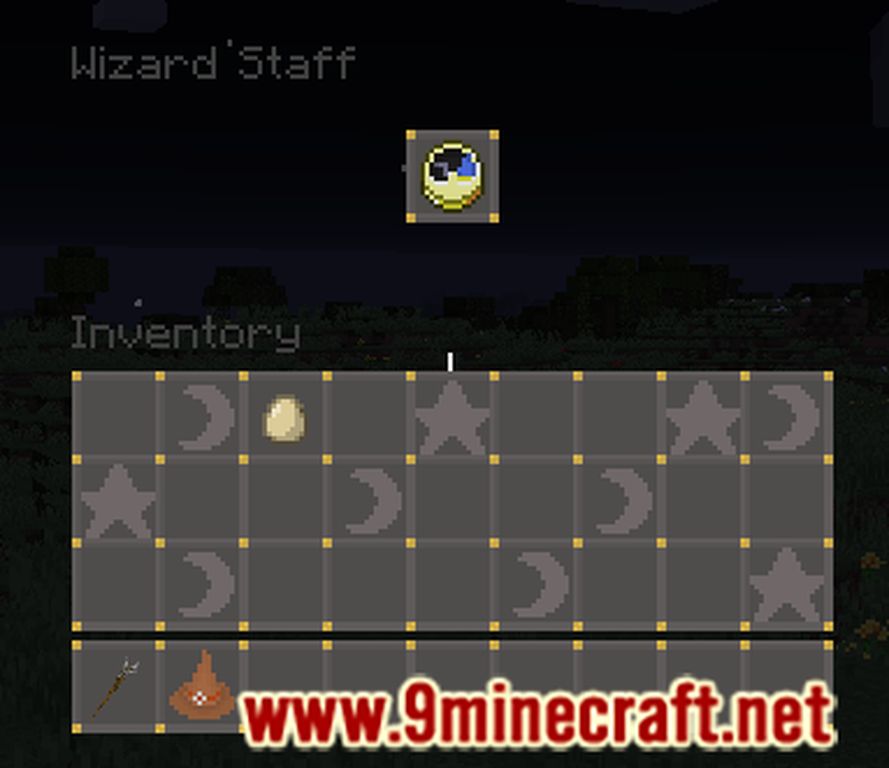
- View the Staff’ Inventory by equipping it then right-click while crounching.
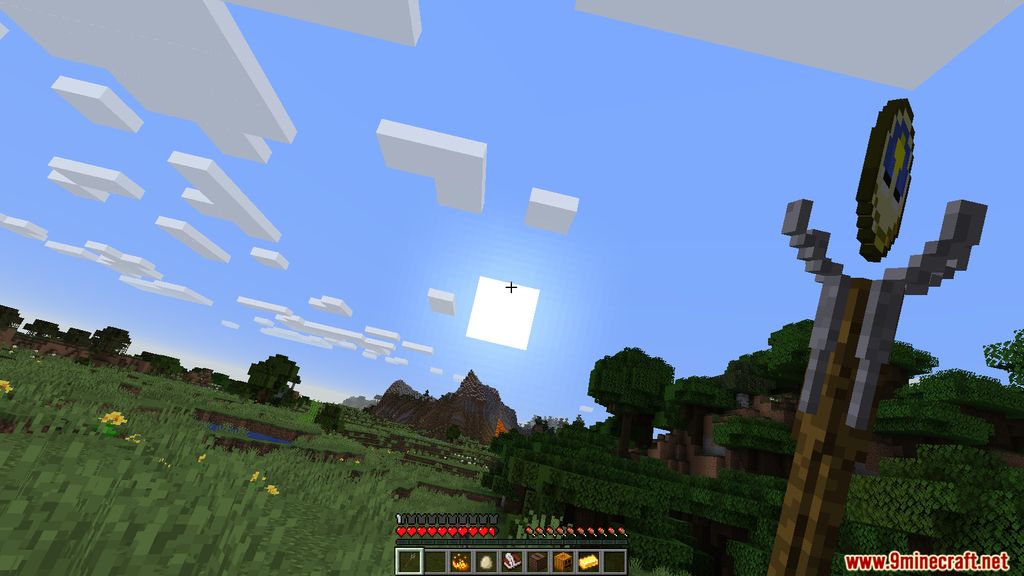
- Inserting different items onto the staff will change what it does.
- Artifacts:
- Elytra: Flying (40 exp/sec).
- Clock: Turn time forward quickly (20 exp/sec).
- Book and Quill: Get divine insight (10 exp).
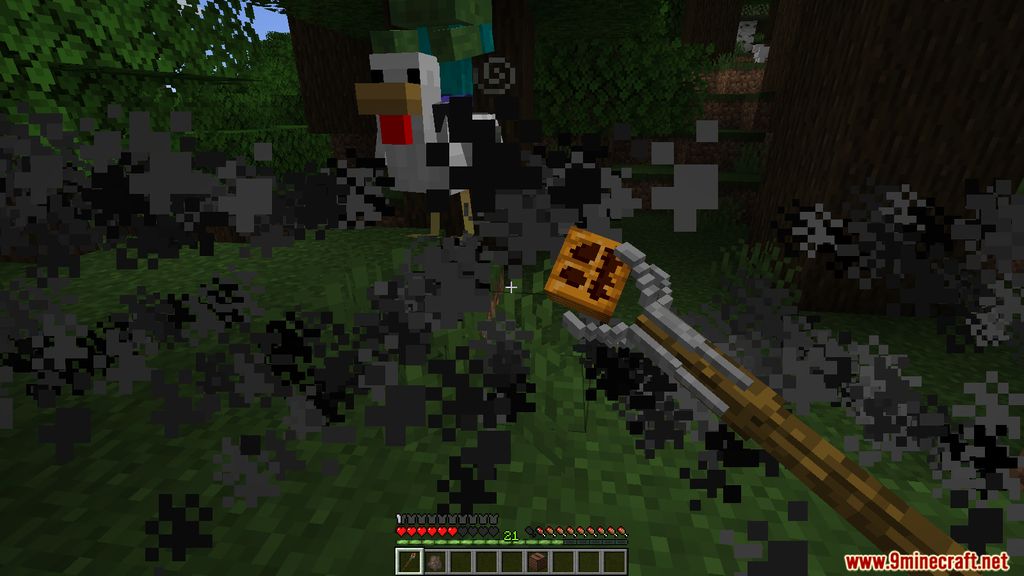
- Carved Pumpkin: Create cloud of horror (50 exp).
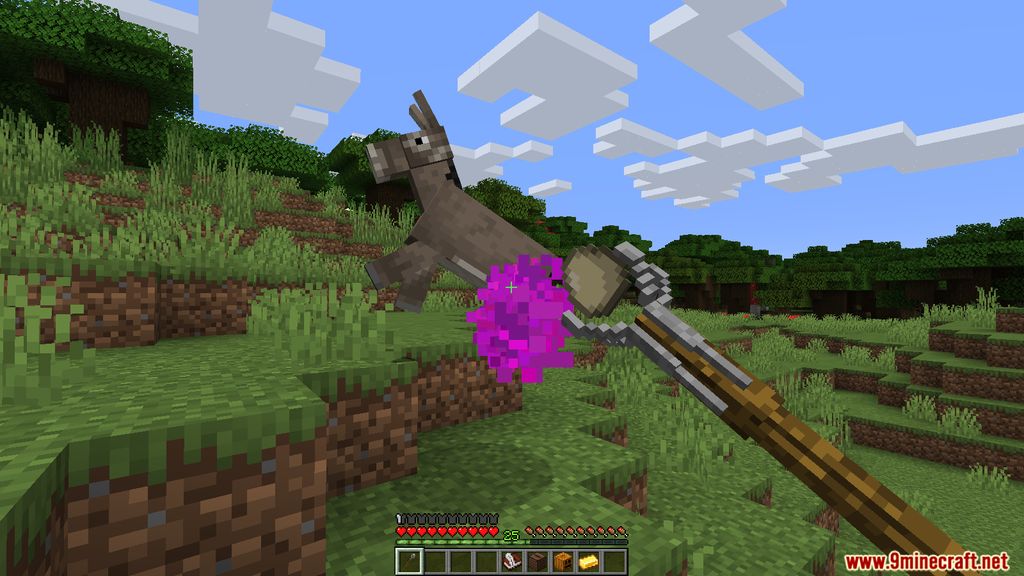
- Jukebox: Stun mobs around you ((40 + 20 per mob stunned) exp/sec).
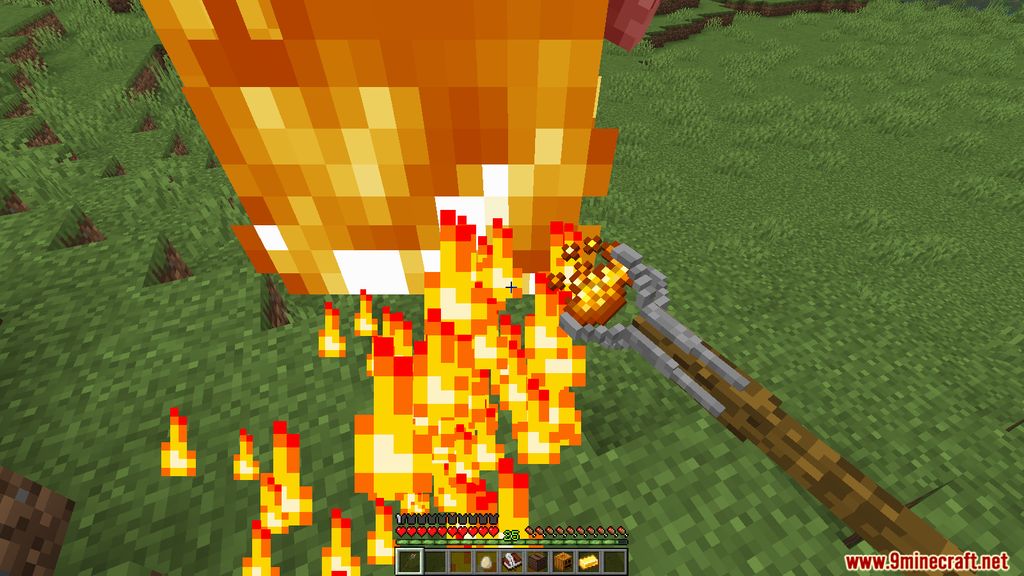
- Blaze Powder: Flame thrower (20 exp/sec).
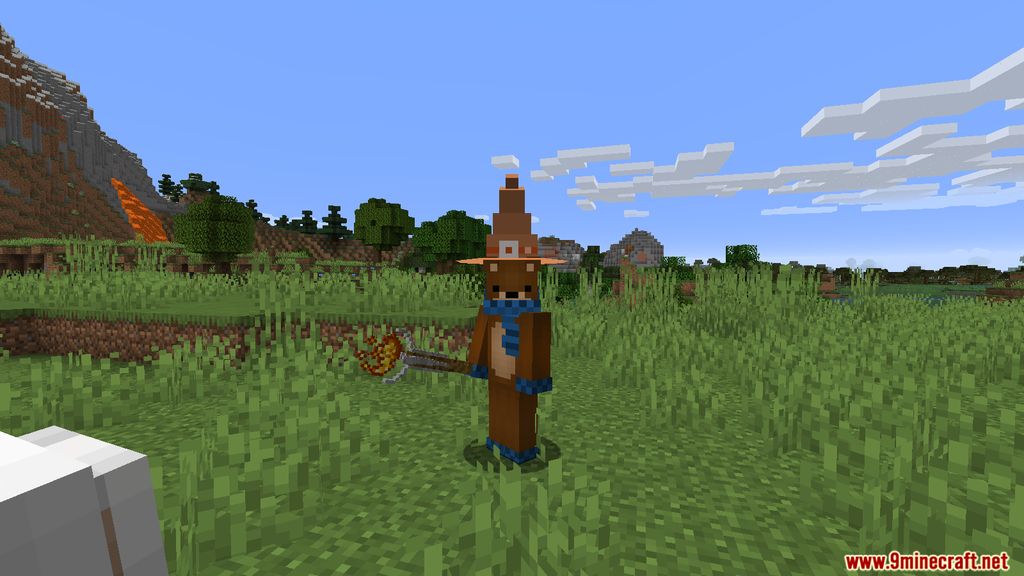
- Leather Helmet: Create Wizard Hat (30 exp).
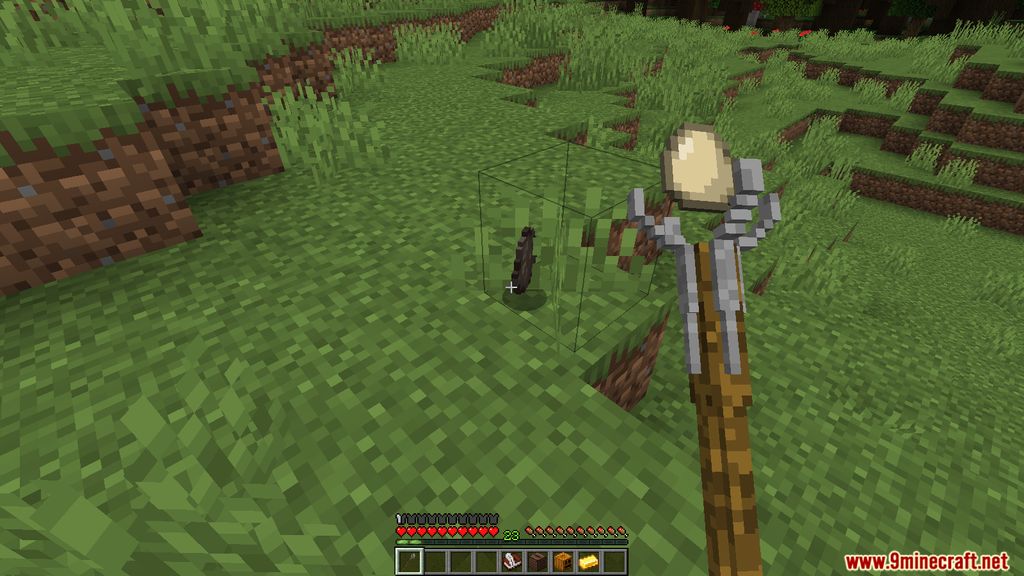
- Egg: Store mobs (200 exp).
- Gold Ingot: King Midas (50 exp).
Screenshots:


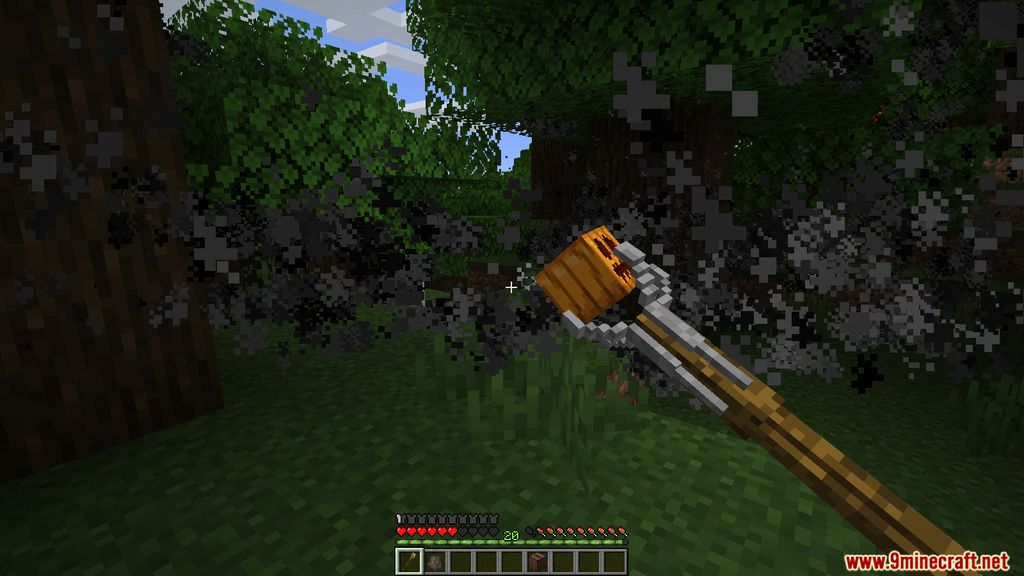
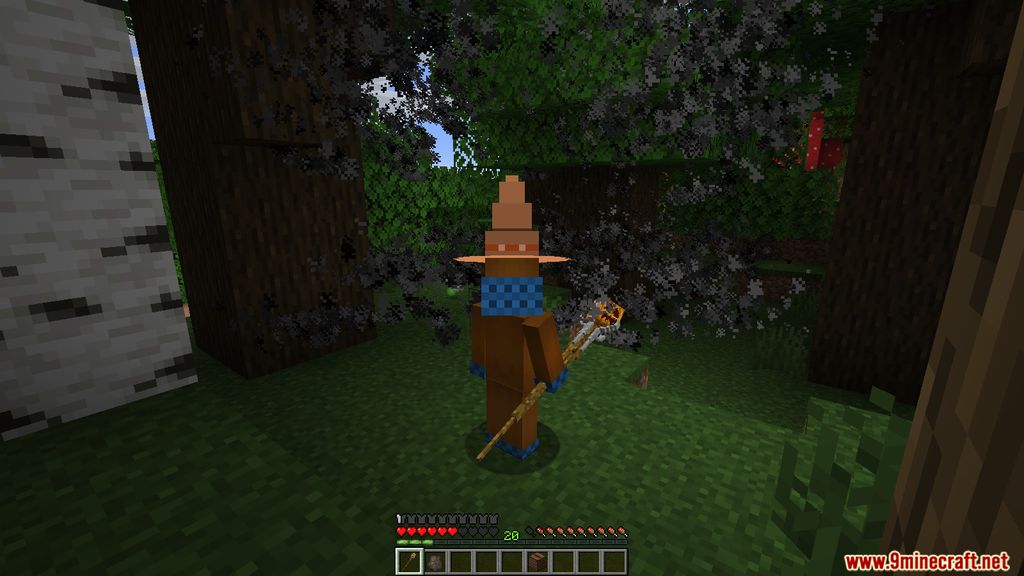
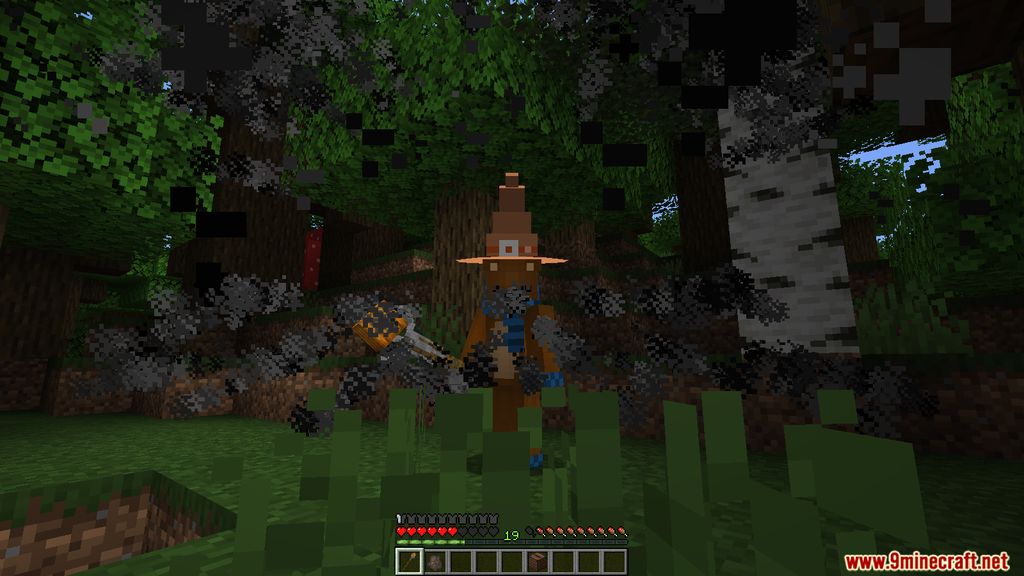
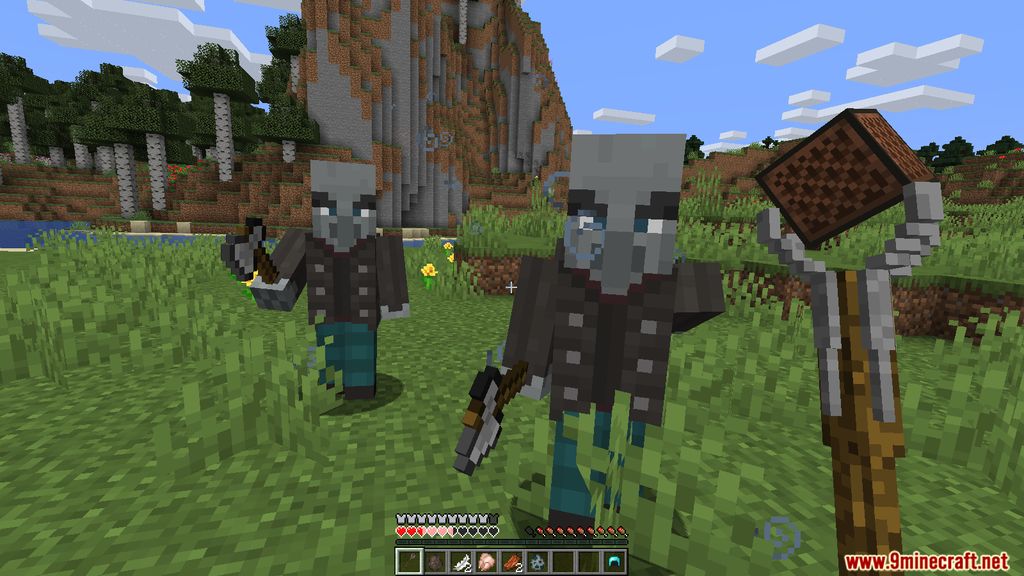
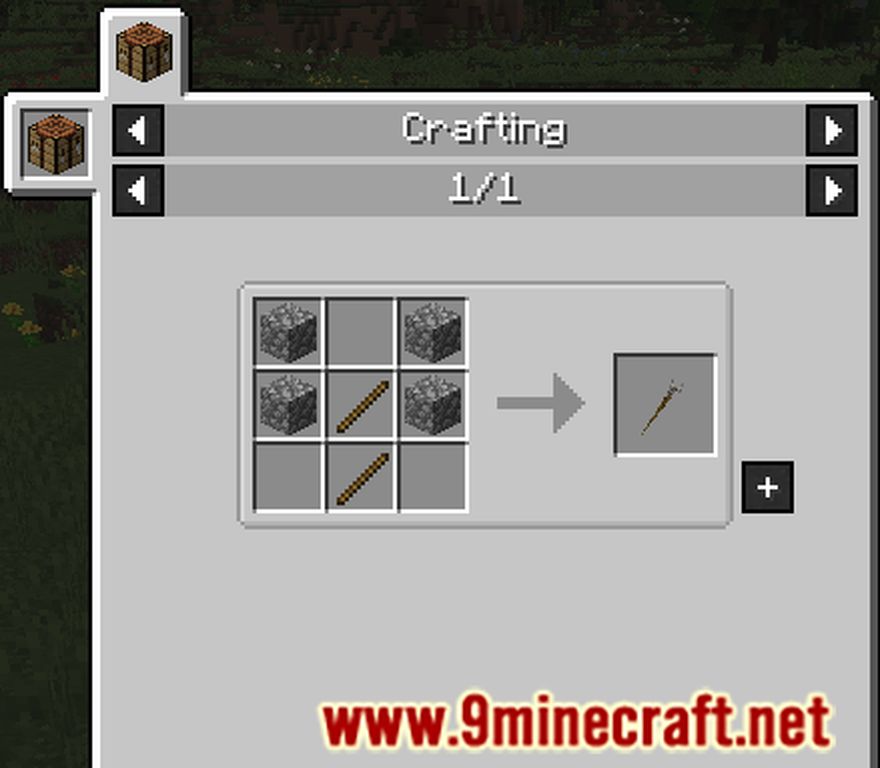
Crafting Recipes:
Wizard Staff Mod Download Links
For Minecraft 1.19.4
Forge version: Download from Server 1
For Minecraft 1.19.2
Forge version: Download from Server 1
For Minecraft 1.18.2
Forge version: Download from Server 1
For Minecraft 1.16.5
Forge version: Download from Server 1
For Minecraft 1.15.2
Forge version: Download from Server 1
For Minecraft 1.16.4
Forge version: Download from Server 1
- Edition: Minecraft Java
- File type: .jar
- Minecraft versions listed: 1.19.2, 1.18.2
- How to install: Install the matching mod loader (Forge, Fabric or NeoForge) for your Minecraft version. → Download the .jar. → Put it in the .minecraft/mods folder and launch that loader profile.
- Where to get it: In MC Java Mods, or directly above on this page.
Install steps are the general flow for this file type — How to install Minecraft Java mods & modpacks walks through it step by step.
- Downloads as 197247.mcaddon
- Download size: 1.8 MB
- Download link checked 26 Jul 2026 — working
- Mirrored on our own servers — the download does not depend on the original host
These come from our own check of the pack file, not from the source page.