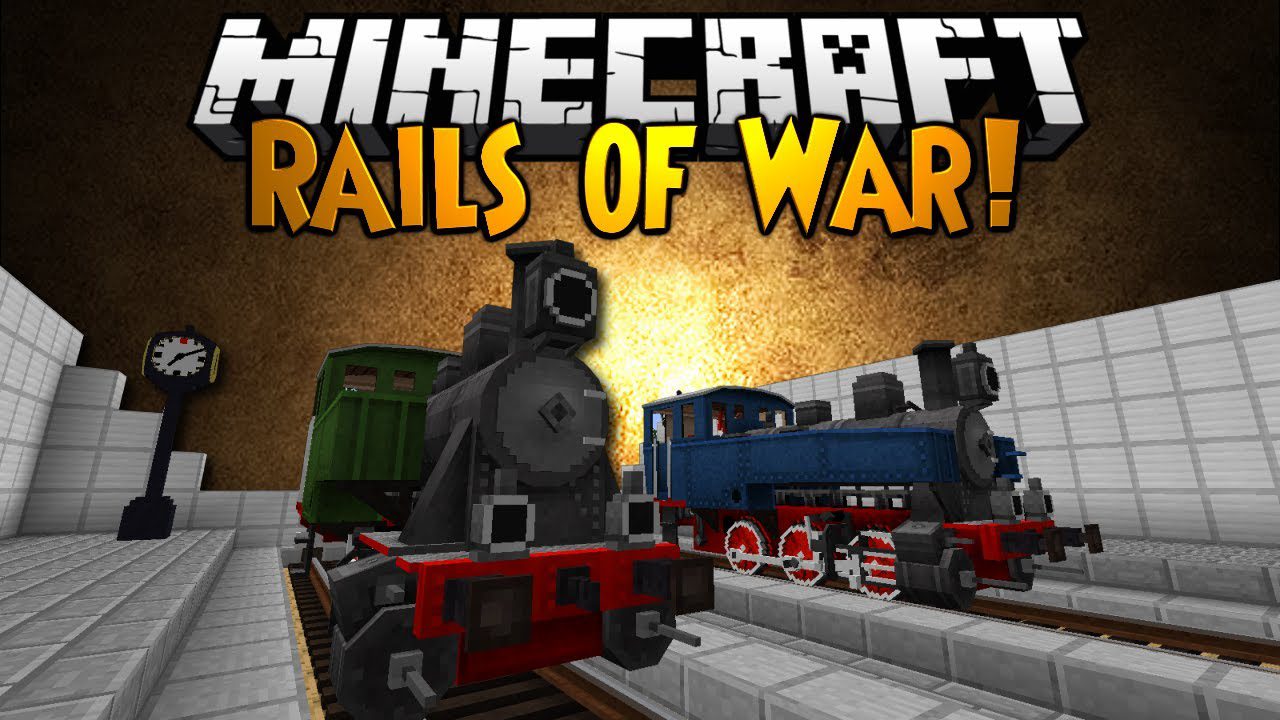
Rails of War Mod (1.12.2, 1.7.10) – A Twist on Railway Systems
Rails of War Mod is a mod that offers the possibility to craft a wide range of content designed for creating complete railway systems. We can create new…
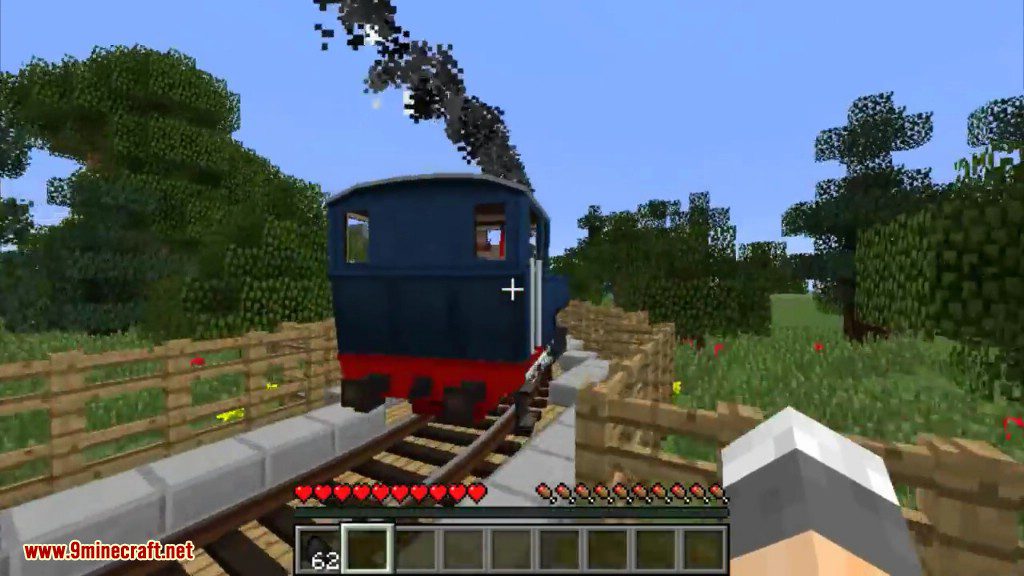
⬇ DownloadOpen in MCModsHubGet it on Google Play →Rails of War Mod is a mod that offers the possibility to craft a wide range of content designed for creating complete railway systems. We can create new types of tracks, railway signals, various elements for our rail lines, as well as different types of locomotives and wagons. The locomotives and wagons we can craft with this mod are faithful reproductions of models that existed during the nineteenth and twentieth centuries. One of the standout features of the mod, in addition to the modeling of the wagons and locomotives, is their animations and the crafting process, which involves assembling them piece by piece.
This mod suggests full-sized railways where you won’t hit your head while riding the engine.
Features:
- Wide 1524 mm gauge.
- Full-size rolling stock.
- Turns with big radius.
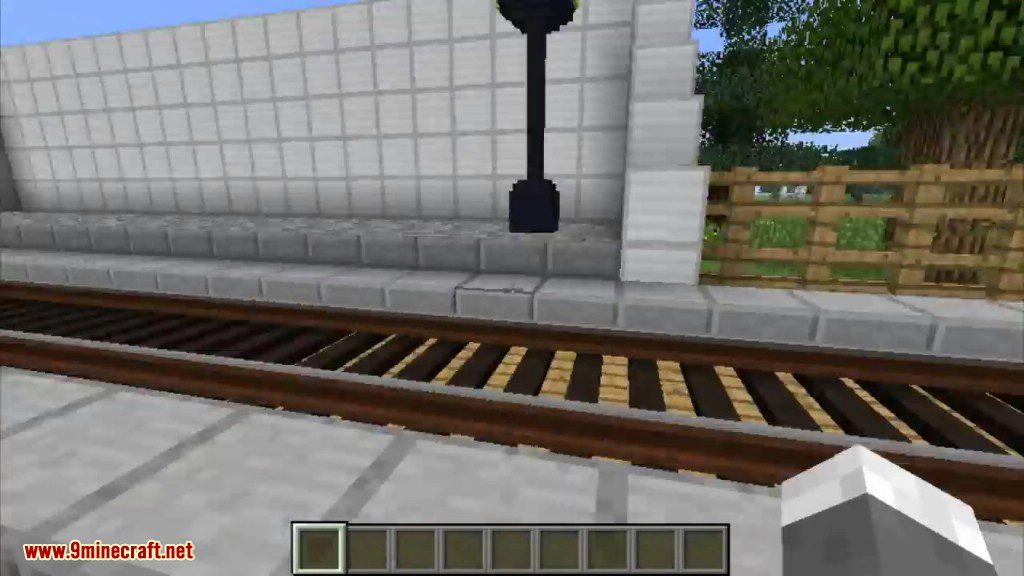
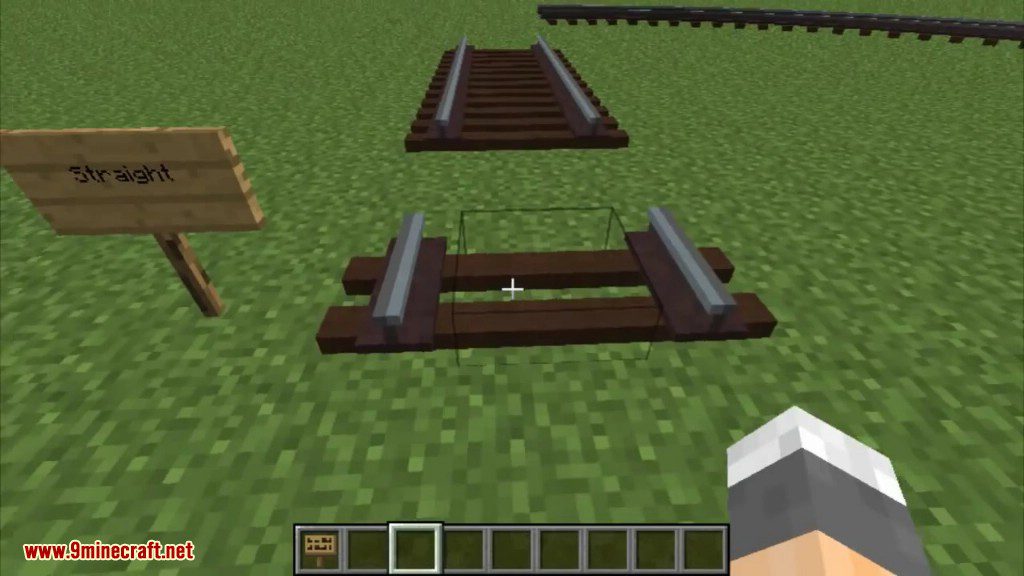
- 3D models for track.
- Animations:
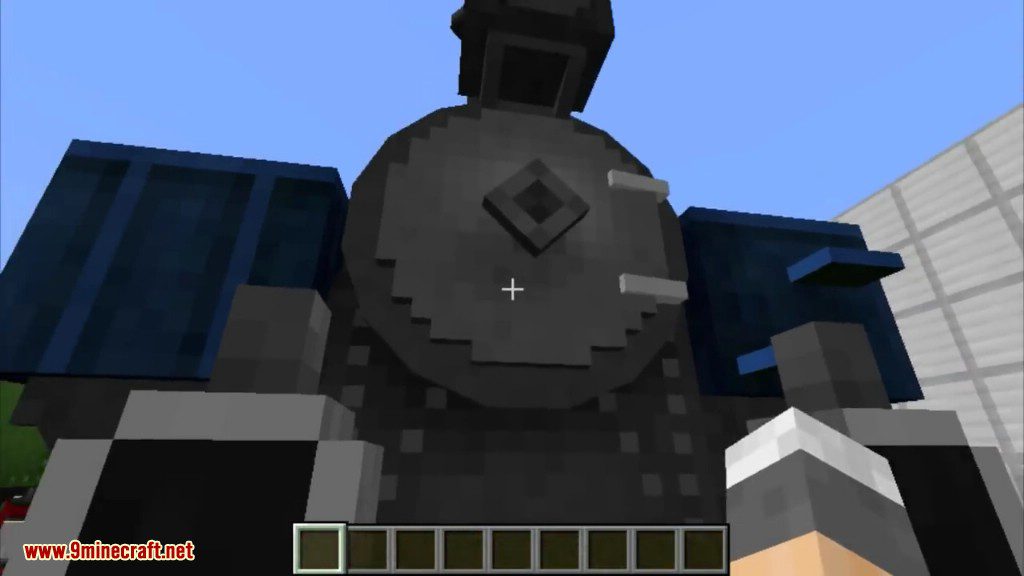
- Moving parts of the locomotive (wheels, engine).
- Pointers.
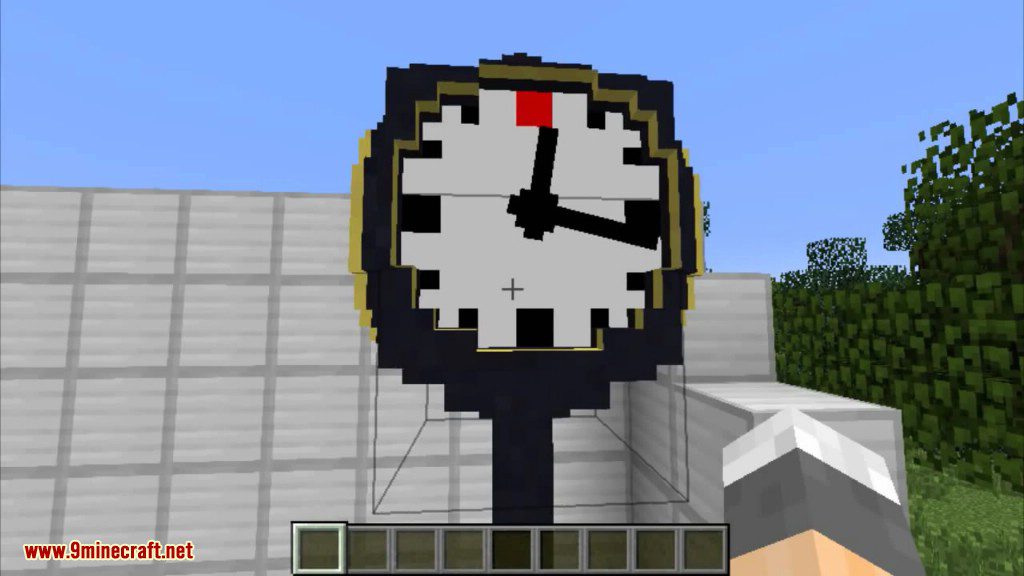
- Clock.
- Code written from scratch NOT basing on Mc minecart, Tc or Rc physics.
- Orientation on the very wide spectrum of rolling stock, including special and military wagons and locomotives.
Rolling stock list:
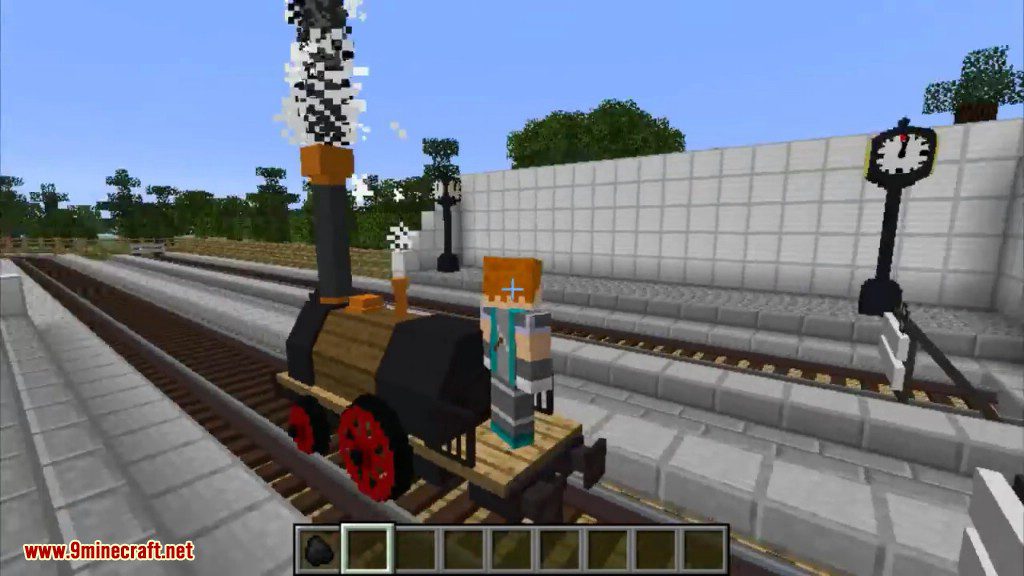
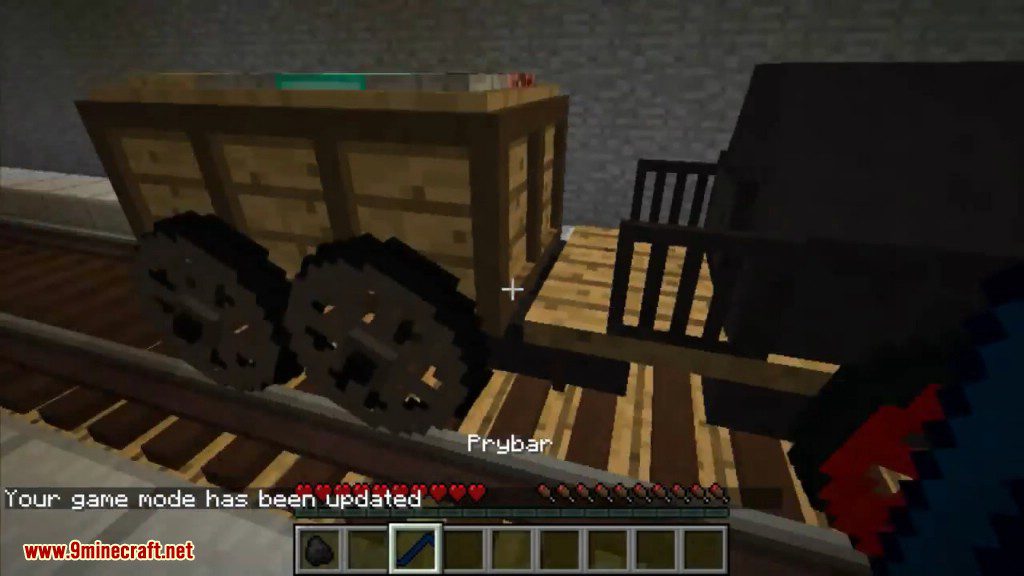
- Cherepanov locomotive, built by Yefim and Miron (father and son) Cherepanovs for Nizhny Tagil copper mine railroad (also built by them) in Russia, 1834. First Russian locomotive.
Screenshots:
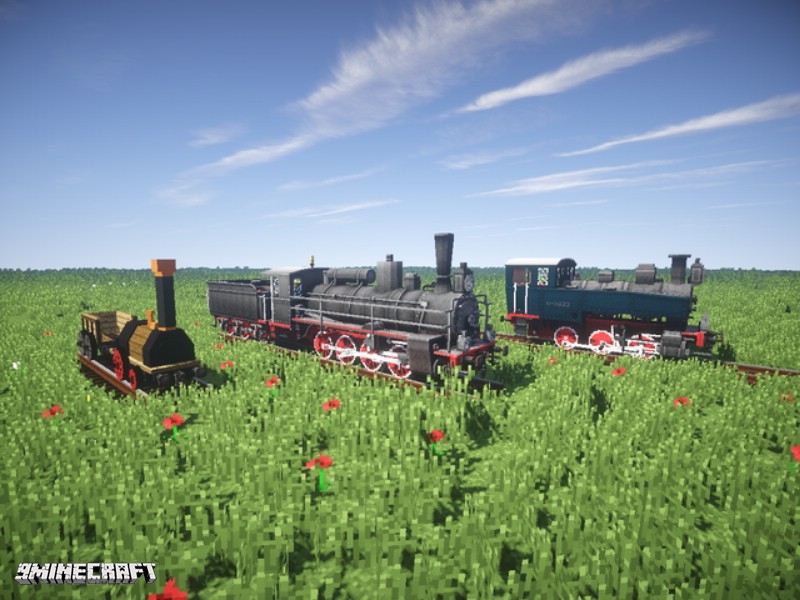

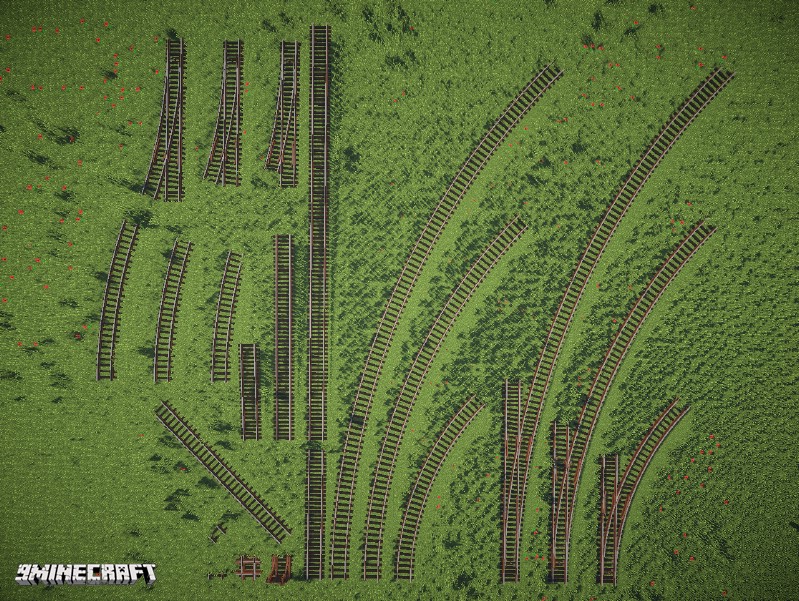
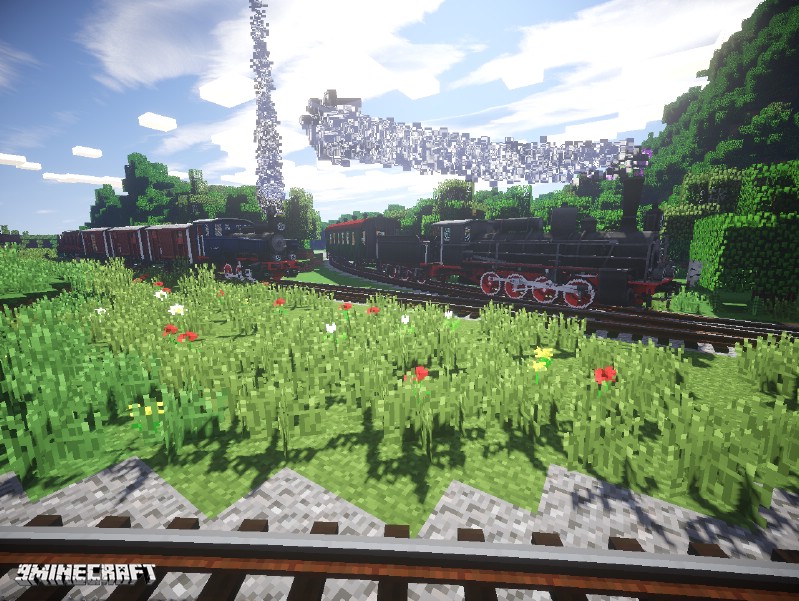

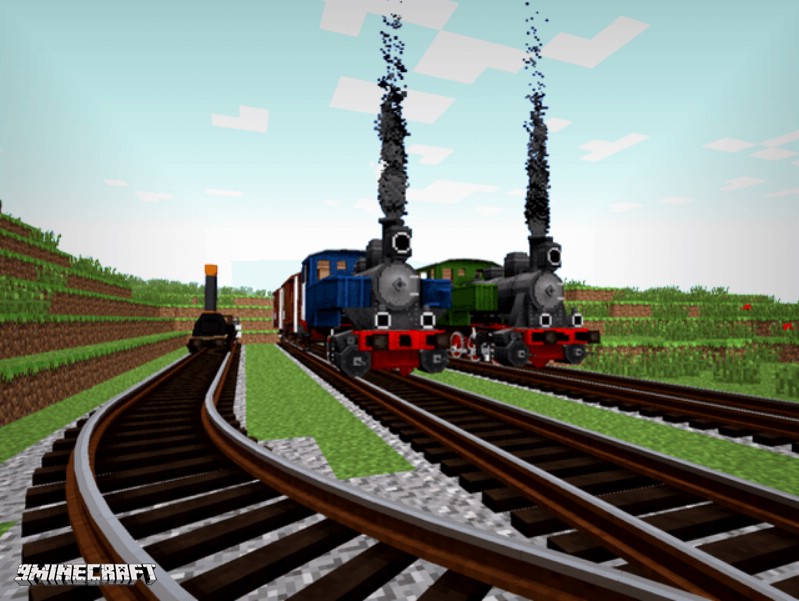
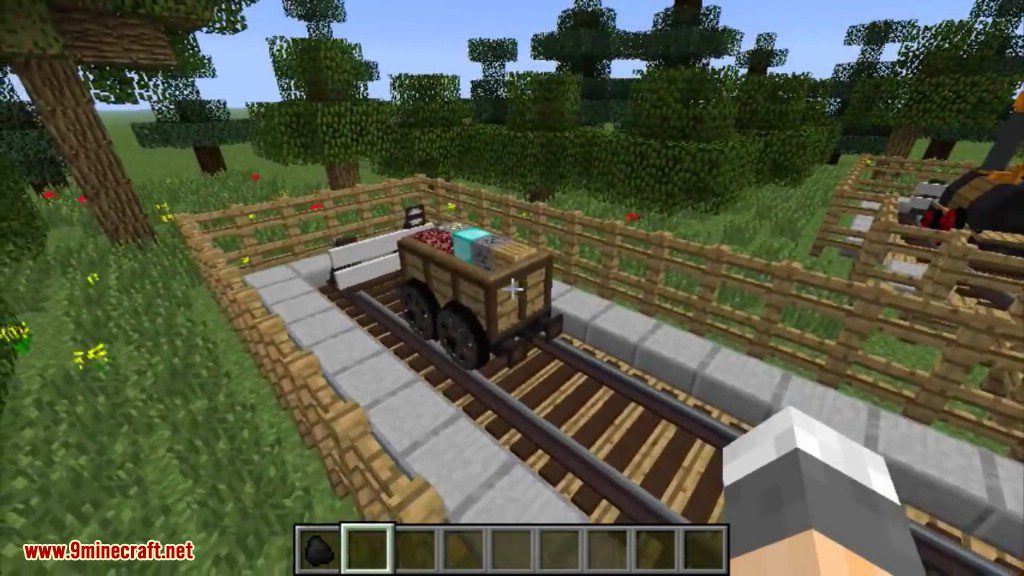
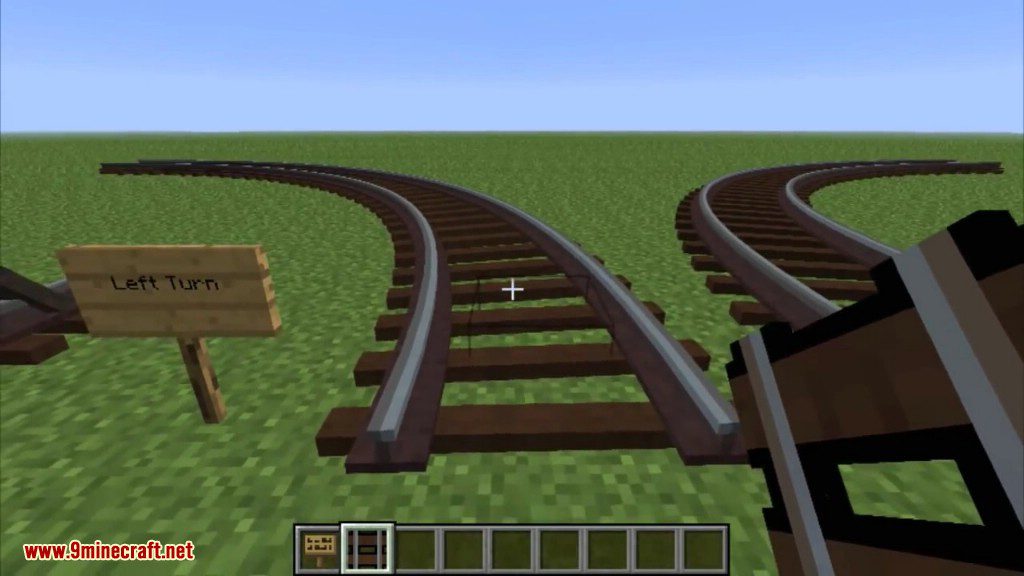
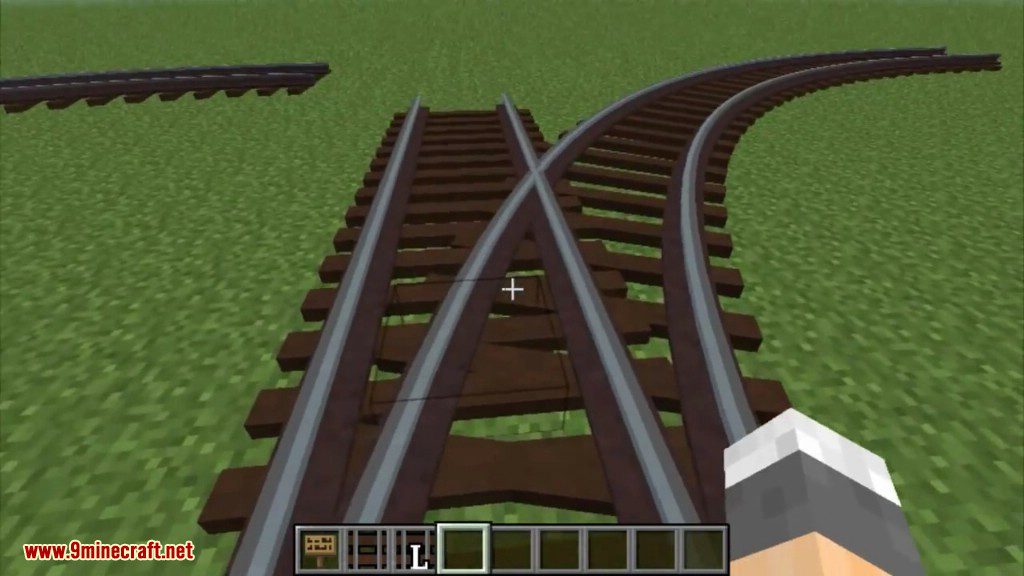
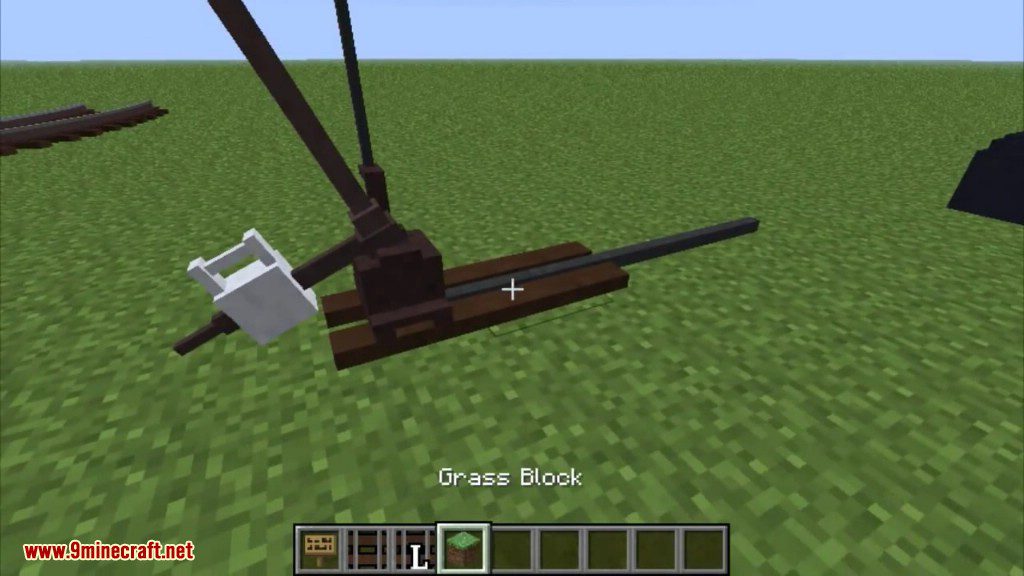
Dead end, crossing, switch, manual pointer and a locomotive.
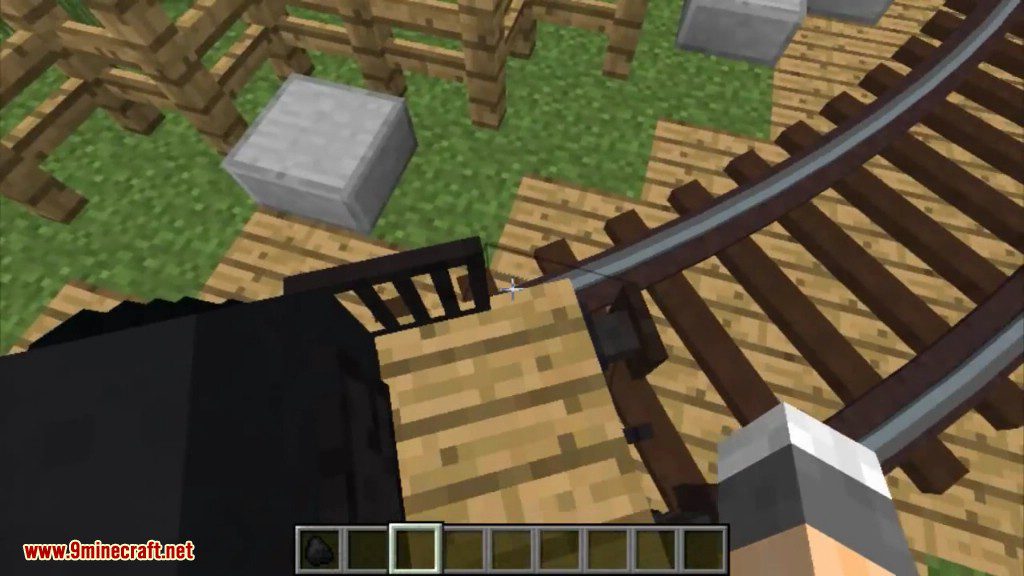
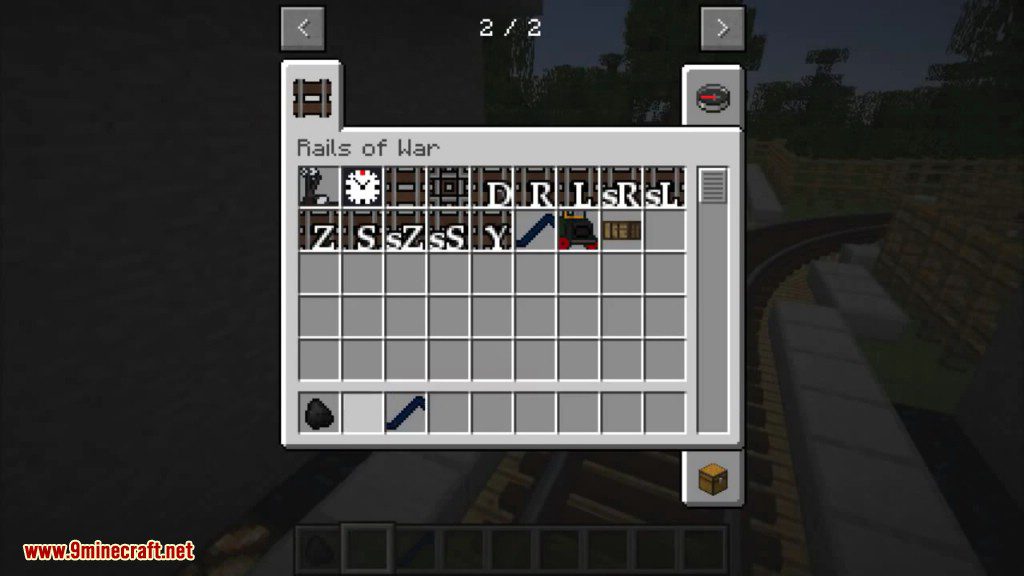
Base needed for curved track and switch.
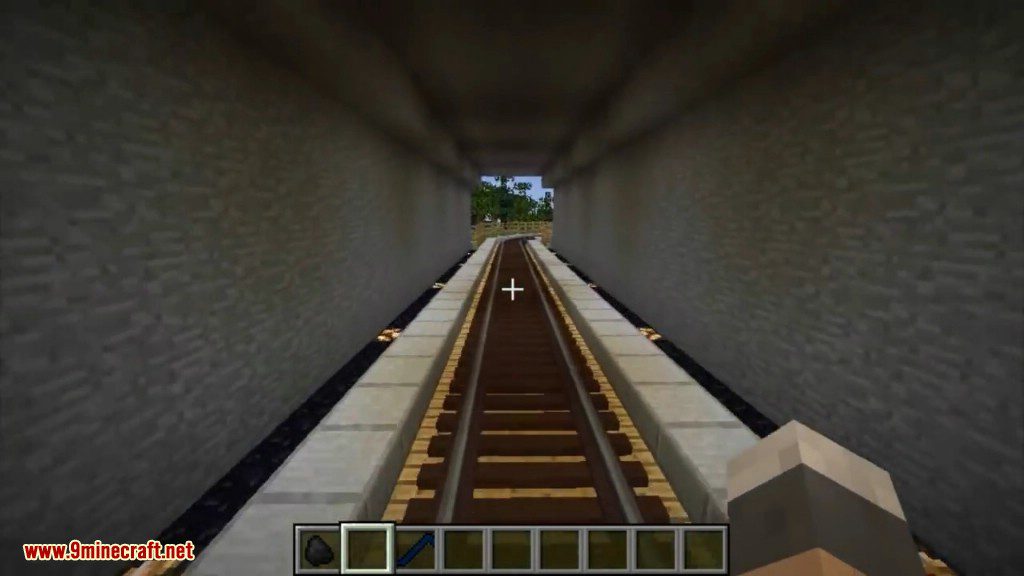
Switch and right pointer placing.
Dimensional track model.
Rails of War Mod Download Links
For Minecraft 1.5.2
Forge version: Download from Server 1
For Minecraft 1.6.2
Forge version: Download from Server 1 – Download from Server 2
For Minecraft 1.6.4
Forge version: Download from Server 1 – Download from Server 2
For Minecraft 1.7.2
Forge version: Download from Server 1 – Download from Server 2
For Minecraft 1.7.10
Forge version: Download from Server 1 – Download from Server 2
For Minecraft 1.12.2
Forge version: Download from Server 1 – Download from Server 2
Rails of War Mod (1.12.2, 1.7.10) – A Twist on Railway Systems is a free Minecraft Java mod. Download it and open it directly in the game.