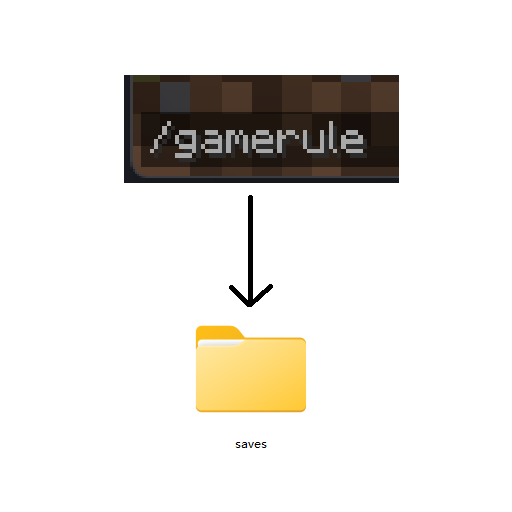
GameRule Manager
Java mod listed for Minecraft 1.20–1.21. Downloads from the MC Java Mods app on Android.
I don't know my version or loader
GameRule Manager
This mod provide new ways to control gamerules.
Features
- Change default gamerule values. (Via config)
- Lock specific gamerule. (Via config)
- Set gamerule standalone for each dimension. (Via command)
How to use
Config
There are 2 config files
Global config
Config file is at .minecraft/config/gamerule_manager/default.json. If this file is not existed, create it. Example:
{
  //Apply to all dimension
  "default": {
    "doDaylightCycle": false,
    "doMobSpawning": {
      "value": false,
      //Lock key is optional
      "lock": true
    },
    "doTraderSpawning": {
      "value": false,
      "lock": false
    }
  },
  "difficulty": "easy"
}
Dimension specific config
Config file is at .minecraft/config/gamerule_manager/specific.json. If this file is not existed, create it. Example:
{
  //Dimension id, NOTE: You need to use "/gamerulemanager" to split out first to apply
  "minecraft:overworld": {
    "gamerules": {
      "keepInventory": {
        "value": true,
        "lock": true
      }
    },
    "difficulty": {
      "value": "hard",
      "lock": true
    }
  }
}
Command
/gamerulemanager <create/remove/list>: Used to control whether specific dimension use standalone gamerules.
Once you split out, you can join that dimension and use /gamerule and /difficulty to change gamerule and difficulty
only for that dimension.
- Edition: Minecraft Java
- File type: .jar
- Minecraft versions listed: 1.21.4, 1.21.8, 1.21.5
- How to install: Install the matching mod loader (Forge, Fabric or NeoForge) for your Minecraft version. → Download the .jar. → Put it in the .minecraft/mods folder and launch that loader profile.
- Where to get it: Opens on CurseForge — not every file is mirrored on our own servers.
Install steps are the general flow for this file type — How to install Minecraft Java mods & modpacks walks through it step by step.
- Ships as the_ruler-1.3-1.20.1-forge.jar — drop this file into the mods folder
- Download size: 22 KB
- Download link checked 28 Oct 2026 — working
These come from our own check of the pack file, not from the source page.