
Armor Overlay Mod changes the armor bar to show the full range of possible armor levels from 0 to 30. With the addition of the generic.armor attribute in 1.9 it’s possible for armor to give partial point however the vanilla armor bar can only show full armor points. By default Armor Overlay shows each 0.25 point with each full piece of armor on the bar is worth one armor point and shows in 1/4 armor piece rather than the vanilla version where each one piece of armor shown is two points and will show 1/2 pieces. The config can be set to a max of showing each 0.04167 point.
Screenshots:

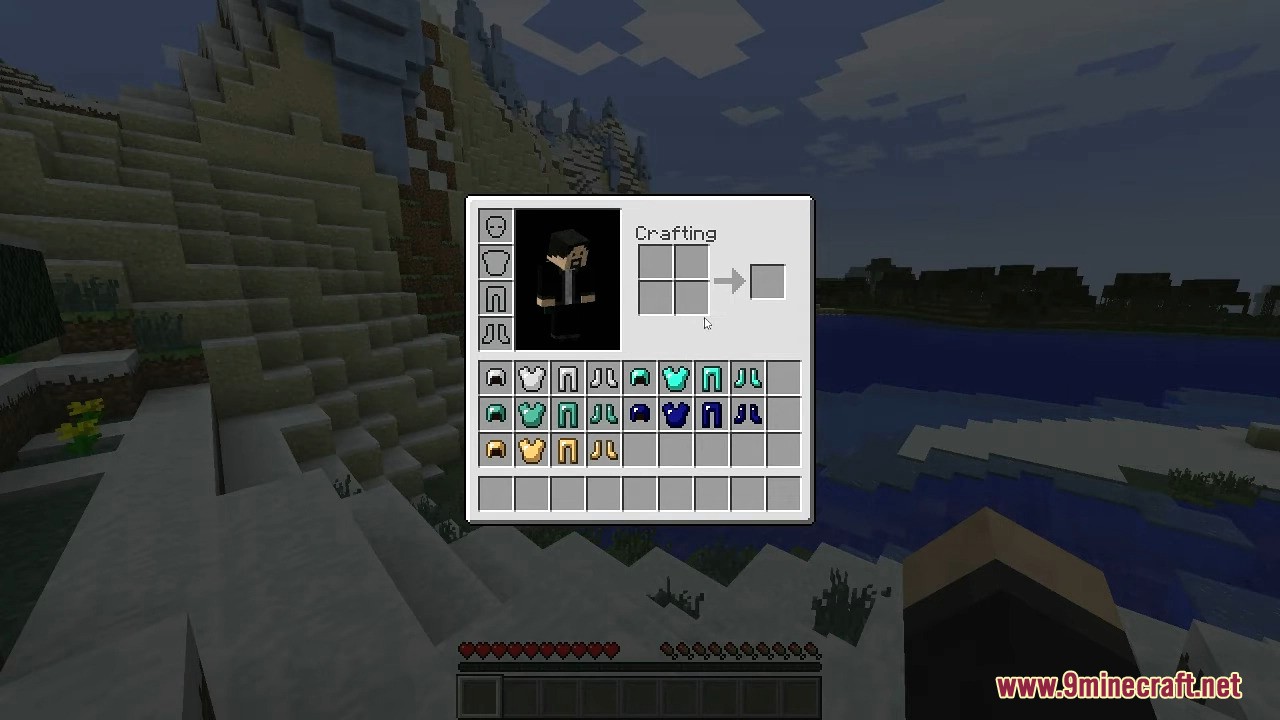




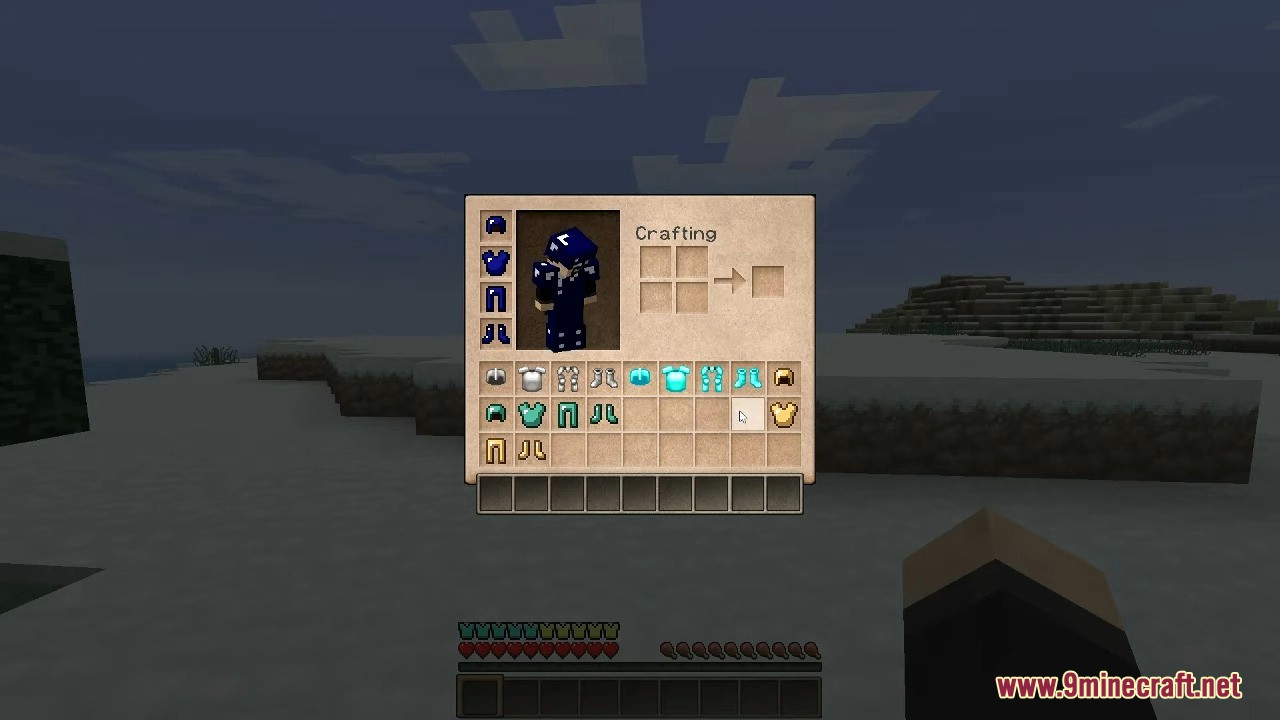
Armor Overlay Mod Download Links
For Minecraft 1.11.2
Forge version: Download from Server 1
For Minecraft 1.10.2, 1.9.4
Forge version: Download from Server 1
For Minecraft 1.7.10
Forge version: Download from Server 1 – Download from Server 2
- Edition: Minecraft Java
- File type: .jar
- How to install: Install the matching mod loader (Forge, Fabric or NeoForge) for your Minecraft version. → Download the .jar. → Put it in the .minecraft/mods folder and launch that loader profile.
- Where to get it: In MC Java Mods, or directly above on this page.
Install steps are the general flow for this file type — How to install Minecraft Java mods & modpacks walks through it step by step.
- Downloads as 197367.mcaddon
- Download size: 48 KB
- Download link checked 26 Jul 2026 — working
- Mirrored on our own servers — the download does not depend on the original host
These come from our own check of the pack file, not from the source page.