Autofish Mod will automatically reel in and recast your fishing rod when you catch a fish. You can disable it using it’s GUI, which opens using a configurable key. Just cast the fishing rod one time into the water and let the mod do the rest.
This mod automates the fishing process in minecraft, so you can go afk and it will fish for you.
Screenshots:
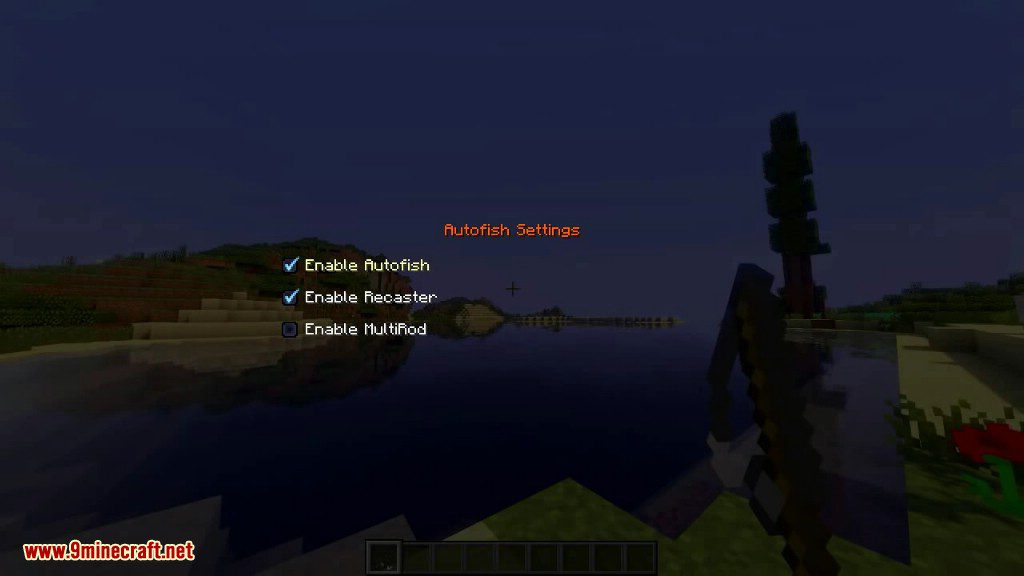
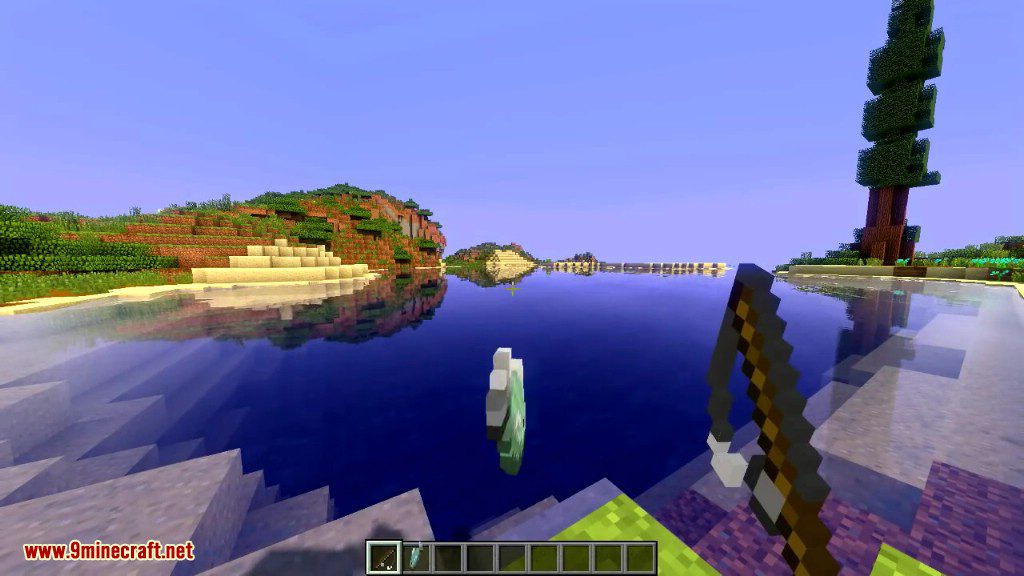
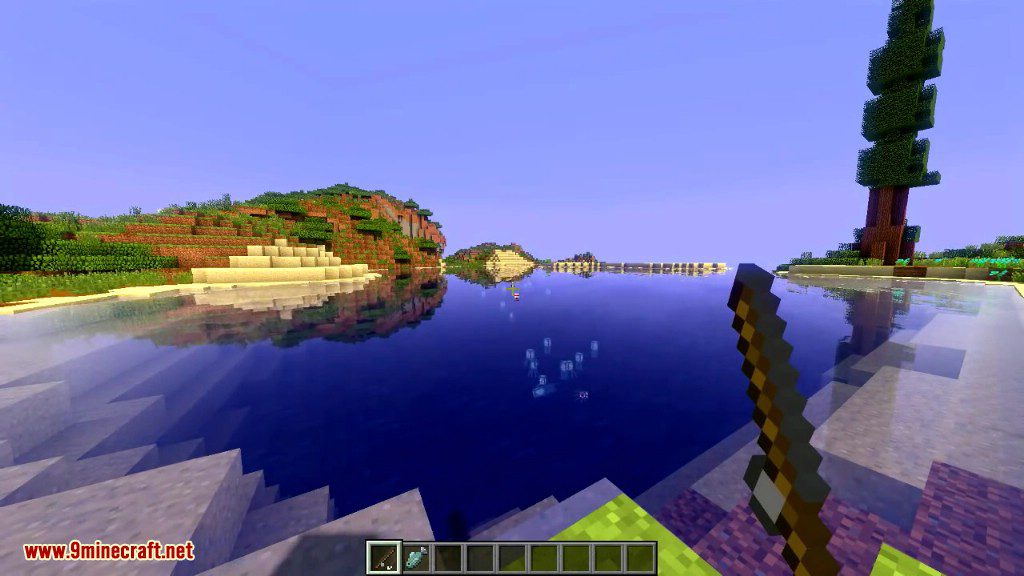

How to use:
- Configurable key (V by default) to open a GUI for changing individual settings.
- Very simple to use, just cast the fishing rod into the water once, and it will automatically reel in at the correct time and recast after a couple second wait.
- Enable Autofish: Toggles the entire mod on or off.
- Enable MultiRod: After using up a rod, it will try to auto switch to the next one in your hotbar if it exists, so you can fish for extended periods of time with multiple rods. (Switches to the first rod in your hotbar after each reel)
- Stop fishing before rods break: Ignores fishing rods once they are almost broken. This is useful if you have an enchanted fishing rod and you don’t want it to break.
Autofish Mod Download Links
For Minecraft 1.21.1, 1.21
Forge version: Download from Server 1 – Download from Server 2
NeoForge version: Download from Server 1 – Download from Server 2
For Minecraft 1.20.6, 1.20.4
Forge version: Download from Server 1
For Minecraft 1.20.1
Forge version: Download from Server 1 – Download from Server 2
For Minecraft 1.19.4
Forge version: Download from Server 1 – Download from Server 2
For Minecraft 1.19.3
Forge version: Download from Server 1 – Download from Server 2
Fabric version: Download from Server 1 – Download from Server 2
For Minecraft 1.19.2
Forge version: Download from Server 1
Fabric version: Download from Server 1
For Minecraft 1.18.2
Forge version: Download from Server 1
Fabric version: Download from Server 1
For Minecraft 1.17.1
Forge version: Download from Server 1
For Minecraft 1.16.5
Forge version: Download from Server 1
Fabric version: Download from Server 1
For Minecraft 1.15.2, 1.15.1
Forge version: Download from Server 1
Fabric version: Download from Server 1
For Minecraft 1.12.2
Litemod: Download from Server 1
Forge version: Download from Server 1
- Edition: Minecraft Java
- File type: .jar
- Minecraft versions listed: 1.21.1, 1.20.1
- How to install: Install the matching mod loader (Forge, Fabric or NeoForge) for your Minecraft version. → Download the .jar. → Put it in the .minecraft/mods folder and launch that loader profile.
- Where to get it: In MC Java Mods, or directly above on this page.
Install steps are the general flow for this file type — How to install Minecraft Java mods & modpacks walks through it step by step.
- Downloads as 197429.mcaddon
- Download size: 119 KB
- Download link checked 26 Jul 2026 — working
- Mirrored on our own servers — the download does not depend on the original host
These come from our own check of the pack file, not from the source page.