Better-Title-Remover Mod (1.21.1, 1.20.6) – Removed Full Screen Titles
Java mod listed for Minecraft 1.20–1.21. Downloads from the MC Java Mods app on Android.
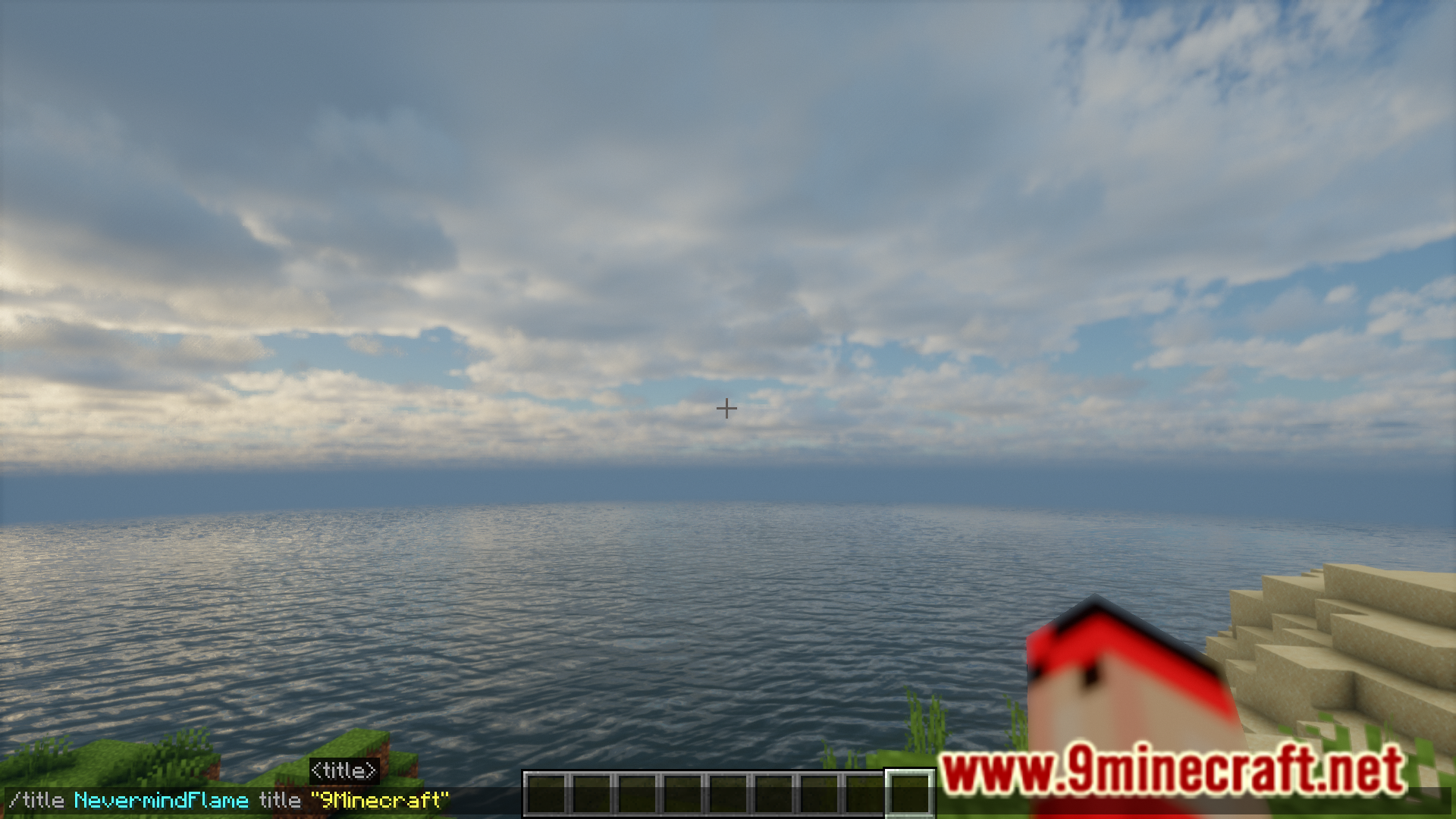
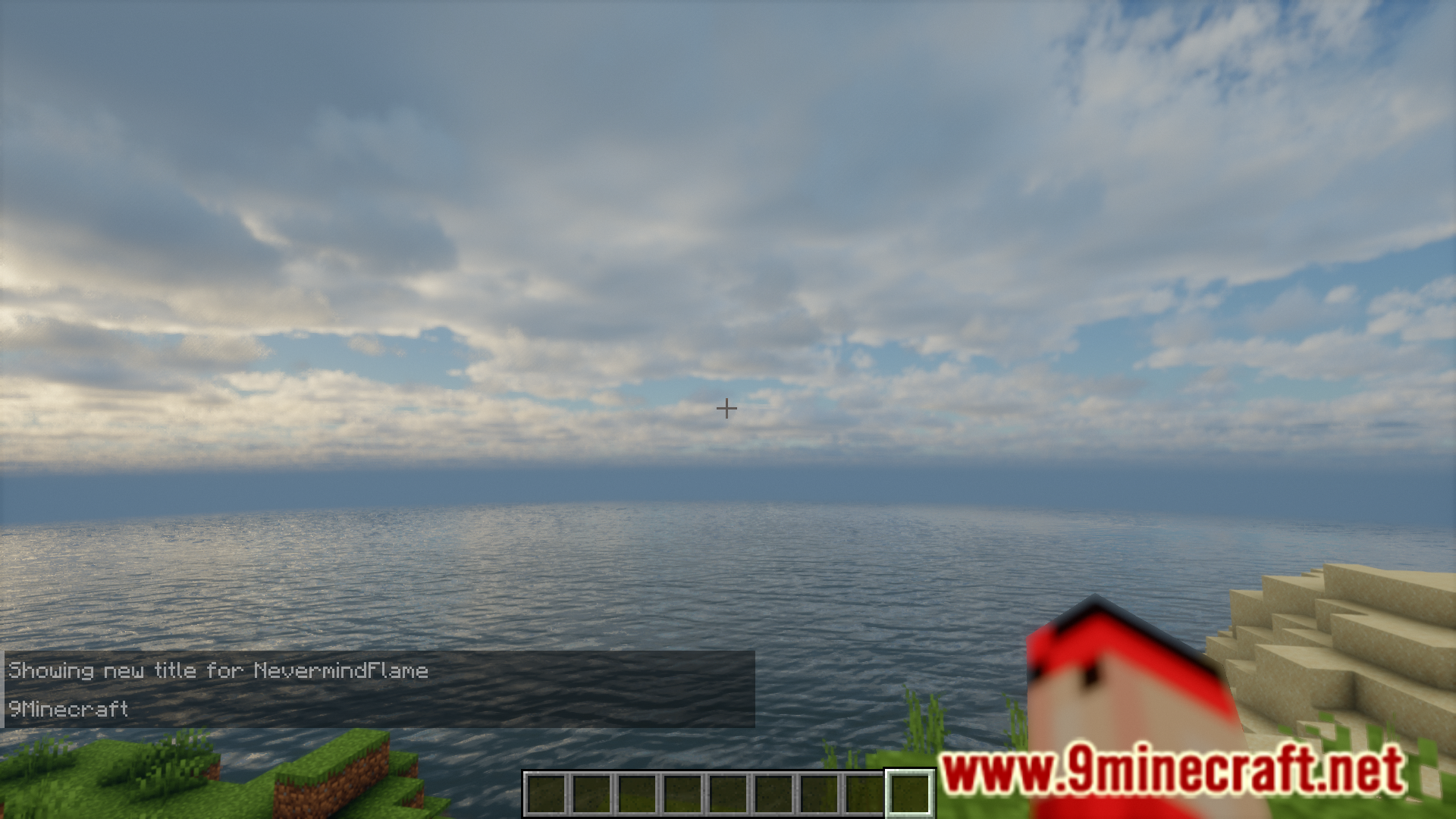
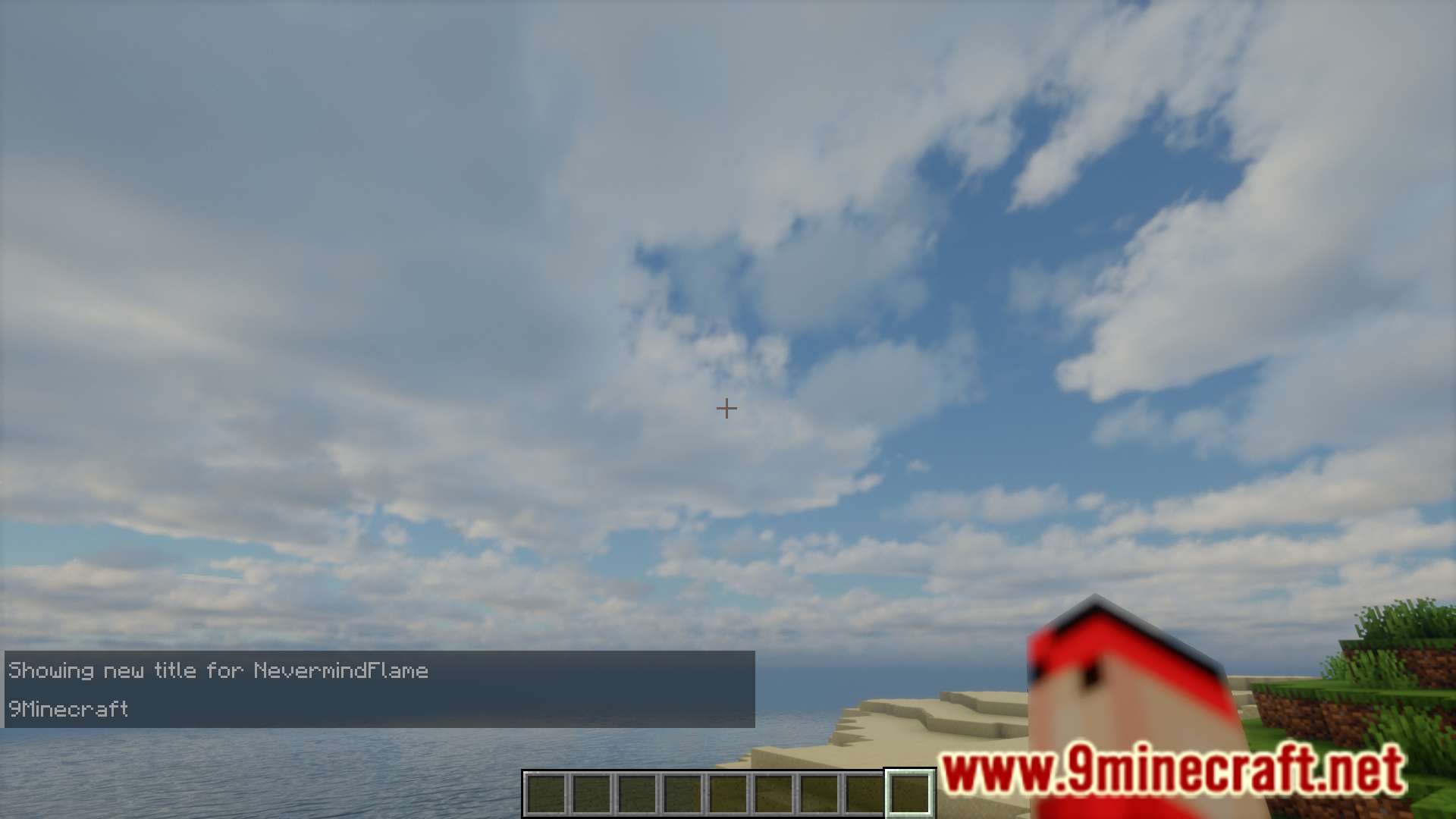
⬇ DownloadIn Minecraft, those with command access can use the /title command to display full screen title text to other selected players. This overlay can be configured to appear for a set amount of time. This can sometimes be an inconvenience. The large title text takes up a lot of screen space and can obstruct your view. This is where Better-Title-Remover Mod helps you. This mod prevents any screen obstructing title text from appearing on your screen and instead will send out the title text in the chat for you to read.
Features:
- Removes full screen title overlays from appearing.
- Titles will no longer obstruct your view.
- The title text will be displayed in the chat.
Screenshots:
Better-Title-Remover Mod Download Links
For Minecraft 1.21.1, 1.21, 1.20.6
Fabric version: Download from Server 1 – Download from Server 2
- Edition: Minecraft Java
- File type: .jar
- Minecraft versions listed: 1.21.1, 1.20.6
- How to install: Install the matching mod loader (Forge, Fabric or NeoForge) for your Minecraft version. → Download the .jar. → Put it in the .minecraft/mods folder and launch that loader profile.
- Where to get it: In MC Java Mods, or directly above on this page.
Install steps are the general flow for this file type — How to install Minecraft Java mods & modpacks walks through it step by step.
- Downloads as 197437.mcaddon
- Download size: 12 KB
- Download link checked 26 Jul 2026 — working
- Mirrored on our own servers — the download does not depend on the original host
These come from our own check of the pack file, not from the source page.