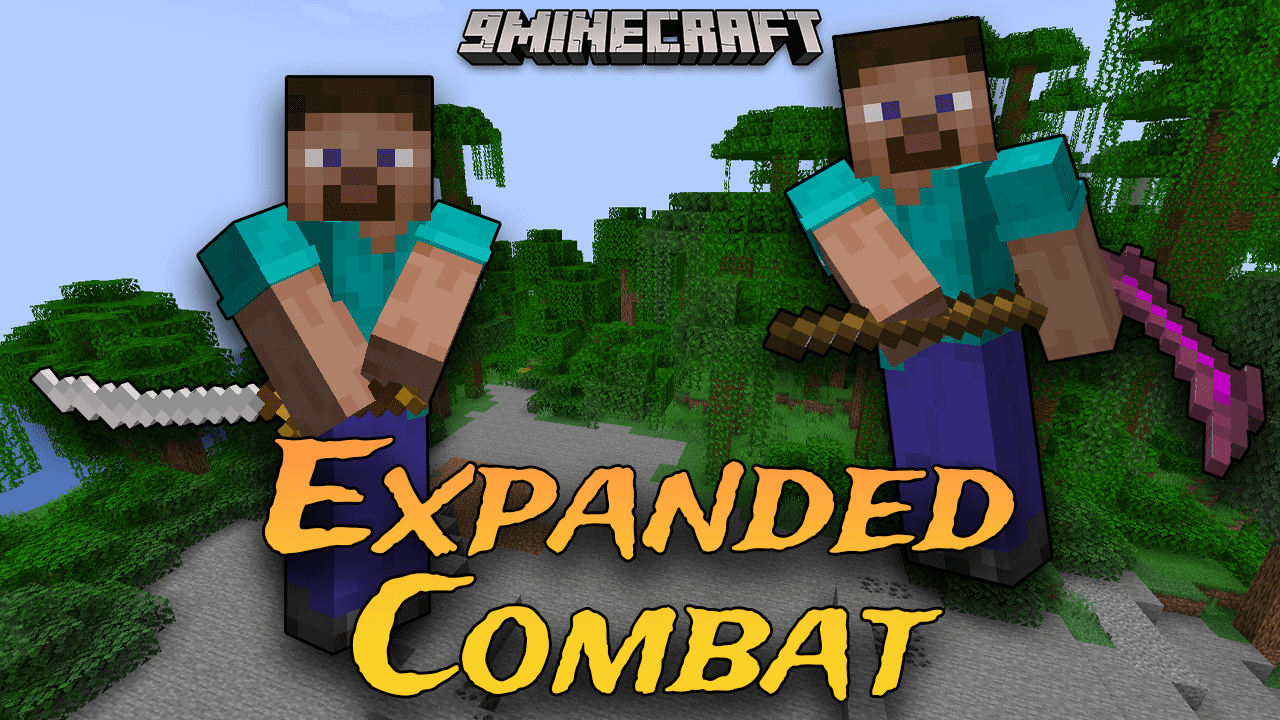
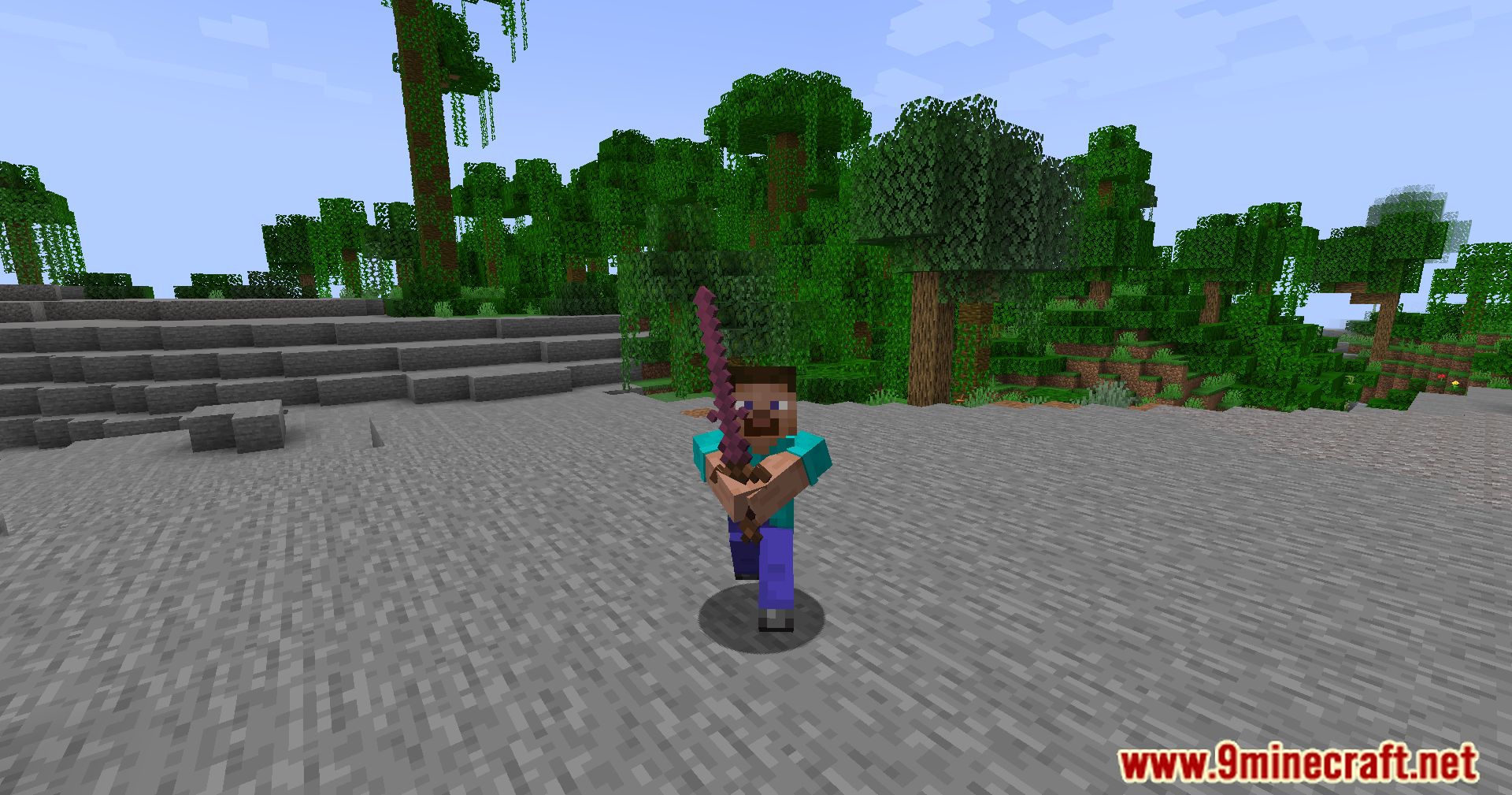
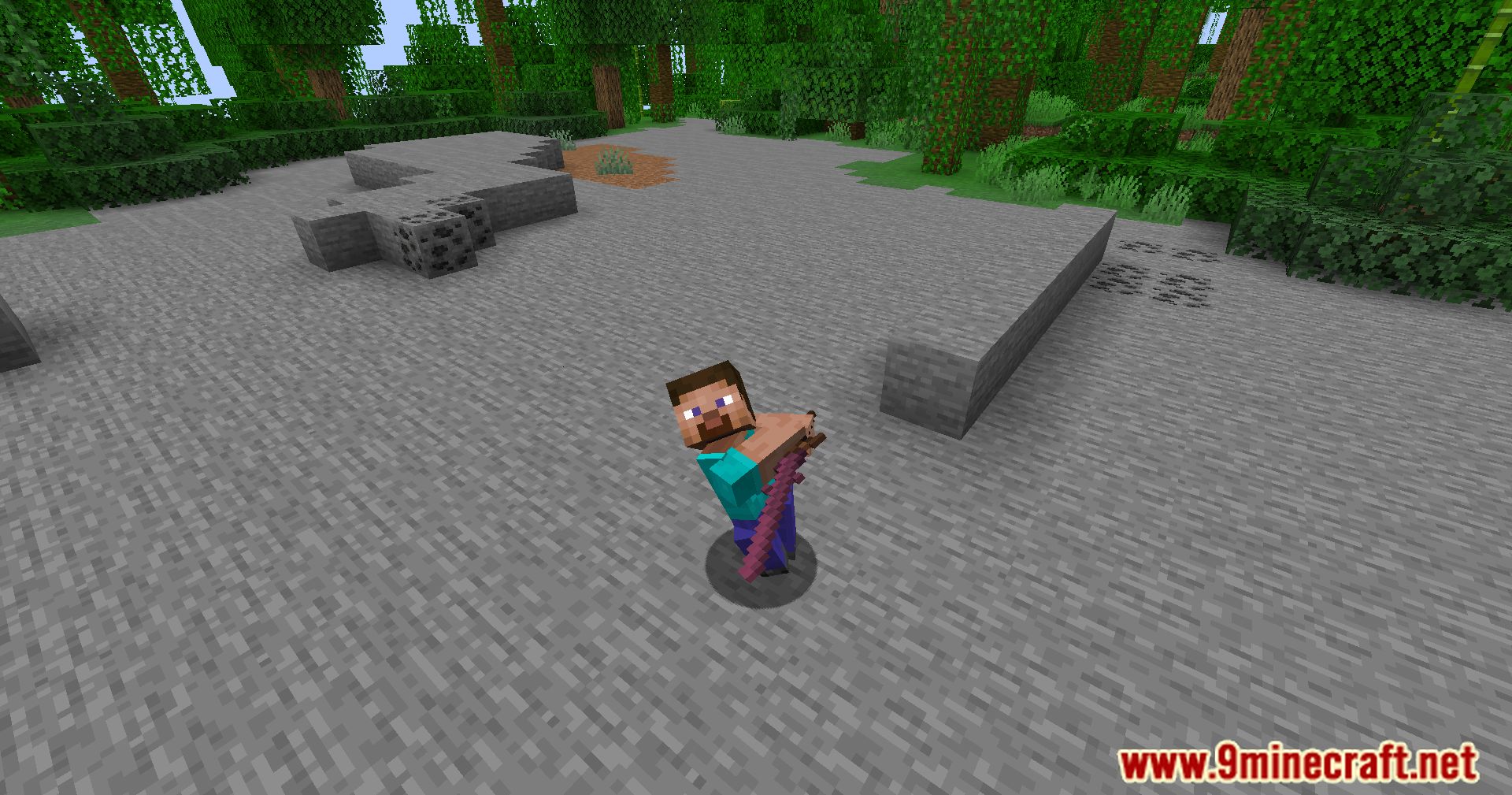
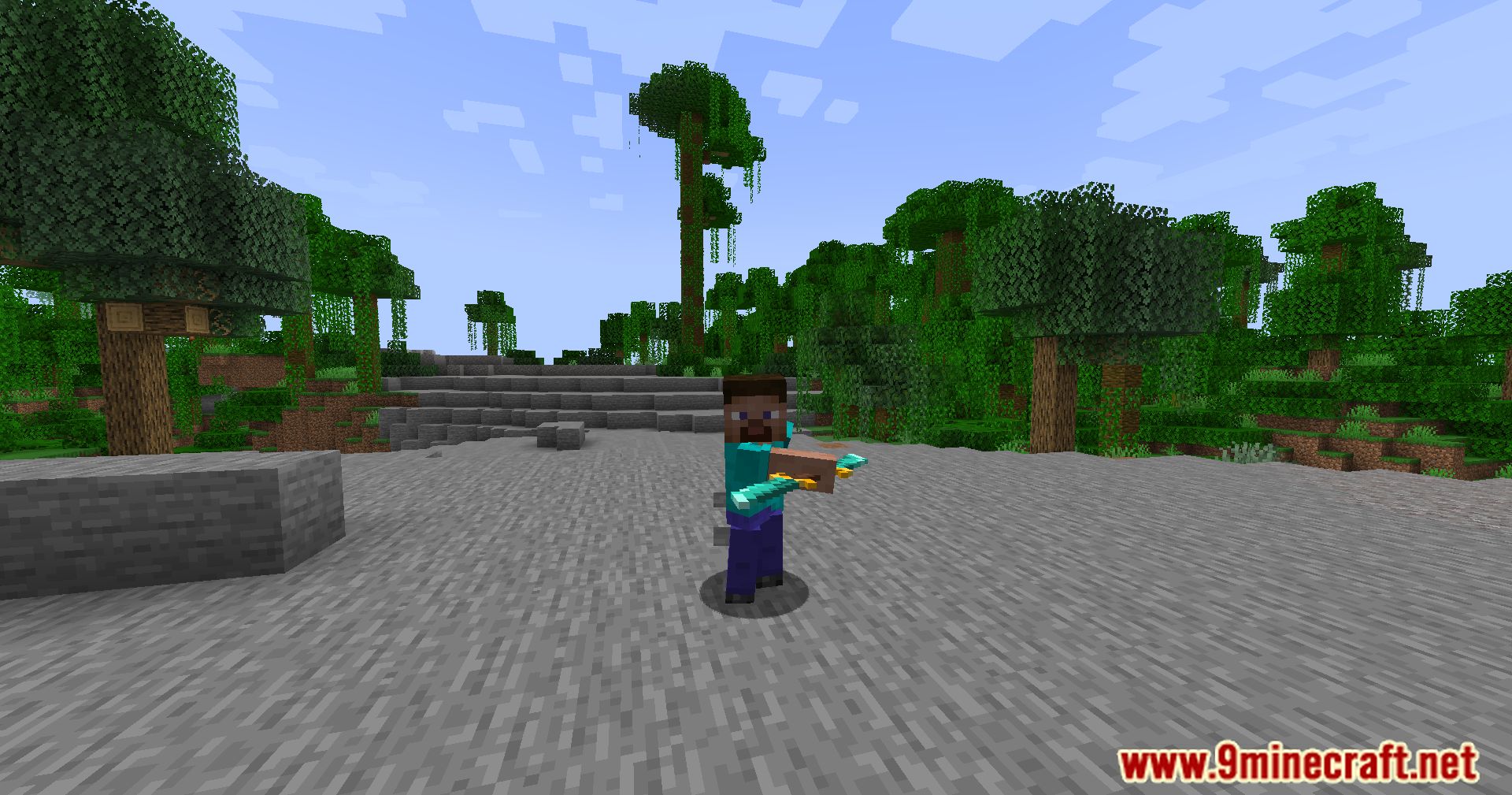
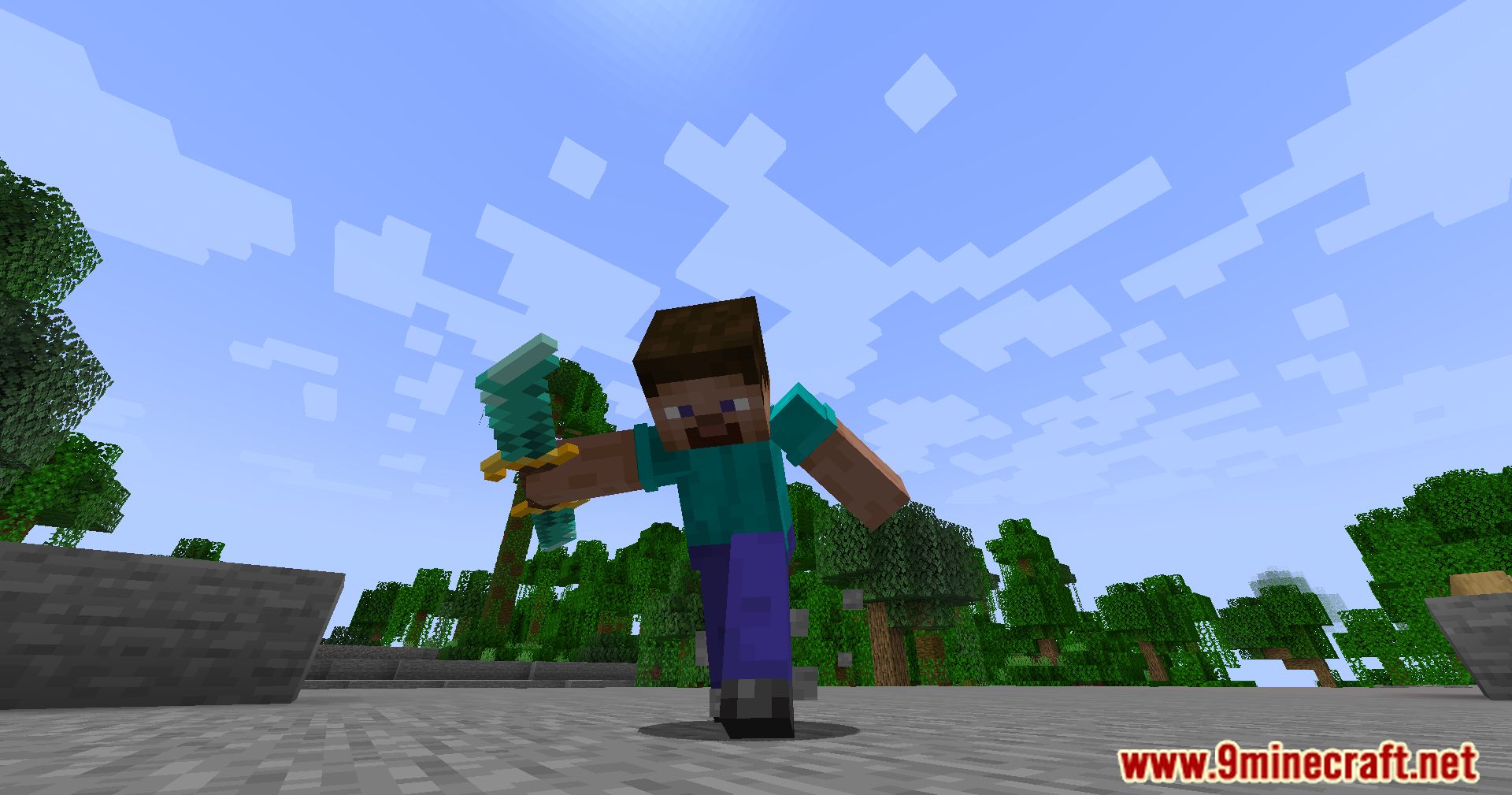
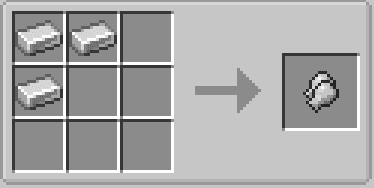
Expanded Combat Mod adds several combat-related items. Such as: quivers, arrows, shields, gloves, more bows, weapons, and much more. The mod will expand the combat aspect of Minecraft by adding several new items: quivers and a slot for them, new types of arrows (iron and diamond), as well as combat gloves.
Features:
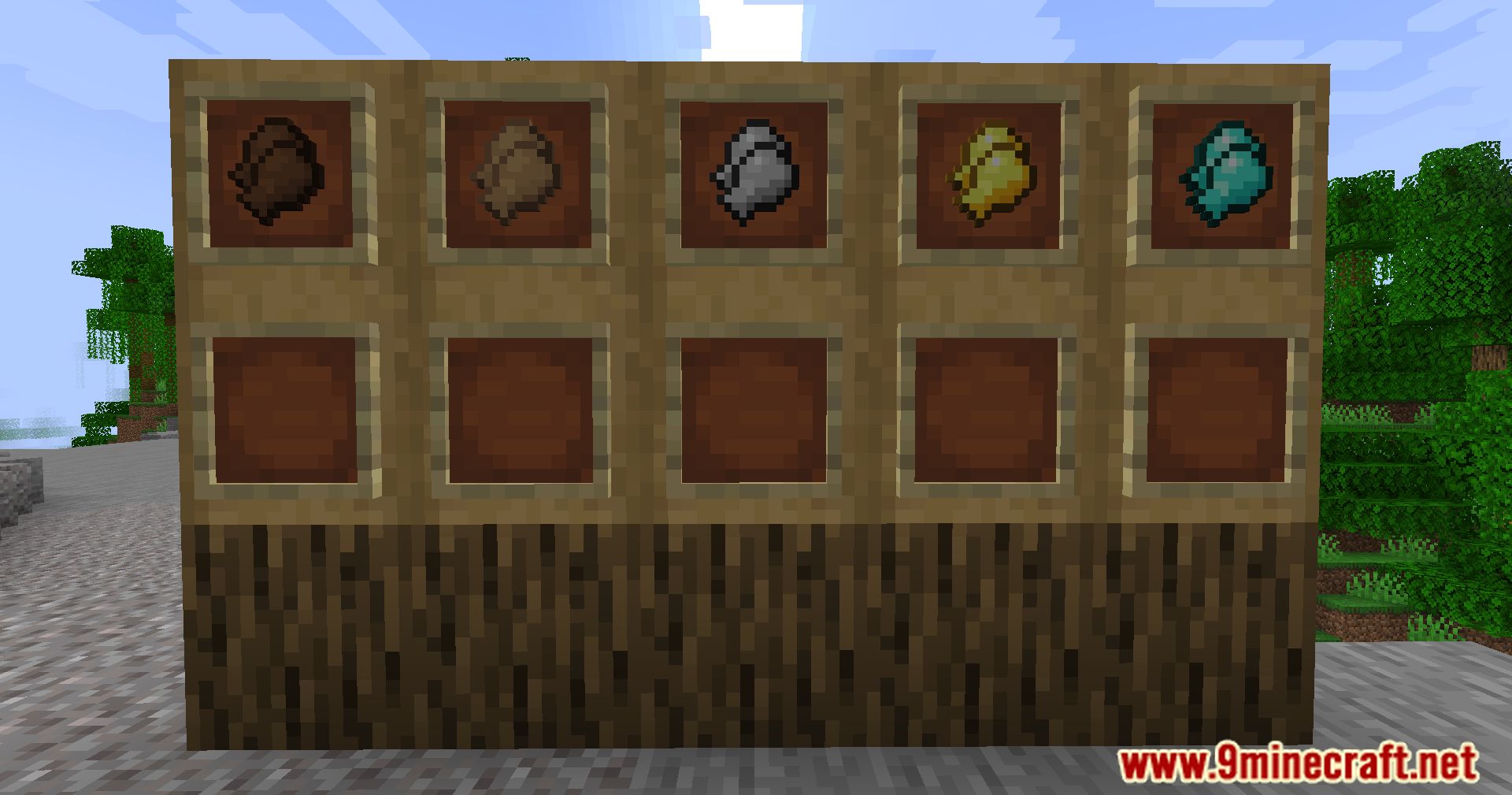
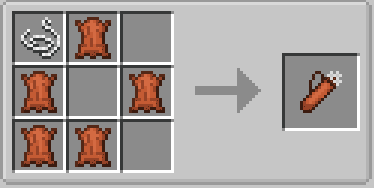
- The mod introduces quivers that can be placed in a custom inventory slot, unlocking extra arrow slots. It also adds new types of arrows, including iron, diamond, and Netherite arrows, which increase in damage as the material gets more expensive.
- Gauntlets serve as both armor and an increase in damage. They can be equipped using the Curios Hands slot and can be enchanted to provide knockback and/or knockback resistance.
- The mod features a detailed shield progression system with crafting done in the smithing table. Different materials can be applied to shields to increase their durability and mending capability.
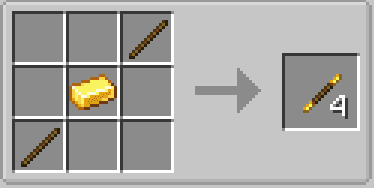
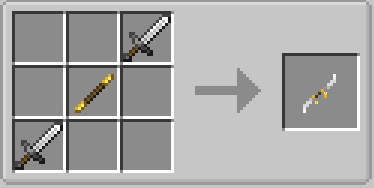
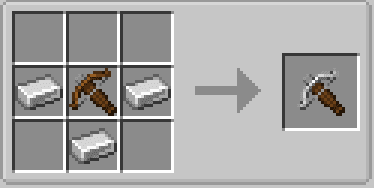
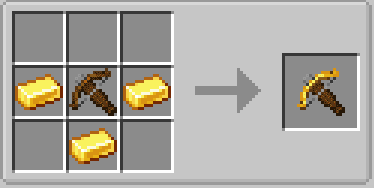
- The mod adds new bows and crossbows with a progression system similar to shields. As the bow progresses, it gets a longer range, but having different materials in each slot can cause the bow to shoot suboptimally.
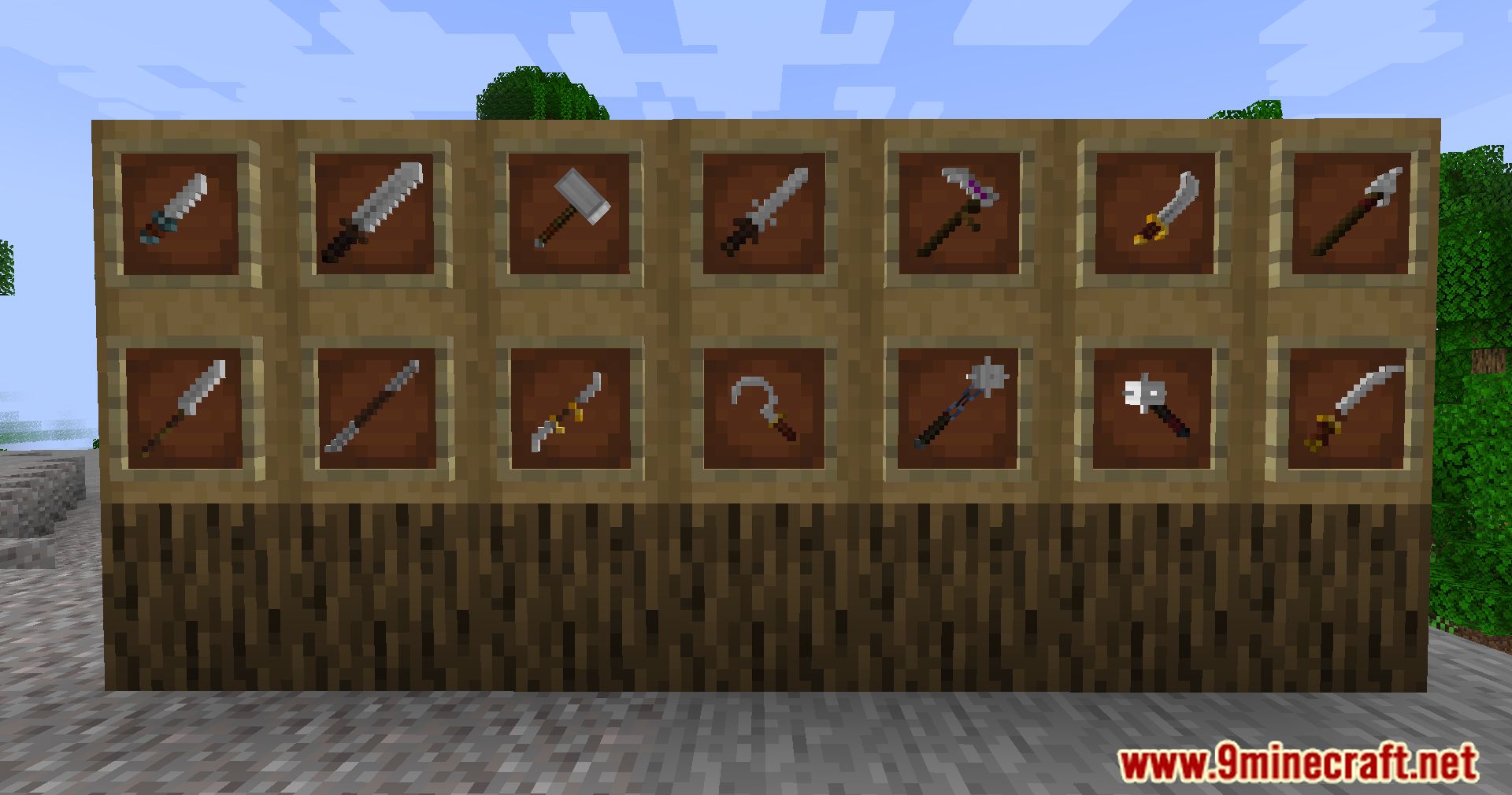
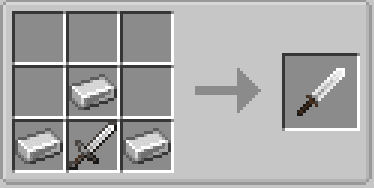
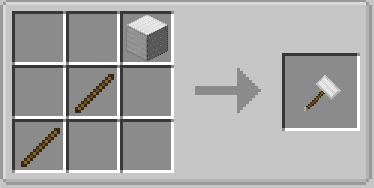
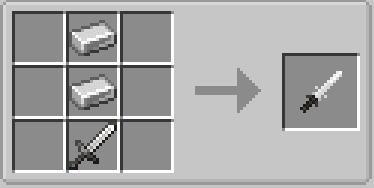
- A variety of melee weapons are added, including swords, scythes, hammers, and maces. Each weapon type has its own strengths and weaknesses.
Screenshots:
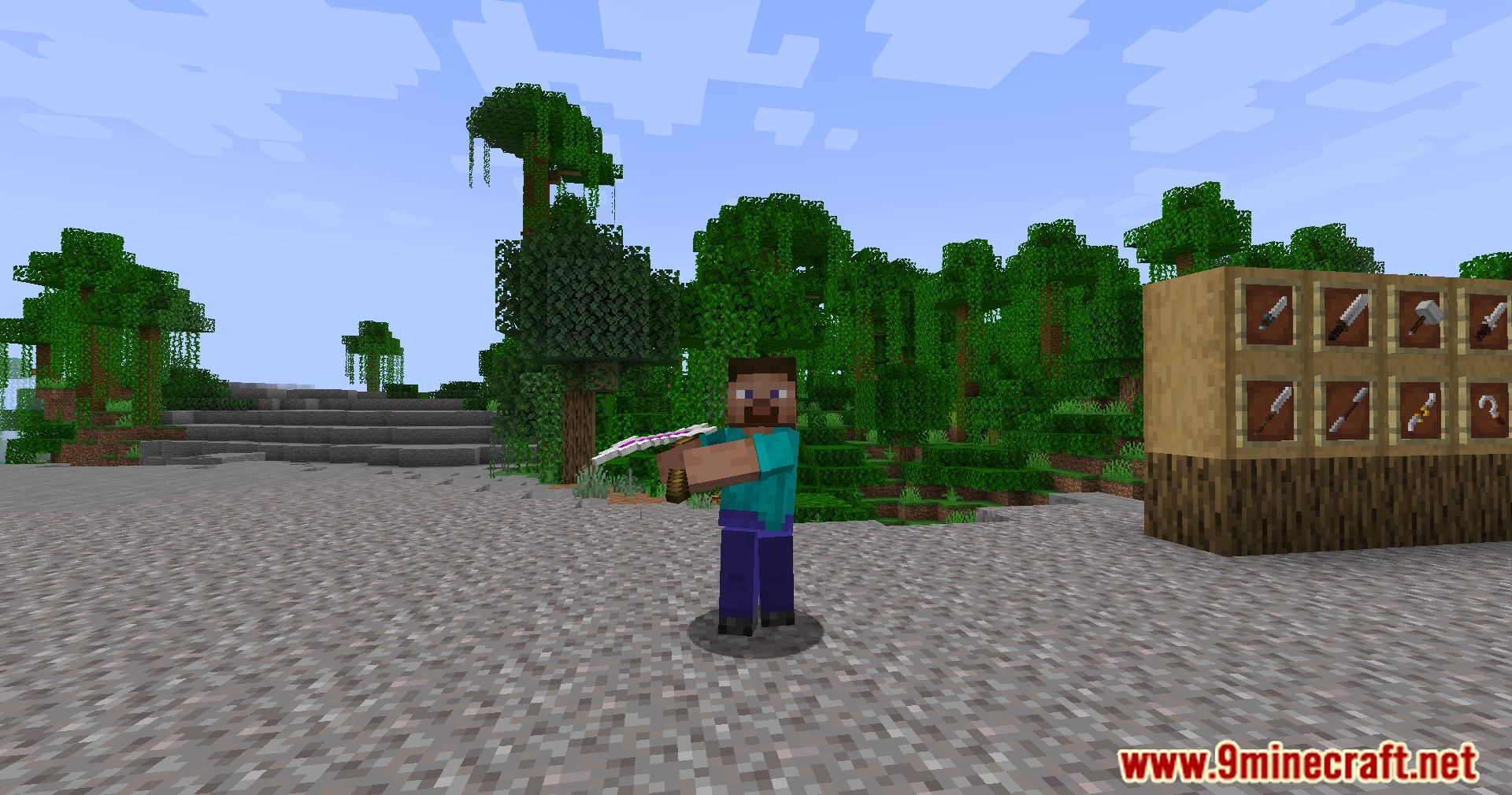
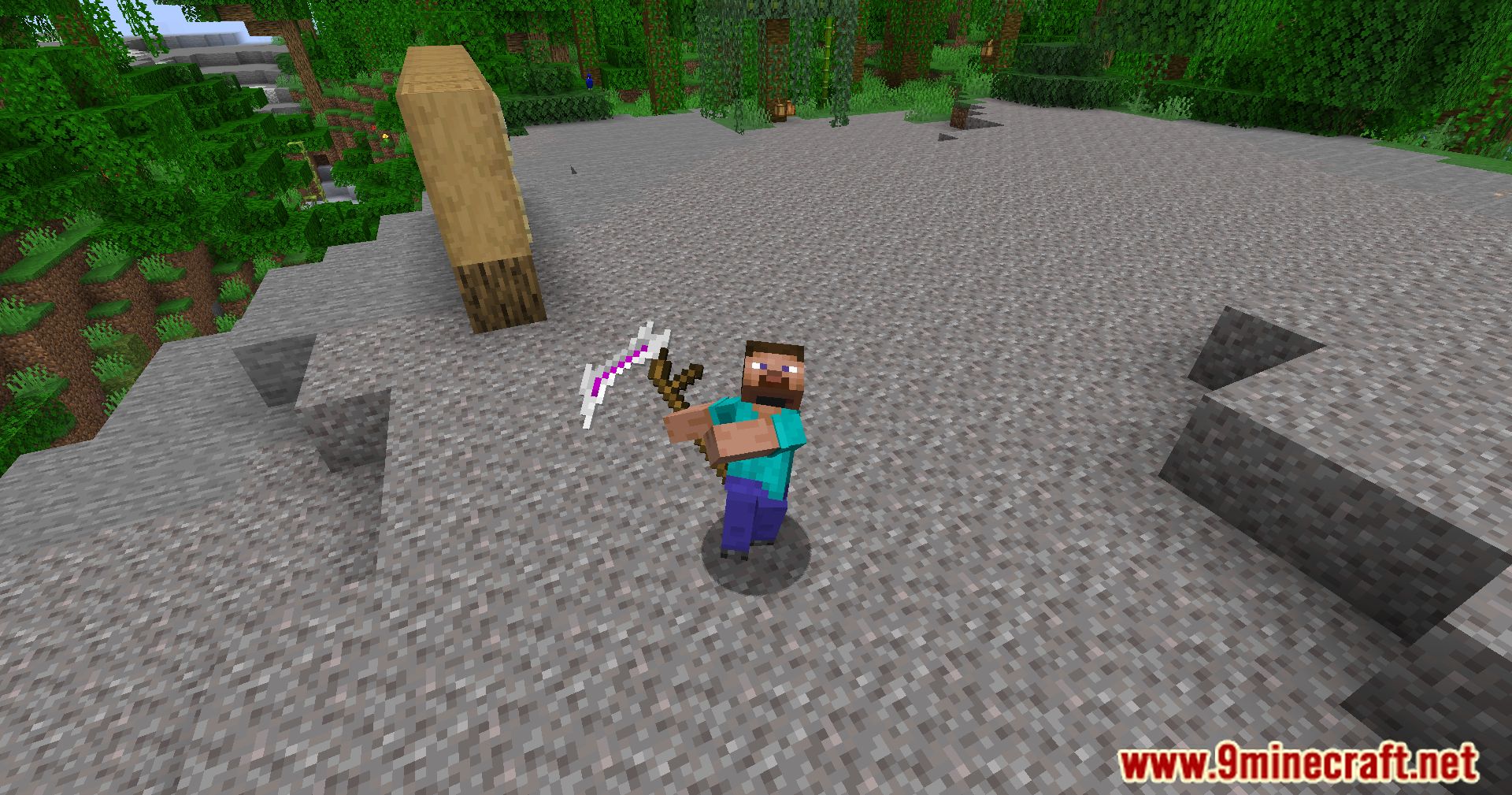
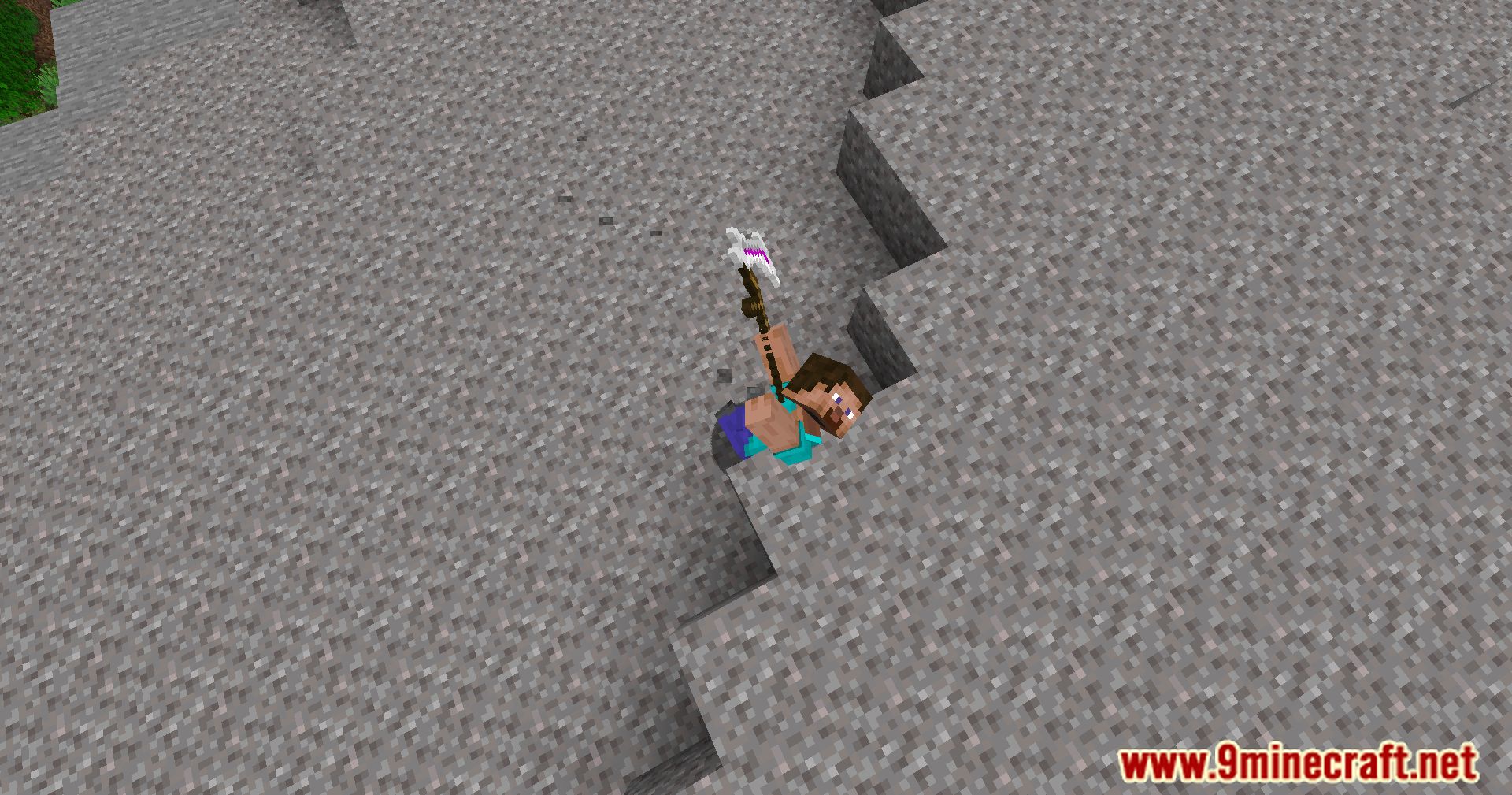
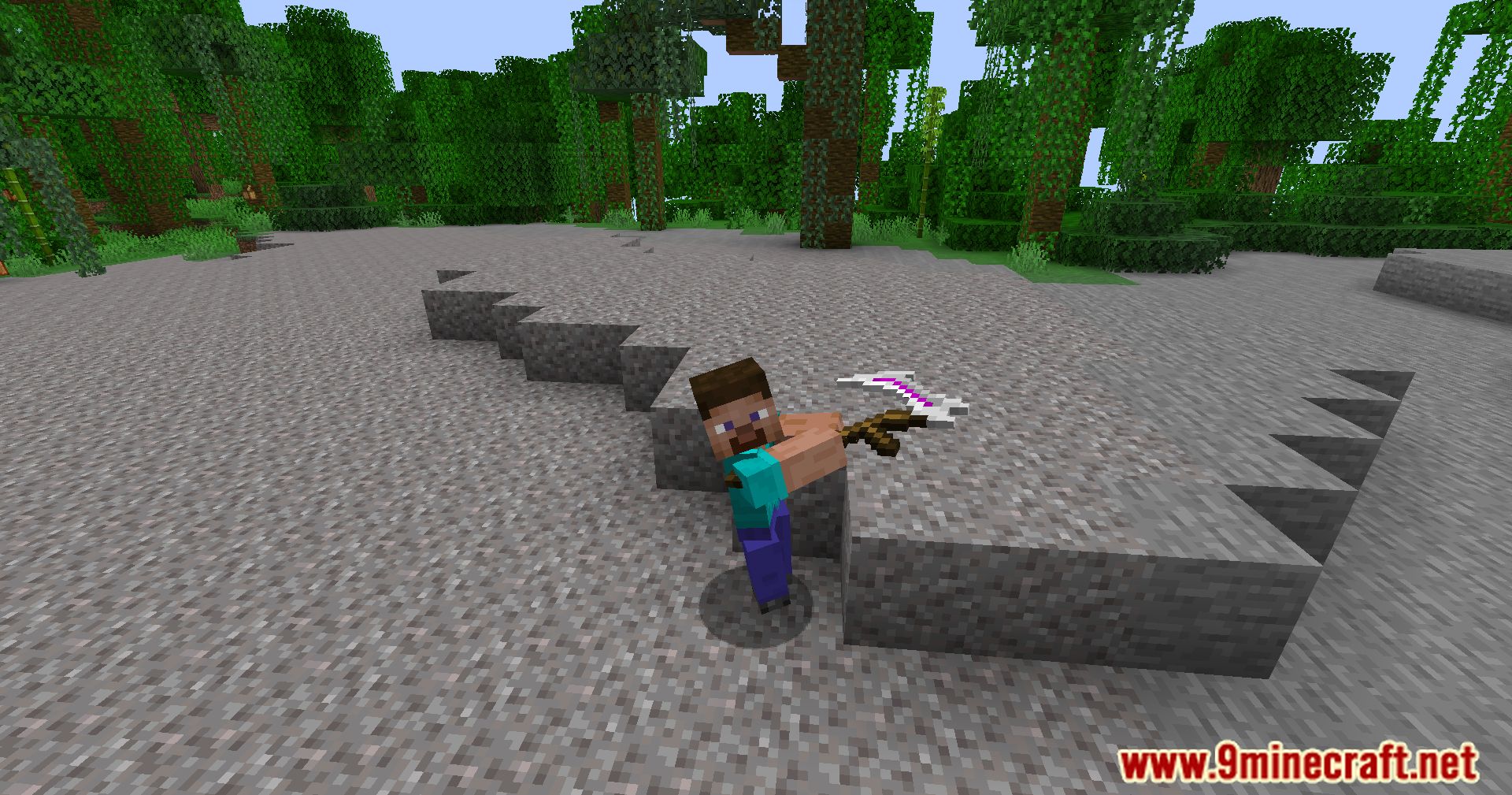
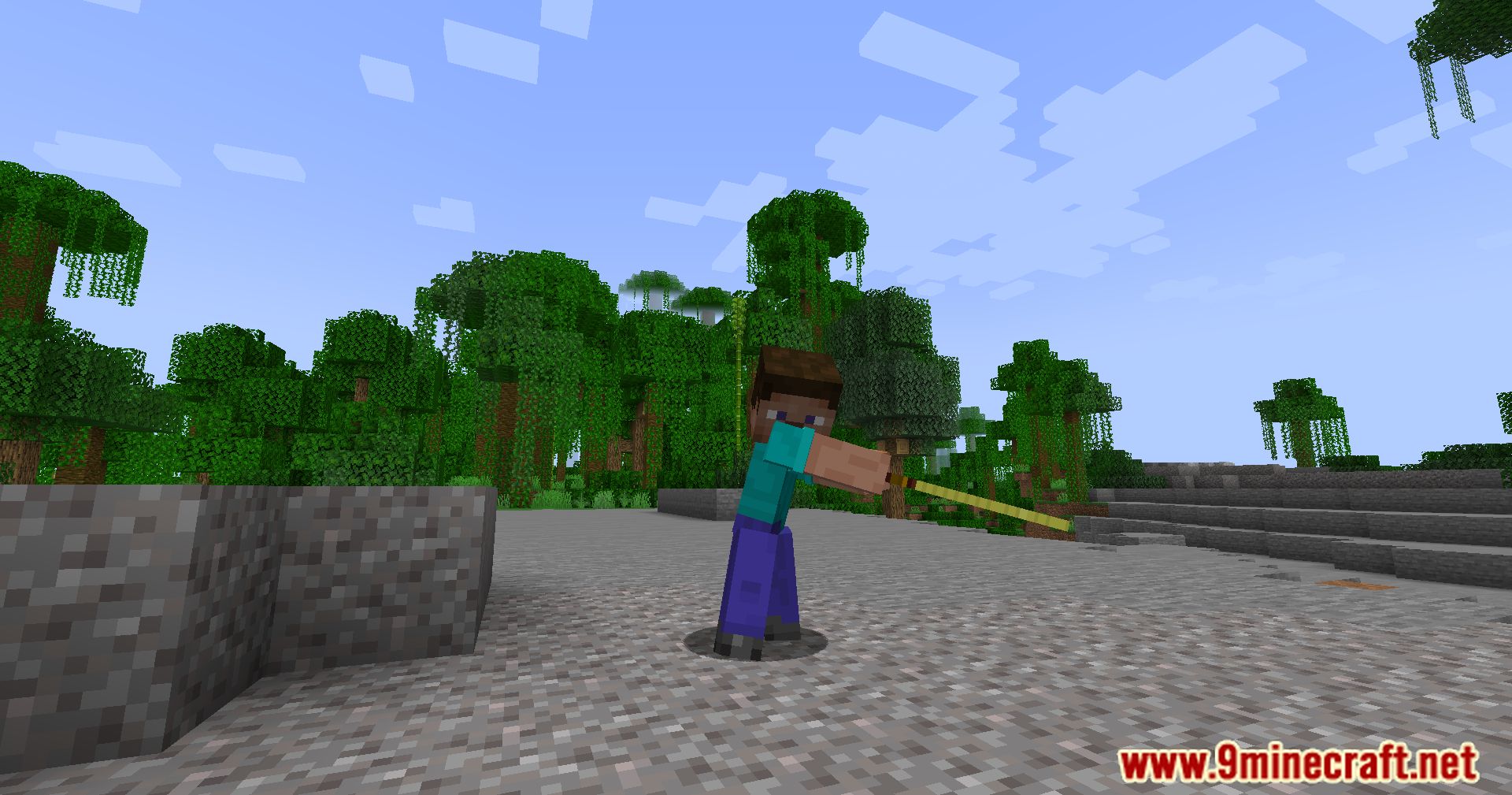
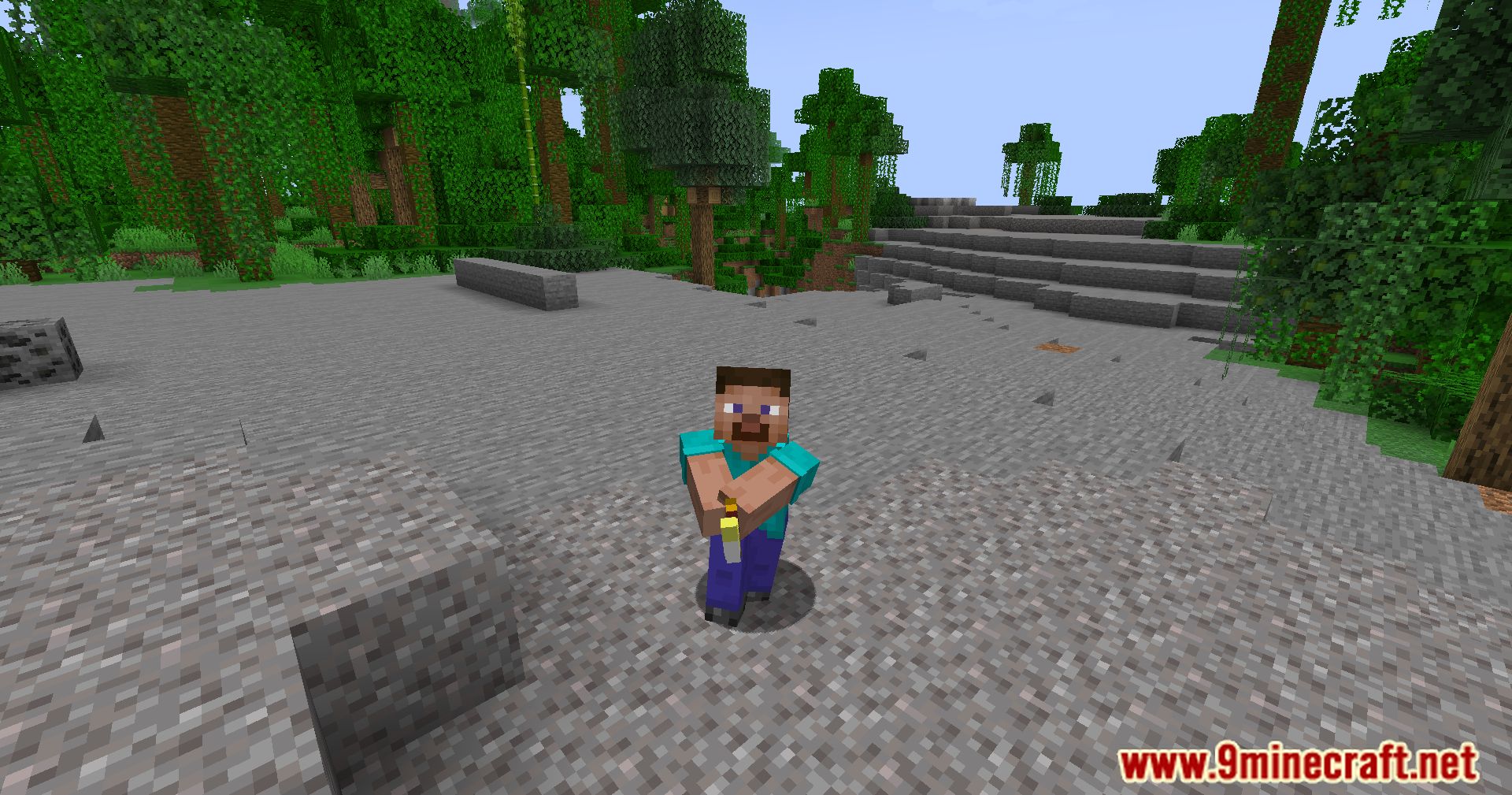
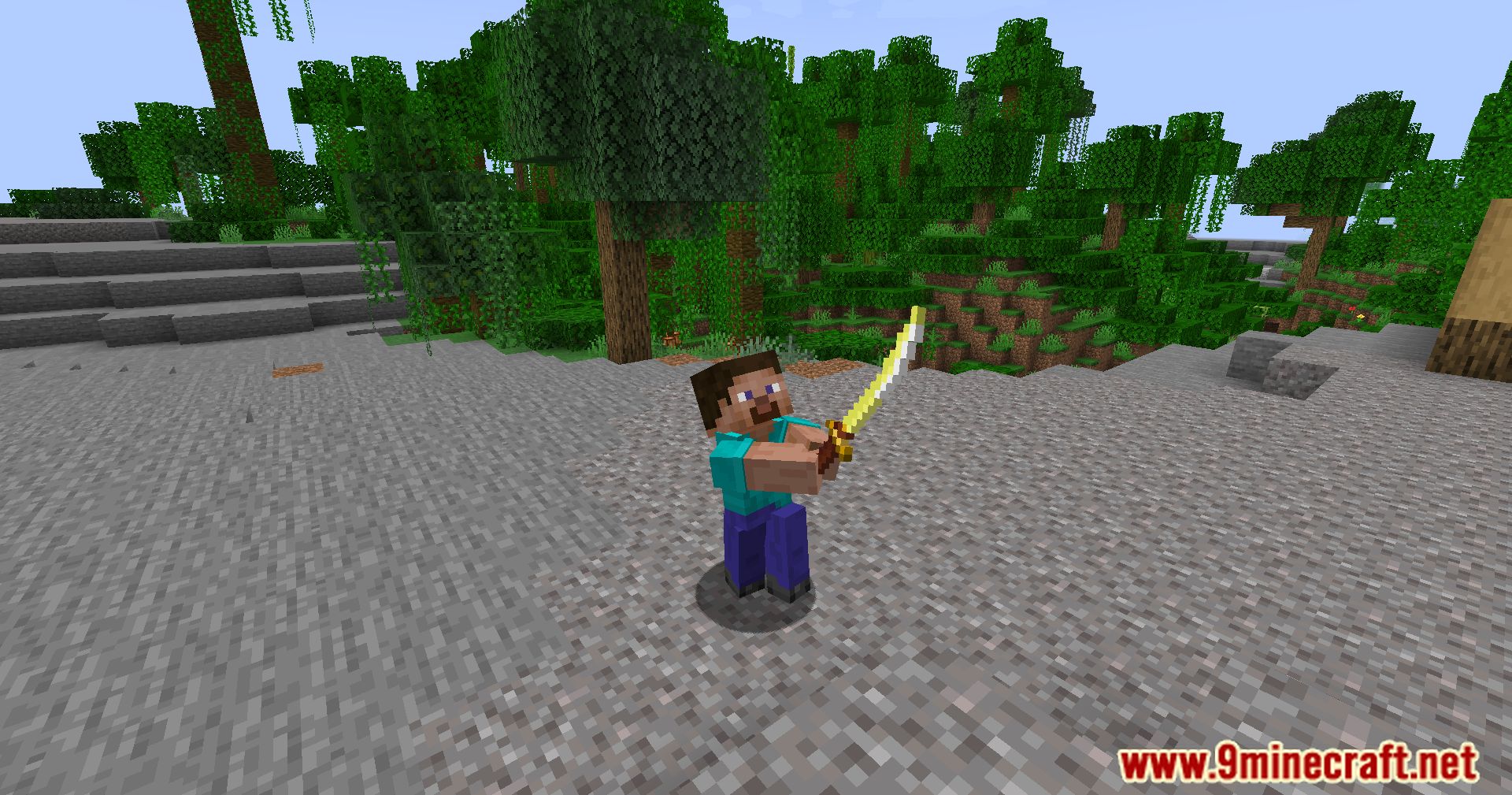
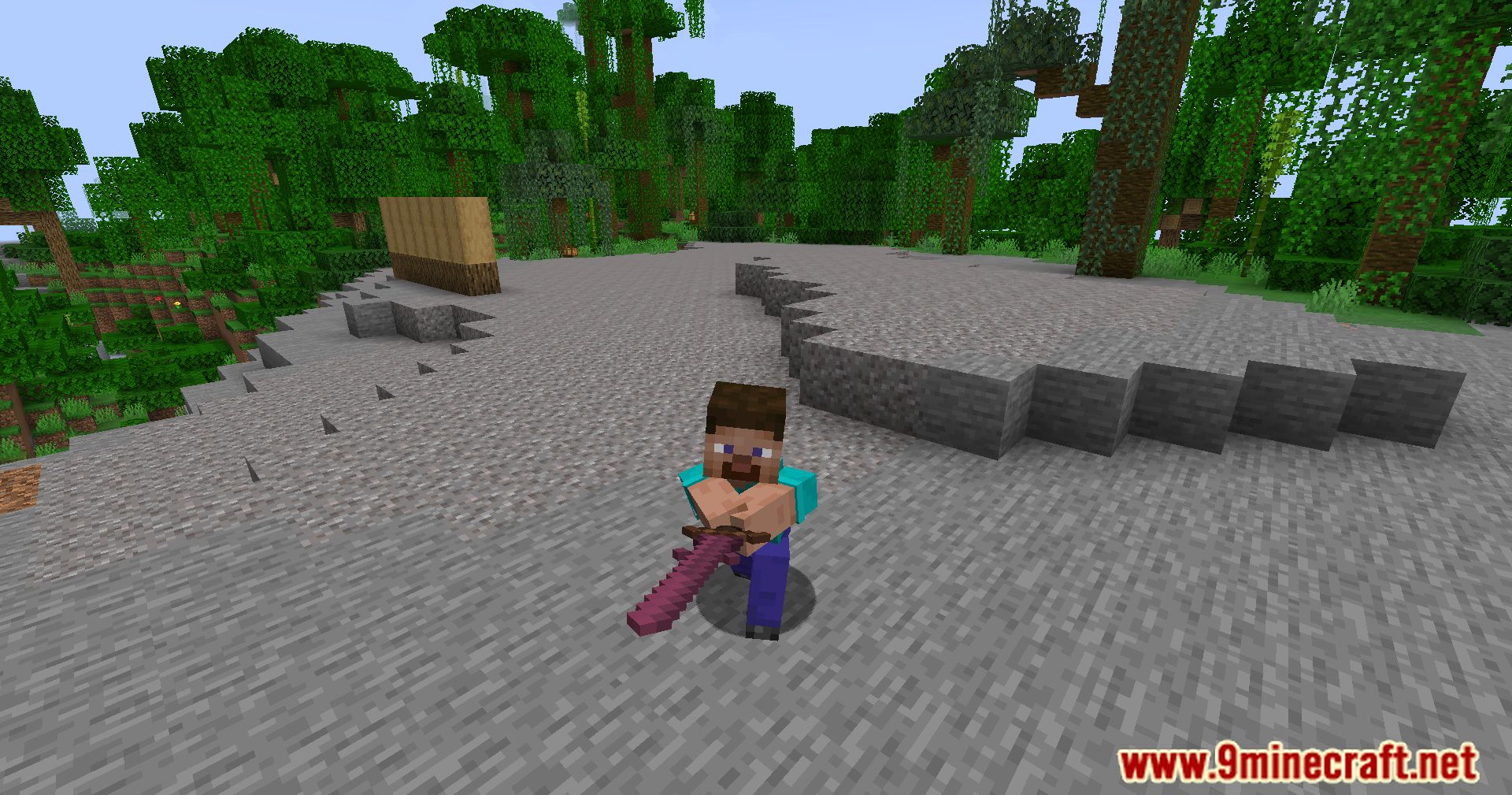
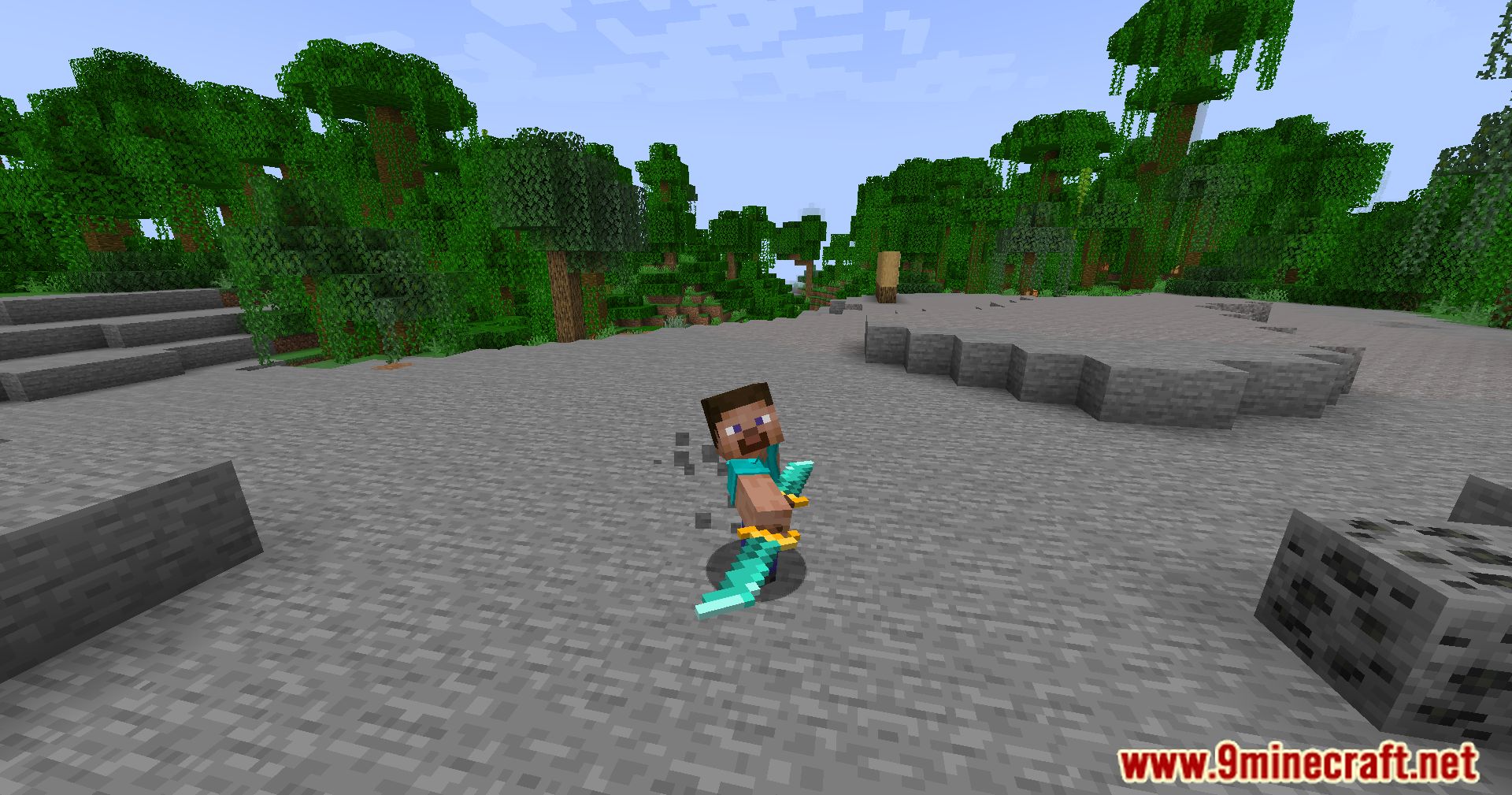
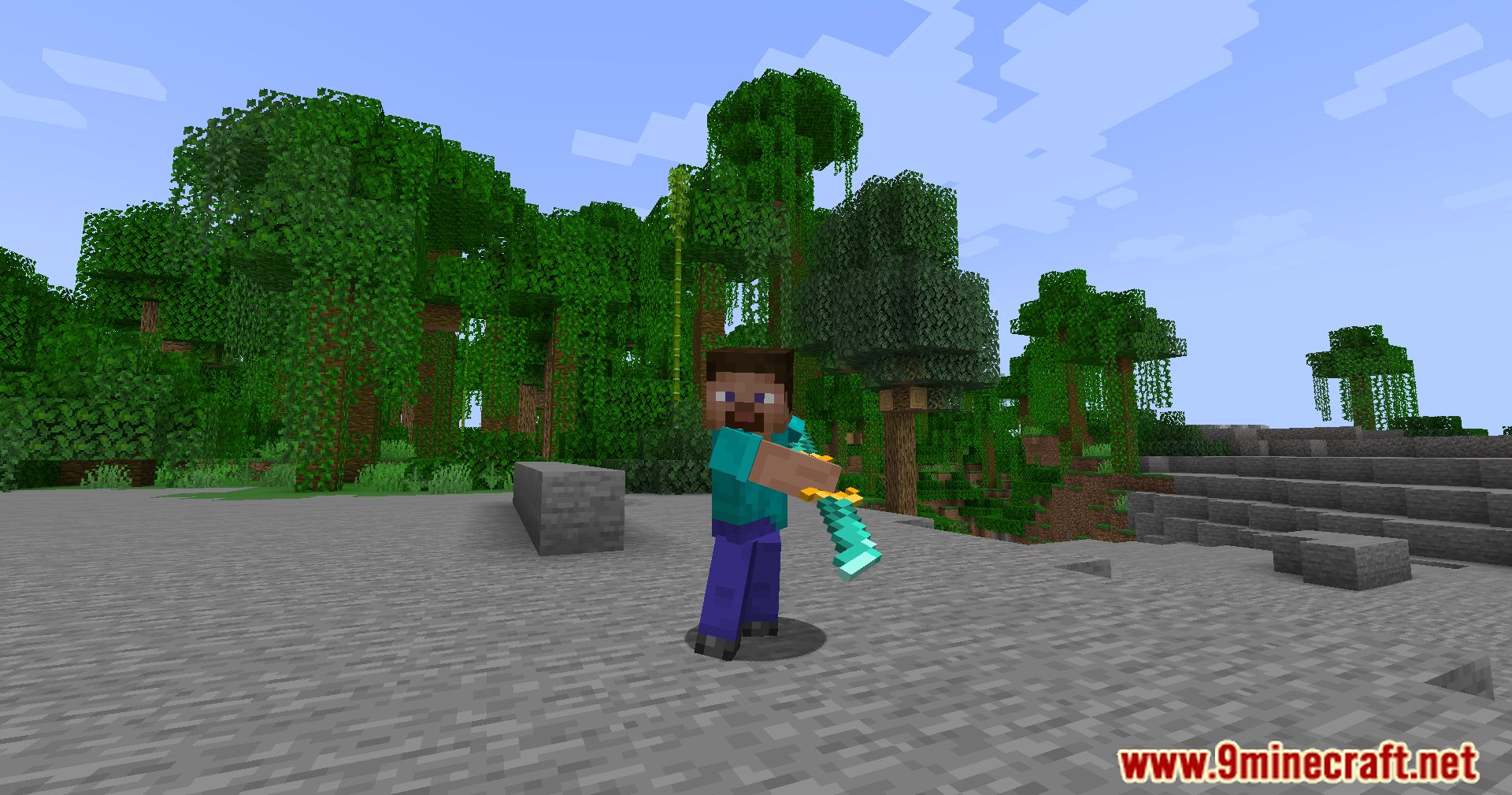
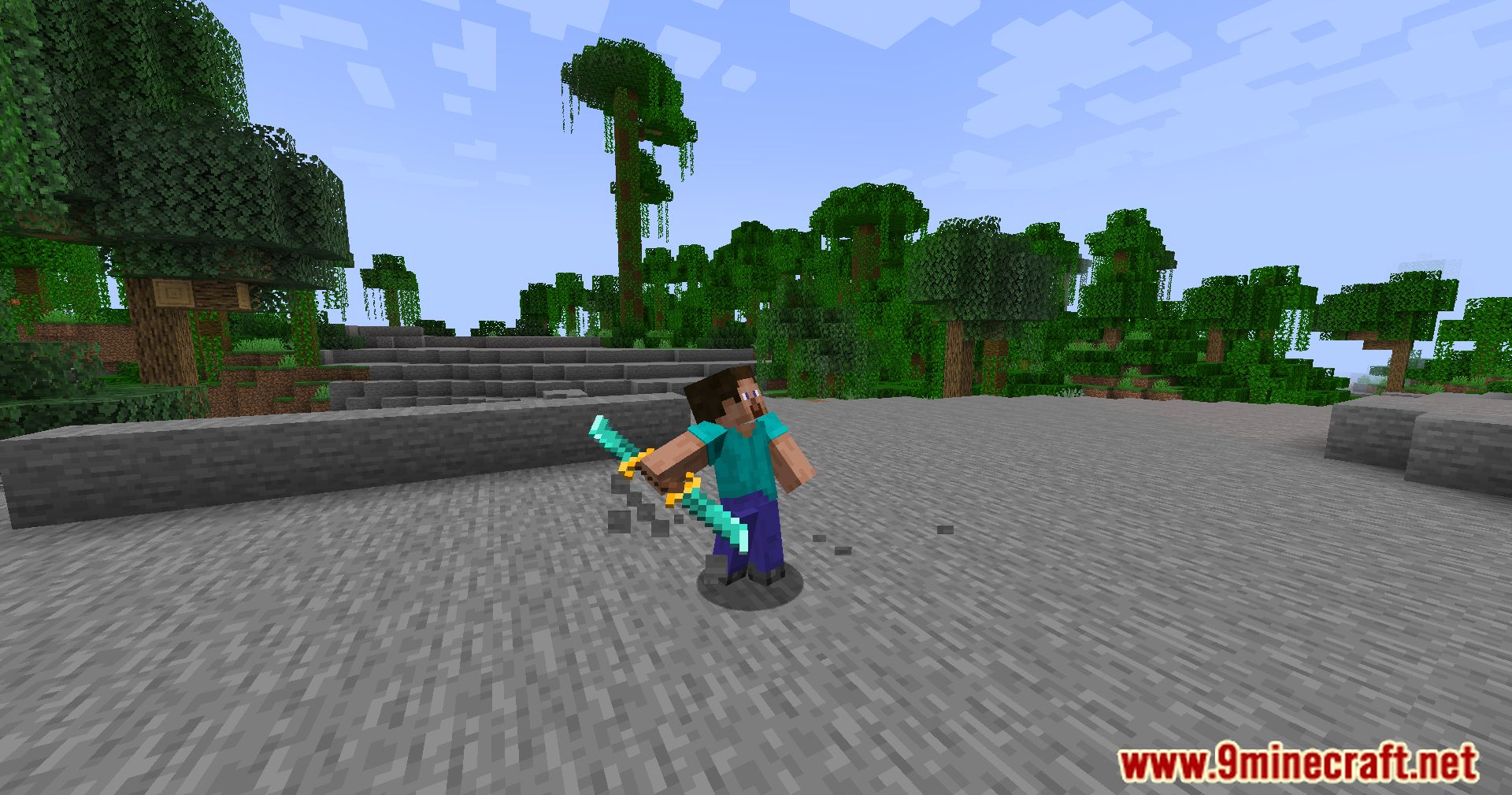
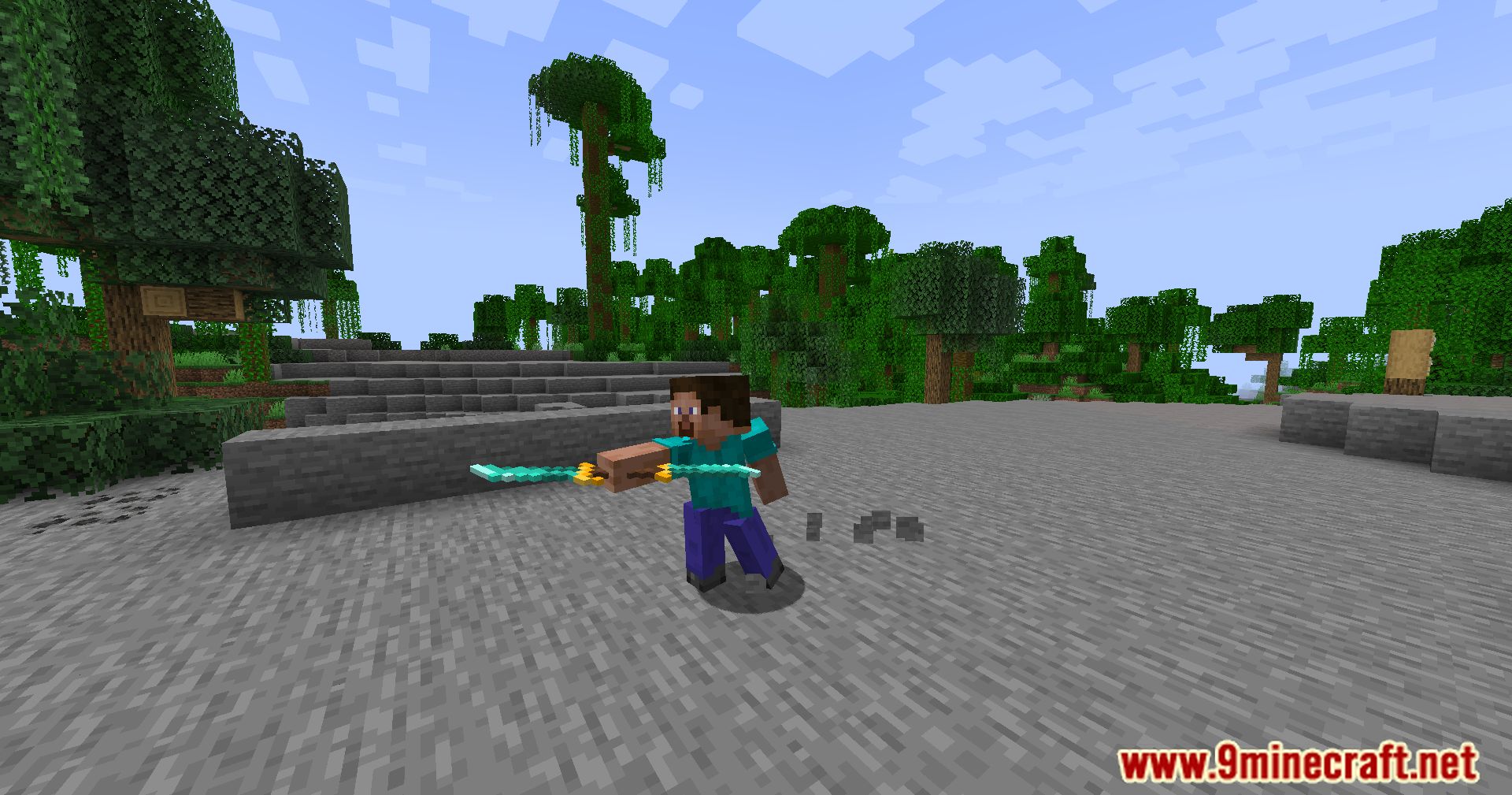
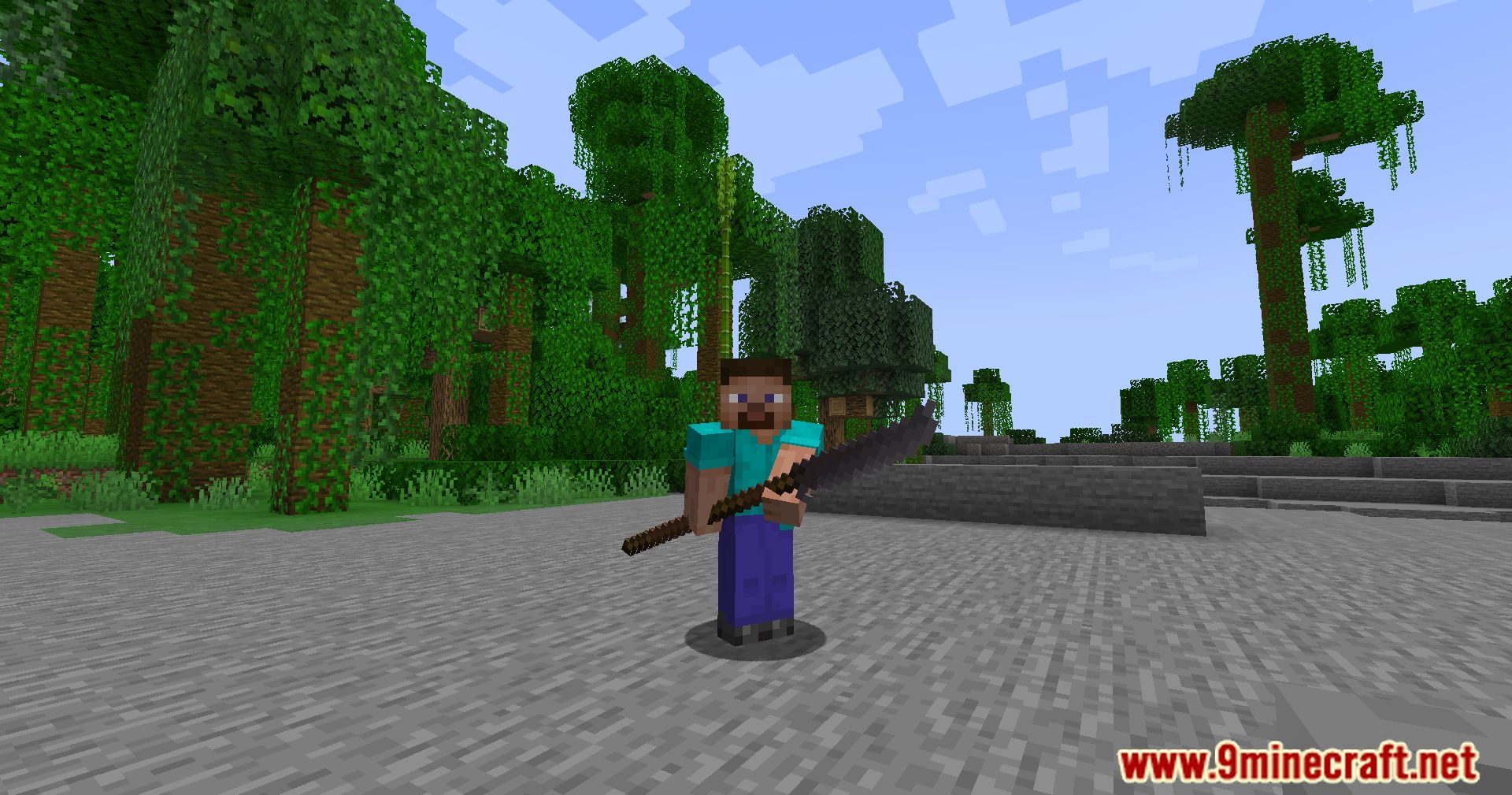
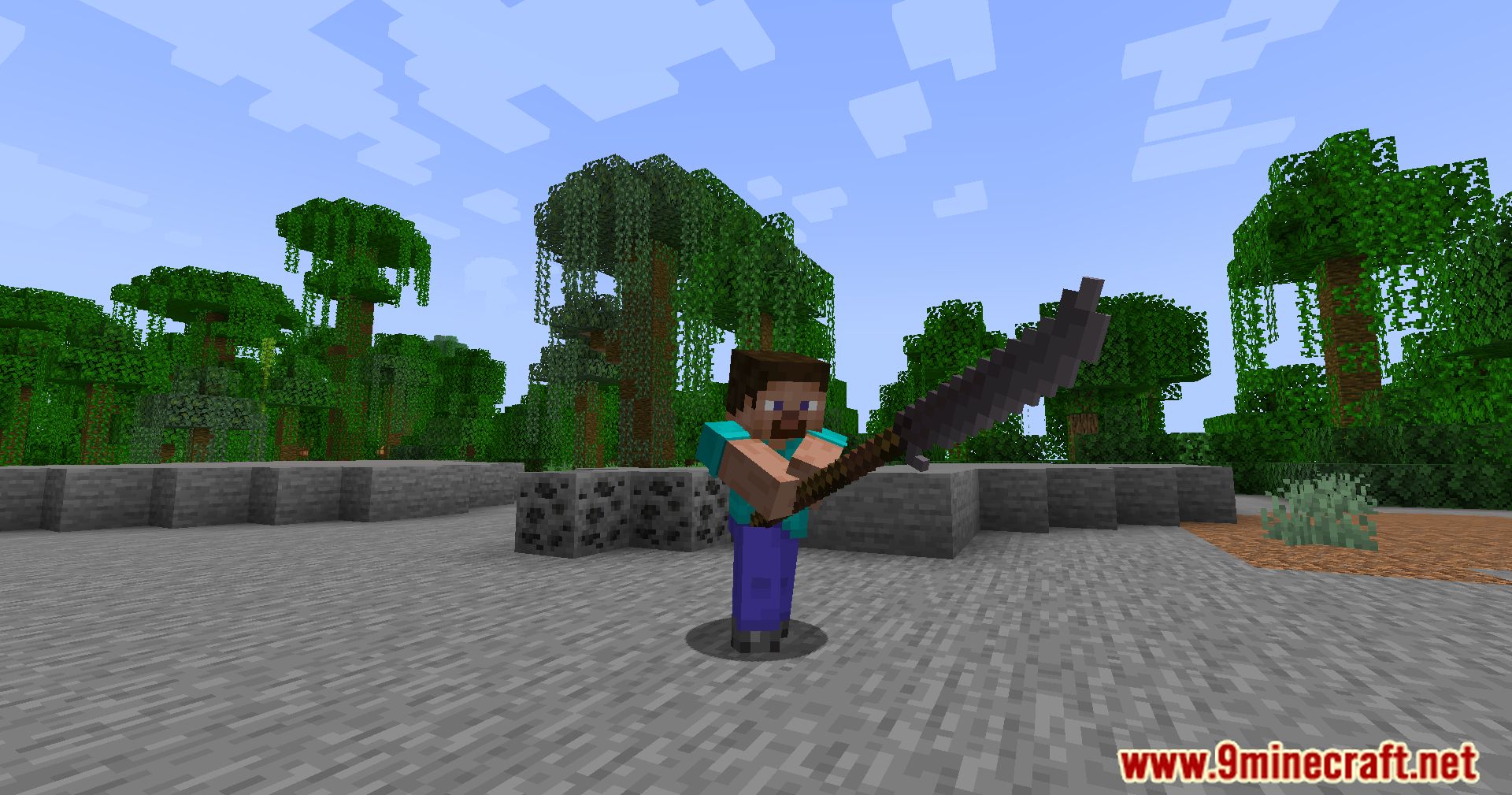
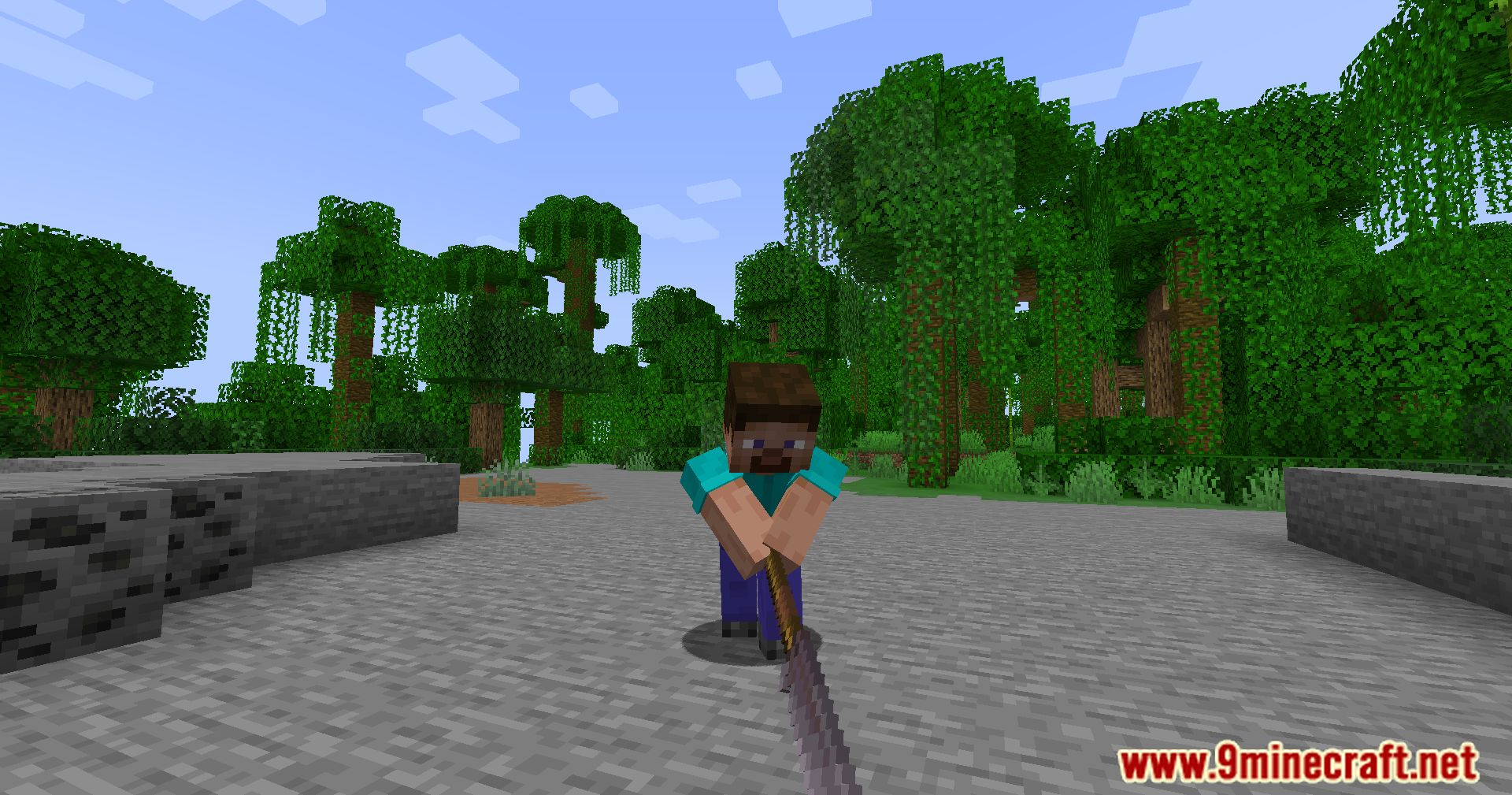
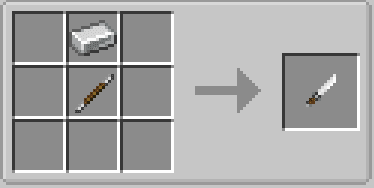
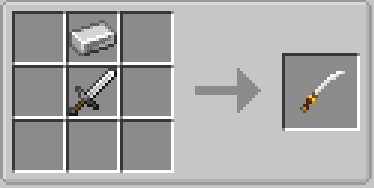
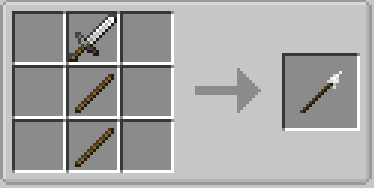
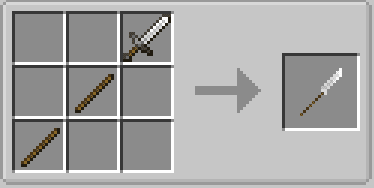
Crafting Recipes:
Expanded Combat Mod Download Links
For Minecraft 1.15.2
Forge Version: Download from Server 1 – Download from Server 2
For Minecraft 1.16.5
Forge Version: Download from Server 1 – Download from Server 2
For Minecraft 1.19.4
Forge Version: Download from Server 1 – Download from Server 2
For Minecraft 1.20.1, 1.20
Forge Version: Download from Server 1 – Download from Server 2
For Minecraft 1.21.1, 1.21
Forge Version: Download from Server 1 – Download from Server 2
- Edition: Minecraft Java
- File type: .jar
- Minecraft versions listed: 1.21.1, 1.20.1
- How to install: Install the matching mod loader (Forge, Fabric or NeoForge) for your Minecraft version. → Download the .jar. → Put it in the .minecraft/mods folder and launch that loader profile.
- Where to get it: In MC Java Mods, or directly above on this page.
Install steps are the general flow for this file type — How to install Minecraft Java mods & modpacks walks through it step by step.
- Downloads as 197493.mcaddon
- Download size: 119 KB
- Download link checked 26 Jul 2026 — working
- Mirrored on our own servers — the download does not depend on the original host
These come from our own check of the pack file, not from the source page.