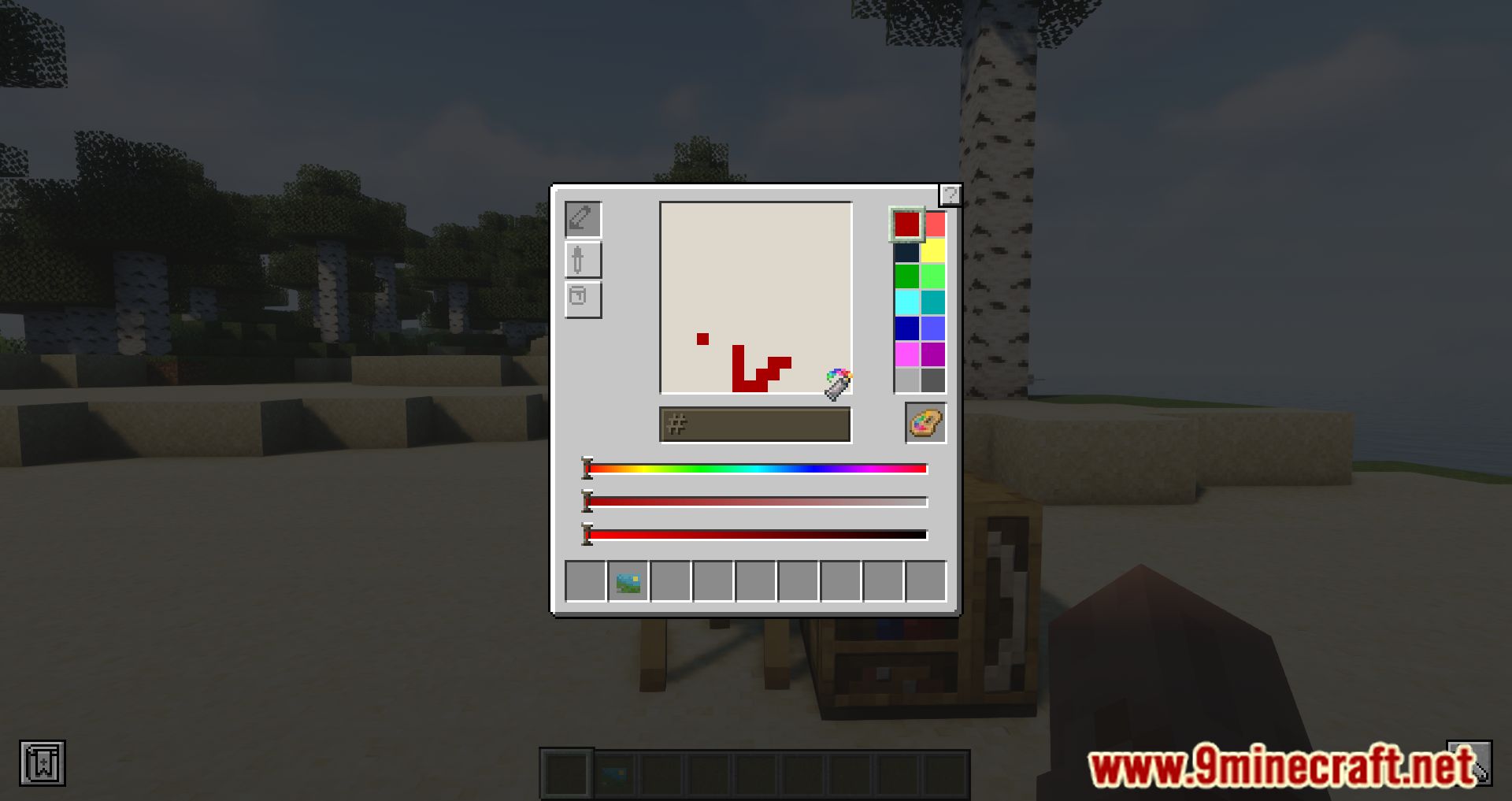
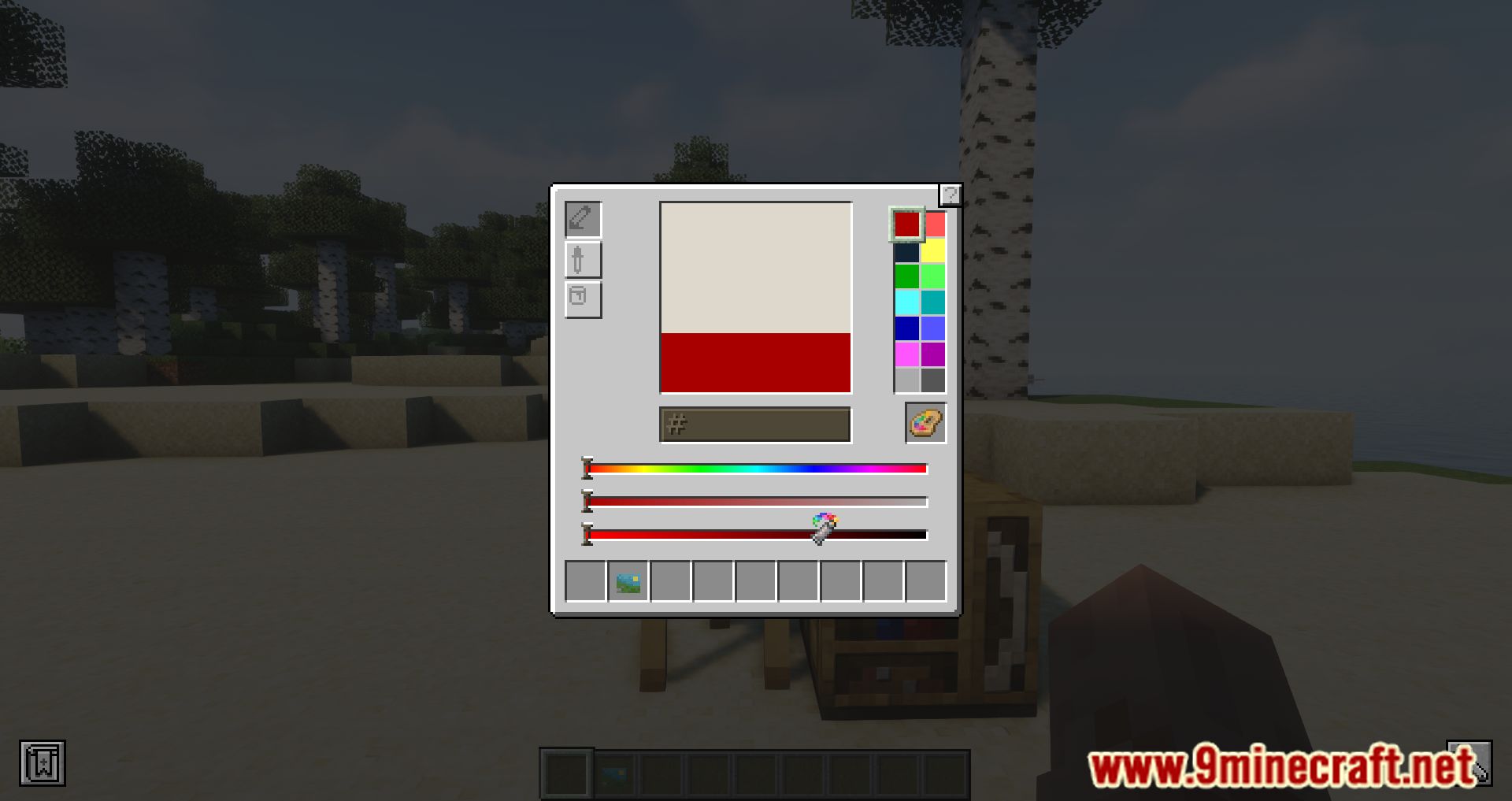
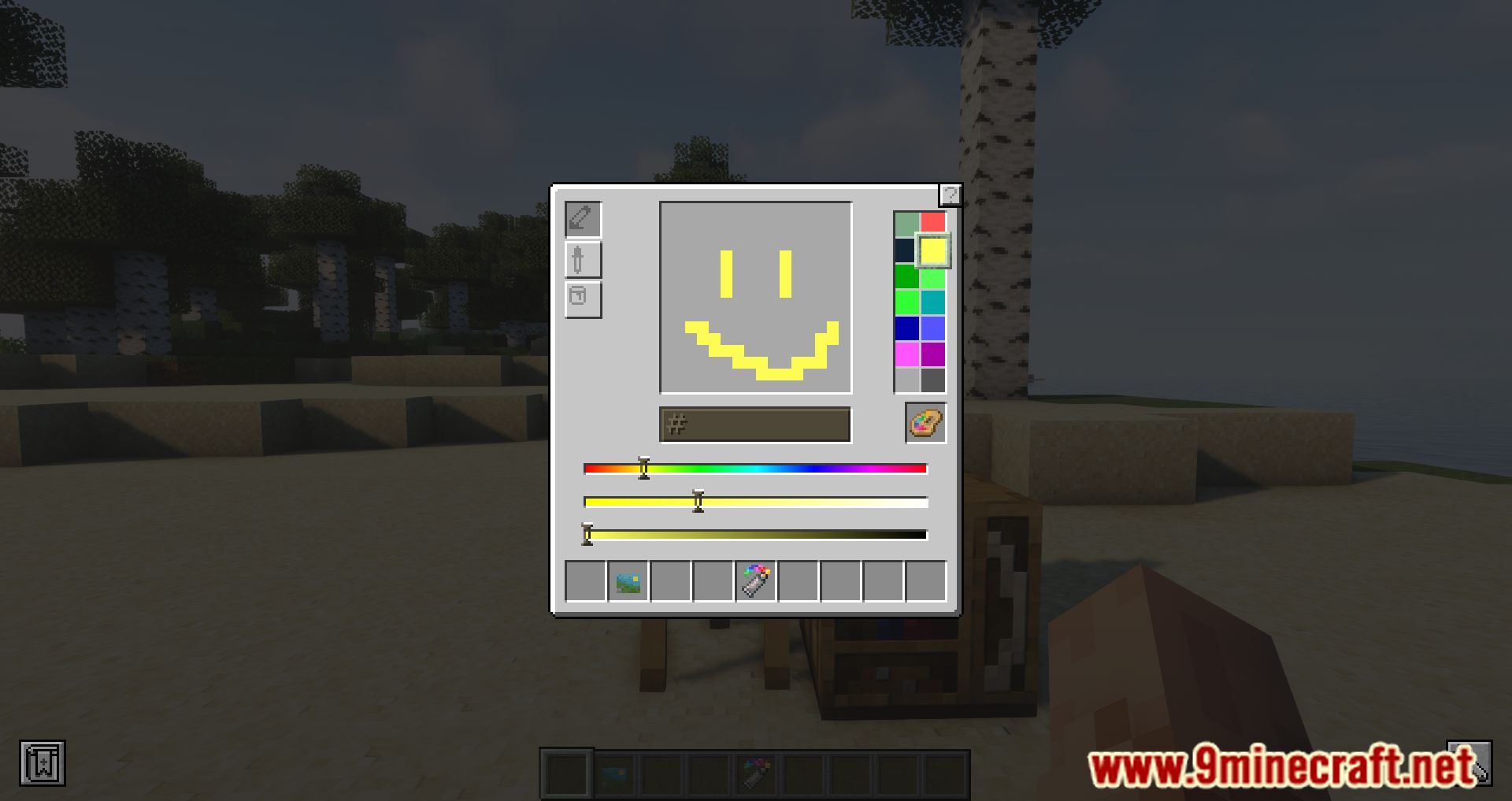
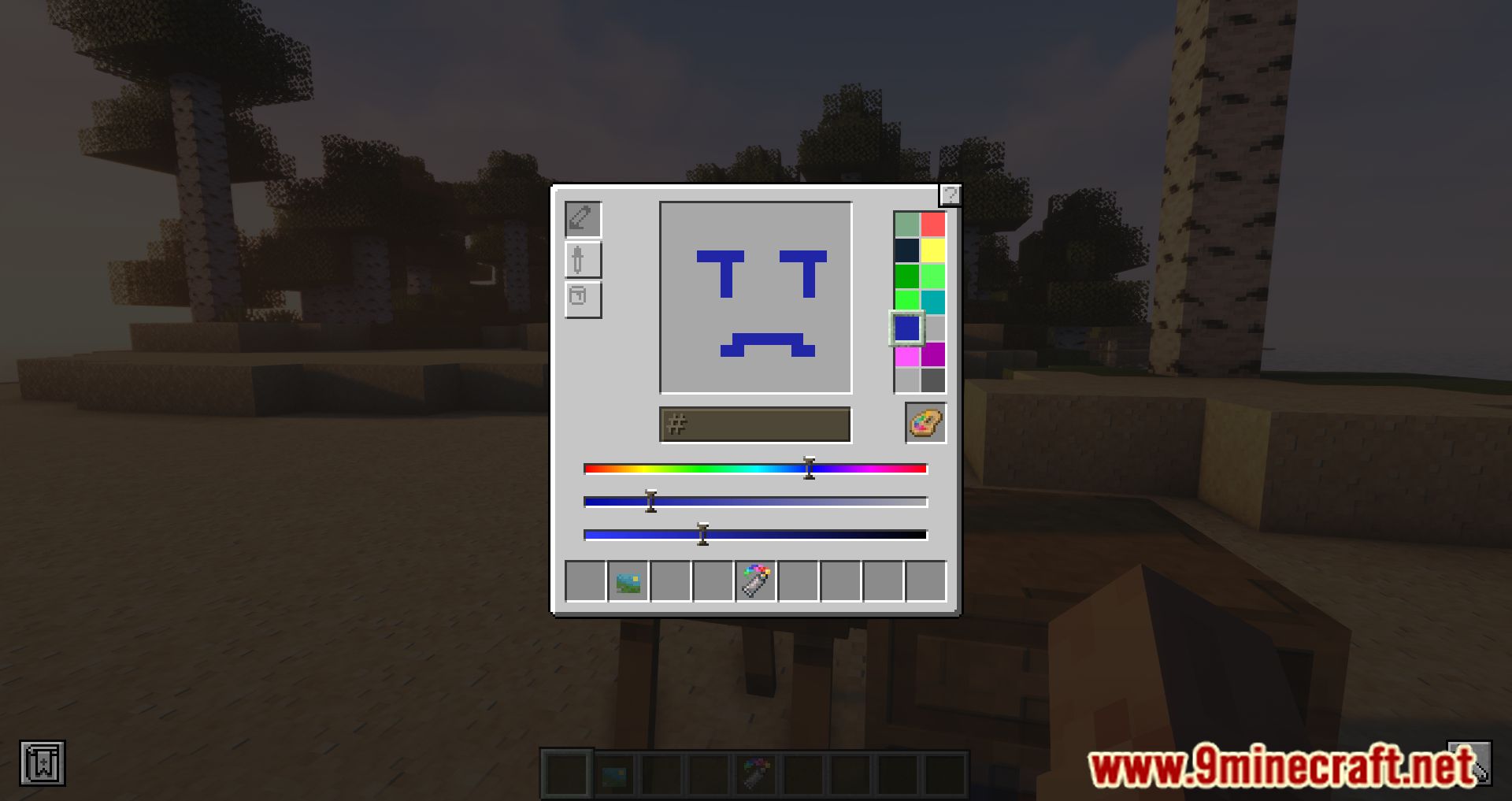
Zetter Mod adds a custom drawing interface, allowing players to create their own paintings within the game. It offers a variety of features, including different types of frames, color blending options, and tools like brushes, eyedroppers, and zoom. Players can also export their paintings as PNG files and share them with others.
Features:
- Simultaneous Canvas Edit: Multiple players can edit the same canvas at the same time, with dynamic picture updates for all players in range.
- Dynamic Canvas Texture Loading/Unloading: Efficiently manages canvas textures.
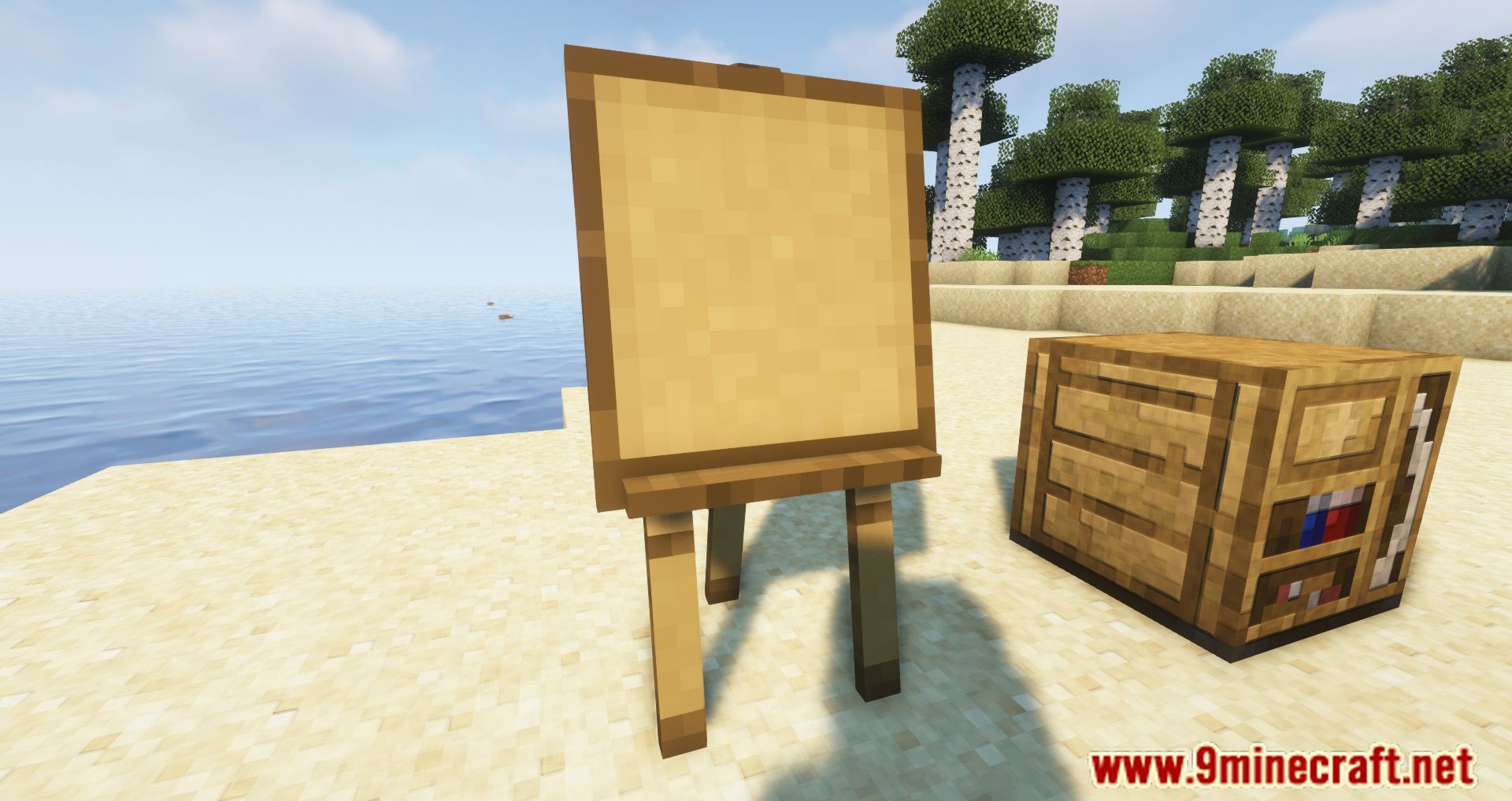
- Frames: 18 types of frames from all vanilla types of wood, with options for golden nameplates and iron bezel-less frames for seamless large paintings.
- Color Tools: Includes color code input fields (hex), HSV sliders, and color blending options (classic RGB, subtractive, and realistic).
- Brush Tool: Smooth edges for more refined painting.
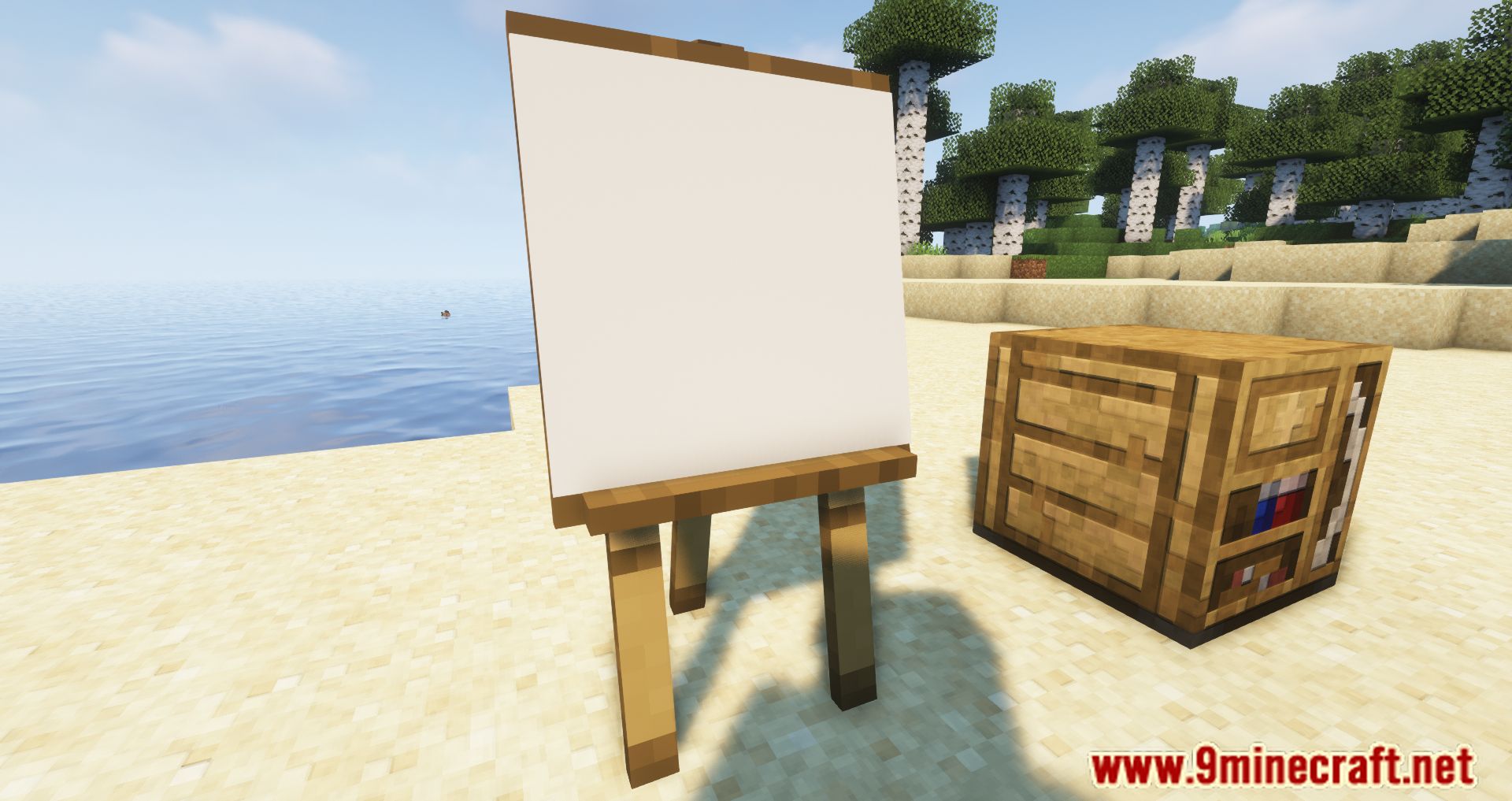
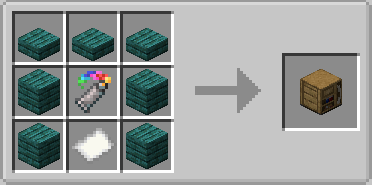
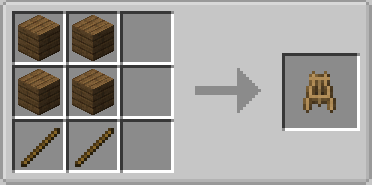
- Canvas Sizes: Edit up to 2×2 canvases on an easel and combine 16×16 paintings to create up to 4×4 block paintings.
- Navigation Tools: Eyedropper, hand, zoom, and bucket tools for easy navigation and painting.
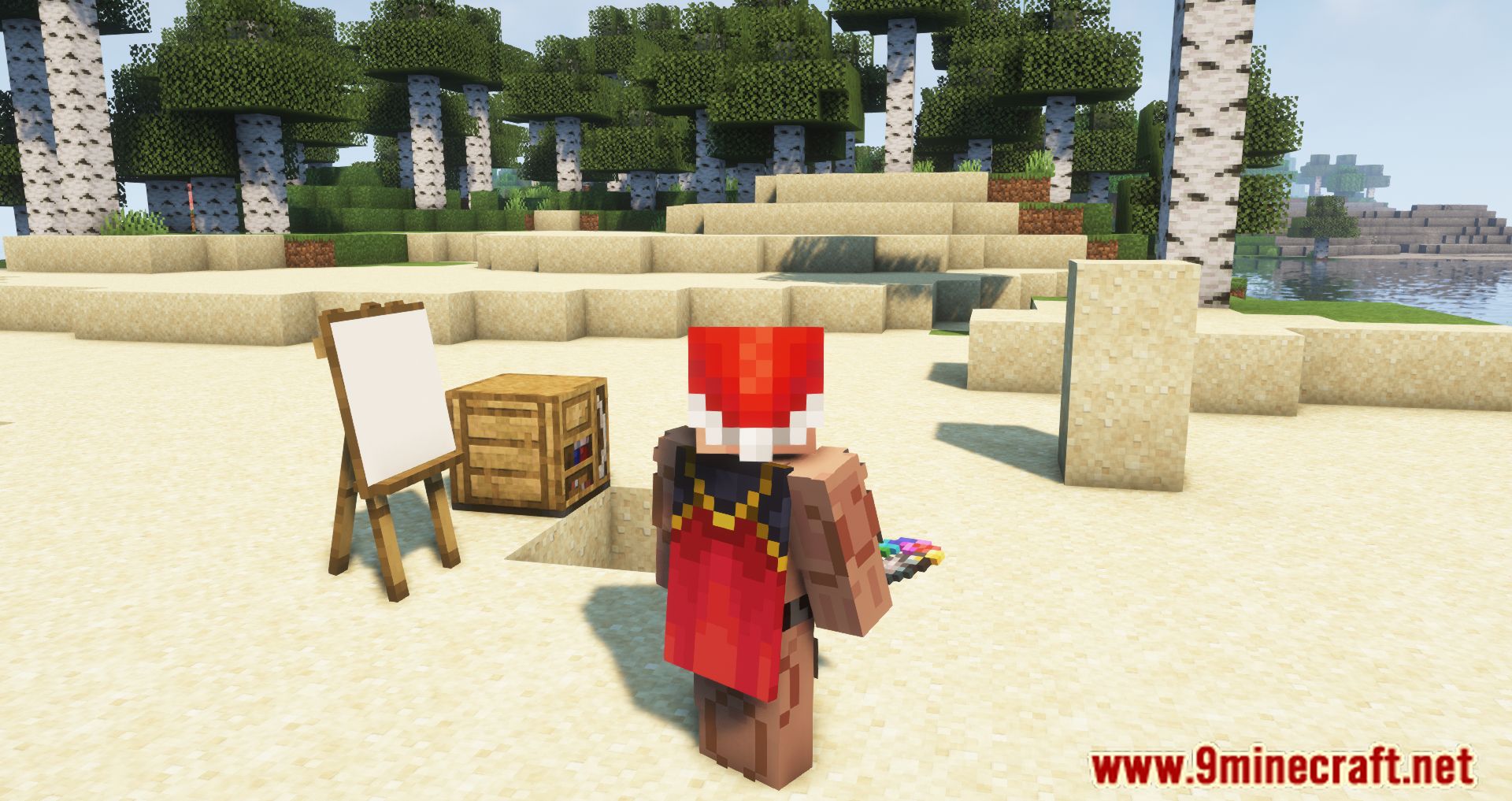
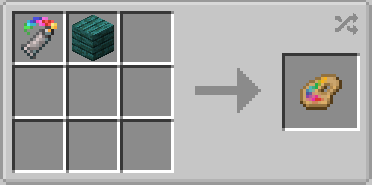
- Palettes: Save colors in palettes, recharge them with paints, and use them on multiple canvases.
- Export Paintings: Export paintings to PNG files with the
/zetter exportcommand.
Screenshots:
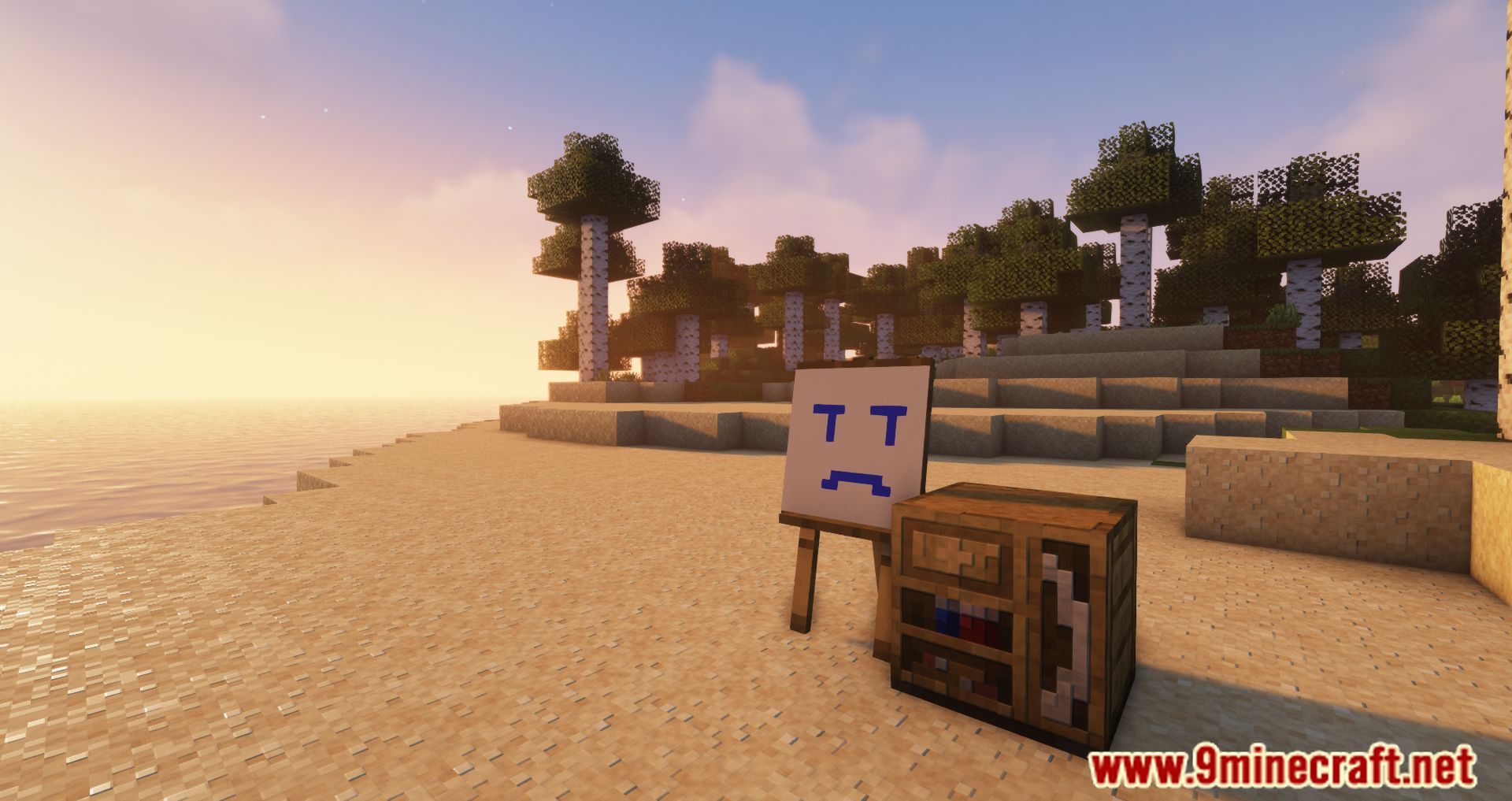
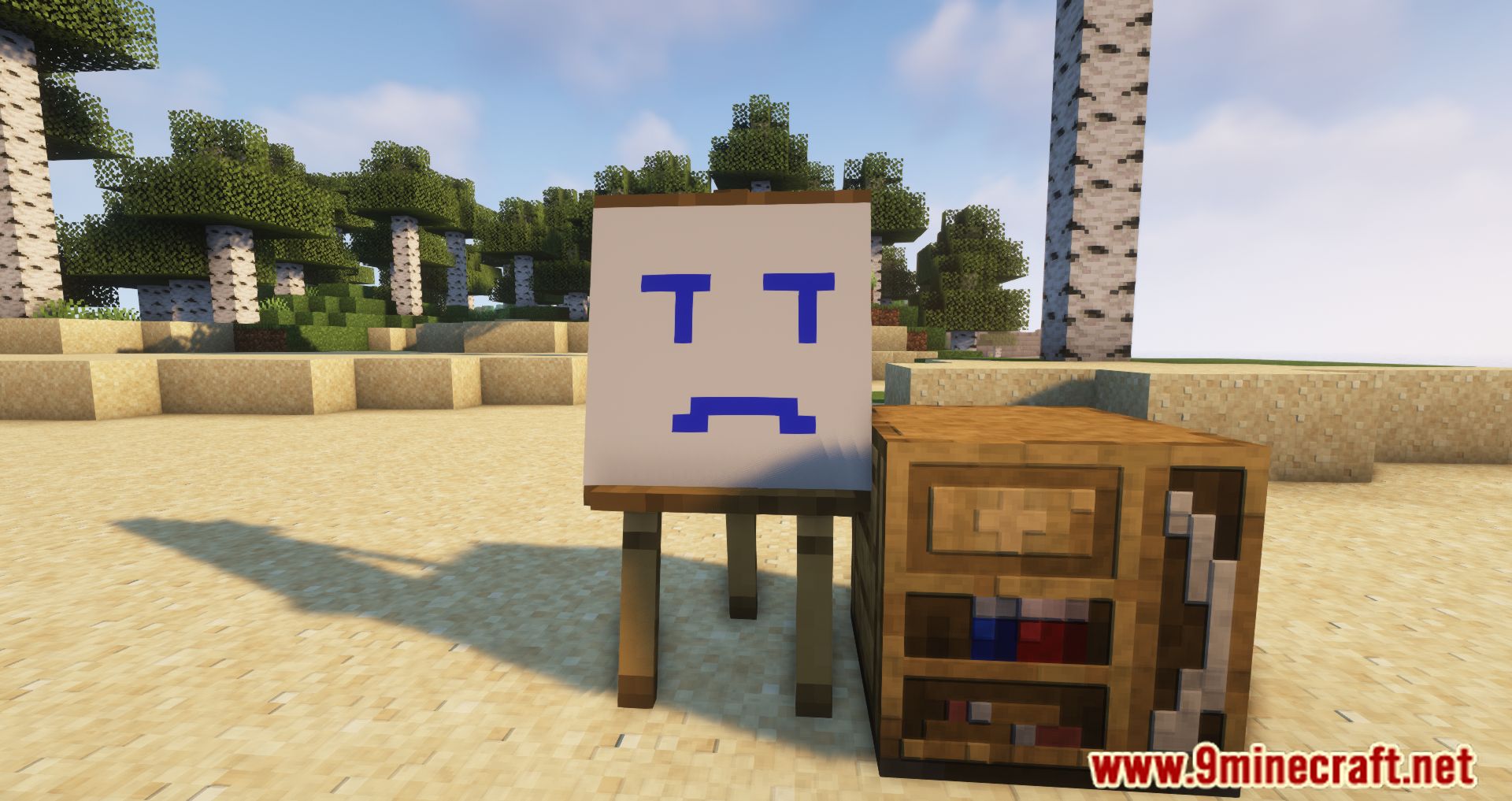
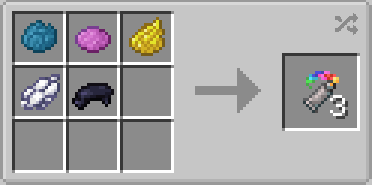
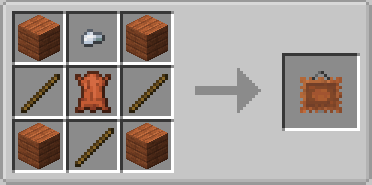
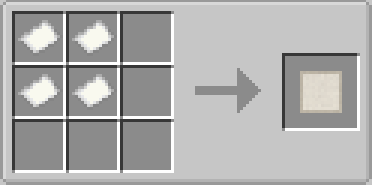
Crafting Recipes:
Zetter Mod Download Links
For Minecraft 1.20.1, 1.20
Forge Version: Download from Server 1 – Download from Server 2
For Minecraft 1.19.4
Forge Version: Download from Server 1 – Download from Server 2
For Minecraft 1.19.3
Forge Version: Download from Server 1 – Download from Server 2
For Minecraft 1.19.2
Forge Version: Download from Server 1
For Minecraft 1.18.2
Forge Version: Download from Server 1
For Minecraft 1.17.1
Forge Version: Download from Server 1
For Minecraft 1.16.5
Forge Version: Download from Server 1
- Edition: Minecraft Java
- File type: .jar
- Minecraft versions listed: 1.20.1, 1.19.2
- How to install: Install the matching mod loader (Forge, Fabric or NeoForge) for your Minecraft version. → Download the .jar. → Put it in the .minecraft/mods folder and launch that loader profile.
- Where to get it: In MC Java Mods, or directly above on this page.
Install steps are the general flow for this file type — How to install Minecraft Java mods & modpacks walks through it step by step.
- Downloads as 197494.mcaddon
- Download size: 1.3 MB
- Download link checked 26 Jul 2026 — working
- Mirrored on our own servers — the download does not depend on the original host
These come from our own check of the pack file, not from the source page.