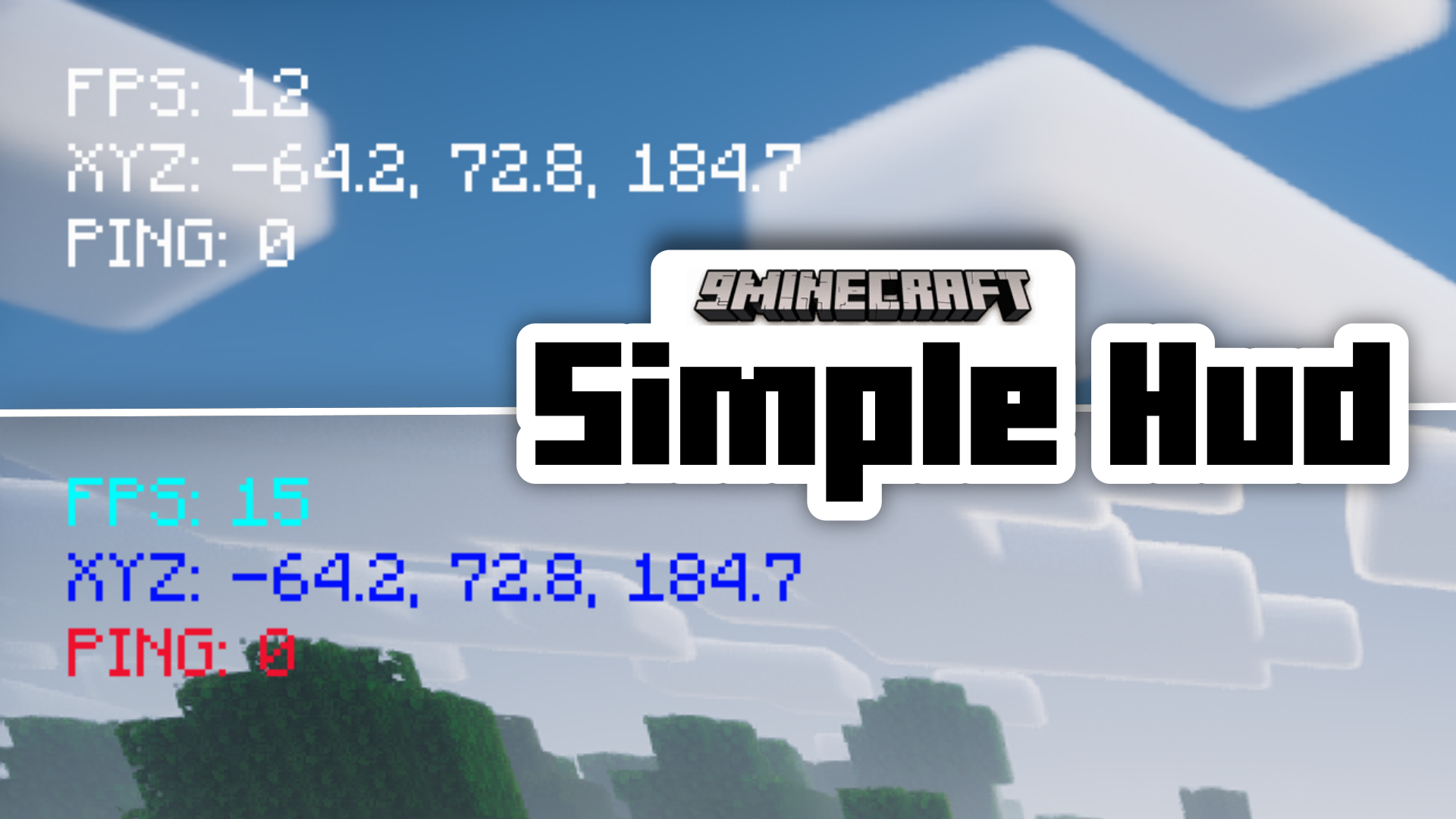
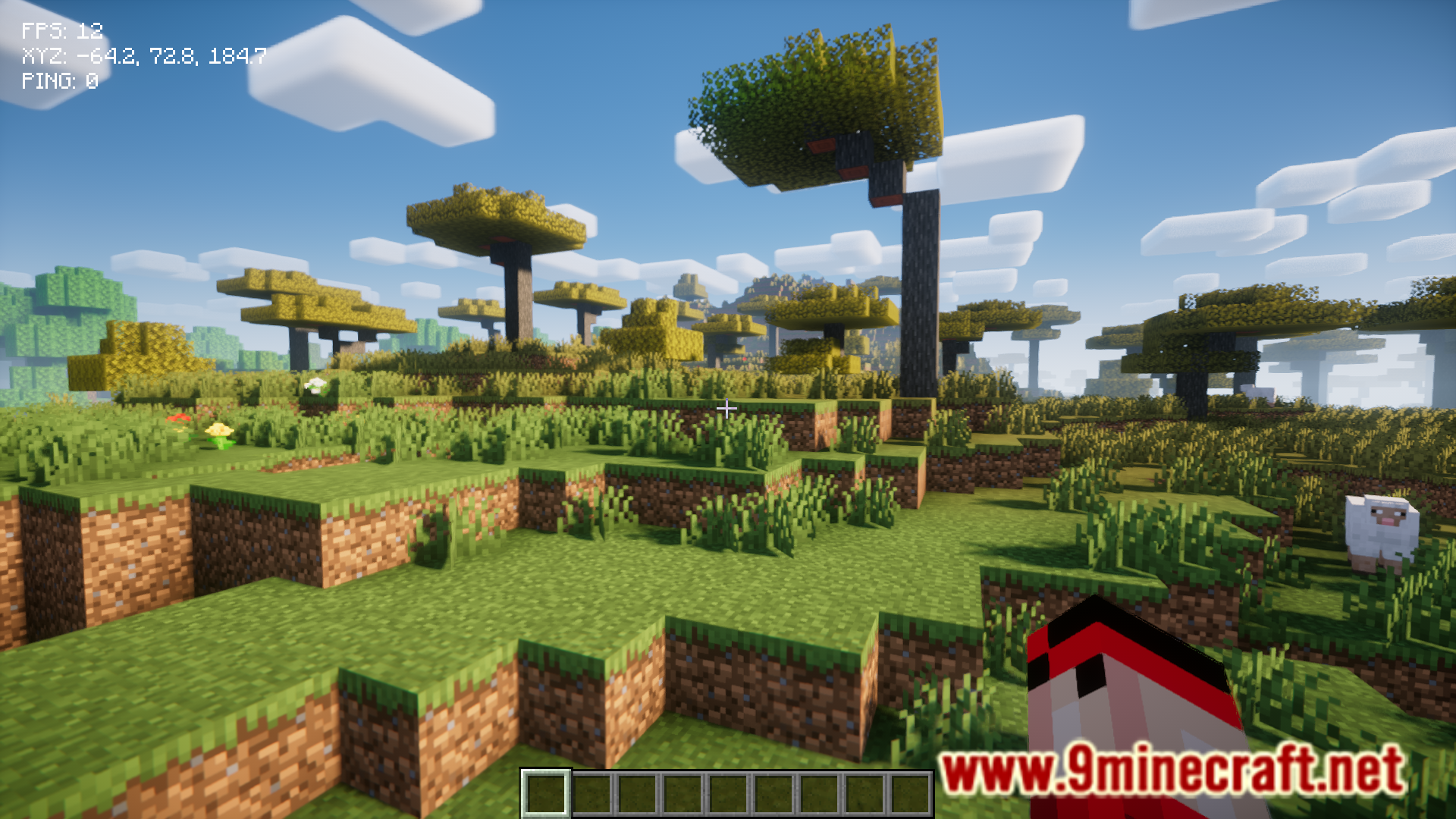
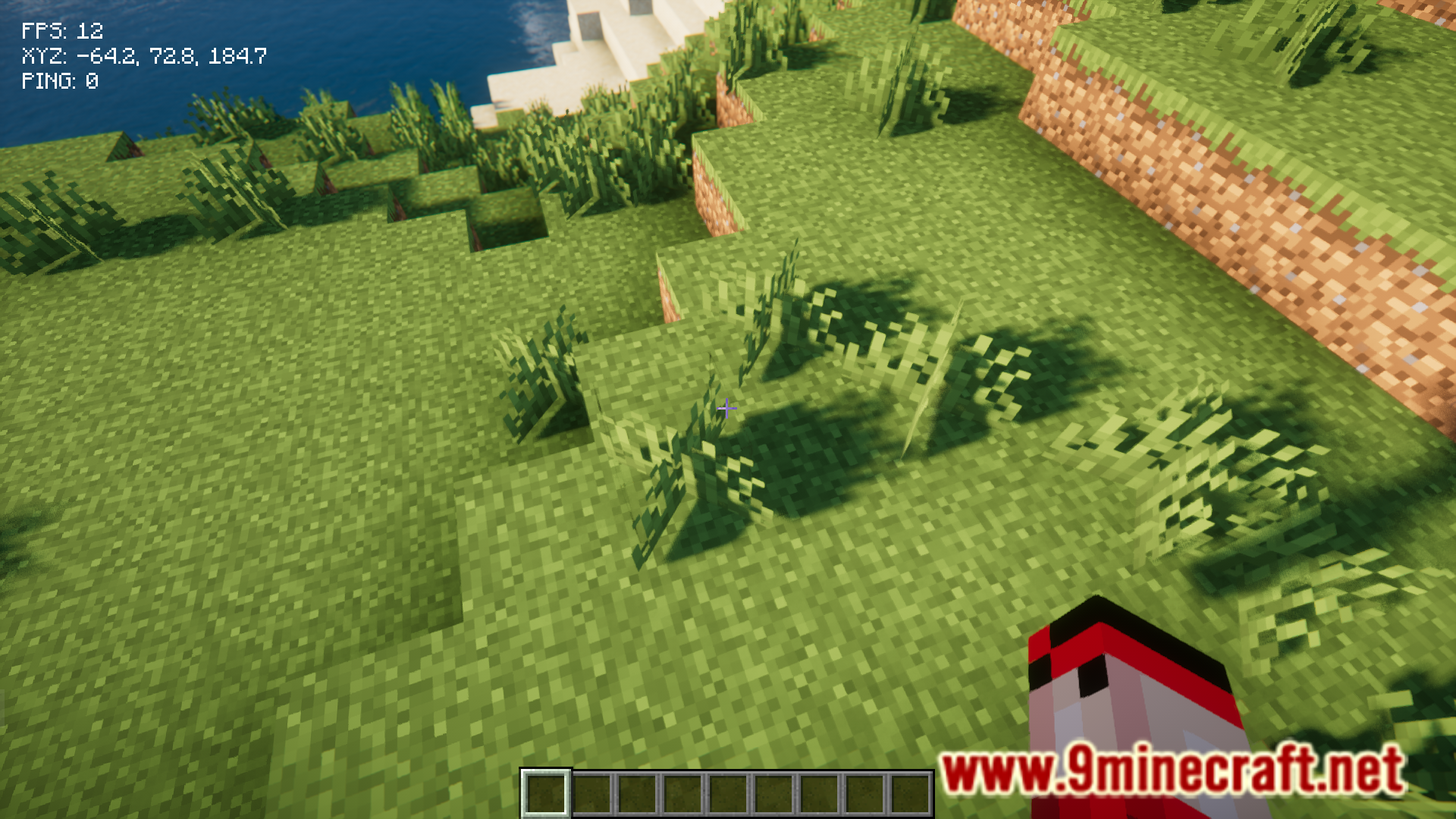
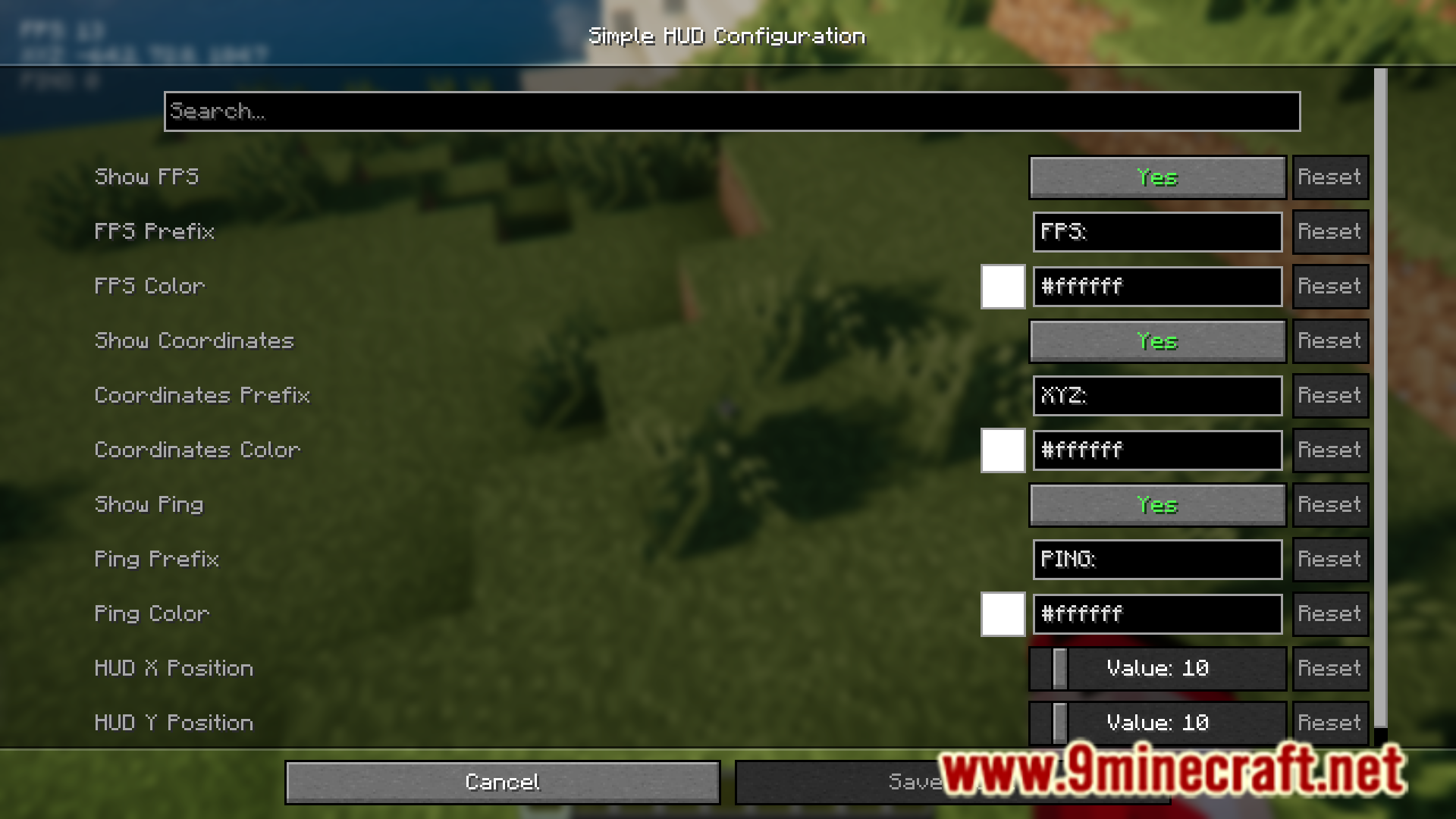
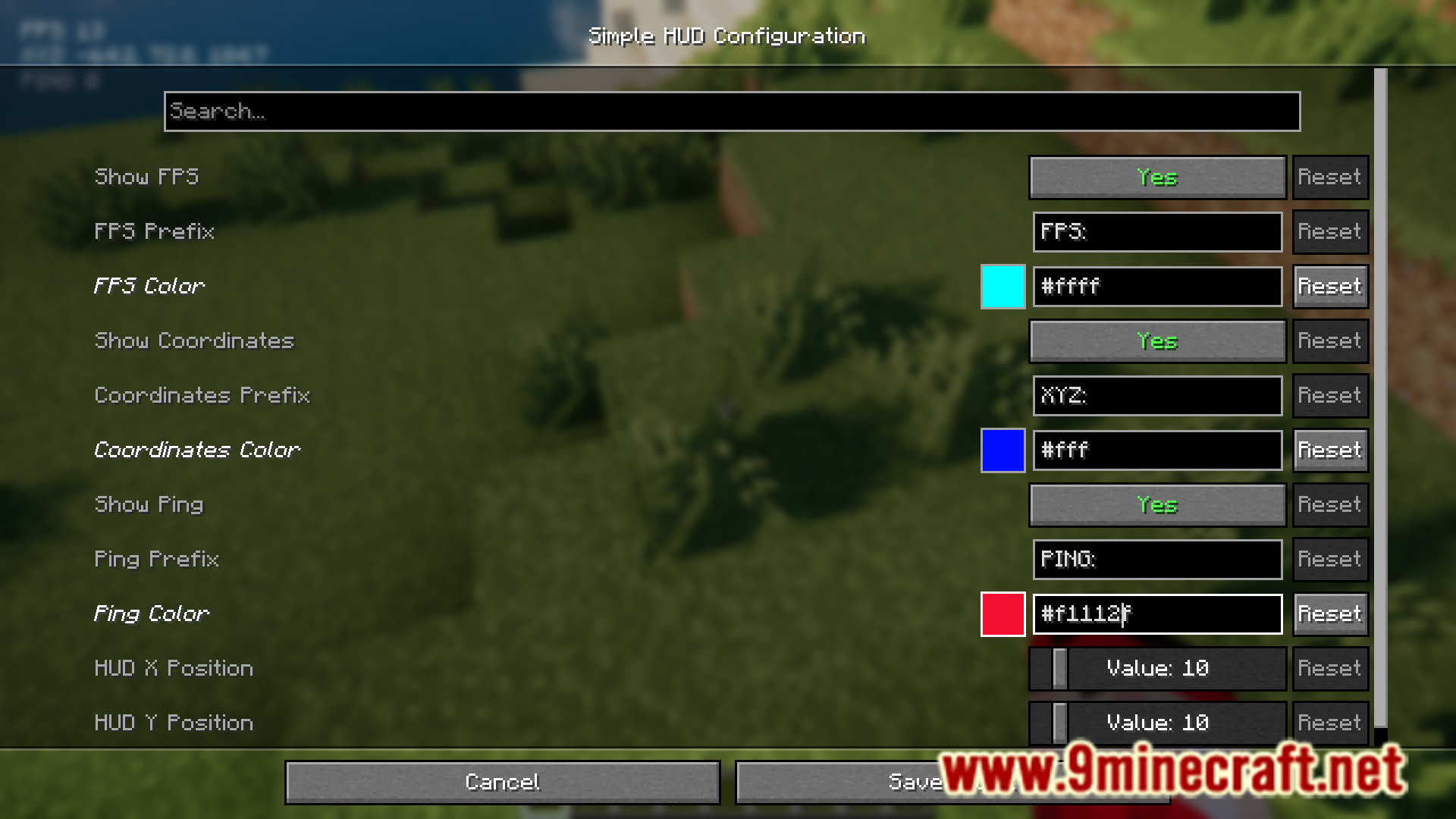
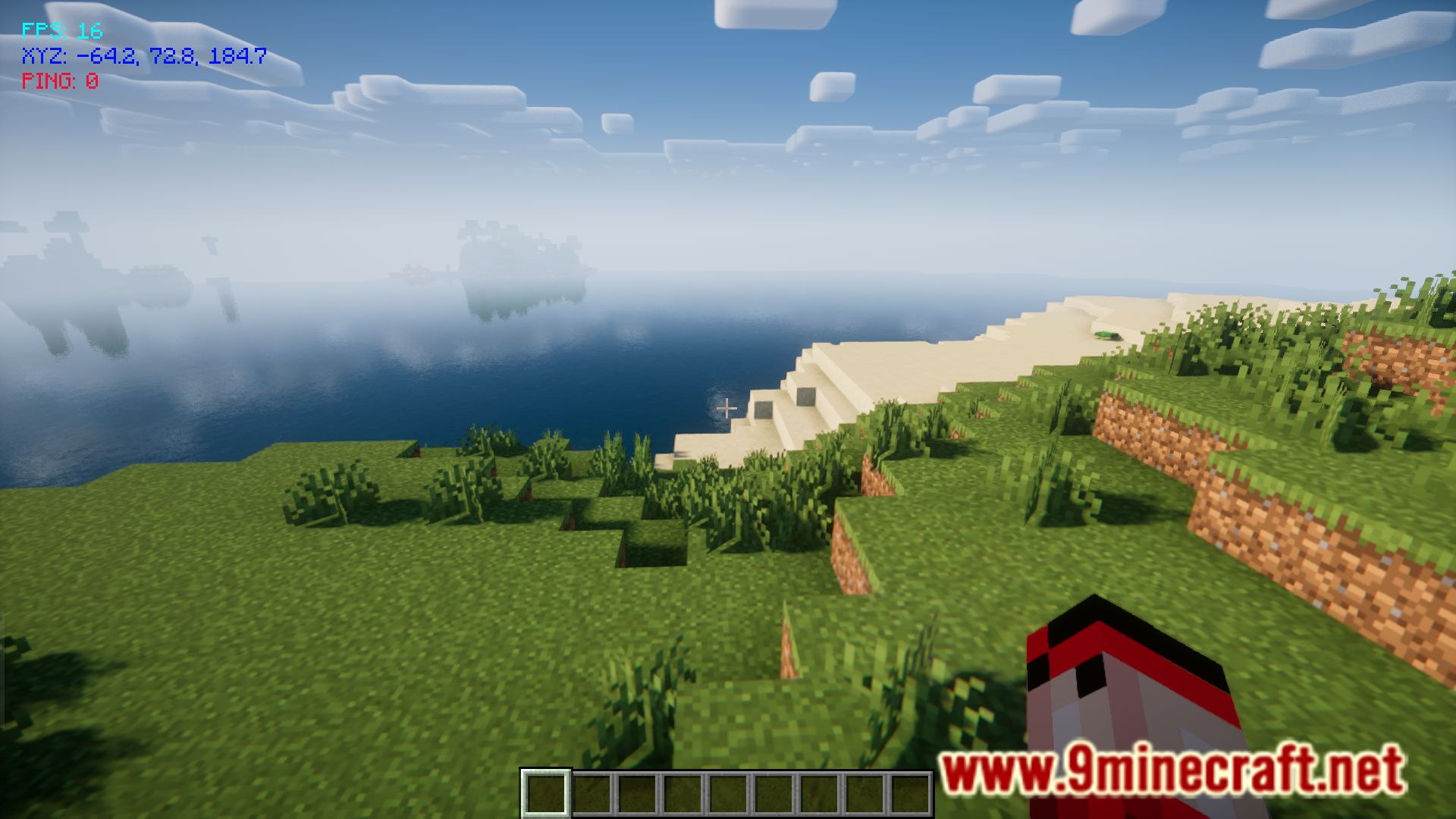
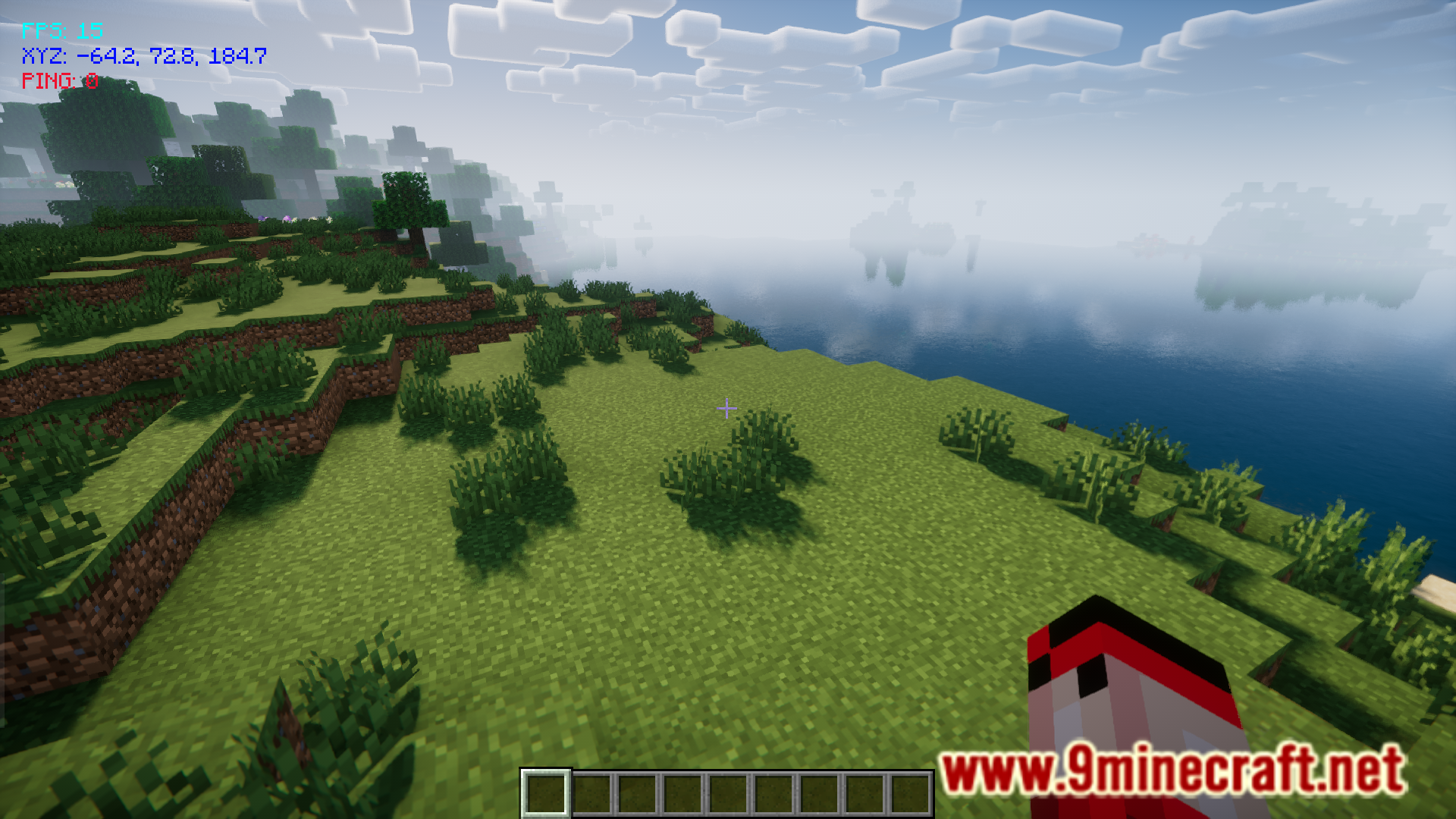
In the vanilla game, you can view a lot of data using the F3 screen. The F3 screen gives you a lot of real-time data regarding game performance. But you really only need to view your FPS, coordinates and ping. The F3 screen provides this needed data, along with a bunch of useless data that covers more than half your screen. Simple Hud Mod is here with the solution. This mod adds a smaller HUD that views only the needed data. And various different aspects of this HUD, like the color, size and position can be configured.
Features:
- Displays FPS, Coordinates, and Ping on the HUD.
- Properties like color, size and position can be configured.
Screenshots:
Simple Hud Mod Download Links
For Minecraft 1.21.1, 1.21
Fabric version: Download from Server 1 – Download from Server 2
- Edition: Minecraft Java
- File type: .jar
- Minecraft versions listed: 1.21.1, 1.21
- How to install: Install the matching mod loader (Forge, Fabric or NeoForge) for your Minecraft version. → Download the .jar. → Put it in the .minecraft/mods folder and launch that loader profile.
- Where to get it: In MC Java Mods, or directly above on this page.
Install steps are the general flow for this file type — How to install Minecraft Java mods & modpacks walks through it step by step.
- Downloads as 197508.mcaddon
- Download size: 384 KB
- Download link checked 26 Jul 2026 — working
- Mirrored on our own servers — the download does not depend on the original host
These come from our own check of the pack file, not from the source page.