ModsJava
Terra Curio Mod (1.21.1, 1.20.1) – Equipable Accessories
Java mod listed for Minecraft 1.20–1.21. Downloads from the MC Java Mods app on Android.
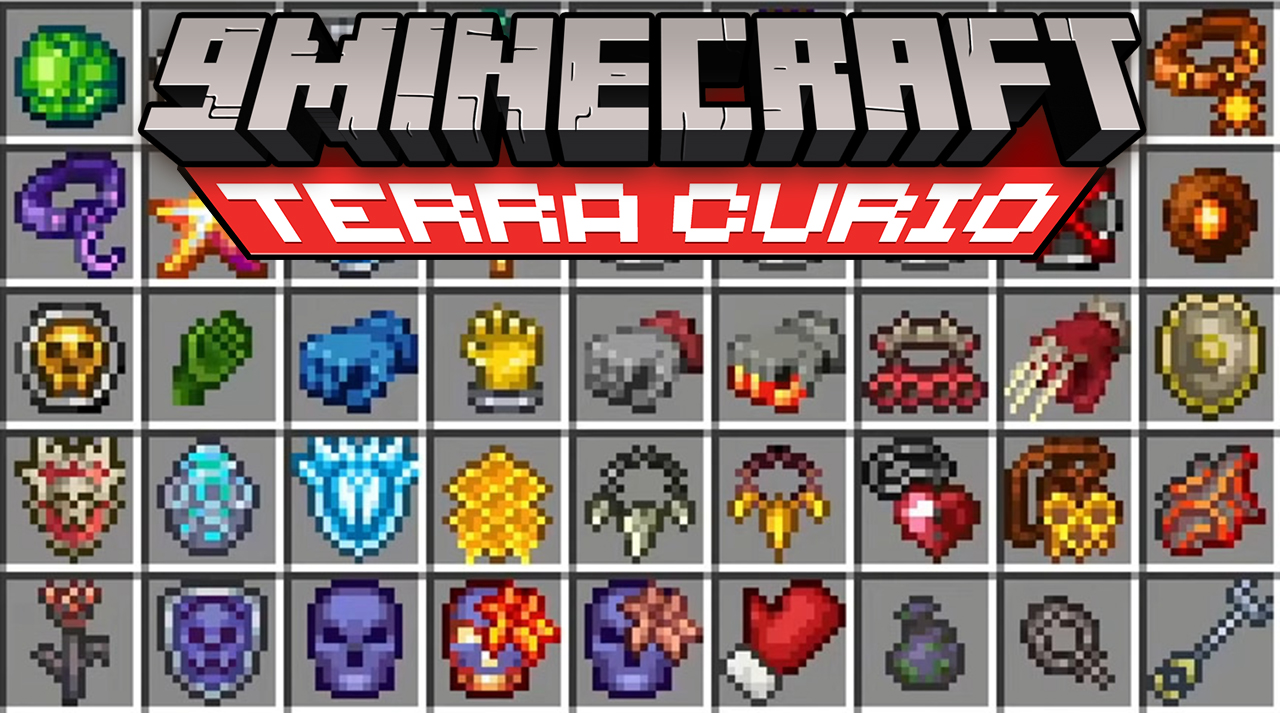
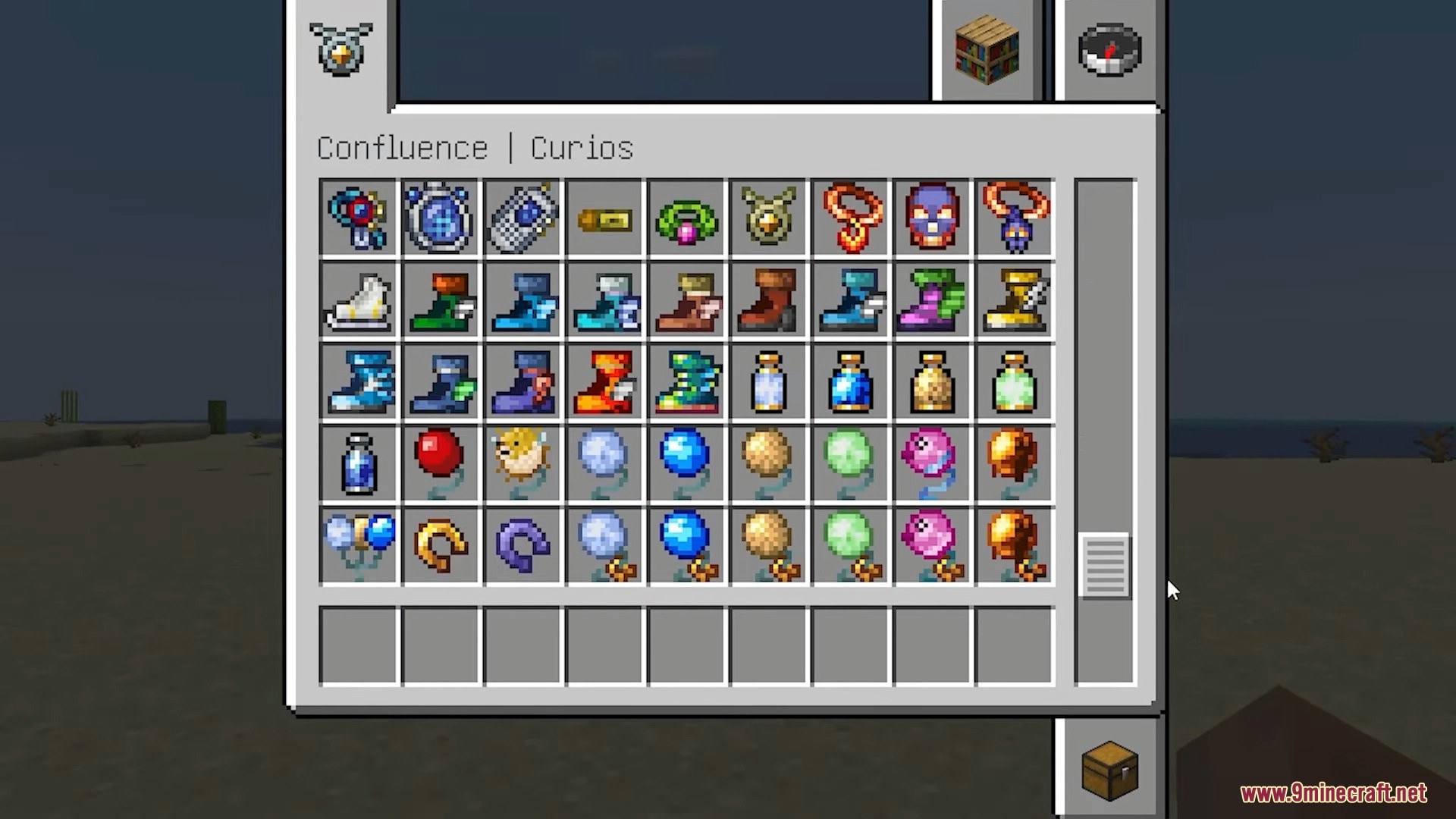
⬇ DownloadWith Terra Curio Mod at your disposal, you will have access to over 170 accessories that provide a variety of positive effects when worn. These effects can be both passive and active. For example, the Gravity Globe allows you to flip gravity by pressing the space bar.
Features:
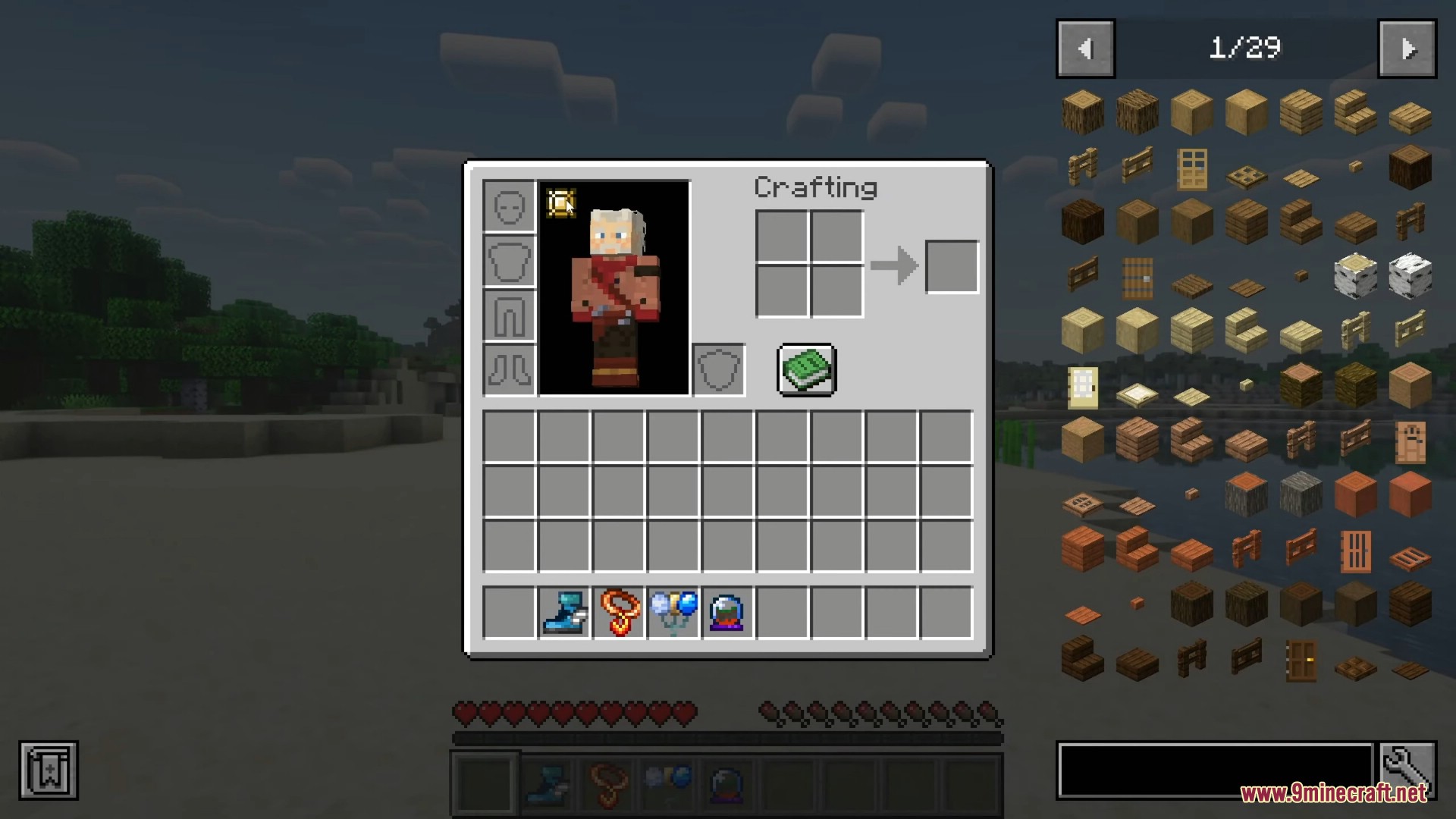
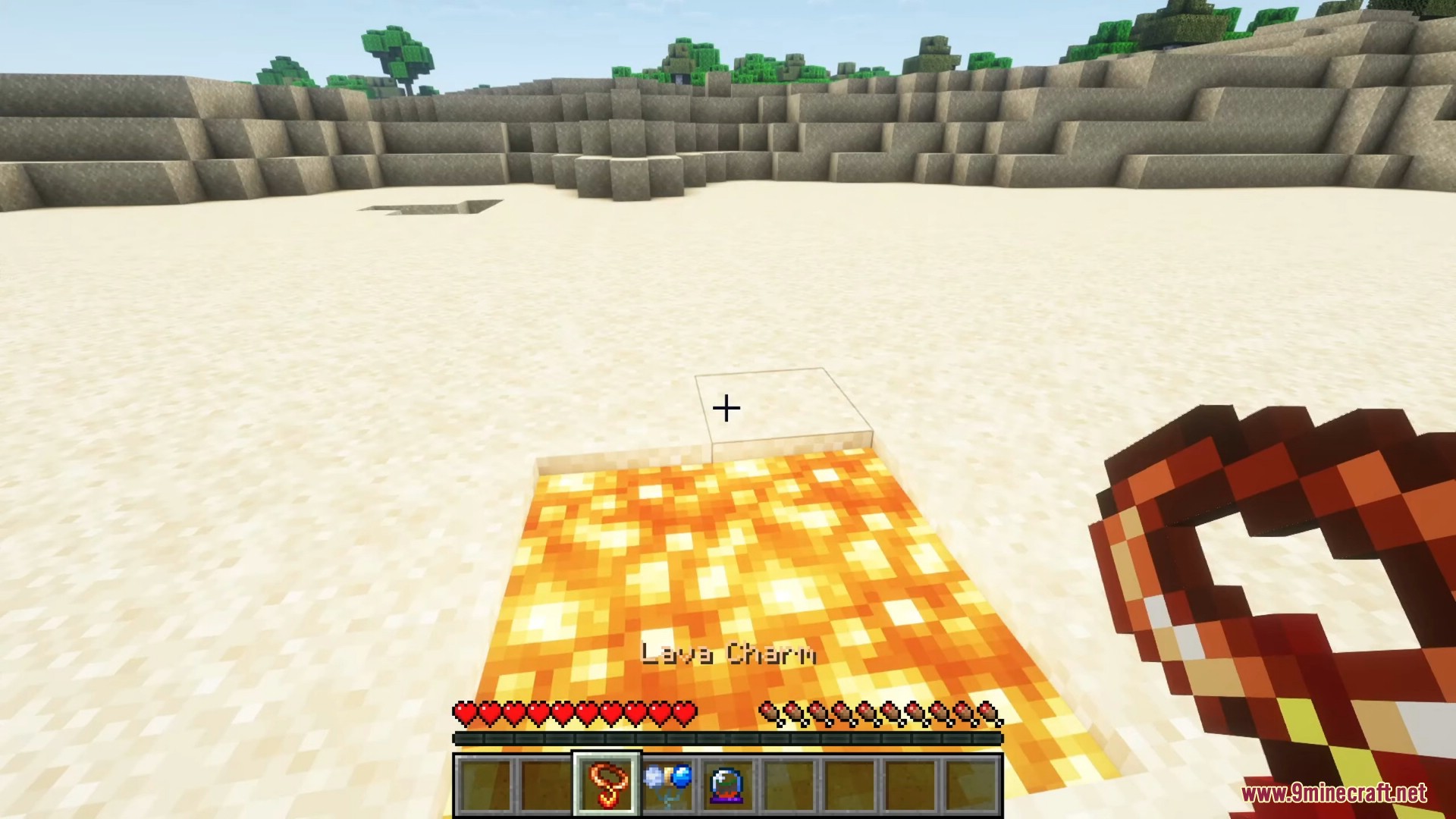
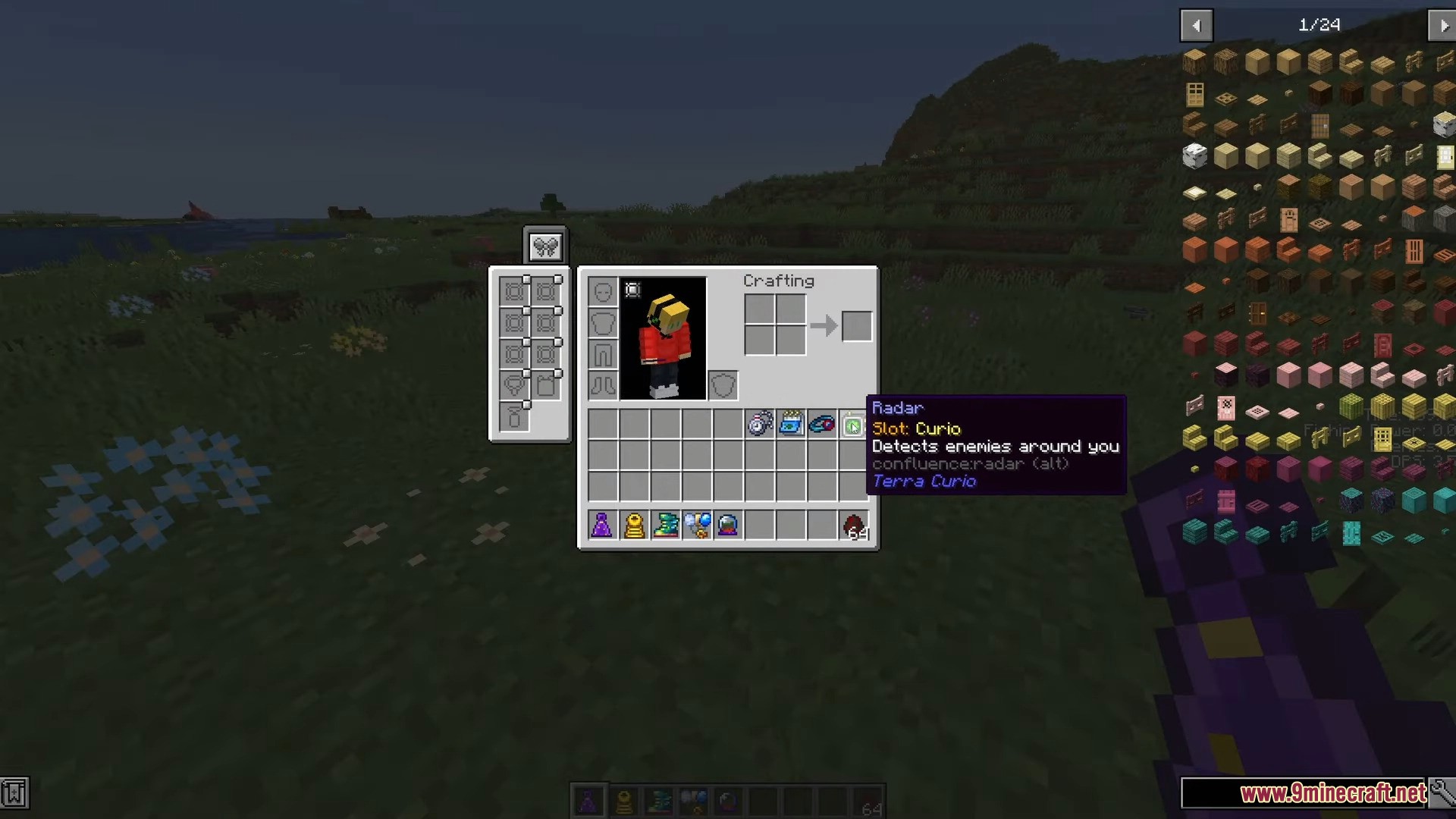
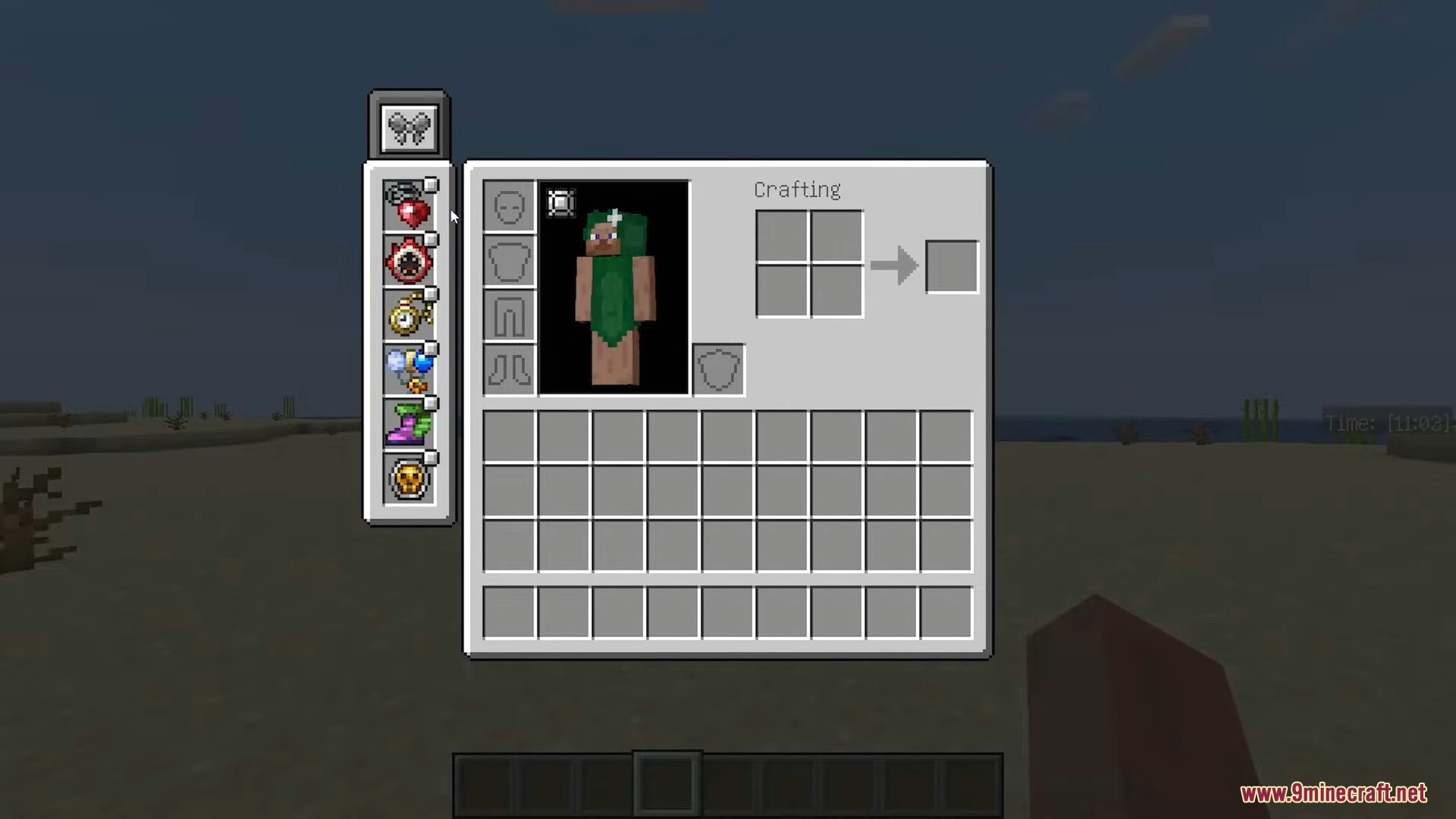
- Once the mod is installed, you can find various accessories in the game. These items can be equipped in your character’s accessory slots to provide stat boosts and special abilities. Some accessories work simply by being in your inventory.
- One of the unique accessories is the Gravity Globe, which allows you to flip gravity. Equip the Gravity Globe and press the jump key (usually the space bar) to toggle gravity direction. This will make your character fall up instead of down.
- The mod includes over 170 accessories, so explore the world, defeat mobs, and find treasures to collect them all. Each accessory has its own unique effect, so experiment with different combinations to find what works best for you.
- Flip gravity: Equiped Gravity Globe and jump
- Werewolf: Equiped Moon Charm at night
- Merman: Equiped Neptune’s Shell in water
- Informations: Obtains a PDA
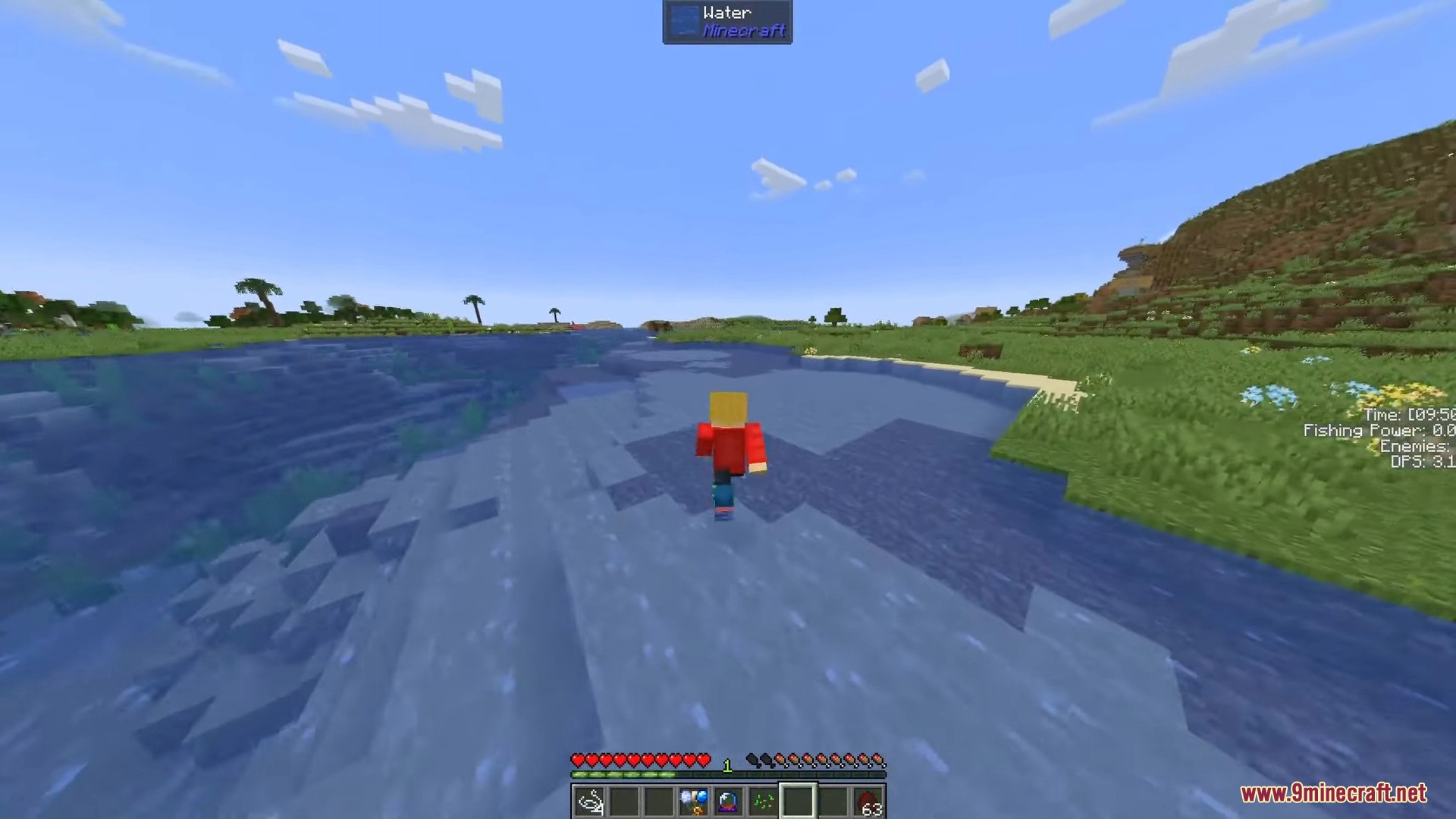
- Fluid walking: Terraspark Boots
- Wall clambing: Equiped Tiger Climbing Gear and hold [W] key
- Step Stool: Equiped Step Stool and press [↑] key
- Scoping: Equiped any scope, ranged weapons and crouch
- Flower: Equiped Flower Boots and walk around
Screenshots:




Terra Curio Mod Download Links
For Minecraft 1.21.1, 1.21
NeoForge version: Download from Server 1 – Download from Server 2
For Minecraft 1.20.1, 1.20
Forge version: Download from Server 1 – Download from Server 2
Quick facts
- Edition: Minecraft Java
- File type: .jar
- Minecraft versions listed: 1.21.1, 1.20.1
- How to install: Install the matching mod loader (Forge, Fabric or NeoForge) for your Minecraft version. → Download the .jar. → Put it in the .minecraft/mods folder and launch that loader profile.
- Where to get it: In MC Java Mods, or directly above on this page.
Install steps are the general flow for this file type — How to install Minecraft Java mods & modpacks walks through it step by step.
File checked by MCModsHub
- Downloads as 197534.mcaddon
- Download size: 1.4 MB
- Download link checked 26 Jul 2026 — working
- Mirrored on our own servers — the download does not depend on the original host
These come from our own check of the pack file, not from the source page.