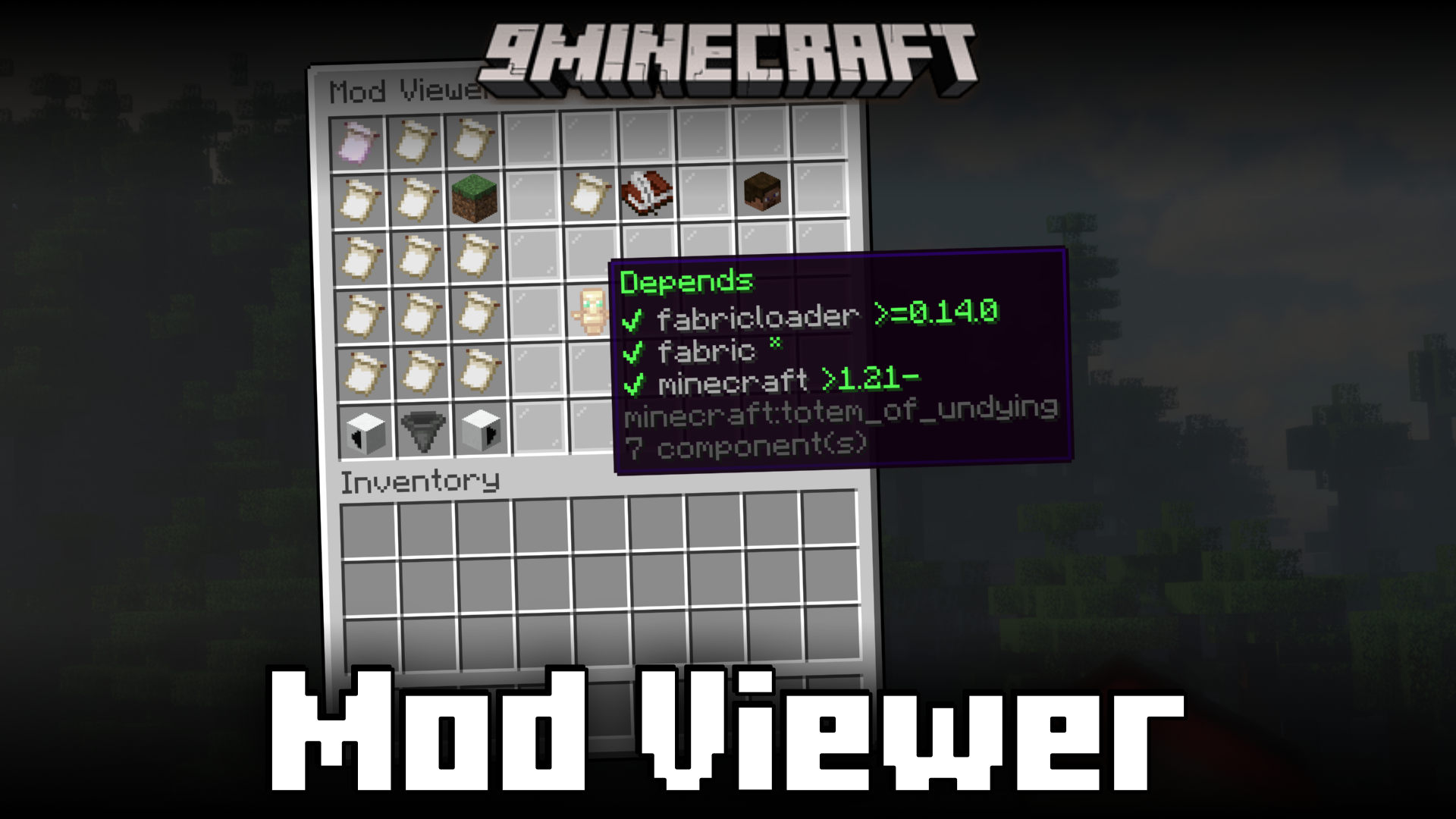
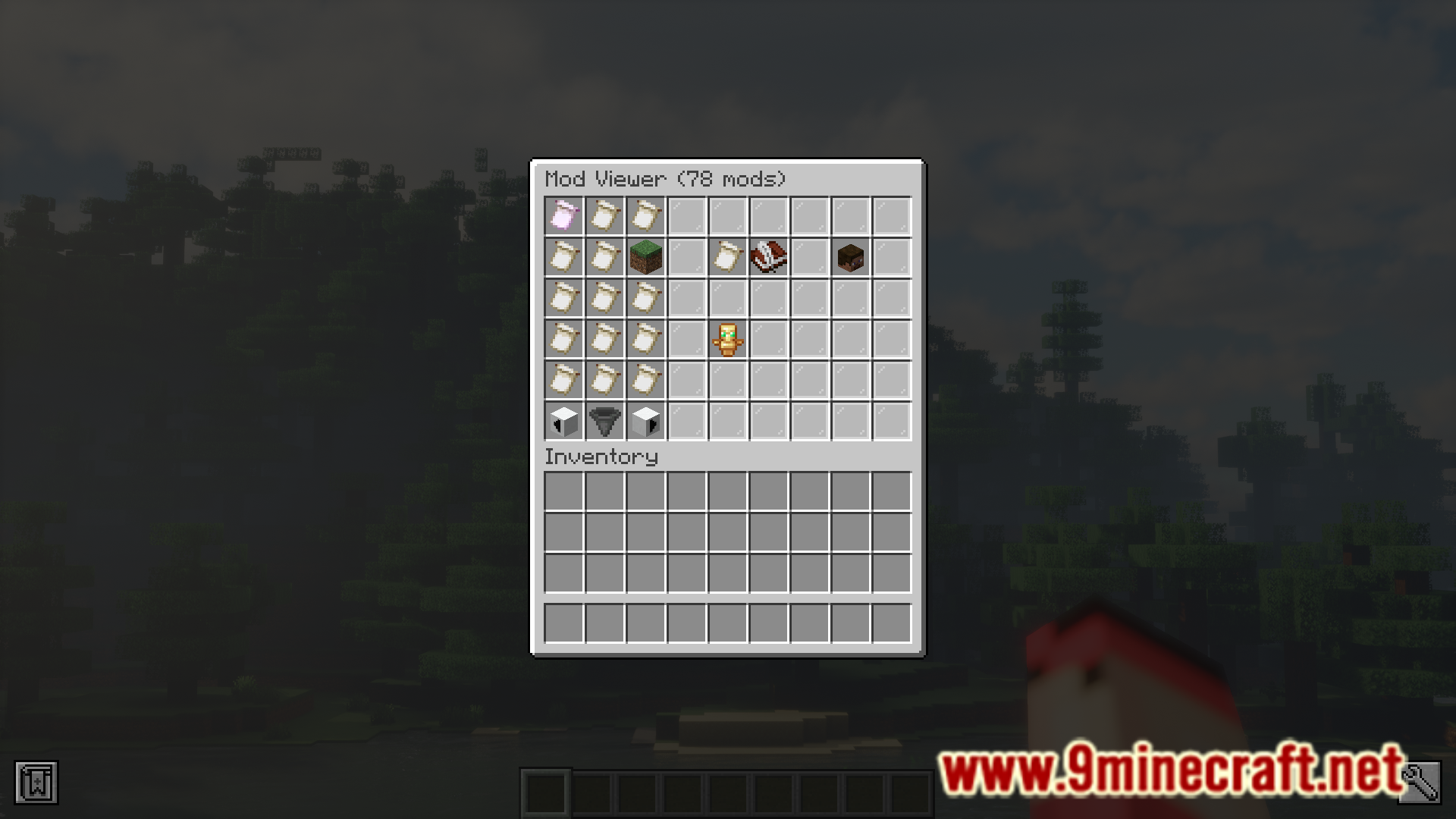
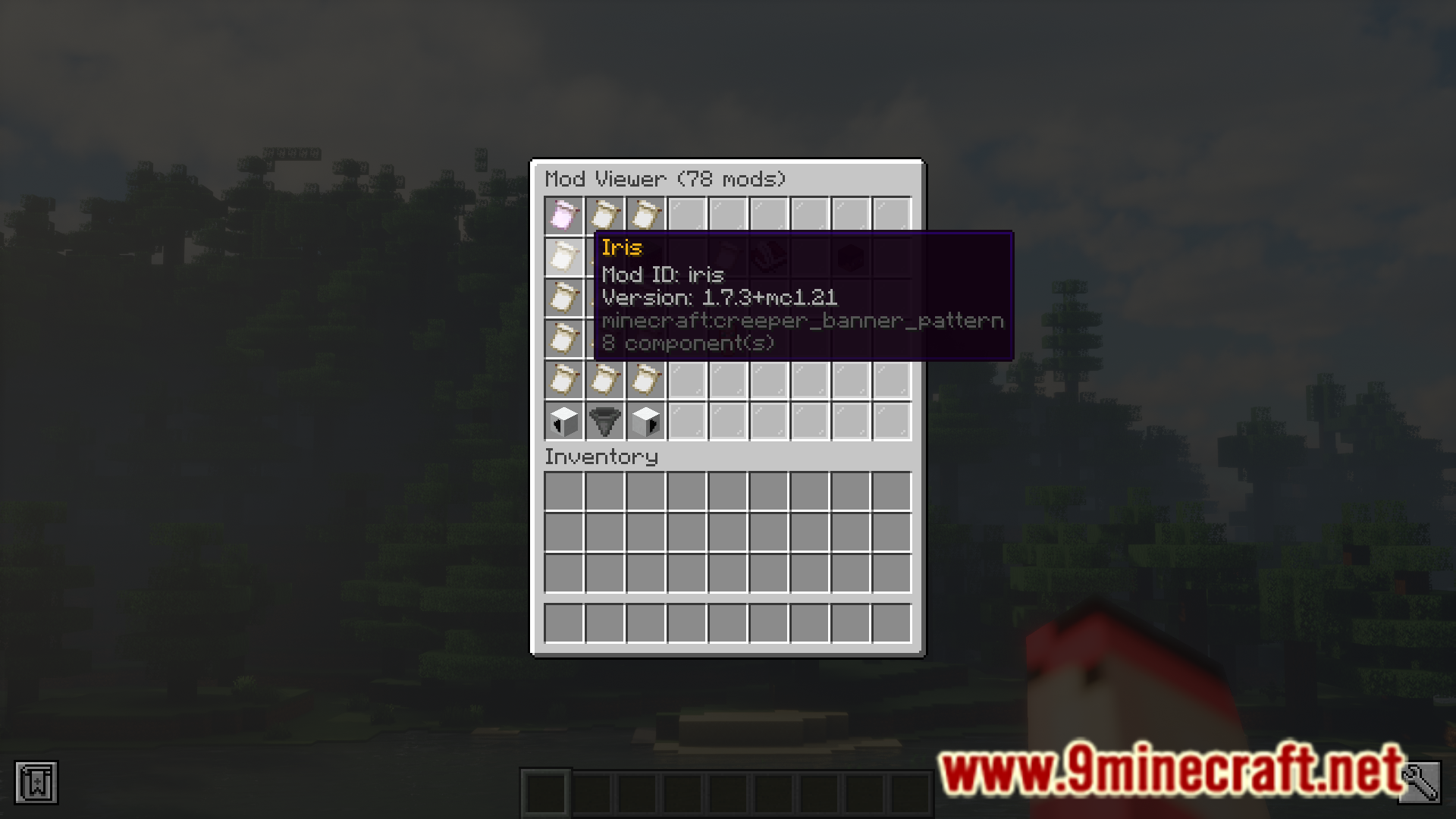
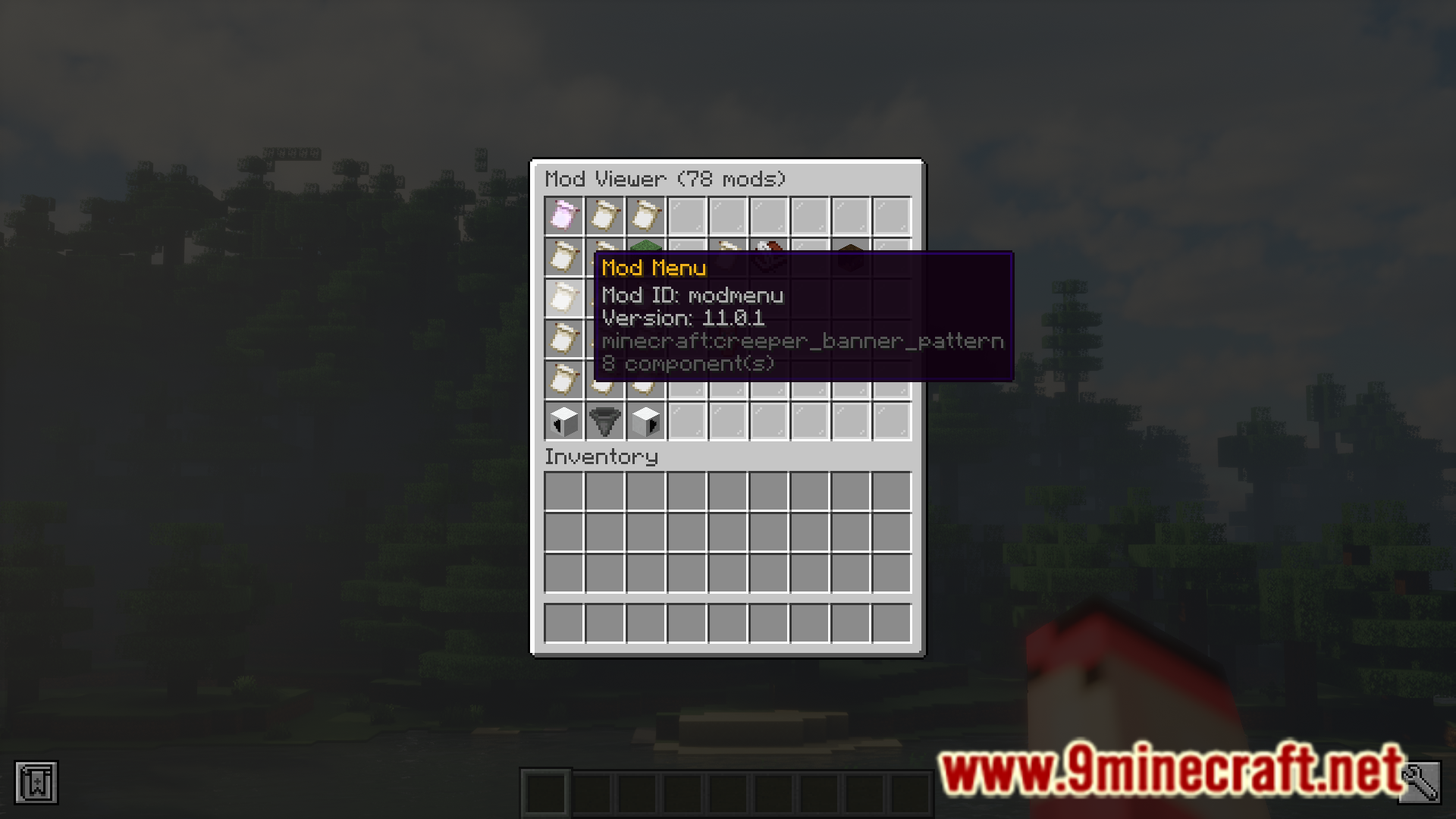
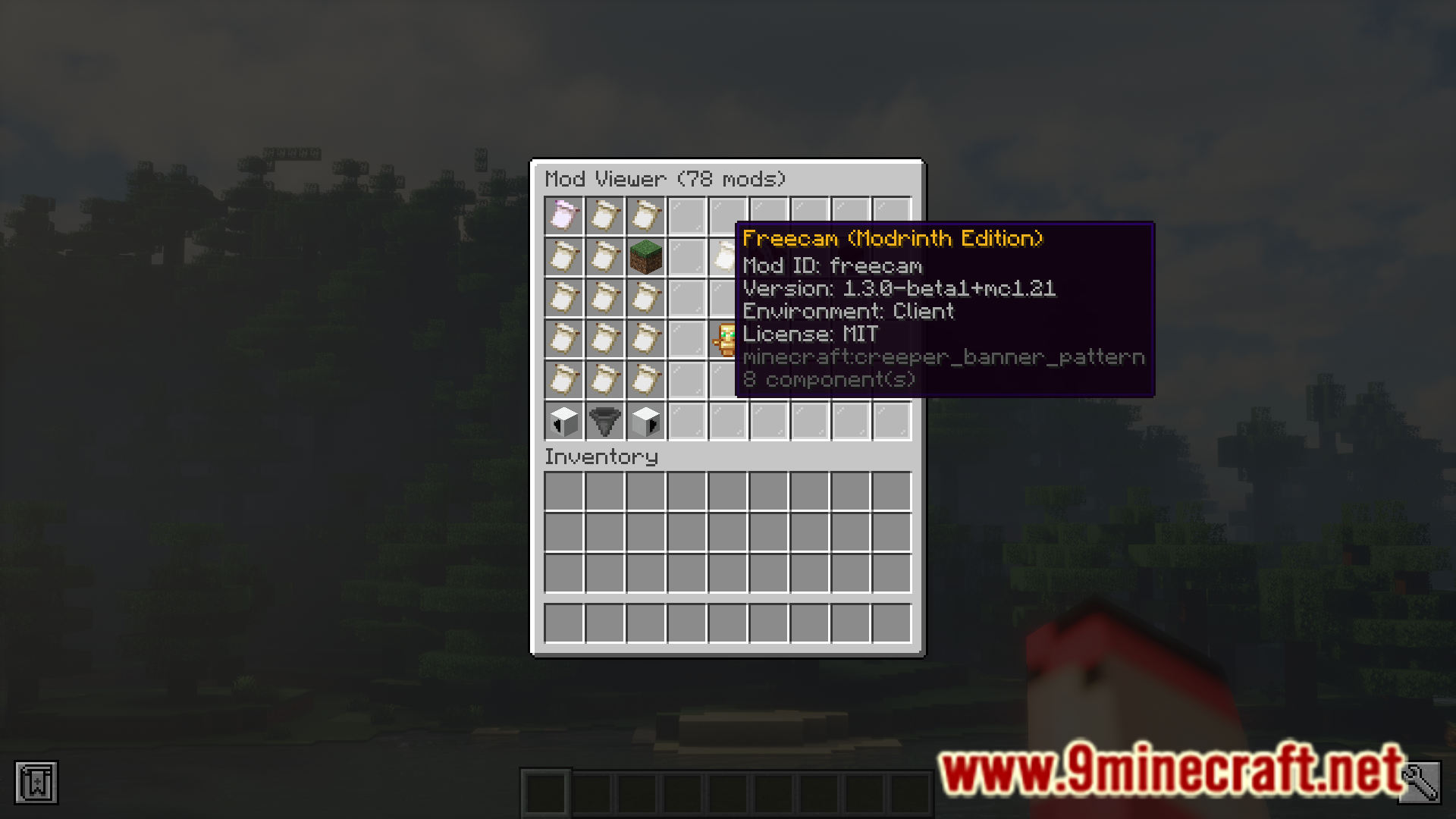
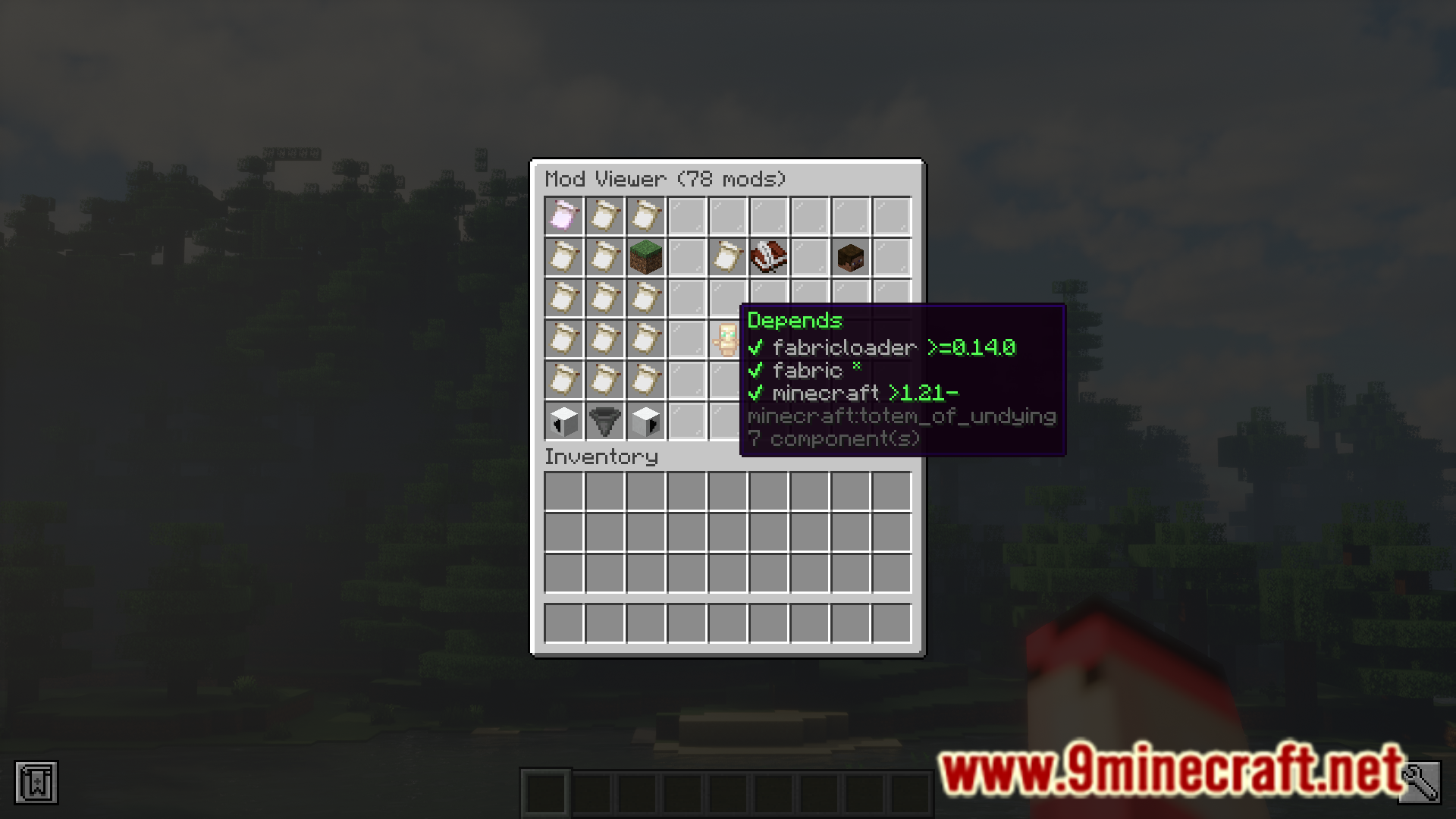
Are you playing on a server and want to view the list of installed mods? If the answer is yes, Mod Viewer Mod is for you. This mod basically lets you view the installed mods by executing a simple command. By executing the /modviewer command, the player can open a GUI similar to that of the double chest GUI. This GUI contains different items in each slot and by hovering over them, you can open their tooltip to view information regarding installed mods and such.
Features:
- A method to view a list of installed mods in-game.
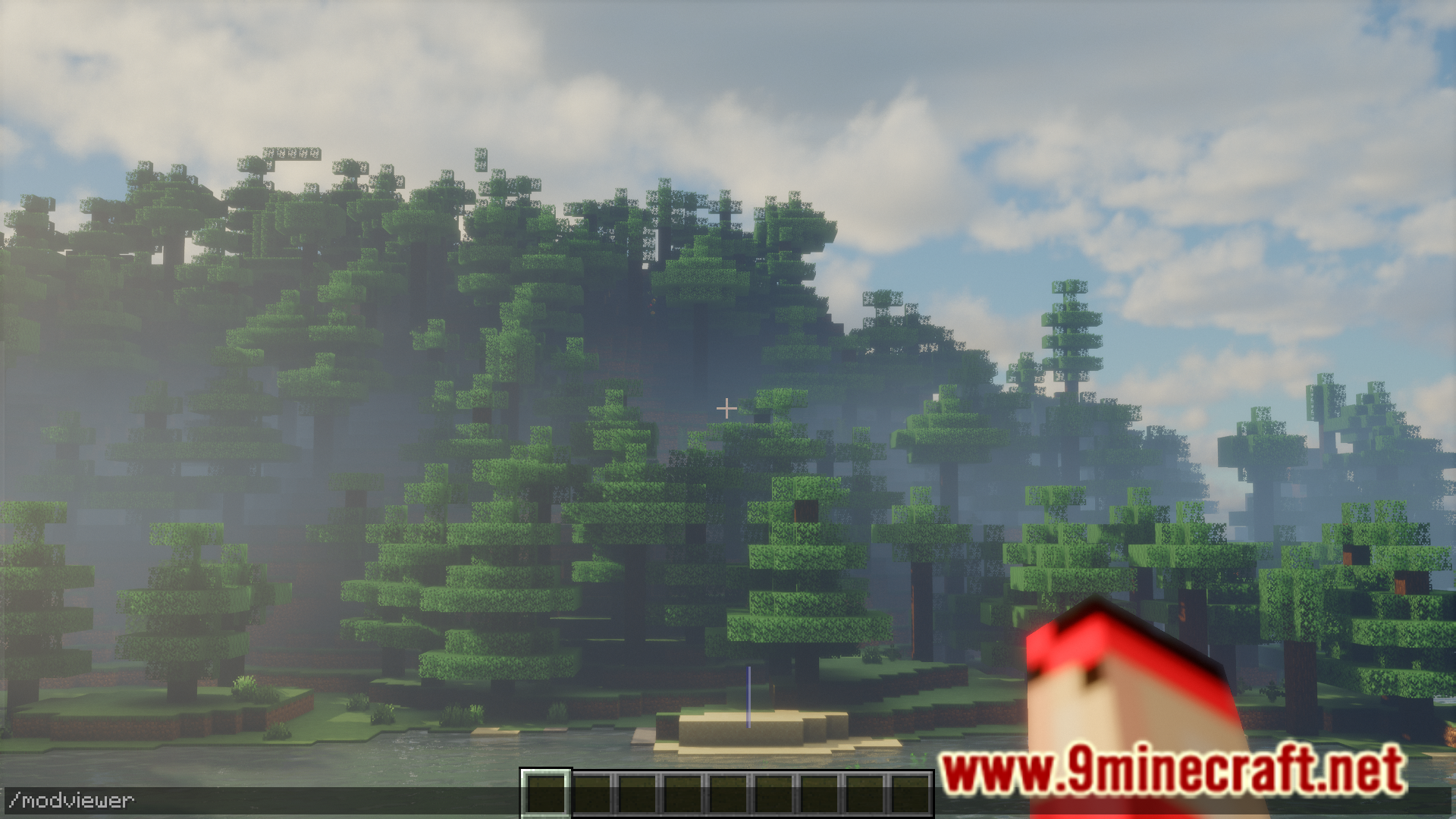
- Use the /modviewer command.
- No custom GUI. Uses the double chest GUI.
Screenshots:
Mod Viewer Mod Download Links
For Minecraft 1.21.1, 1.21
Fabric version: Download from Server 1 – Download from Server 2
For Minecraft 1.20.6
Fabric version: Download from Server 1 – Download from Server 2
For Minecraft 1.20.4
Fabric version: Download from Server 1 – Download from Server 2
For Minecraft 1.20.1
Fabric version: Download from Server 1 – Download from Server 2
For Minecraft 1.19.4
Fabric version: Download from Server 1 – Download from Server 2
For Minecraft 1.19.2
Fabric version: Download from Server 1 – Download from Server 2
For Minecraft 1.18.2
Fabric version: Download from Server 1 – Download from Server 2
- Edition: Minecraft Java
- File type: .jar
- Minecraft versions listed: 1.21.1, 1.20.6
- How to install: Install the matching mod loader (Forge, Fabric or NeoForge) for your Minecraft version. → Download the .jar. → Put it in the .minecraft/mods folder and launch that loader profile.
- Where to get it: In MC Java Mods, or directly above on this page.
Install steps are the general flow for this file type — How to install Minecraft Java mods & modpacks walks through it step by step.
- Downloads as 197543.mcaddon
- Download size: 195 KB
- Download link checked 26 Jul 2026 — working
- Mirrored on our own servers — the download does not depend on the original host
These come from our own check of the pack file, not from the source page.