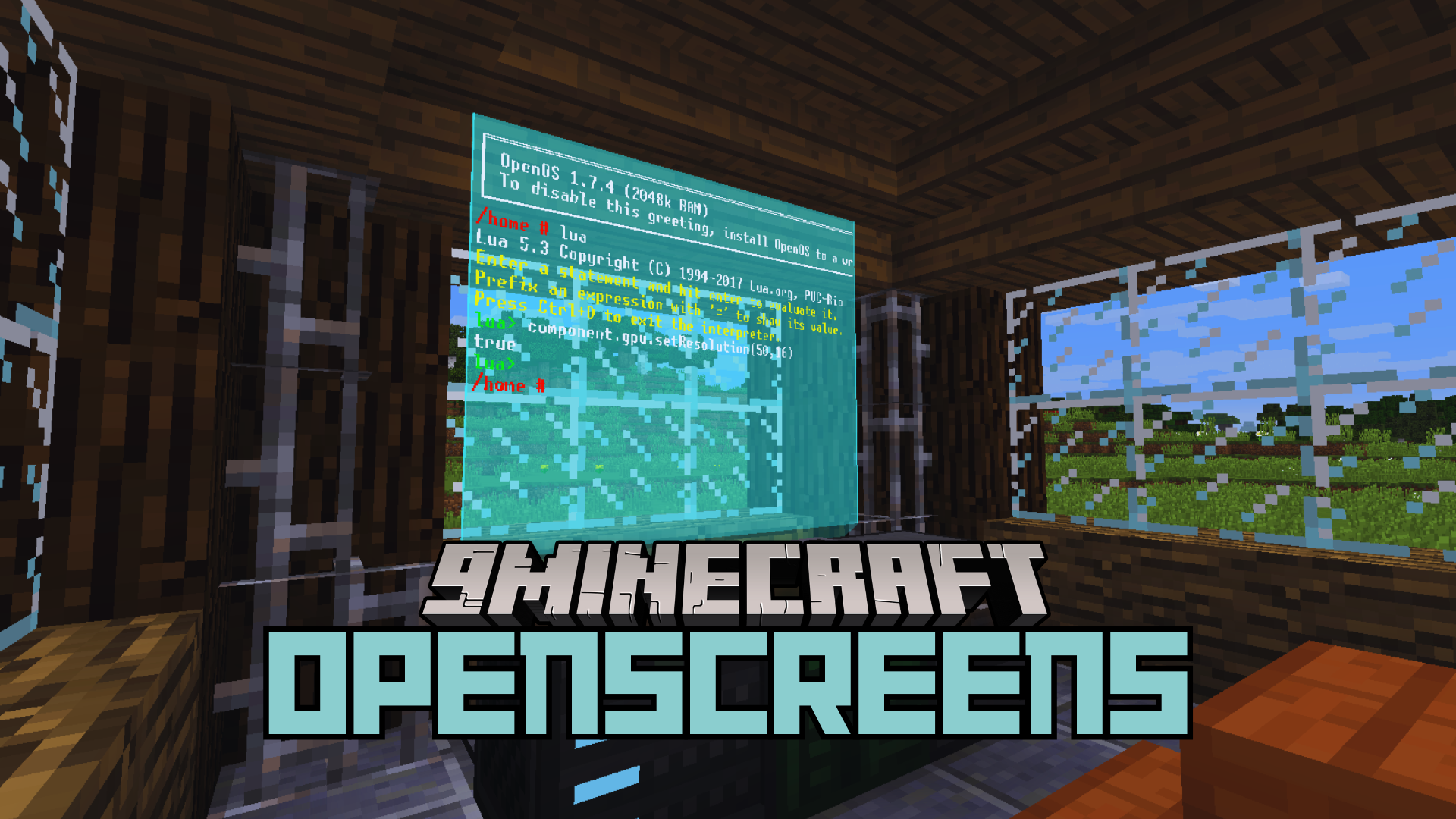
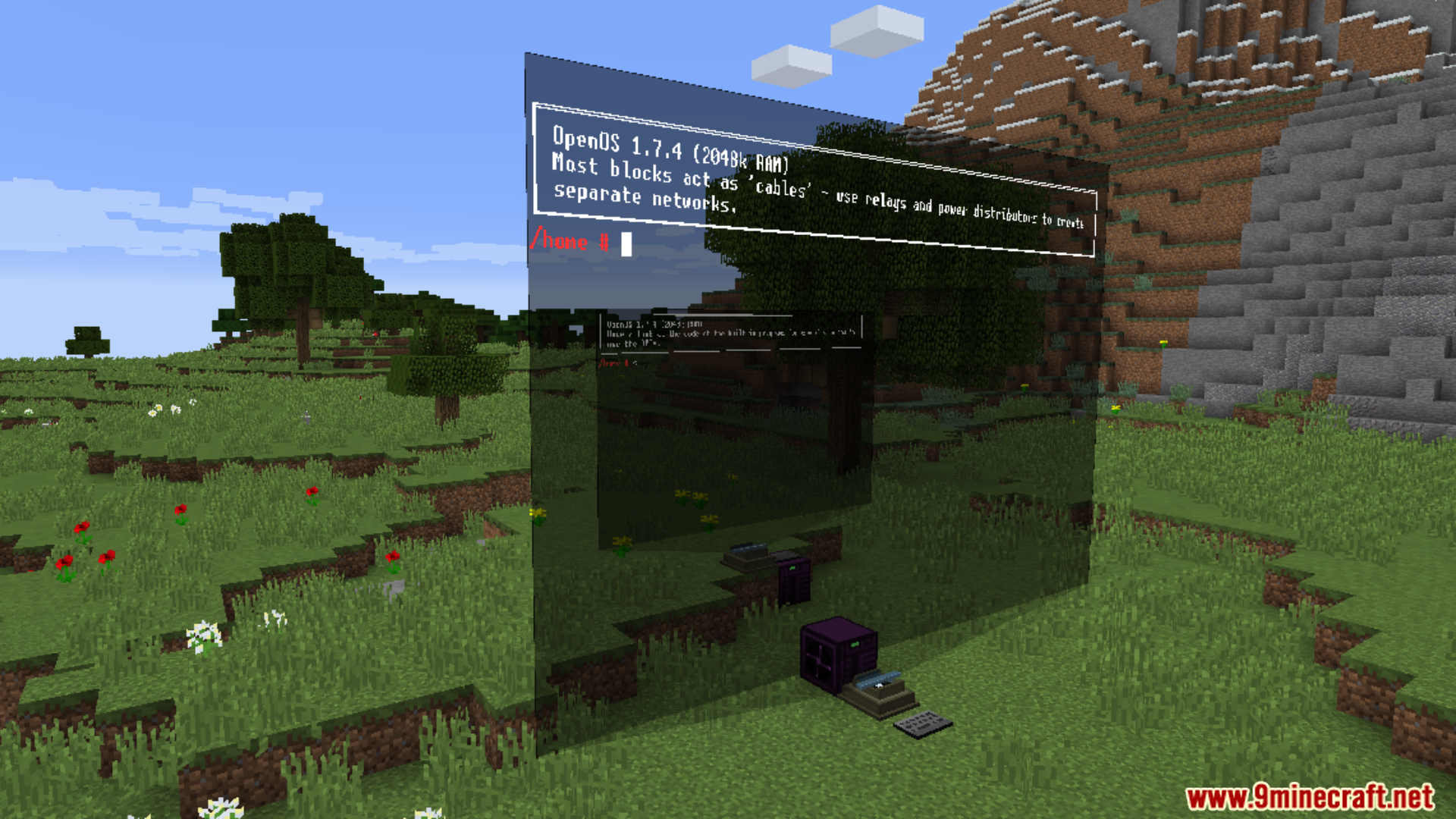
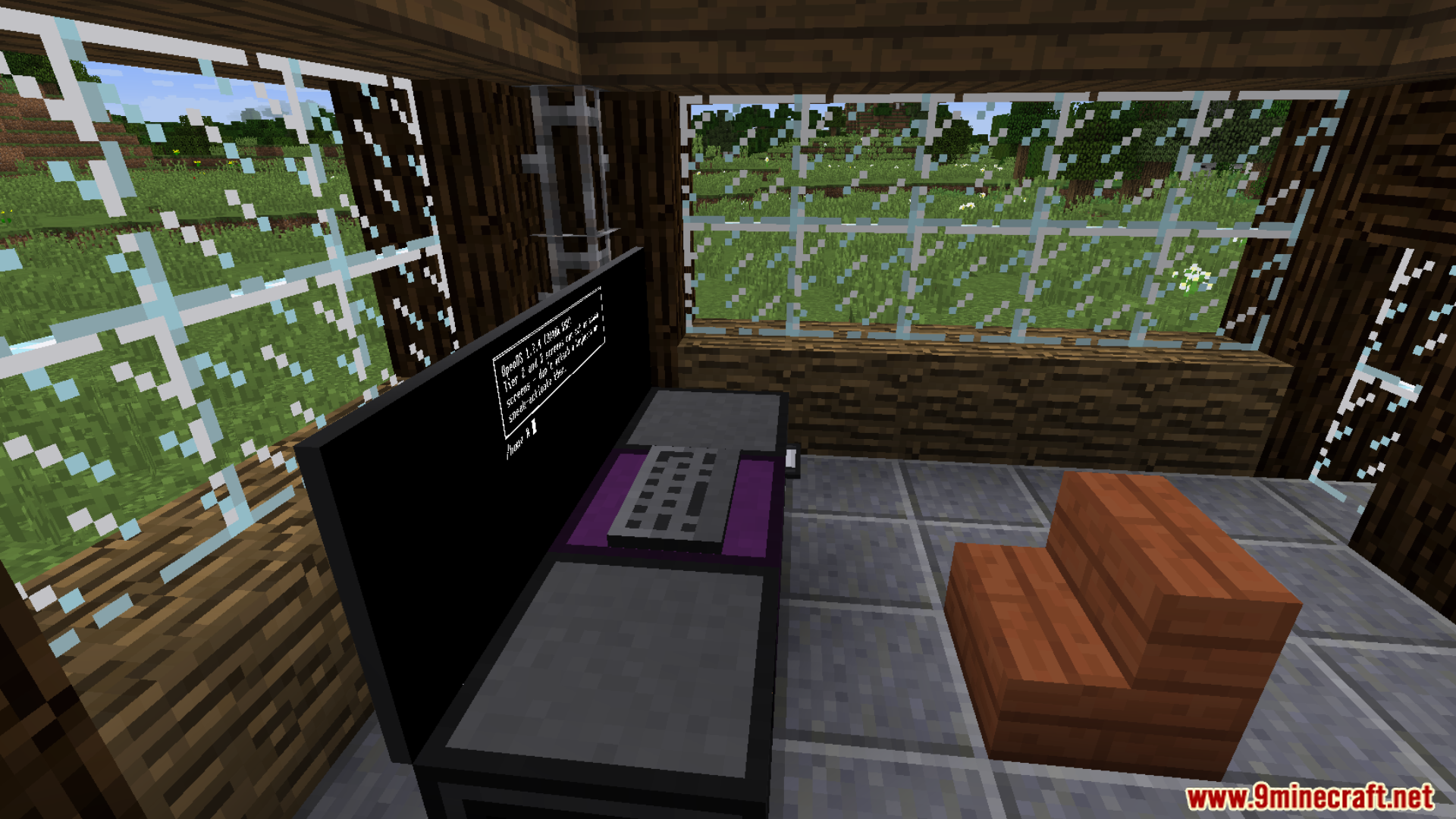
OpenScreens Mod introduces interactive display screens for enhanced visual customization. Holo Screens provides floating, adjustable displays with customizable colors. Flatscreens offer a sleek, block-based display option with front and back variations.
Features:
- Holo Screens: Floating displays with adjustable size and color
- Color Customization: Background color changes with dyes
- Size Adjustment: Modified by right-clicking while crouching
- Flatscreens: Simple, flat displays with front and back variations
- Enhanced Display Options: Supports different placement and customization methods
Screenshots:
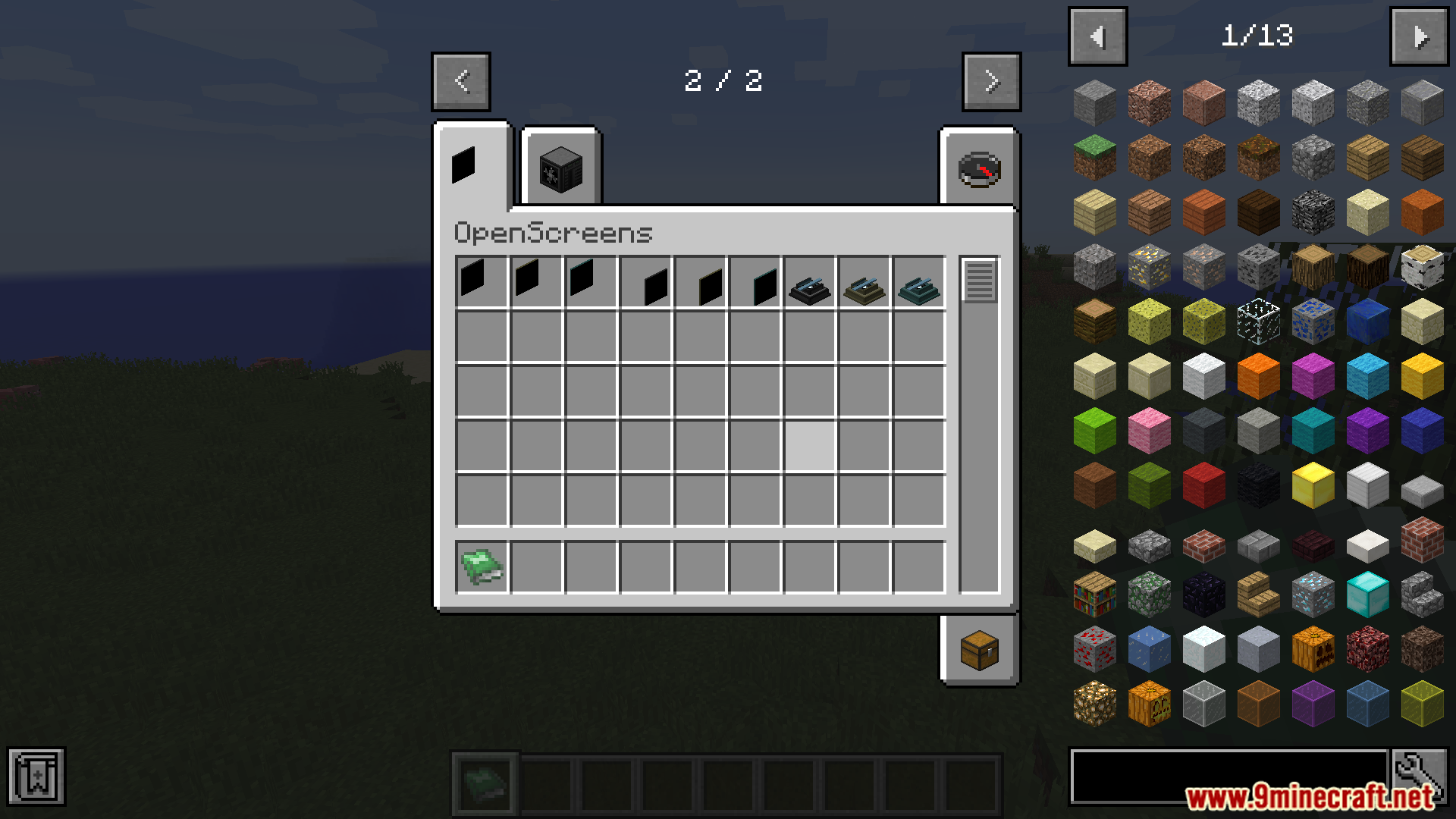
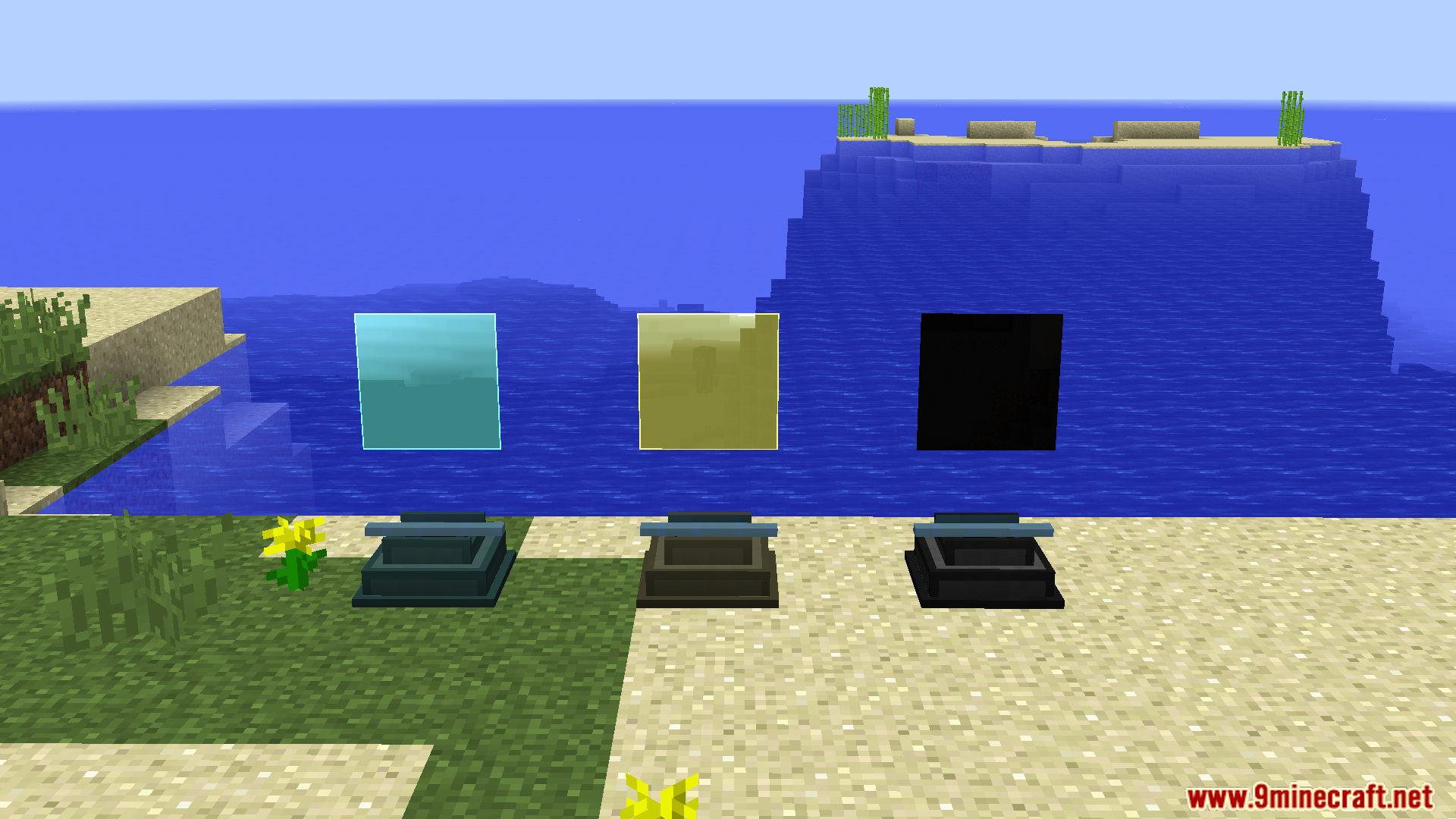
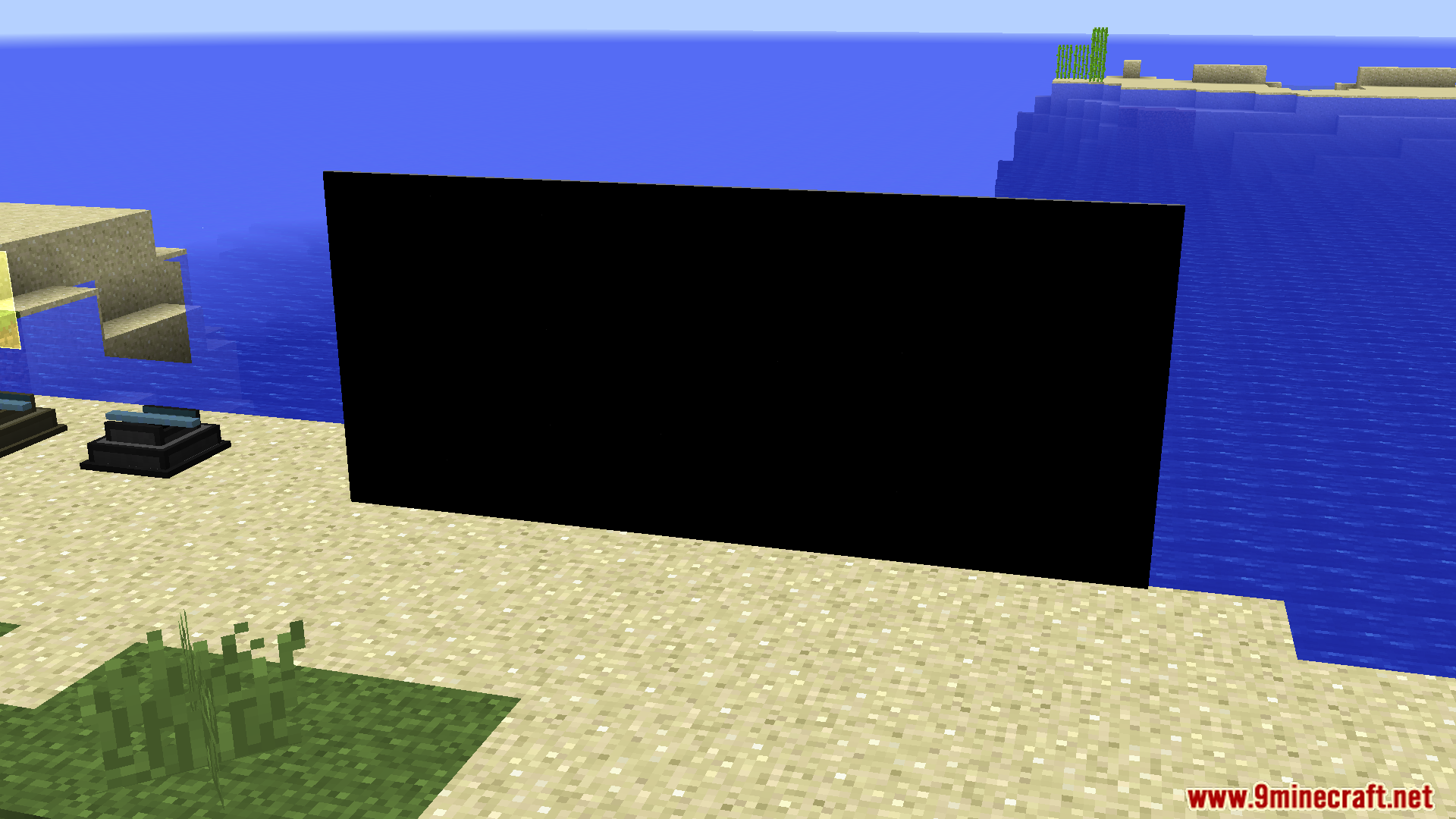
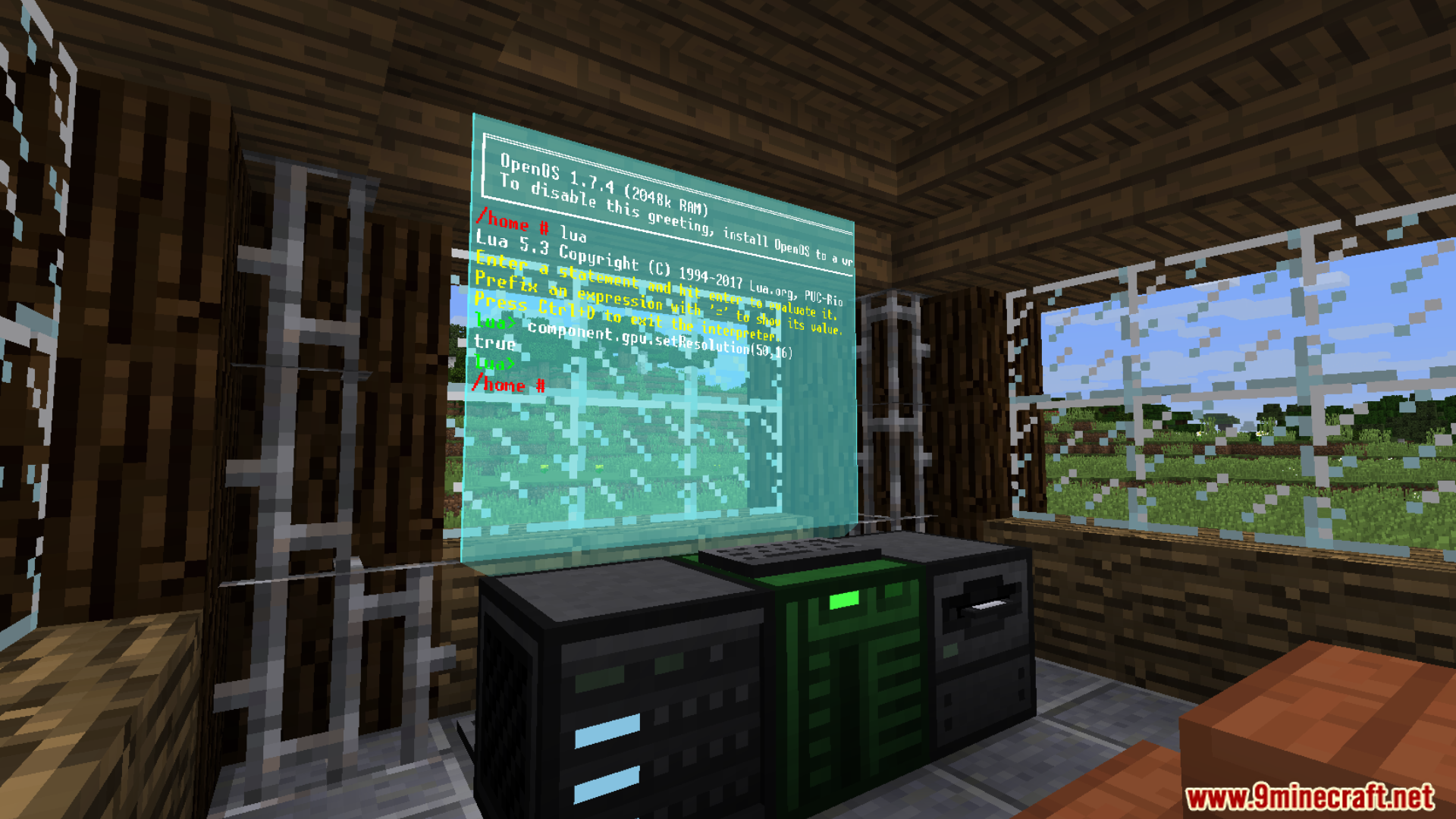
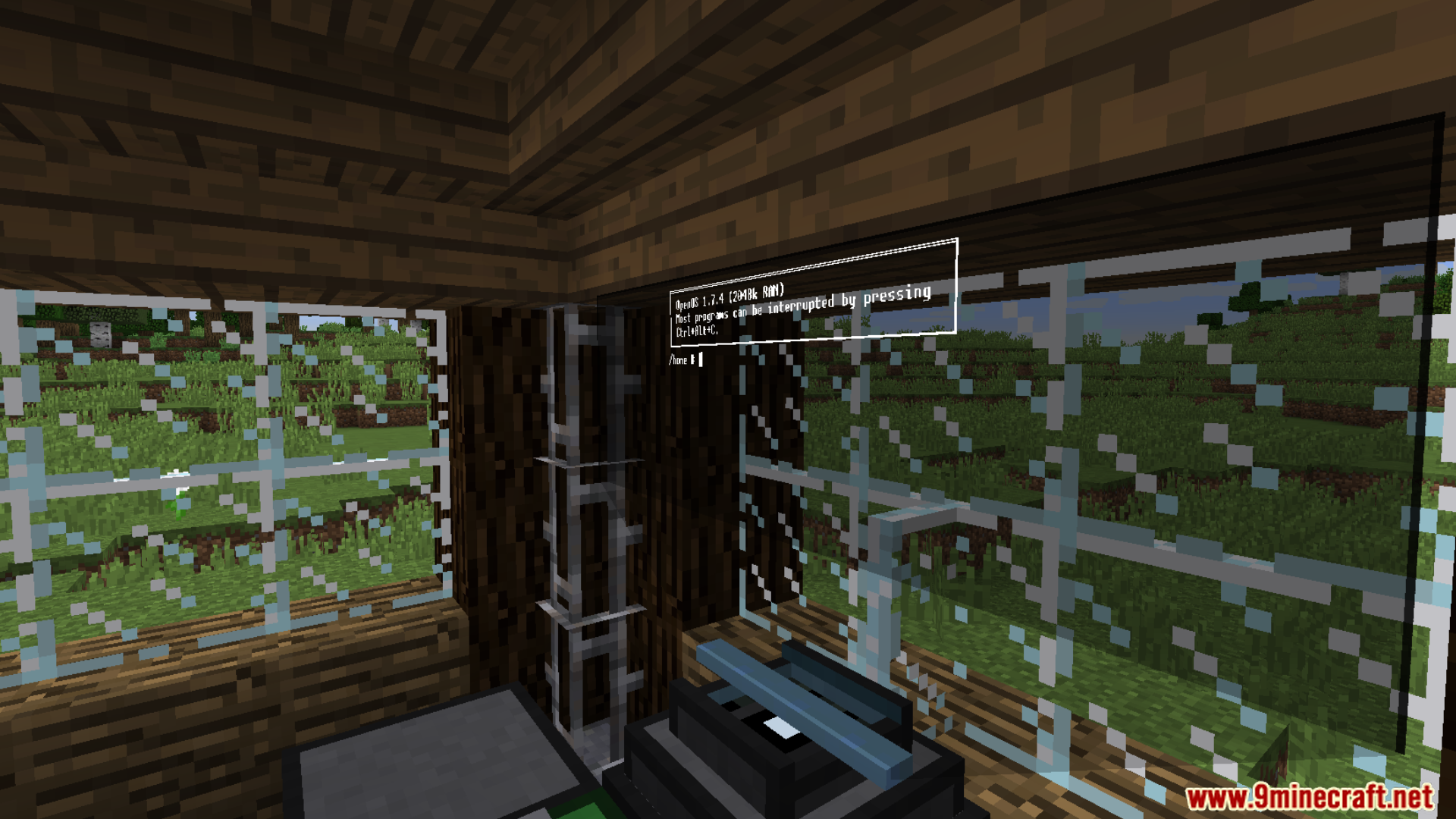
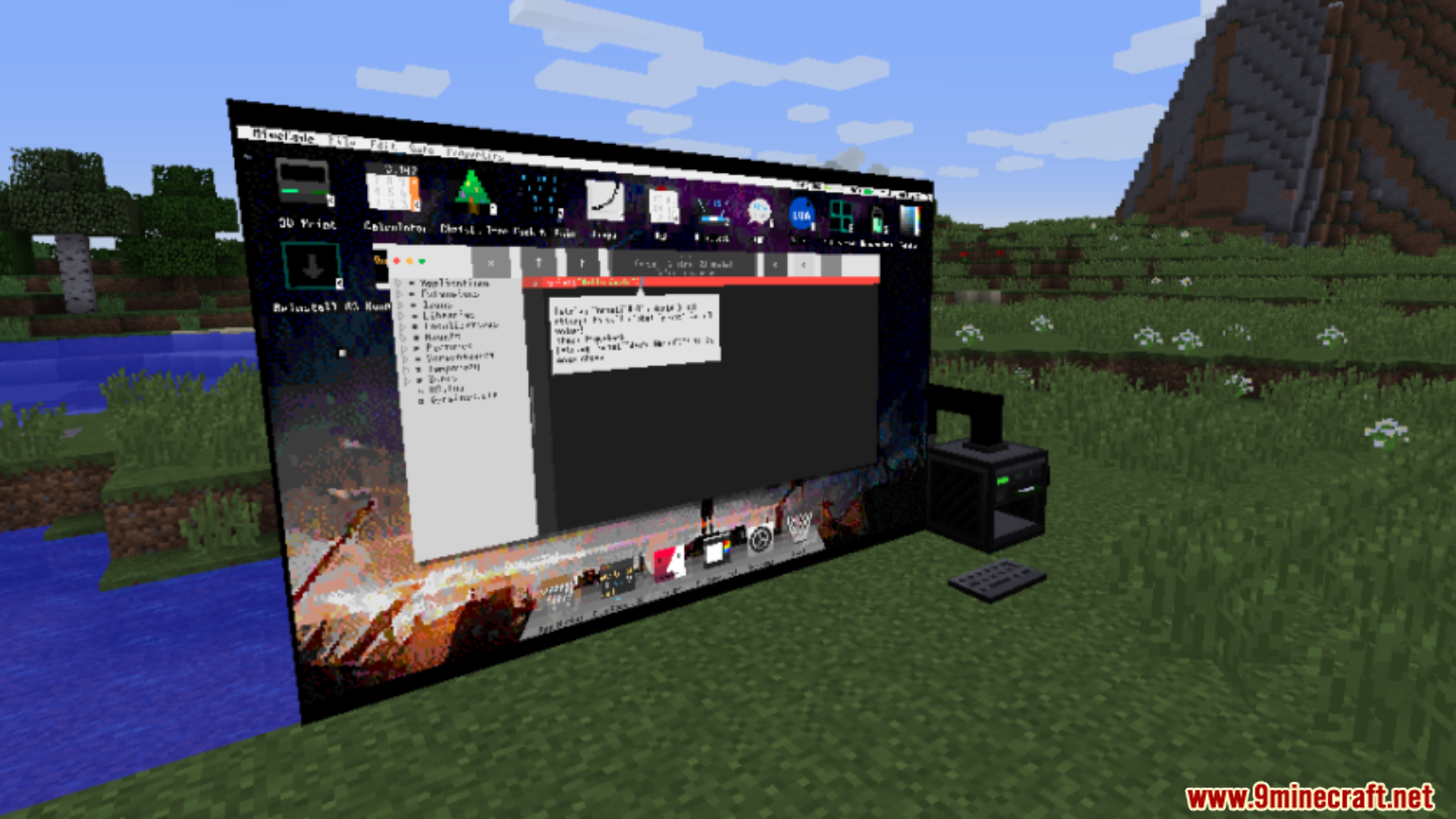
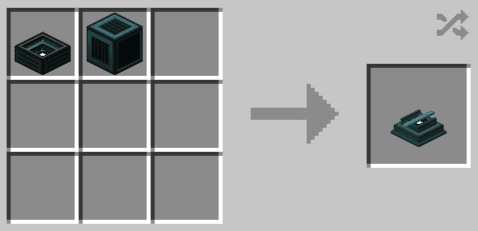
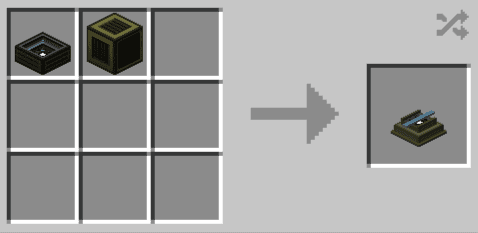
Crafting Recipes:
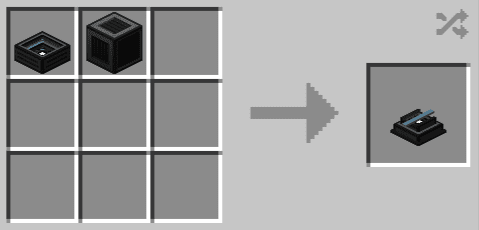
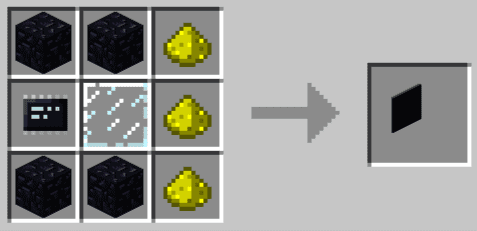
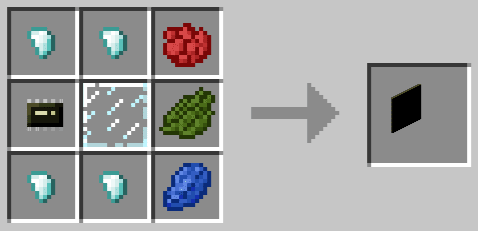
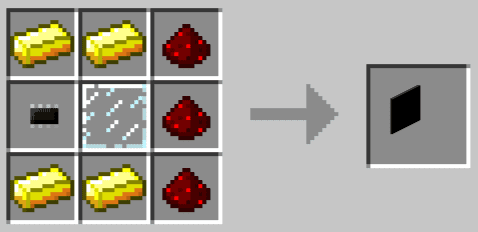
Requires:
Minecraft Forge
OpenScreens Mod Download Links
For Minecraft 1.12.2
Forge Version: Download from Server 1 – Download from Server 2
Quick facts
- Edition: Minecraft Java
- File type: .jar
- How to install: Install the matching mod loader (Forge, Fabric or NeoForge) for your Minecraft version. → Download the .jar. → Put it in the .minecraft/mods folder and launch that loader profile.
- Where to get it: In MC Java Mods, or directly above on this page.
Install steps are the general flow for this file type — How to install Minecraft Java mods & modpacks walks through it step by step.
Verified by MCModsHub
- Downloads as 197560.mcaddon
- Download size: 675 KB
- Download link checked 26 Jul 2026 — working
- Mirrored on our own servers — the download does not depend on the original host
These come from our own check of the pack file, not from the source page.