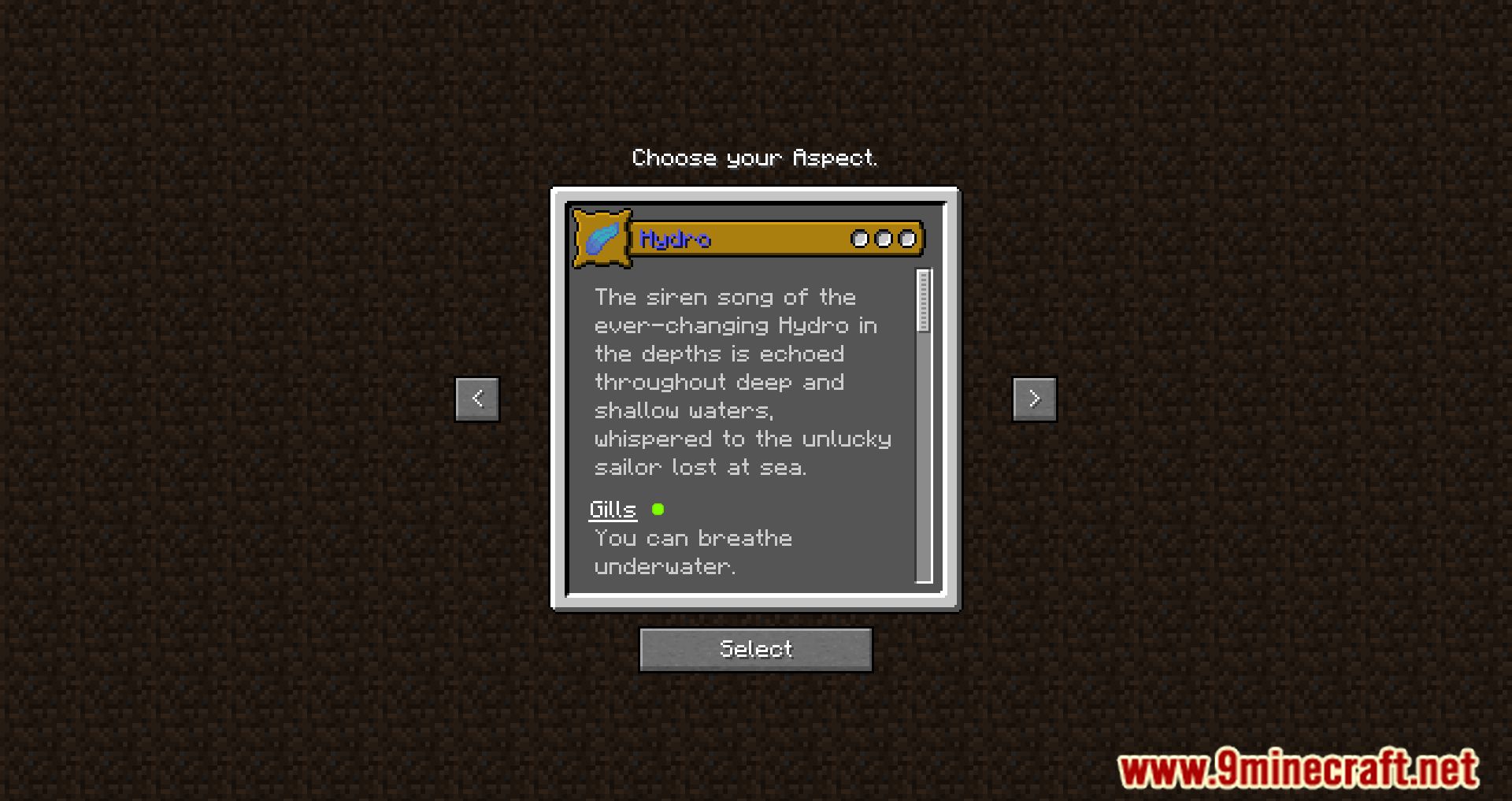
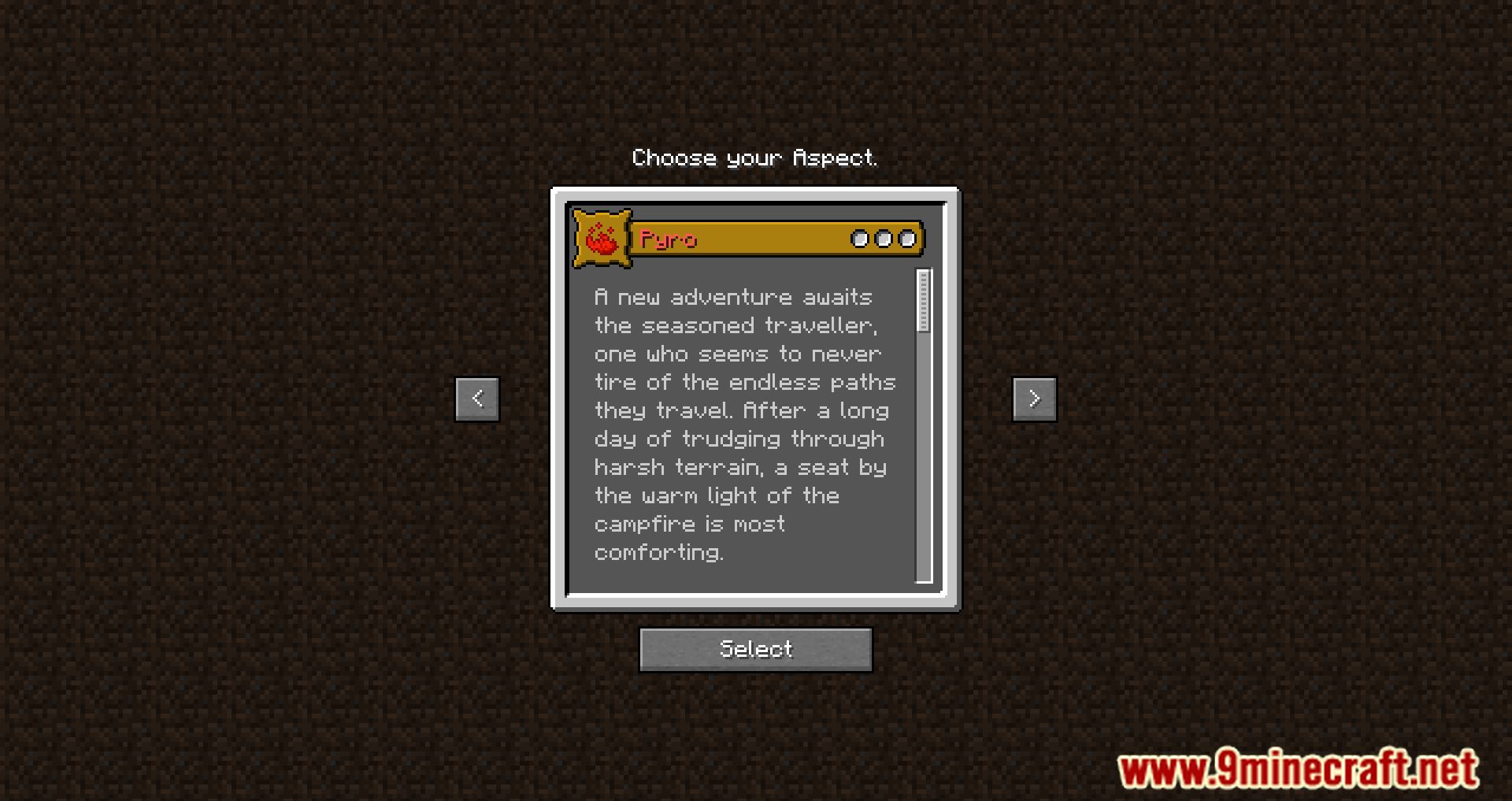
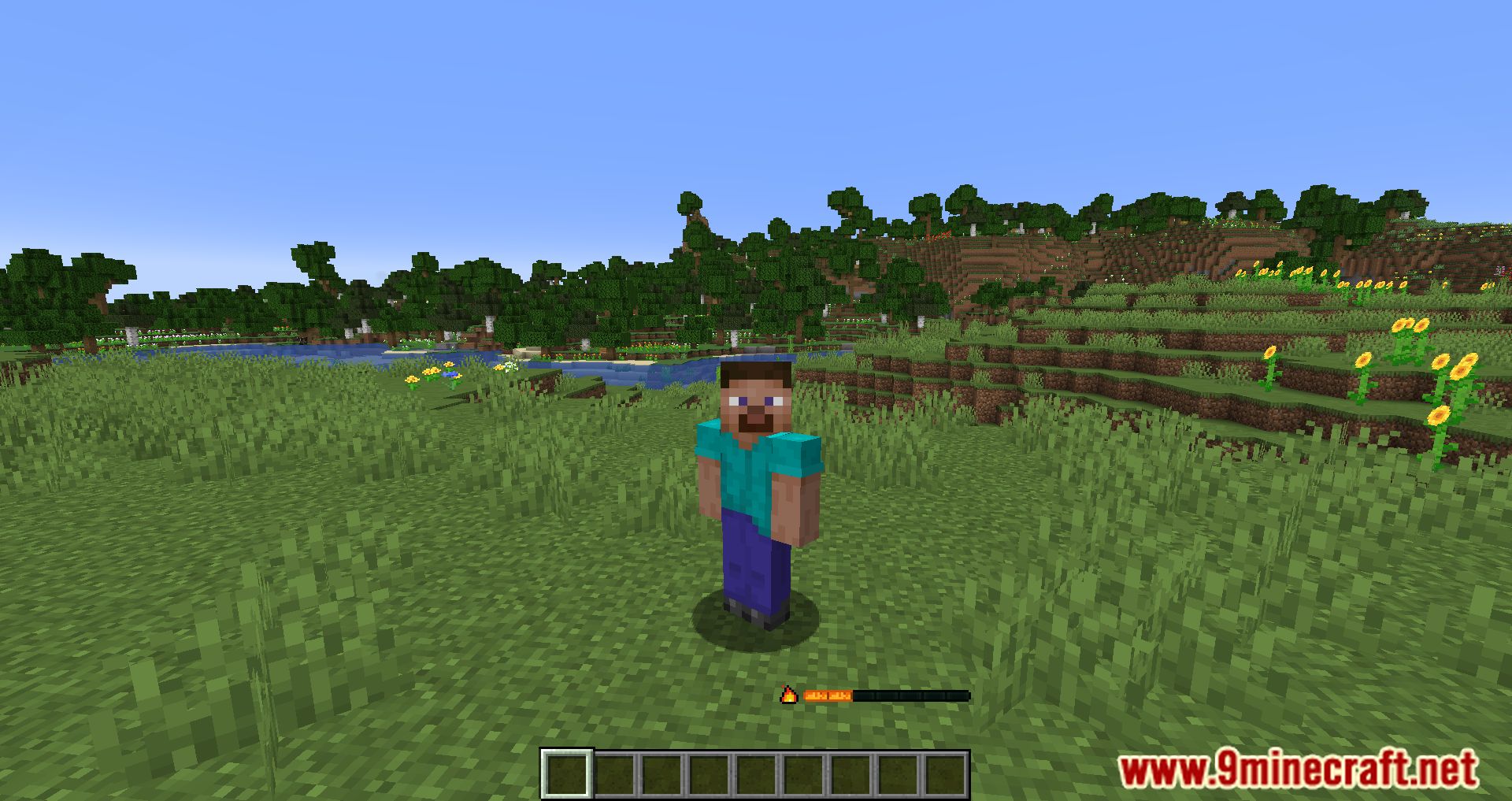
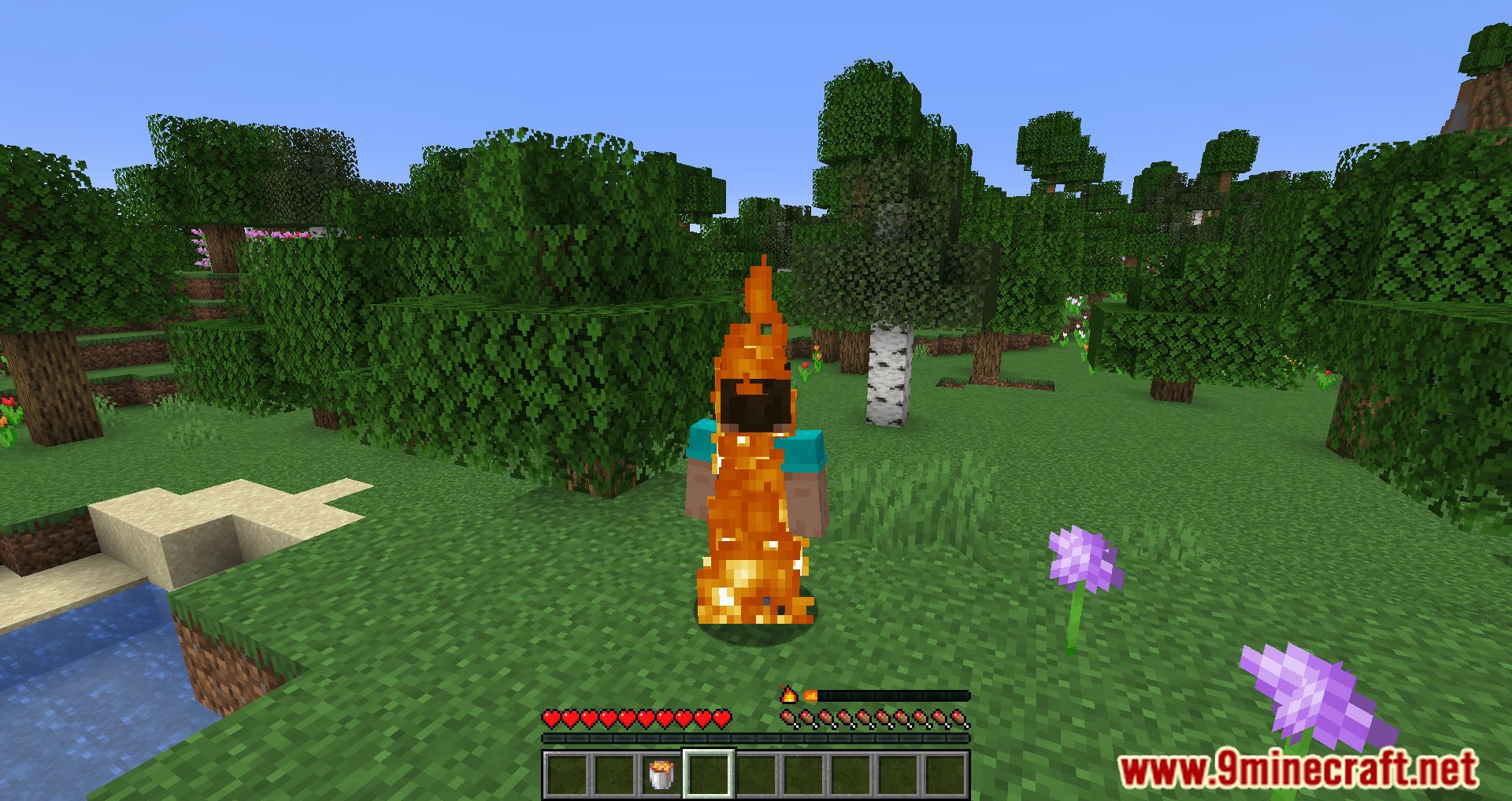
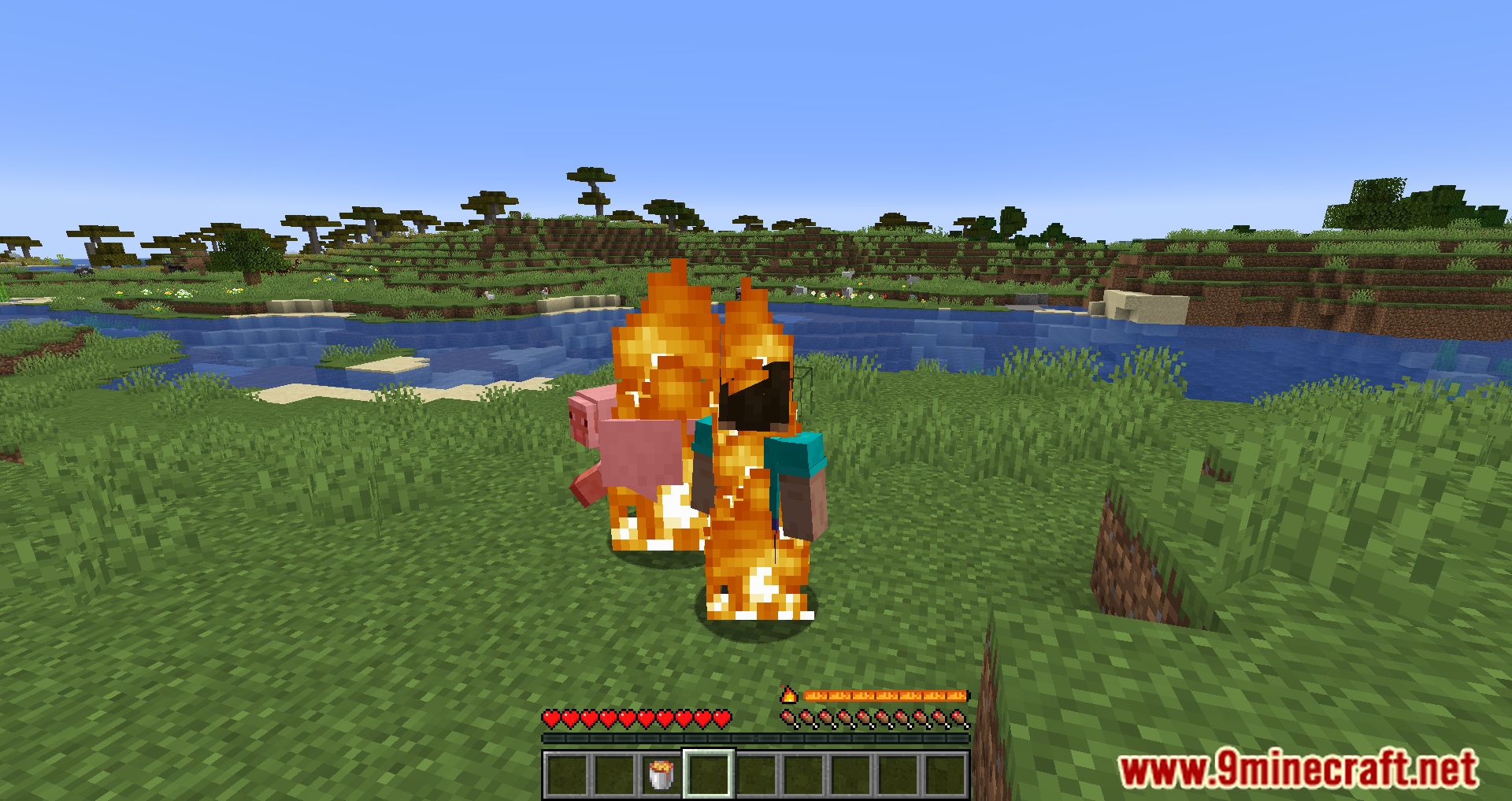
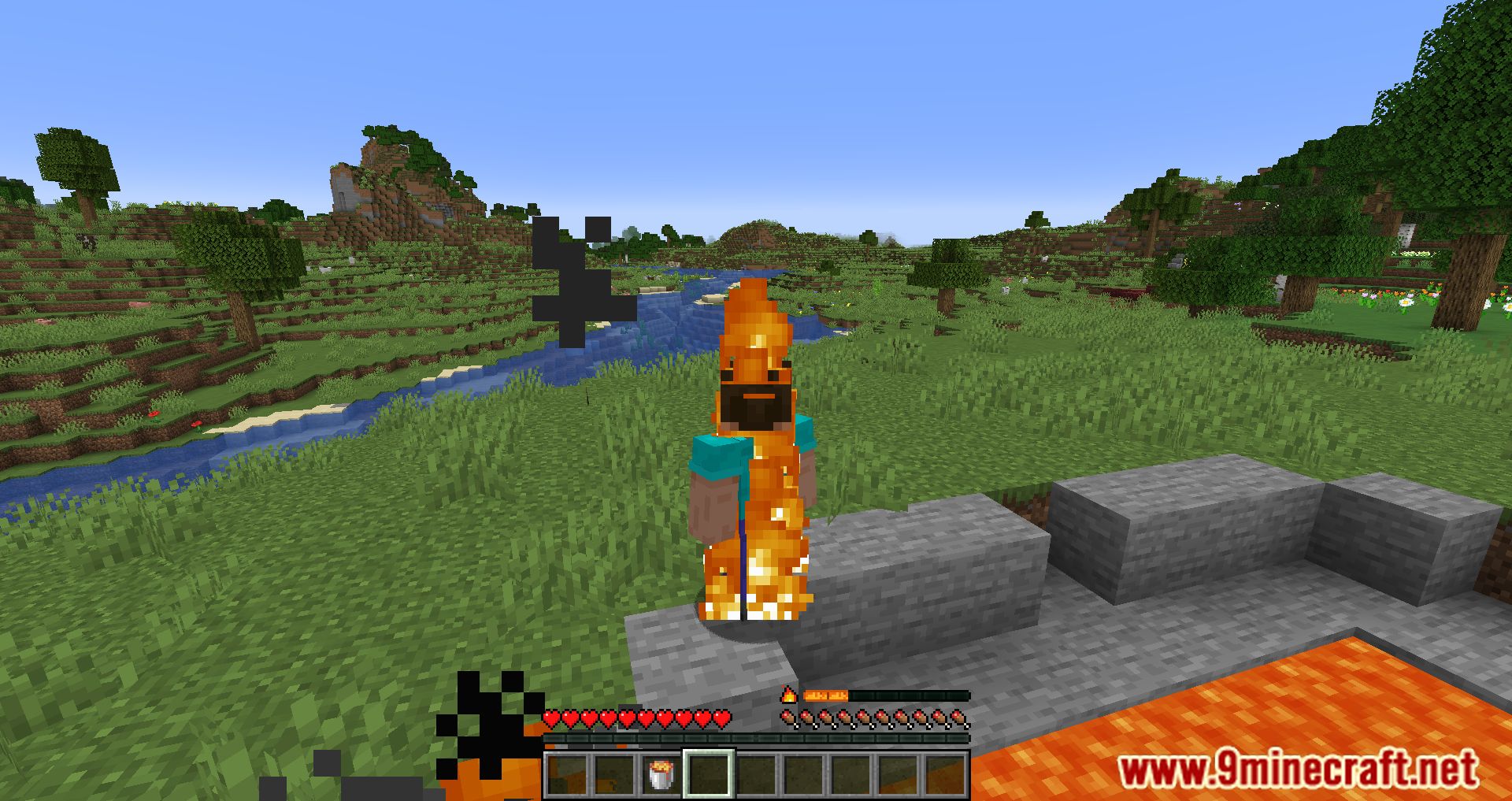
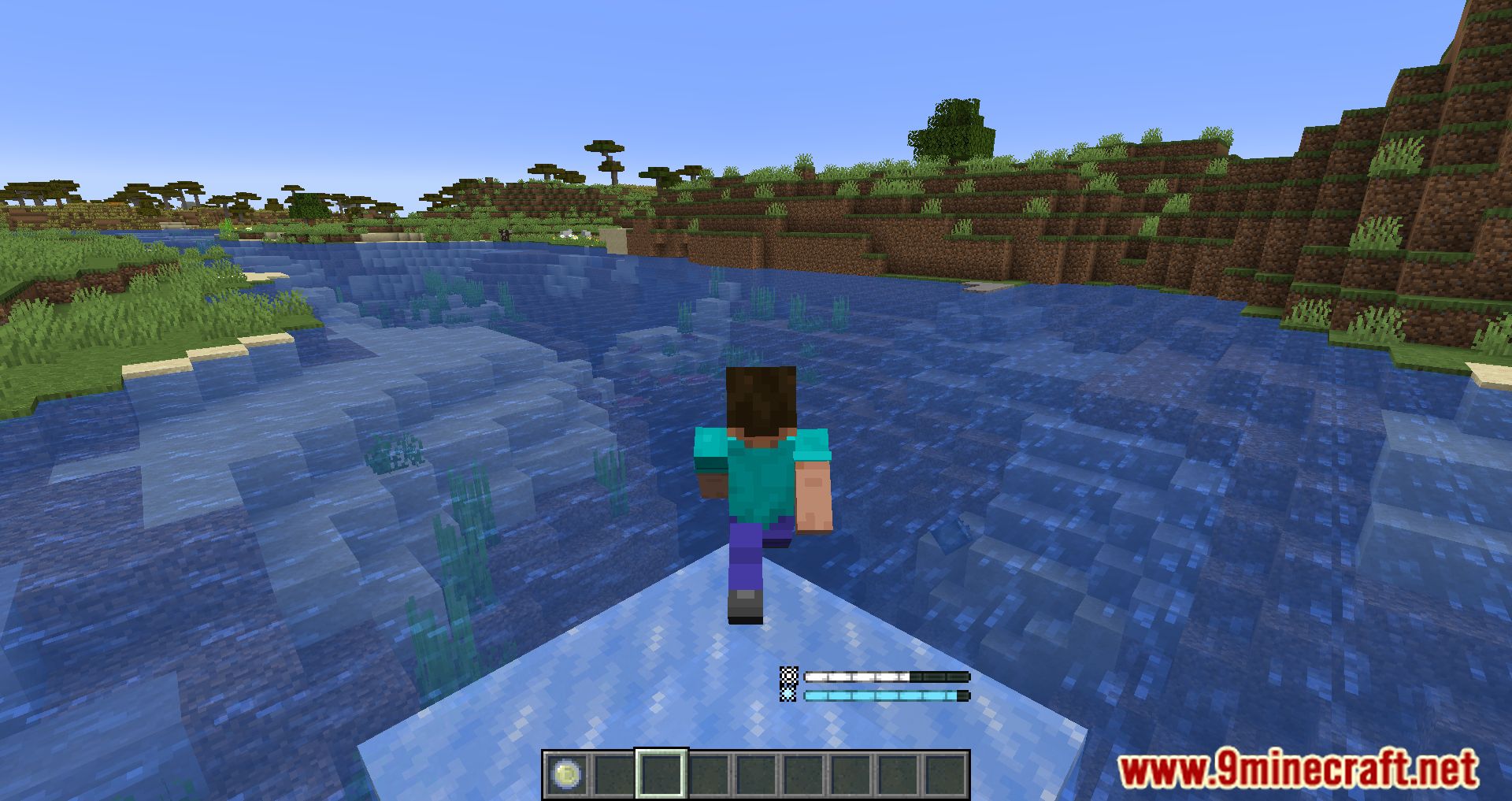
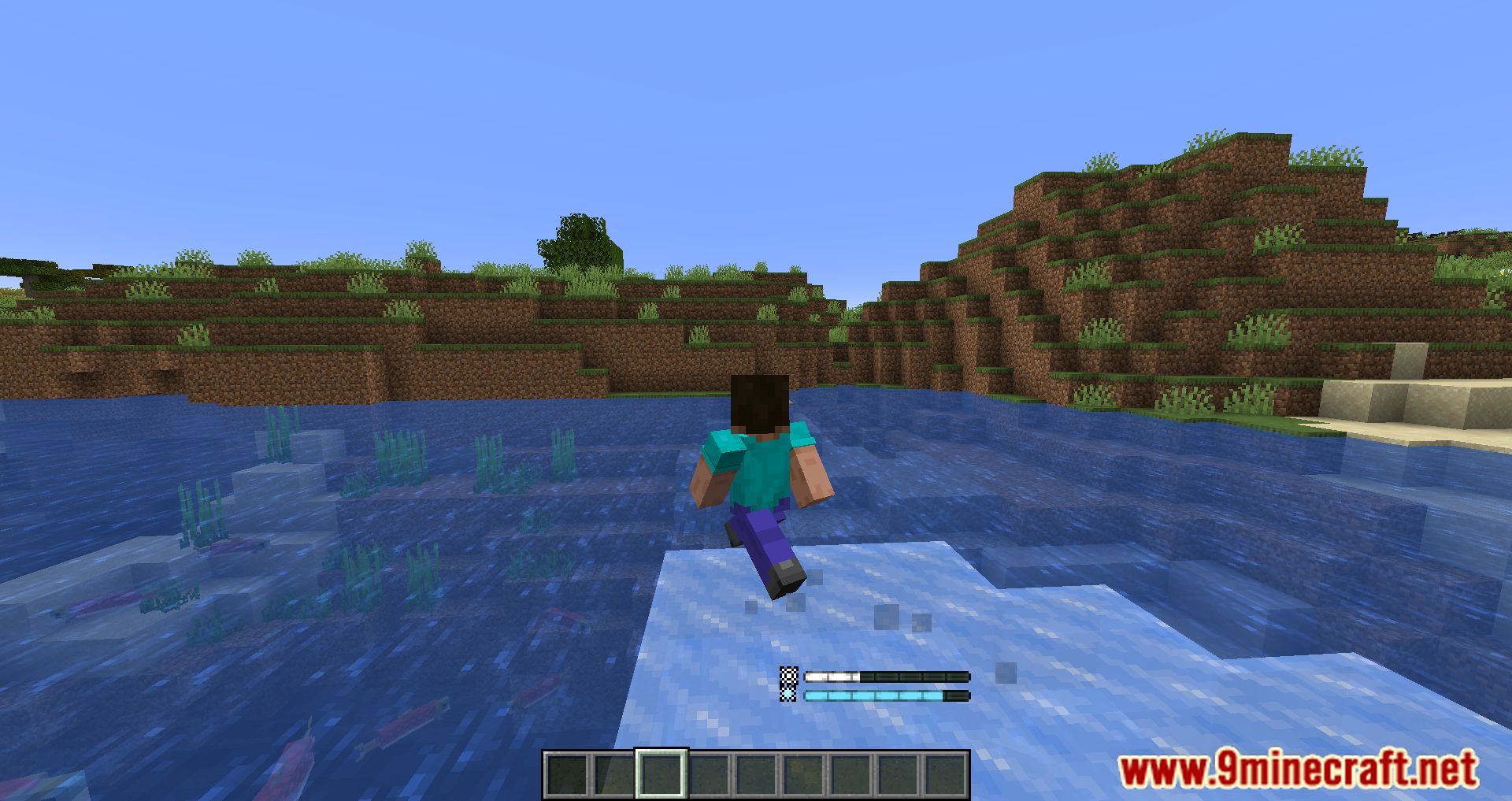
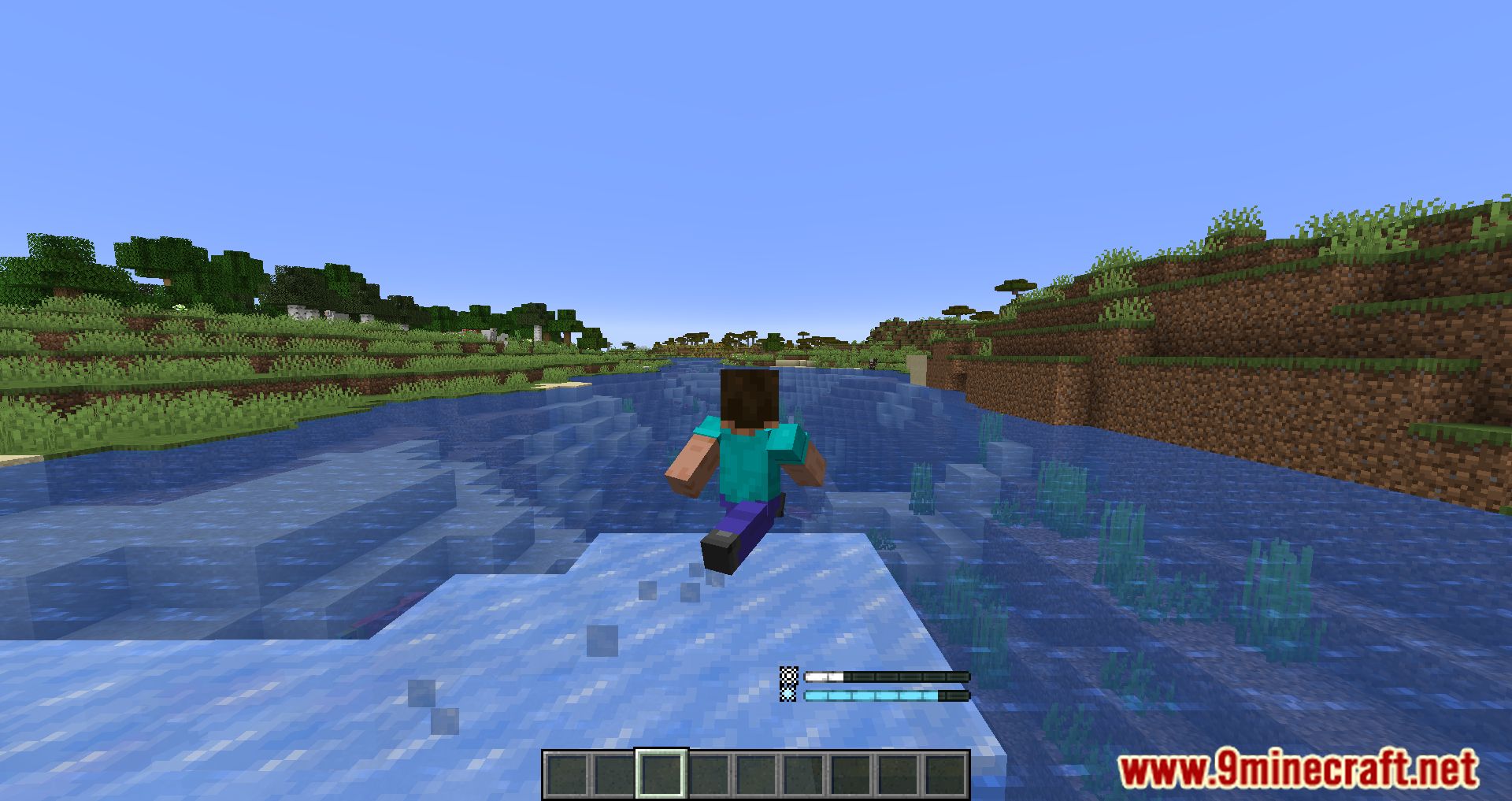
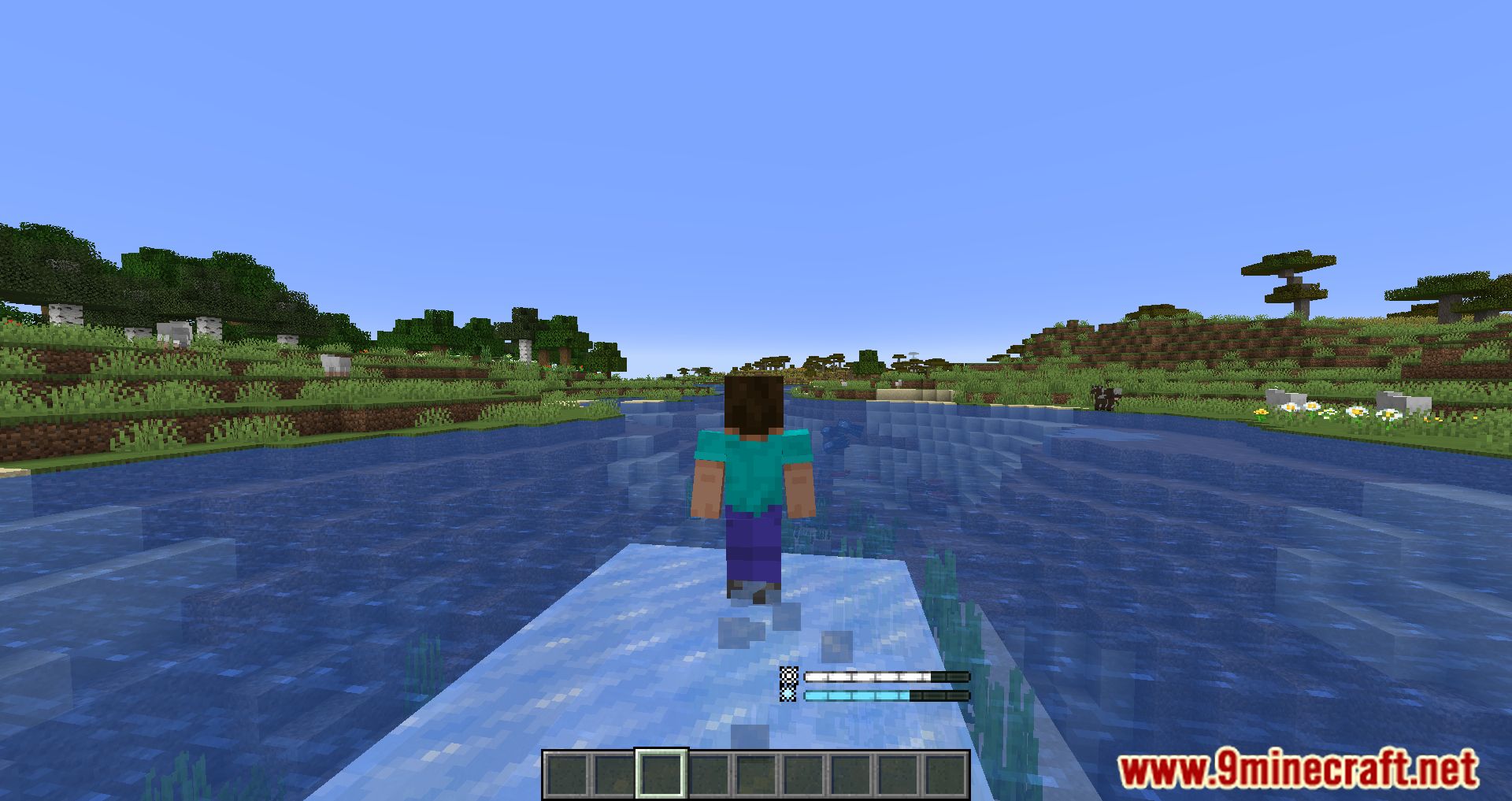
Aspects Mod is an add-on version of Origins Mod. Aspects Mod will further contribute to Minecraft’s combat system; Now, whenever you enter a new world, you can choose your aspect, which will affect the following choices. And each elemental aspect will have different pros and cons, and if you choose a fire aspect Pyro, you will have fire resistance and fire-related skills. And if you decide on Hydro, a water aspect, you will have the ability to relate to water, or more strongly, to freeze or walk on water. There are many exciting things in this add-on, and there are many aspects that have not been mentioned in the passage, interesting things only you can discover, so it is good to enter the game and explore.
Features:
- Players can choose from different elemental Aspects, each with its own unique abilities and drawbacks.
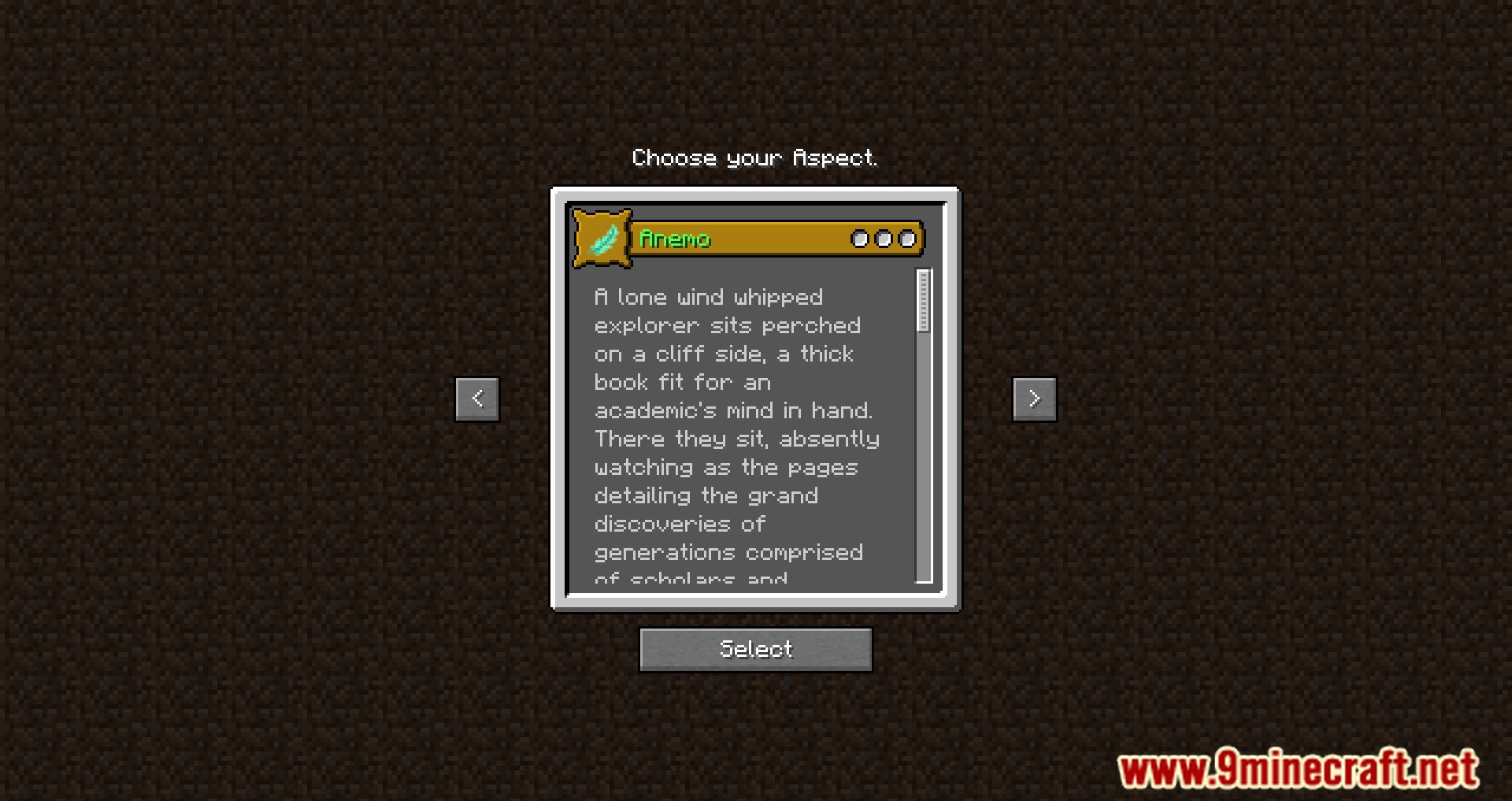
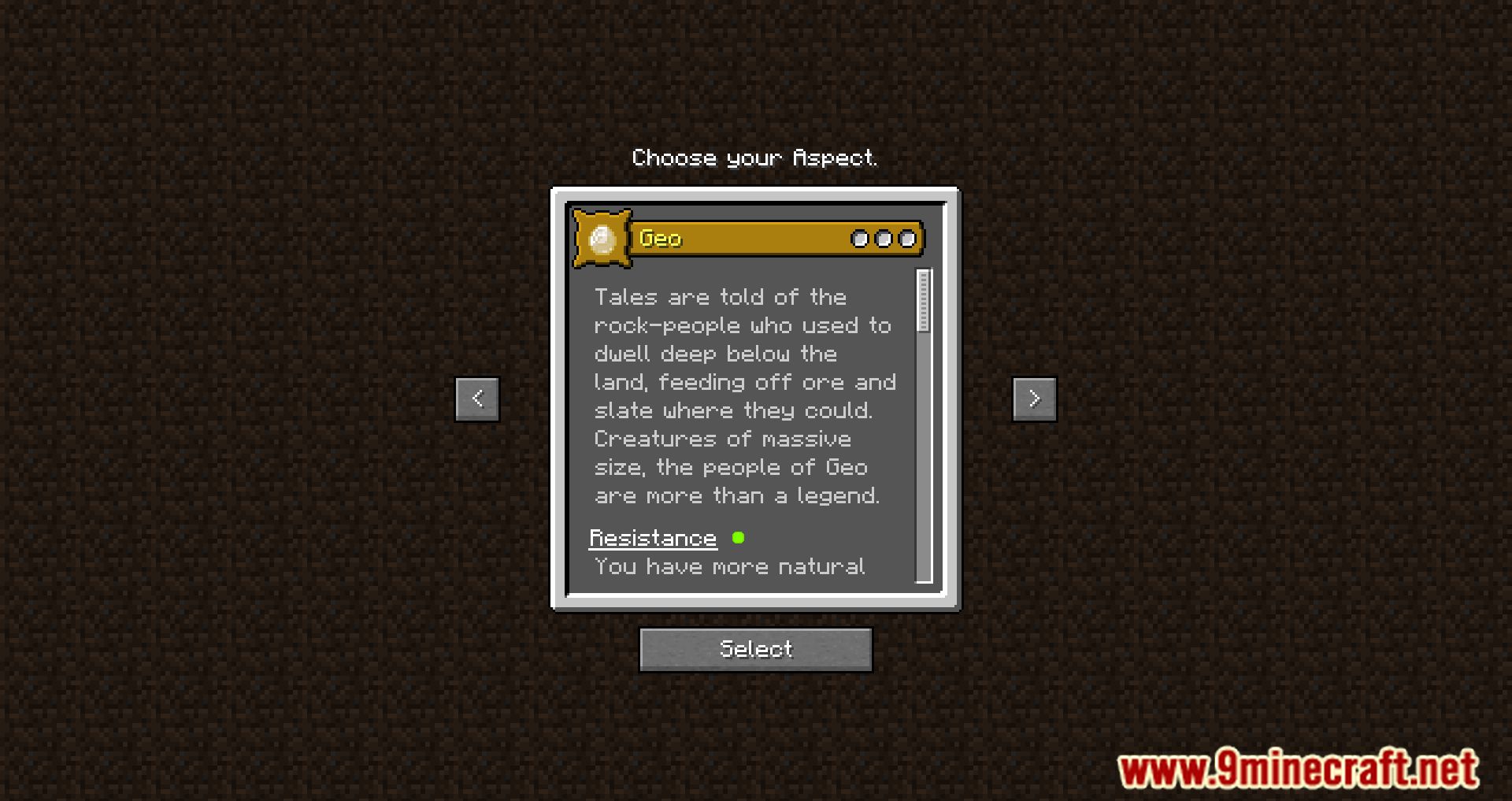
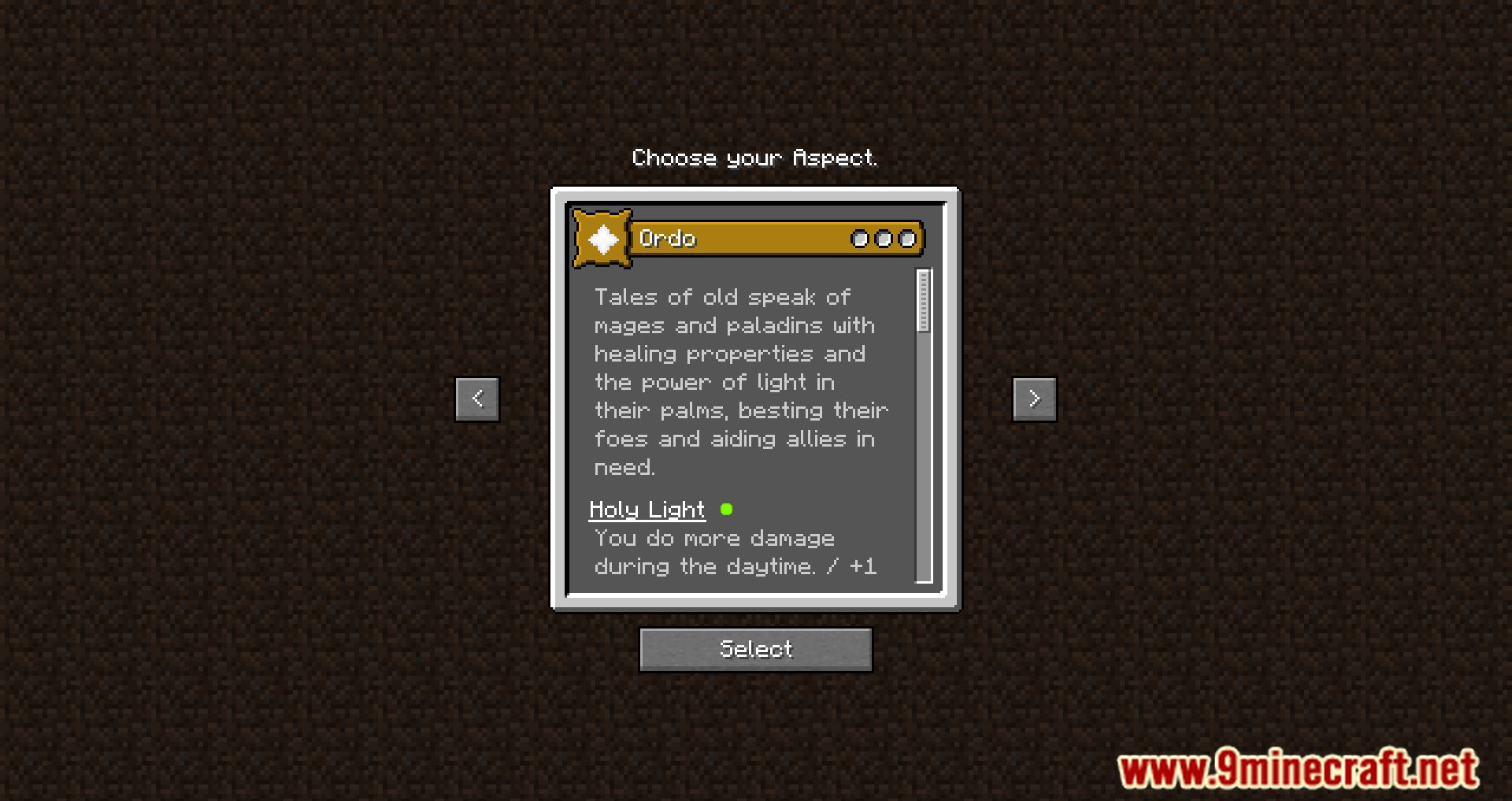
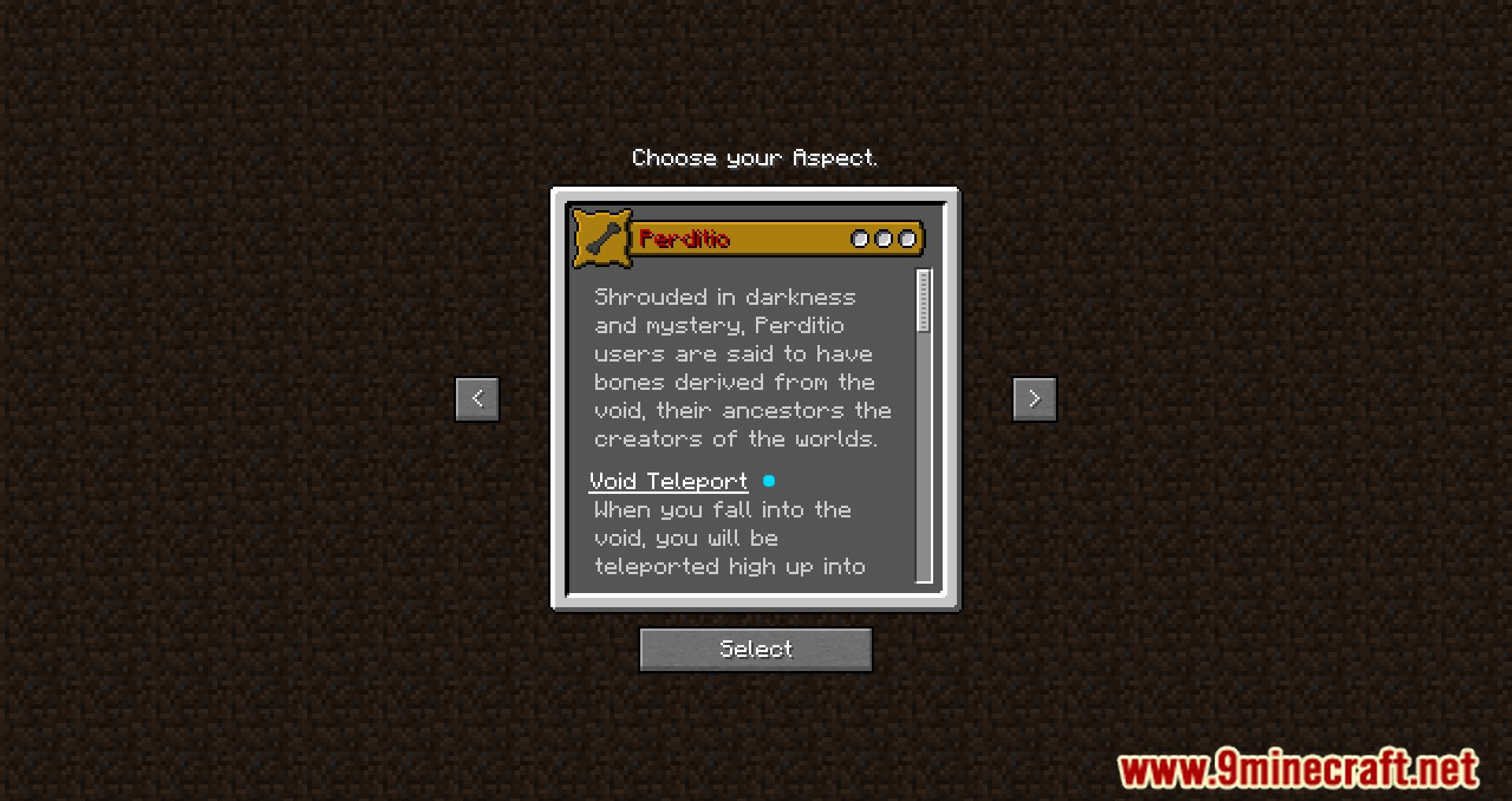
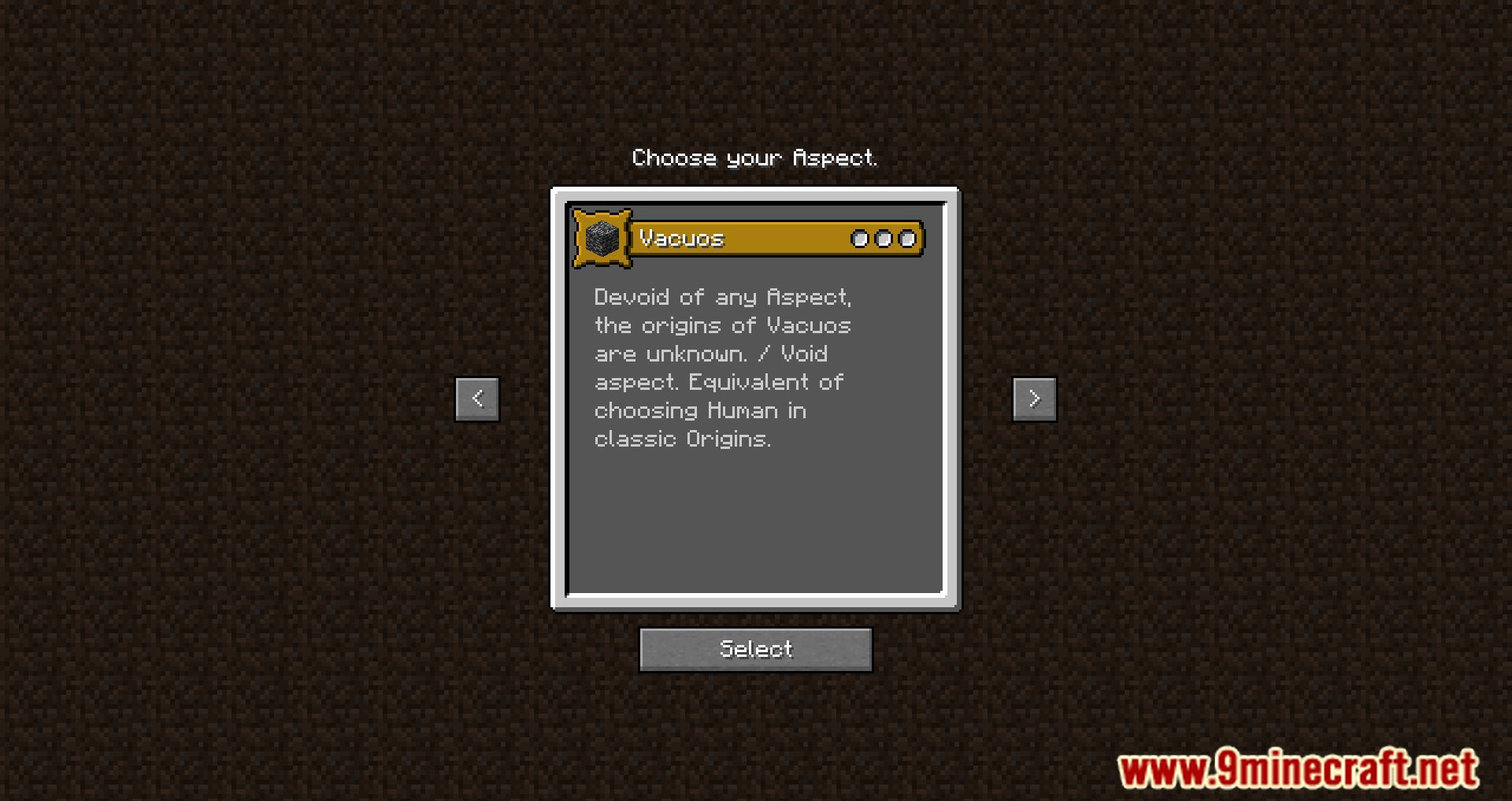
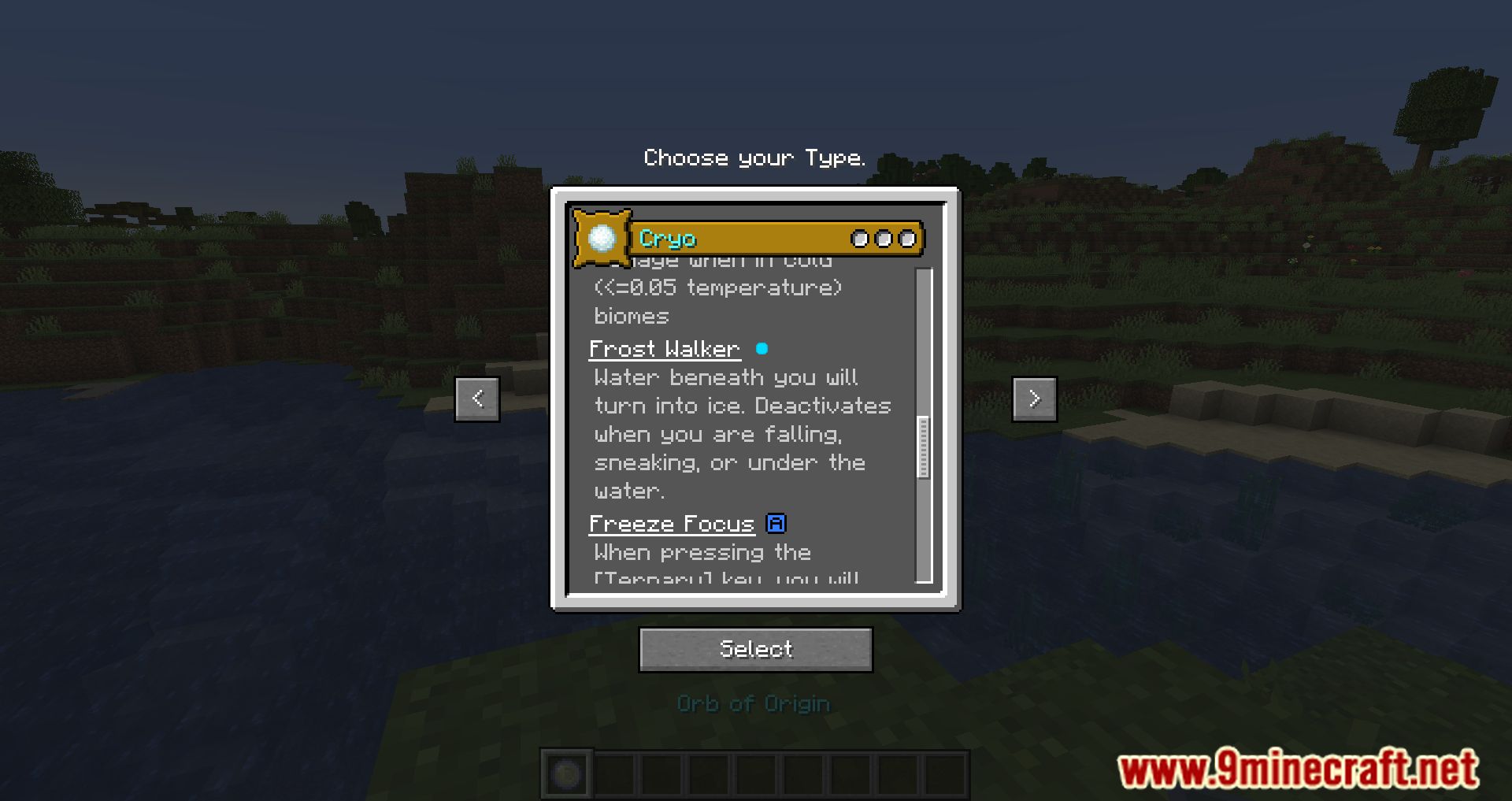
- When joining the game, players are taken to the Aspect selection screen to choose their element.
- Each Aspect has corresponding Types that players can choose from, adding another layer of customization.
- Each Aspect and Type combination provides distinct abilities that influence gameplay strategies.
- The mod includes balance mechanics to ensure fair play and diverse experiences.
Screenshots:
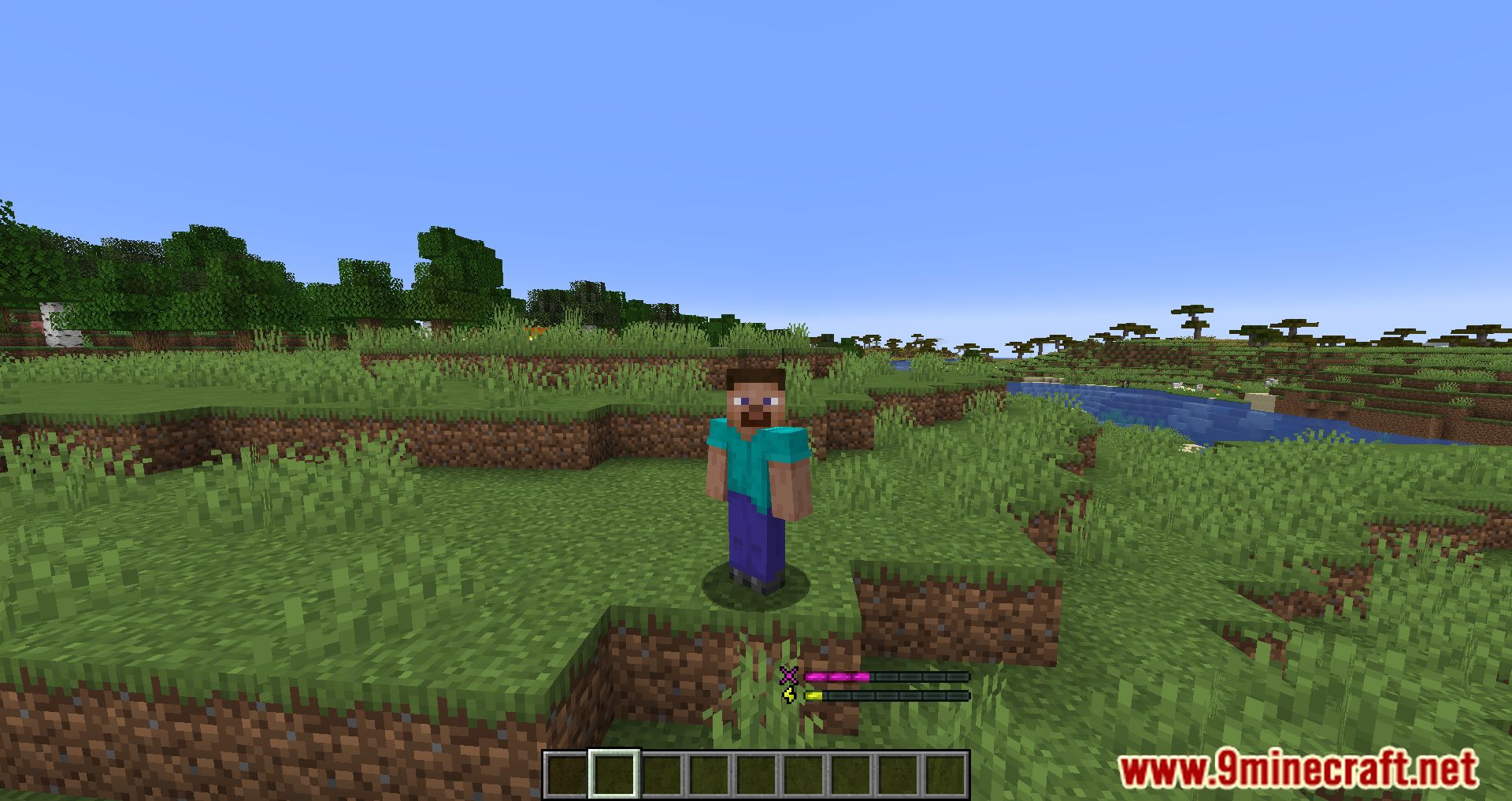
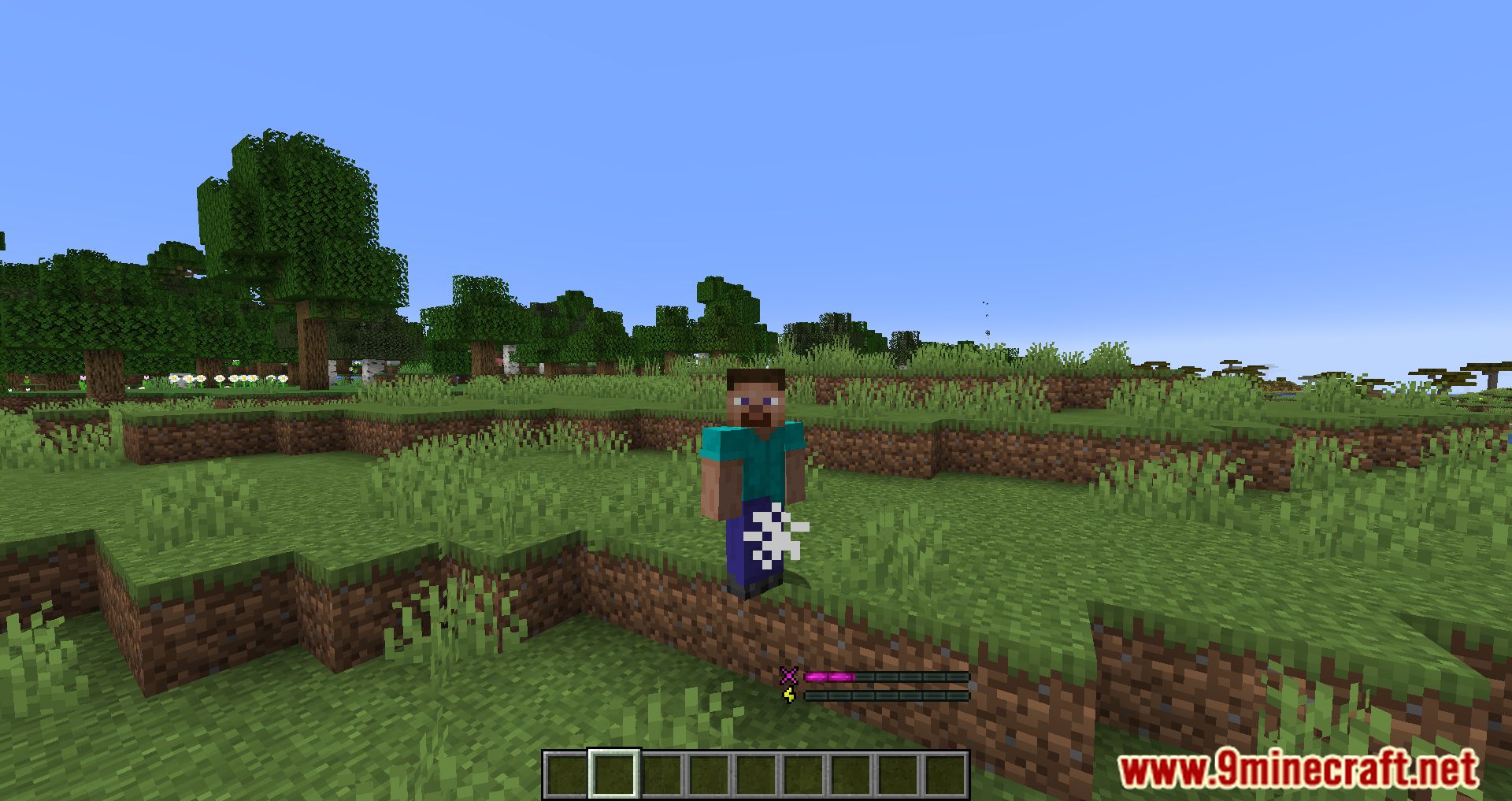
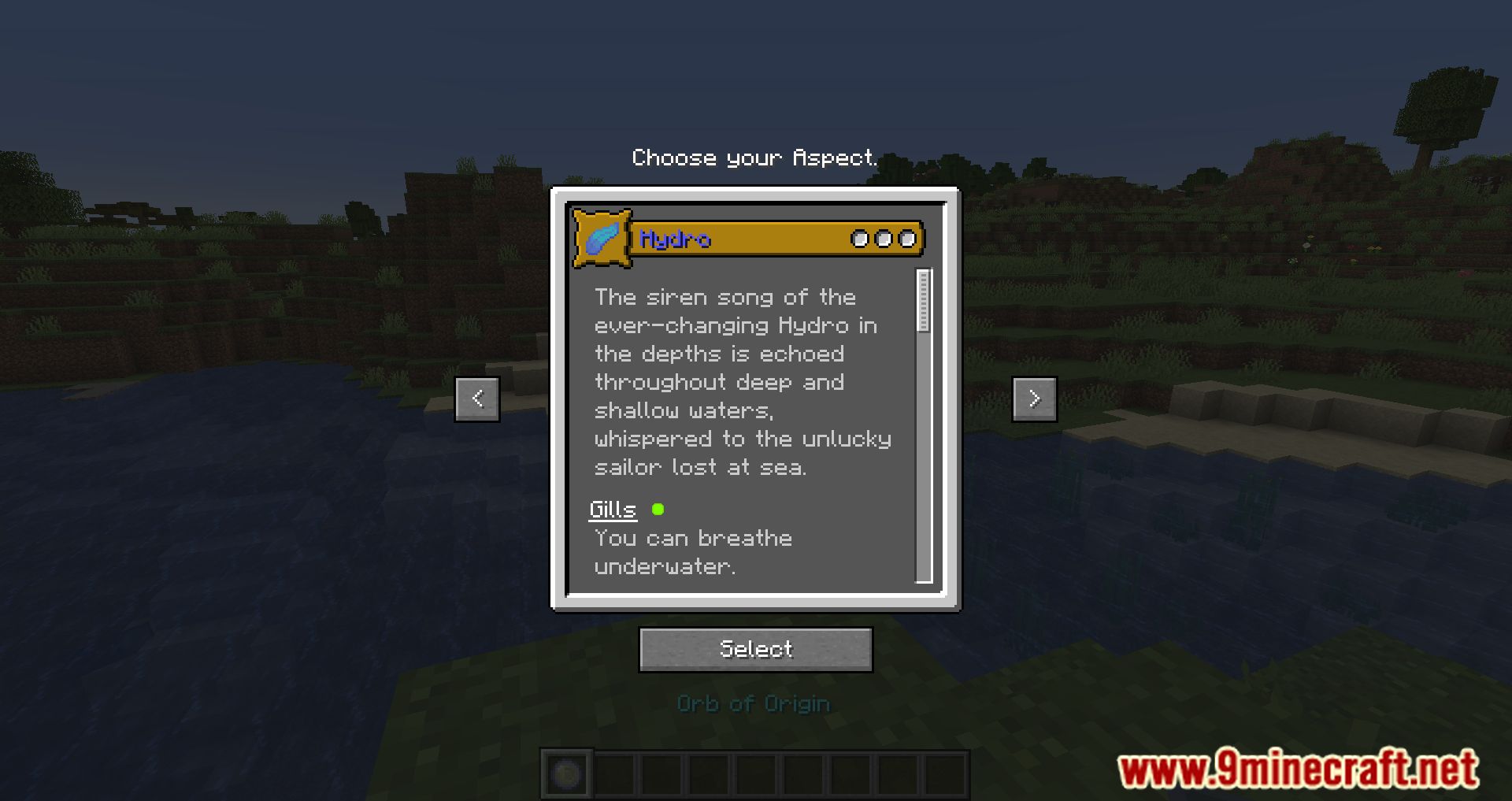
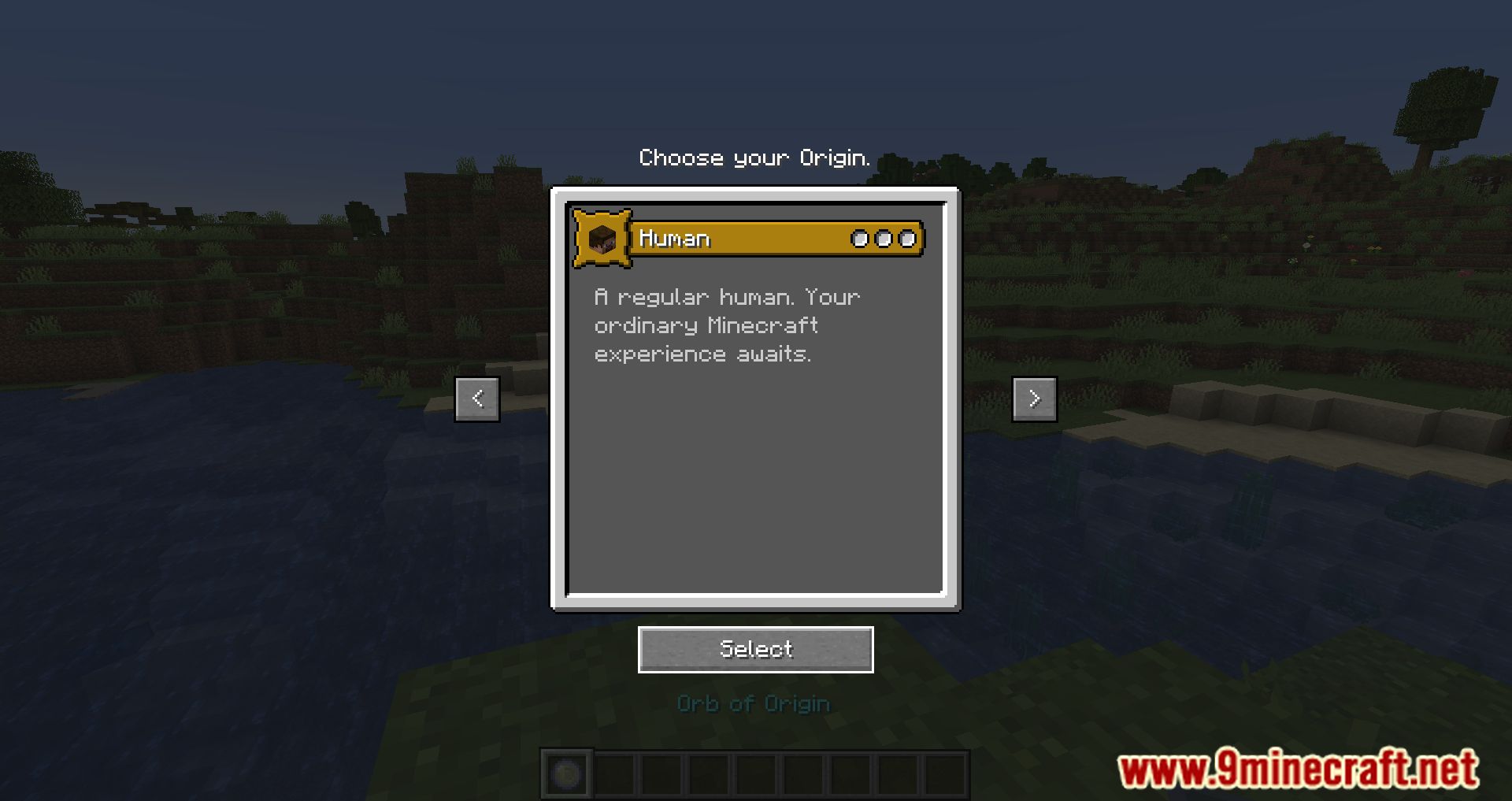
Aspects Mod Download Links
Origins Extra Keybinds:
Download from Server 1 – Download from Server 2
For Minecraft 1.20.2
Fabric version: Download from Server 1 – Download from Server 2
For Minecraft 1.20.1, 1.20
Fabric version: Download from Server 1 – Download from Server 2
For Minecraft 1.19.2, 1.19.1
Fabric version: Download from Server 1 – Download from Server 2
For Minecraft 1.19
Fabric version: Download from Server 1 – Download from Server 2
For Minecraft 1.18.2
Fabric version: Download from Server 1 – Download from Server 2
For Minecraft 1.18.1
Fabric version: Download from Server 1 – Download from Server 2
- Edition: Minecraft Java
- File type: .jar
- Minecraft versions listed: 1.20.2, 1.20.1
- How to install: Install the matching mod loader (Forge, Fabric or NeoForge) for your Minecraft version. → Download the .jar. → Put it in the .minecraft/mods folder and launch that loader profile.
- Where to get it: In MC Java Mods, or directly above on this page.
Install steps are the general flow for this file type — How to install Minecraft Java mods & modpacks walks through it step by step.
- Downloads as 197566.mcaddon
- Download size: 1.8 MB
- Download link checked 26 Jul 2026 — working
- Mirrored on our own servers — the download does not depend on the original host
These come from our own check of the pack file, not from the source page.