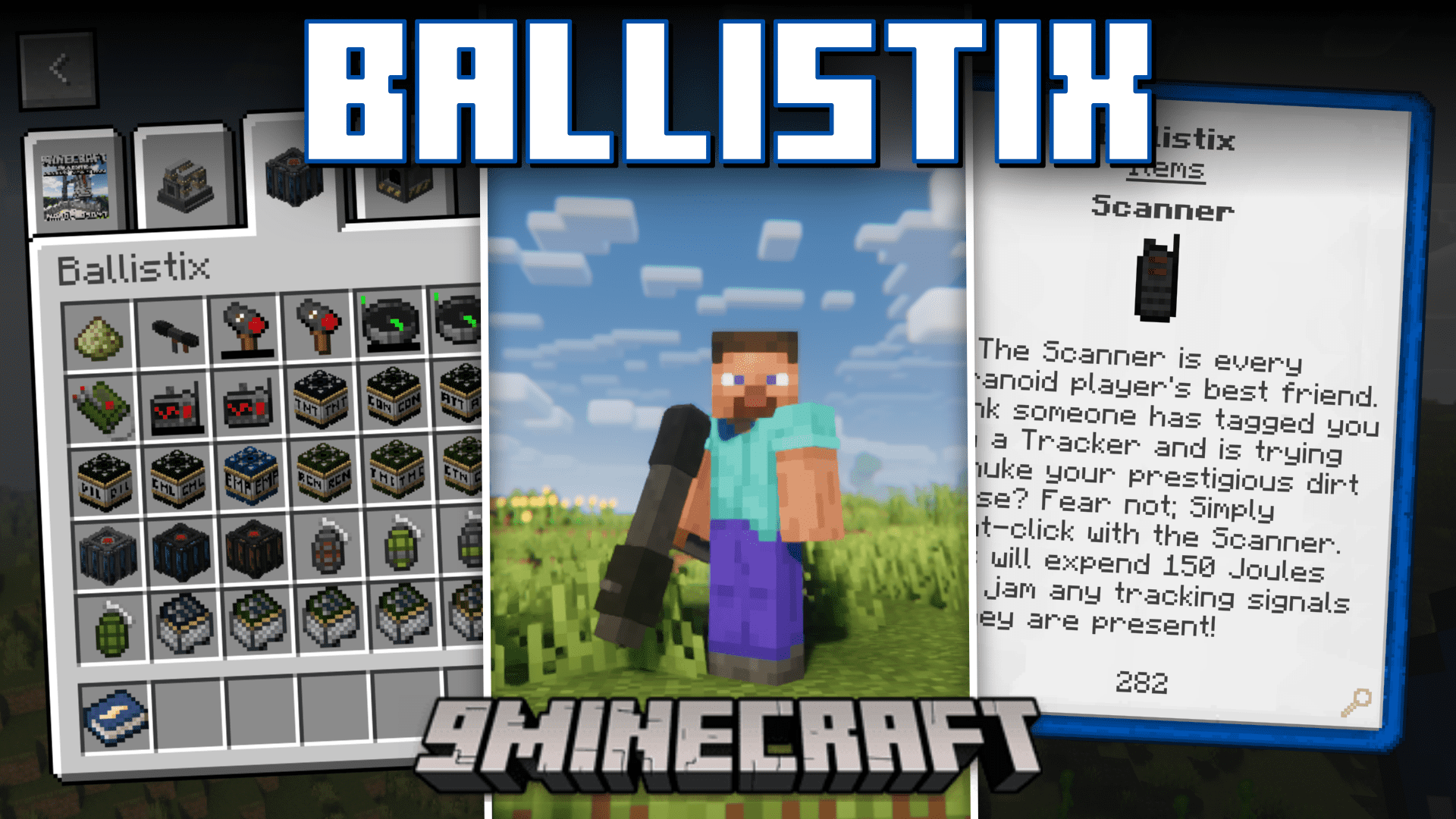
Ballistix Mod (1.21.1, 1.20.1) – ICBM, IRBM, Missiles
Java mod listed for Minecraft 1.20–1.21. Downloads from the MC Java Mods app on Android.
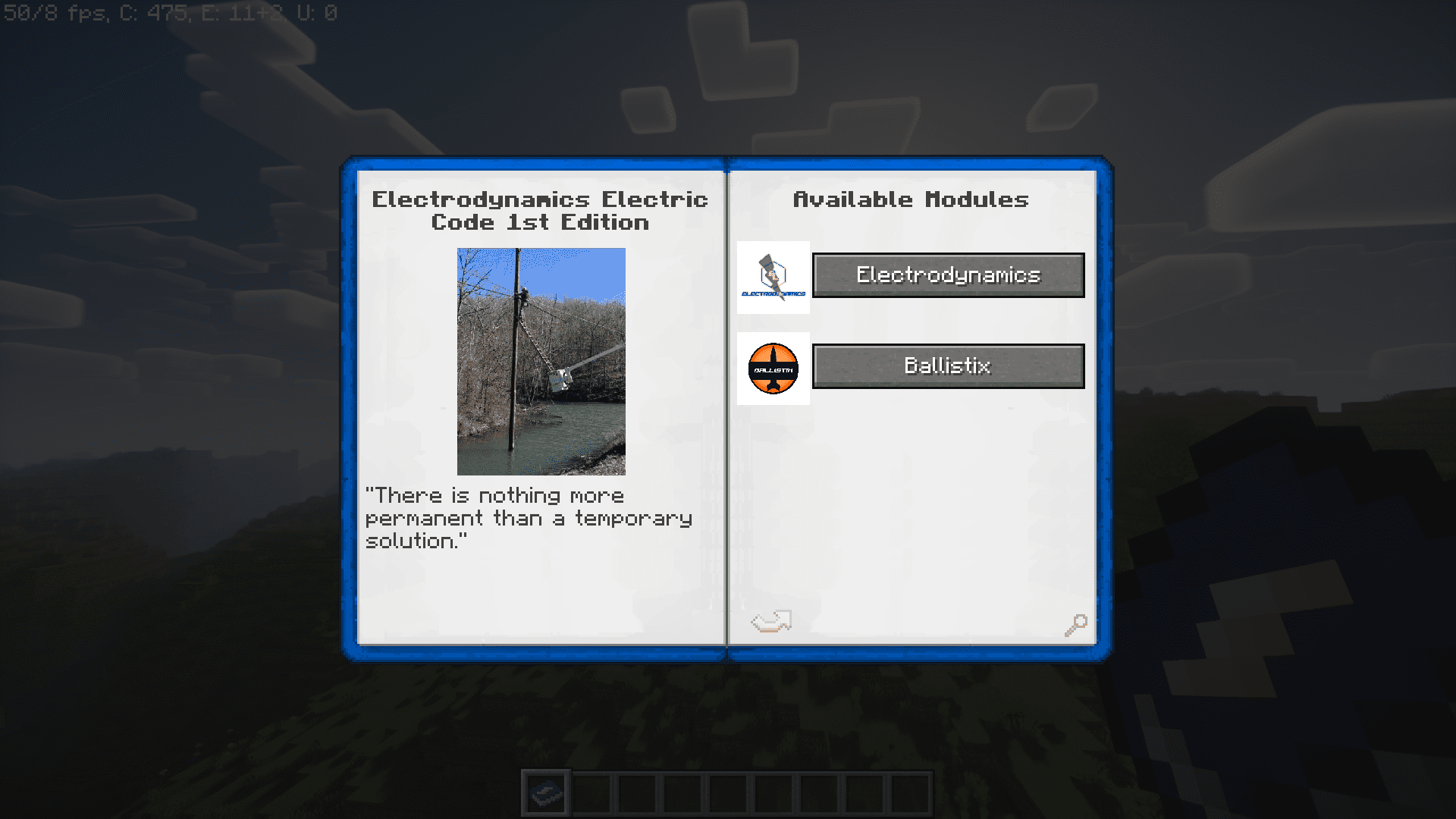
⬇ DownloadBallistix Mod introduces a lot more new high power weapons into the game. And this includes ballistic missiles, various explosives, sentries, and more. This mod acts as an extension to the Electrodynamics mod and hence requires it as a dependency mod. Let us take a look at some of the coolest features of this mod.
Features:
Intercontinental Arsenal:
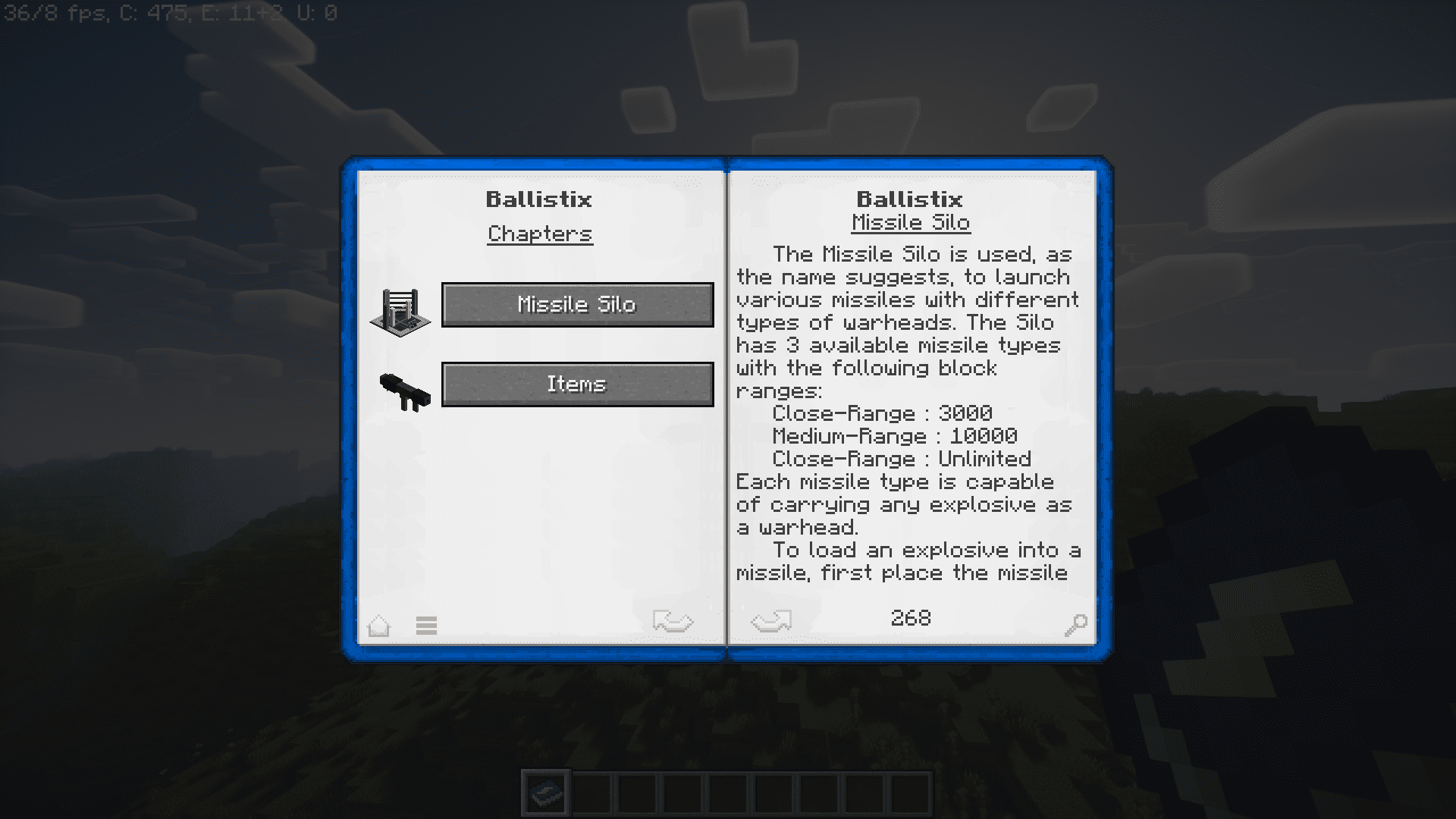
- Ballistix introduces long-range missiles, allowing players to engage in intercontinental warfare within the Minecraft universe.
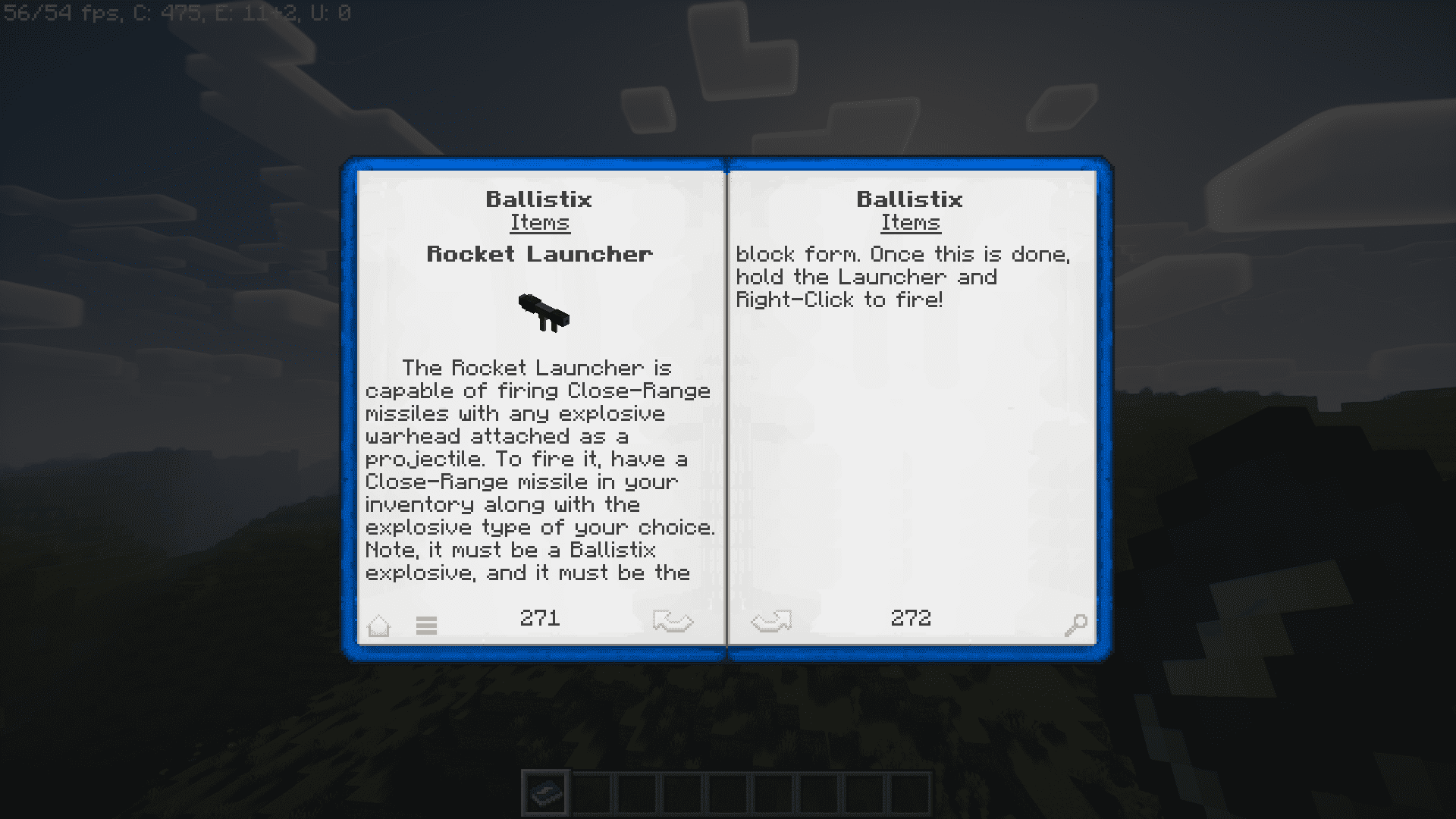
- Rocket Launchers provide a dynamic and powerful means of delivering explosive payloads to distant targets.
Explosive Diversity:
- The mod offers an extensive selection of explosives, providing players with a wide range of strategic options for both offensive and defensive gameplay.
- From grenades to nuclear bombs, Ballistix ensures that players have access to a diverse array of explosive tools to shape their Minecraft world.
Electrifying Collaboration:
- Built upon Electrodynamics, Ballistix is a mod that seamlessly integrates with its foundation, emphasizing the importance of collaborative gameplay experiences.
- The mod requires Electrodynamics to run, fostering a connection between the two projects and enhancing the overall Minecraft gaming experience.
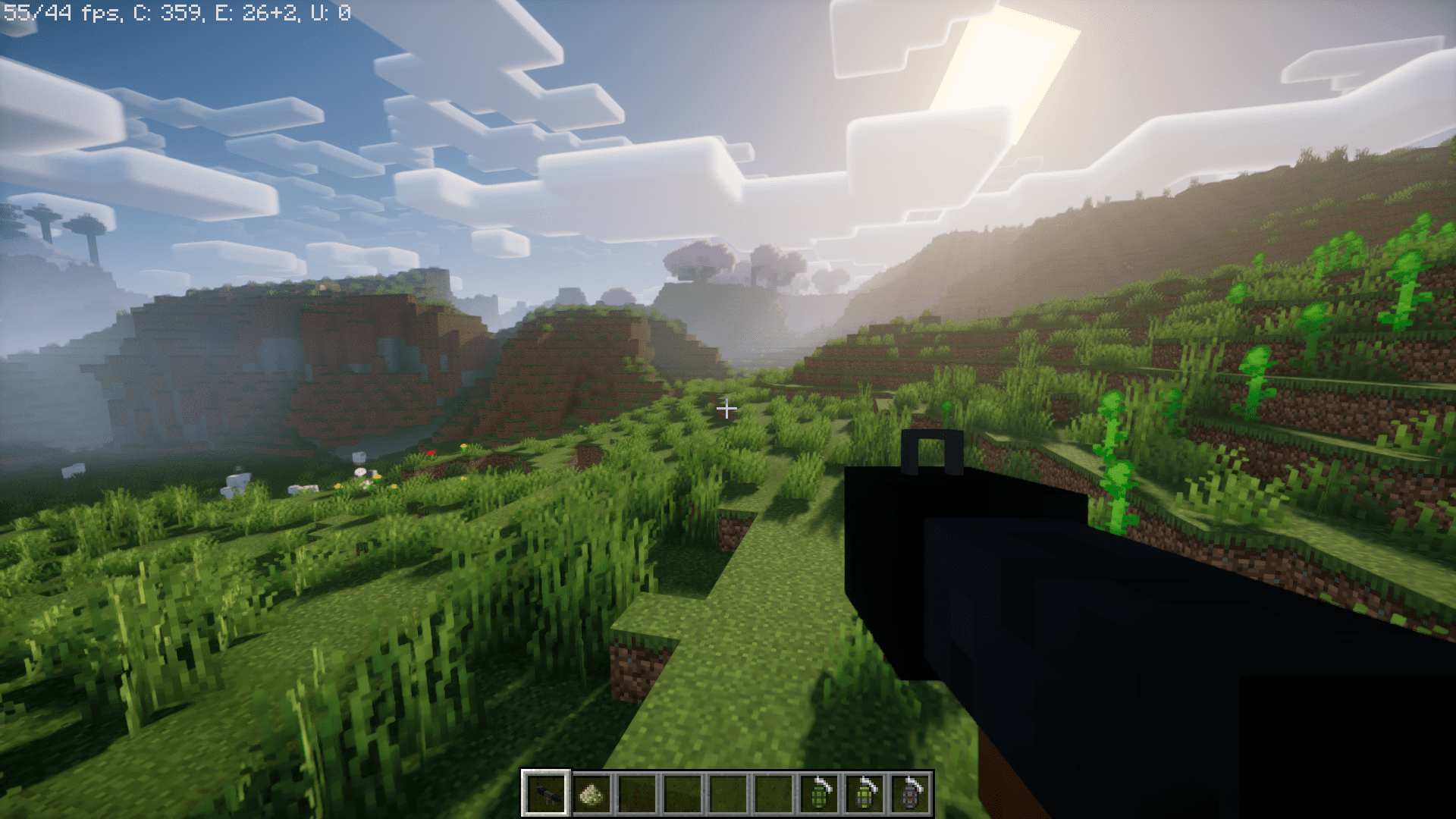
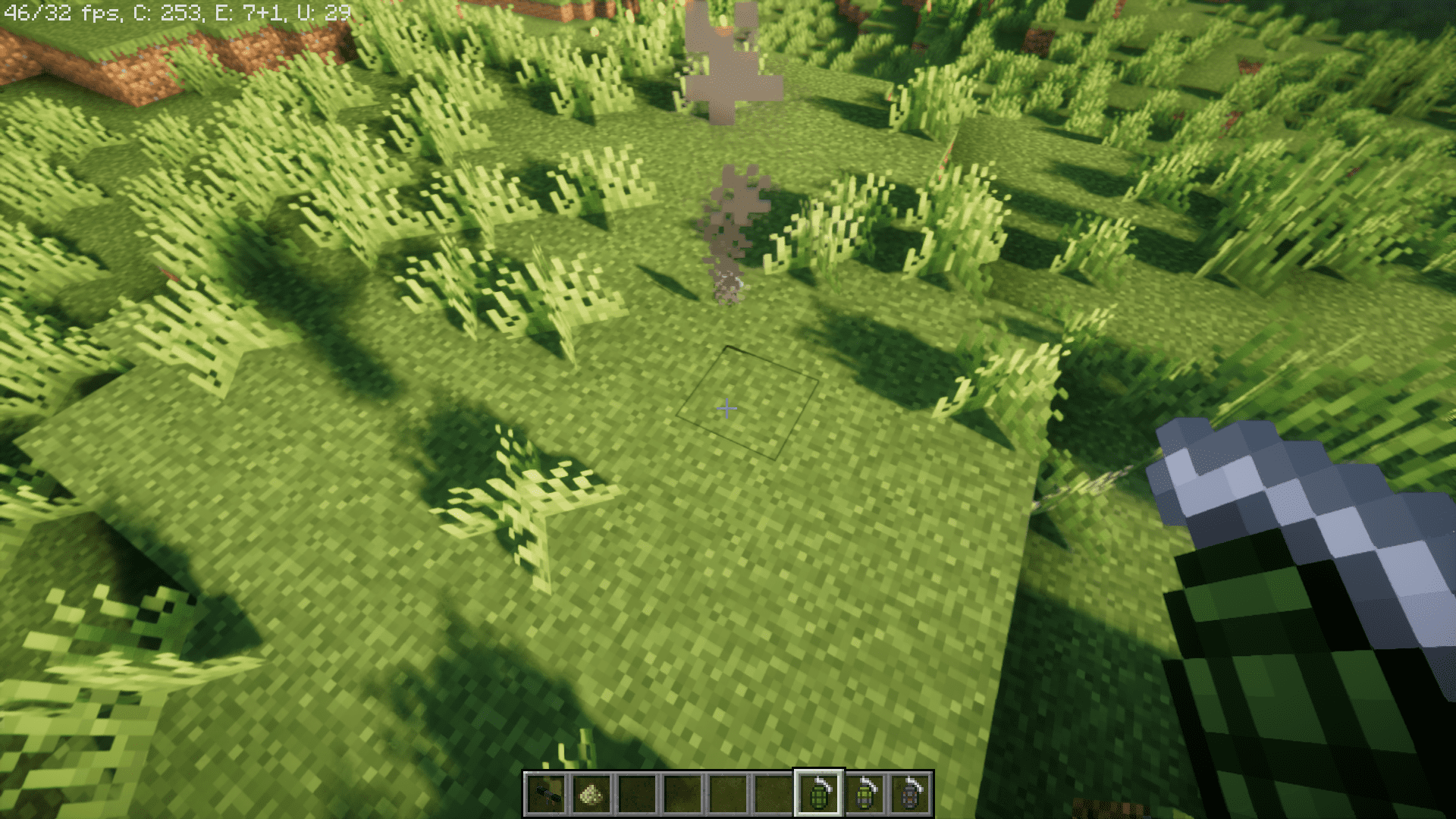
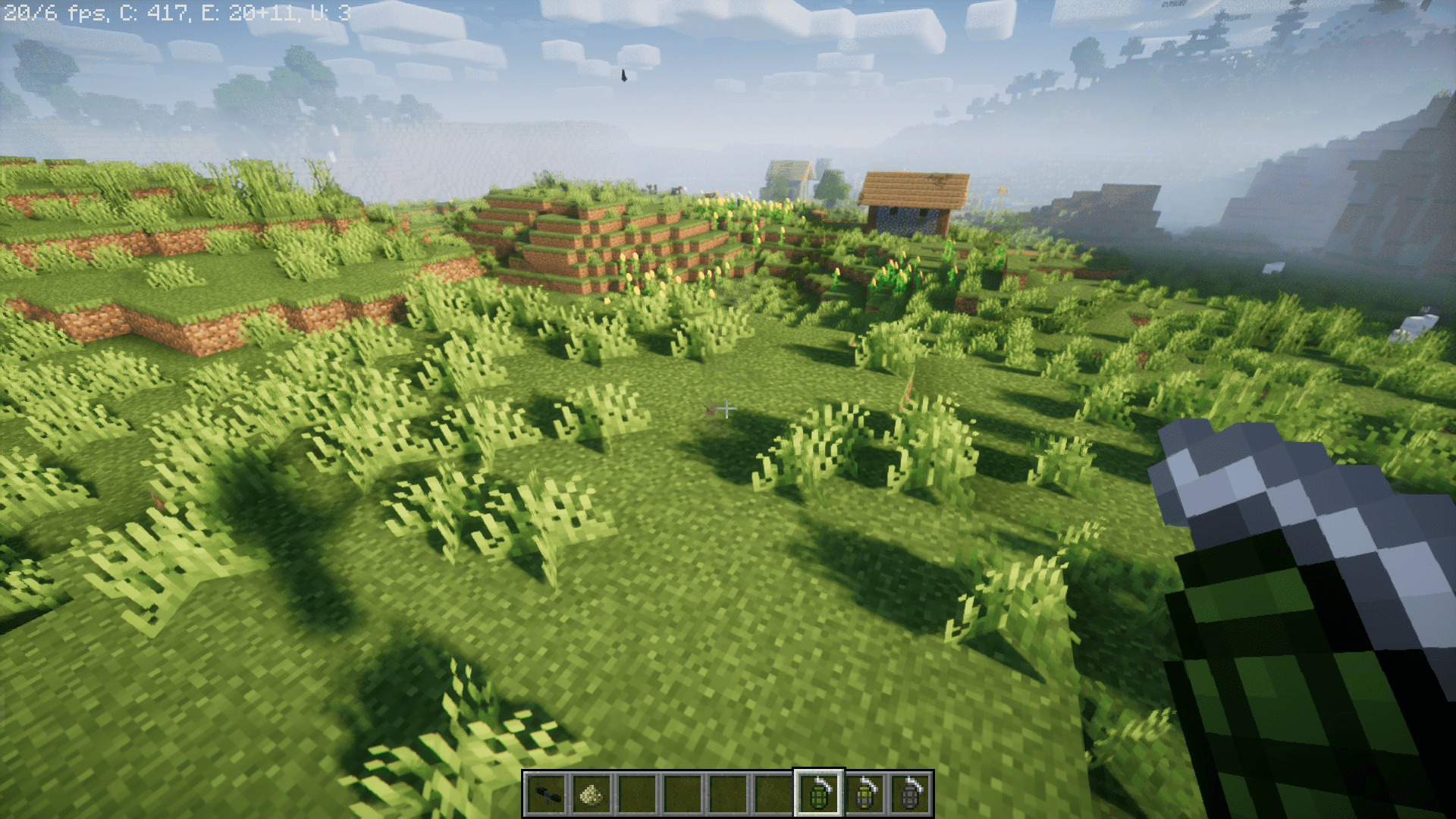
Screenshots:
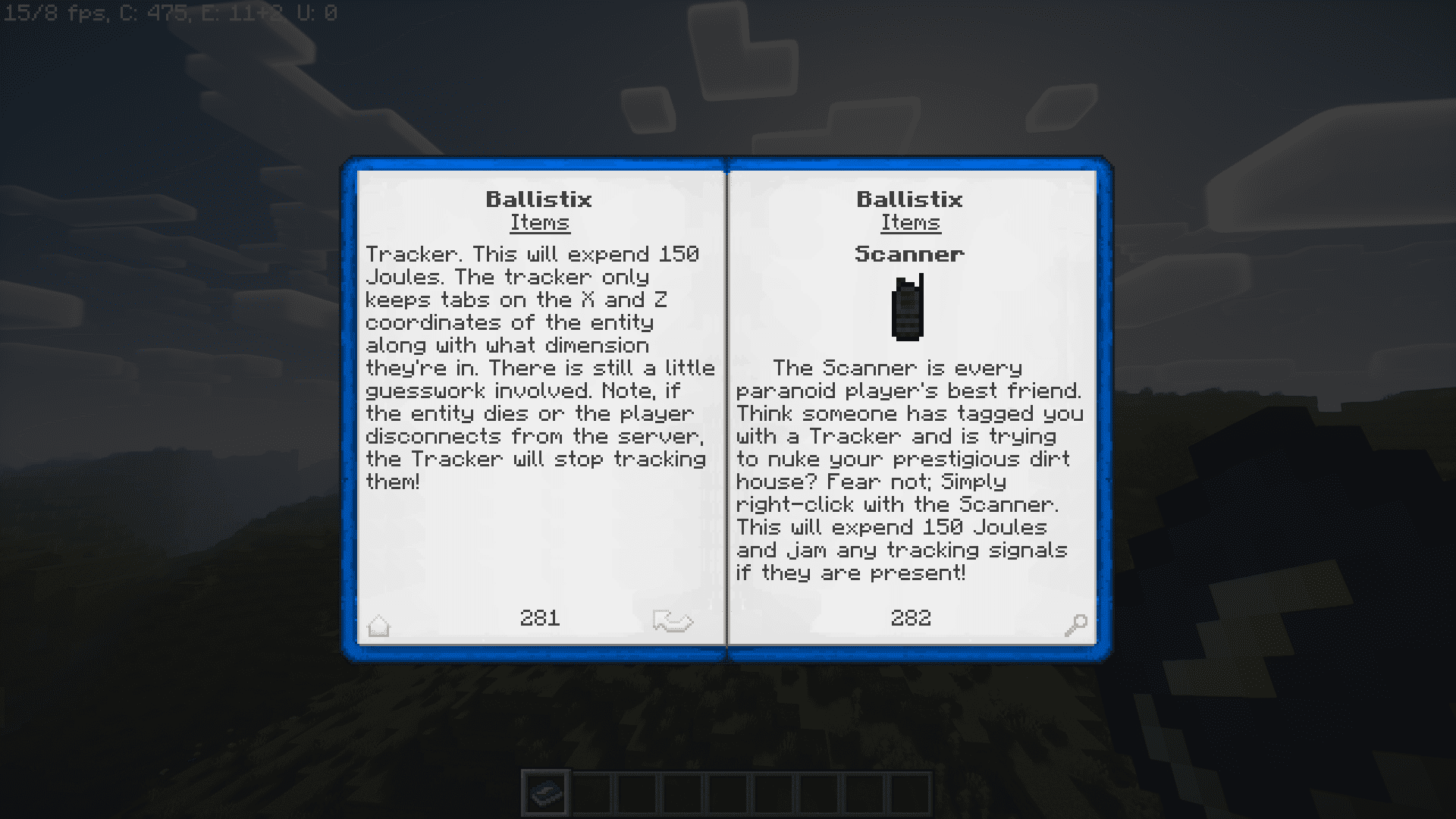
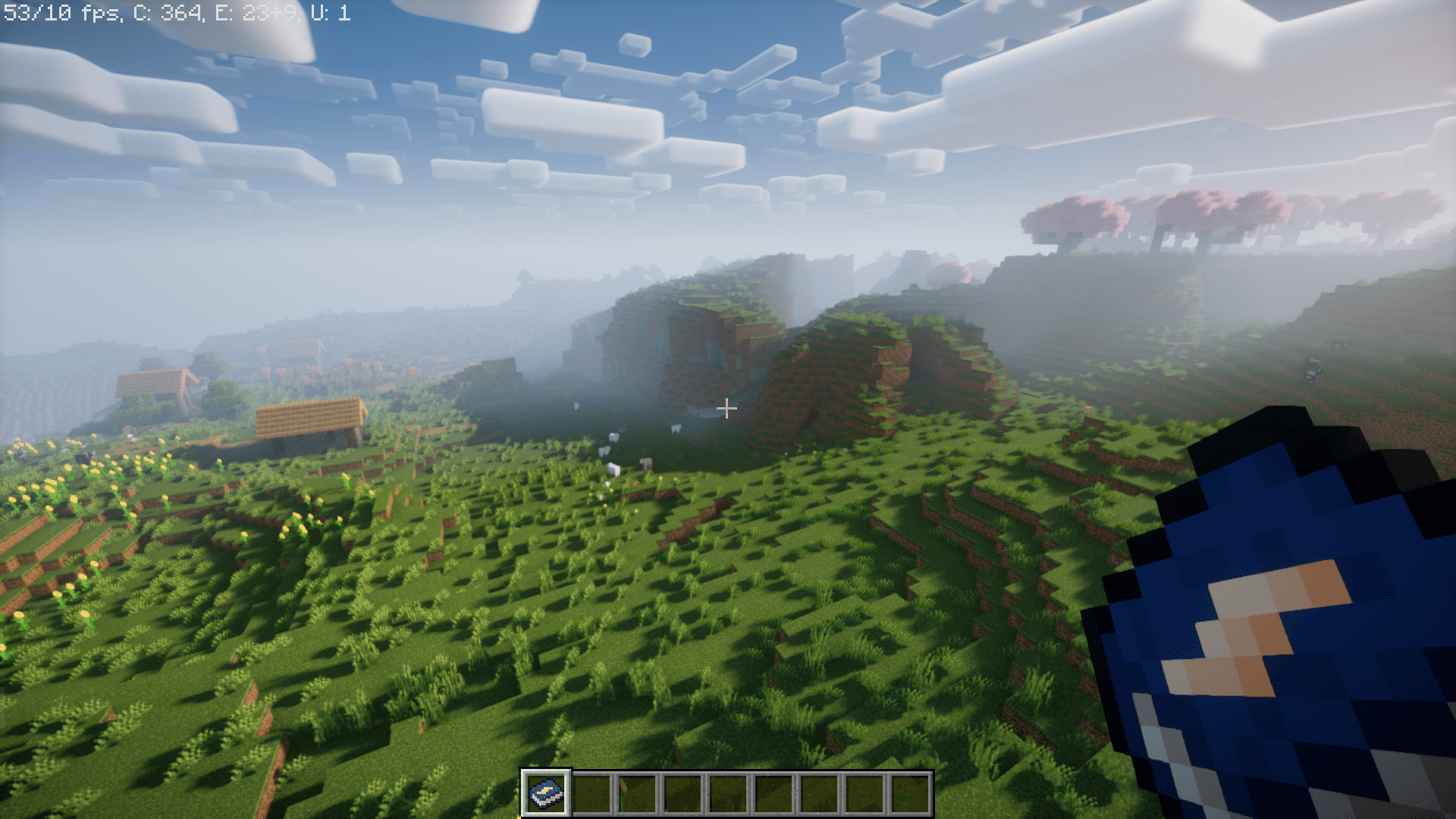
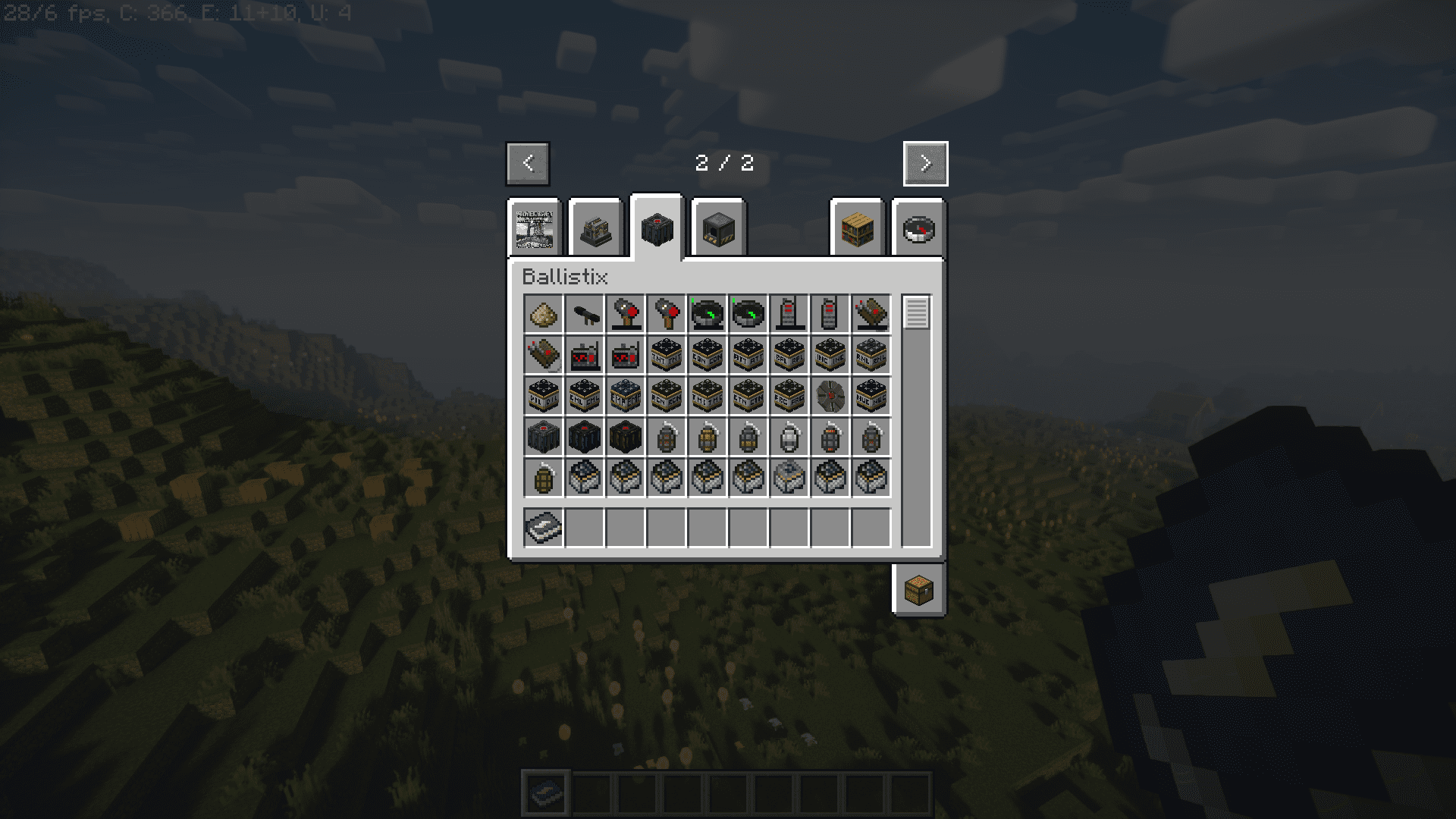
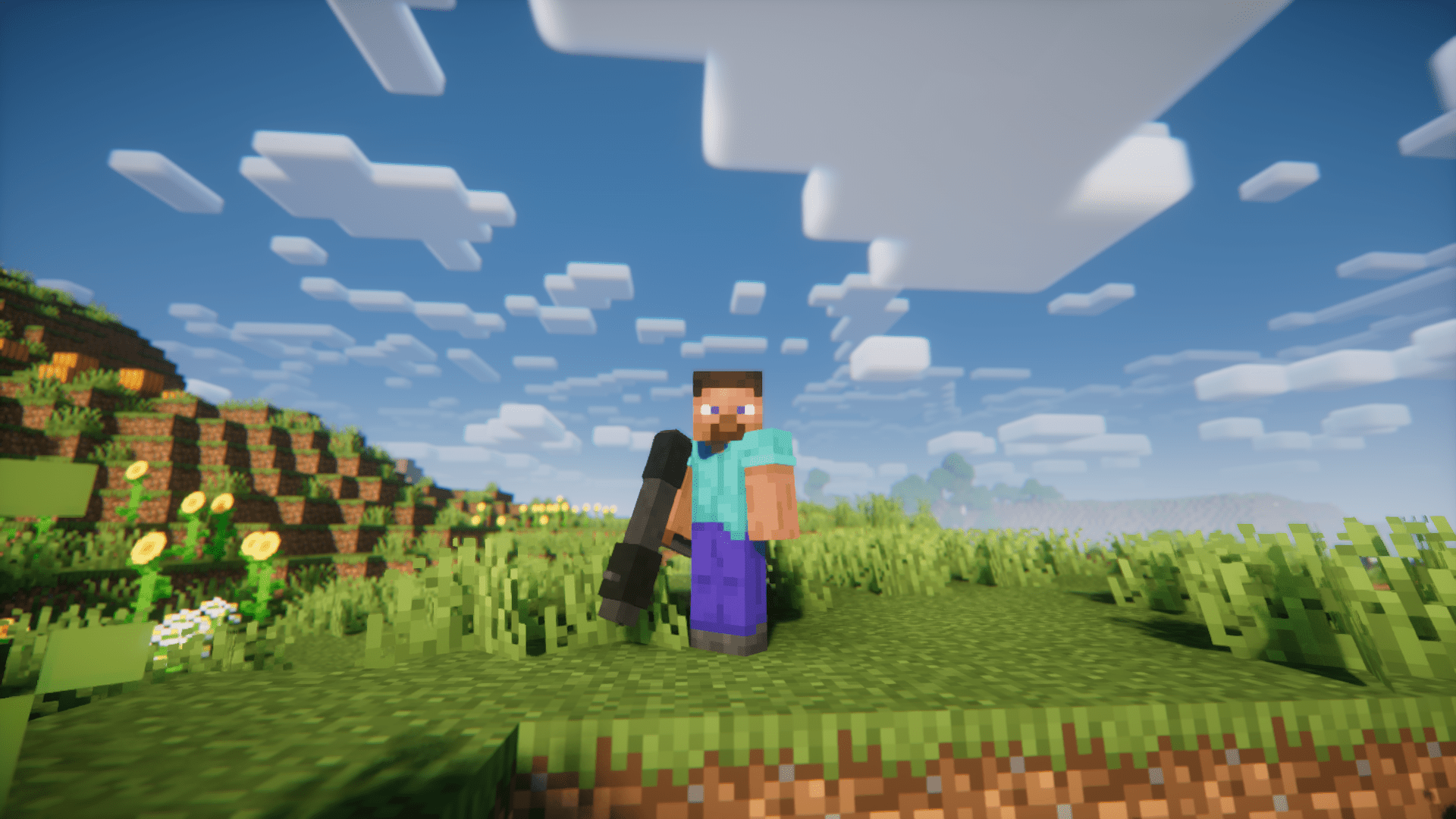
Ballistix Mod Download Links
For Minecraft 1.21.1, 1.21
Neoforge version: Download from Server 1 – Download from Server 2
For Minecraft 1.20.1
Forge/Neoforge version: Download from Server 1 – Download from Server 2
For Minecraft 1.19.2
Forge version: Download from Server 1 – Download from Server 2
For Minecraft 1.18.2
Forge version: Download from Server 1 – Download from Server 2
For Minecraft 1.17.1
Forge version: Download from Server 1 – Download from Server 2
For Minecraft 1.16.5
Forge version: Download from Server 1 – Download from Server 2
- Edition: Minecraft Java
- File type: .jar
- Minecraft versions listed: 1.21.1, 1.20.1
- How to install: Install the matching mod loader (Forge, Fabric or NeoForge) for your Minecraft version. → Download the .jar. → Put it in the .minecraft/mods folder and launch that loader profile.
- Where to get it: In MC Java Mods, or directly above on this page.
Install steps are the general flow for this file type — How to install Minecraft Java mods & modpacks walks through it step by step.
- Downloads as 197584.mcaddon
- Download size: 7.6 MB
- Download link checked 26 Jul 2026 — working
- Mirrored on our own servers — the download does not depend on the original host
These come from our own check of the pack file, not from the source page.