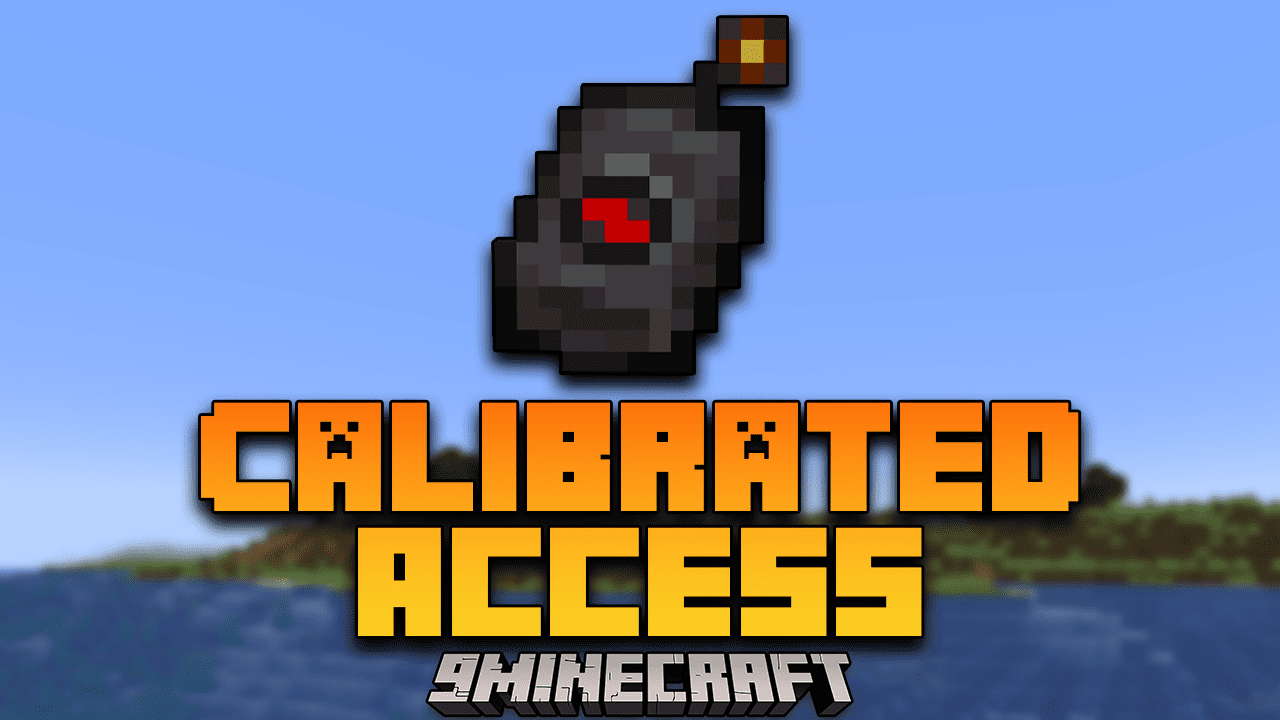
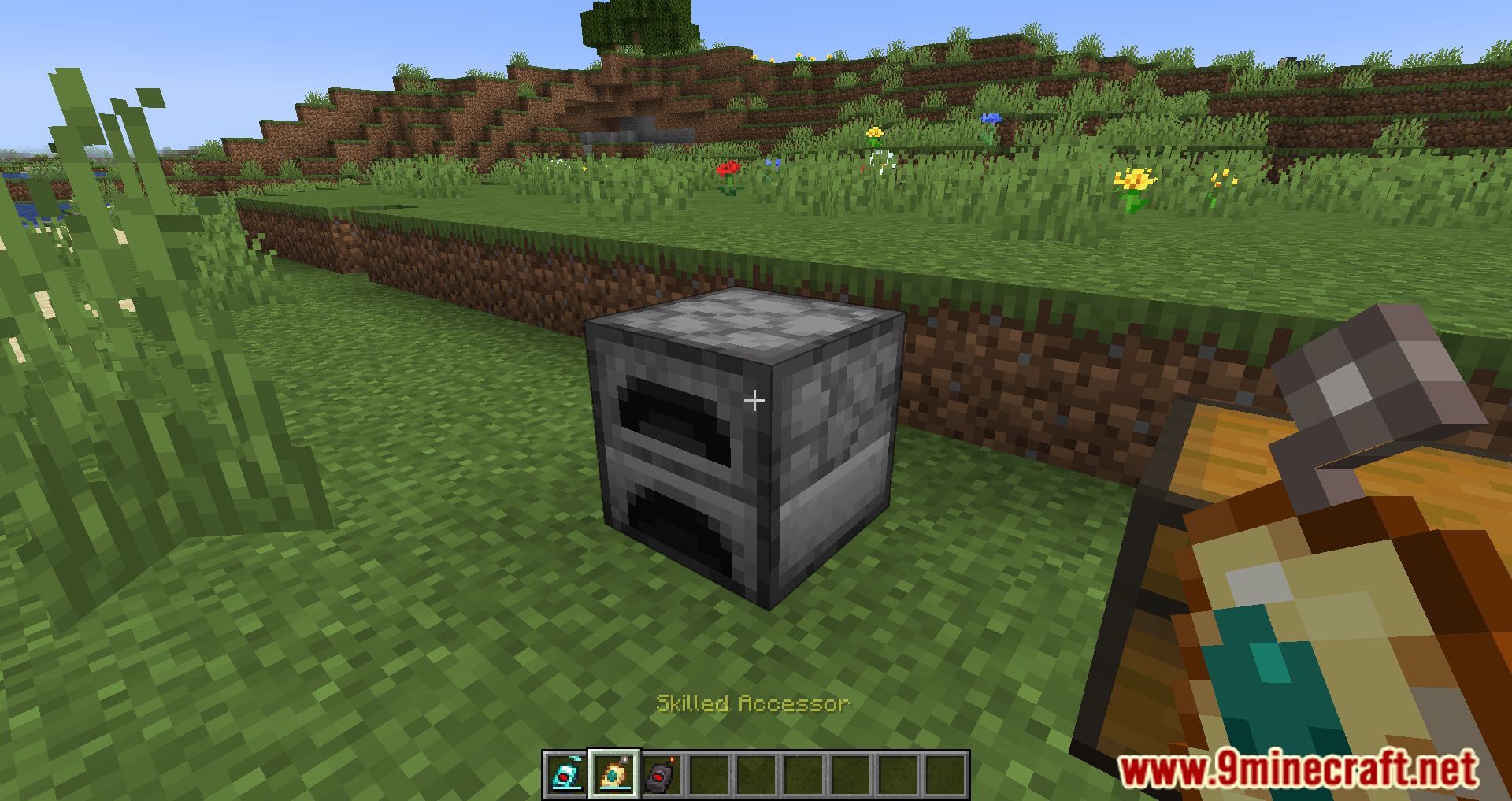
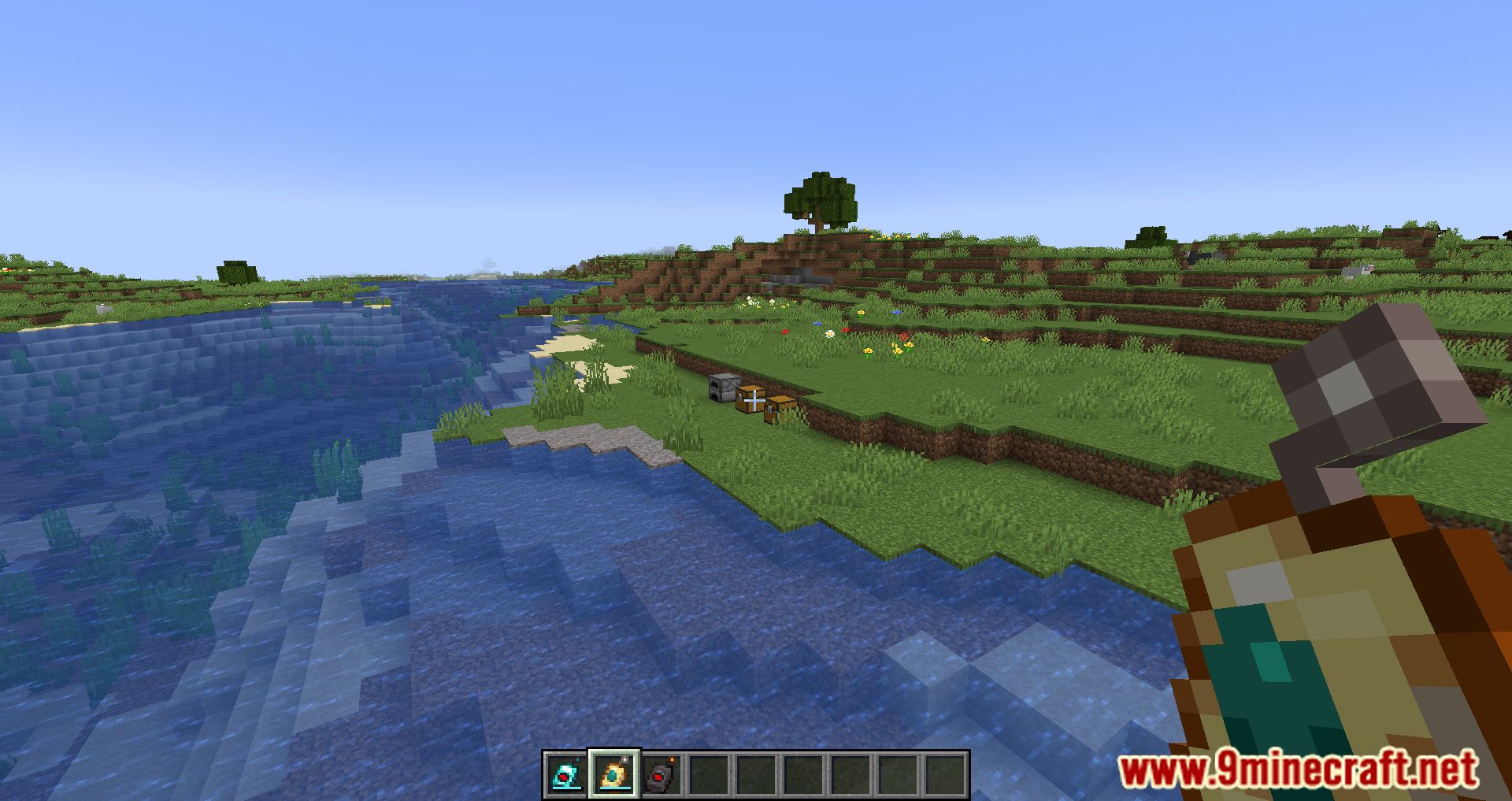
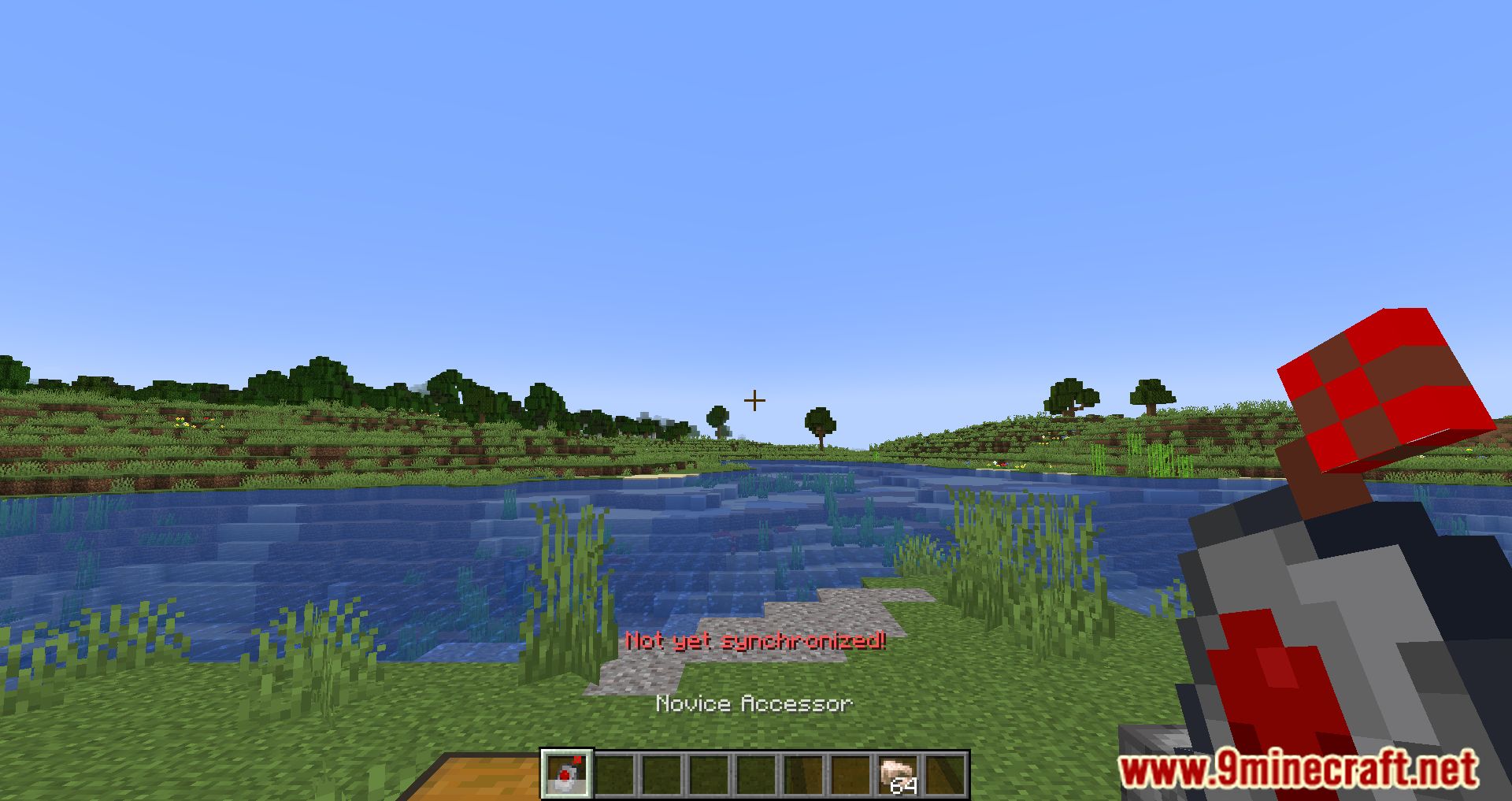
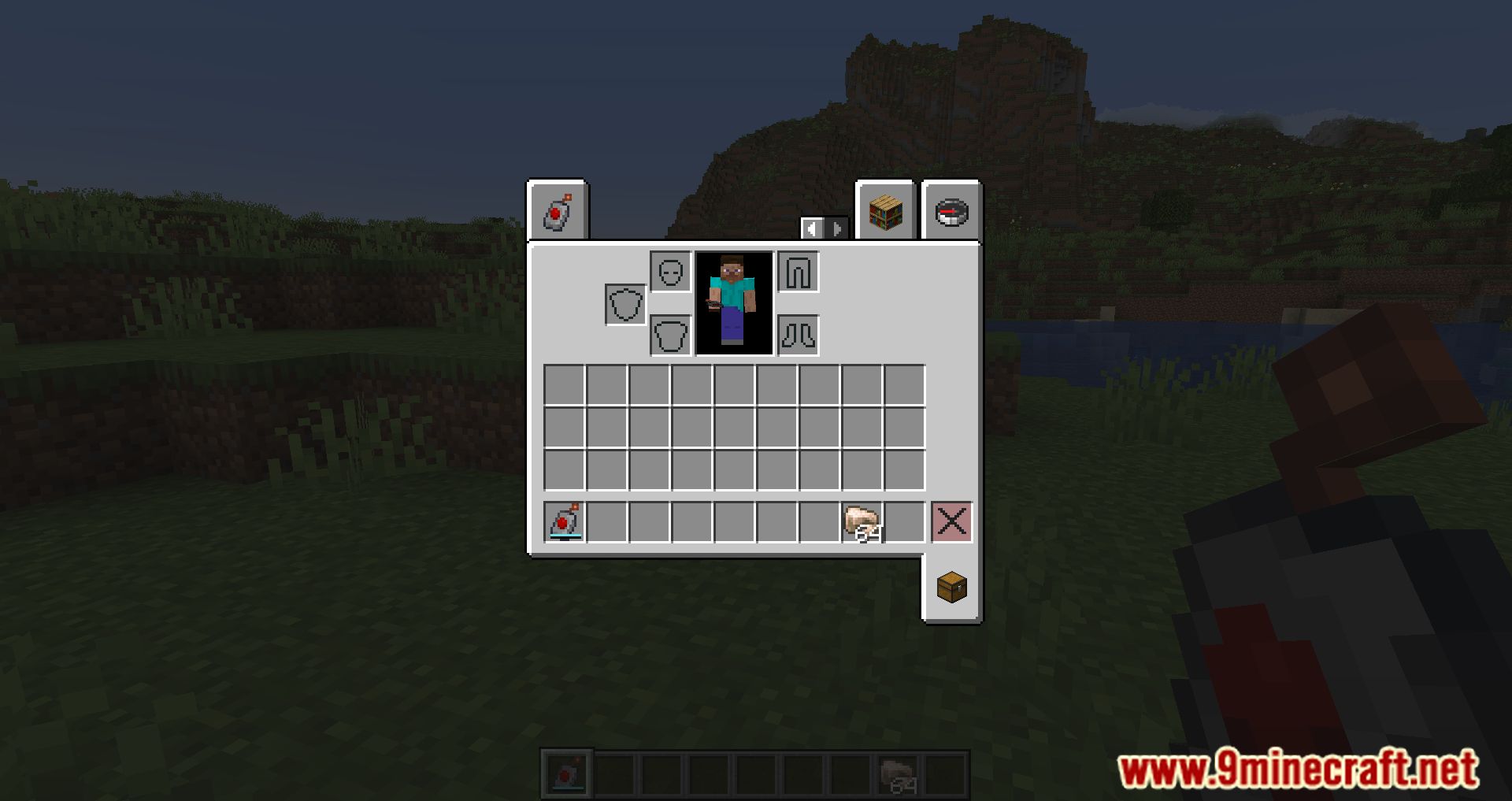
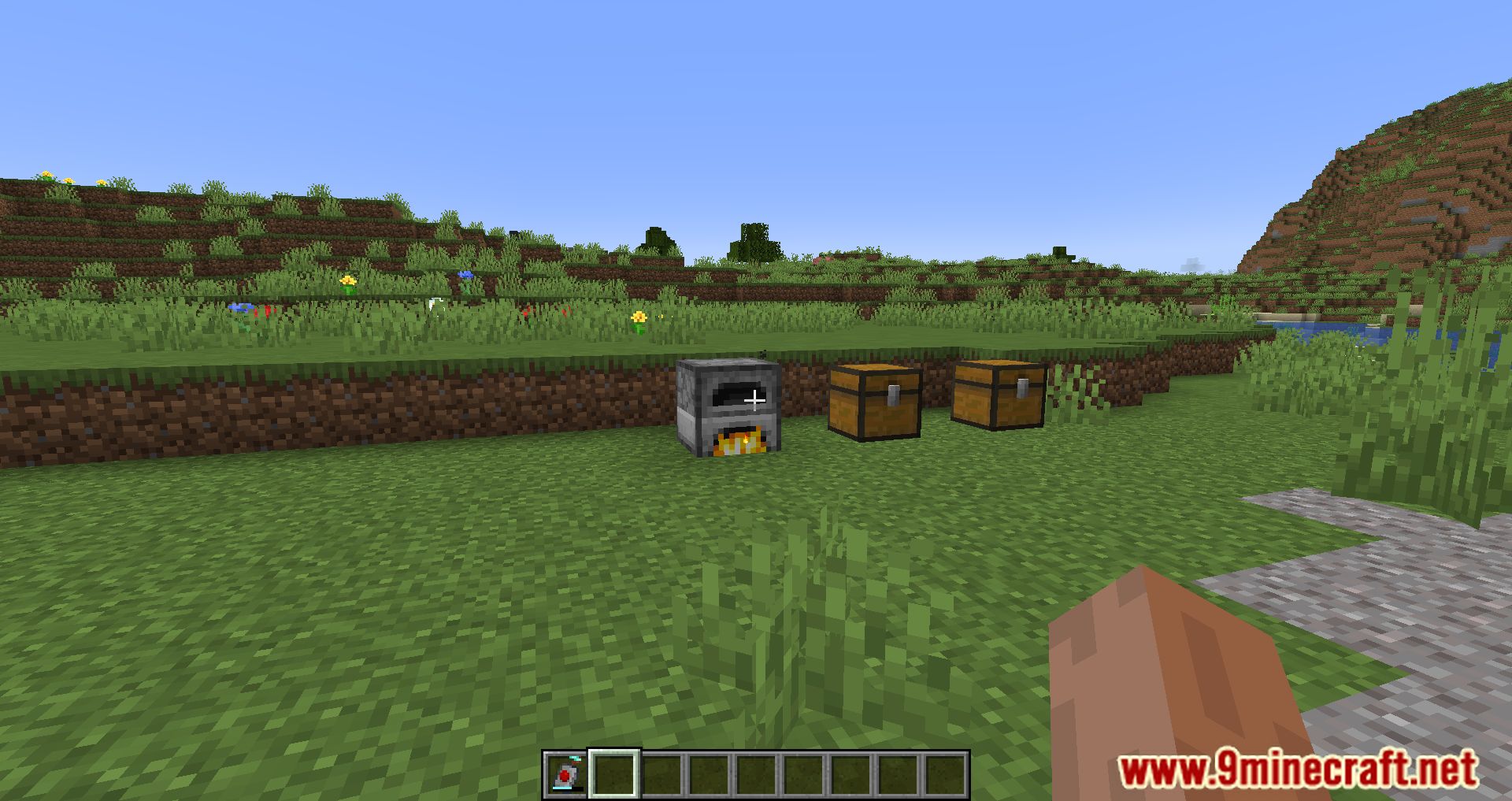
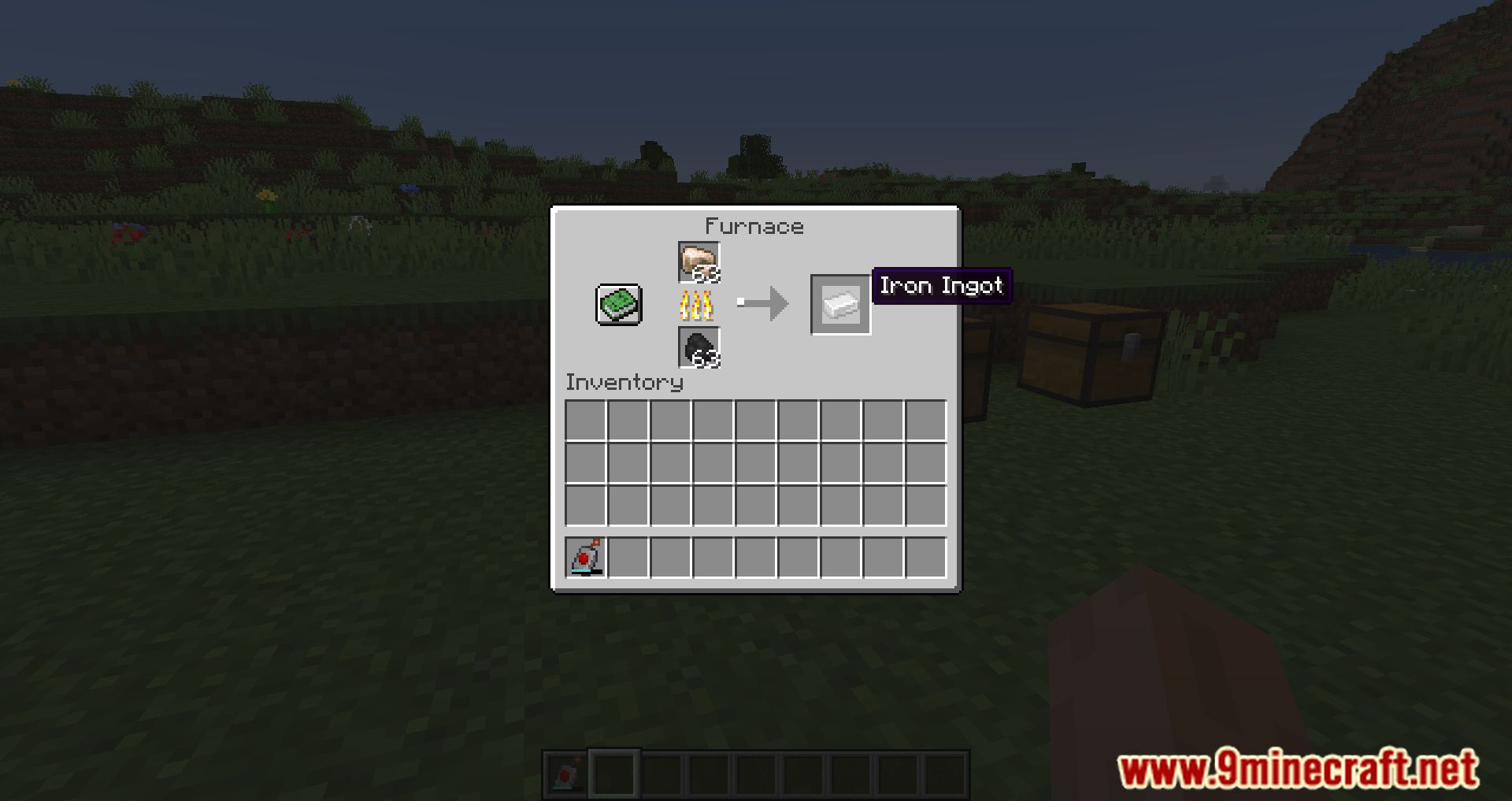
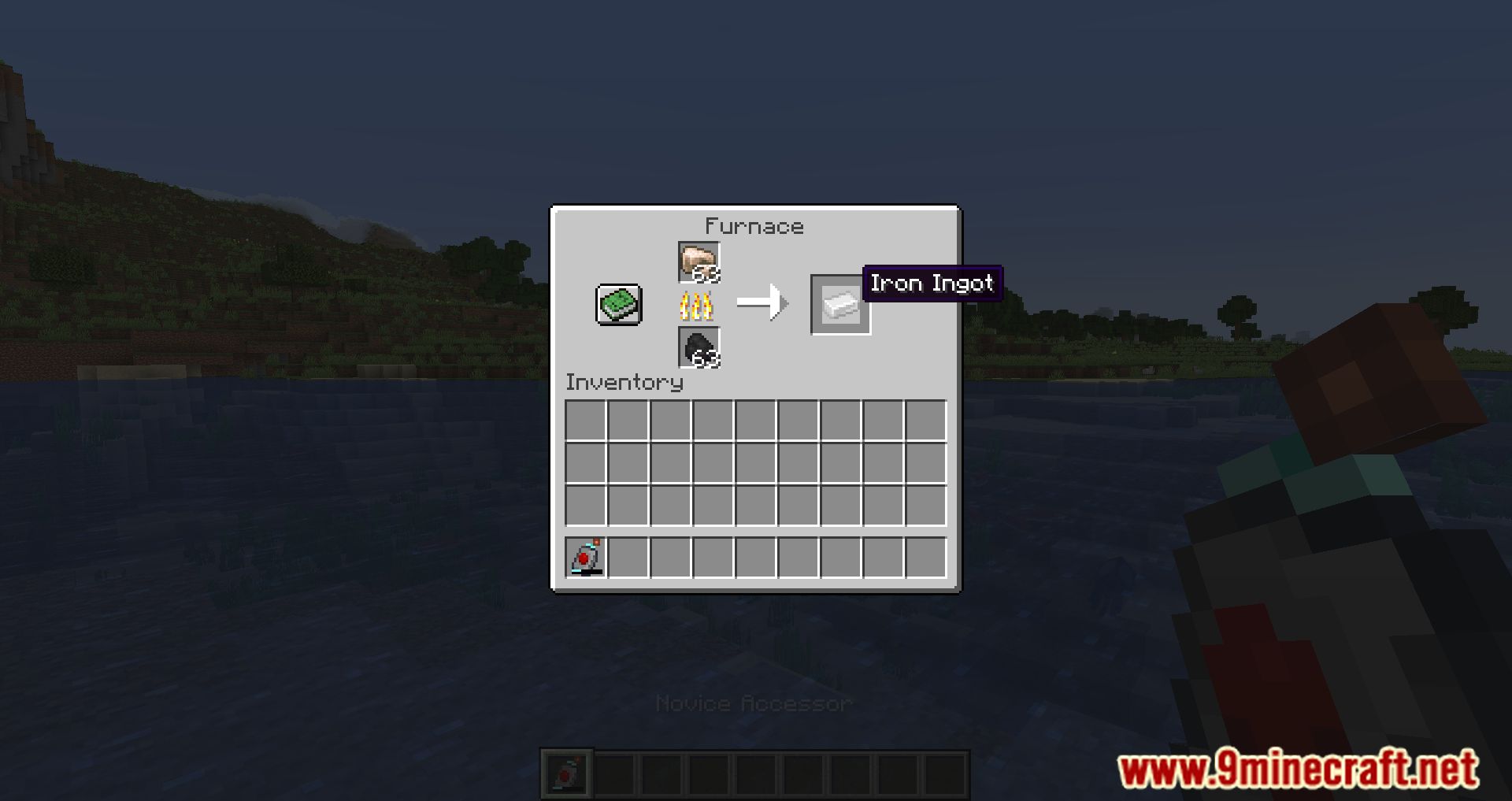
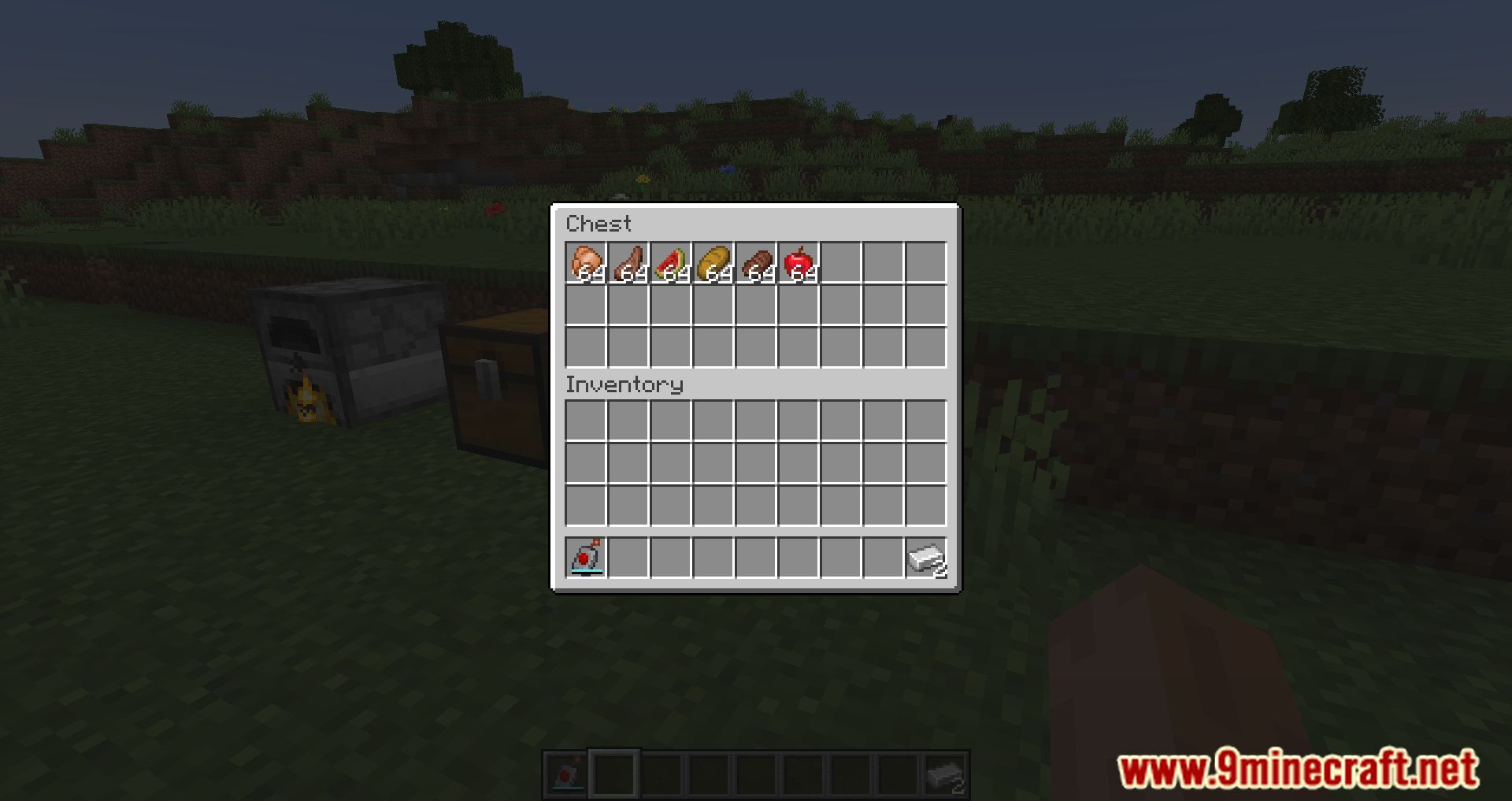
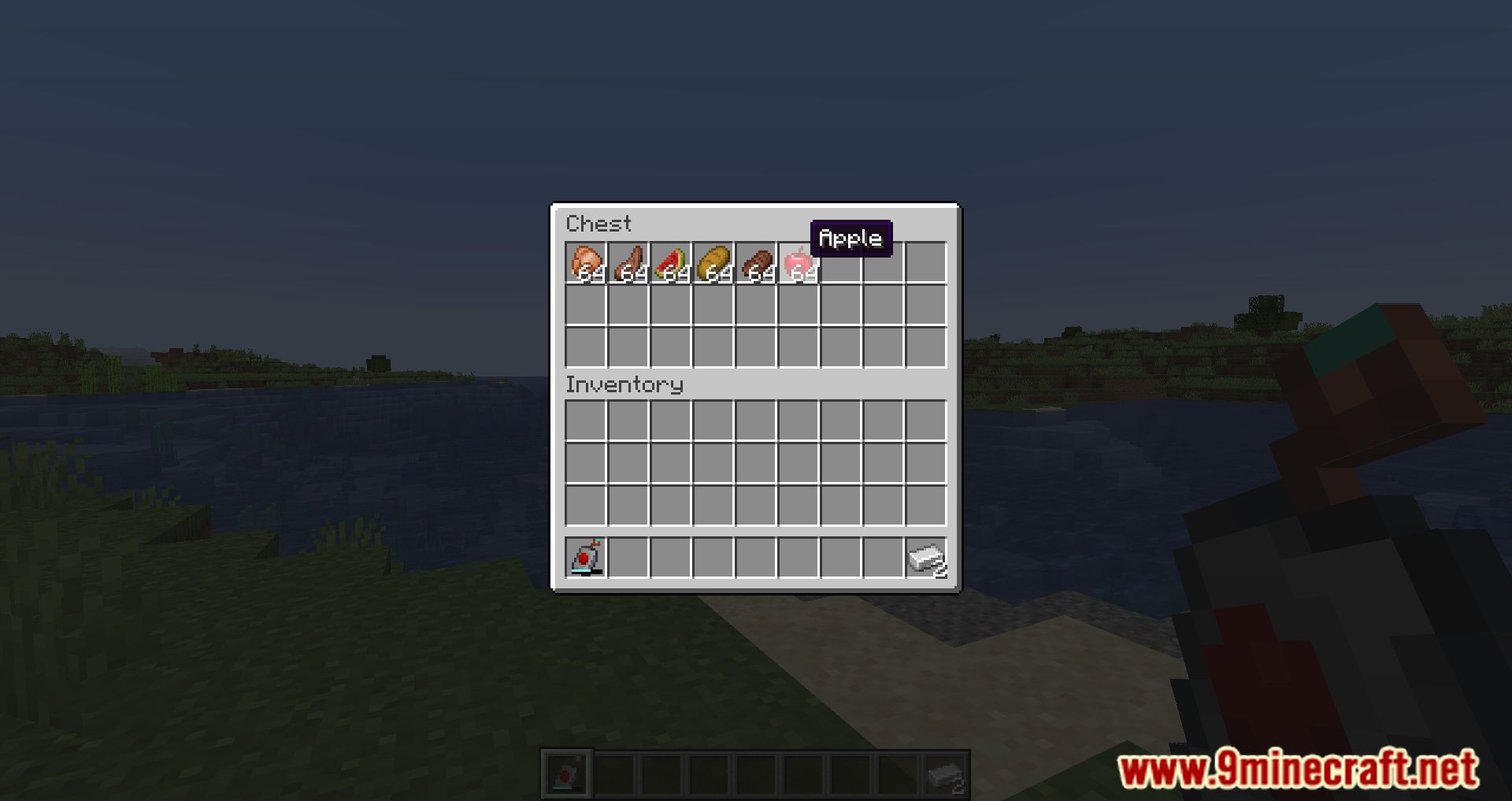
Calibrated Access Mod adds remotes to Minecraft, allowing players to remotely connect to interactable items such as chests, barrels, furnaces, and others. The remote needs to be linked to a block, after which it can be interacted with from any distance as if the player is standing next to it. This is very convenient, as players can place items in chests or throw gold, iron, and other items into furnaces without leaving their caves. There are several types of remotes, differing in the number of accesses to a block. The simplest one allows 3 accesses before breaking, while the most advanced one offers unlimited access. Distance does not matter, and you can connect to a block from any location.
Features:
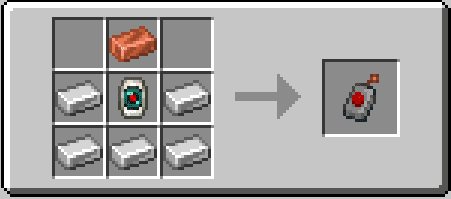
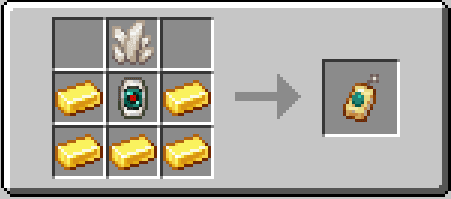
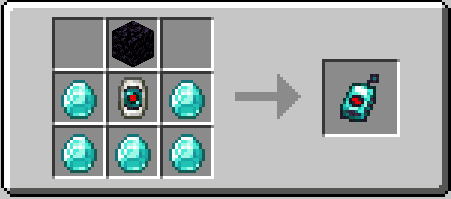
- Remote Accessors: Four new items that allow players to calibrate with a block and open its screen from anywhere, even from different dimensions with higher tiers.
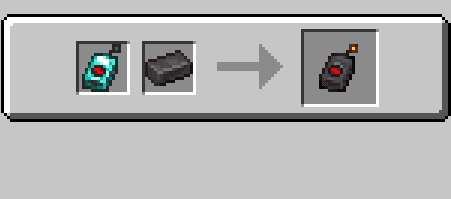
- Calibrator: Crafted with an Ender Pearl and Redstone Dust in a Smithing Table, it’s the central component for all Accessors.
- Access Tiers: Different tiers of Accessors, from Novice to Unlimited, each with varying numbers of access points and capabilities.
- Interdimensional Capability: Higher-tier Accessors can interact with blocks across dimensions.
- Balance Mechanisms: Limited access points for lower-tier Accessors and a 15-second grace period to prevent abuse.
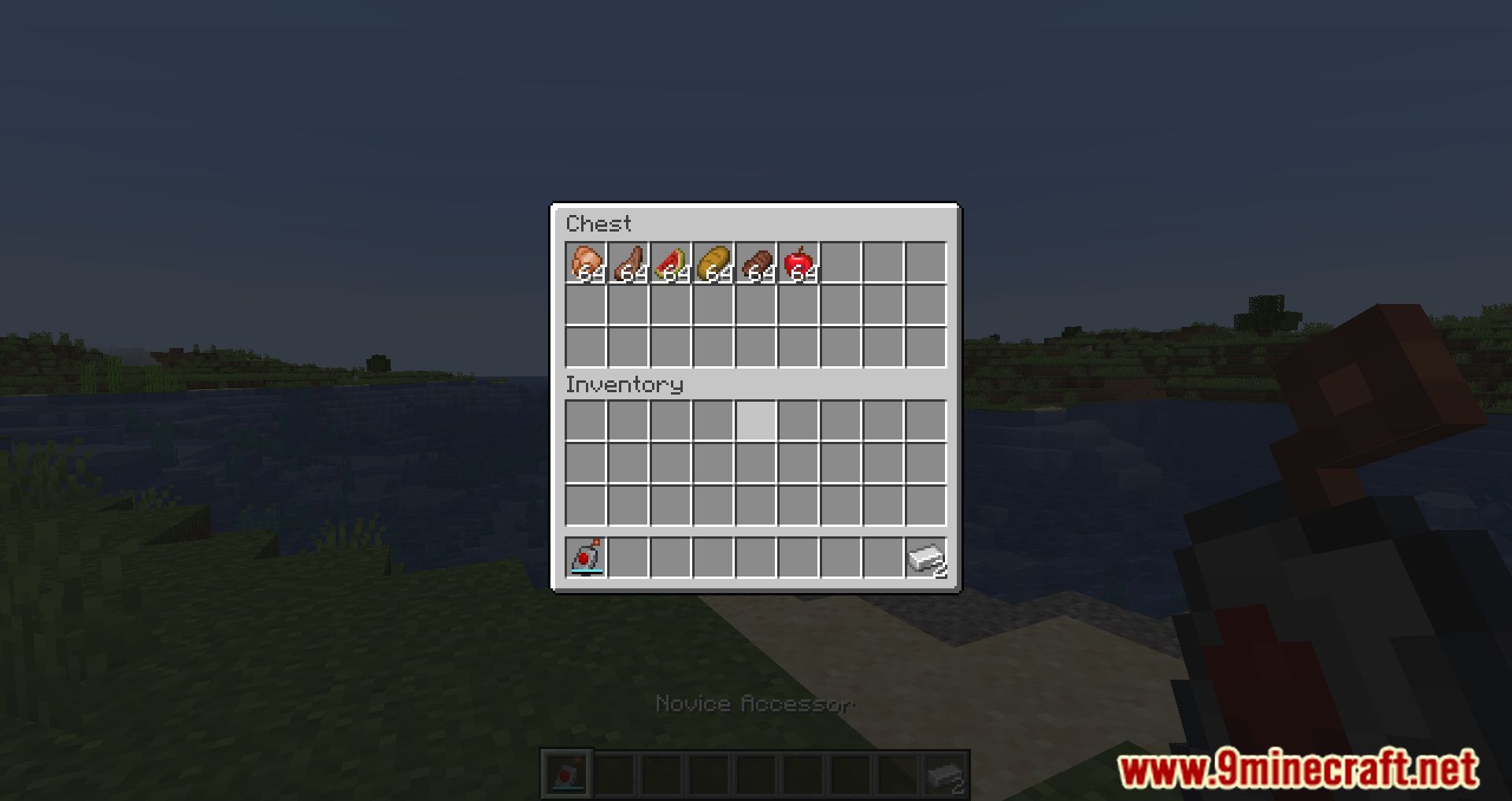
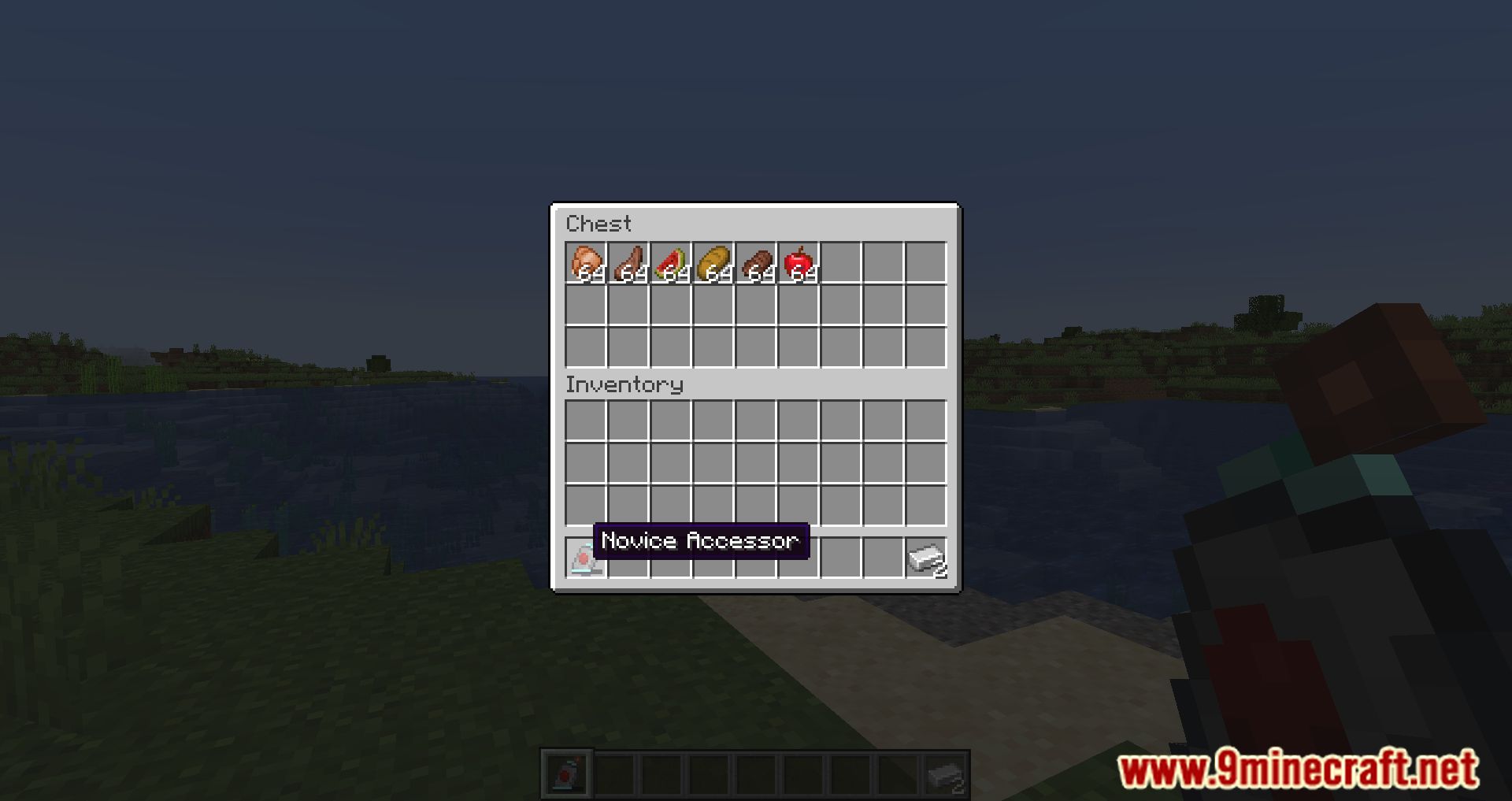
Screenshots:
Crafting Recipes:
Calibrated Access Mod Download Links
For Minecraft 1.20.1, 1.20
Fabric/Quilt version: Download from Server 1 – Download from Server 2
For Minecraft 1.19.4
Fabric version: Download from Server 1 – Download from Server 2
For Minecraft 1.19.3
Fabric version: Download from Server 1 – Download from Server 2
For Minecraft 1.19.2, 1.19.1, 1.19
Fabric version: Download from Server 1 – Download from Server 2
For Minecraft 1.18.2
Fabric version: Download from Server 1 – Download from Server 2
- Edition: Minecraft Java
- File type: .jar
- Minecraft versions listed: 1.20.1, 1.19.2
- How to install: Install the matching mod loader (Forge, Fabric or NeoForge) for your Minecraft version. → Download the .jar. → Put it in the .minecraft/mods folder and launch that loader profile.
- Where to get it: In MC Java Mods, or directly above on this page.
Install steps are the general flow for this file type — How to install Minecraft Java mods & modpacks walks through it step by step.
- Downloads as 197585.mcaddon
- Download size: 432 KB
- Download link checked 22 Jul 2026 — working
- Mirrored on our own servers — the download does not depend on the original host
These come from our own check of the pack file, not from the source page.