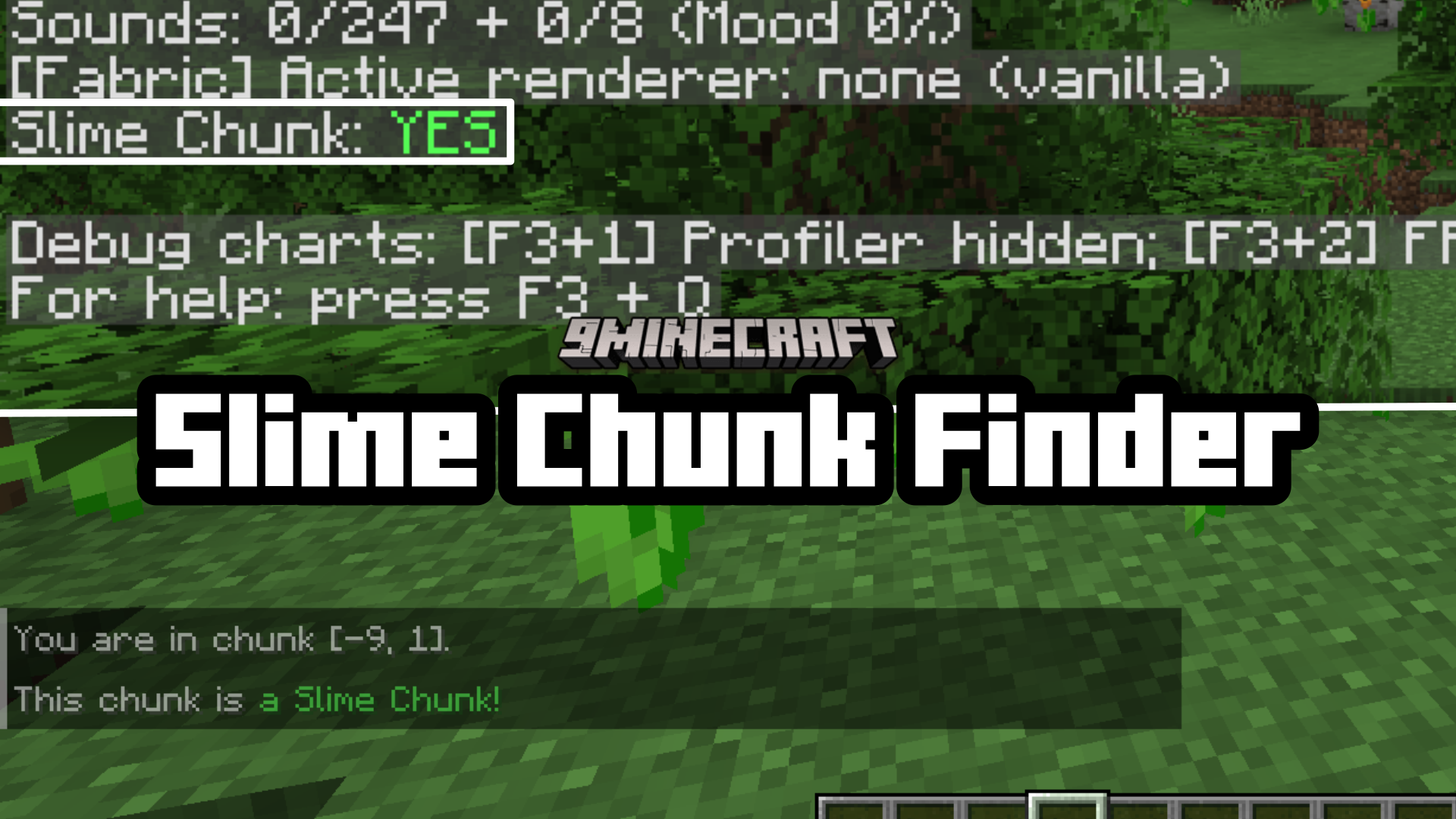
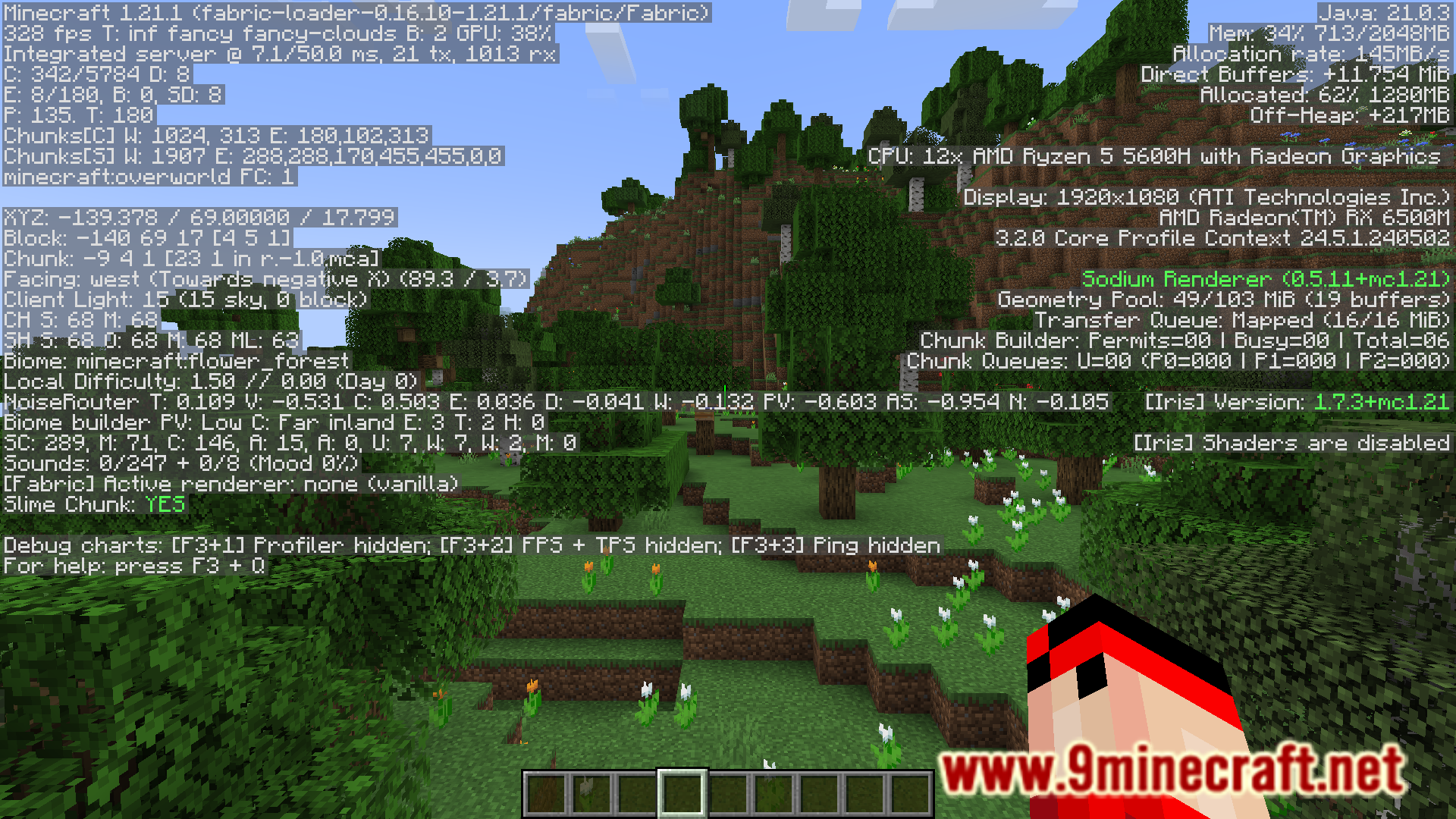
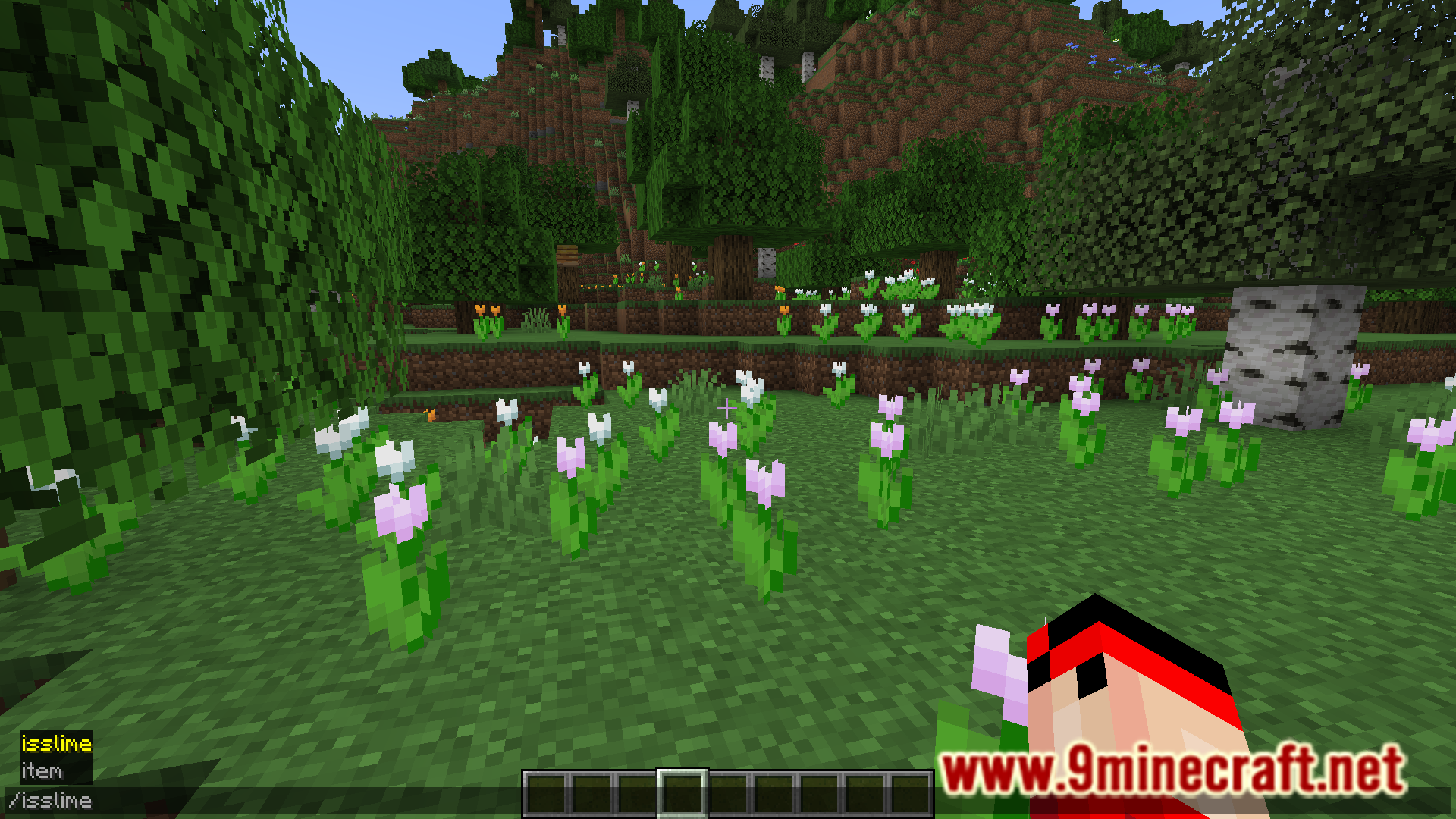
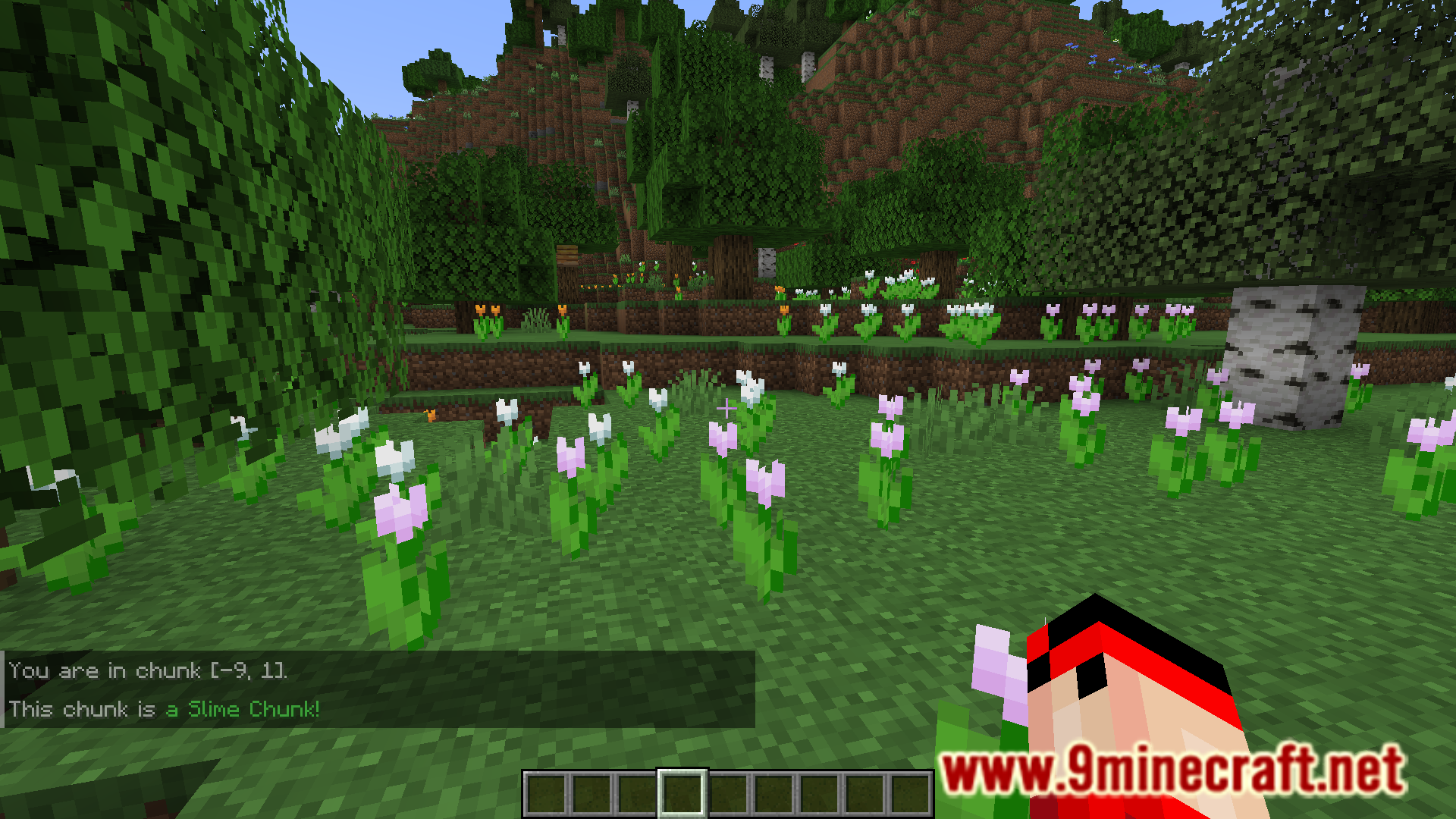
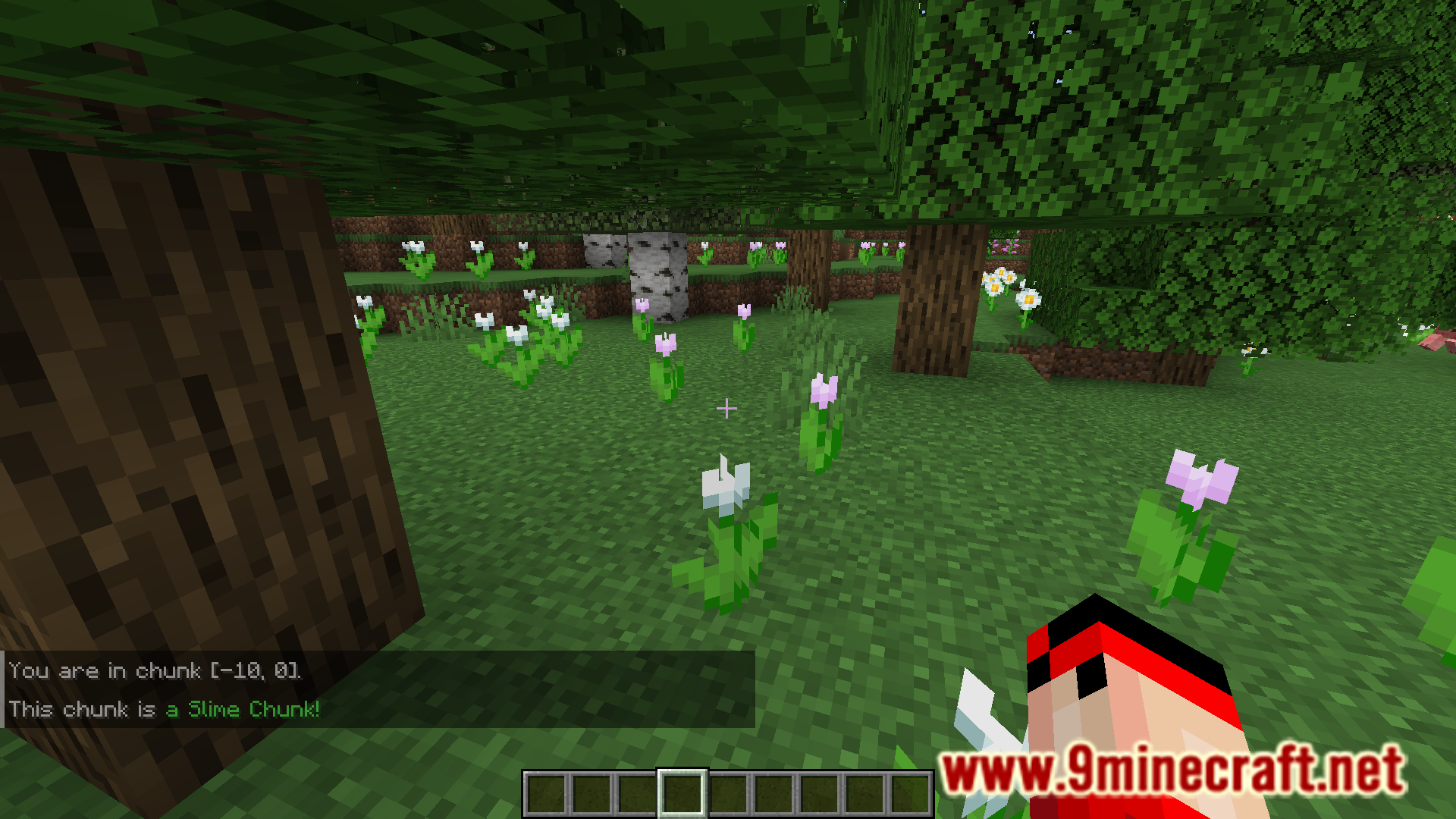
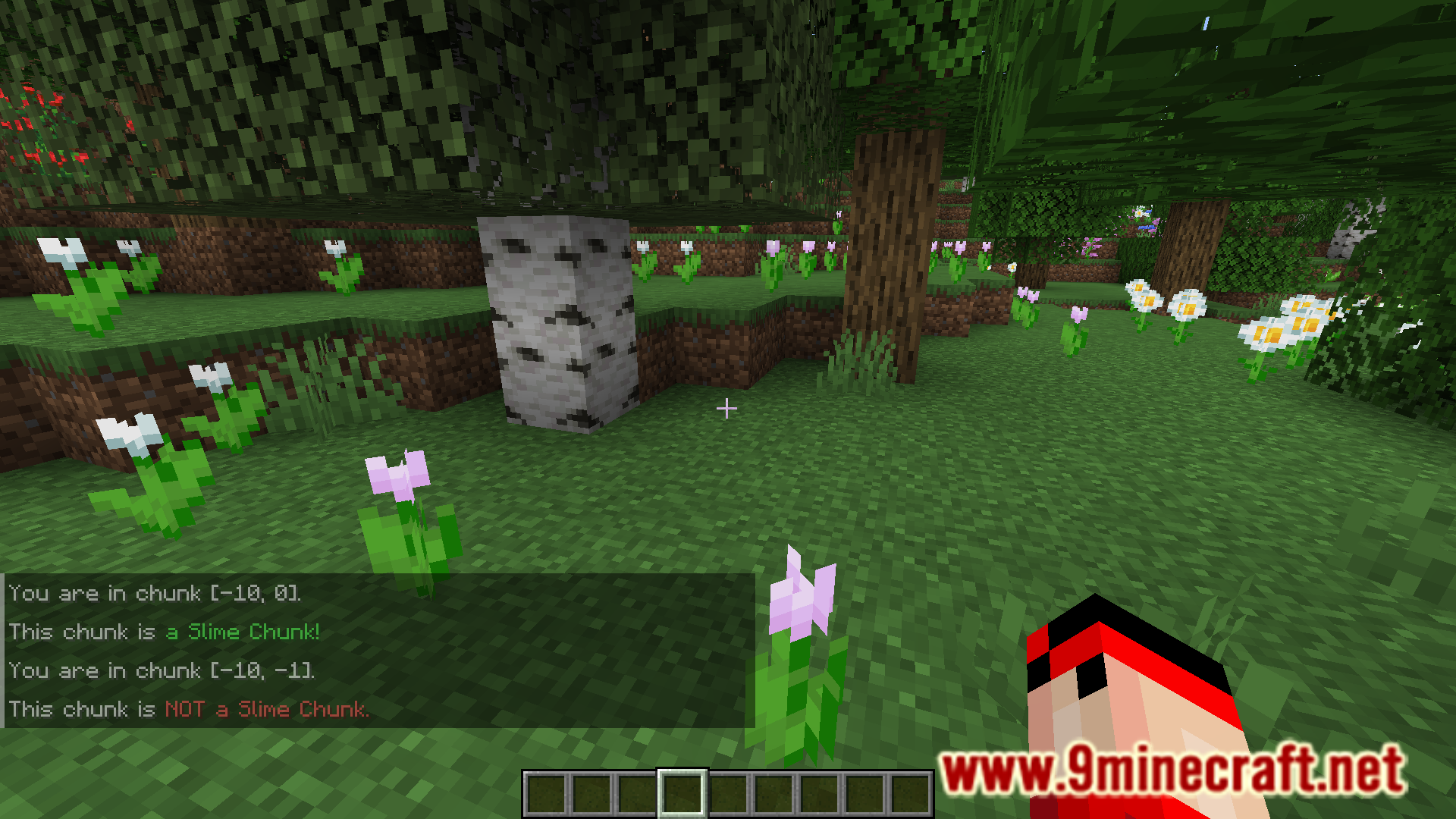
Locating slime chunks in Minecraft can sometimes be a headache. Unless with the help of an external tool, the only way to locate slime chunks in your world is by trial and error. You check the mob spawning in different chunks before you spot a slime mob spawning in one. METABYTE Slime Chunk Finder Mod is here to ease up the process of locating slime chunks. This mod adds two methods to identify slime chunks. The first method is with the help of the F3 screen, which now includes a line that specifies whether the current chunk that you are standing in is a slime chunk or not. The second method is by using the /isslime command.
Features:
- Allows you to identify slime chunks with ease.
- The F3 screen now has a new line that specifies whether a chunk is a slime chunk or not.
- Use the /isslime command to know if a chunk is a slime chunk or not.
Screenshots:
METABYTE Slime Chunk Finder Mod Download Links
For Minecraft 1.21.4, 1.21.1
Forge version: Download from Server 1 – Download from Server 2
Fabric version: Download from Server 1 – Download from Server 2
For Minecraft 1.20.6, 1.20.1
Forge version: Download from Server 1 – Download from Server 2
- Edition: Minecraft Java
- File type: .jar
- Minecraft versions listed: 1.21.4, 1.20.1
- How to install: Install the matching mod loader (Forge, Fabric or NeoForge) for your Minecraft version. → Download the .jar. → Put it in the .minecraft/mods folder and launch that loader profile.
- Where to get it: In MC Java Mods, or directly above on this page.
Install steps are the general flow for this file type — How to install Minecraft Java mods & modpacks walks through it step by step.
- Downloads as 197603.mcaddon
- Download size: 16 KB
- Download link checked 26 Jul 2026 — working
- Mirrored on our own servers — the download does not depend on the original host
These come from our own check of the pack file, not from the source page.