Cosmos Library Mod (1.21.1, 1.20.1) – Dependency for The Cosmos Mod Series
Java mod listed for Minecraft 1.20–1.21. Downloads from the MC Java Mods app on Android.
⬇ DownloadCosmos Library Mod is a collection of helper functions designed to make creating Minecraft mods quicker. It doesn’t add any new features to the game itself. Instead, it serves as a base for other mods, allowing developers to avoid duplicating common code. This mod is part of The Cosmos Series by TheCosmicNebula and is required for all mods in that series.
Features:
Essential Foundation for Cosmos Series Mods:
- Cosmos-Library serves as a crucial prerequisite for all mods within the Cosmos Series developed by TheCosmicNebula_. It functions as the main required library, forming the backbone that enables the proper functioning of other mods in the series.
Non-Intrusive Integration with Minecraft:
- Unlike typical mods that introduce new features or alter gameplay, Cosmos-Library is intentionally designed to be non-intrusive. It doesn’t add any new features to the Minecraft game itself, ensuring that users can enjoy their Minecraft experience without any impact on gameplay.
Facilitating Mod Development with Template Code:
- Cosmos-Library includes template code that simplifies the process of creating and utilizing mods within the Cosmos Series. While this code doesn’t alter the user experience directly, it significantly aids mod developers by providing a structured foundation for coding. This feature contributes to a smoother and more efficient mod development process, enhancing the overall modding experience.
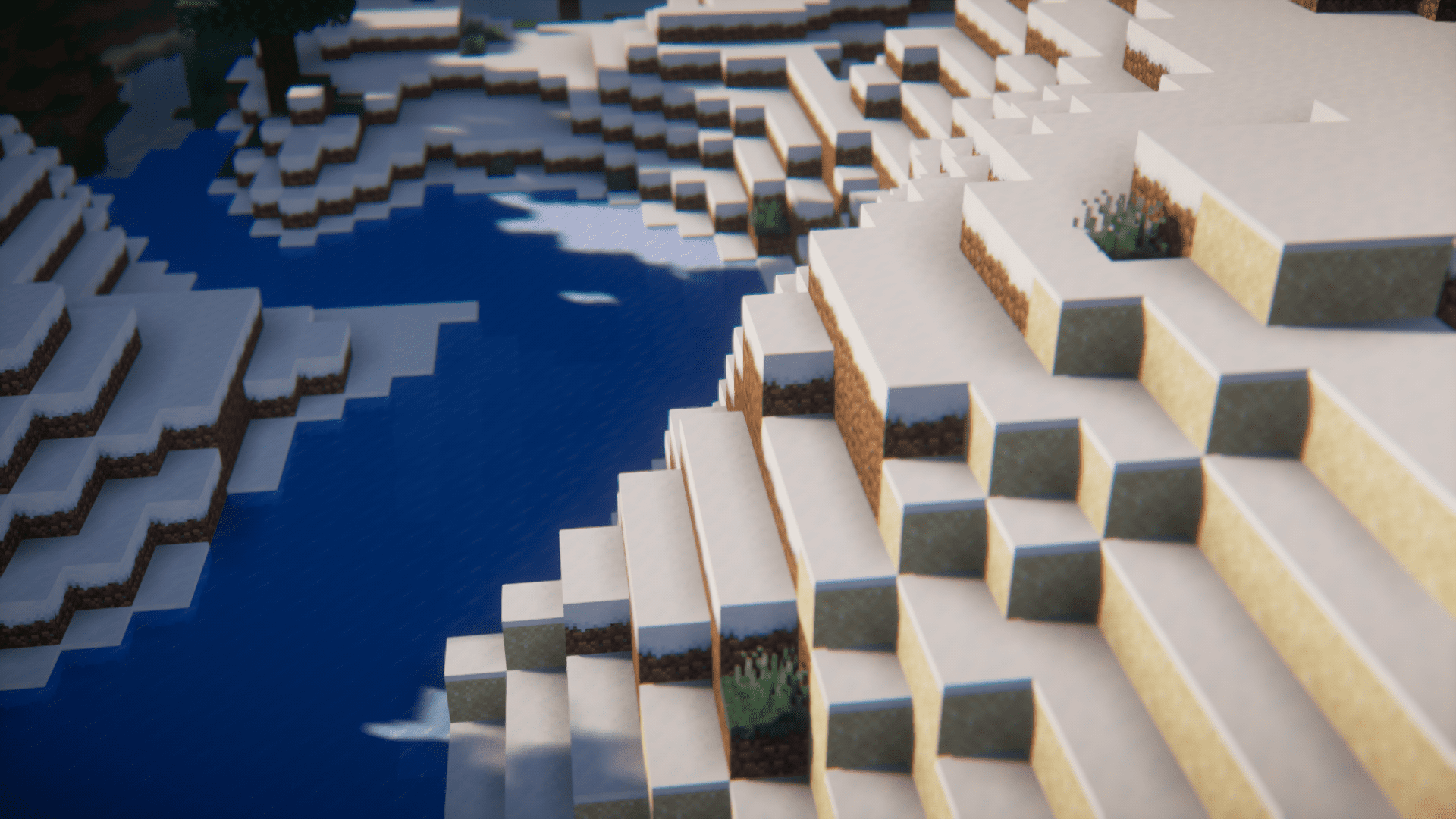
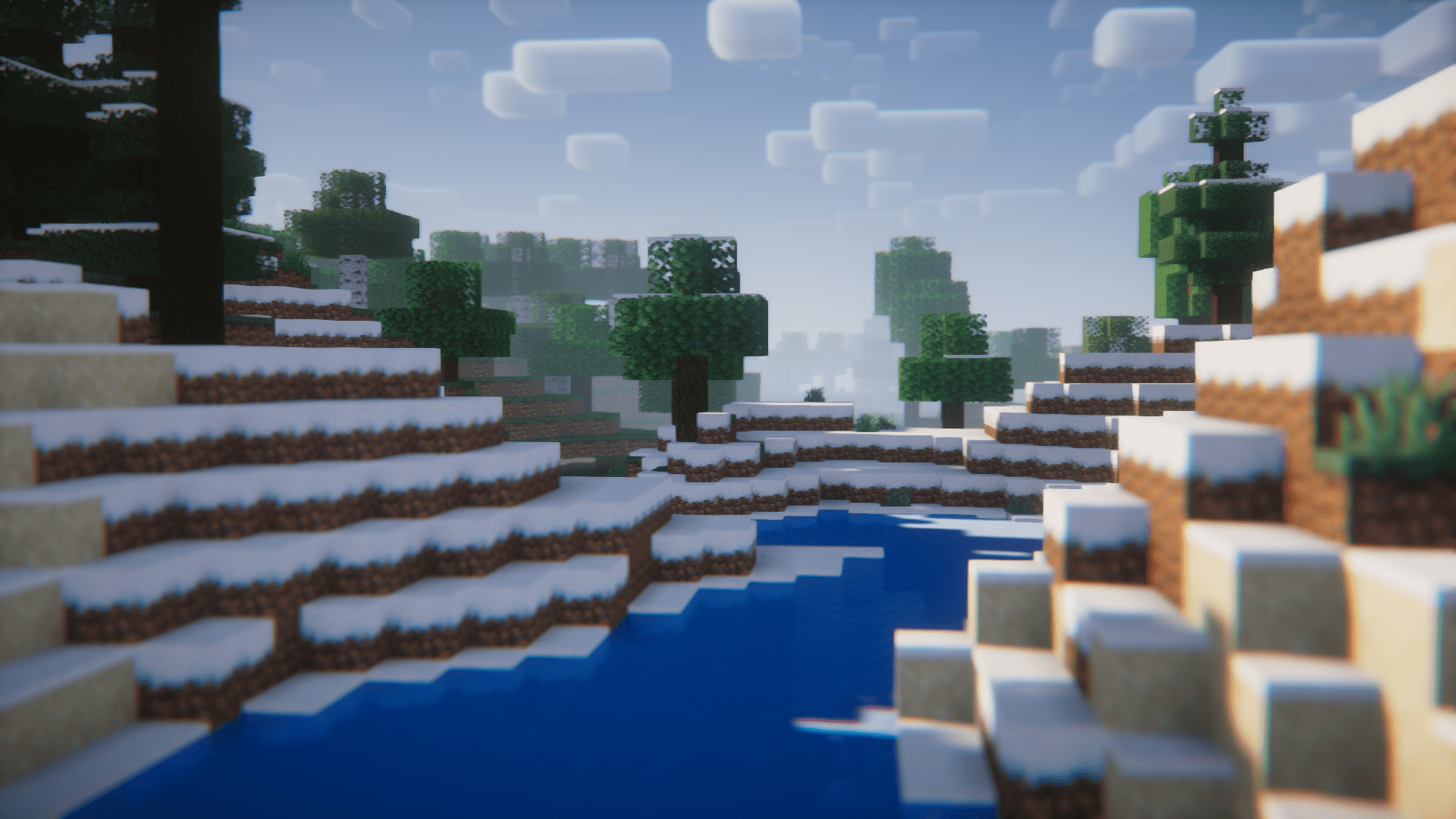
Screenshots:



Cosmos Library Mod Download Links
For Minecraft 1.21.1, 1.21
NeoForge version: Download from Server 1 – Download from Server 2
For Minecraft 1.20.1
Forge version: Download from Server 1 – Download from Server 2
For Minecraft 1.19.2
Forge version: Download from Server 1 – Download from Server 2
For Minecraft 1.18.2
Forge version: Download from Server 1 – Download from Server 2
For Minecraft 1.17.1
Forge version: Download from Server 1 – Download from Server 2
For Minecraft 1.16.5
Forge version: Download from Server 1 – Download from Server 2
For Minecraft 1.14.4
For Minecraft 1.12.2
- Edition: Minecraft Java
- File type: .jar
- Minecraft versions listed: 1.21.1, 1.20.1
- How to install: Install the matching mod loader (Forge, Fabric or NeoForge) for your Minecraft version. → Download the .jar. → Put it in the .minecraft/mods folder and launch that loader profile.
- Where to get it: In MC Java Mods, or directly above on this page.
Install steps are the general flow for this file type — How to install Minecraft Java mods & modpacks walks through it step by step.
- Downloads as 197694.mcaddon
- Download size: 1.6 MB
- Download link checked 26 Jul 2026 — working
- Mirrored on our own servers — the download does not depend on the original host
These come from our own check of the pack file, not from the source page.