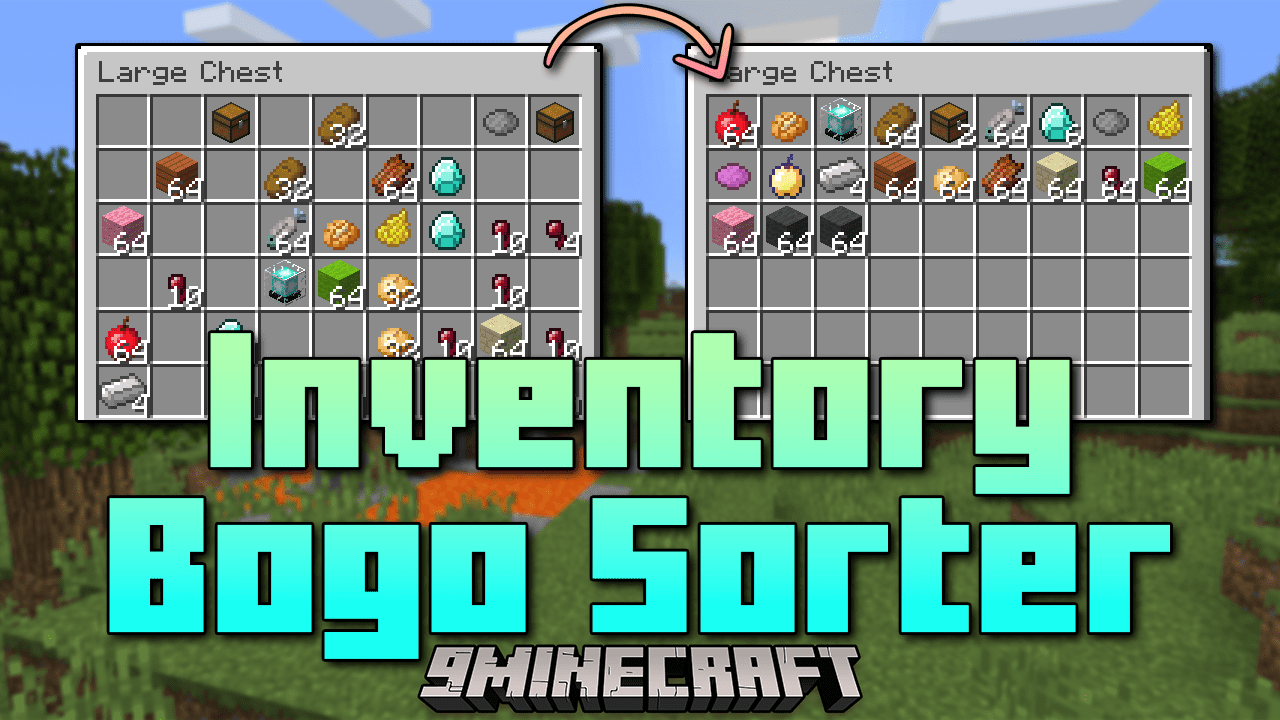
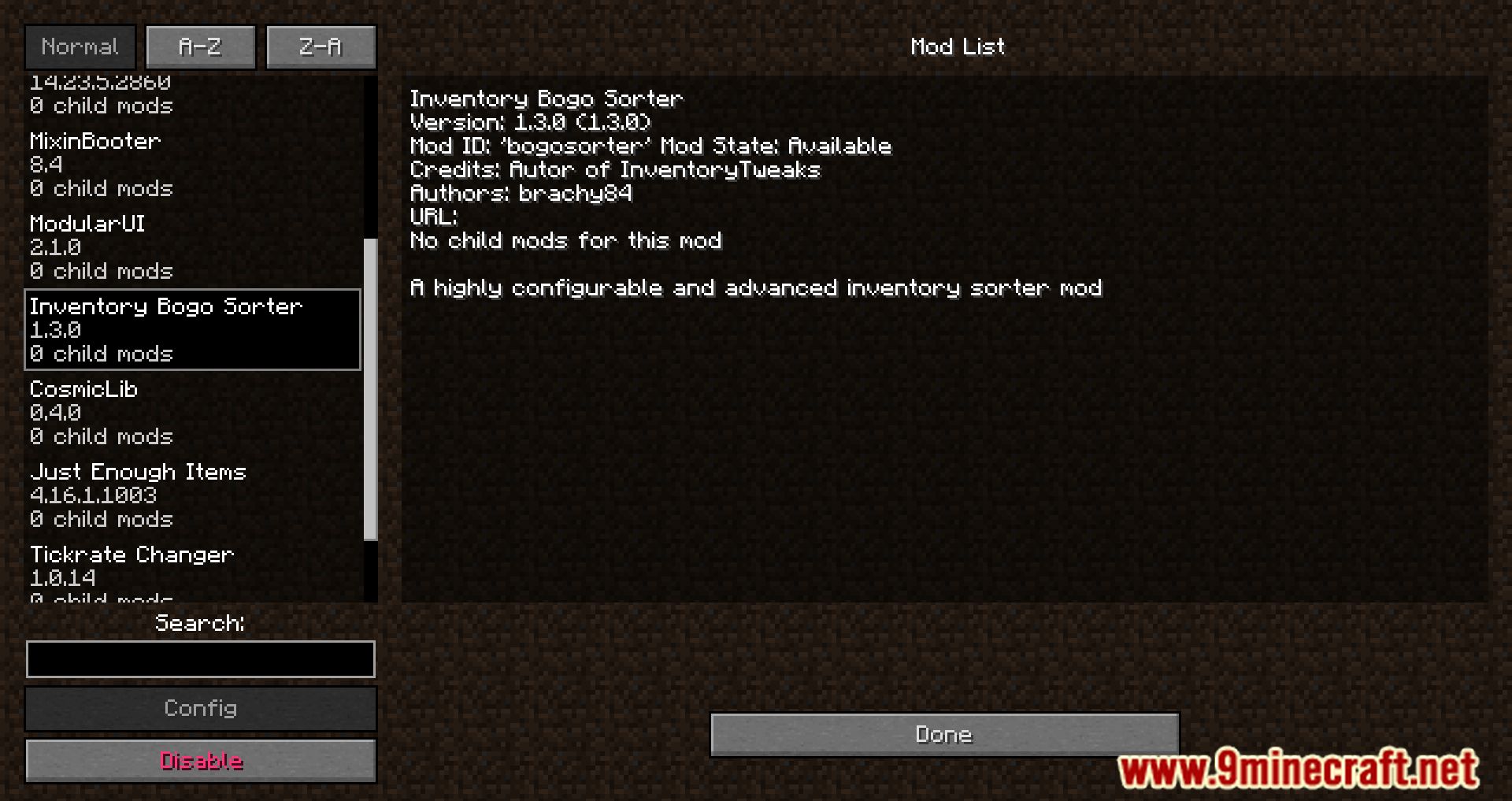
Inventory Bogo Sorter Mod allows you to sort your inventory with a simple click of the middle mouse button. You can easily configure sorting parameters and enable some automatic features, such as replacing an item in the hotbar when it breaks or runs out. To open the mod settings, press K.
Features:
- Easily sort your inventory by clicking the middle mouse button while hovering over a slot.
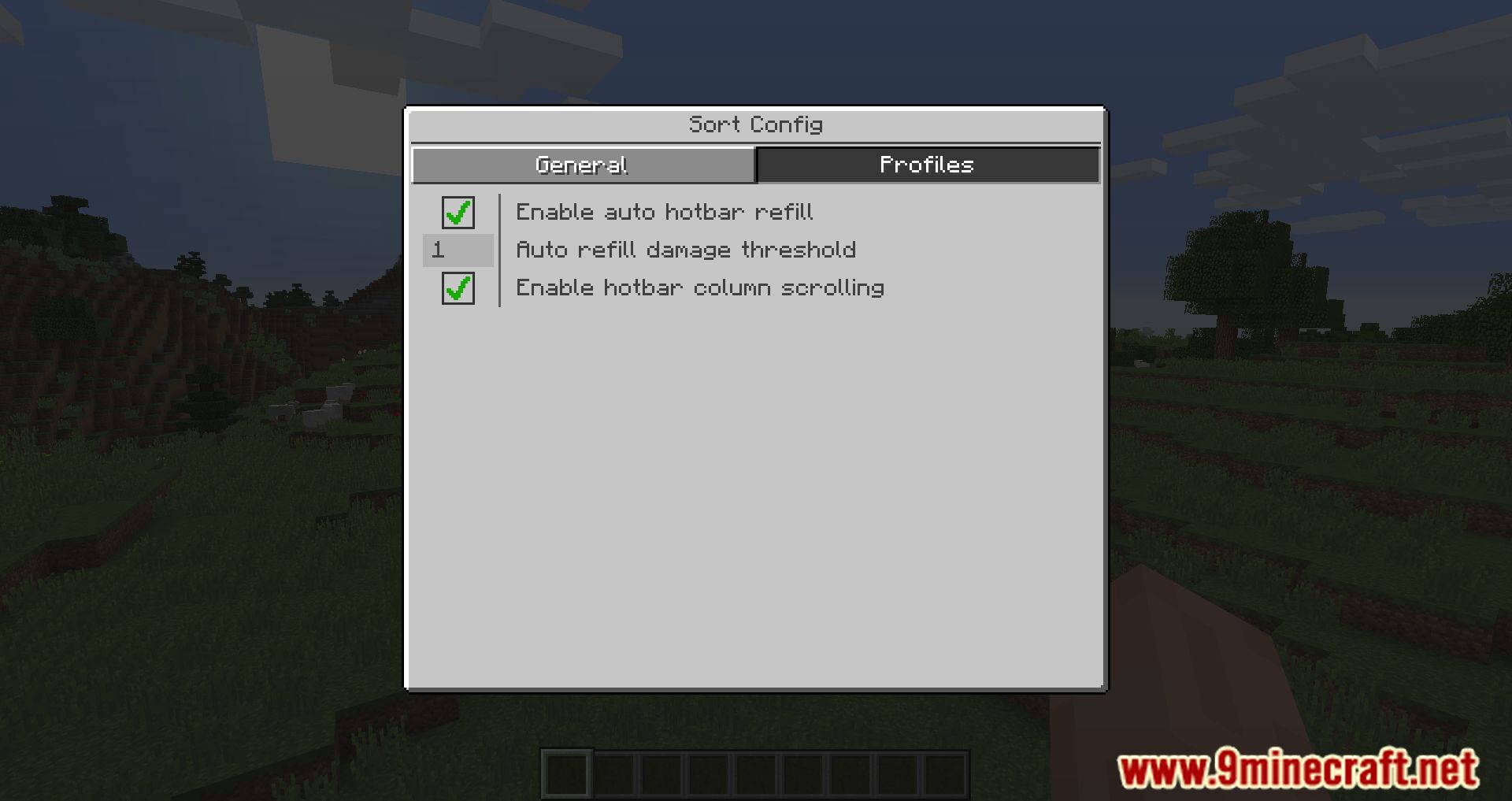
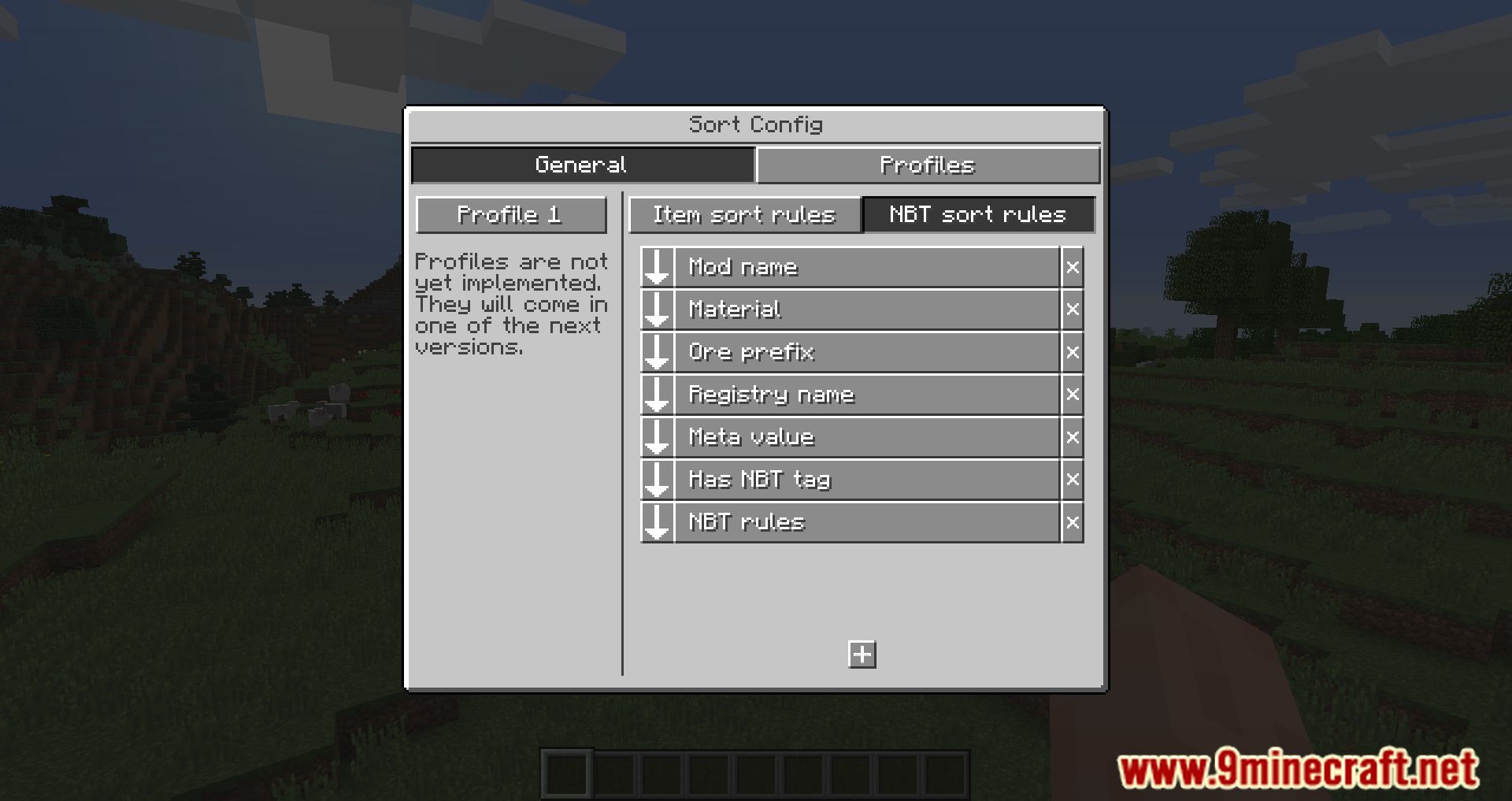
- Configure sorting rules through a graphical user interface (GUI) by pressing the ‘K’ key.
- Automatically refill items in your hotbar when they are used up, such as blocks, food, or tools.
- Automatically swap tools when they are about to break.
- Use various key combinations to transfer items between your inventory and storage containers:
- CTRL + LMB: Transfer a single item.
- CTRL + RMB: Transfer a single item into an empty slot.
- Space + LMB: Transfer the whole inventory.
- ALT + LMB: Transfer all items of the same type.
- Space + Q: Throw the whole inventory into the world.
- ALT + Q: Throw all items of the same type into the world.
- Hold ALT and scroll to scroll through the current inventory column.
Screenshots:
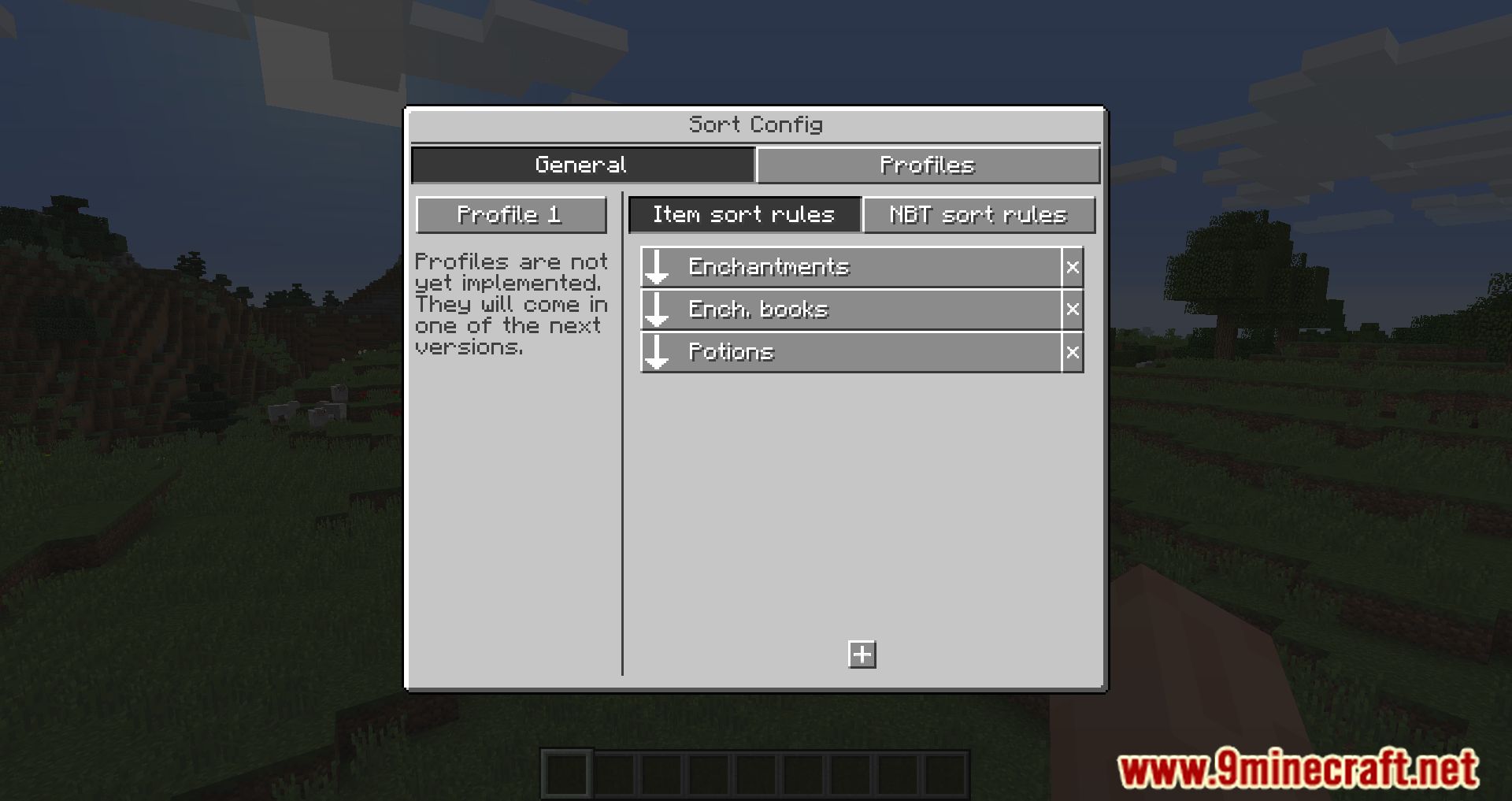
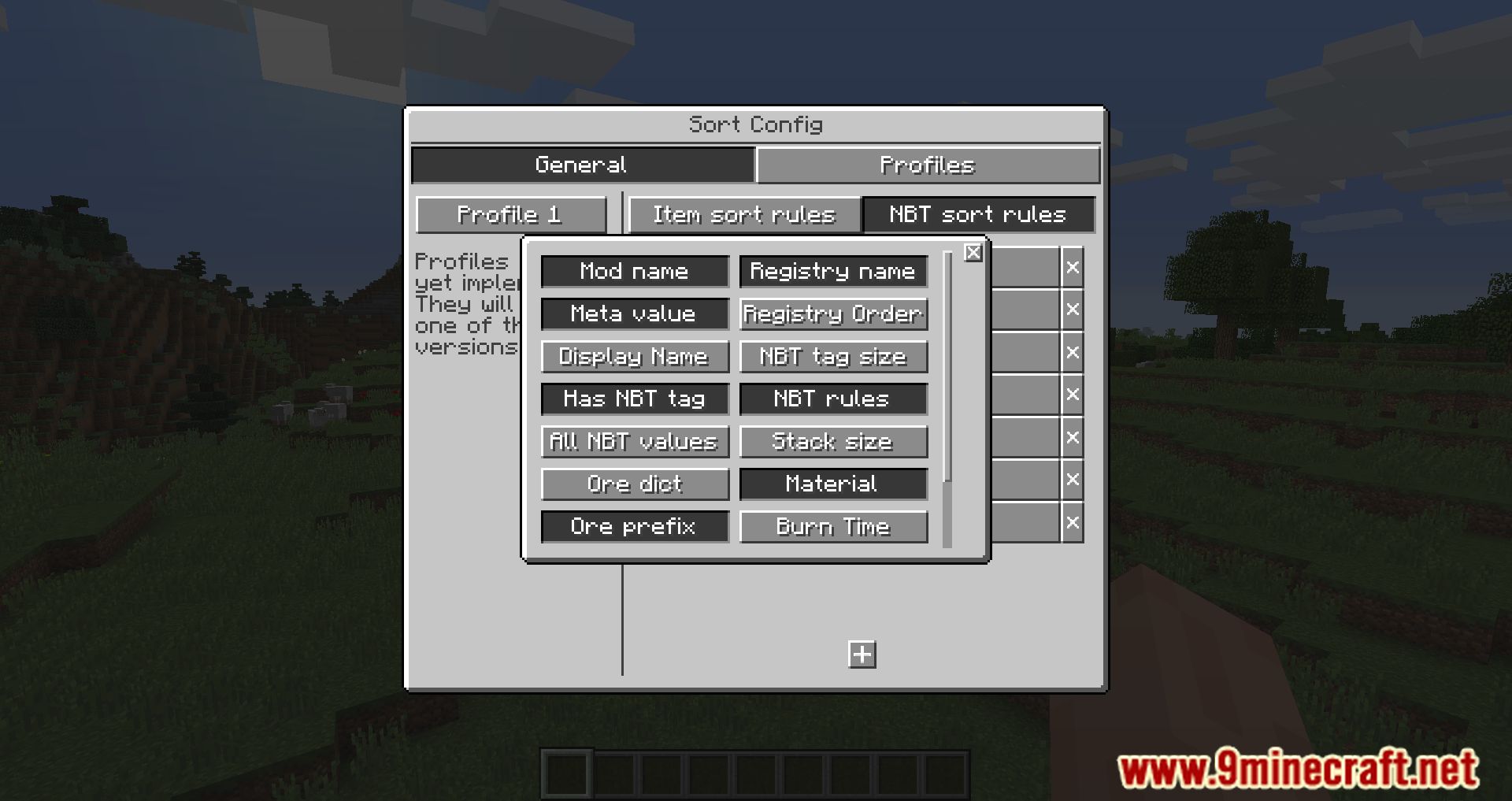
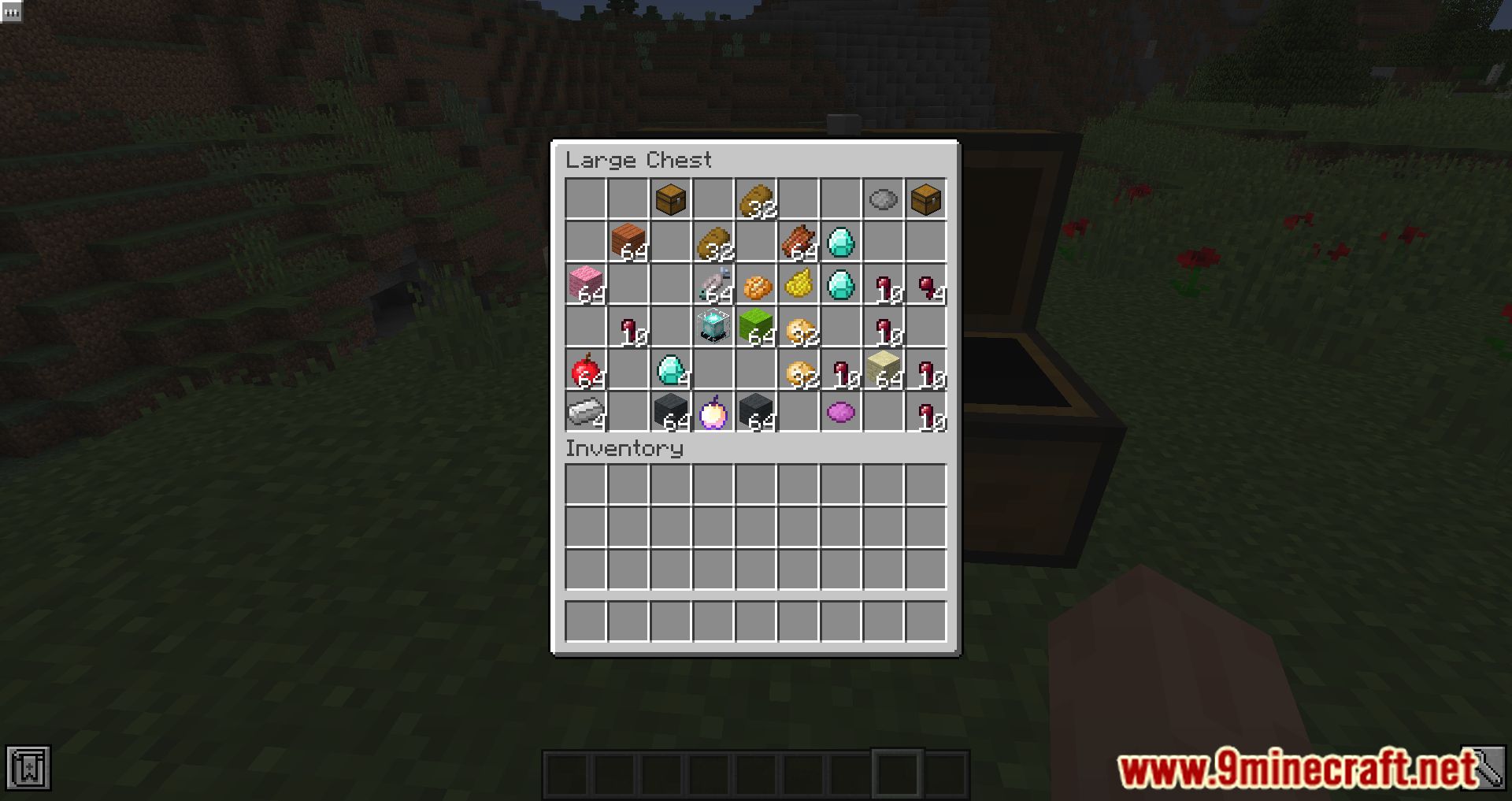
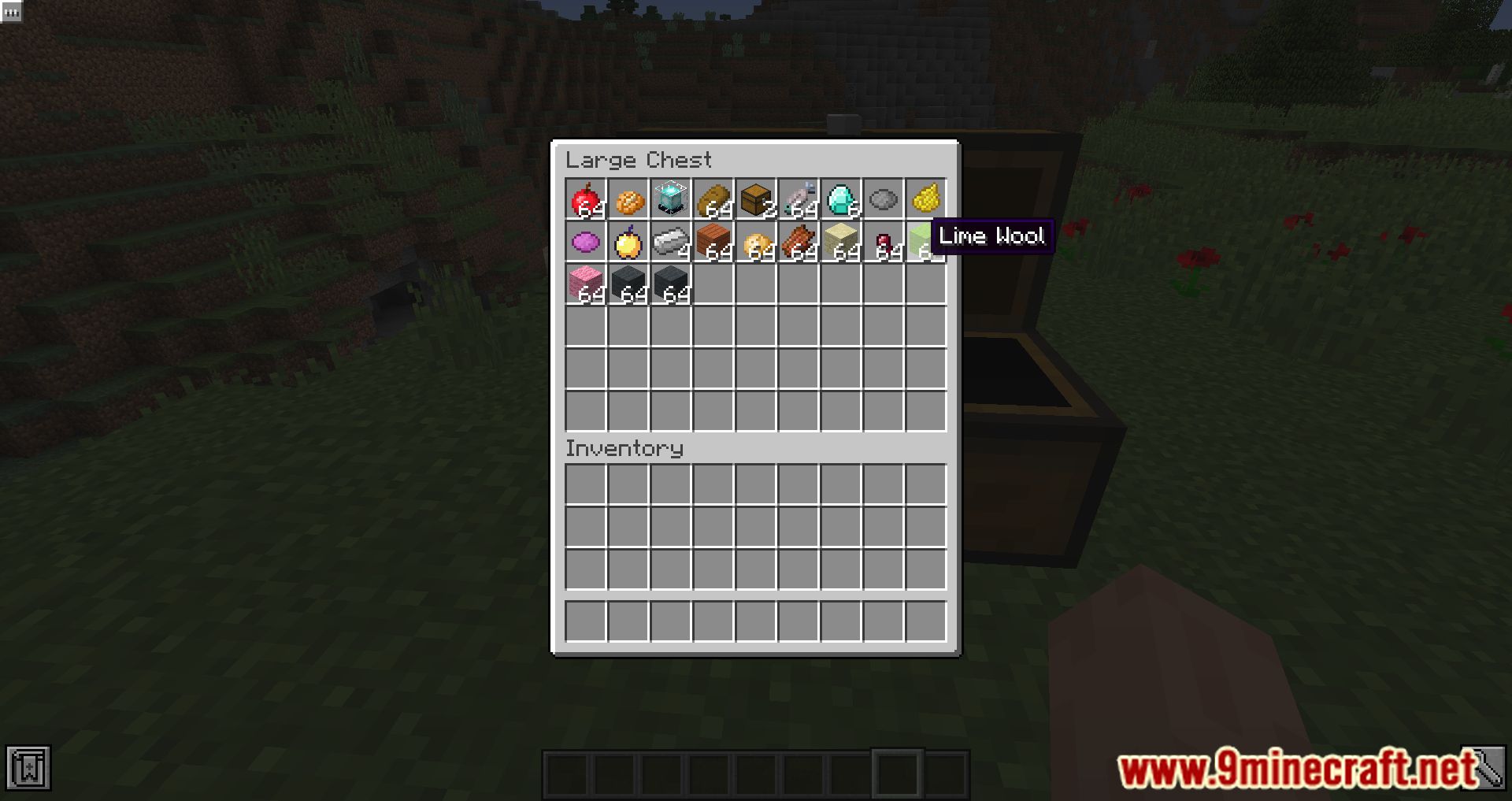
Inventory Bogo Sorter Mod Download Links
For Minecraft 1.12.2
Forge Version: Download from Server 1 – Download from Server 2
Quick facts
- Edition: Minecraft Java
- File type: .jar
- How to install: Install the matching mod loader (Forge, Fabric or NeoForge) for your Minecraft version. → Download the .jar. → Put it in the .minecraft/mods folder and launch that loader profile.
- Where to get it: In MC Java Mods, or directly above on this page.
Install steps are the general flow for this file type — How to install Minecraft Java mods & modpacks walks through it step by step.
Verified by MCModsHub
- Downloads as 197725.mcaddon
- Download size: 239 KB
- Download link checked 26 Jul 2026 — working
- Mirrored on our own servers — the download does not depend on the original host
These come from our own check of the pack file, not from the source page.