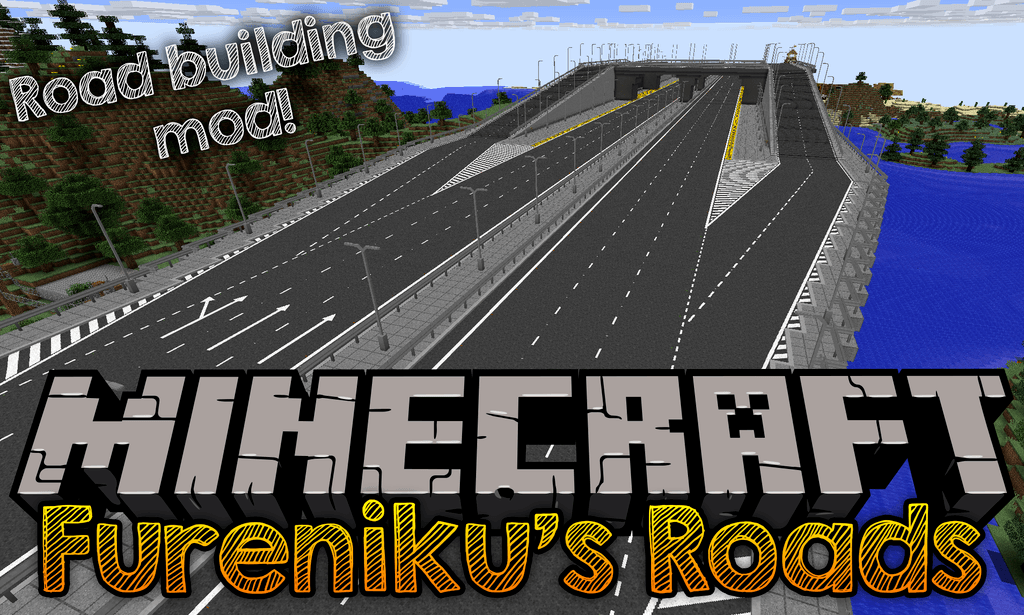
Fureniku's Roads Mod (1.20.1, 1.12.2) – Paving The Way to a Better World
Fureniku's Roads Mod is a mod with one goal in mind: to add highly customizable roads to your Minecraft world. Formally known as FlenixRoads, this mod…
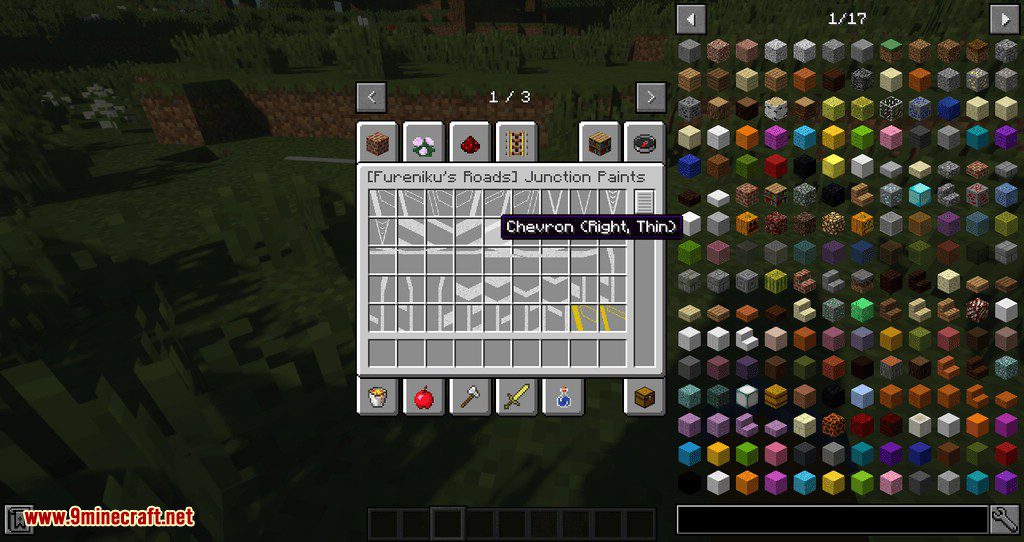
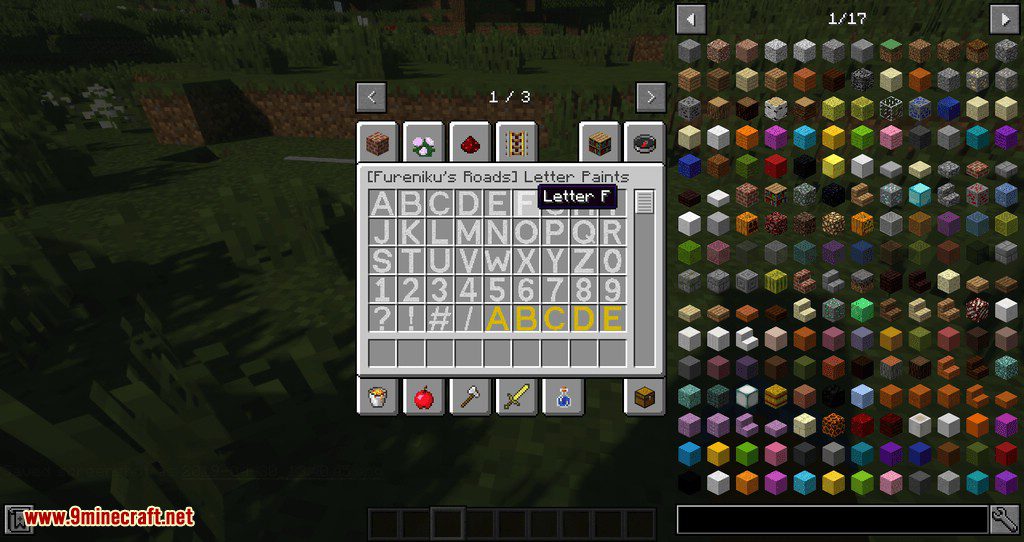
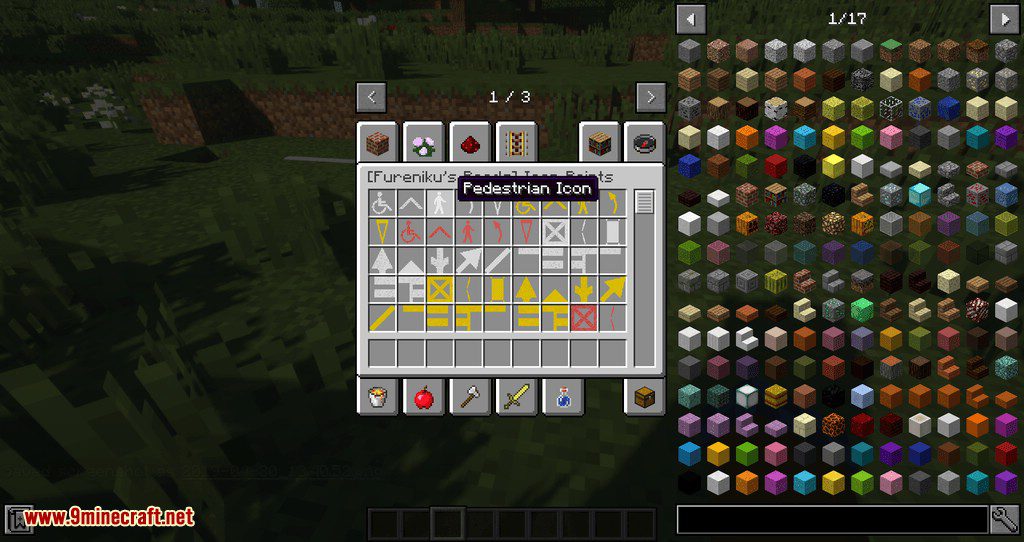
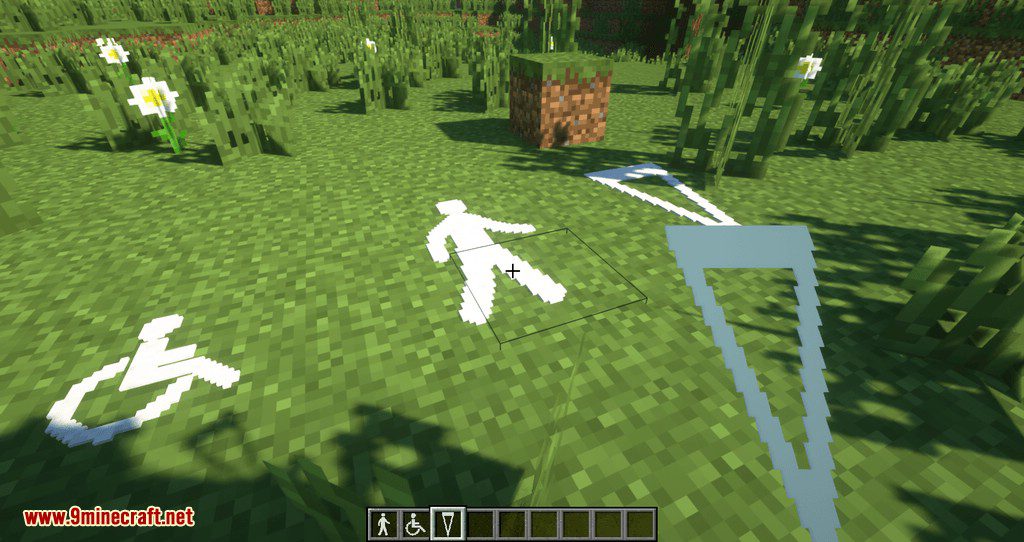
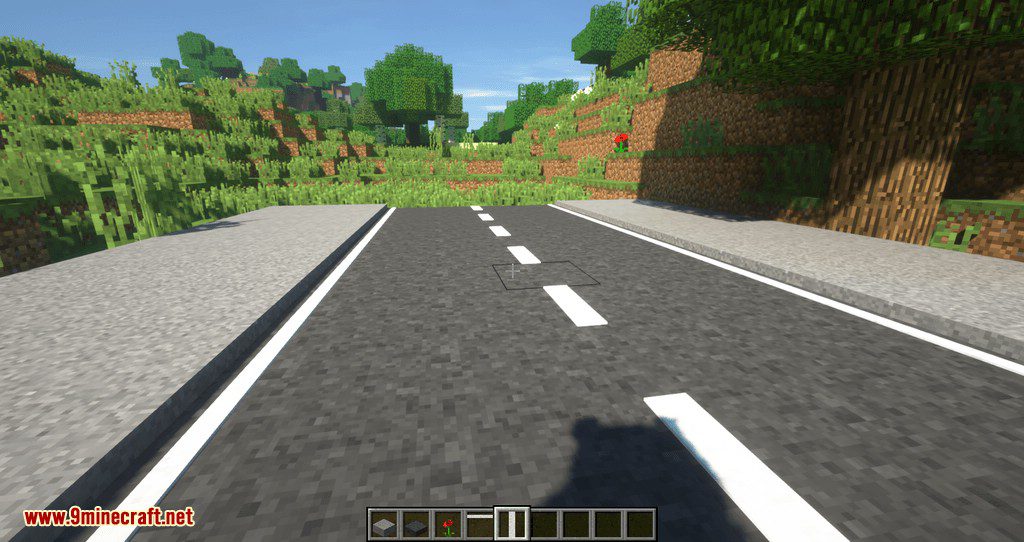
⬇ DownloadFureniku’s Roads Mod is a mod with one goal in mind: to add highly customizable roads to your Minecraft world. Formally known as FlenixRoads, this mod adds 19 different types of road, with customizable height, and over 80 different paint patterns in 3 different colors. You can combine the roads and paint as you see fit.
Features:
- The mod adds 19 different types of roads with customizable heights and over 80 different paint patterns in three colors.
- It includes various decorative elements like street lights, barriers, and reflectors to make your roads look more realistic.
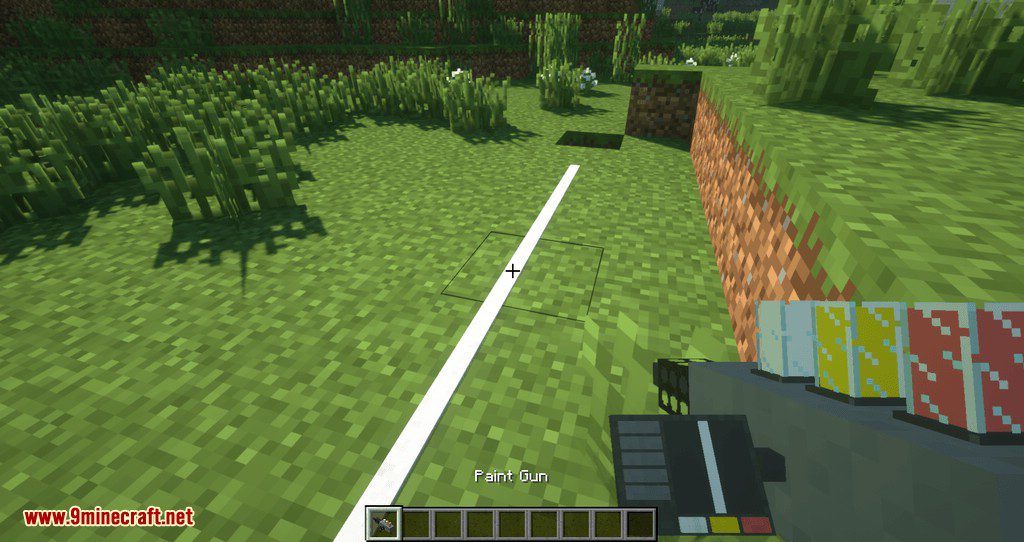
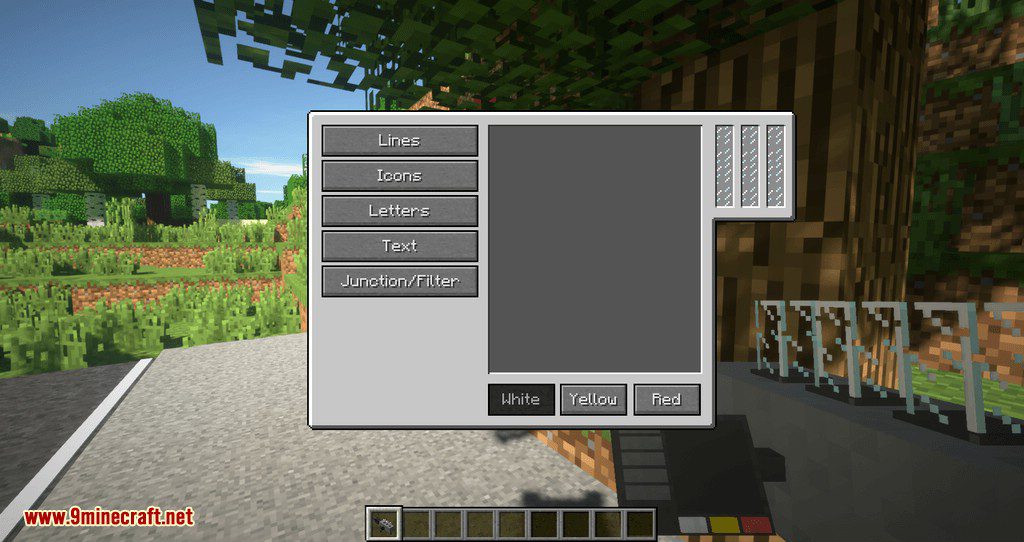
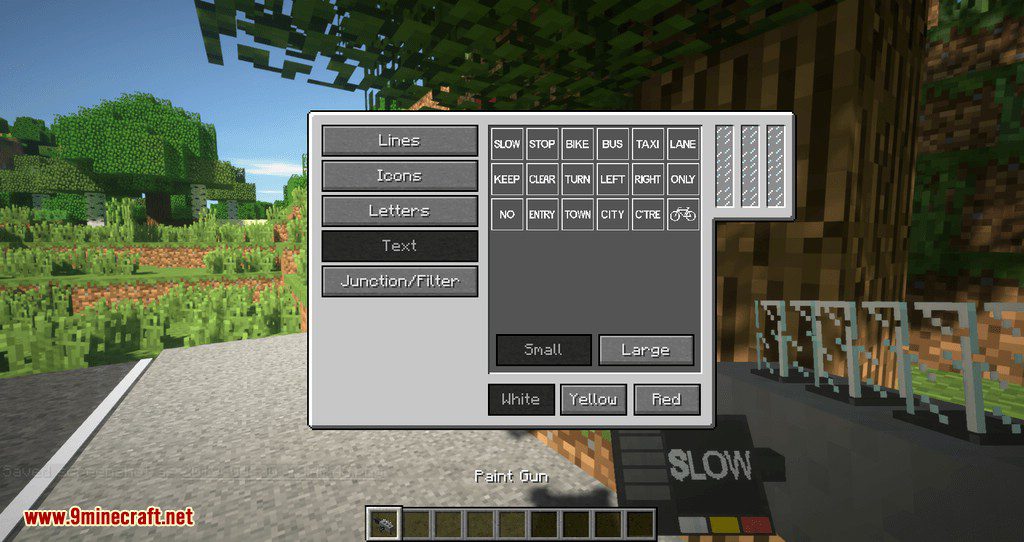
- A paint gun is available for easy application of road markings. It allows you to manage different paint types without cluttering your hotbar.
- All items in the mod are craftable, making it suitable for survival gameplay.
- You can create your own custom paints using an online editor.
Screenshots:
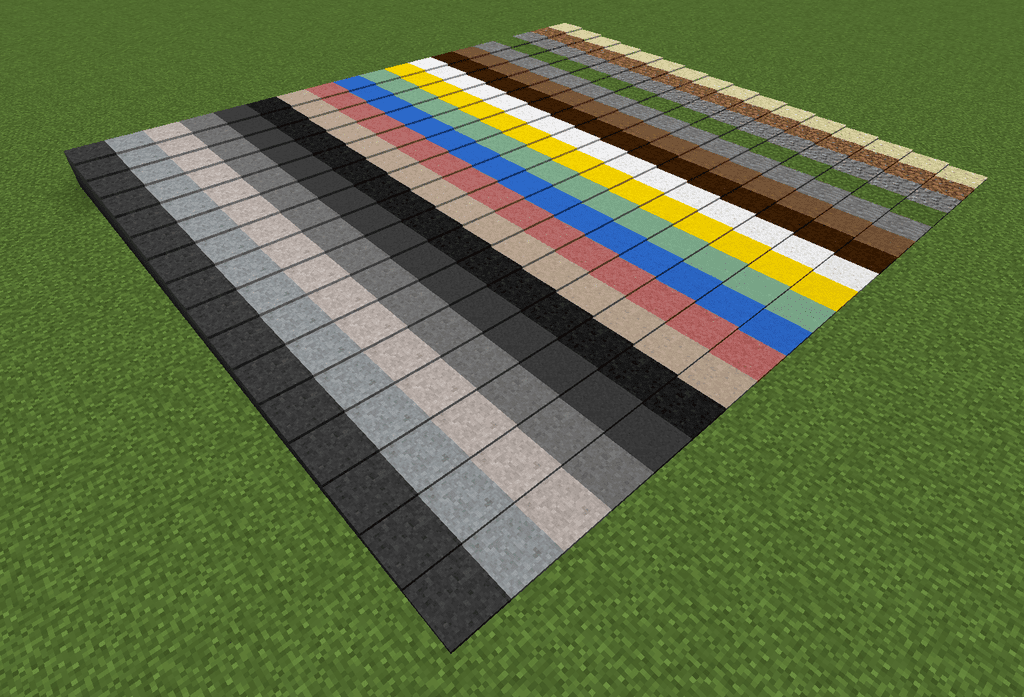
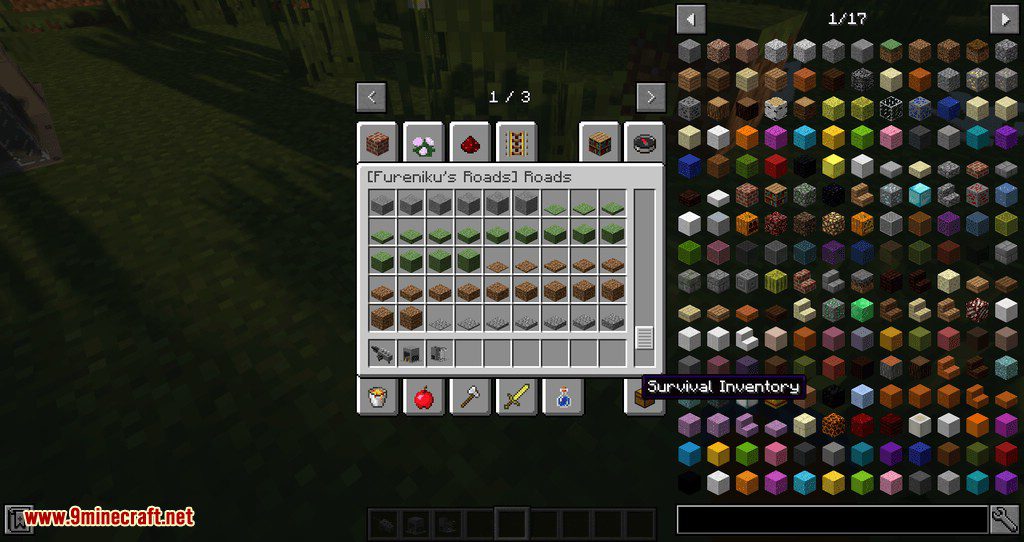
14 exclusive road types, with 5 vanilla (stone, grass, gravel, dirt, sand). 16 height options.
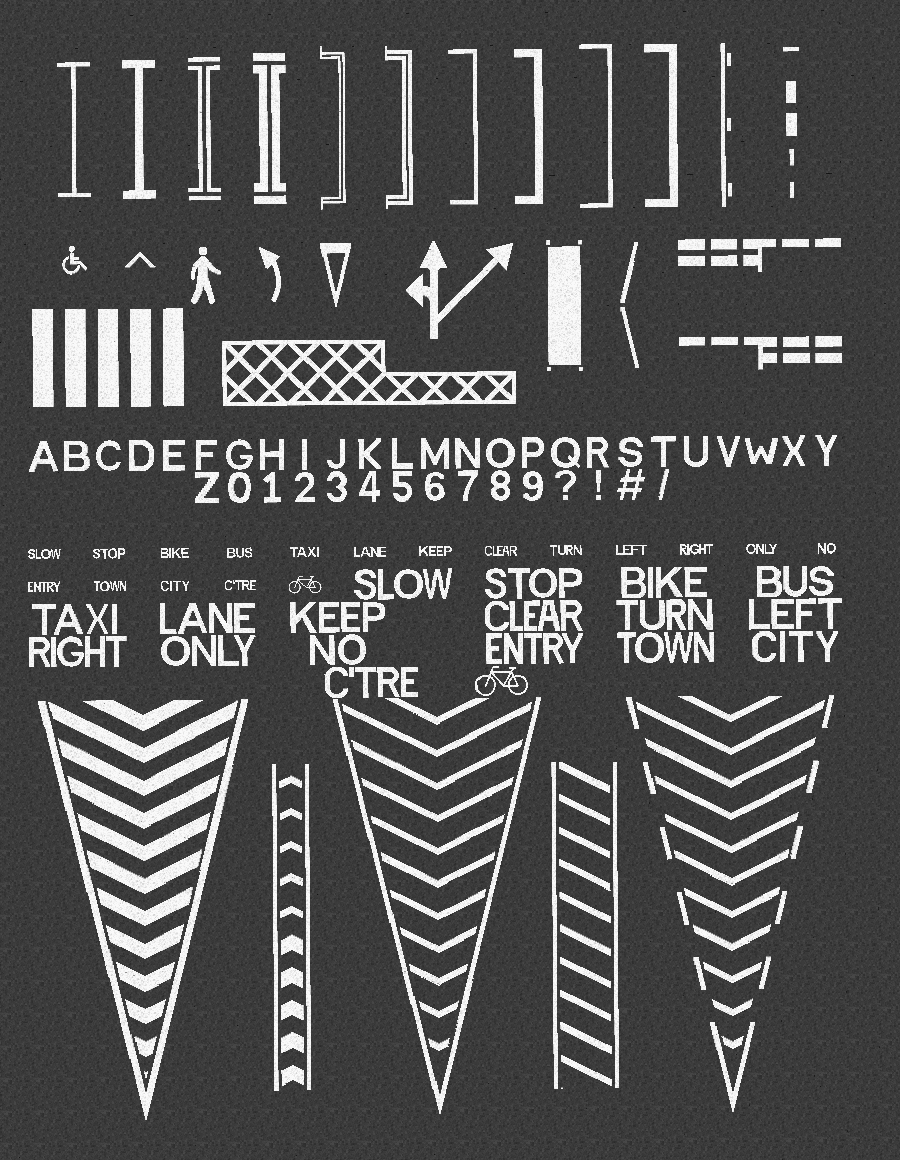
All paints are available in Yellow and Red too. You can place paint on any block, and letters can be placed on walls too!
So, what does it do exactly…?
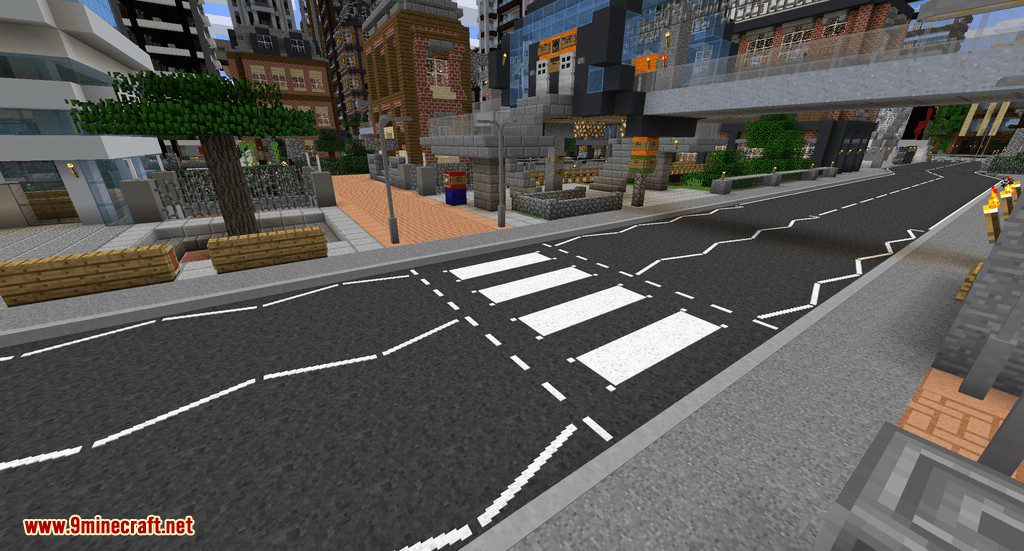
This is mostly a decorative mod, so alone it doesn’t “do” much. It allows you to express your creativity in a new way, and it’s great for city roleplay builds too. I guess the best way to show it off is to show some screenshots! All roads shown here are built in a modified version of City of Newisle by Blip Noir.
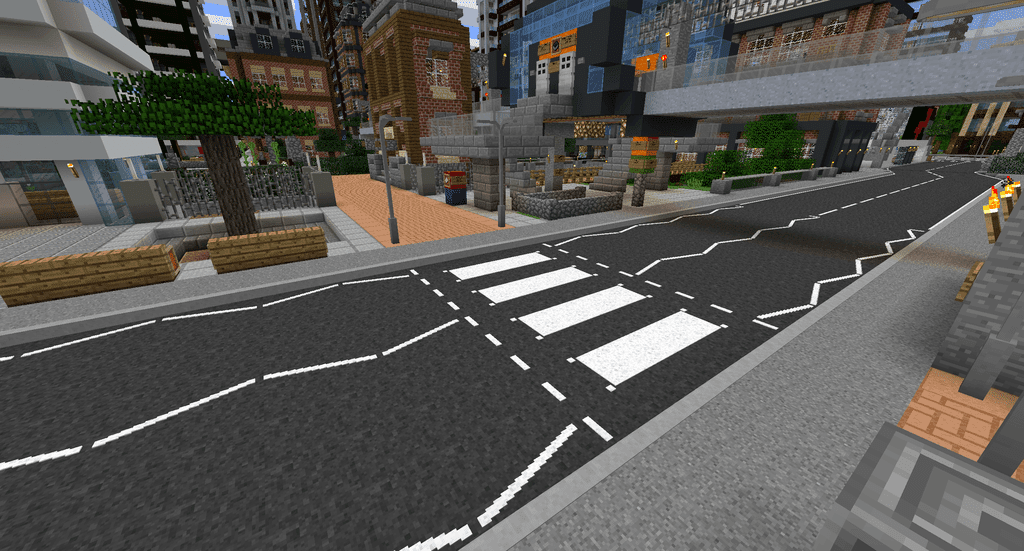
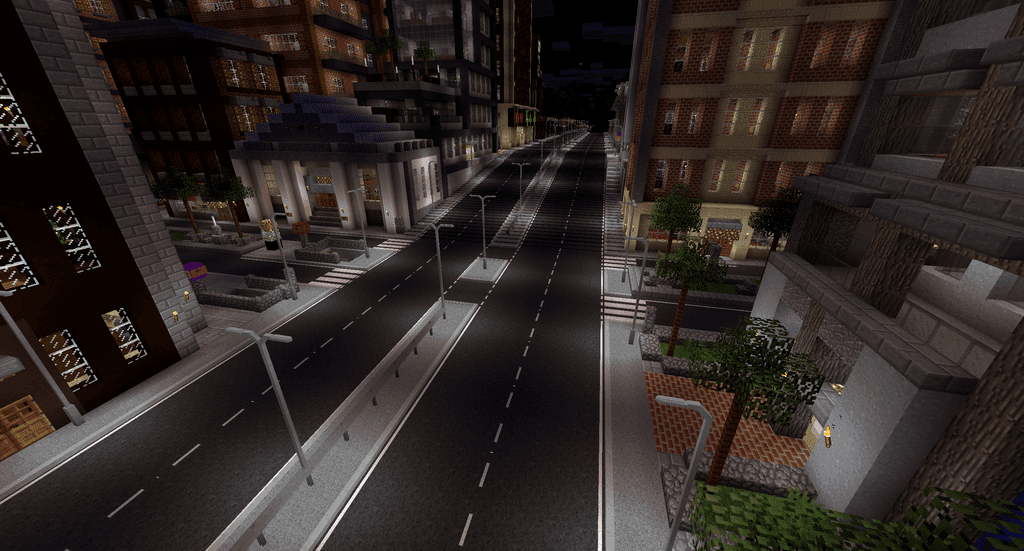
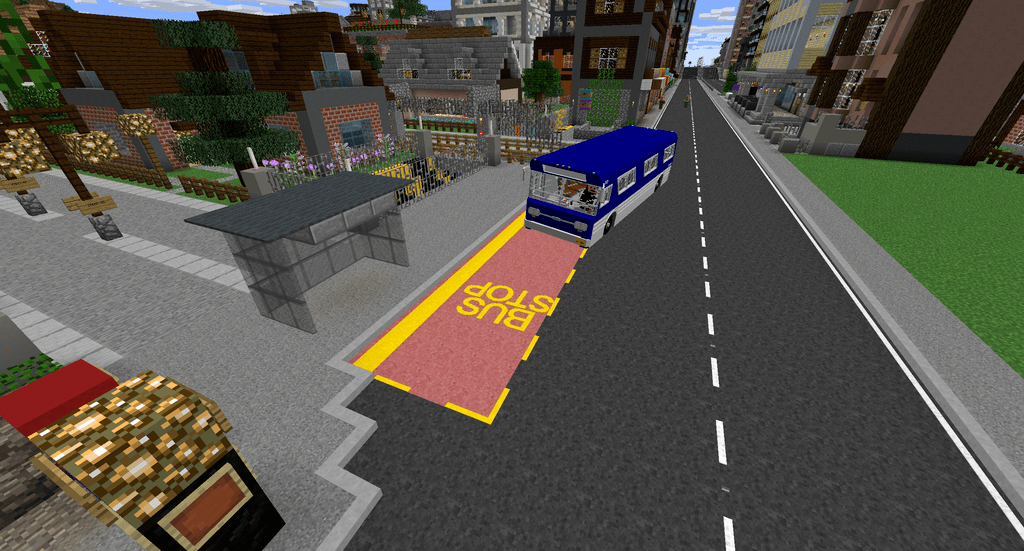
Bus courtesy of Immersive Vehicles
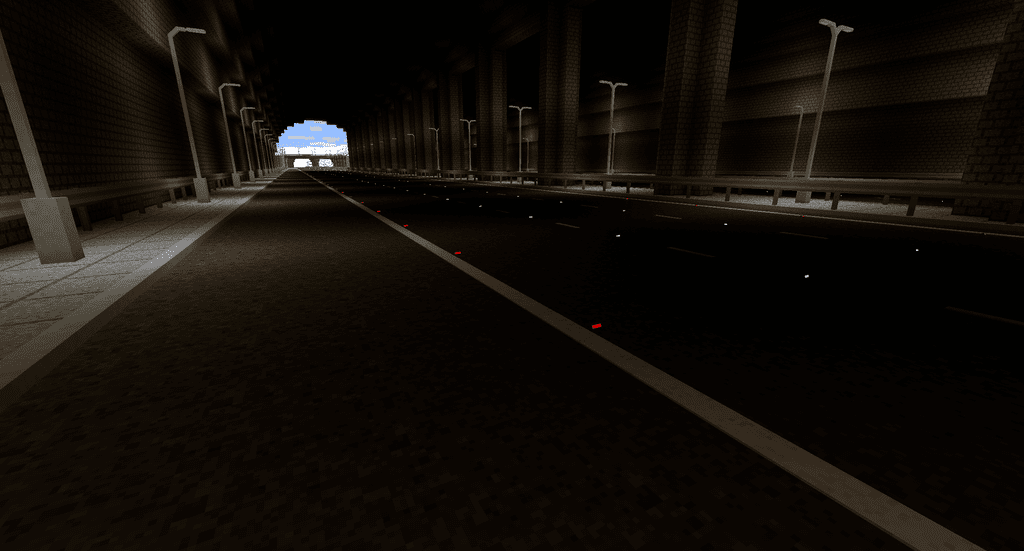
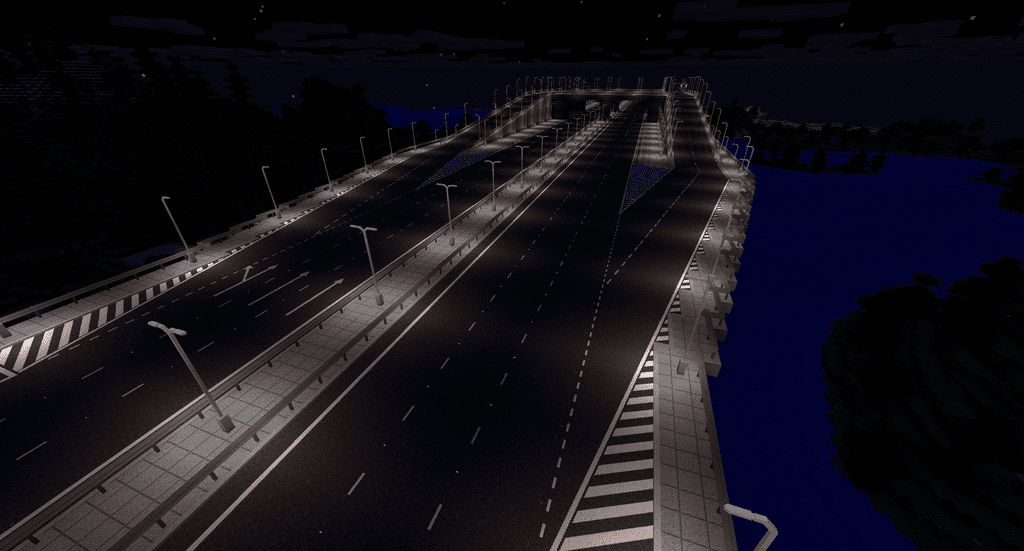
The lighting in Fureniku’s Roads is a bit fancy too. Here’s a day/night comparison of a highway:
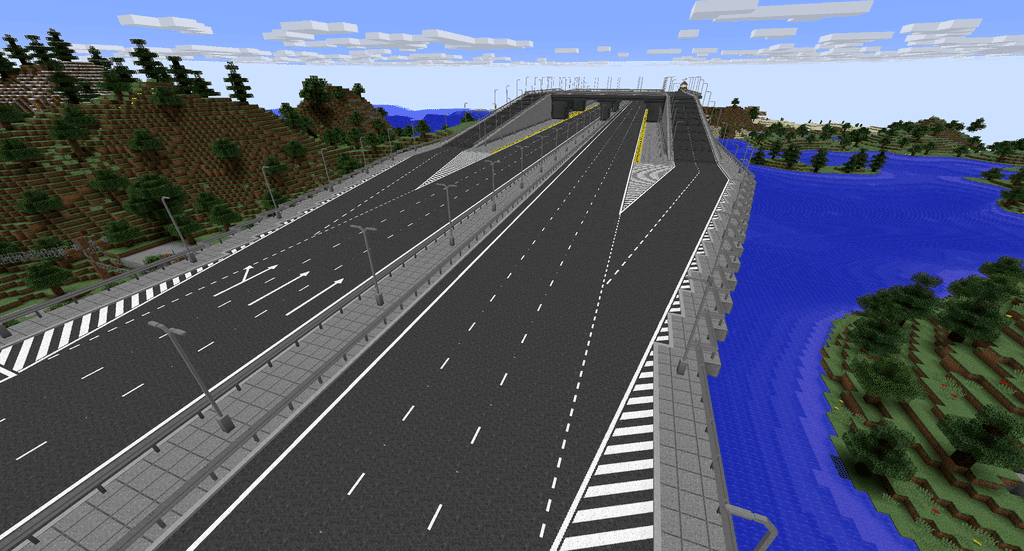
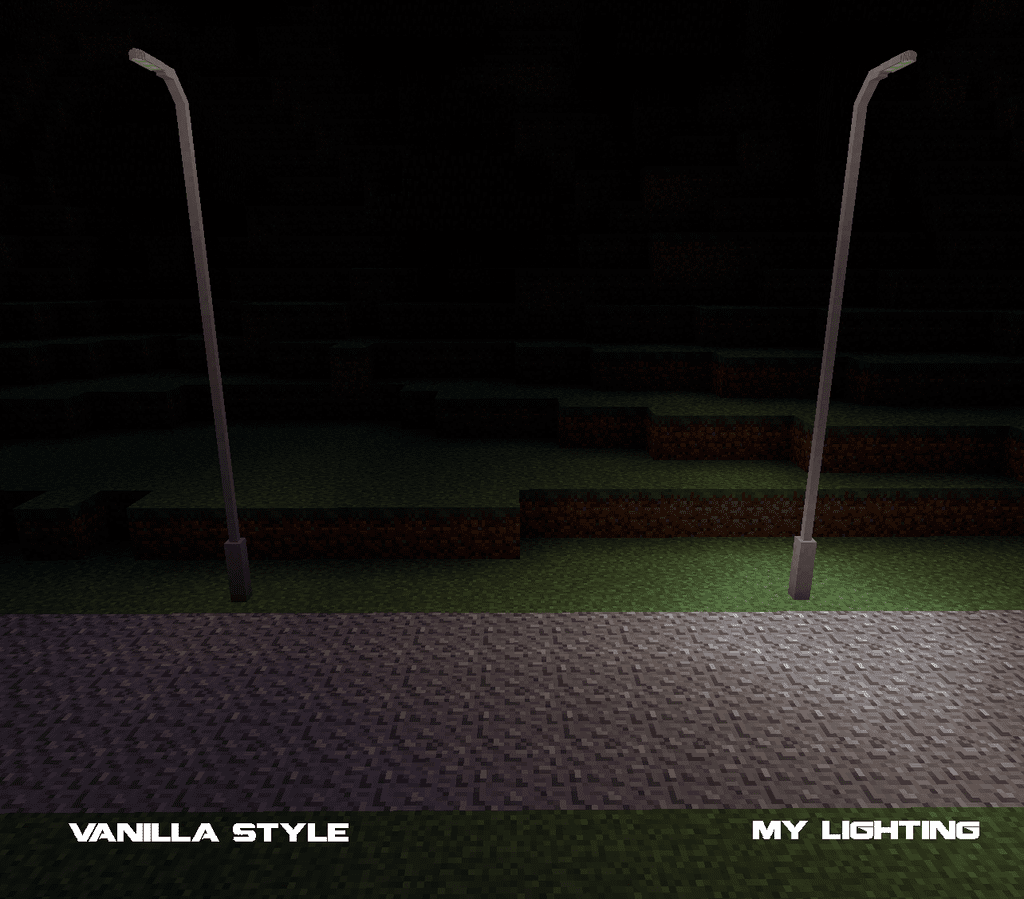
The street lights use a custom system which creates a fake light source at the base, giving them more natural lighting feel than Minecraft would normally offer.
Paint Gun
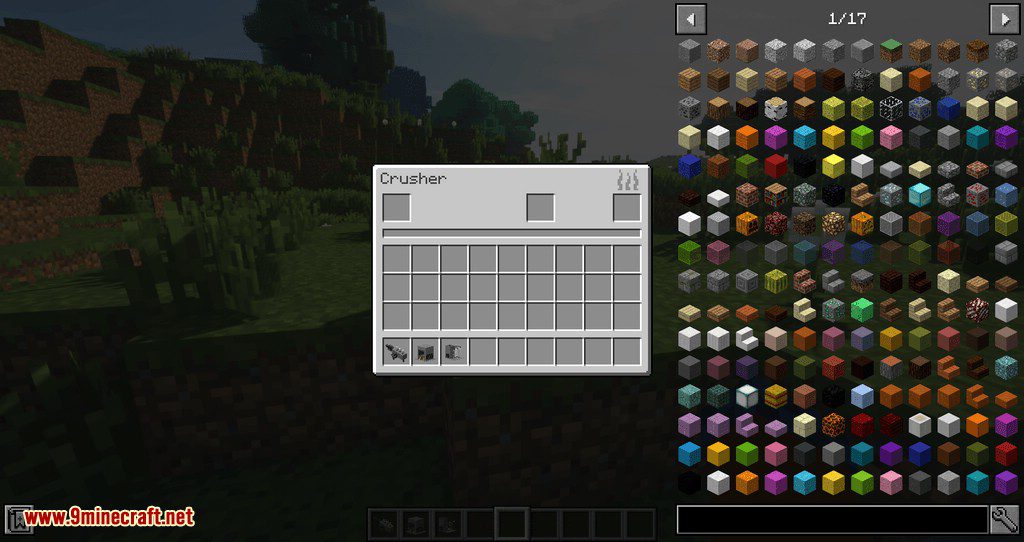
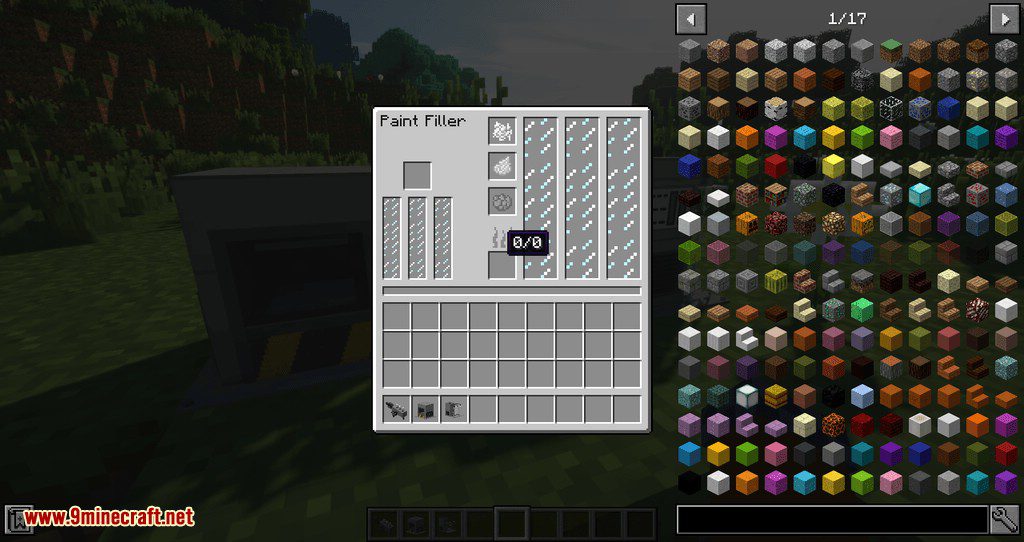
To extend the crafting system is the paint gun! This is what you’ll use to paint your roads and is useful for both survival and creative players. Just fill it up (if you’re in Survival), pick your paint, pick your color and off you go! The Paint Gun is great to manage your different paint types without filling up the hotbar. You can also use the “pick block” function (middle mouse by default) to select the paint you’re currently targeting and load it up on the gun.
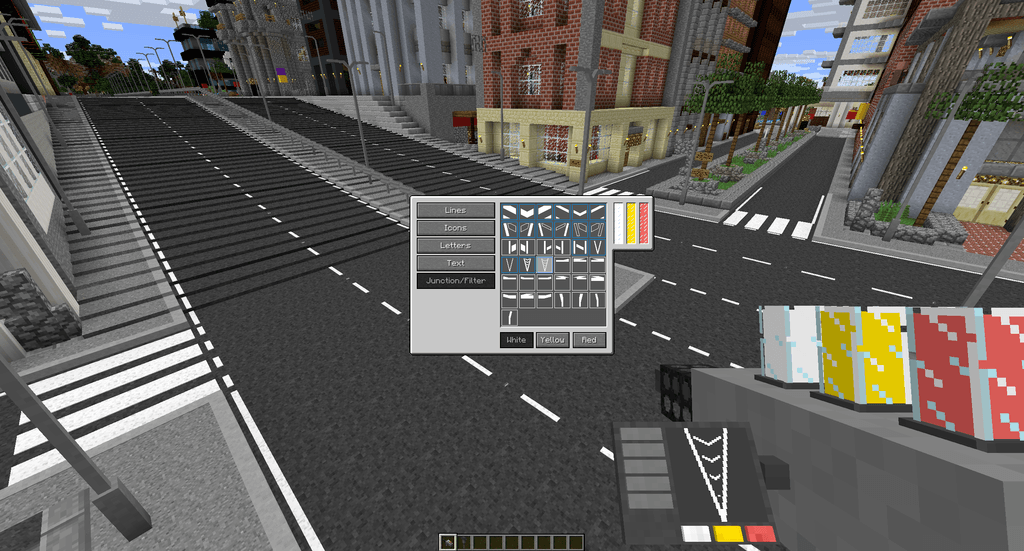
A blue border around an option suggests its a multi-block paint and will connect to others around it.
The display and tanks on the paint gun model are fully functioning!
Fureniku’s Roads Mod Download Links
For Minecraft 1.6.4
Forge version: Download from Server 1
For Minecraft 1.7.10
Forge version: Download from Server 1 – Download from Server 2
For Minecraft 1.12.2
Forge version: Download from Server 1 – Download from Server 2
For Minecraft 1.20.1, 1.20
Forge version: Download from Server 1 – Download from Server 2
- Edition: Minecraft Java
- File type: .jar
- Minecraft version listed: 1.20.1
- How to install: Install the matching mod loader (Forge, Fabric or NeoForge) for your Minecraft version. → Download the .jar. → Put it in the .minecraft/mods folder and launch that loader profile.
- Where to get it: In MC Java Mods, or directly above on this page.
Install steps are the general flow for this file type — How to install Minecraft Java mods & modpacks walks through it step by step.
- Downloads as 197754.mcaddon
- Download size: 1.3 MB
- Download link checked 26 Jul 2026 — working
- Mirrored on our own servers — the download does not depend on the original host
These come from our own check of the pack file, not from the source page.