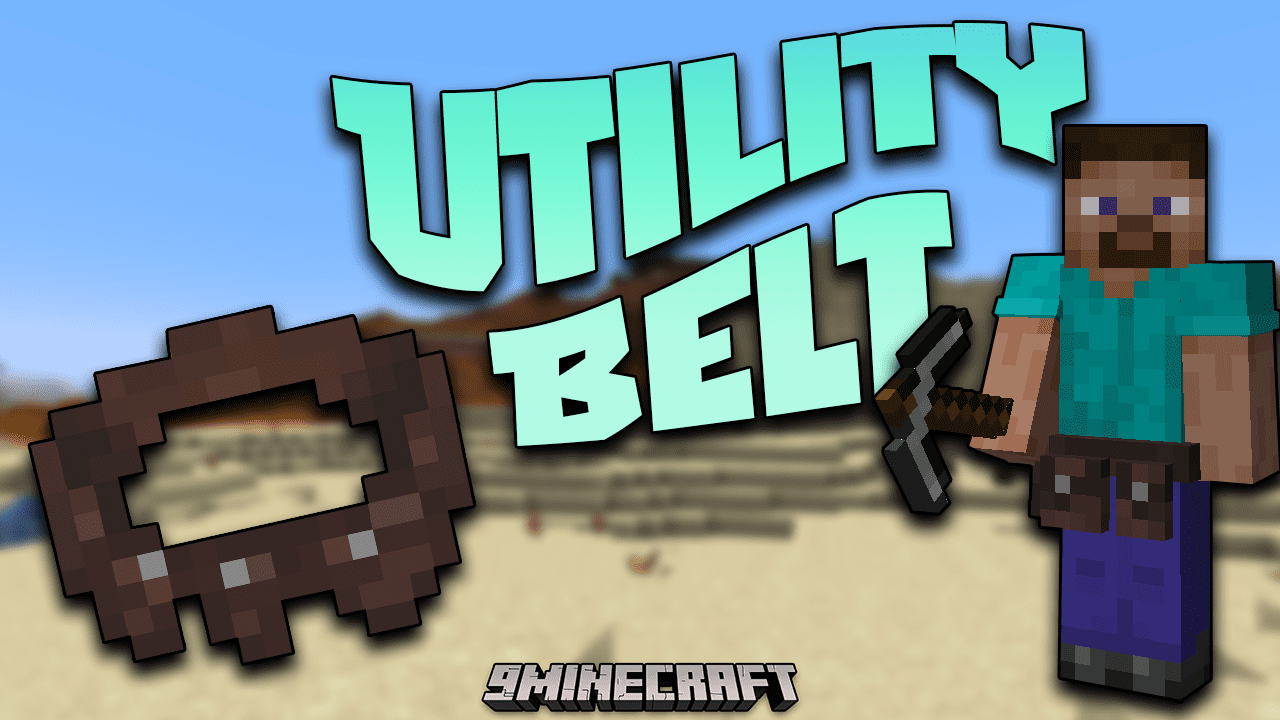
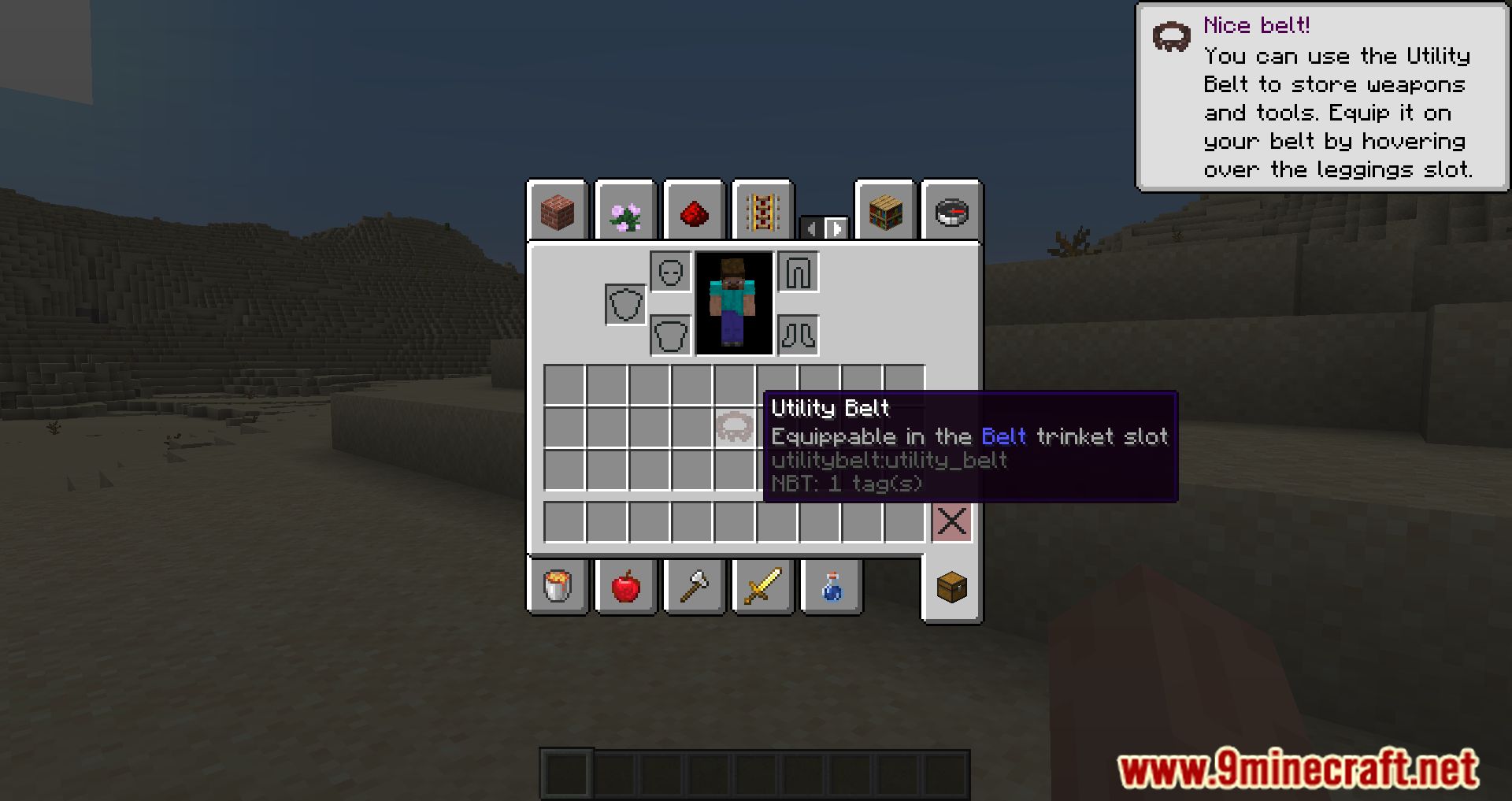
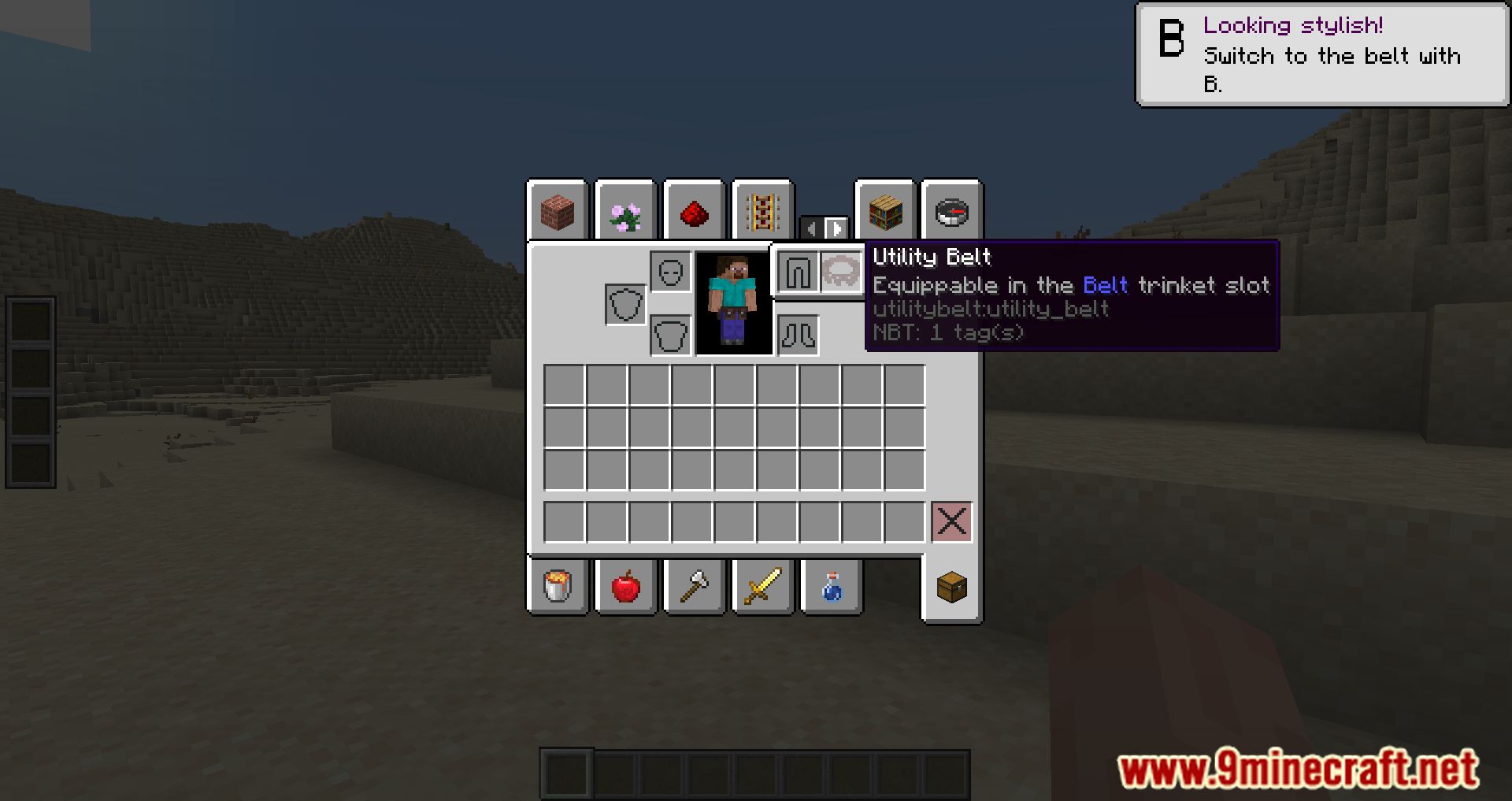
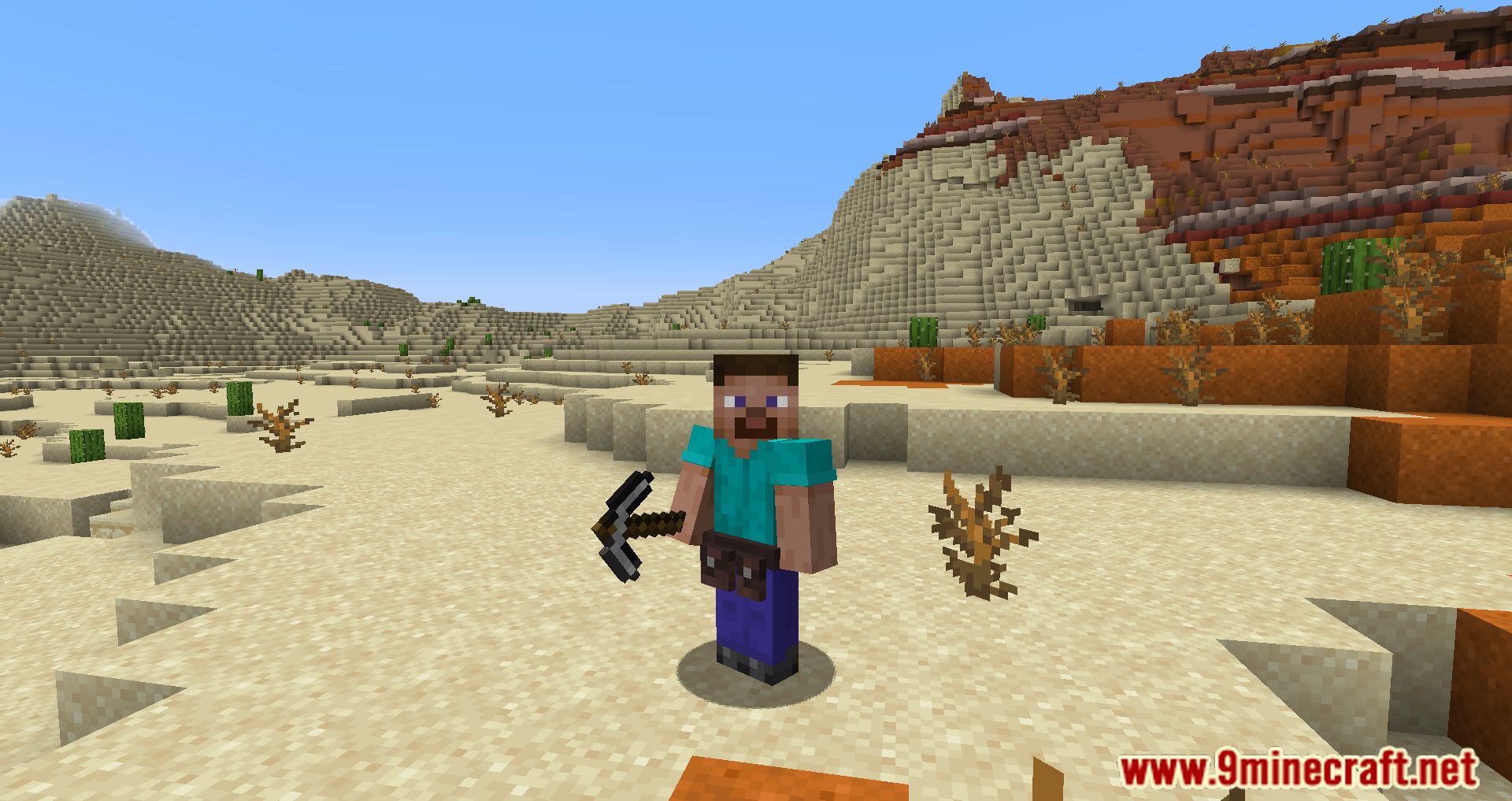
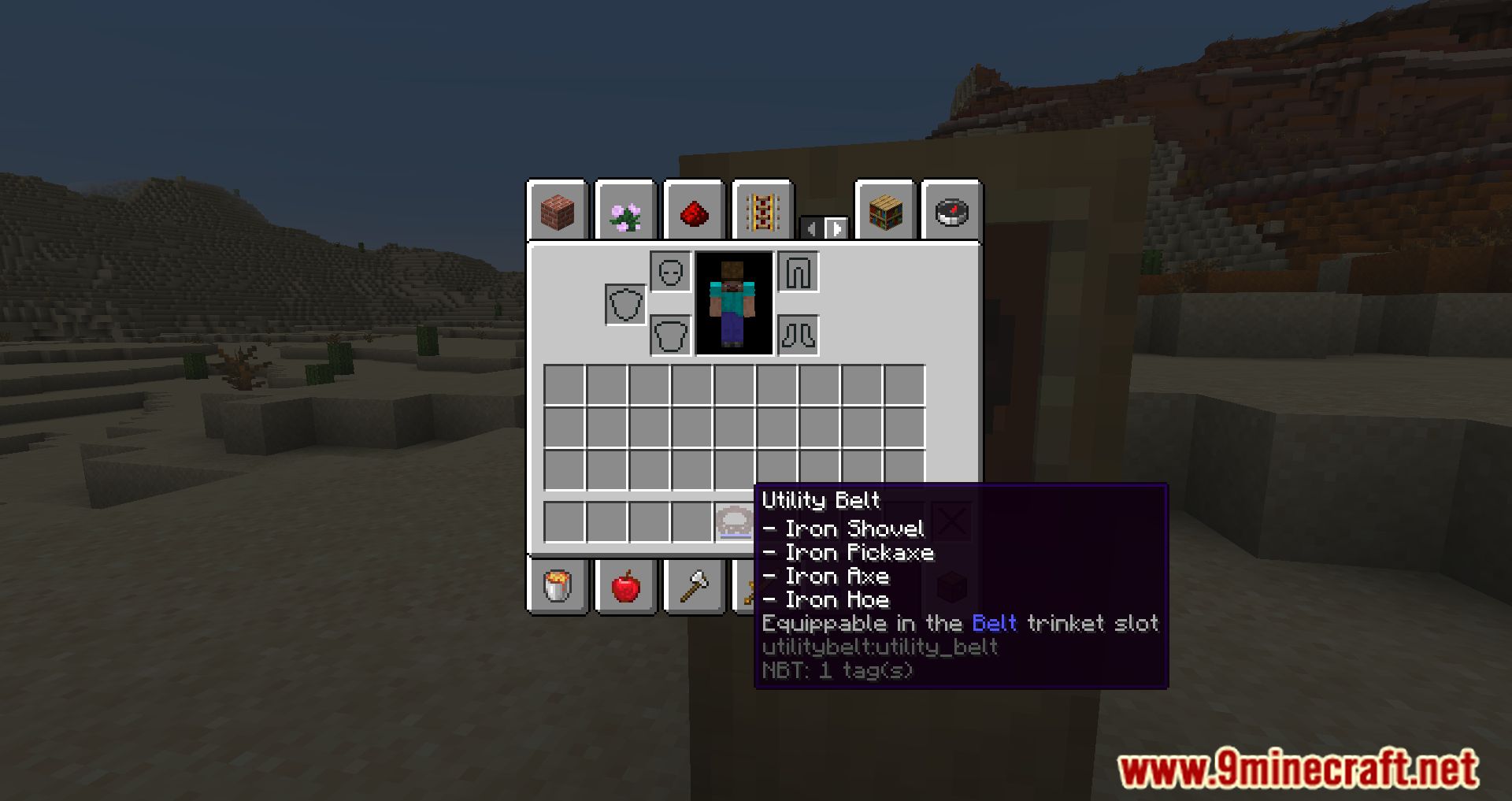
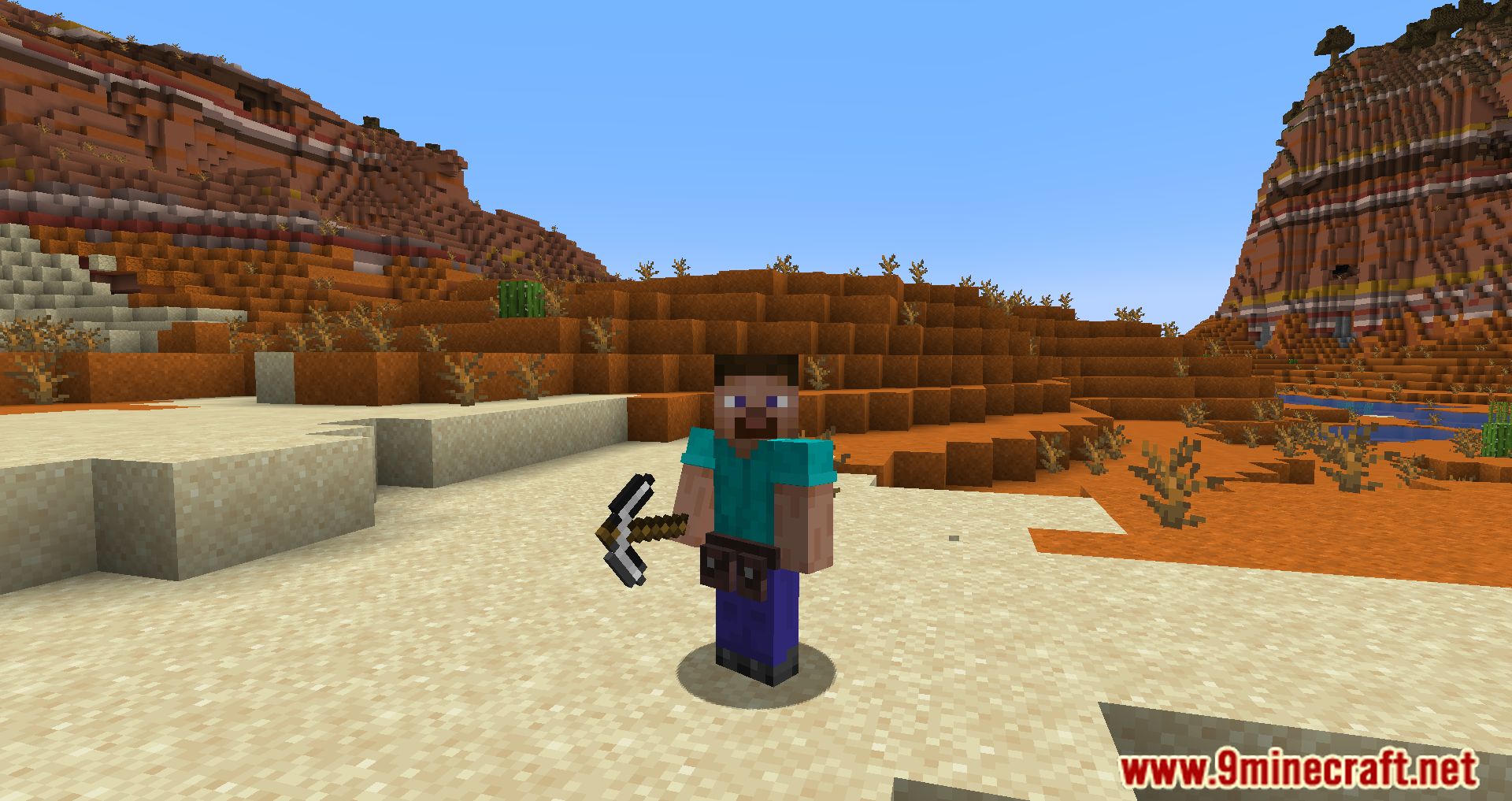
Utility Belt Mod will help you free up valuable space in your hotbar. By crafting the belt, you will get additional slots for tools, allowing you to instantly switch to the necessary tool when mining blocks or attacking.
Features:
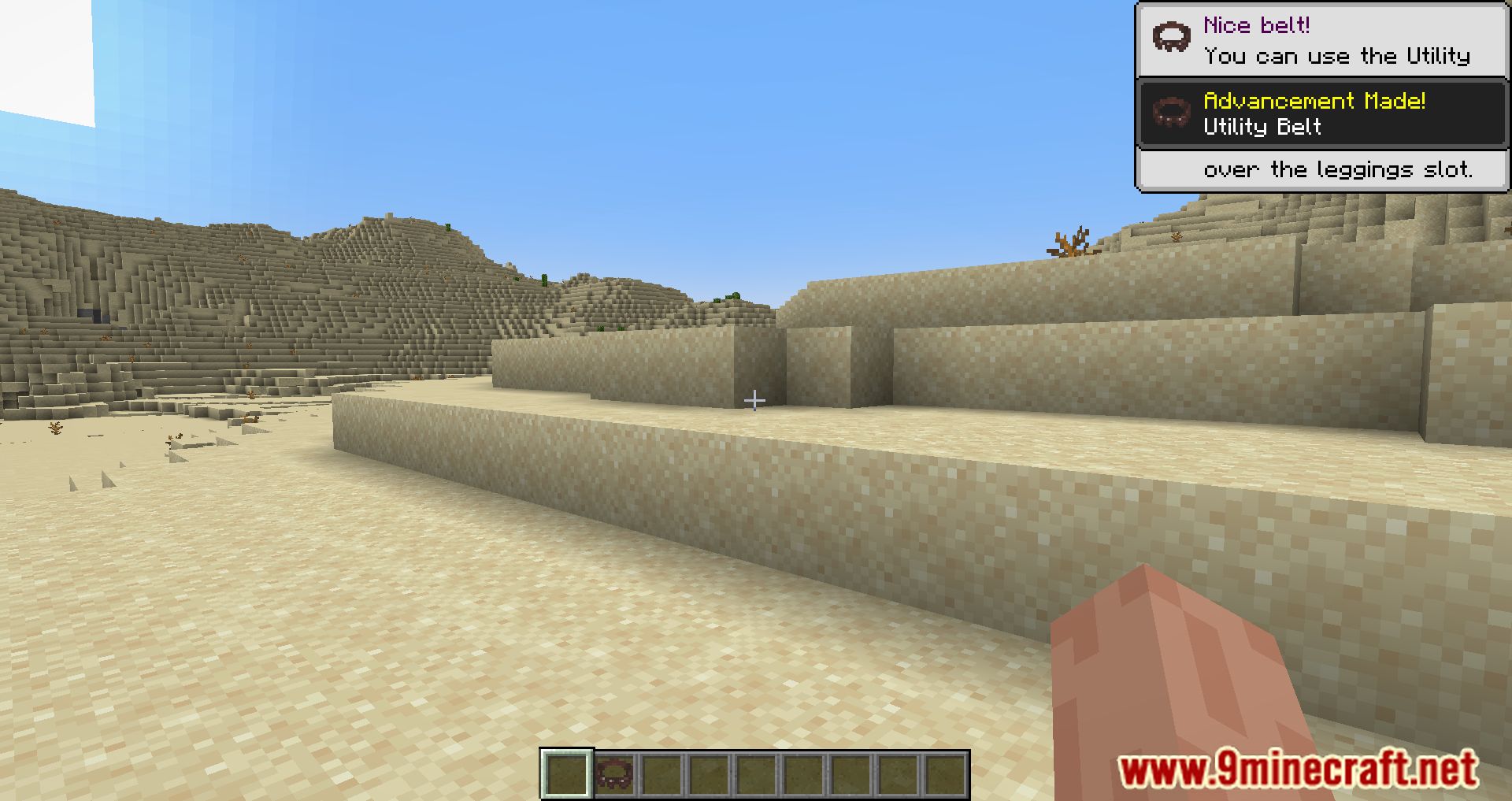
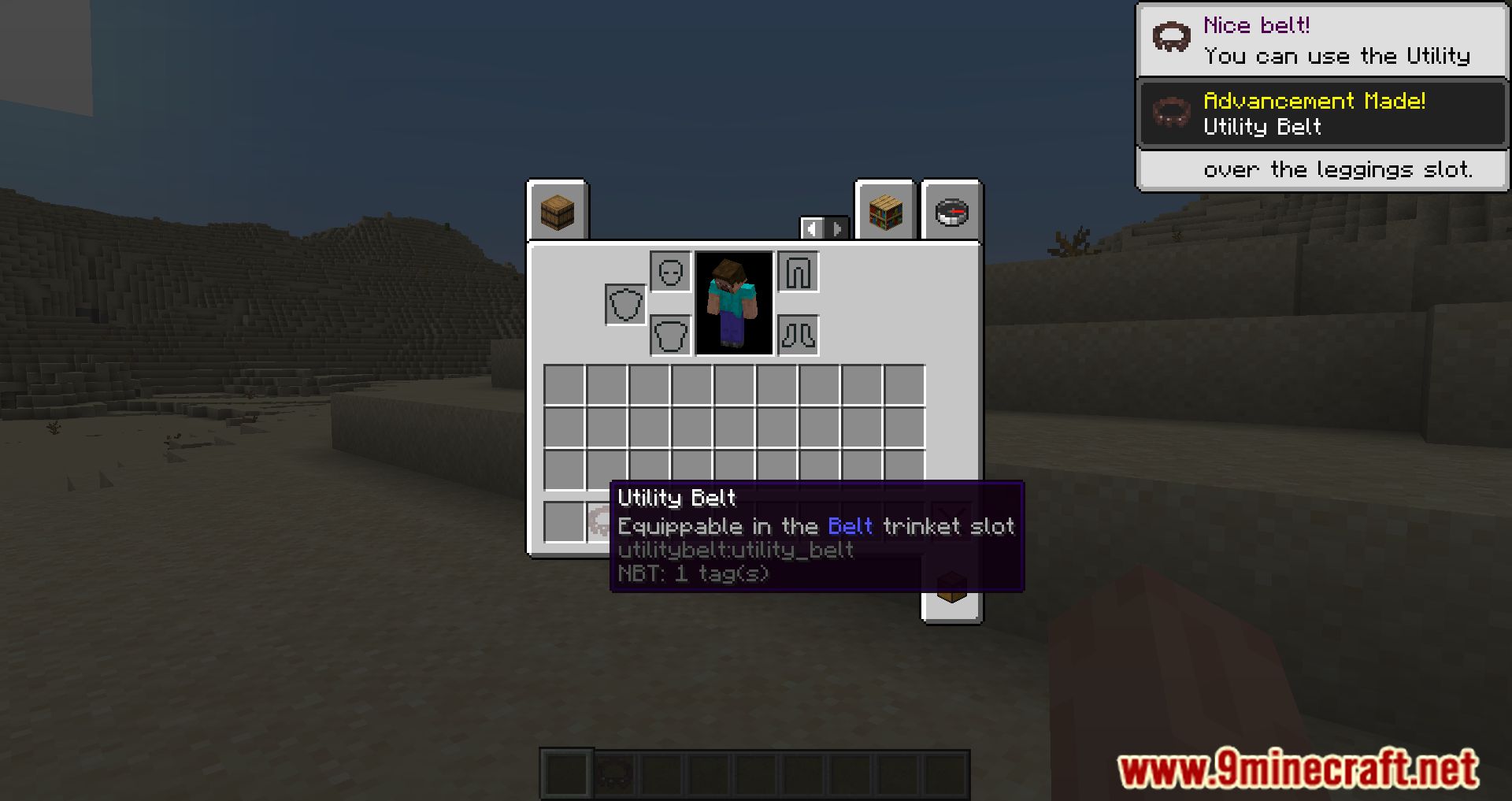
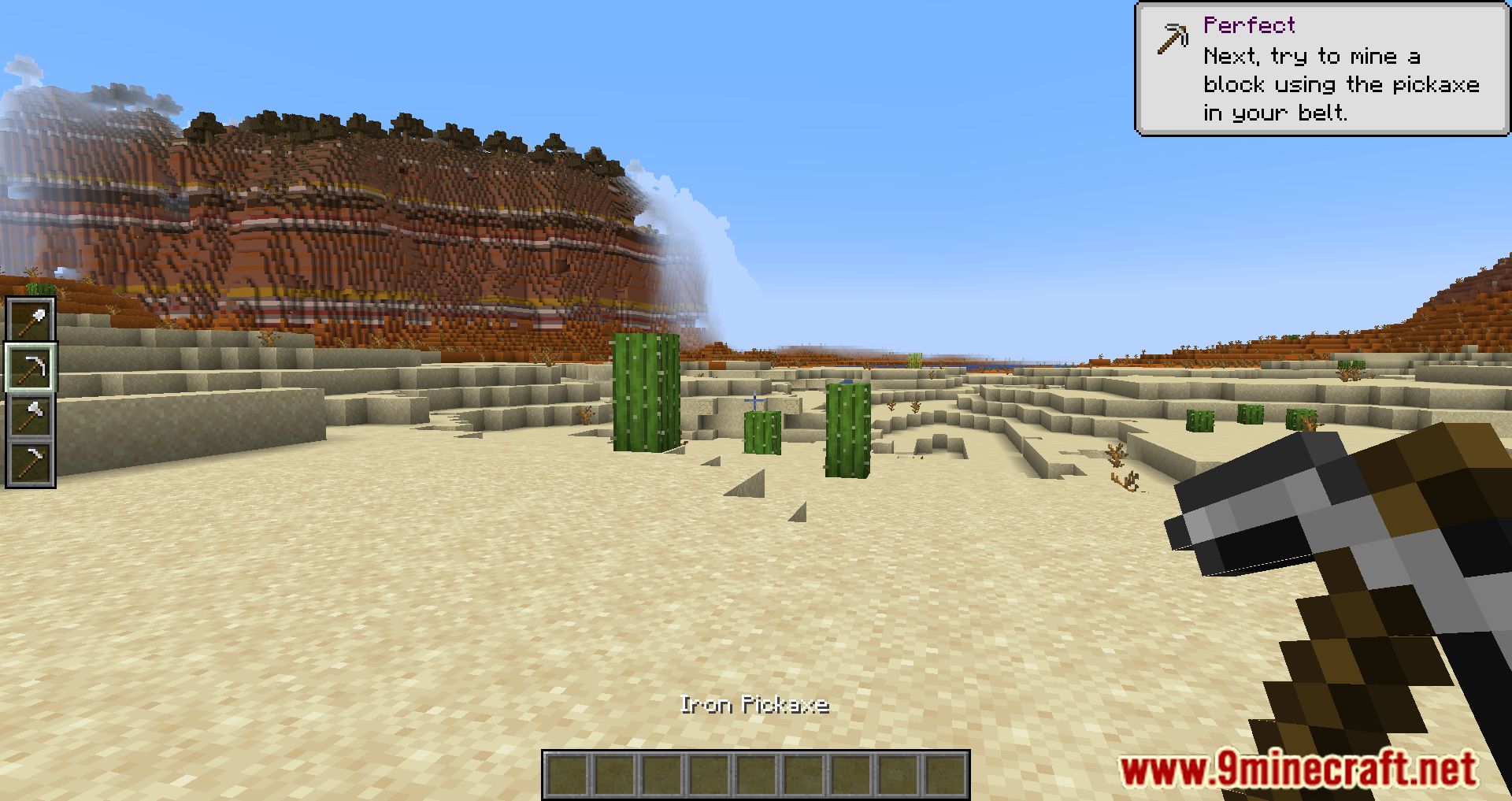
- The utility belt provides extra slots for tools, freeing up space in your hotbar.
- You can instantly switch between your regular hotbar and the belt using specific key bindings (B and N).
- The belt’s contents can be managed through a graphical user interface (GUI) by pressing the ‘ key.
- Crouching while using the belt allows you to swap items between the belt and your hotbar.
Screenshots:
Utility Belt Mod Download Links
For Minecraft 1.21.4
Fabric version: Download from Server 1 – Download from Server 2
NeoForge version: Download from Server 1 – Download from Server 2
For Minecraft 1.21.1, 1.21
Fabric version: Download from Server 1 – Download from Server 2
NeoForge version: Download from Server 1 – Download from Server 2
For Minecraft 1.20.6
Fabric version: Download from Server 1 – Download from Server 2
NeoForge version: Download from Server 1 – Download from Server 2
For Minecraft 1.20.4
Forge version: Download from Server 1 – Download from Server 2
NeoForge version: Download from Server 1 – Download from Server 2
Fabric version: Download from Server 1 – Download from Server 2
Quilt version: Download from Server 1 – Download from Server 2
For Minecraft 1.20.1, 1.20
Fabric/Quilt version: Download from Server 1 – Download from Server 2
For Minecraft 1.19.4
Fabric version: Download from Server 1 – Download from Server 2
For Minecraft 1.19.3
Fabric version: Download from Server 1 – Download from Server 2
For Minecraft 1.19.2, 1.19.1, 1.19
Fabric version: Download from Server 1 – Download from Server 2
- Edition: Minecraft Java
- File type: .jar
- Minecraft versions listed: 1.21.4, 1.20.1
- How to install: Install the matching mod loader (Forge, Fabric or NeoForge) for your Minecraft version. → Download the .jar. → Put it in the .minecraft/mods folder and launch that loader profile.
- Where to get it: In MC Java Mods, or directly above on this page.
Install steps are the general flow for this file type — How to install Minecraft Java mods & modpacks walks through it step by step.
- Downloads as 197778.mcaddon
- Download size: 252 KB
- Download link checked 26 Jul 2026 — working
- Mirrored on our own servers — the download does not depend on the original host
These come from our own check of the pack file, not from the source page.