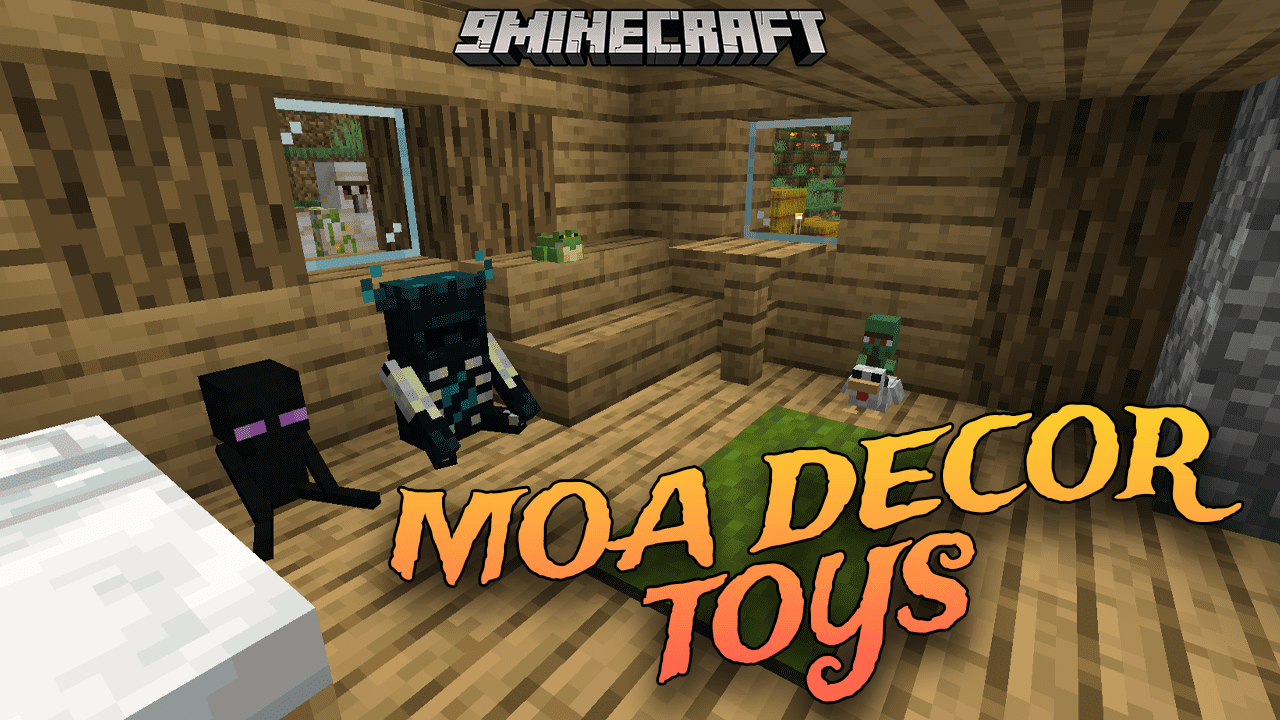
Moa Decor Toys Mod is a decoration-focused Minecraft mod that introduces a variety of toys-themed objects to enhance the aesthetics of your builds. In a Minecraft world where many furniture mods already exist, it stands out by offering a wide range of decorative items, providing players with an extensive selection for creative building and decorating purposes. Elevate your Minecraft builds with this mod. Dive into a world of playful decorations, craft unique and vibrant elements, and unleash your creativity as you design spaces filled with whimsical charm. Whether you’re creating a fantasy-themed playground or adding a touch of nostalgia to your builds, this mod brings a delightful array of decorative options to your Minecraft experience.
Features:
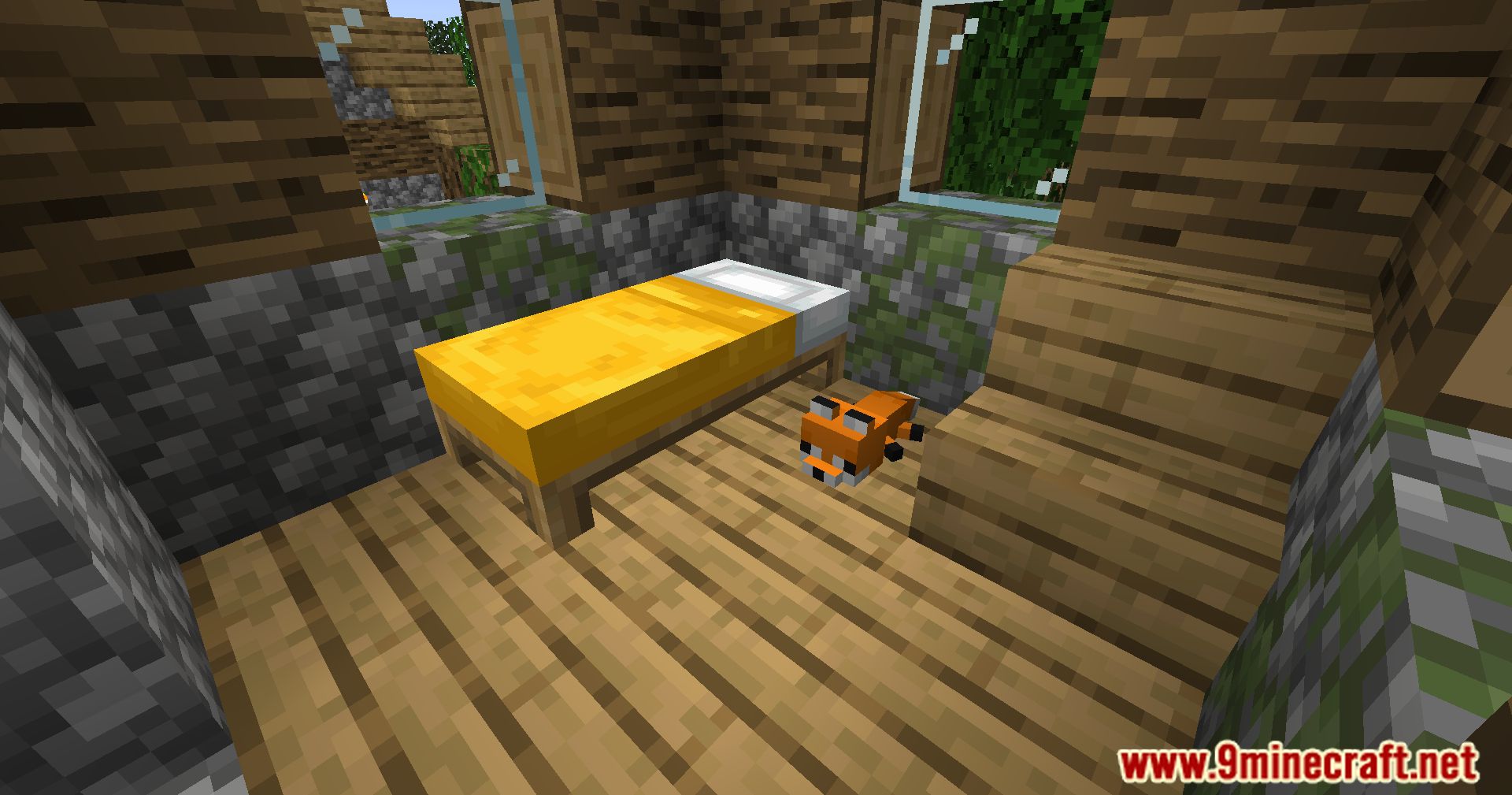
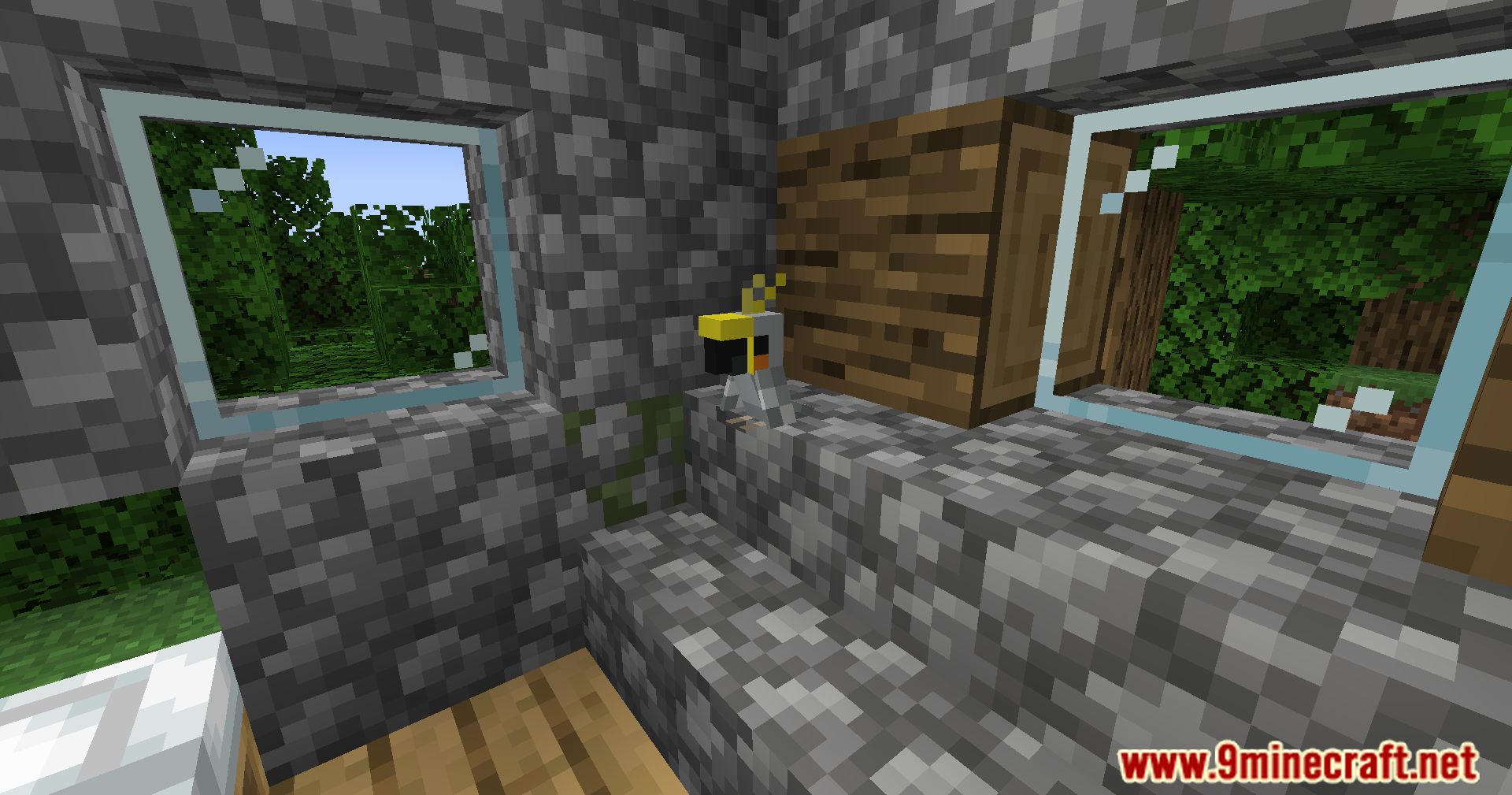
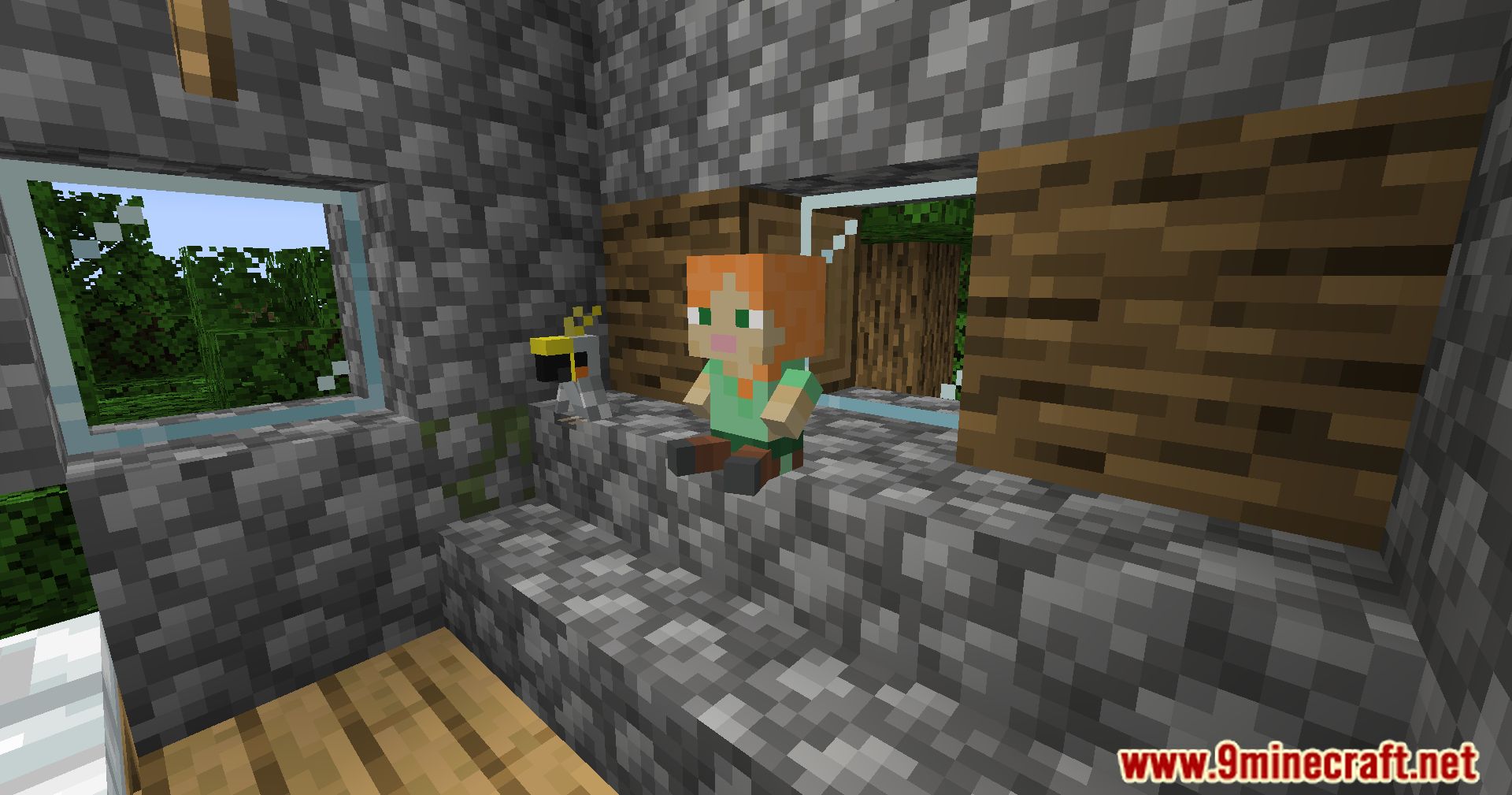
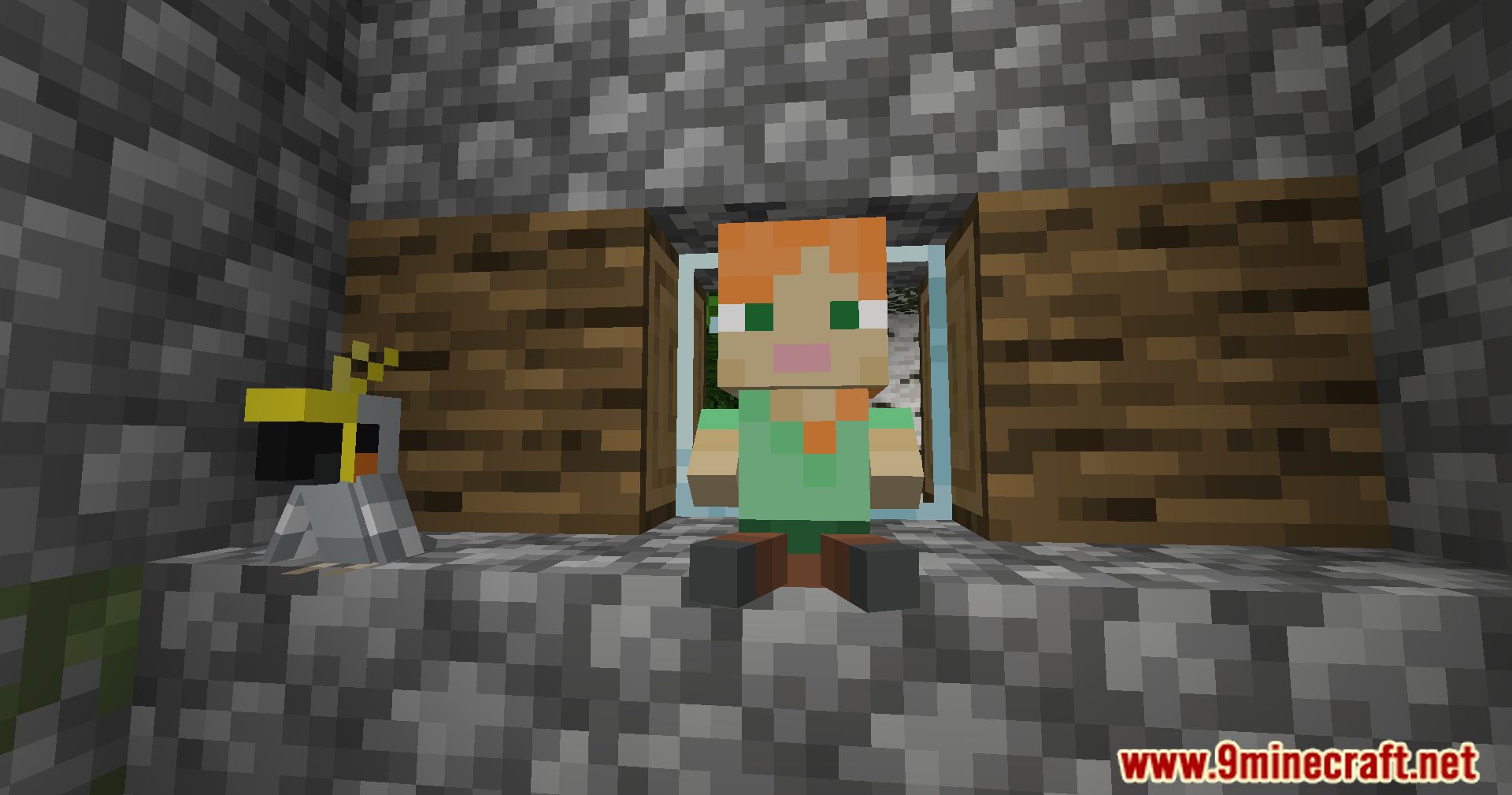
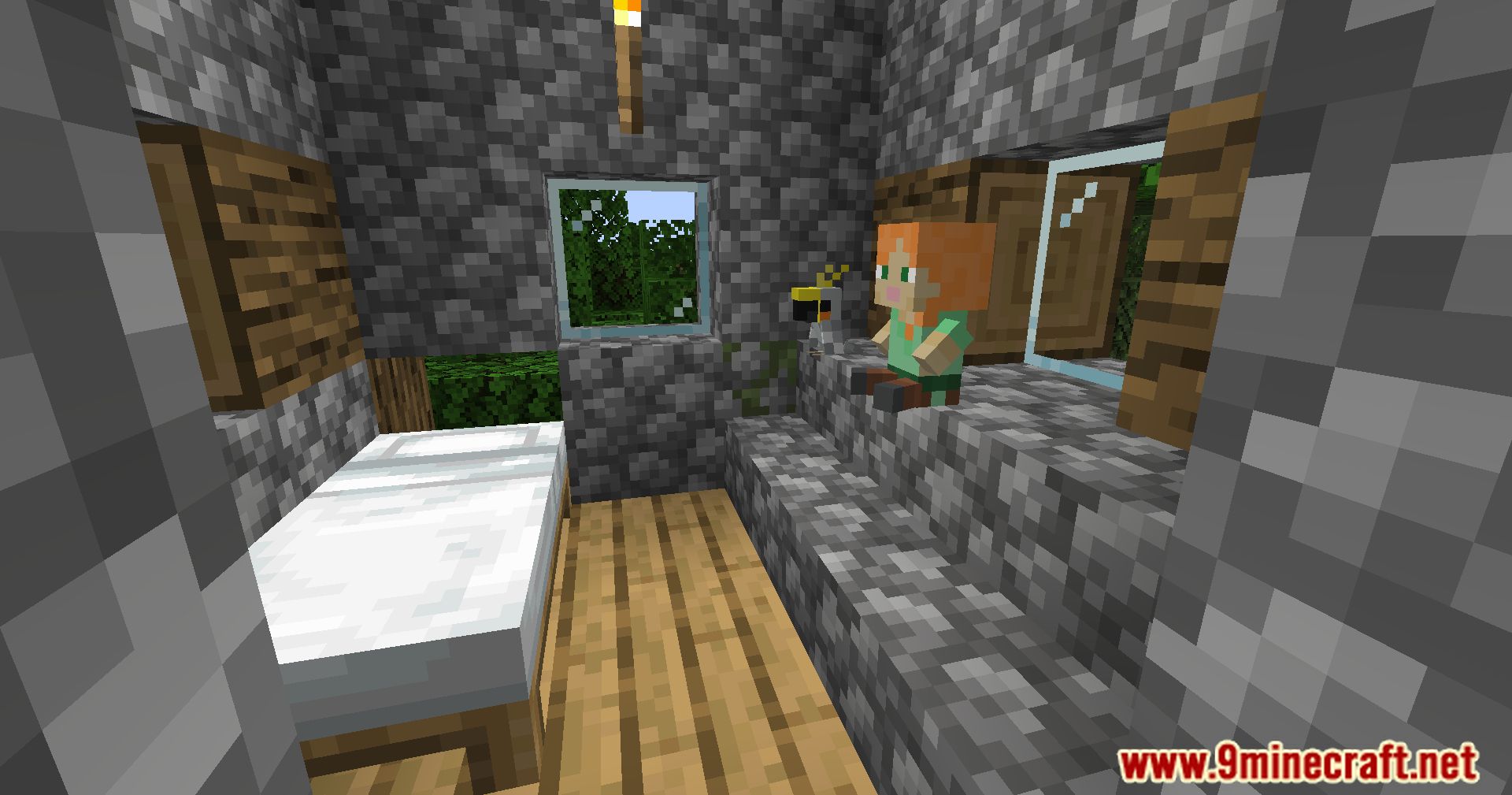
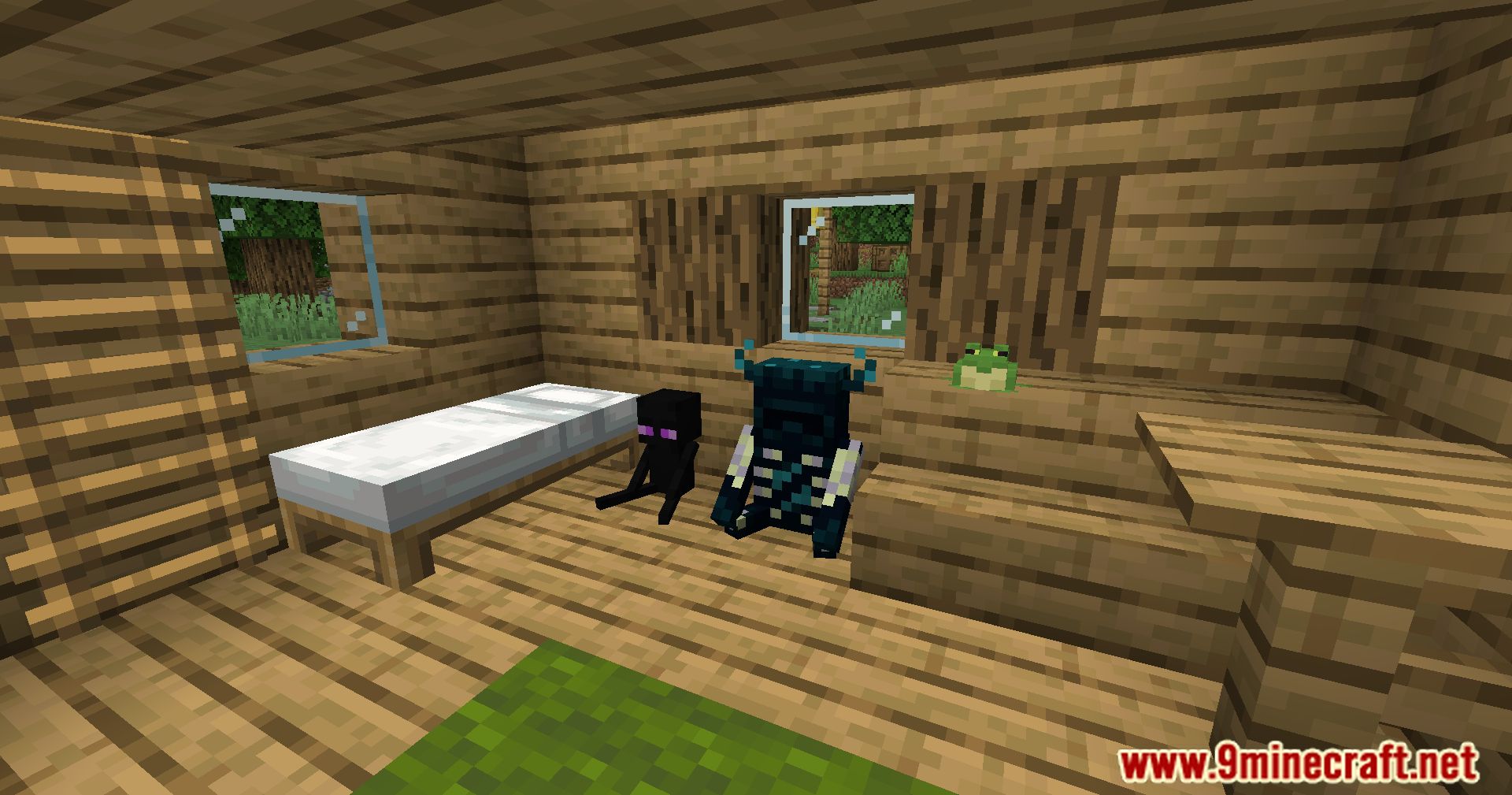
- The mod aims to complement existing furniture mods by adding a diverse array of toy-themed decorative objects.
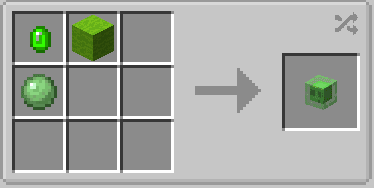
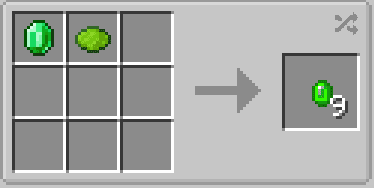
- All items introduced by the mod are obtainable in survival mode. To kickstart the crafting process, players need to combine lime dye and emerald on a crafting table, resulting in 9 toy gems.
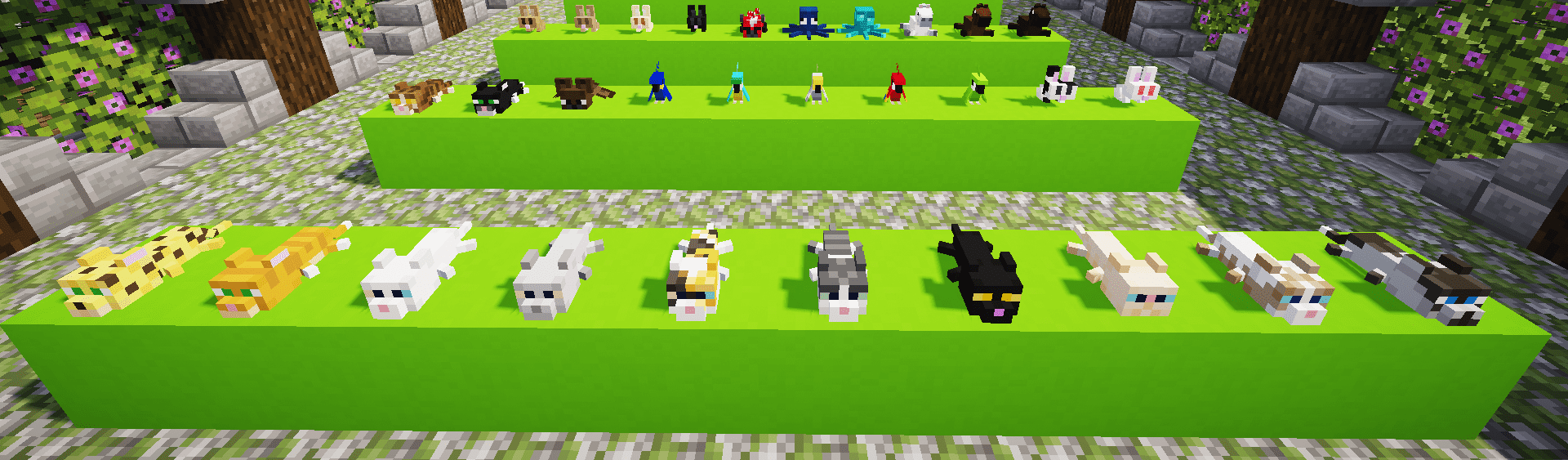
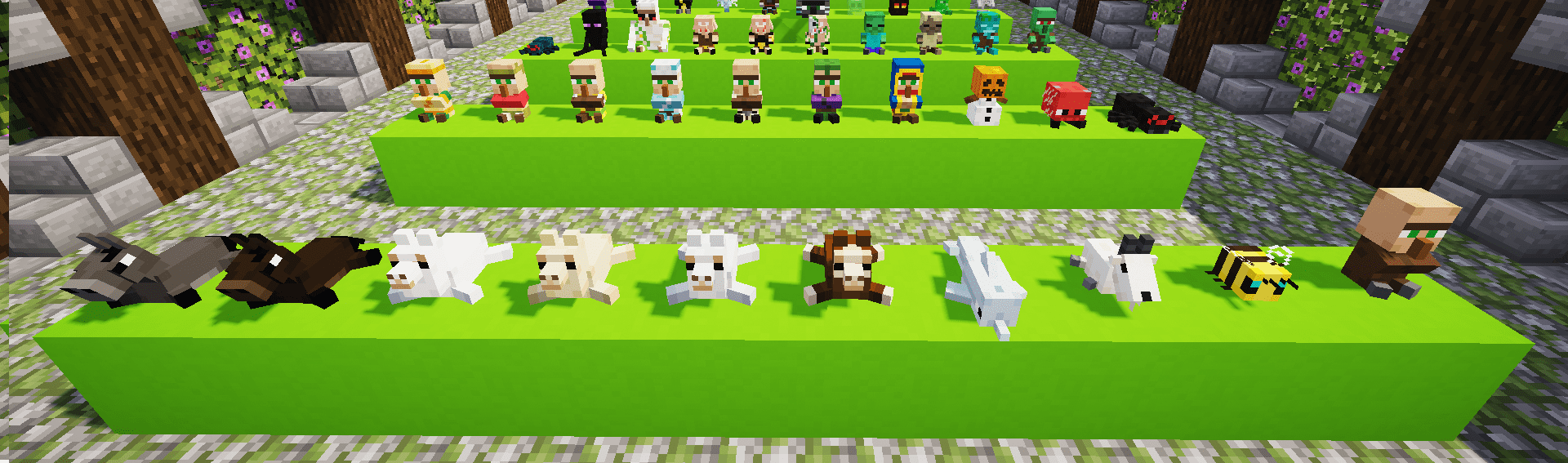
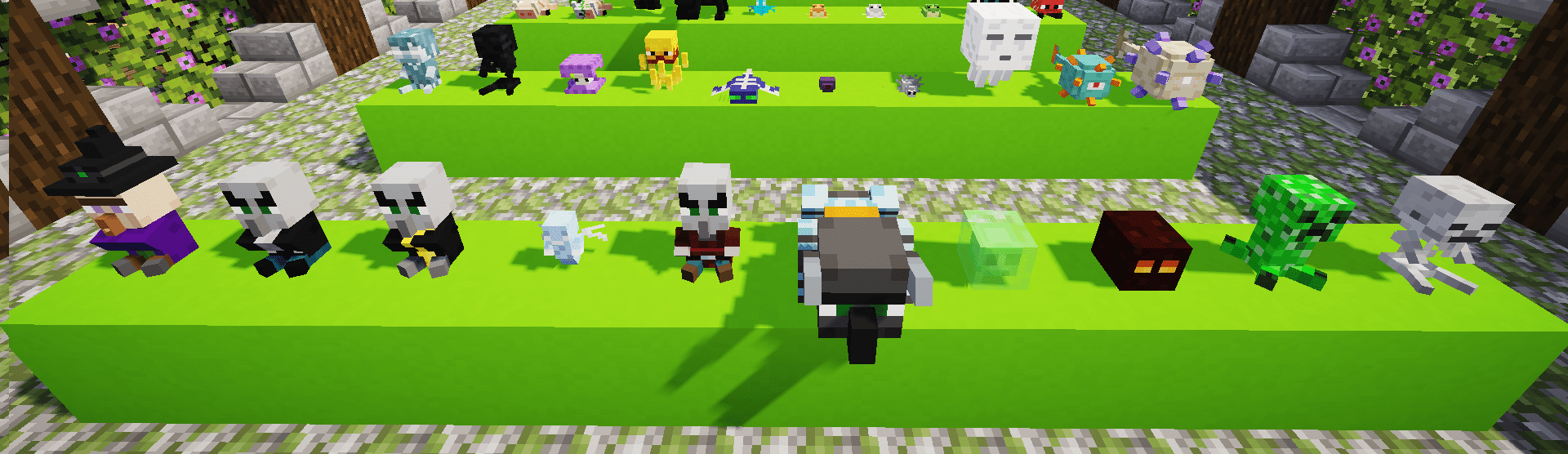
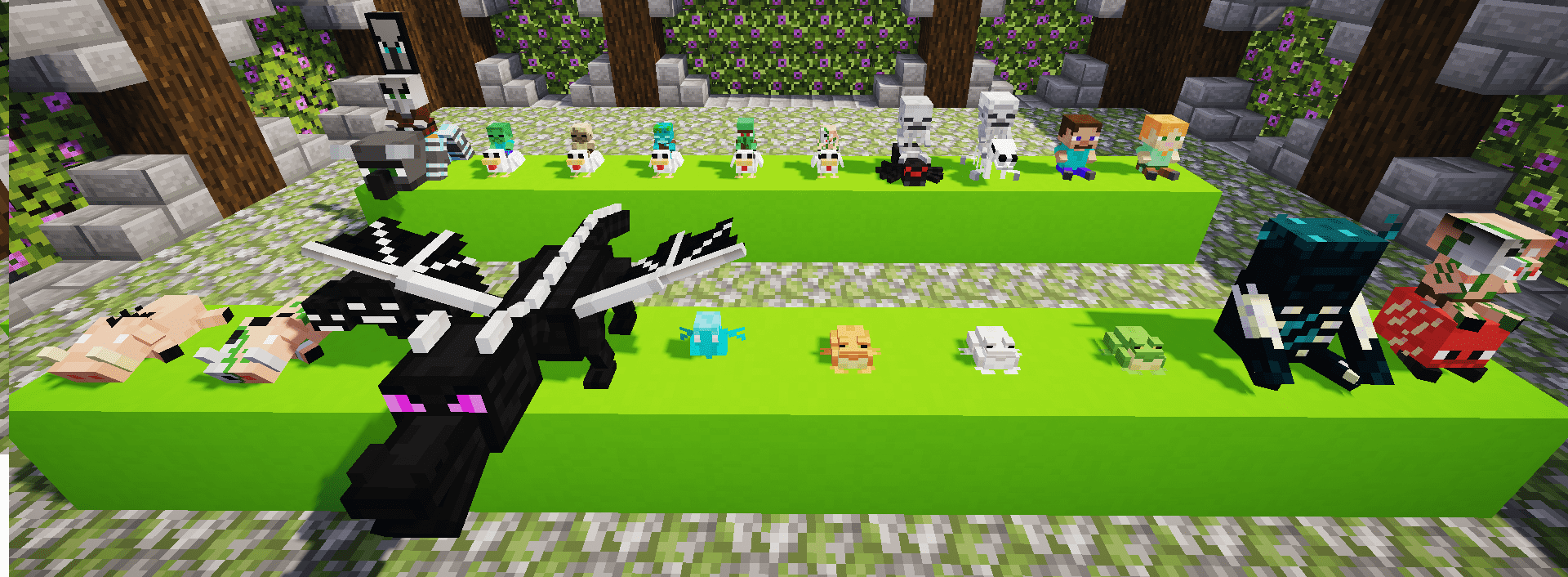
- This mod boasts a wide variety of objects, allowing players to explore and experiment with different styles of decoration.
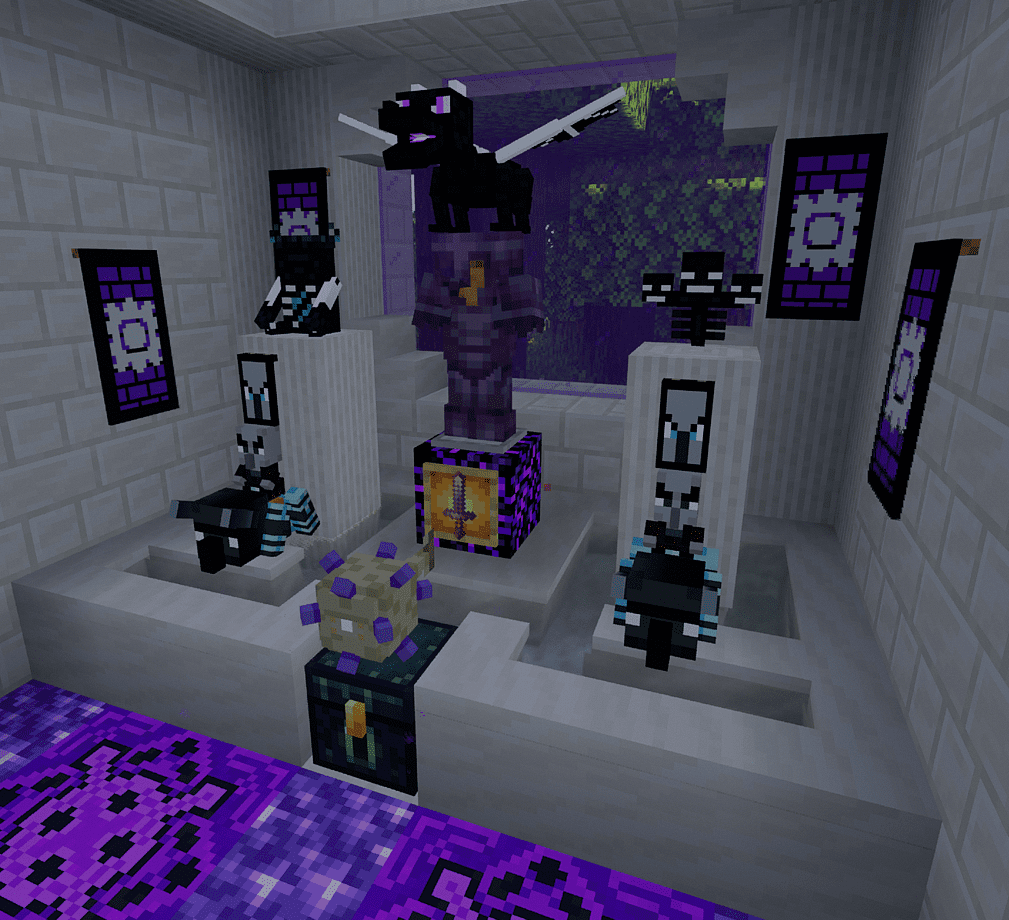
Screenshots:
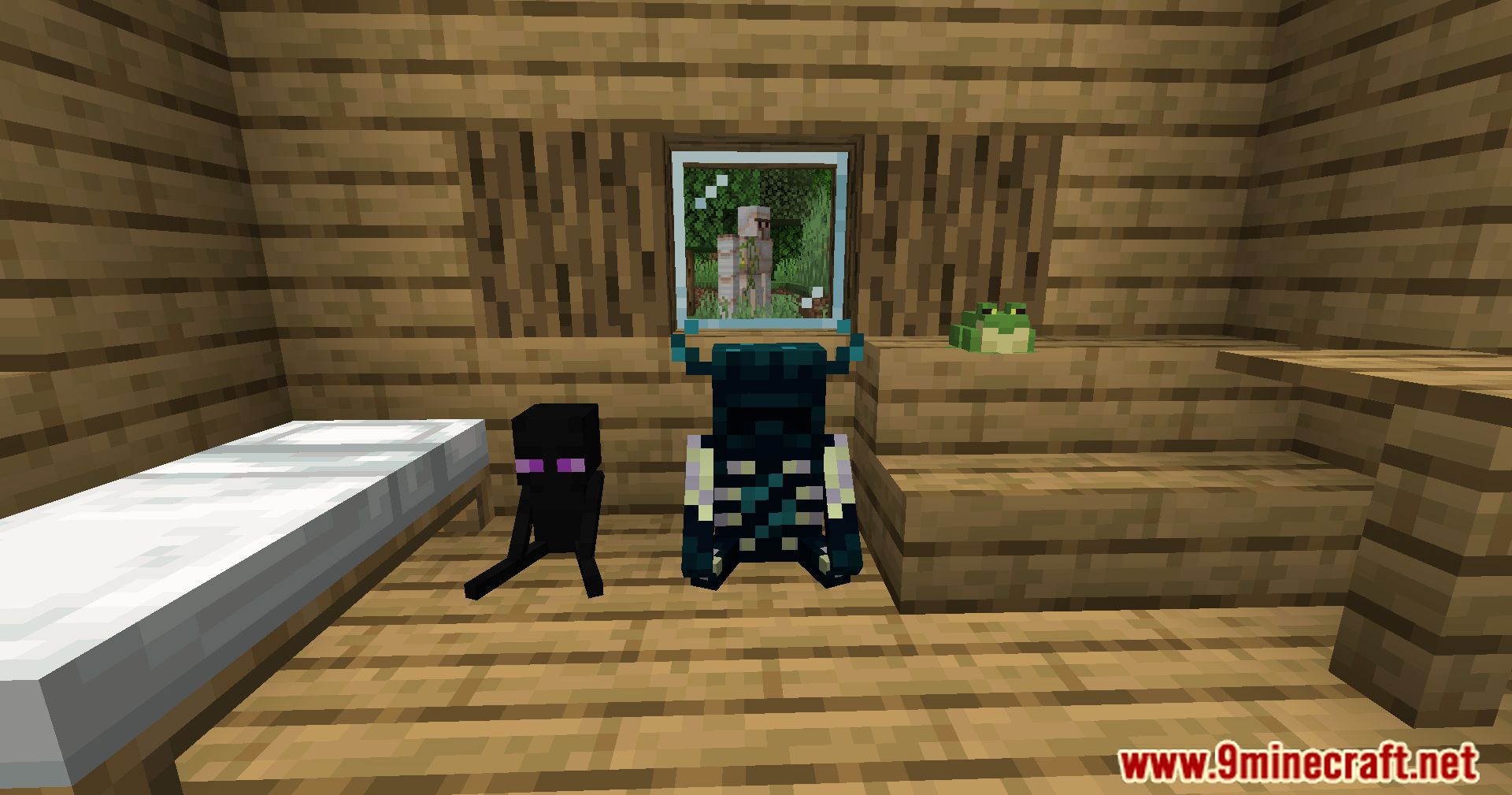
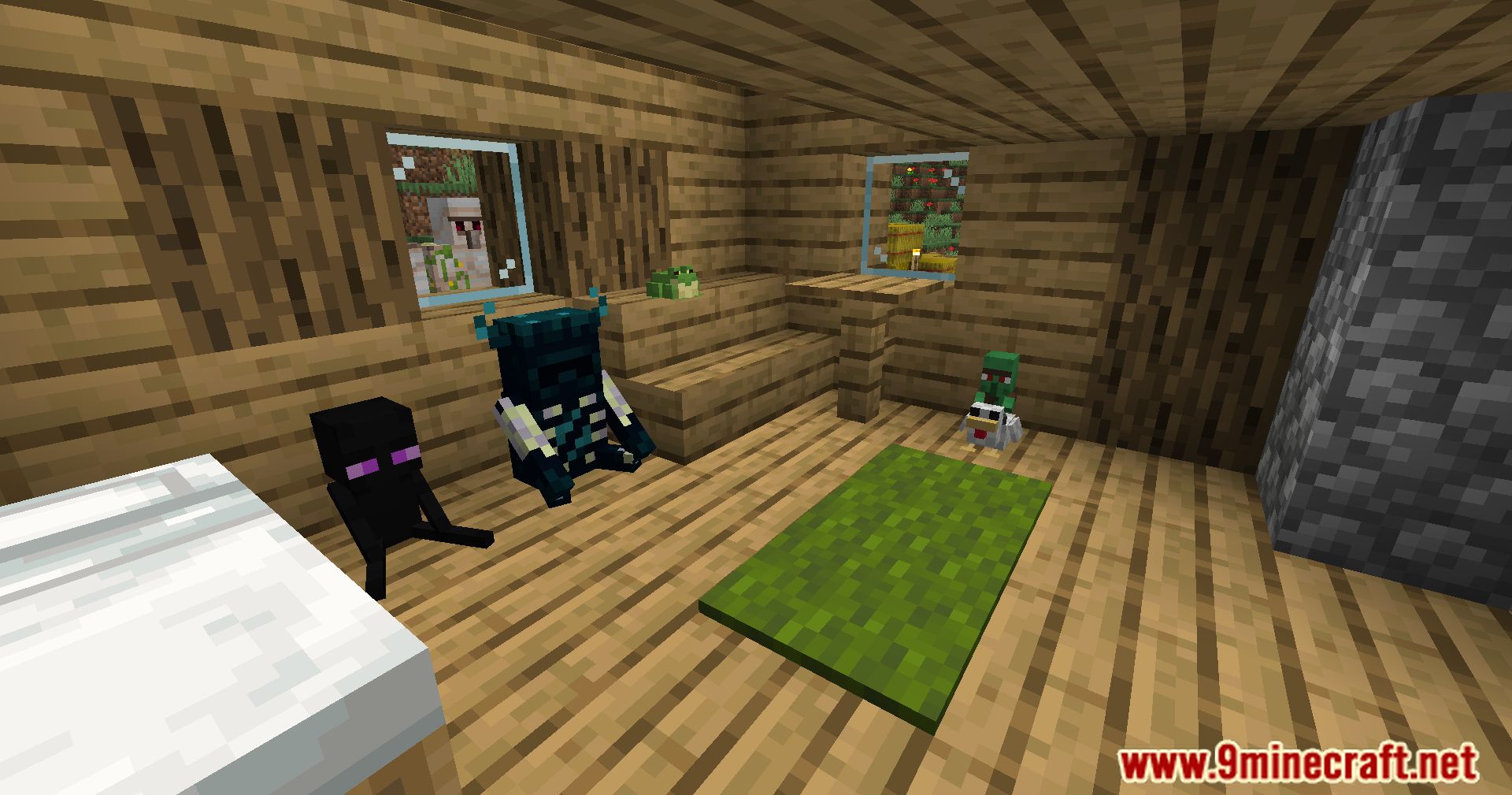
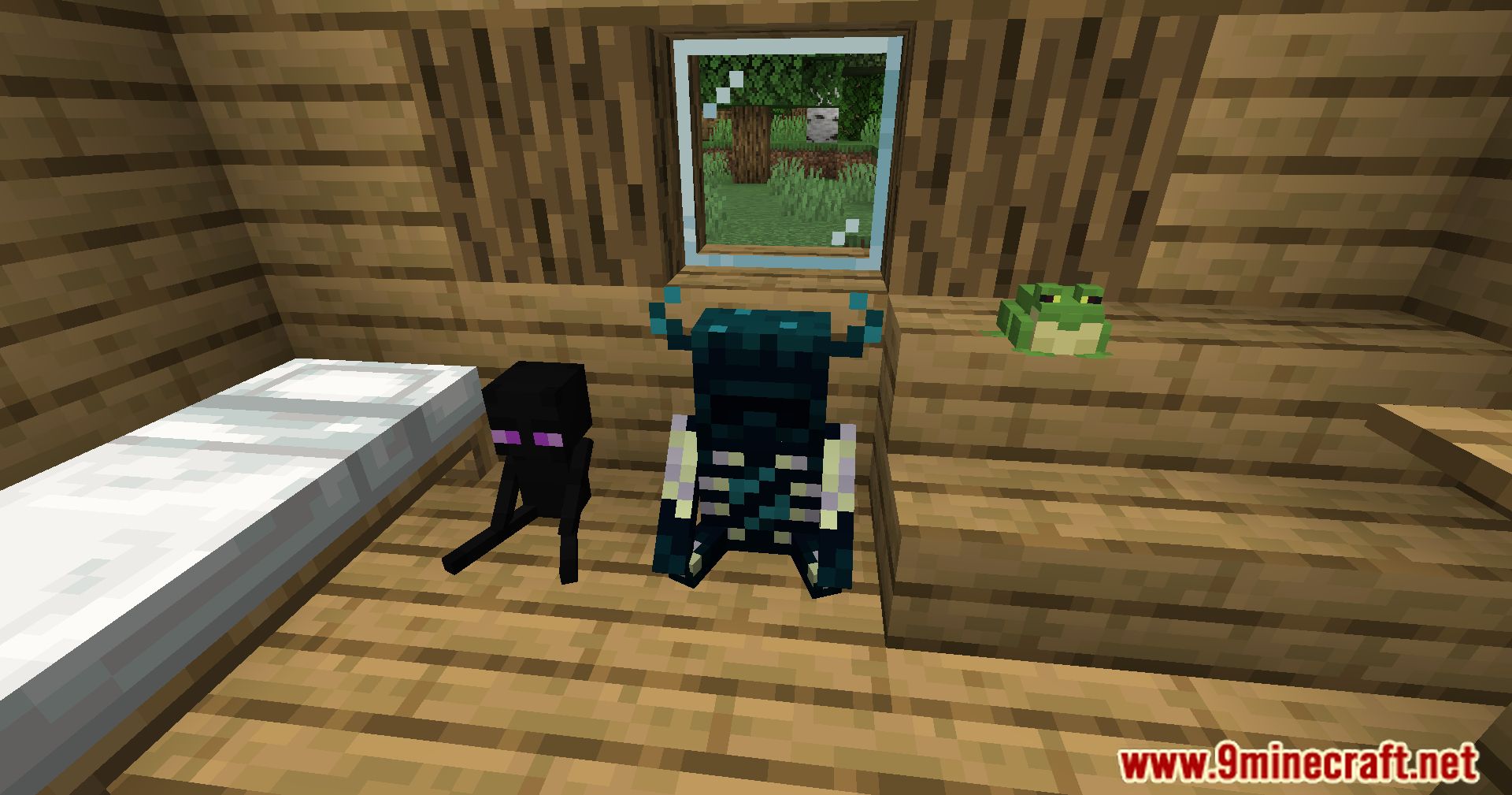
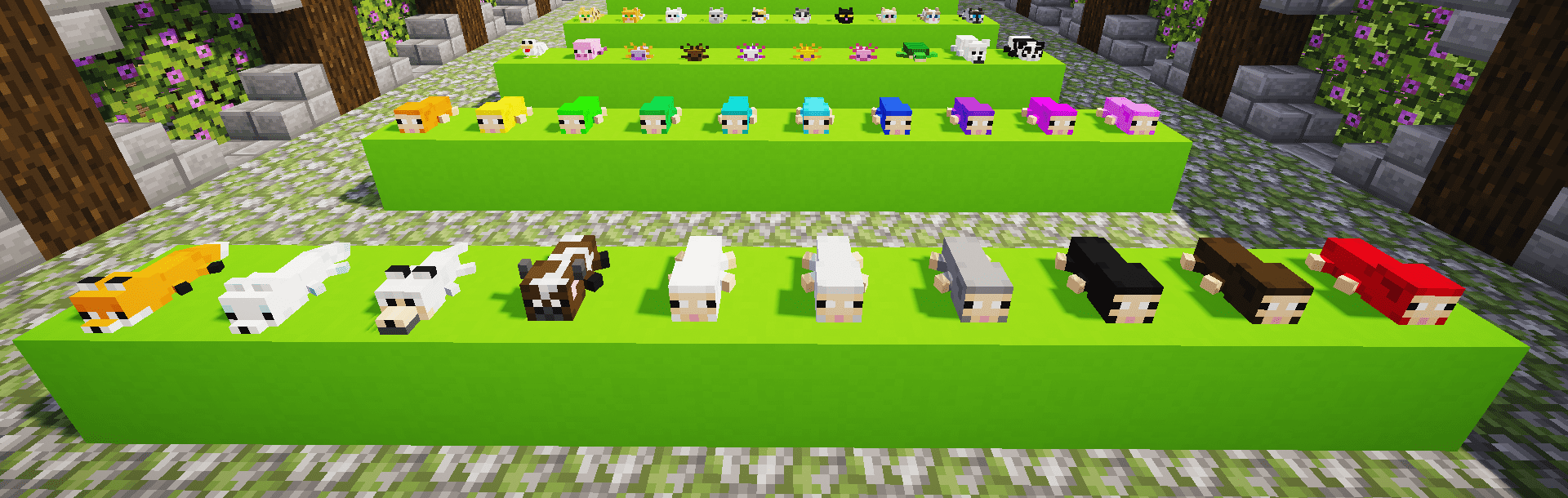
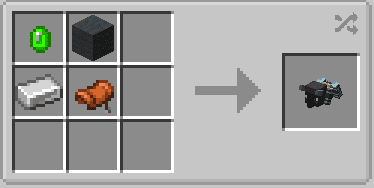
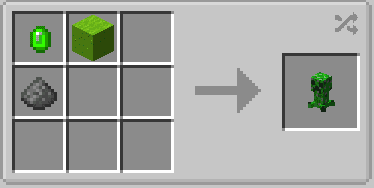
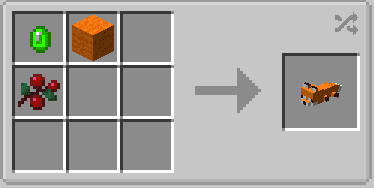
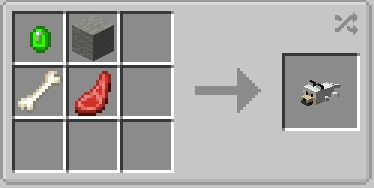
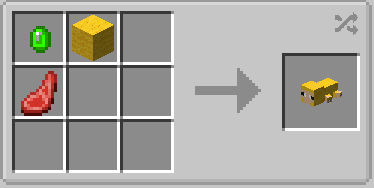
Crafting Recipes:
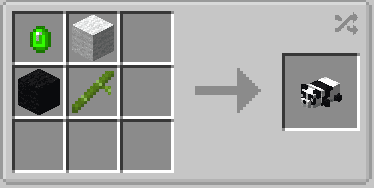
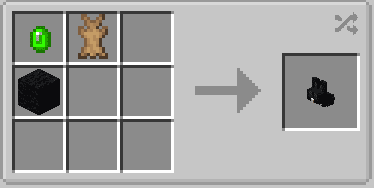
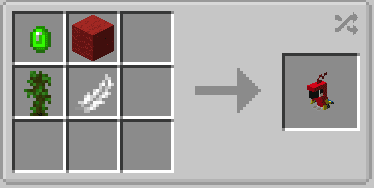
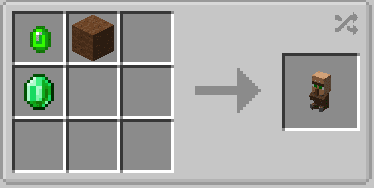
Moa Decor Toys Mod Download Links
For Minecraft 1.18.2, 1.18.1
Forge Version: Download from Server 1 – Download from Server 2
For Minecraft 1.19.2, 1.19.1, 1.19
Forge Version: Download from Server 1 – Download from Server 2
For Minecraft 1.19.3
Forge Version: Download from Server 1 – Download from Server 2
For Minecraft 1.19.4
Forge Version: Download from Server 1 – Download from Server 2
For Minecraft 1.20.1, 1.20
Forge Version: Download from Server 1 – Download from Server 2
For Minecraft 1.20.4
NeoForge Version: Download from Server 1
For Minecraft 1.20.6
NeoForge Version: Download from Server 1
For Minecraft 1.21.1, 1.21
NeoForge Version: Download from Server 1 – Download from Server 2
- Edition: Minecraft Java
- File type: .jar
- Minecraft versions listed: 1.21.1, 1.20.1
- How to install: Install the matching mod loader (Forge, Fabric or NeoForge) for your Minecraft version. → Download the .jar. → Put it in the .minecraft/mods folder and launch that loader profile.
- Where to get it: In MC Java Mods, or directly above on this page.
Install steps are the general flow for this file type — How to install Minecraft Java mods & modpacks walks through it step by step.
- Downloads as 197788.mcaddon
- Download size: 1.1 MB
- Download link checked 26 Jul 2026 — working
- Mirrored on our own servers — the download does not depend on the original host
These come from our own check of the pack file, not from the source page.