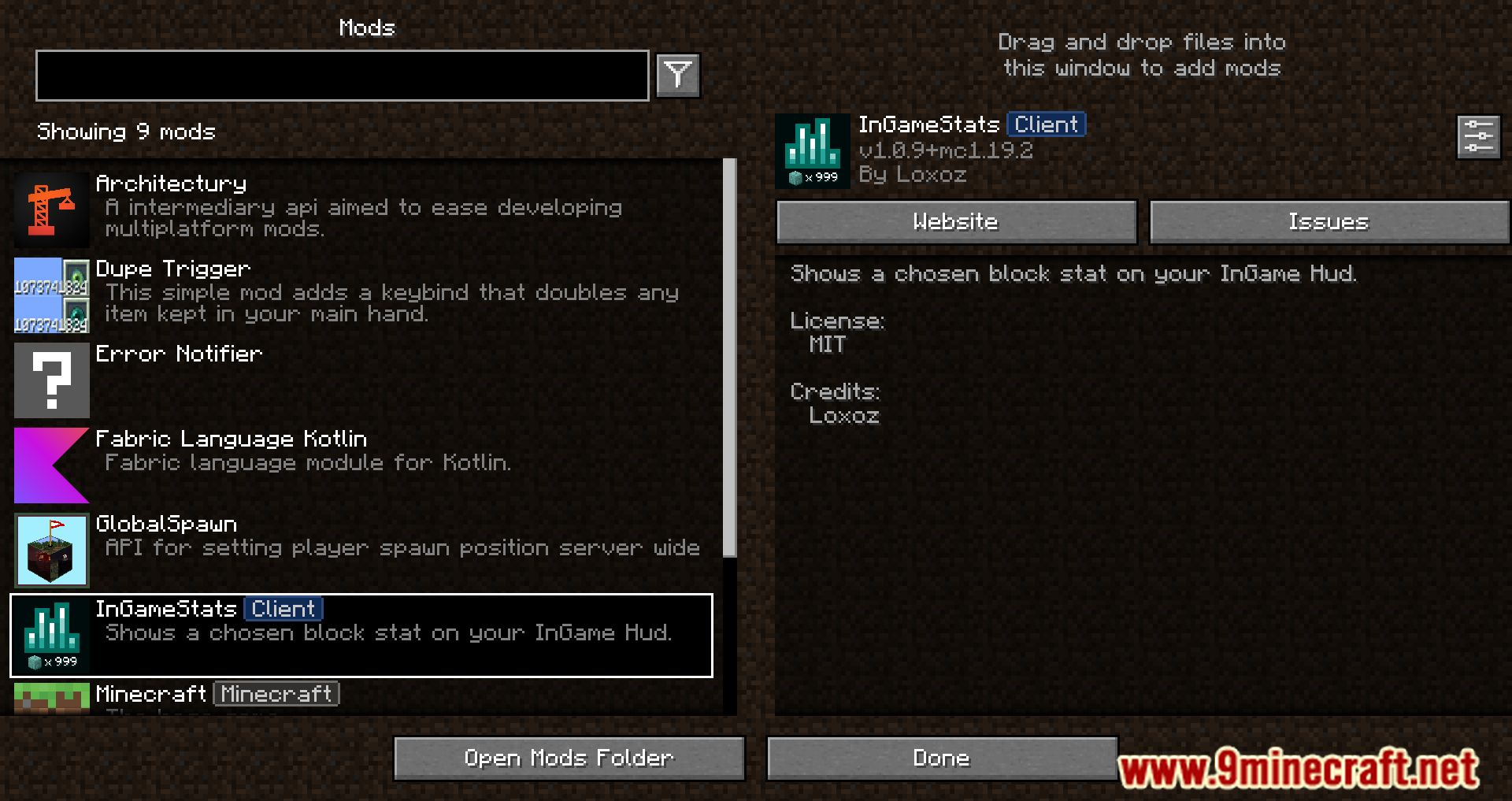
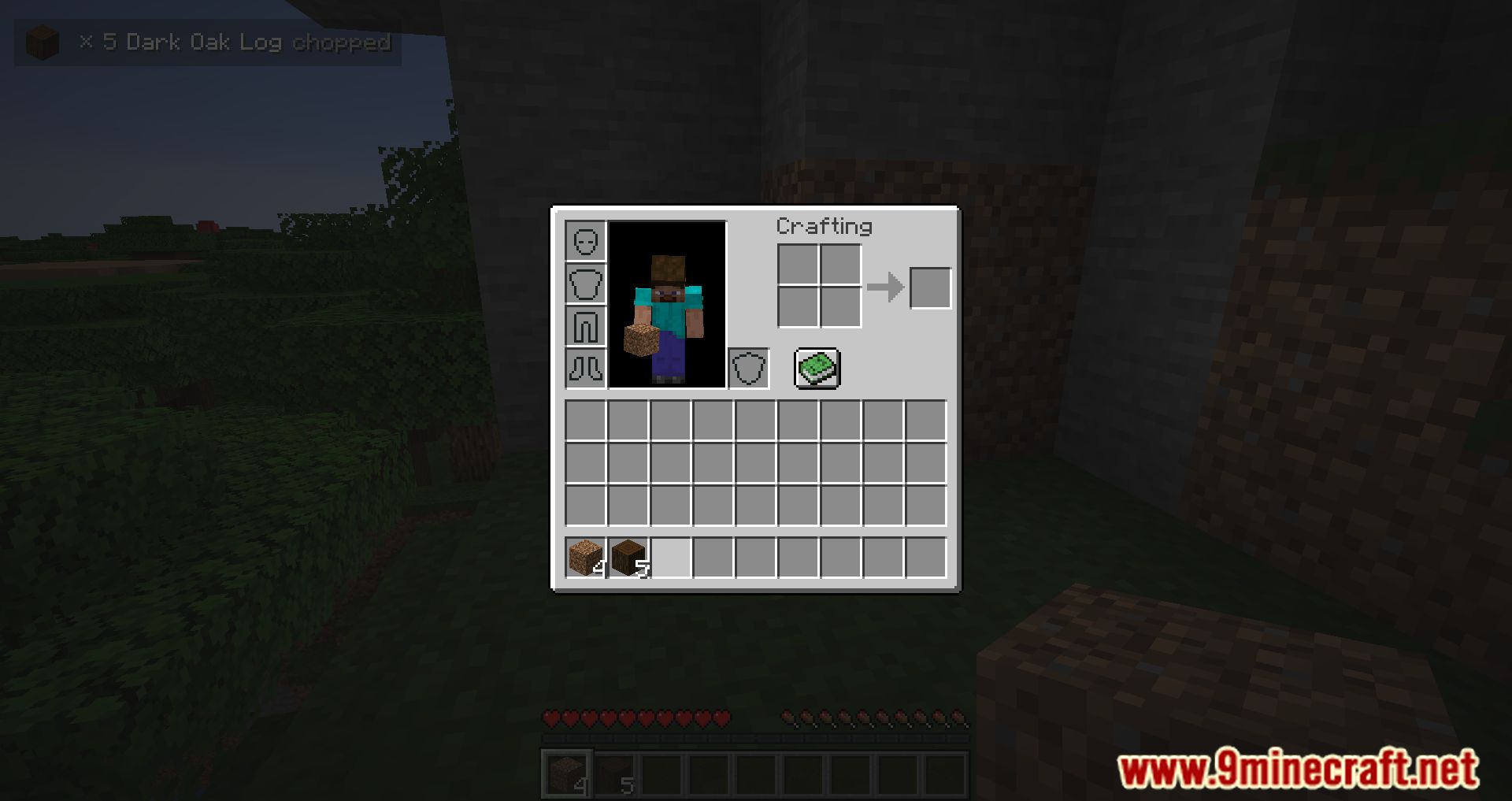
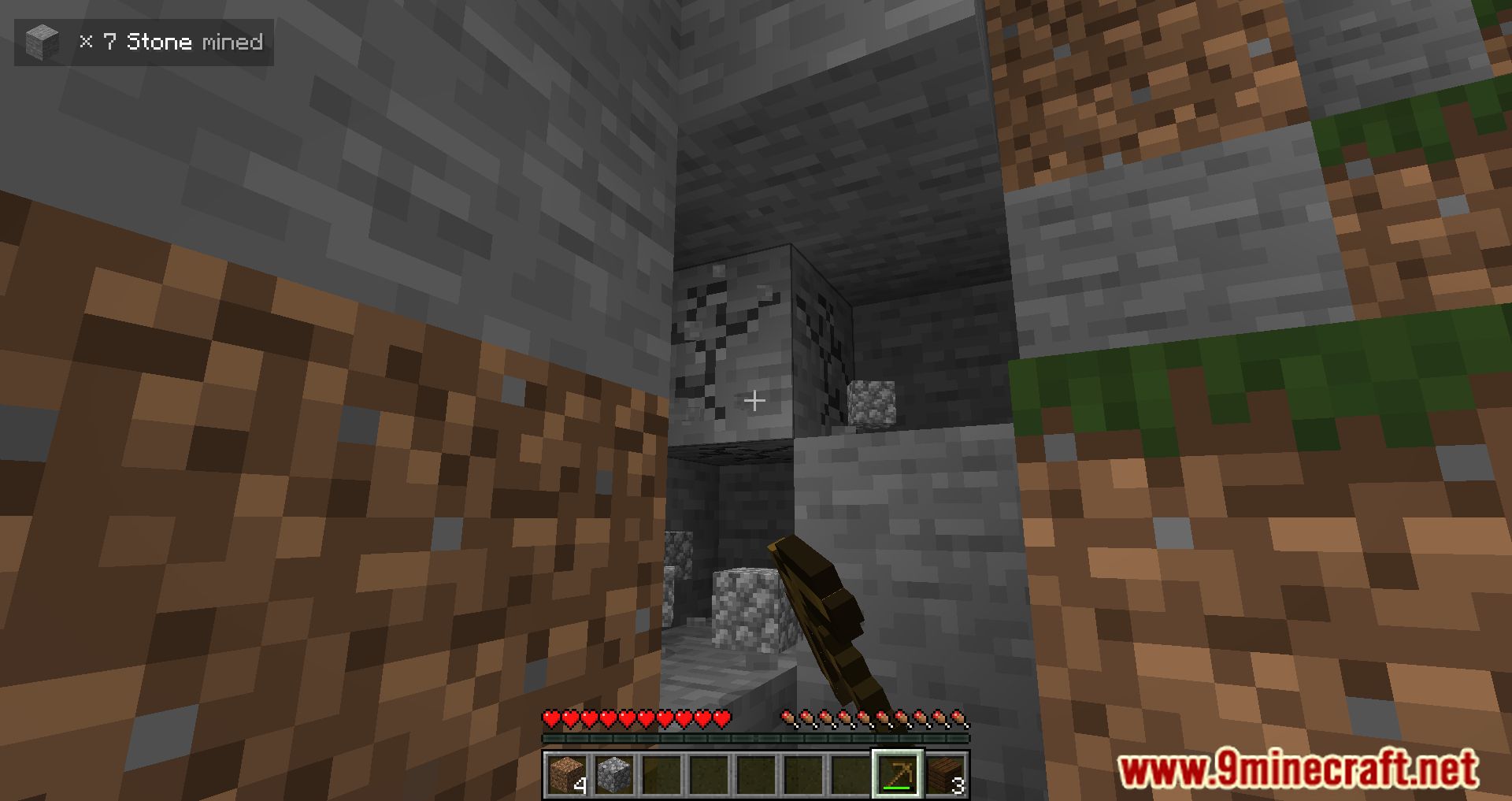
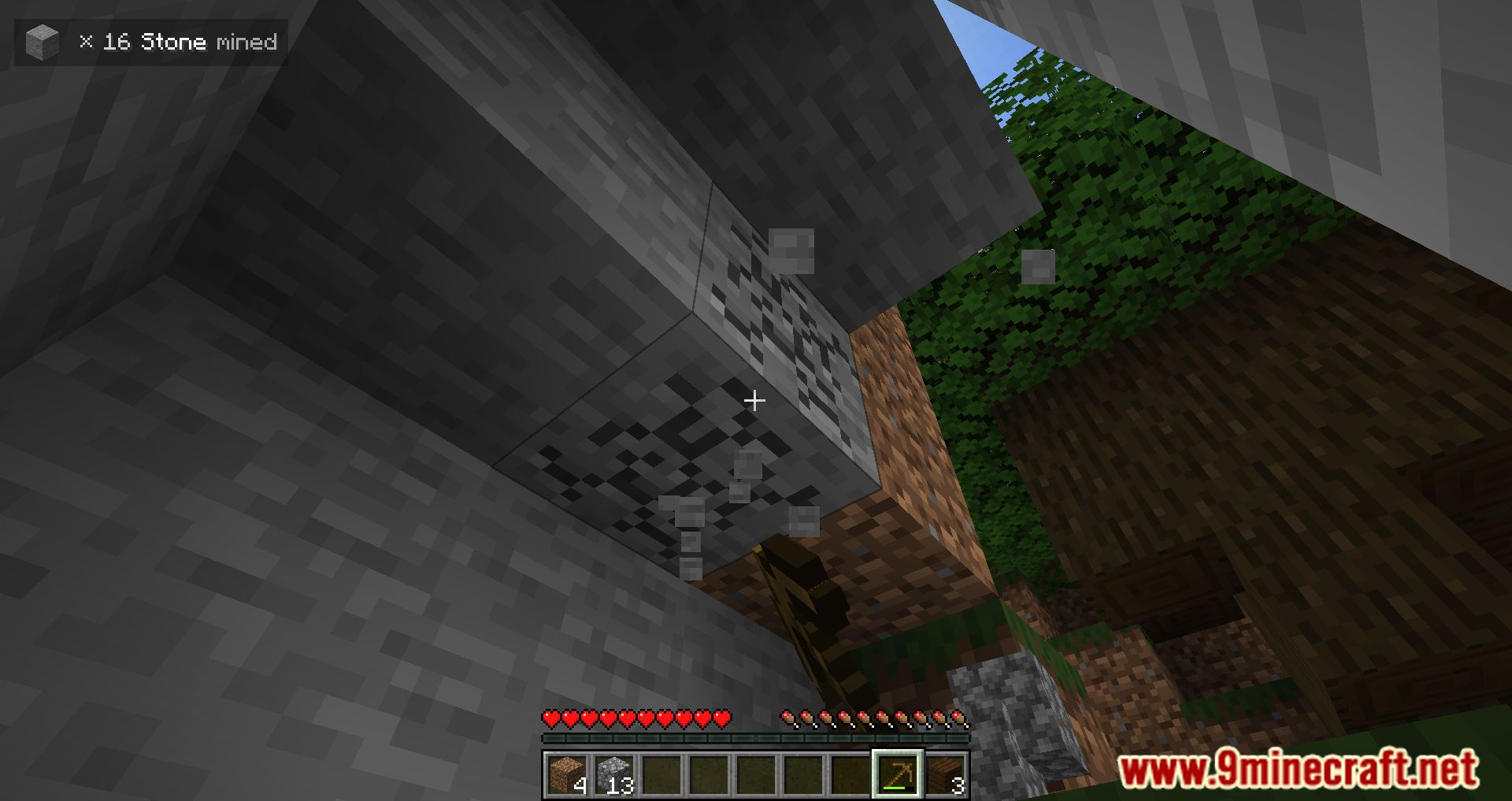
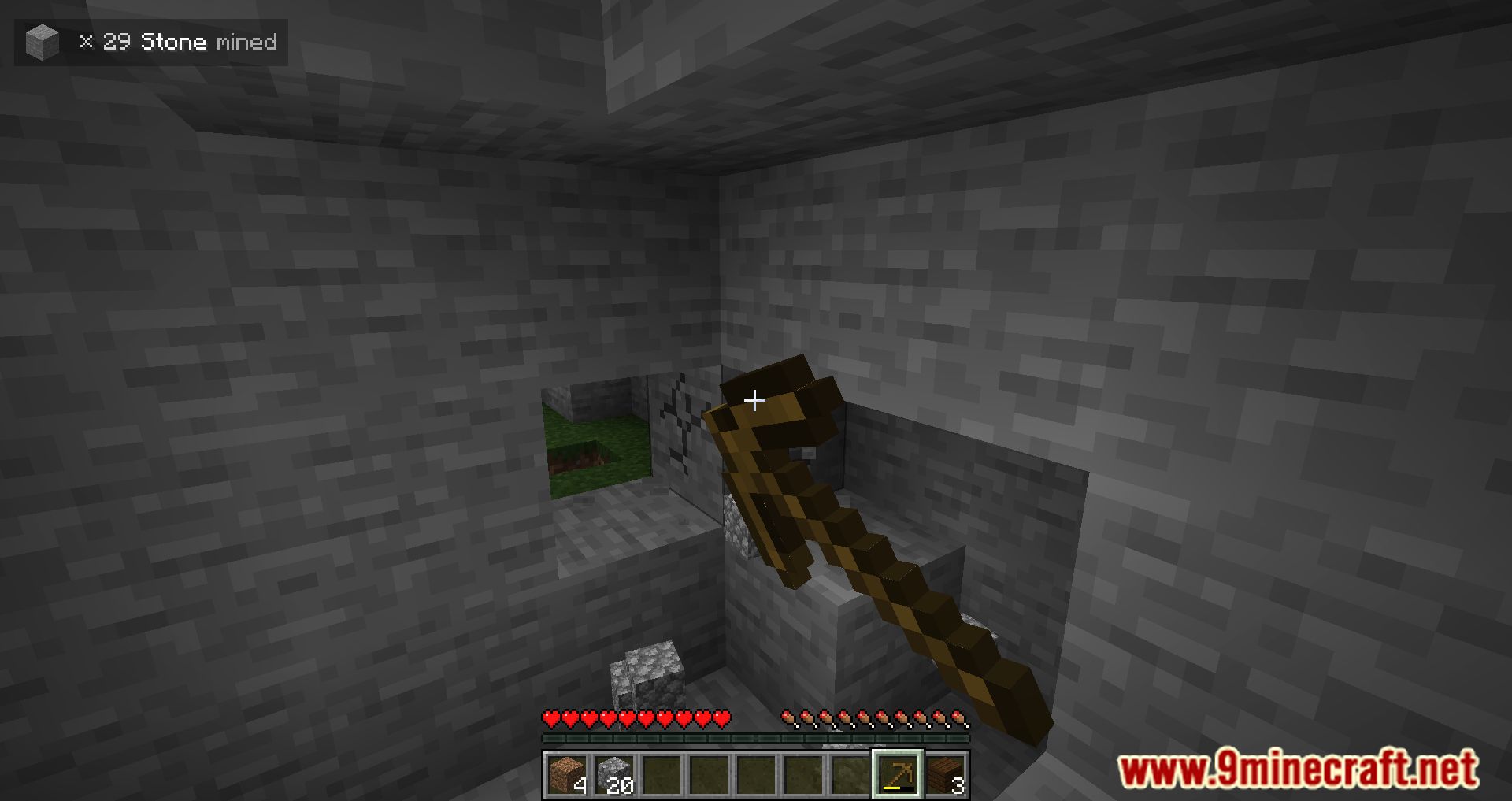
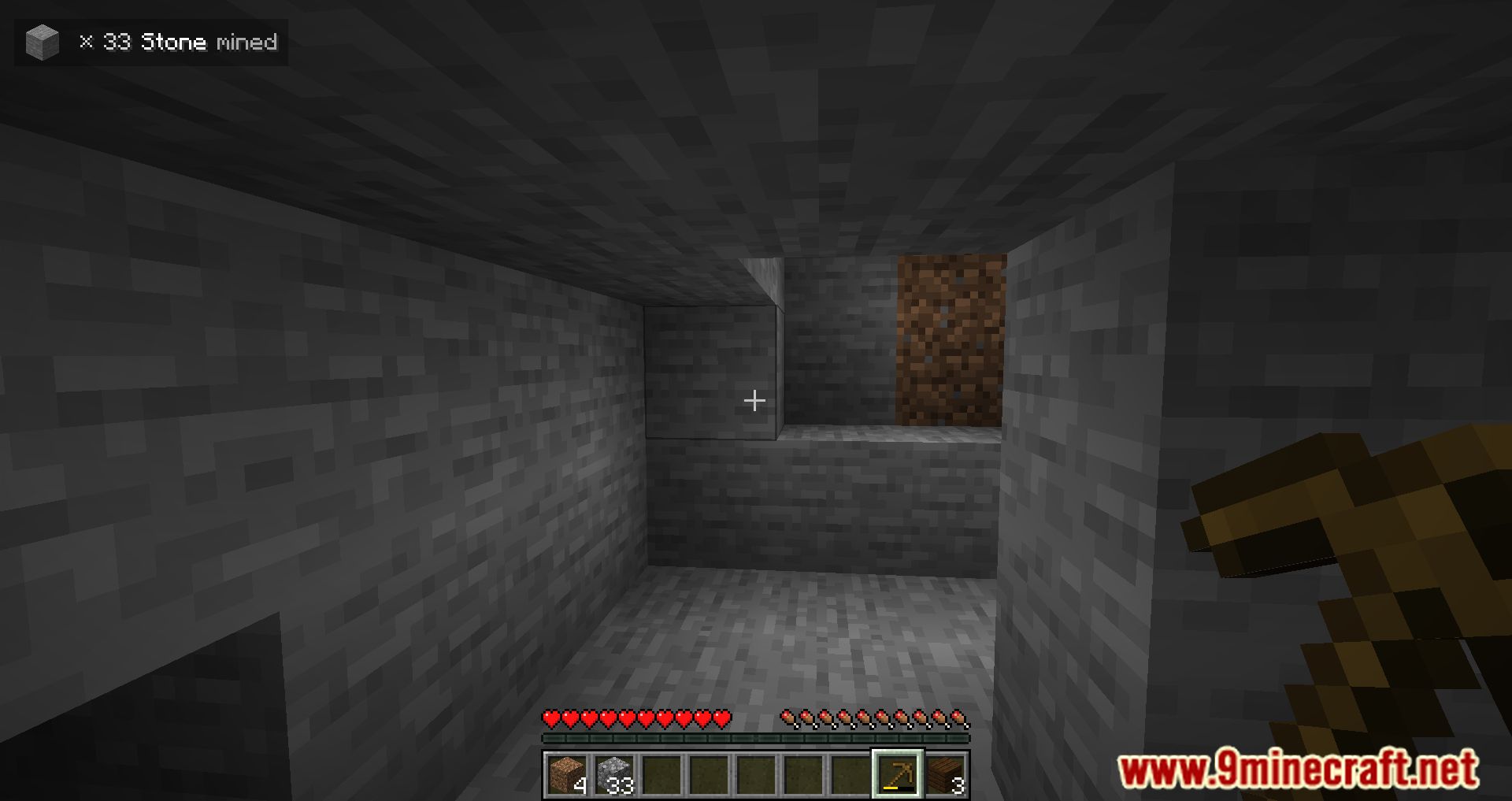
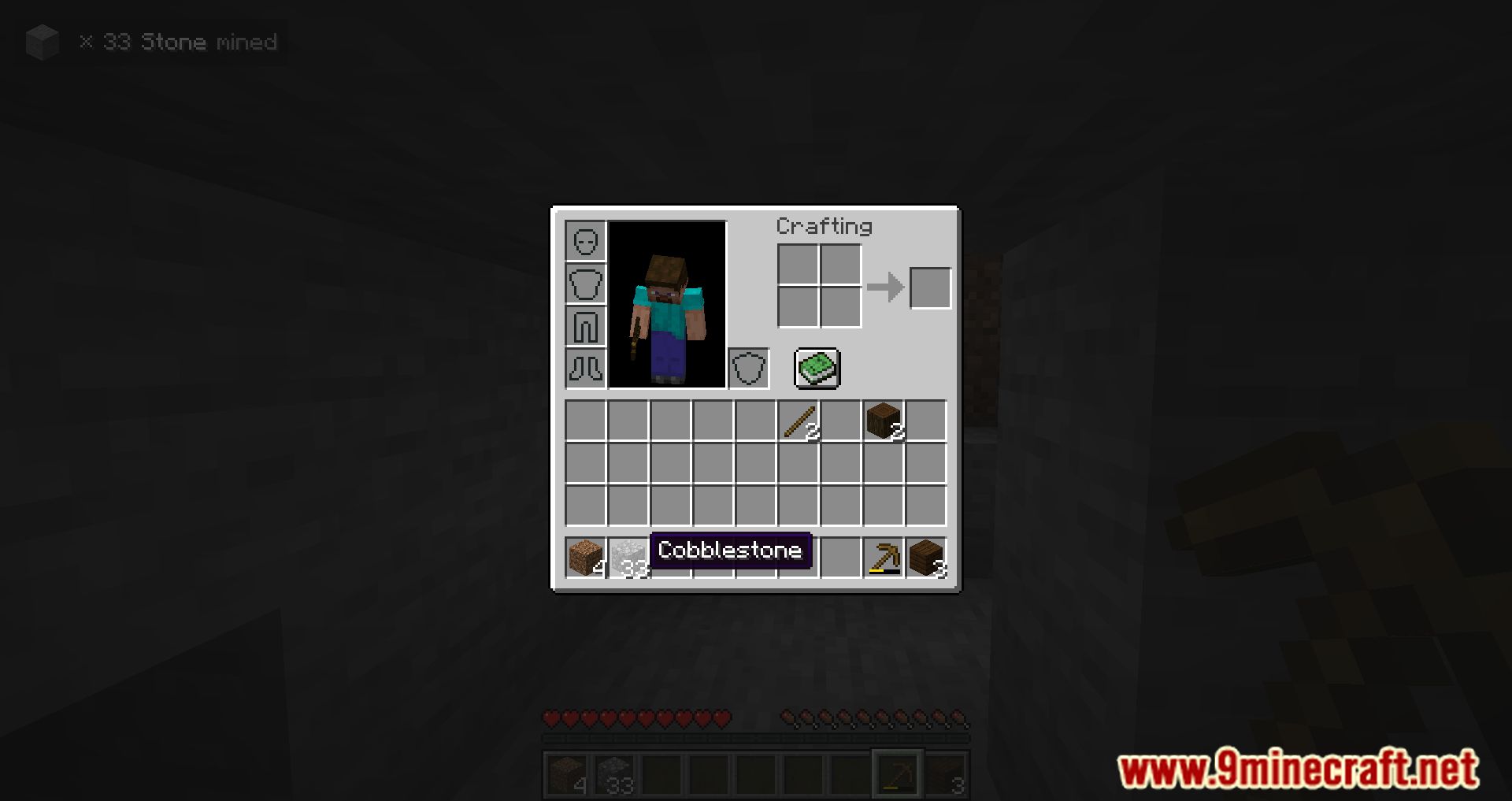
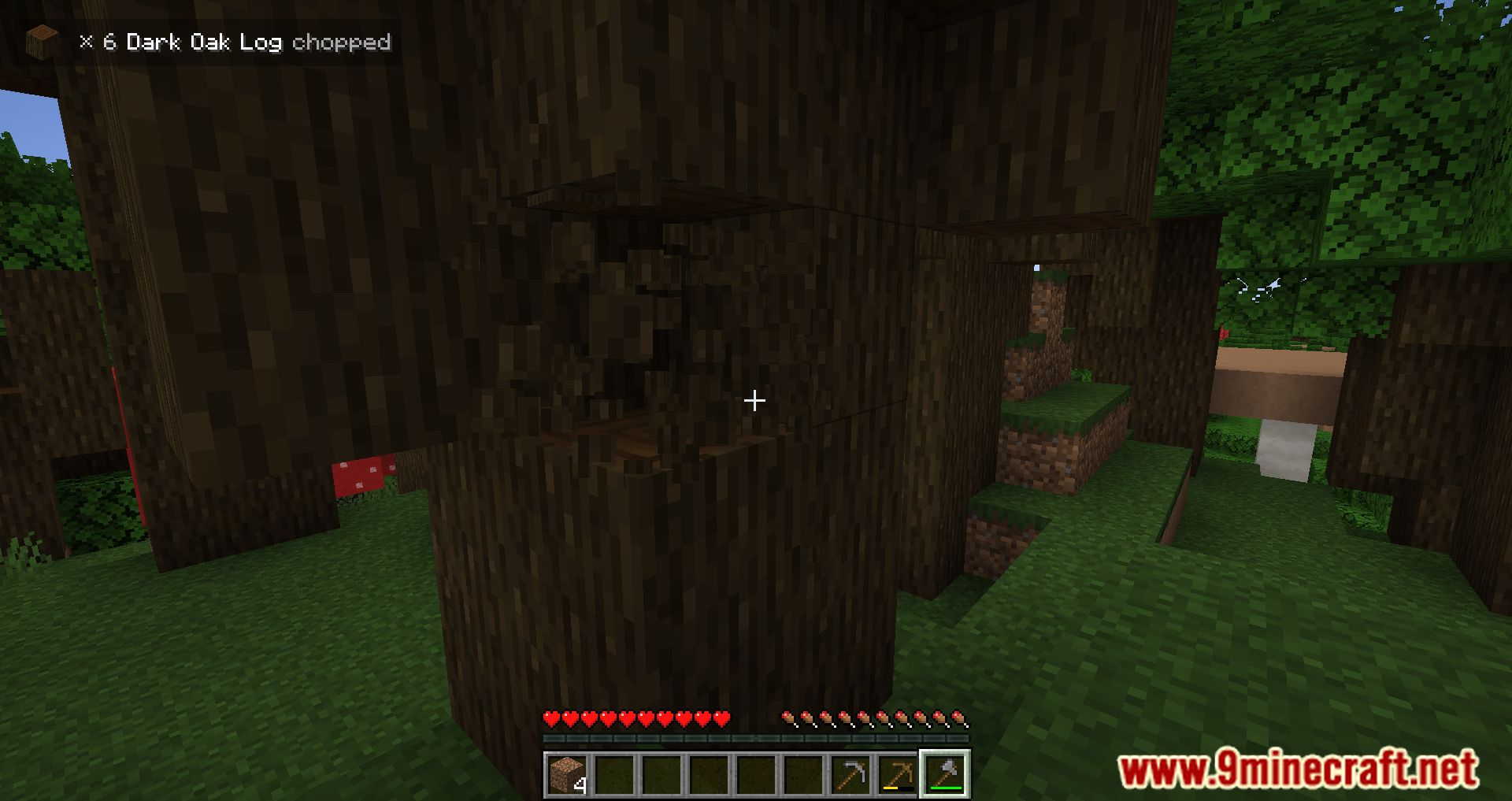
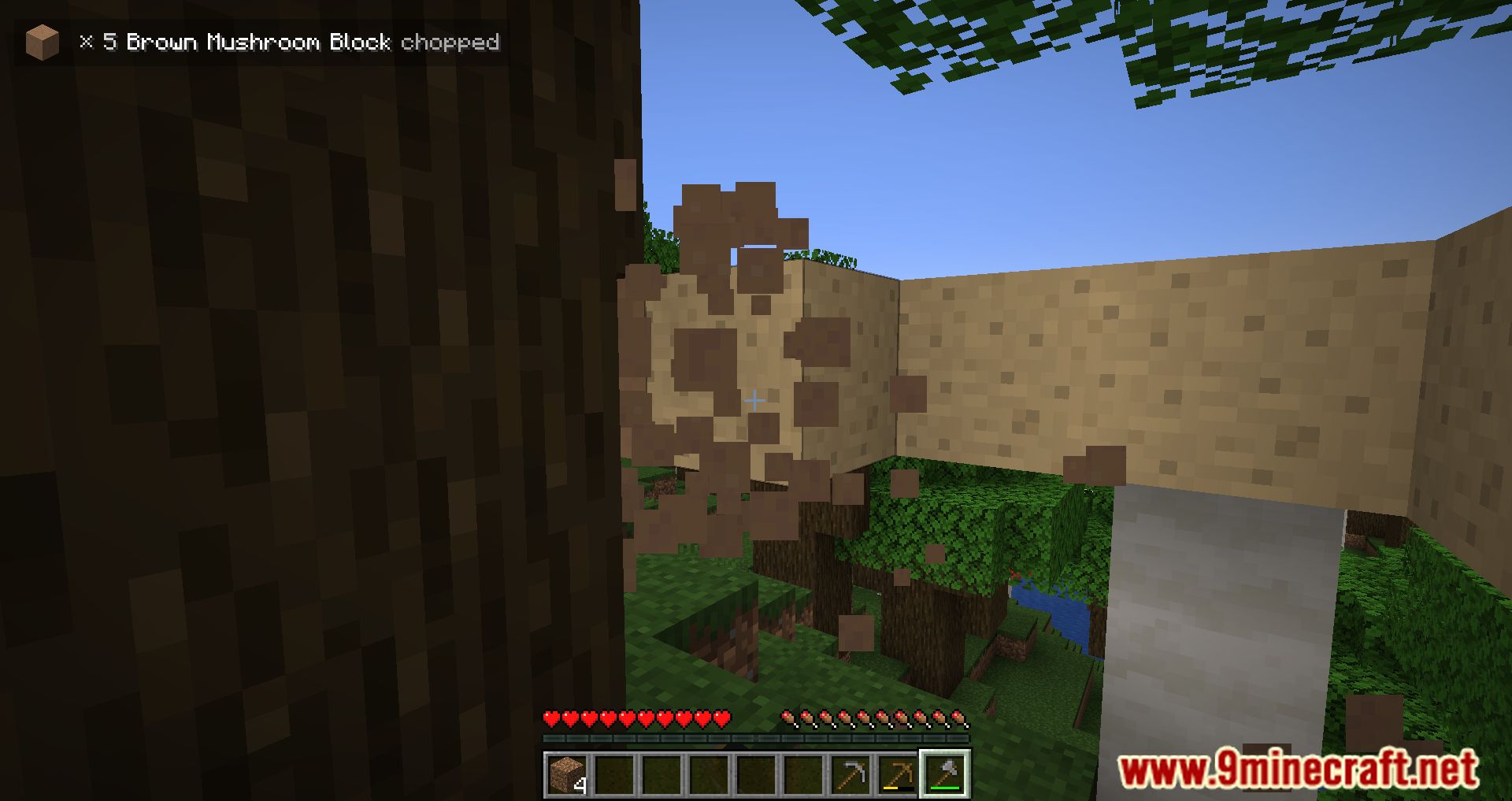
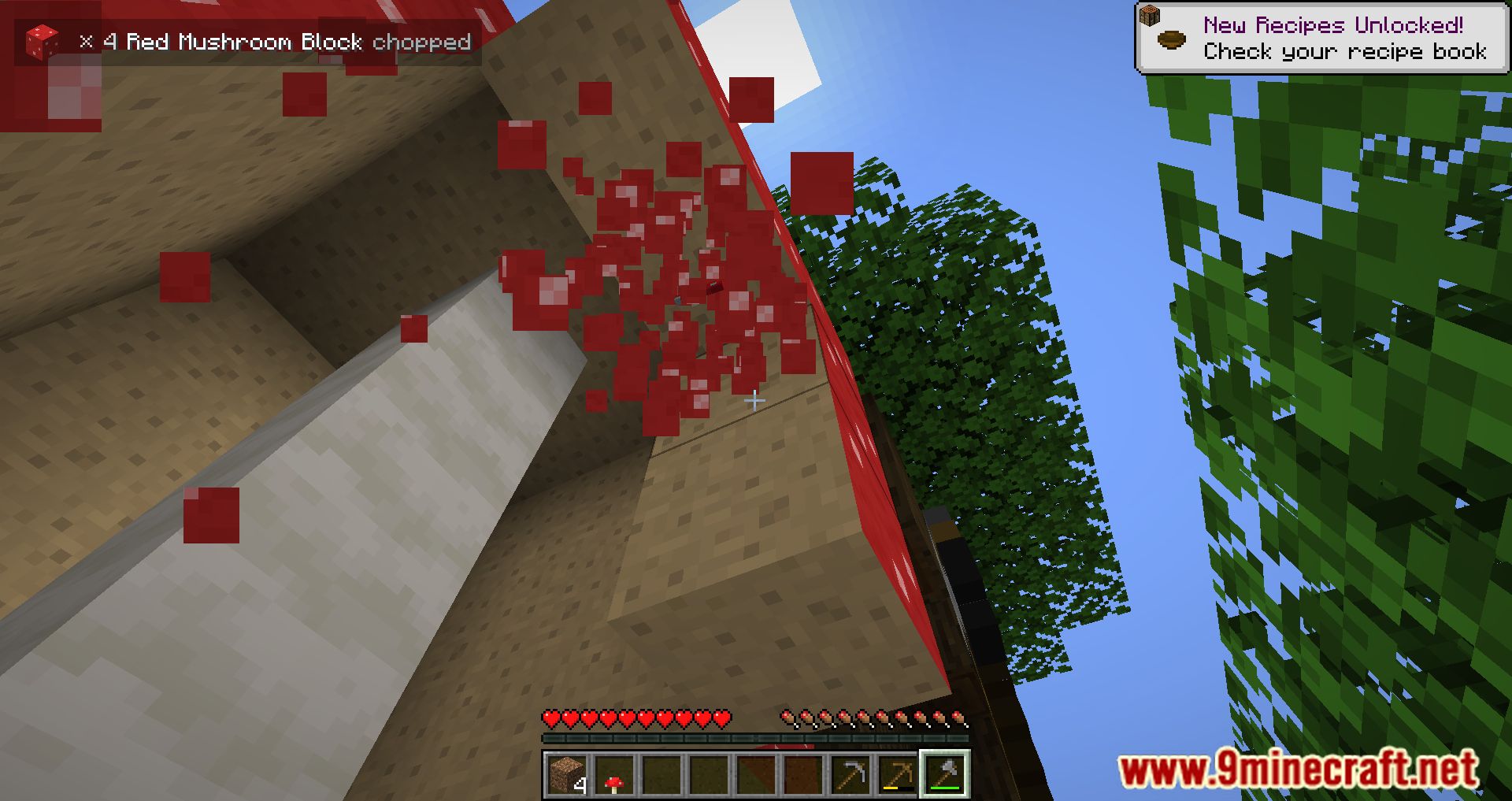
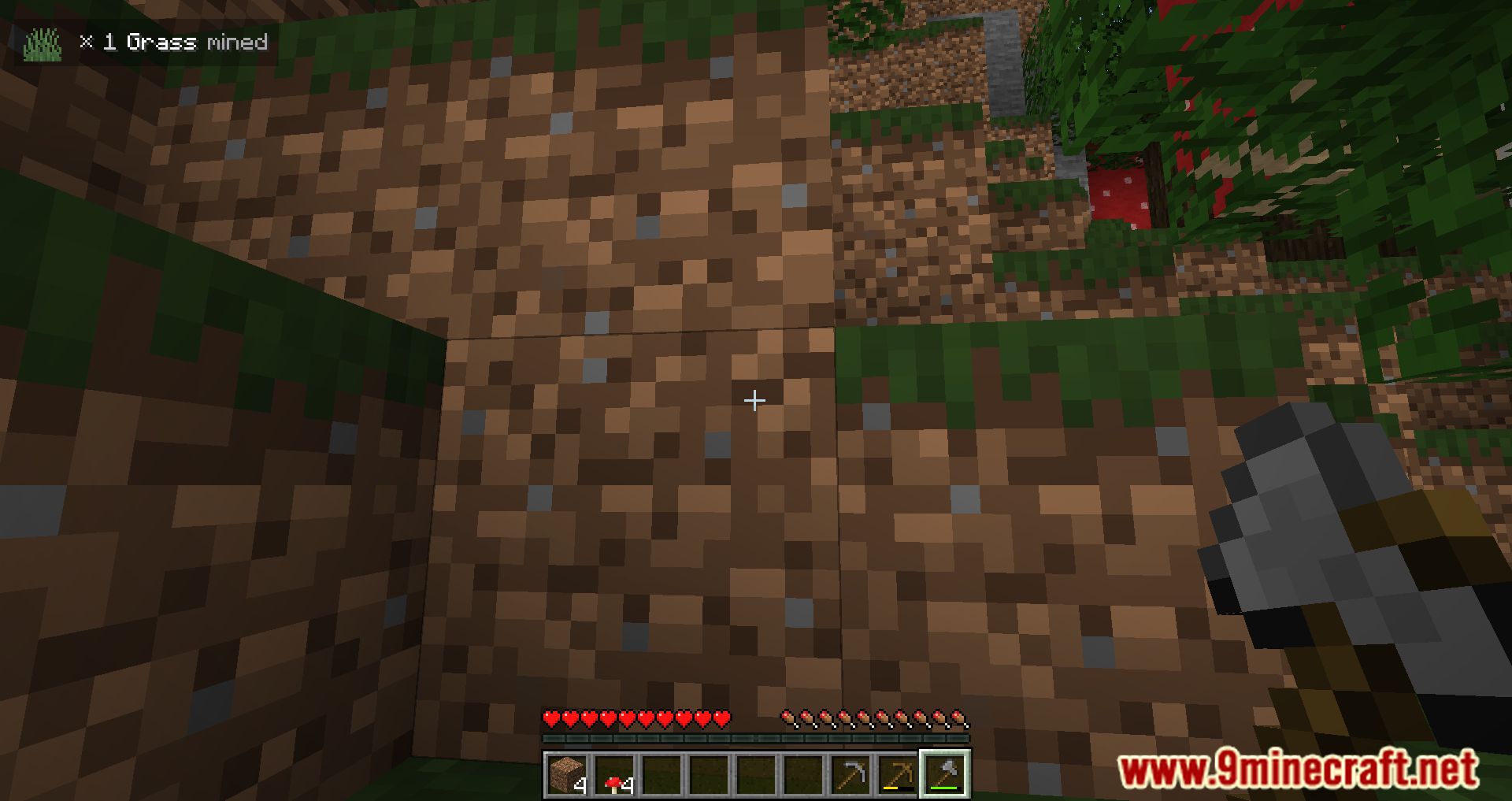
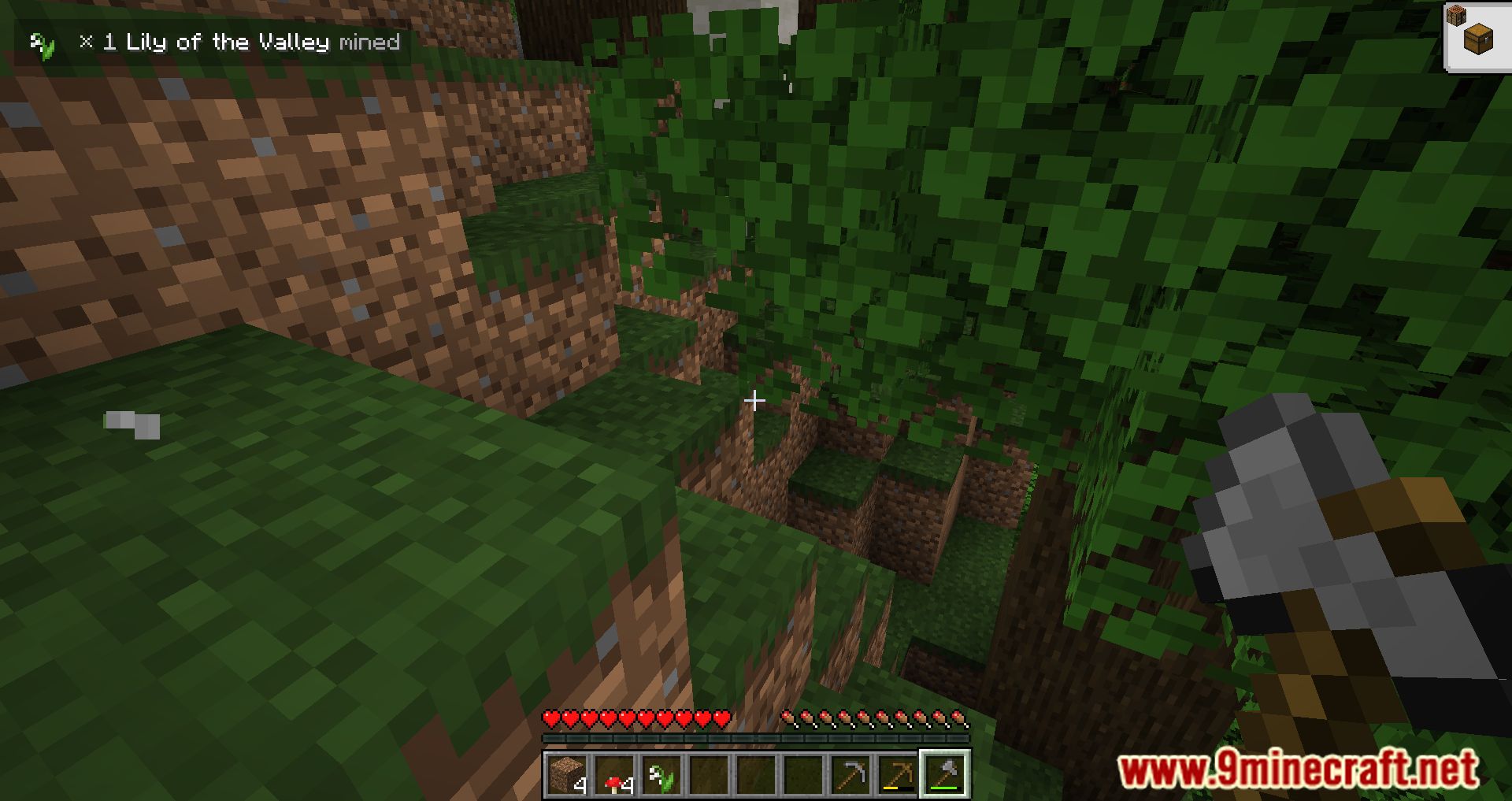
The In-Game Stats Mod displays the information about the block you just destroyed. Do you ever wonder about the total number of stones, coal, iron, and gems you have unearthed? Or have you ever been curious about the amount of wood you cut? Or the quantity of earth that you dug up? You can give the In-Game Stats Mod a shot if you ever find yourself thinking along such lines or if you just feel generally curious about the topic. This mod allows you to choose which block statistic is displayed on your in-game hud. You now have access to additional data regarding the block you have recently mined, which is fantastic news if you are interested in learning more about your changes to your world. Find things that are fascinating to you and pleasant to do so you may enjoy the game.
Features:
- InGame Stats Mod shows a chosen block stat on your InGame Hud.
- Display the stats from your last mined or placed block.
Screenshots:
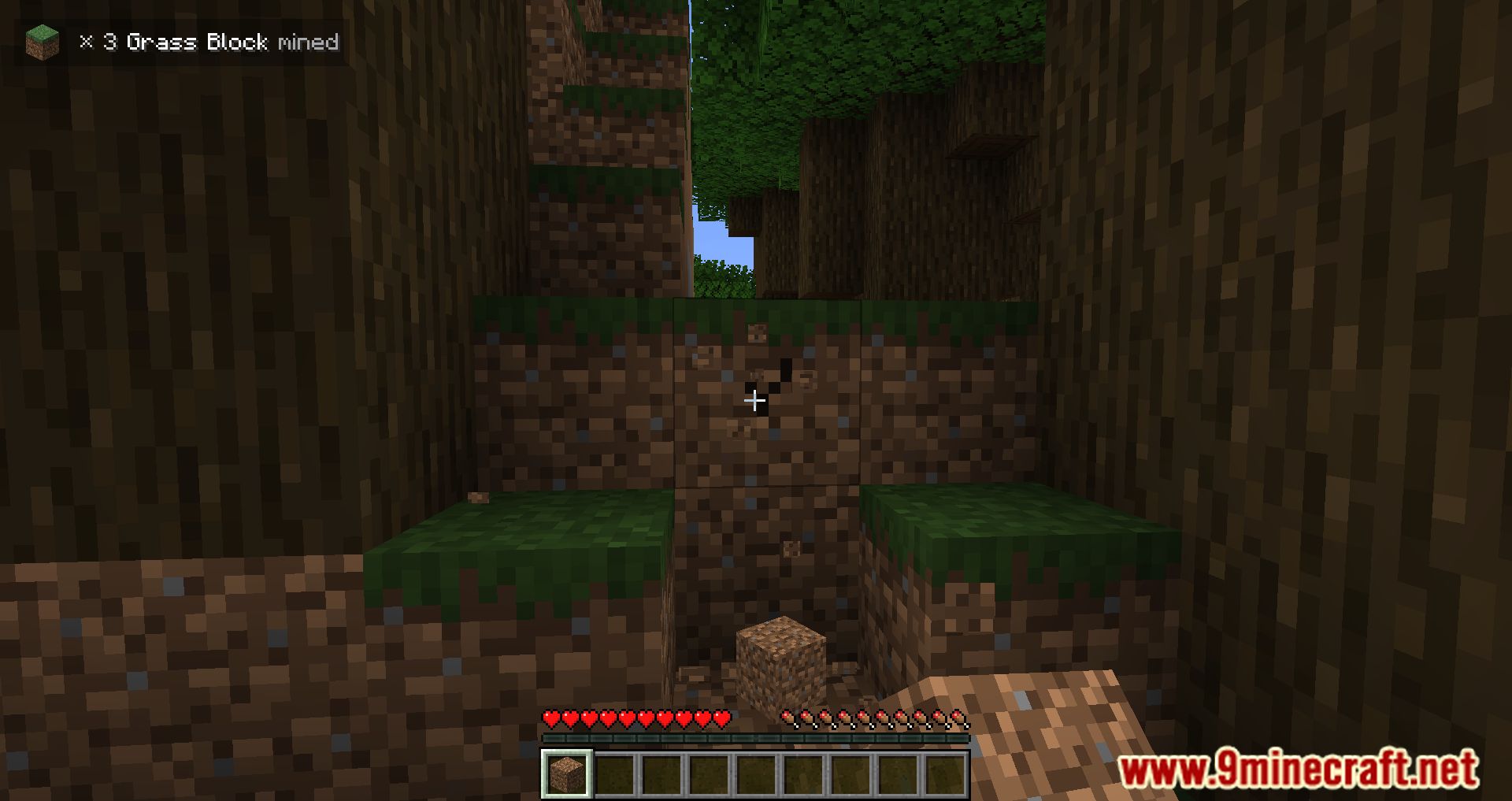
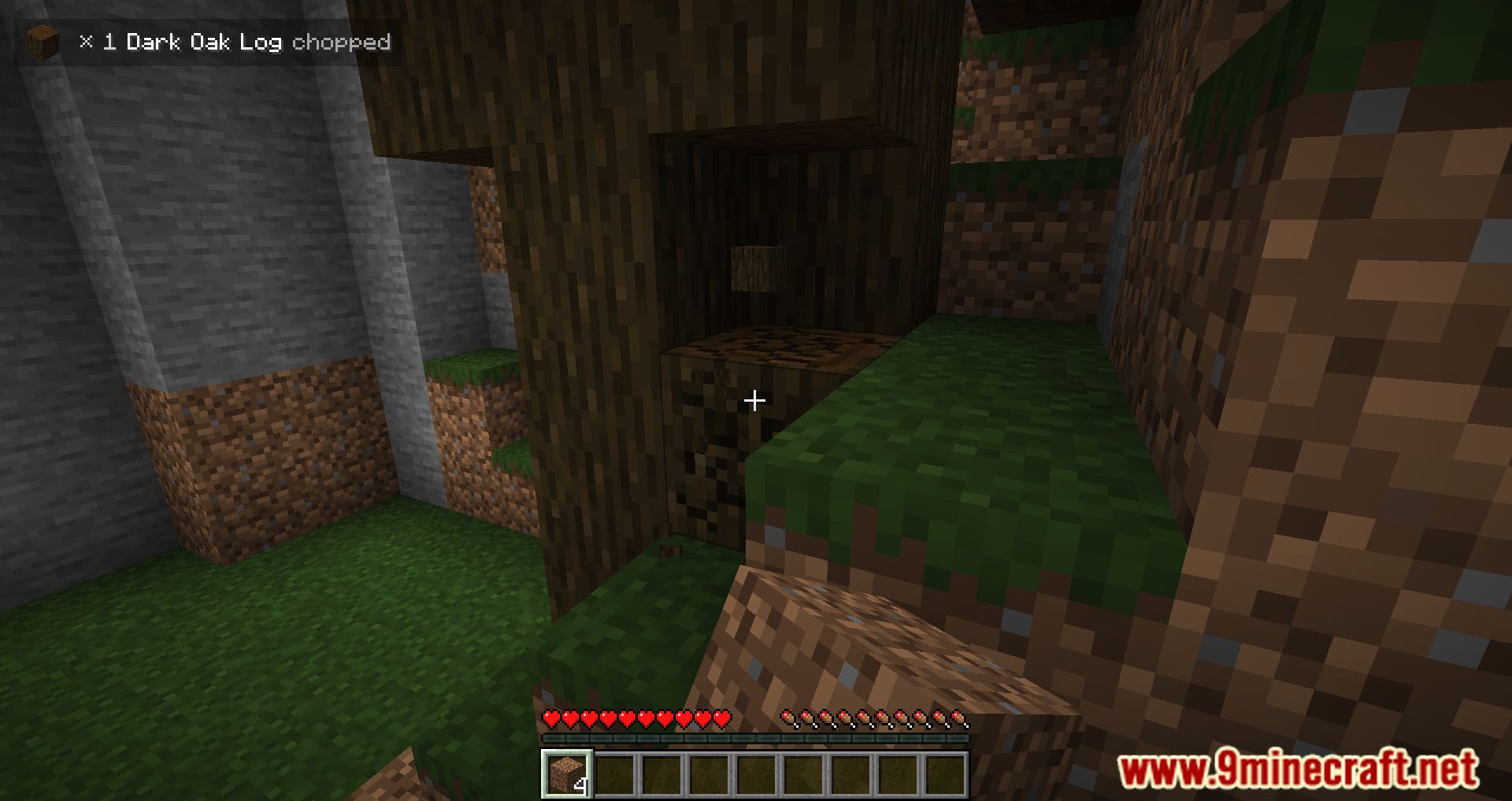
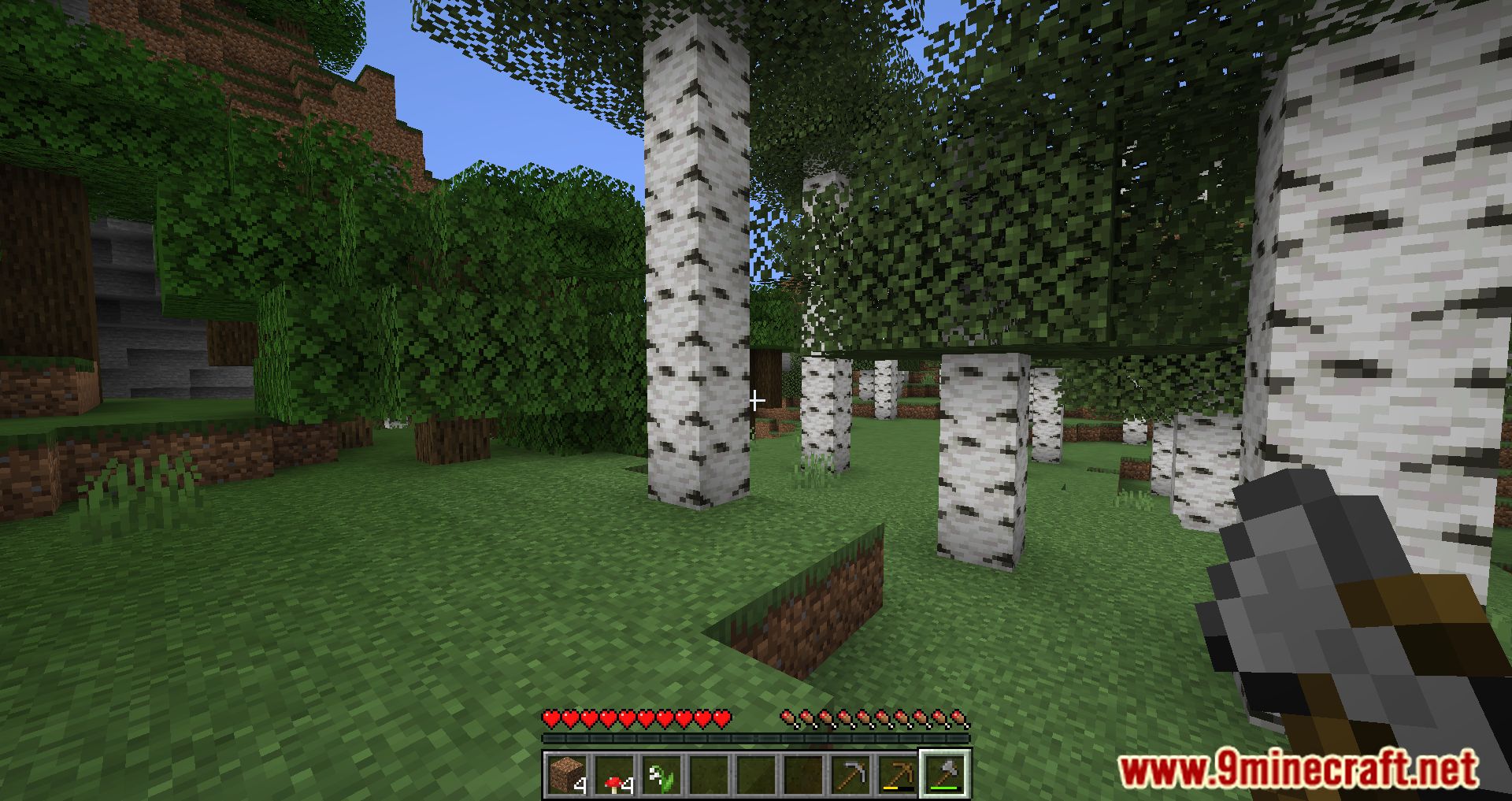
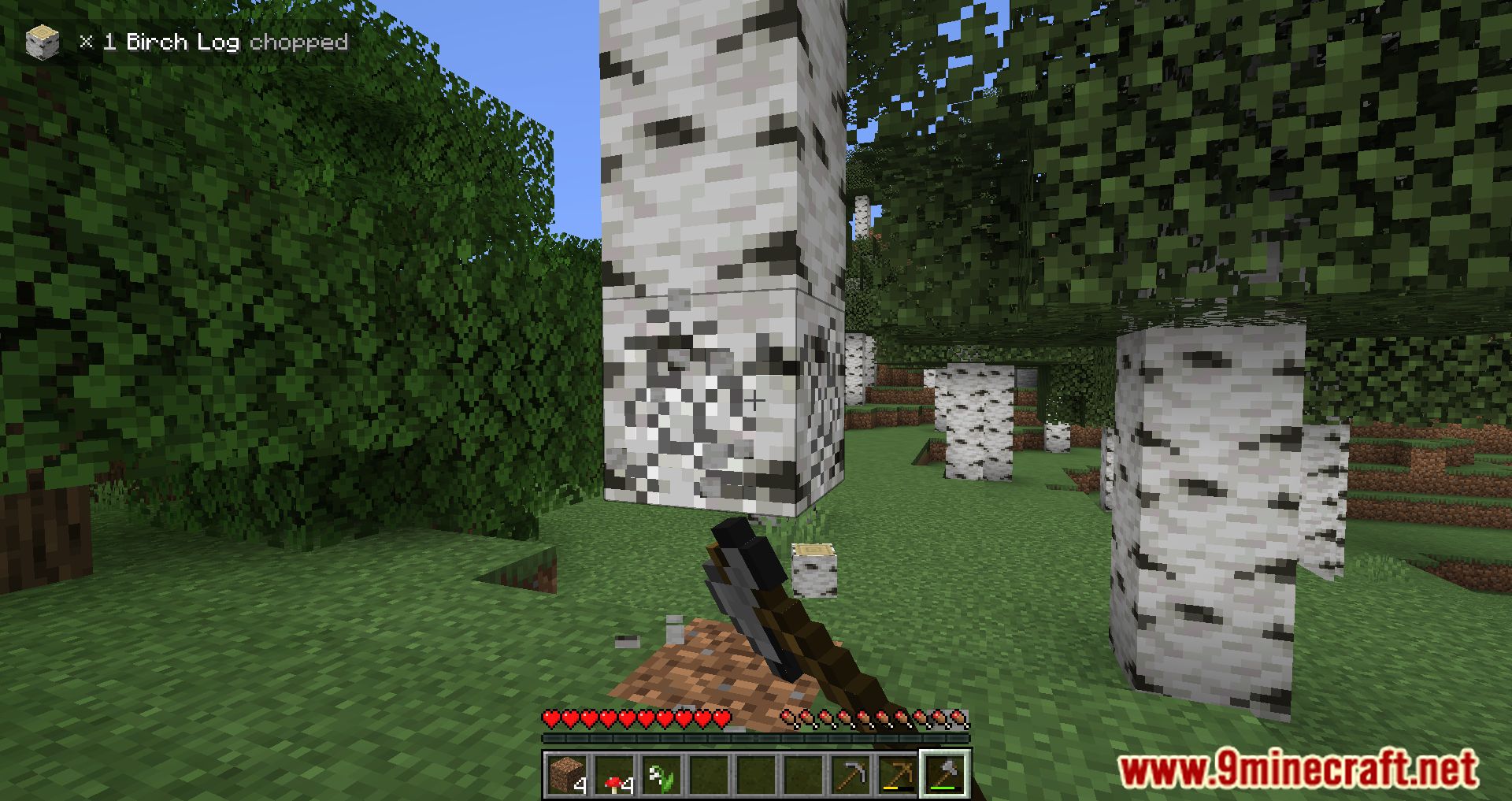
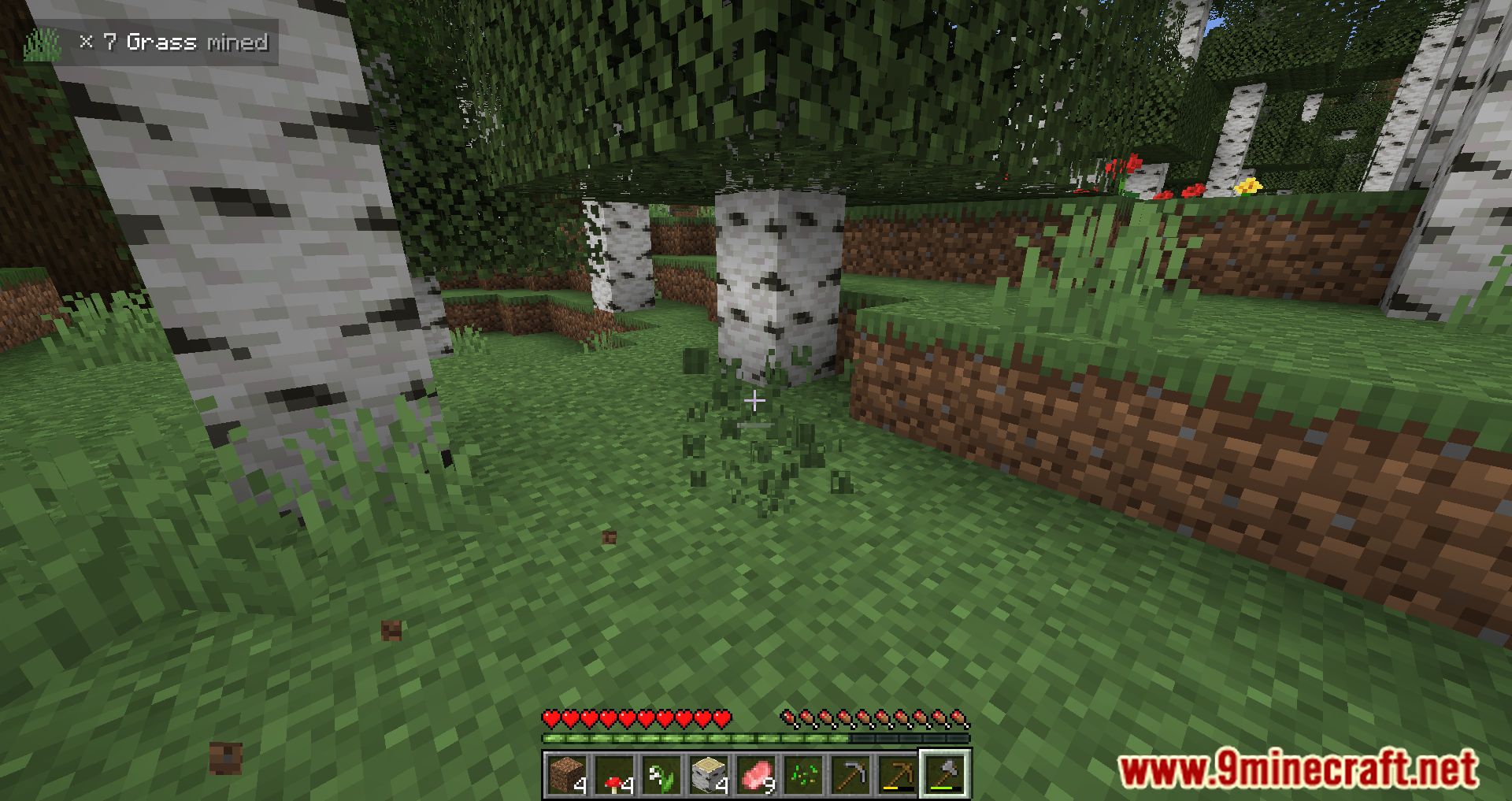
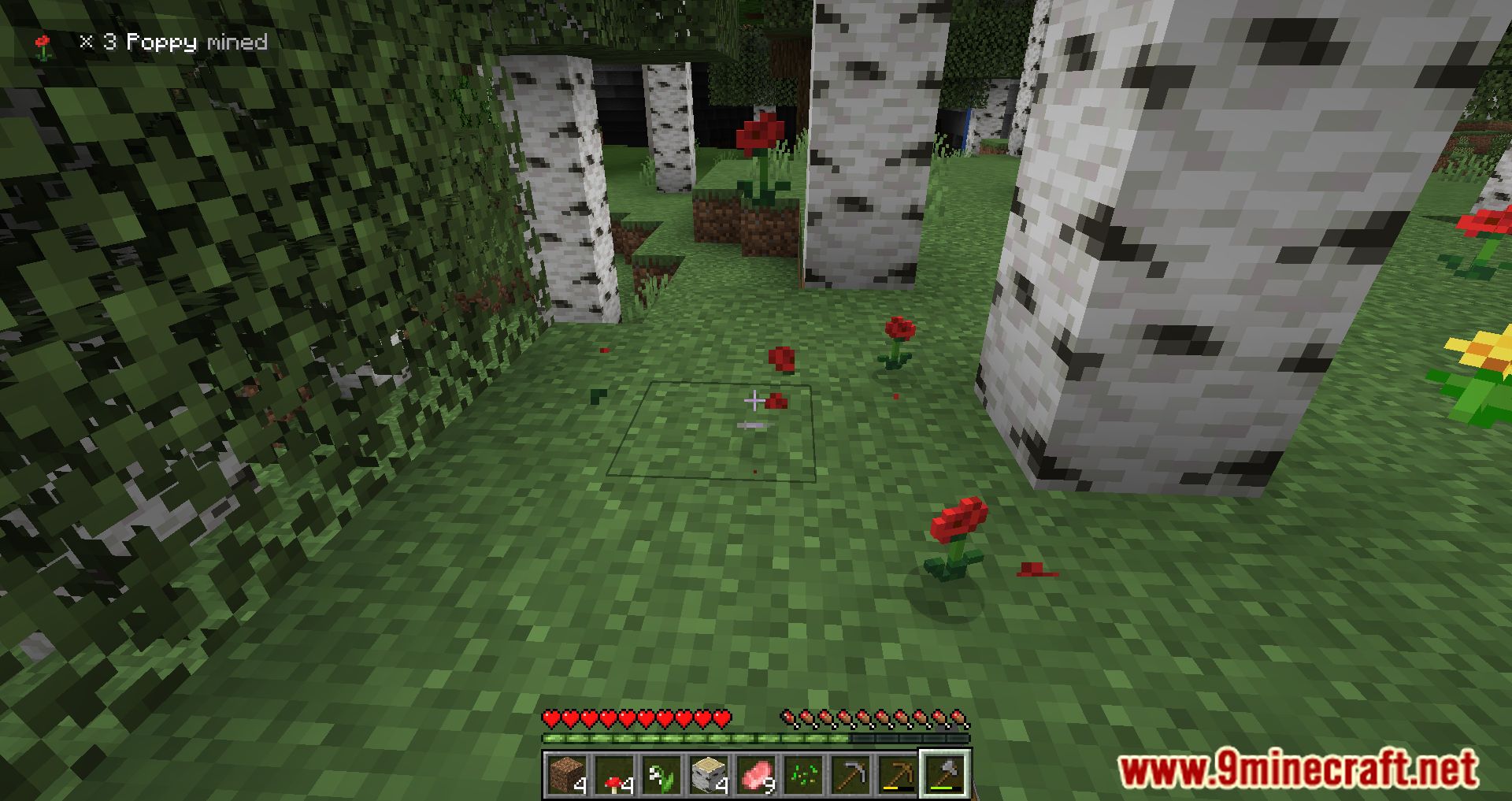
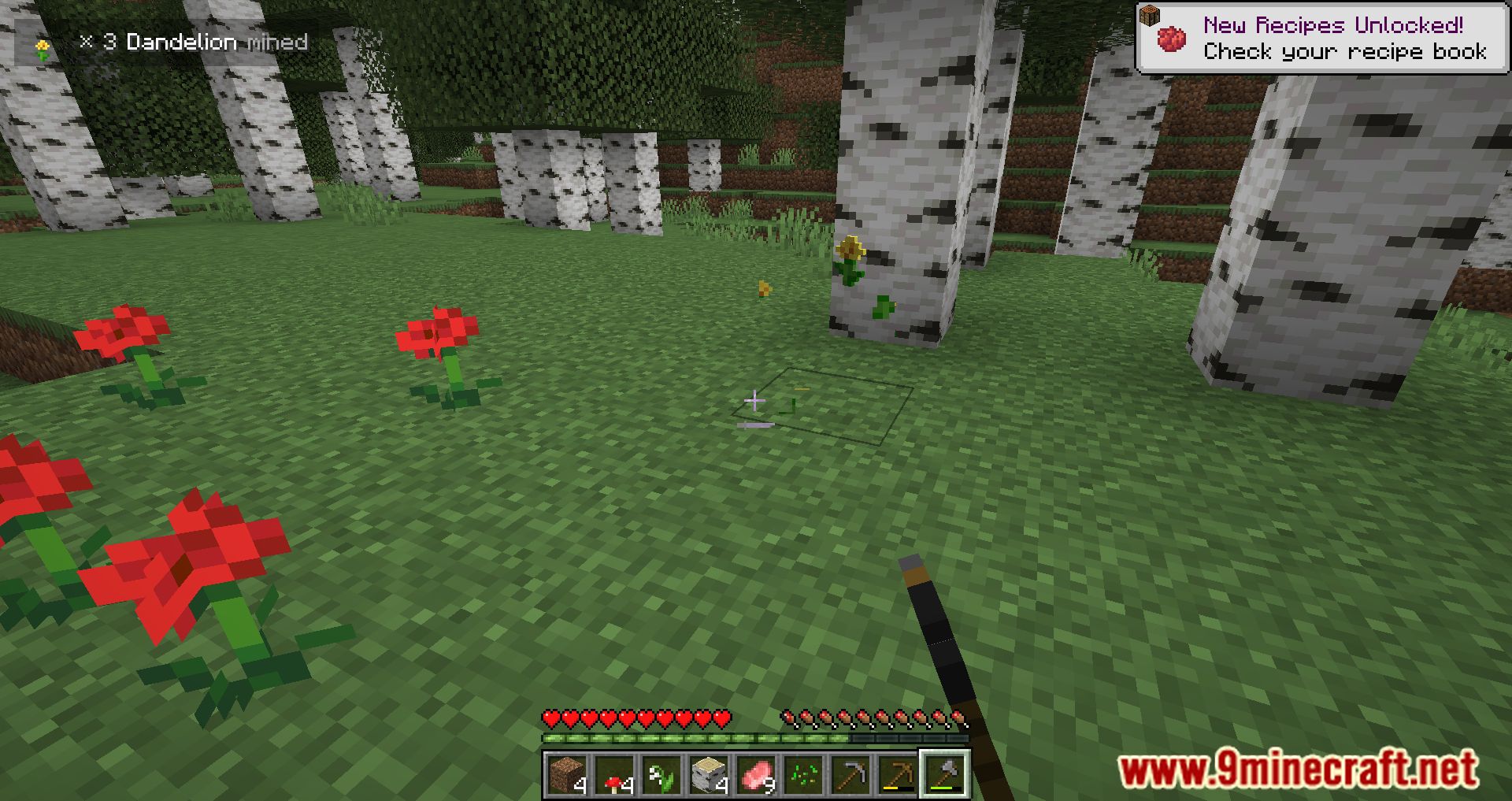
InGame Stats Mod Download Links
For Minecraft 1.18.1
Fabric version: Download from Server 1 – Download from Server 2
For Minecraft 1.18.2
Fabric version: Download from Server 1 – Download from Server 2
For Minecraft 1.19.2, 1.19.1
Fabric version: Download from Server 1 – Download from Server 2
For Minecraft 1.19.3
Fabric version: Download from Server 1 – Download from Server 2
For Minecraft 1.19.4
Fabric version: Download from Server 1 – Download from Server 2
For Minecraft 1.20.1
Fabric version: Download from Server 1 – Download from Server 2
For Minecraft 1.20.4
Fabric version: Download from Server 1 – Download from Server 2
For Minecraft 1.21.1, 1.21
Fabric version: Download from Server 1 – Download from Server 2
For Minecraft 1.21.4
Fabric version: Download from Server 1 – Download from Server 2
- Edition: Minecraft Java
- File type: .jar
- Minecraft versions listed: 1.21.4, 1.20.1
- How to install: Install the matching mod loader (Forge, Fabric or NeoForge) for your Minecraft version. → Download the .jar. → Put it in the .minecraft/mods folder and launch that loader profile.
- Where to get it: In MC Java Mods, or directly above on this page.
Install steps are the general flow for this file type — How to install Minecraft Java mods & modpacks walks through it step by step.
- Downloads as 197857.mcaddon
- Download size: 49 KB
- Download link checked 26 Jul 2026 — working
- Mirrored on our own servers — the download does not depend on the original host
These come from our own check of the pack file, not from the source page.