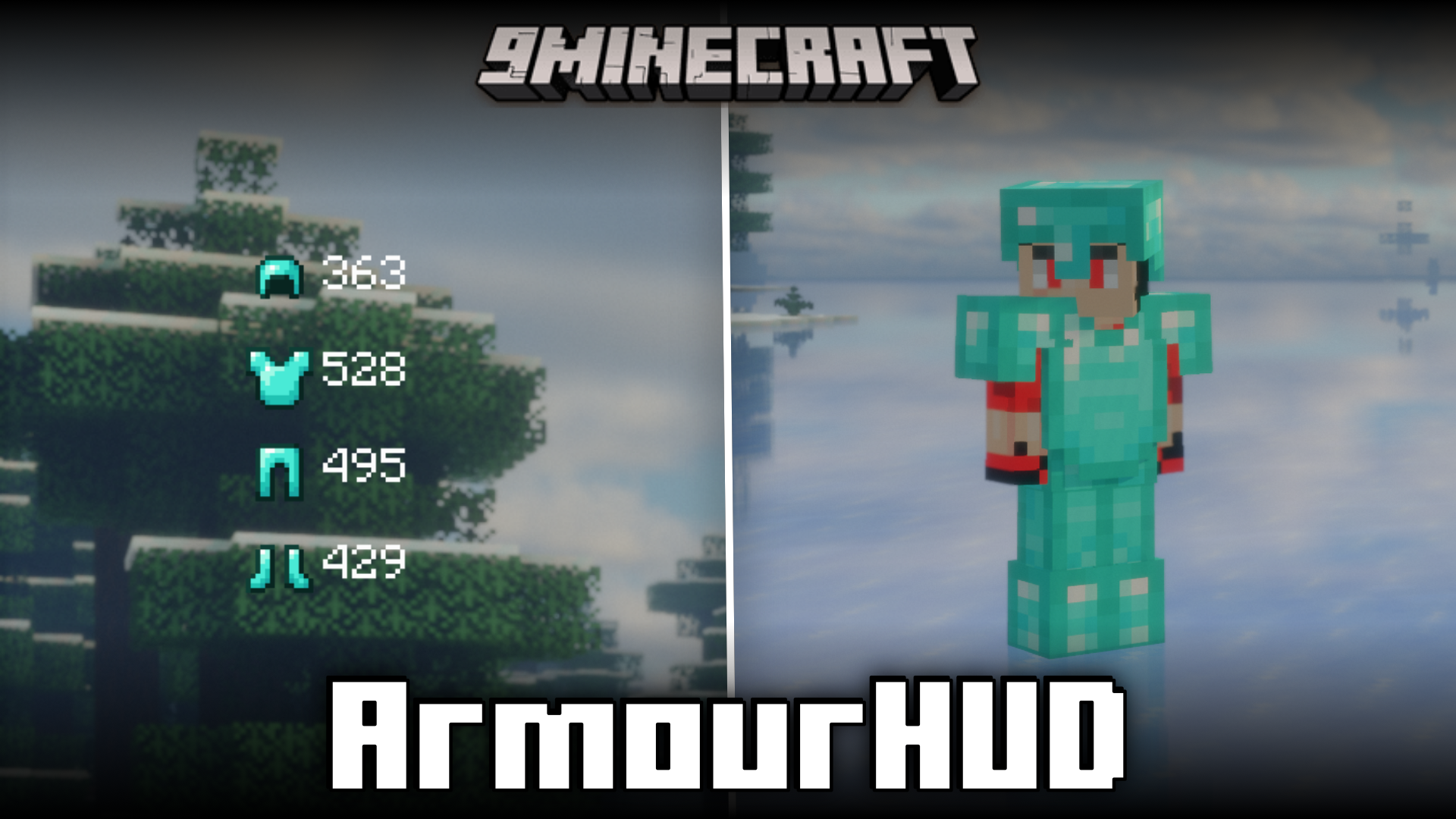
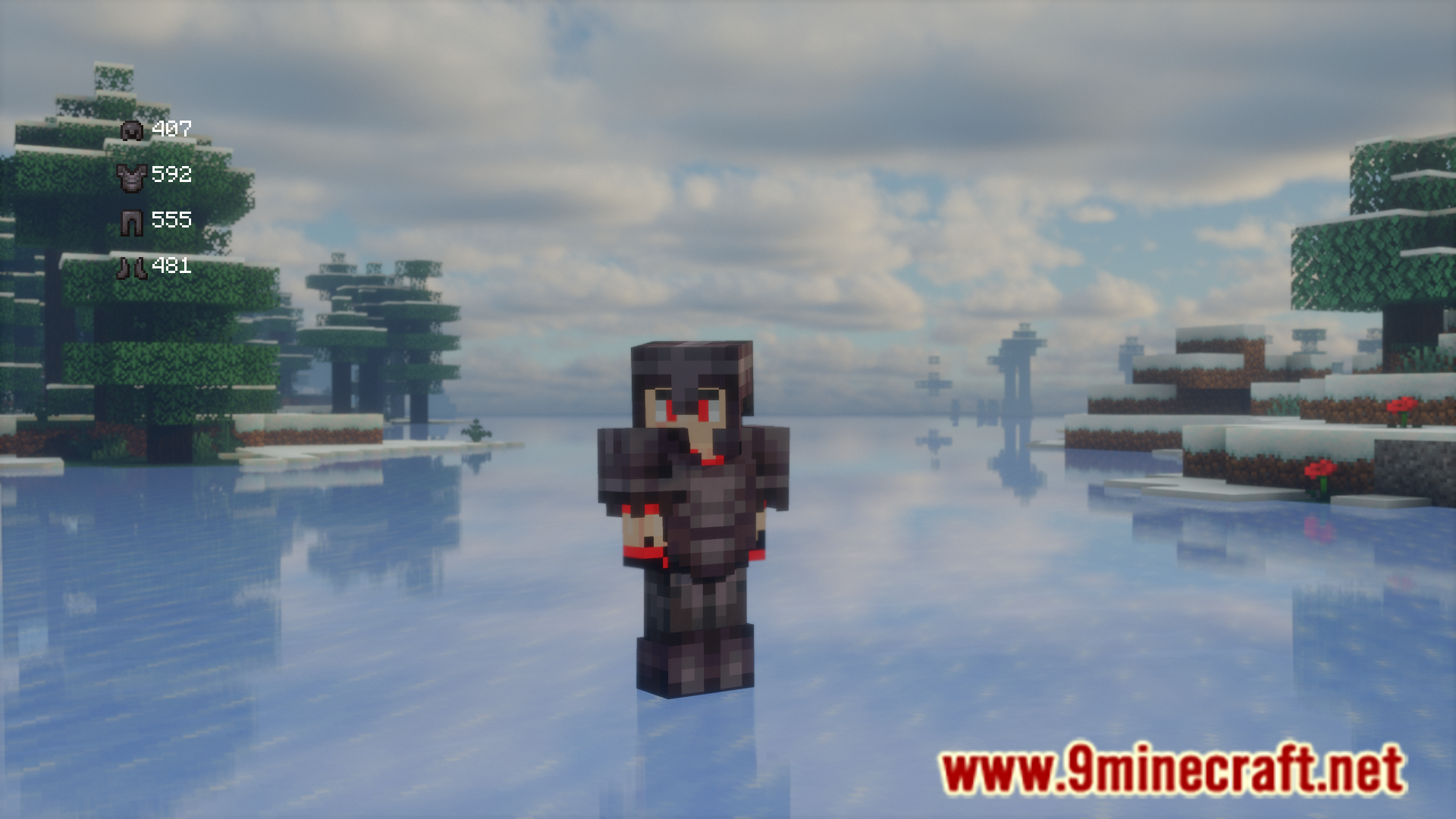
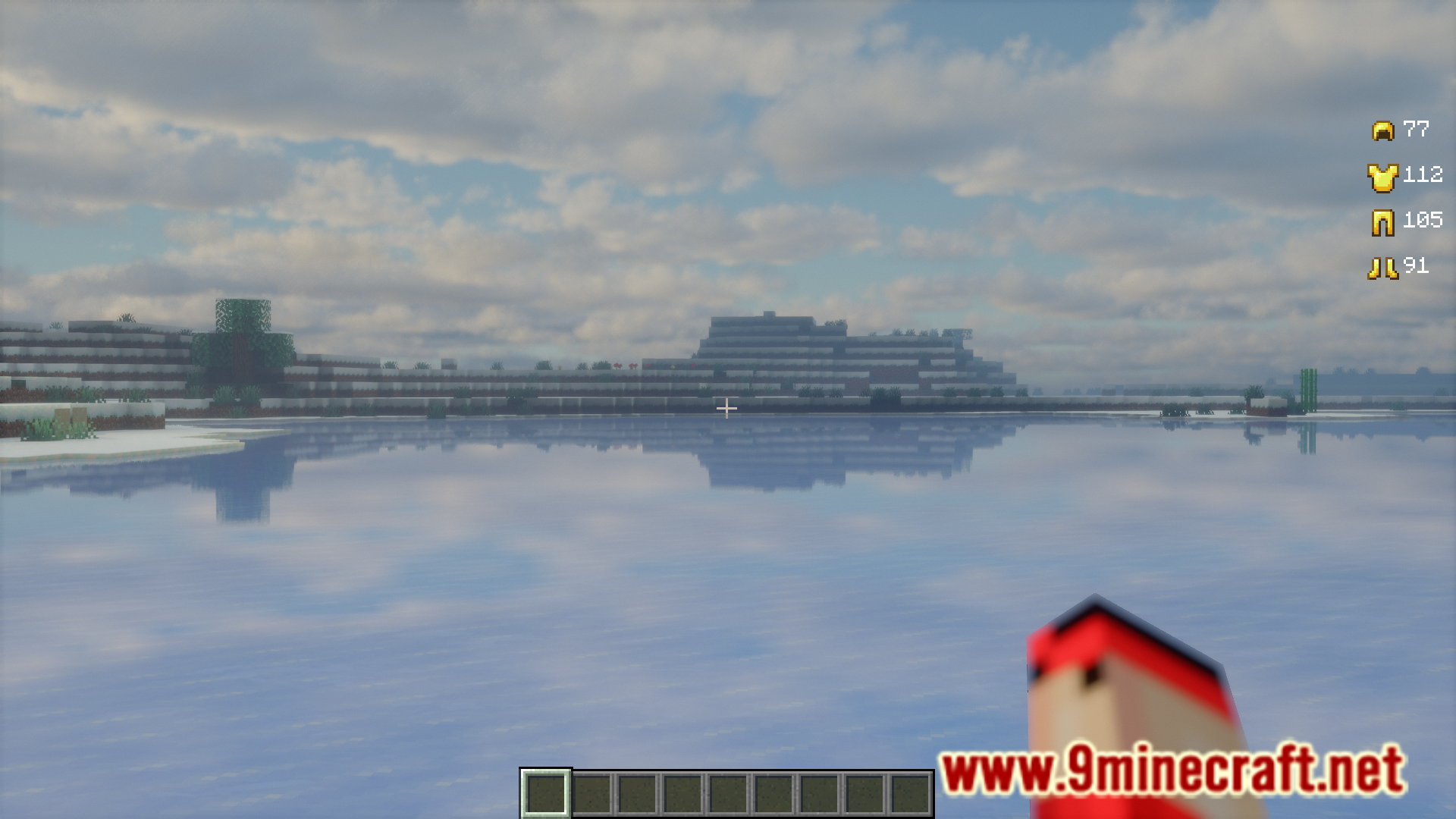
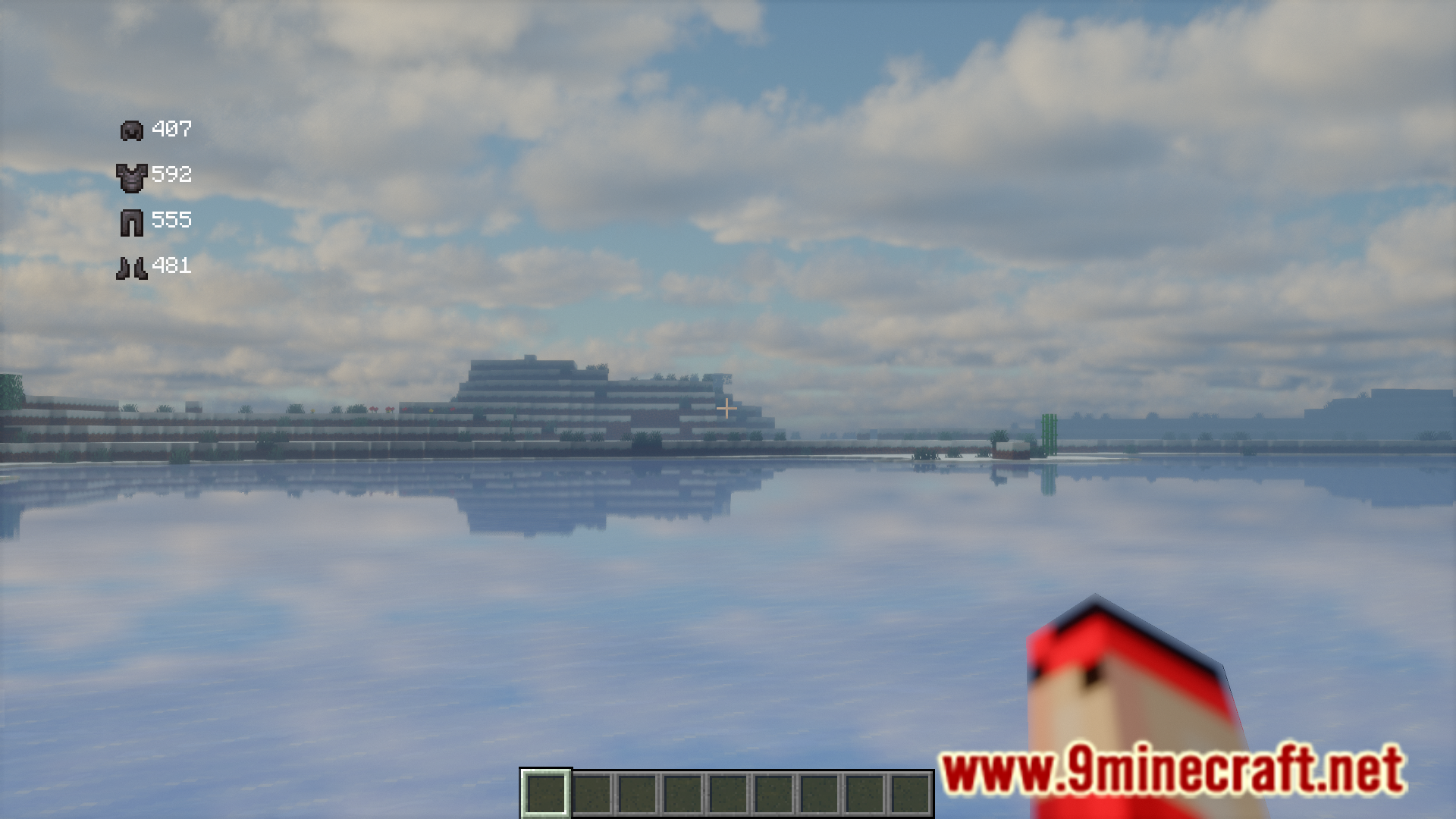
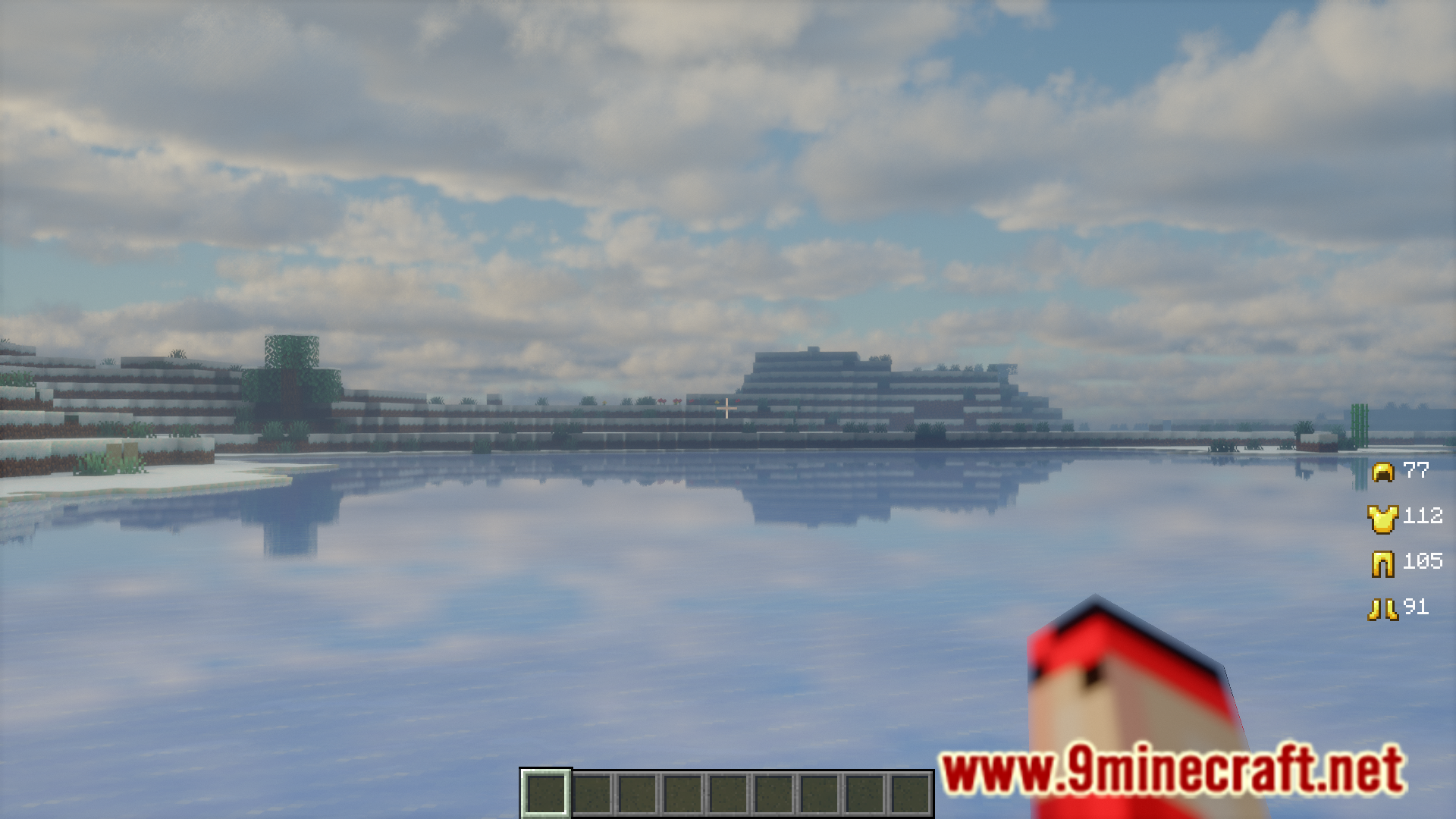
In the vanilla game, to view the durability of an armor piece, you have to open your game GUI and then hover your mouse cursor over the item to view the durability shown in the item tooltip. But having to open your inventory GUI every time to see your armor durability can be an inconvenience. If you feel the same, ArmourHUD Mod is for you. This mod adds an overlay that displays the remaining durability of your equipped armor pieces. Using commands, you can configure the placement of this overlay. The commands and their functions are listed below.
Features:
- /armourhud-movex Sets the x value of every hud icon.
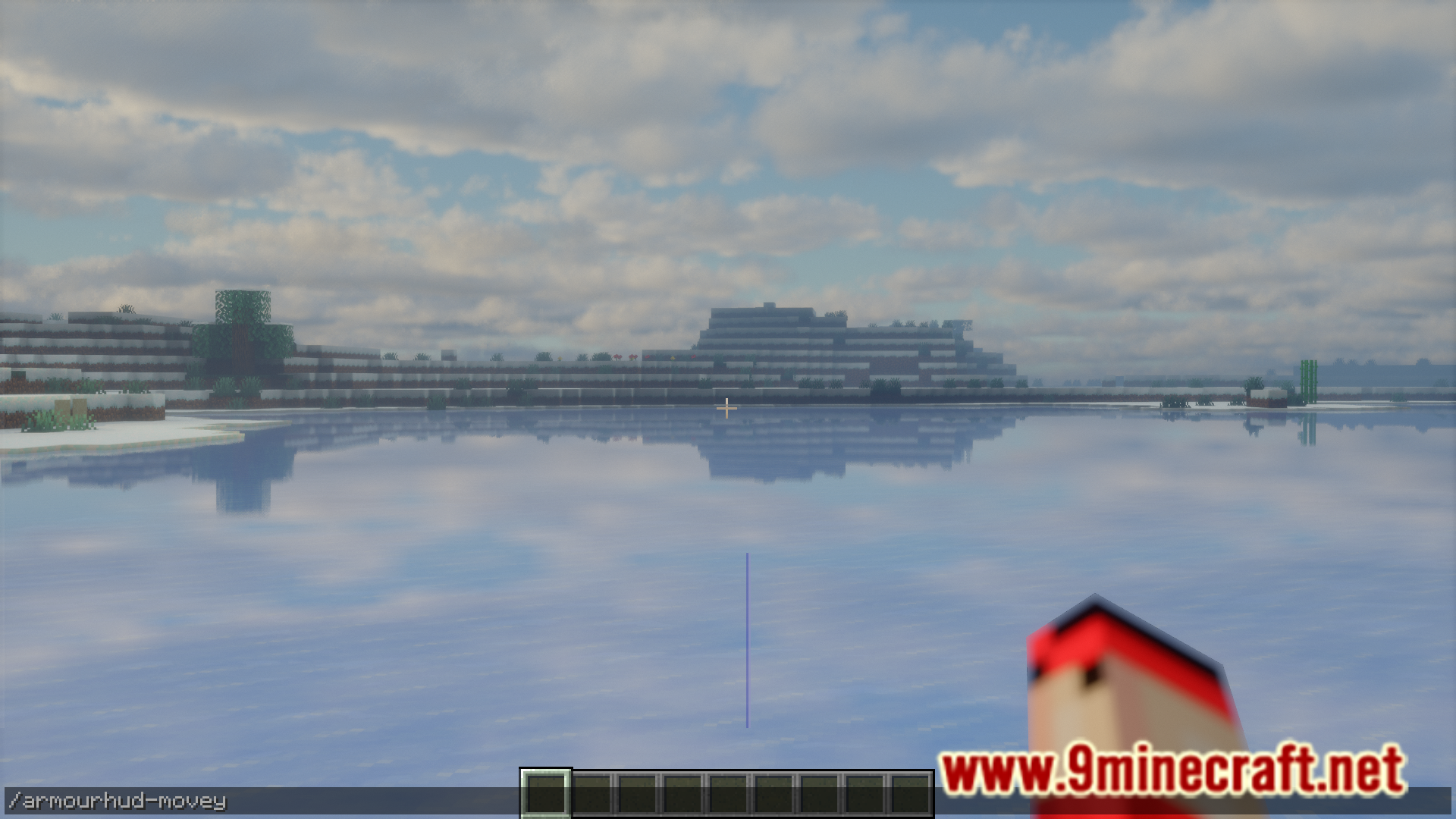
- /armourhud-movey Sets the y value of every hud icon.
- /armourhud-movex Changes the x of a specific icon.
- /armourhud-movey Changes the y of a specific icon.
- /armourhud-hudtoggle Toggles the hud. Default: false
Screenshots:


ArmourHUD Mod Download Links
For Minecraft 1.21.1, 1.21
Fabric version: Download from Server 1 – Download from Server 2
For Minecraft 1.20.4
Fabric version: Download from Server 1 – Download from Server 2
- Edition: Minecraft Java
- File type: .jar
- Minecraft versions listed: 1.21.1, 1.20.4
- How to install: Install the matching mod loader (Forge, Fabric or NeoForge) for your Minecraft version. → Download the .jar. → Put it in the .minecraft/mods folder and launch that loader profile.
- Where to get it: In MC Java Mods, or directly above on this page.
Install steps are the general flow for this file type — How to install Minecraft Java mods & modpacks walks through it step by step.
- Downloads as 197869.mcaddon
- Download size: 26 KB
- Download link checked 26 Jul 2026 — working
- Mirrored on our own servers — the download does not depend on the original host
These come from our own check of the pack file, not from the source page.