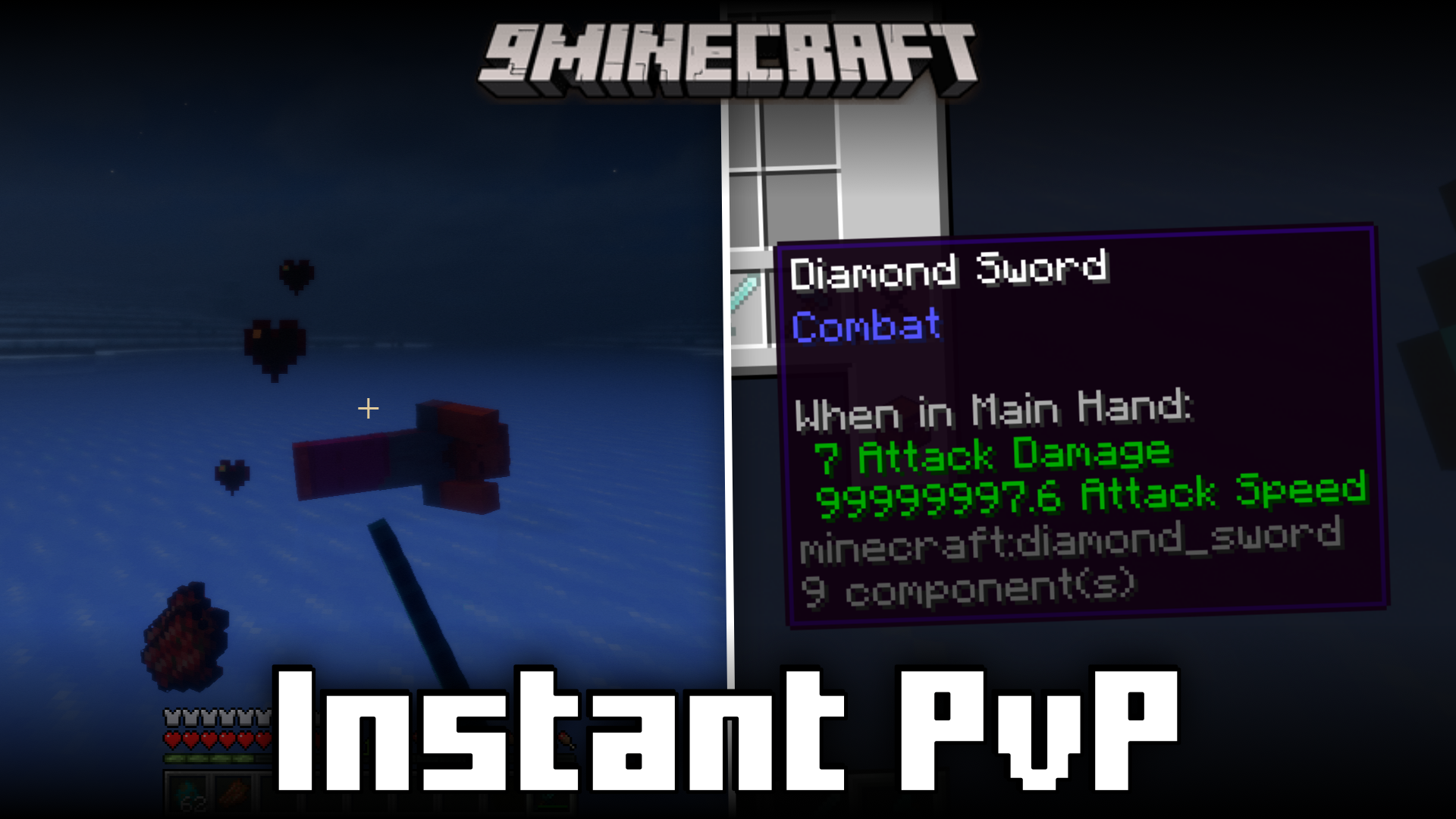
Instant PvP Mod (1.21.4, 1.20.1) – 1.8 Combat Mechanics In Newer Game Versions
Java mod listed for Minecraft 1.20–1.21. Downloads from the MC Java Mods app on Android.
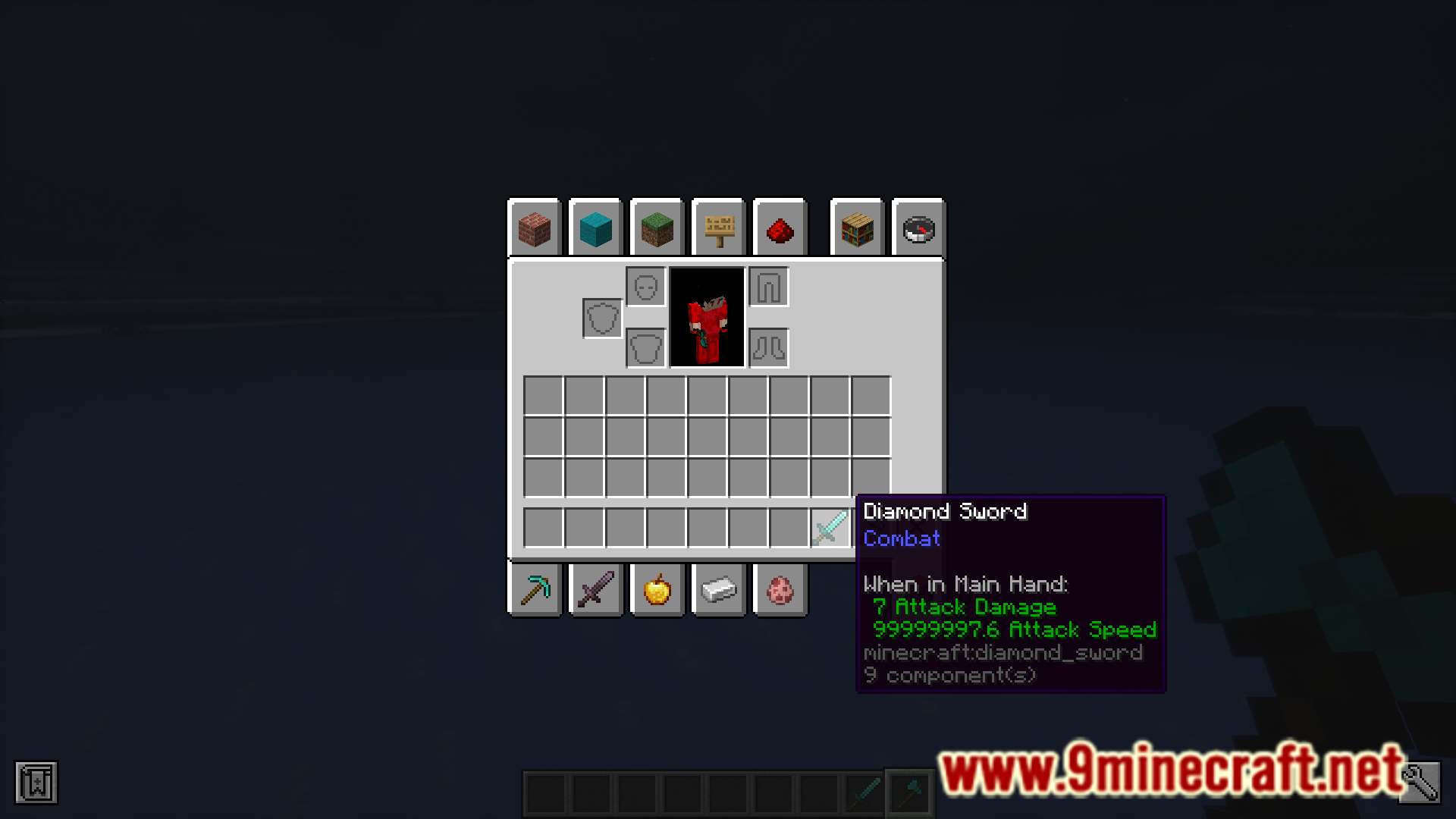
⬇ DownloadIn the 1.8 and earlier versions of the game, the combat mechanics in Minecraft used to be different than how it is in the newer versions of the game. In the 1.8 version, weapons had no cooldown and you were able to hit a player multiple times in quick succession. But in the newer versions, this is not the case. The 1.8 version combat mechanics also allowed you to block attacks using your sword, which is not possible in the newer versions. Instant PvP Mod is for those players who want to bring the 1.8 Minecraft combat mechanics into the newer versions of the game. A detailed guide is given below.
Features:
- Use command /function instant_pvp:enable to activate 1.8 combat mechanics.
- 1.8 combat mechanics are on by default when you first install the mod.
- To disable, use the command /function instant_pvp:disable
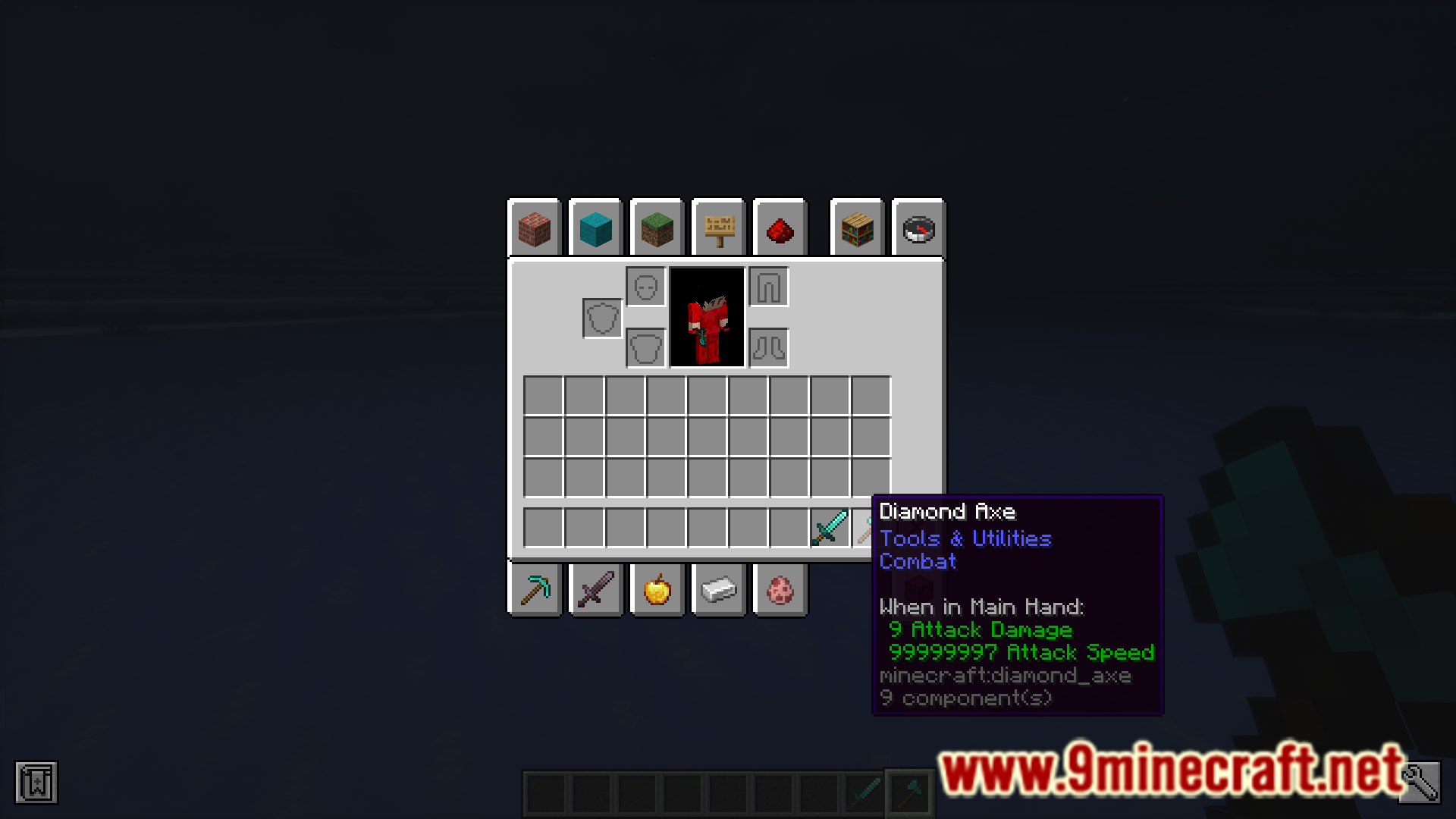
- Axes have low damage, like in 1.8.
- You can now block using swords.
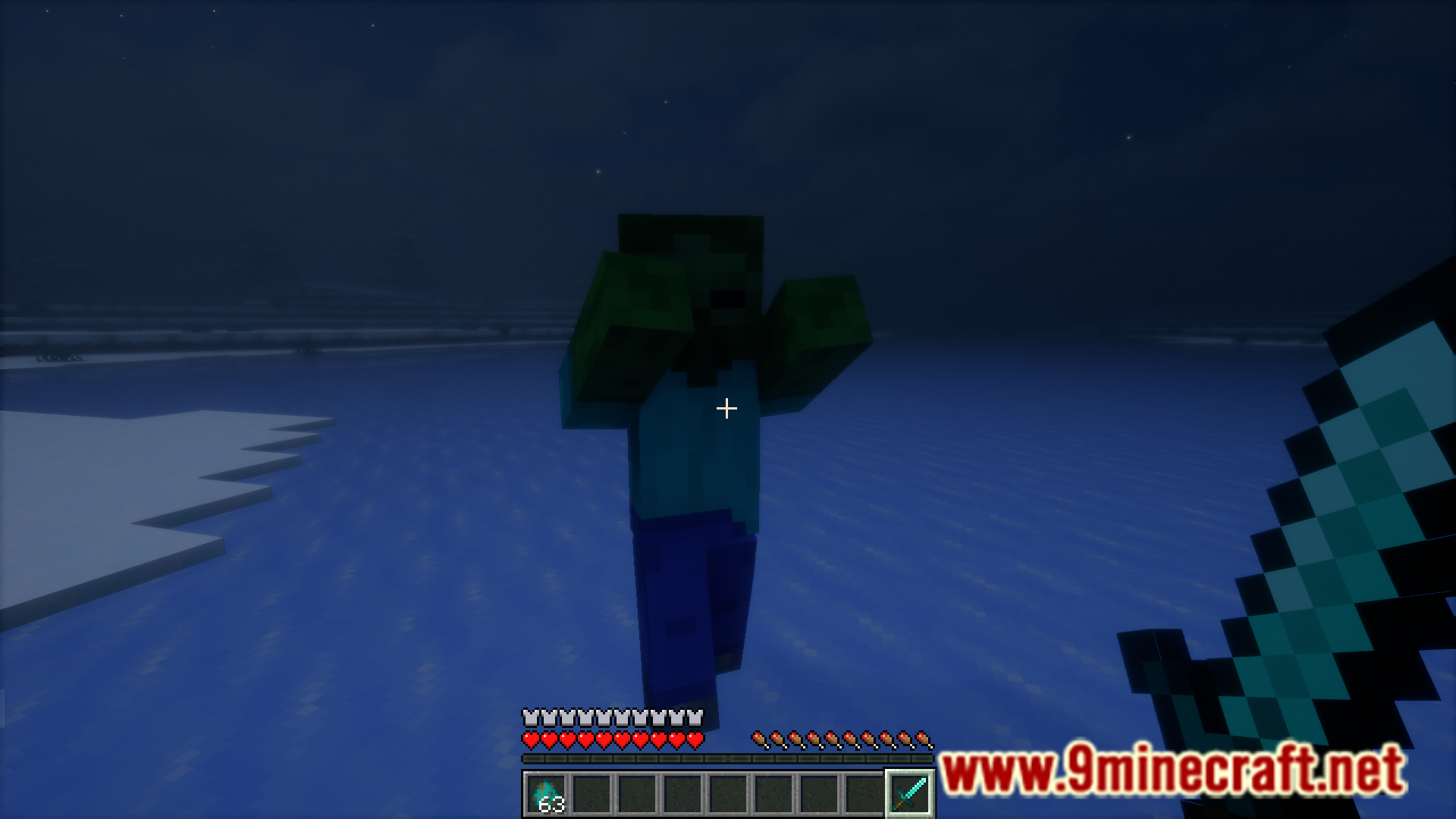
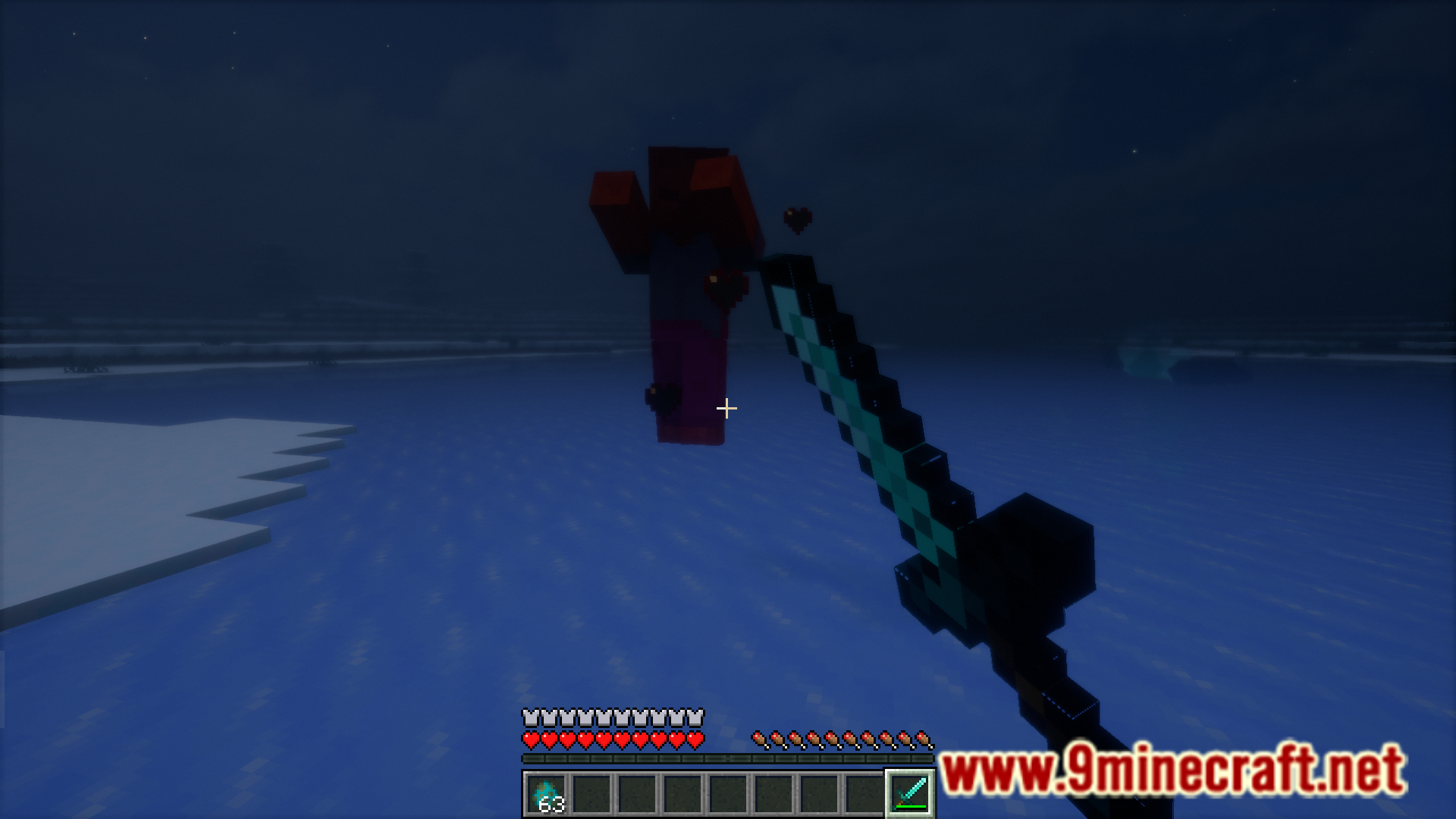
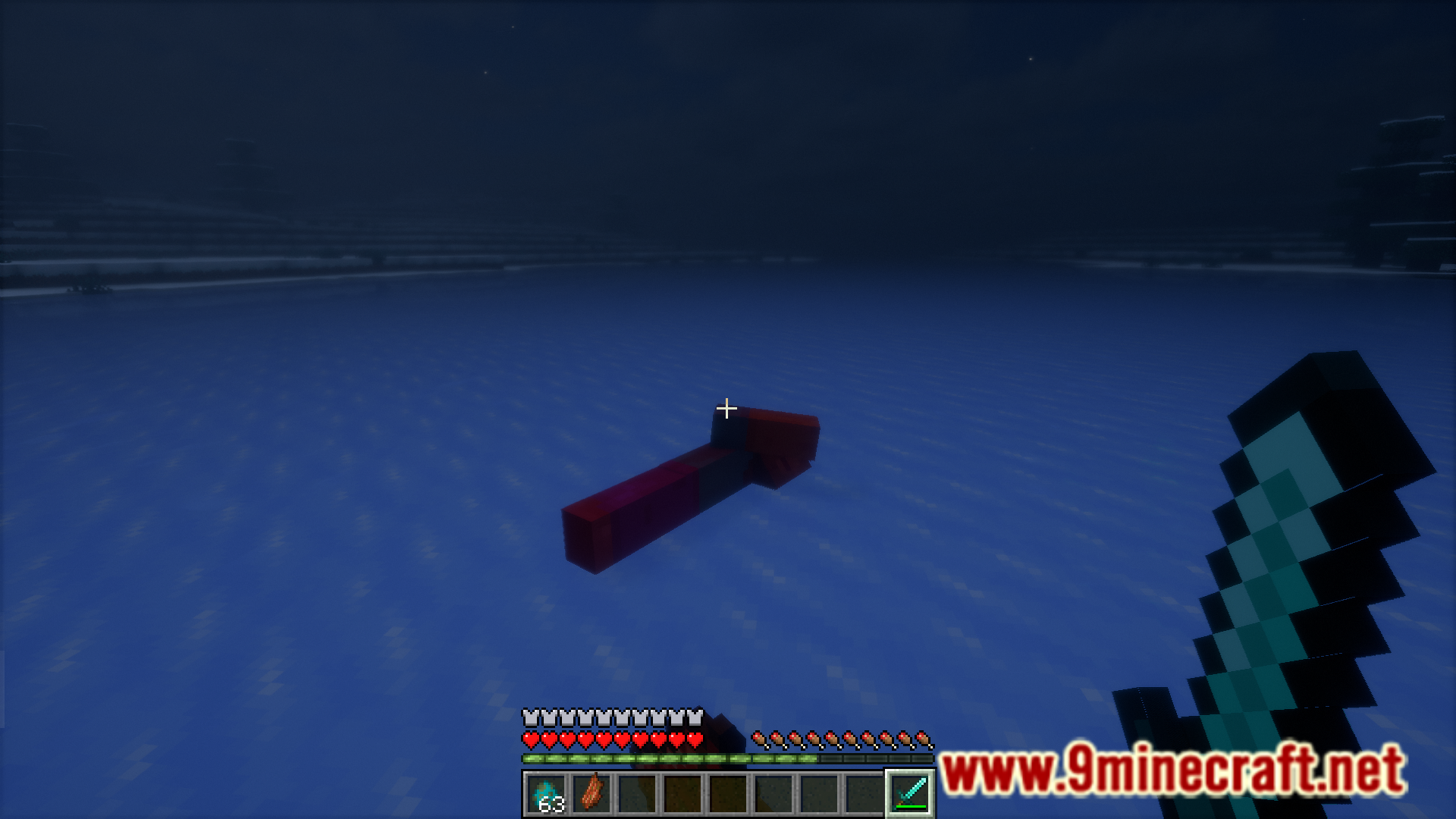
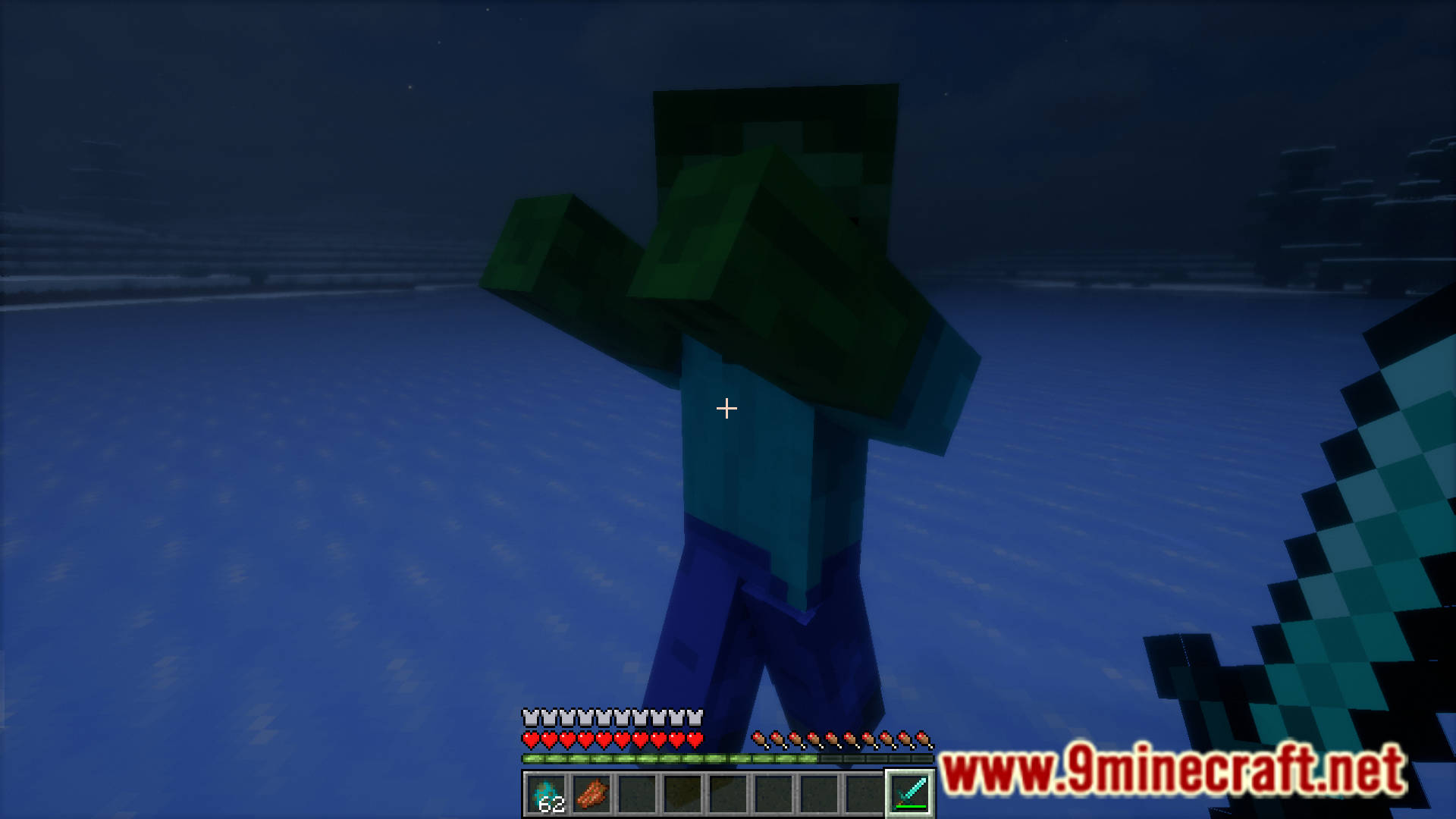
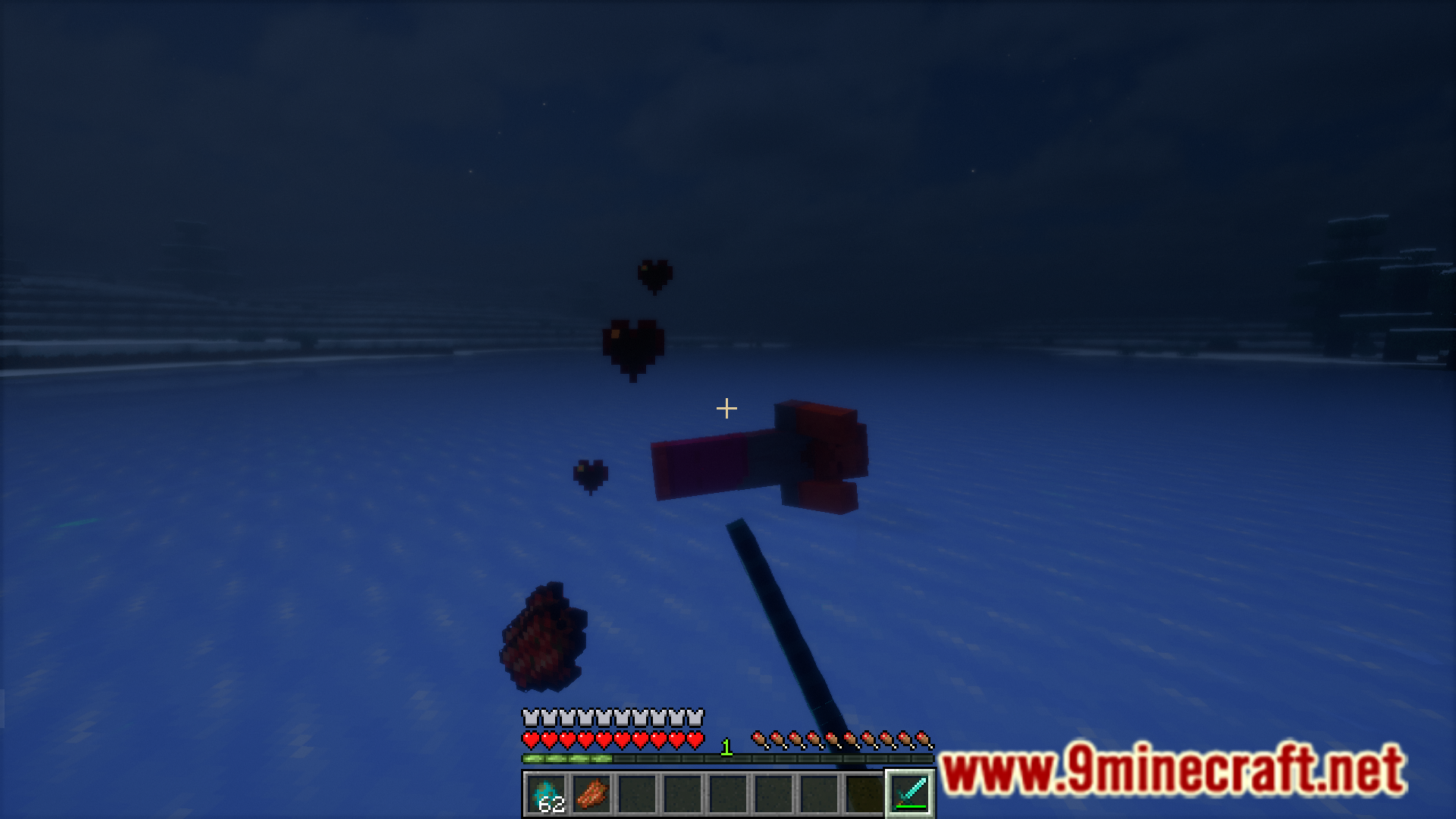
Screenshots:
Instant PvP Mod Download Links
For Minecraft 1.21.4
Forge/NeoForge/Fabric version: Download from Server 1 – Download from Server 2
For Minecraft 1.21.1, 1.21
Forge/Fabric version: Download from Server 1 – Download from Server 2
For Minecraft 1.20.2
Fabric version: Download from Server 1 – Download from Server 2
For Minecraft 1.20.1
Fabric version: Download from Server 1 – Download from Server 2
For Minecraft 1.19.4
Fabric version: Download from Server 1 – Download from Server 2
For Minecraft 1.19.3, 1.19.2
Fabric version: Download from Server 1 – Download from Server 2
For Minecraft 1.18.2
Fabric version: Download from Server 1 – Download from Server 2
For Minecraft 1.17.1
Fabric version: Download from Server 1 – Download from Server 2
- Edition: Minecraft Java
- File type: .jar
- Minecraft versions listed: 1.21.4, 1.20.1
- How to install: Install the matching mod loader (Forge, Fabric or NeoForge) for your Minecraft version. → Download the .jar. → Put it in the .minecraft/mods folder and launch that loader profile.
- Where to get it: In MC Java Mods, or directly above on this page.
Install steps are the general flow for this file type — How to install Minecraft Java mods & modpacks walks through it step by step.
- Downloads as 197991.mcaddon
- Download size: 21 KB
- Download link checked 26 Jul 2026 — working
- Mirrored on our own servers — the download does not depend on the original host
These come from our own check of the pack file, not from the source page.