Ghostblocks Mod (1.21.1, 1.20.1) – Useful Tweaks
Java mod listed for Minecraft 1.20–1.21. Downloads from the MC Java Mods app on Android.
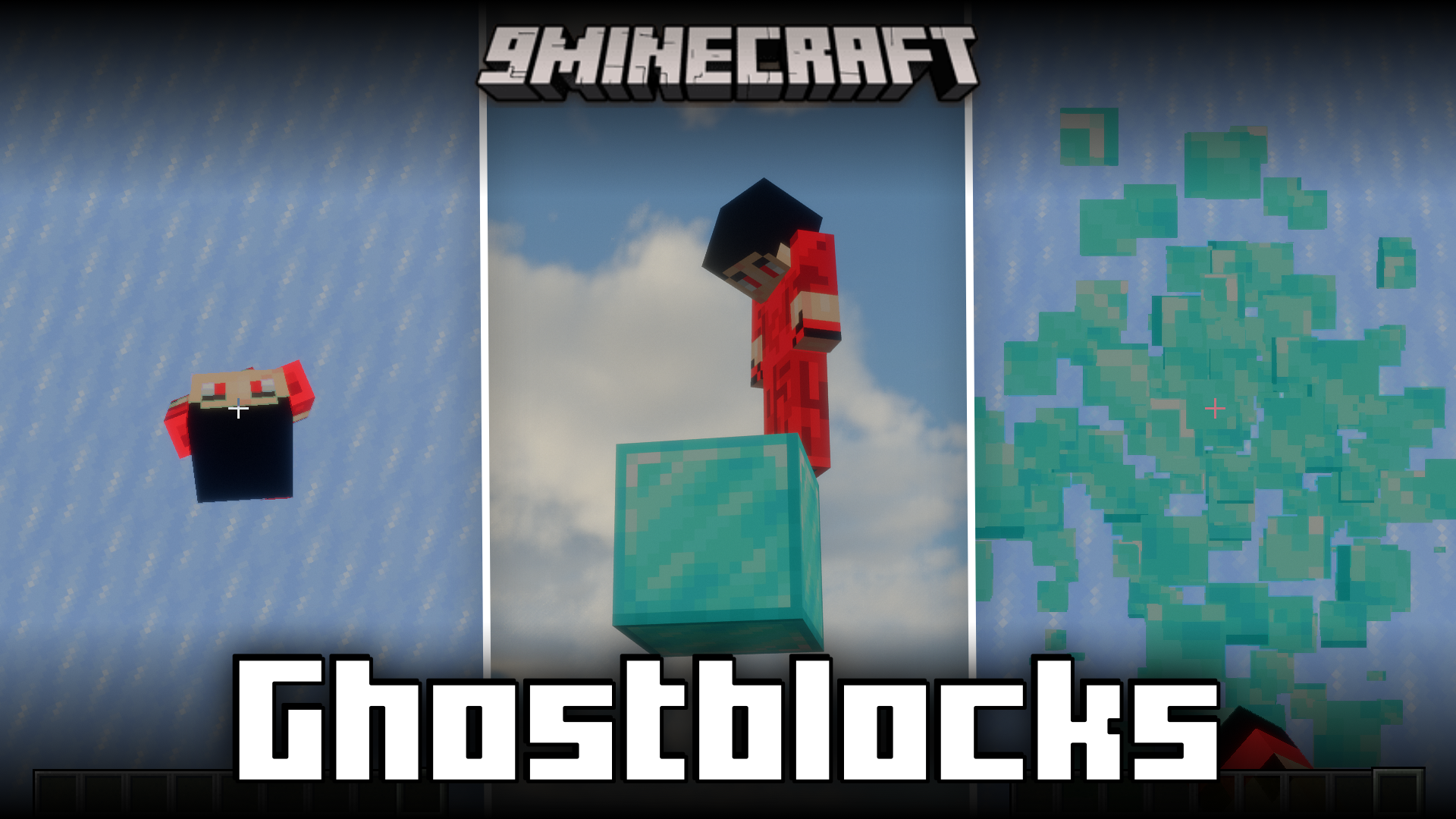
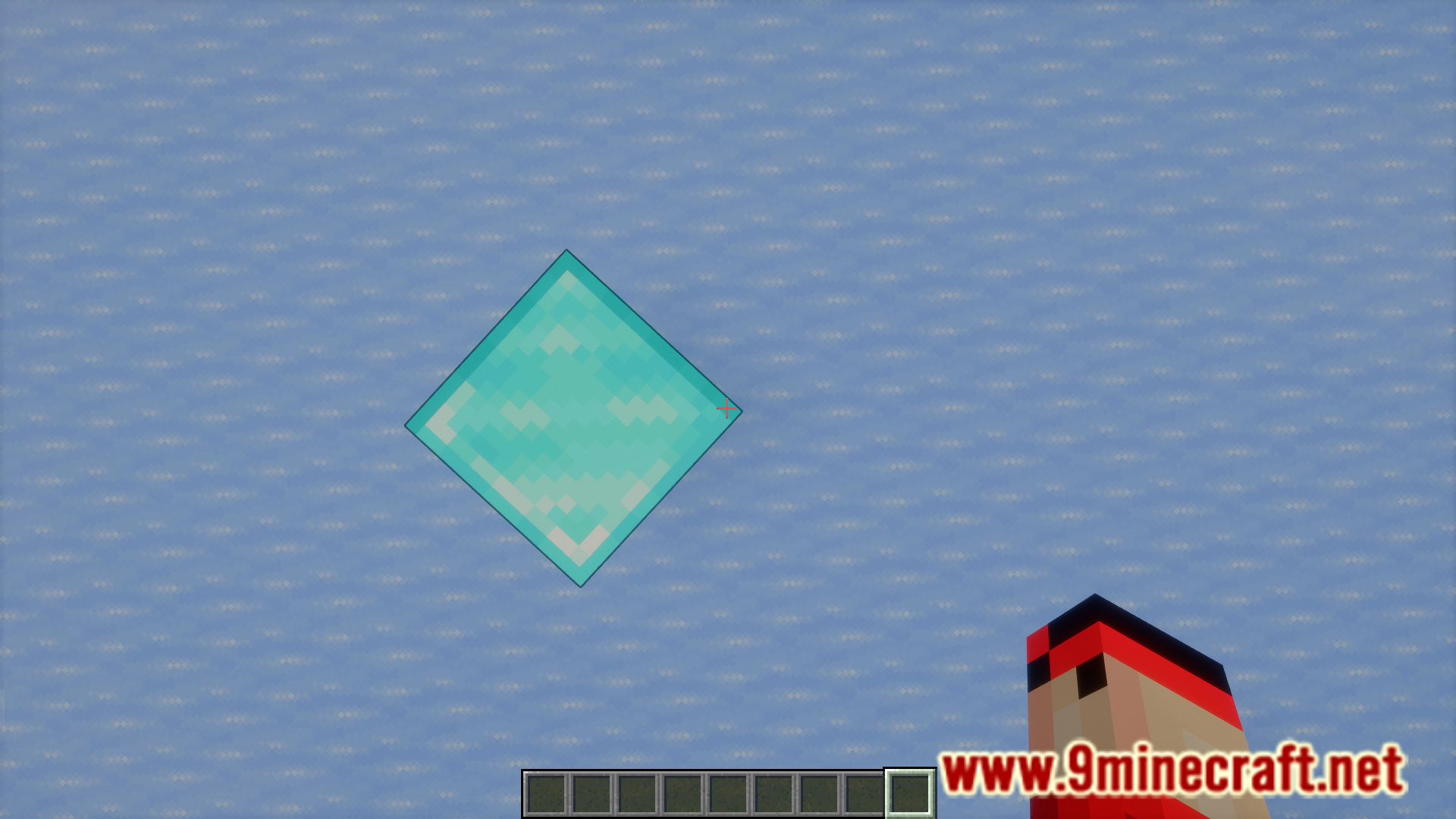
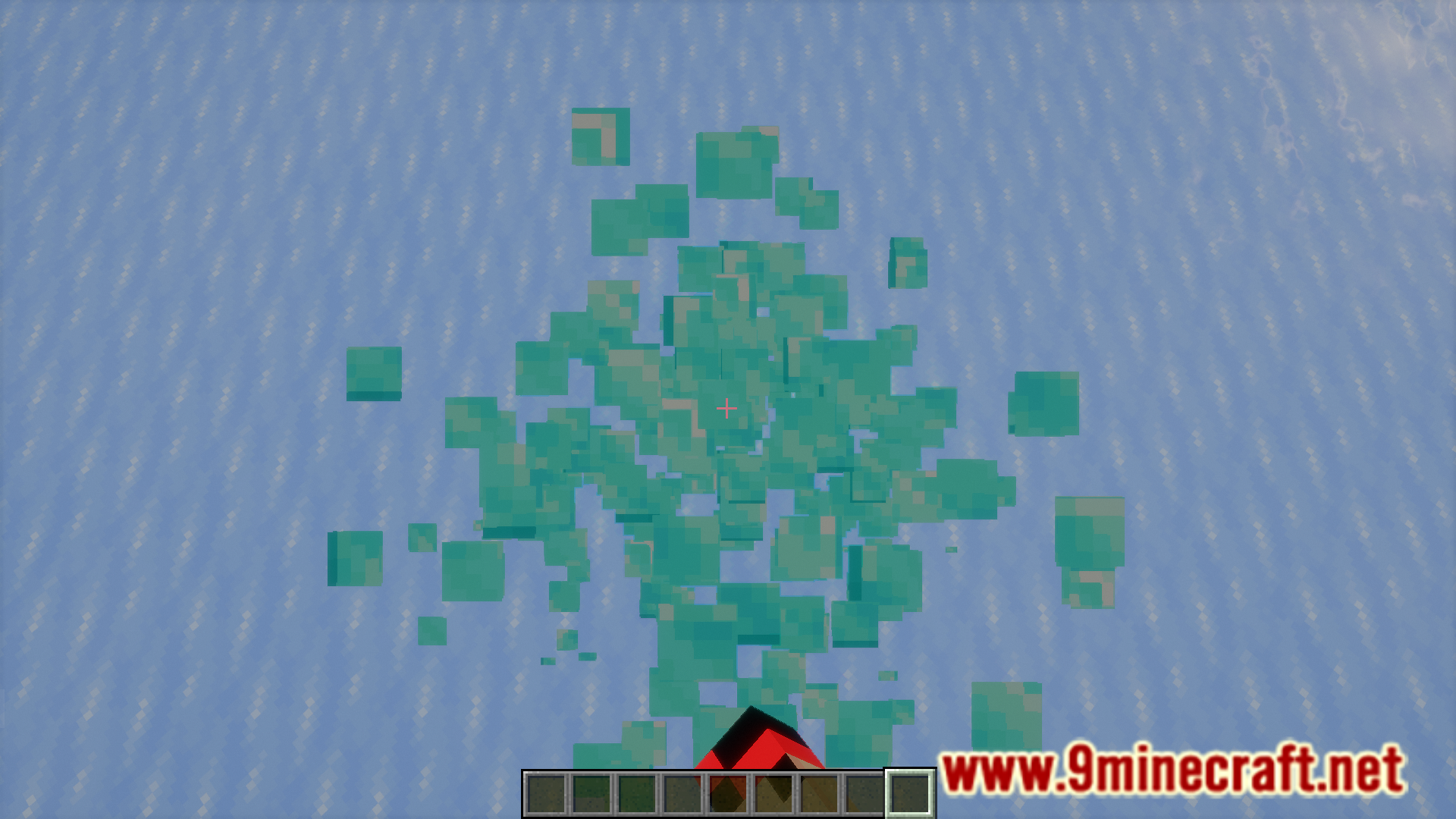
⬇ DownloadIf you have played on servers, you might have faced the issue of ghost blocks. These are blocks, whose existence is disagreed between the client and the server. The server might acknowledge the existence of the block, but the client will not, and this results in an invisible block that the player can interact with. If you could achieve the reverse effect, you will be able to place blocks that only you could see. Ghostblocks Mod allows you to do that. With the help of a keybind, G by default, you will be able to place a ghost block beneath your feet. Furthermore, the mod adds other useful tweaks that are useful for the player.
Features:
- Allows you to place blocks that are only visible to you.
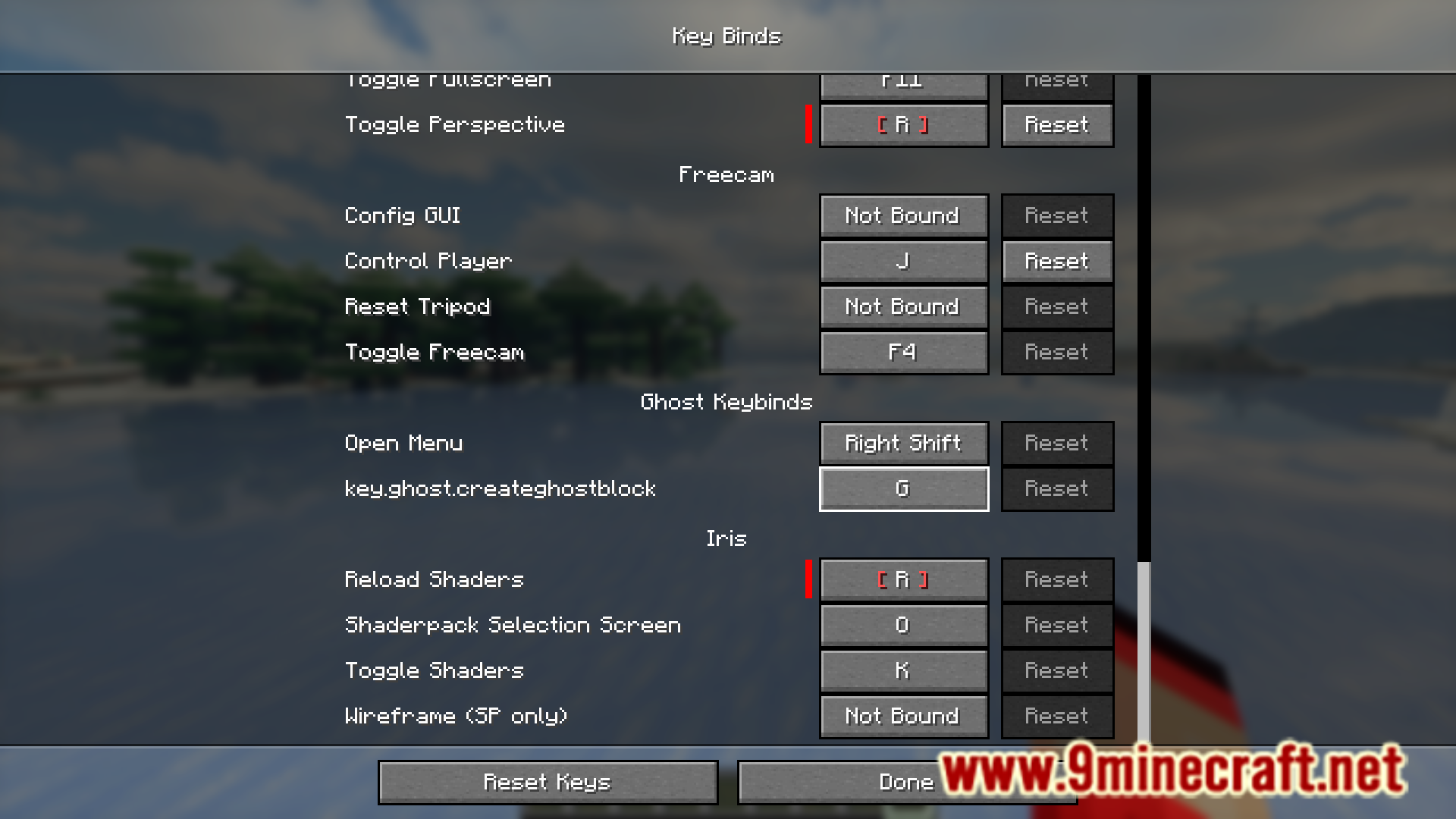
- Press a keybind (G by default) to place a ghost block beneath your feet.
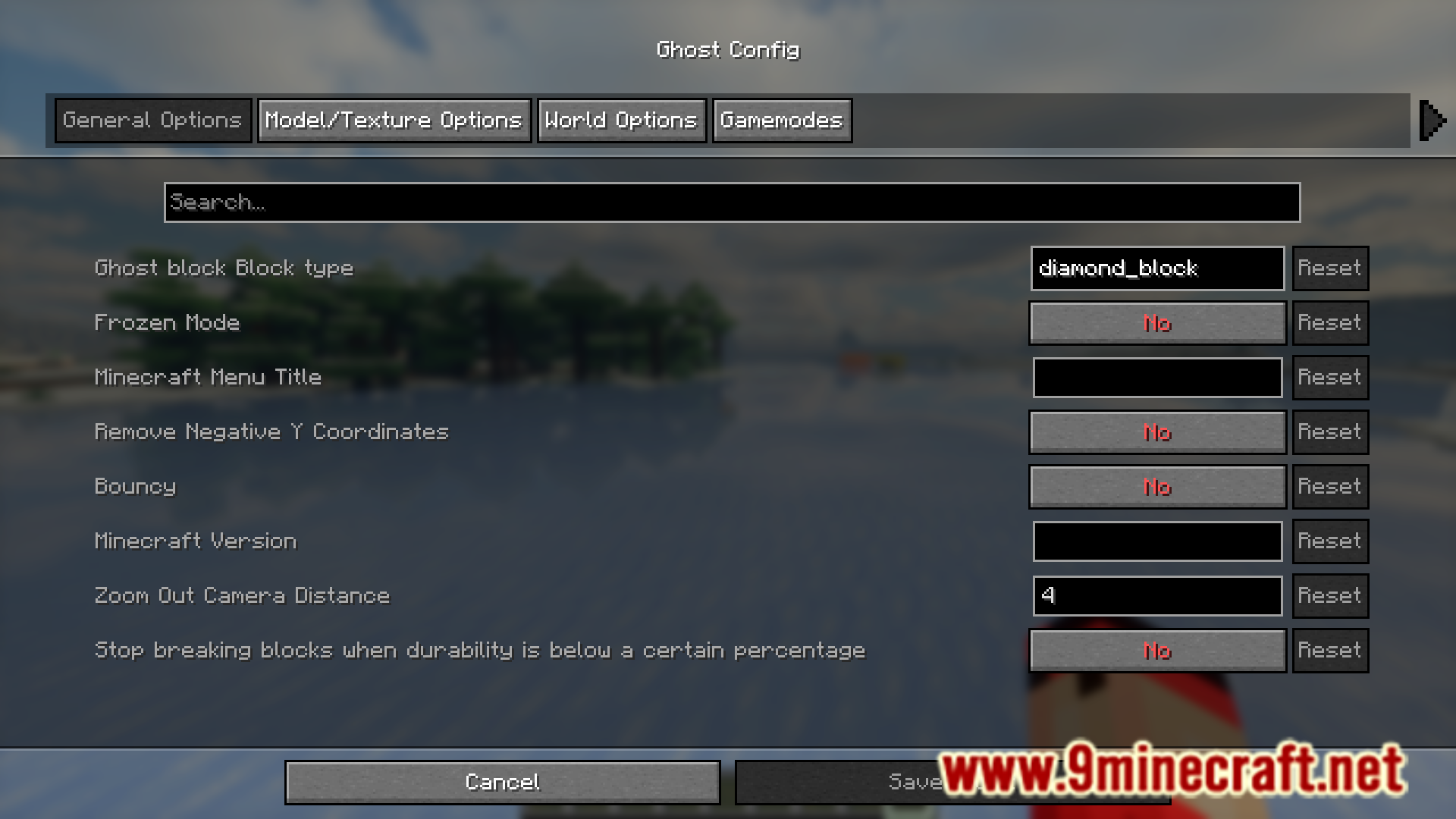
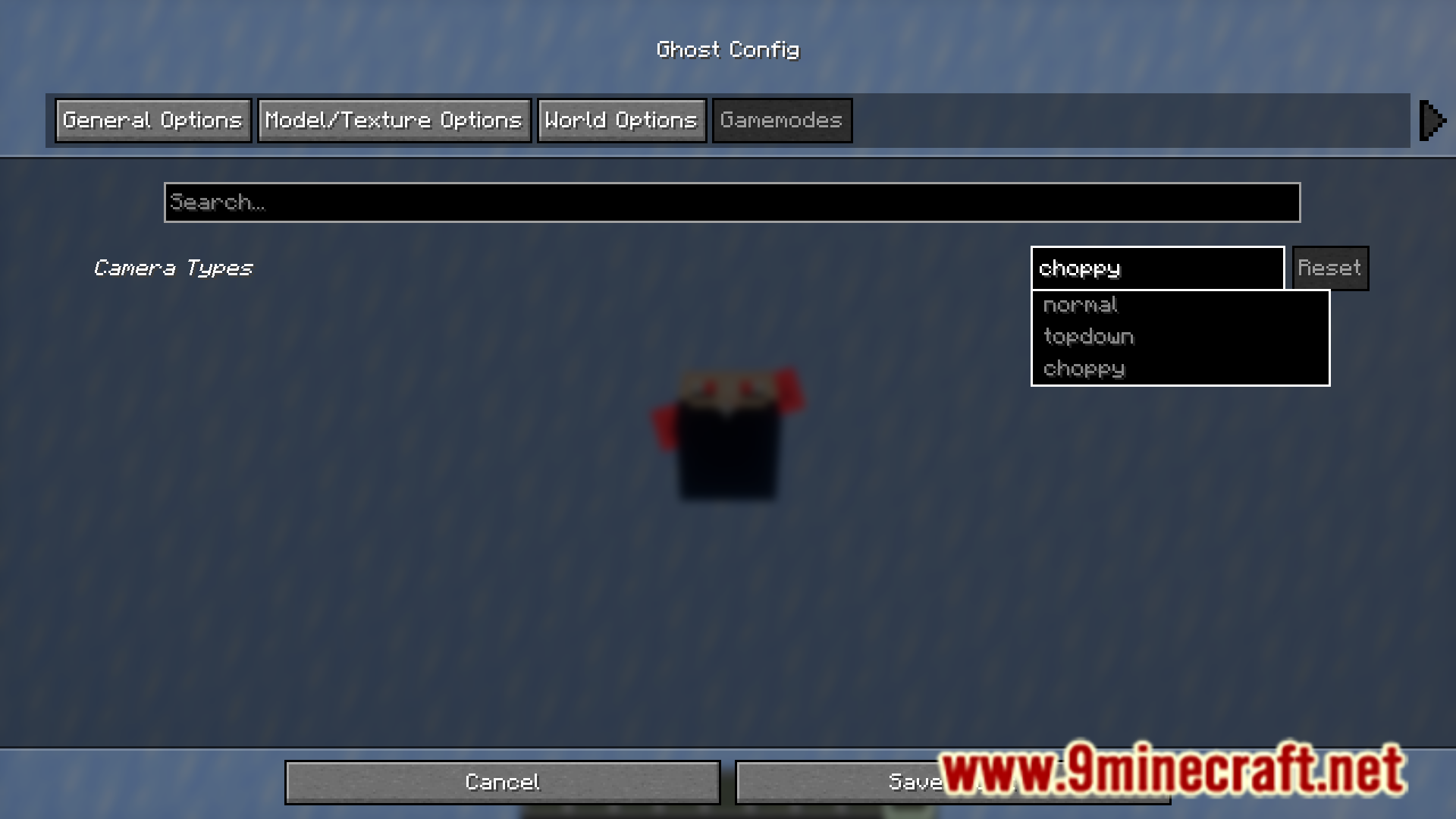
- Press right shift to open mod configuration.
- Frozen Mode – Makes all blocks slippery like ice.
- Bouncy Mode- Makes all blocks bouncy like slime blocks.
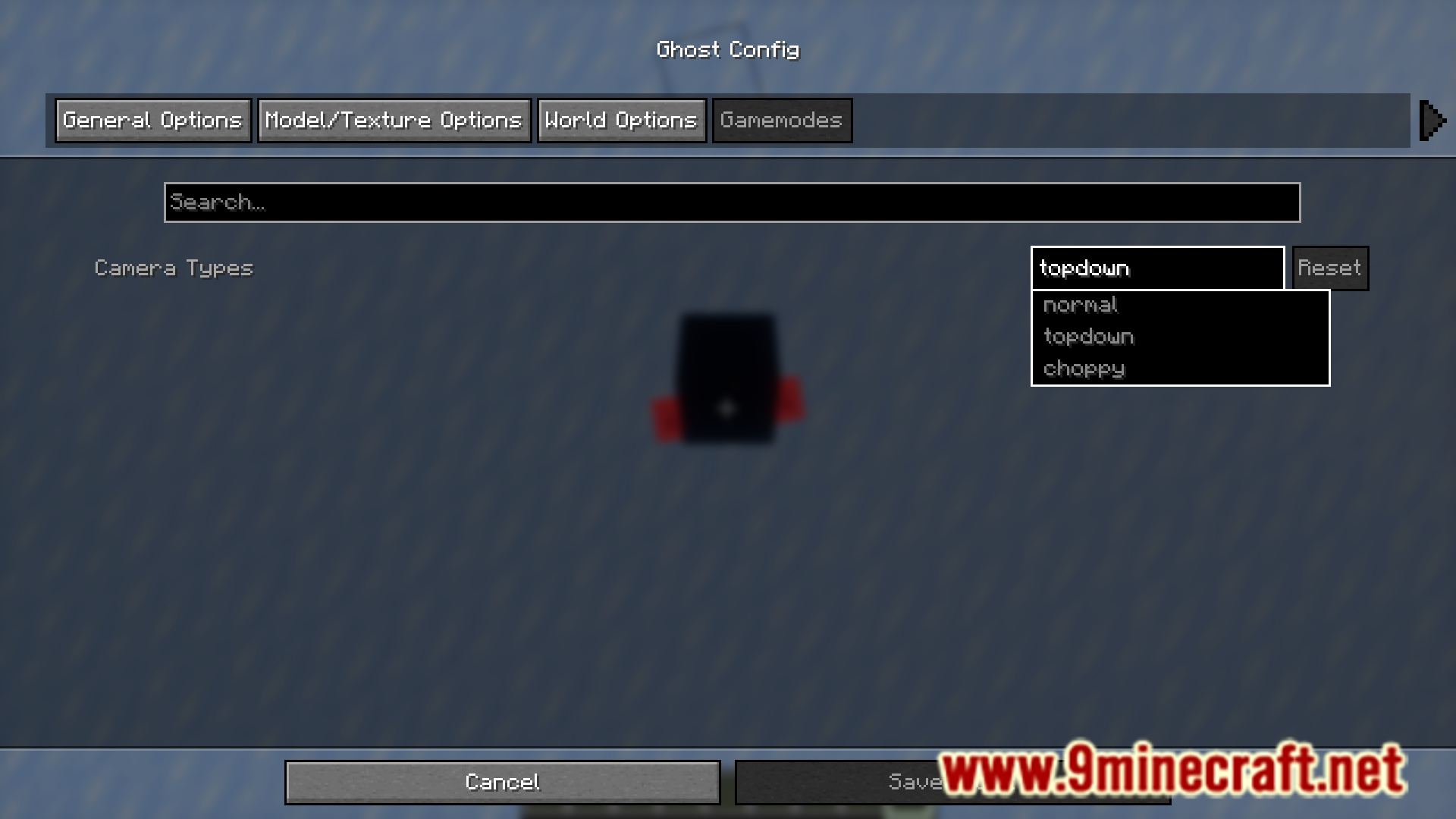
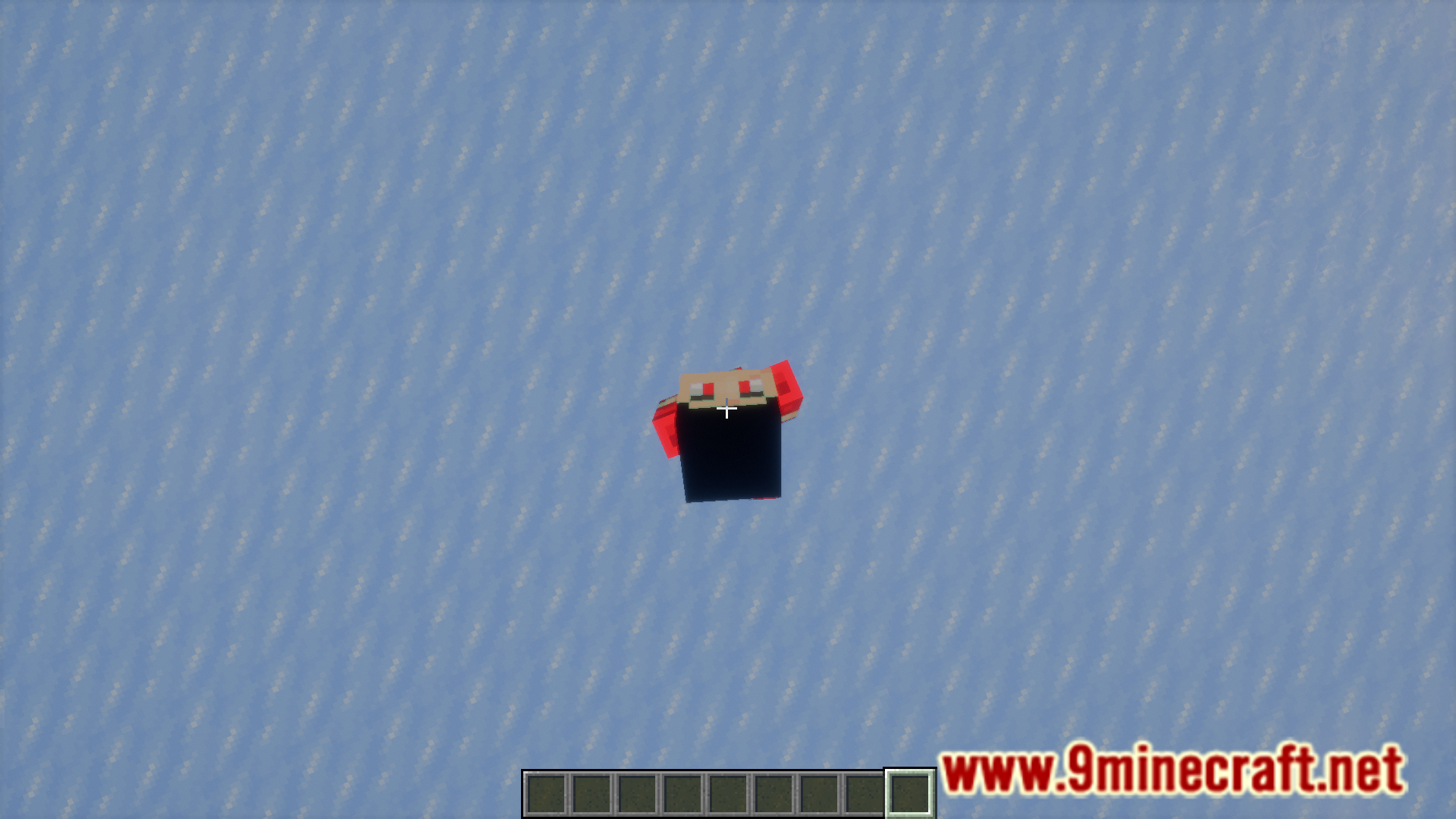
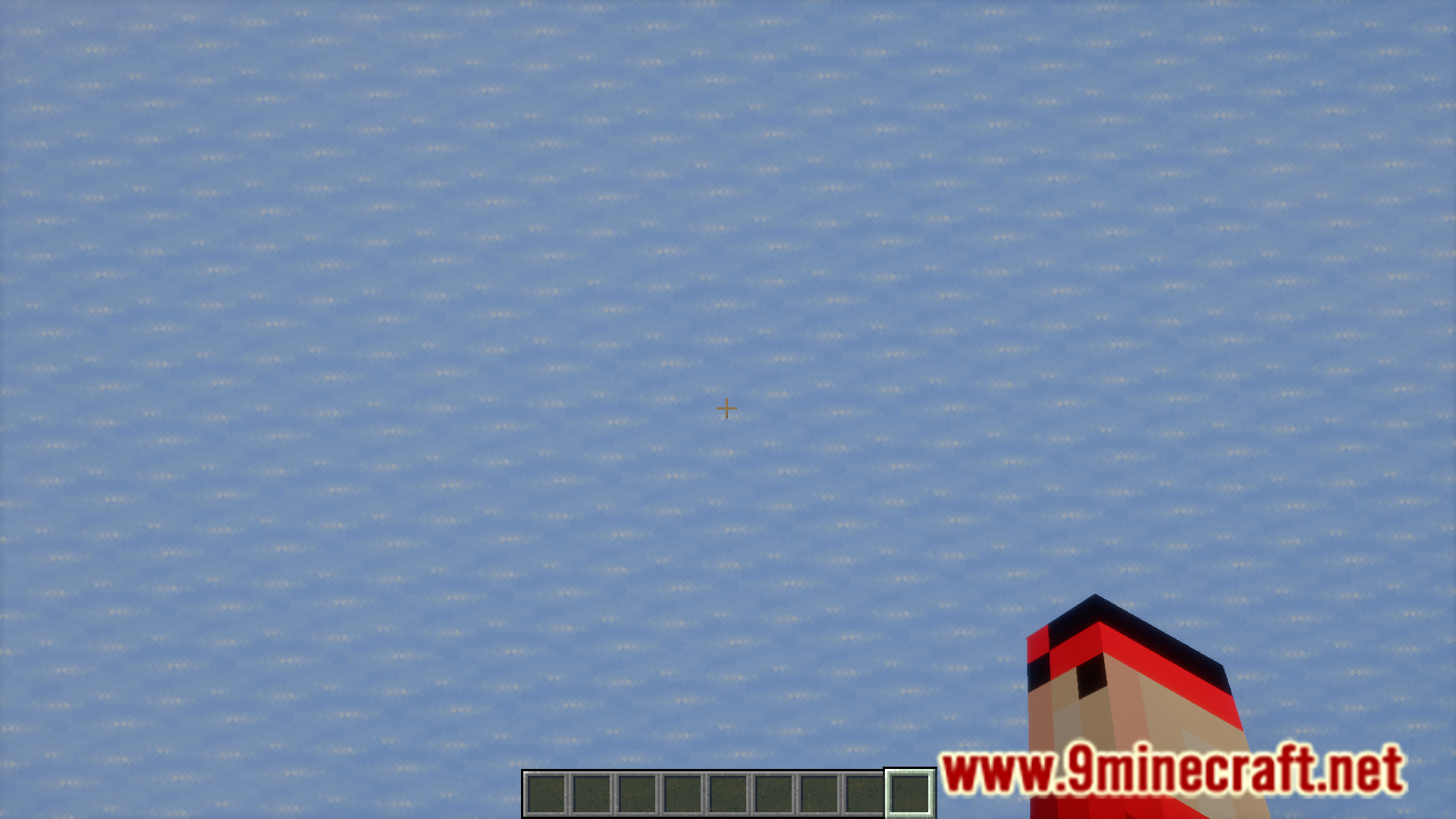
- Different player perspectives.
- Player body part visibility can be tweaked.
- Makes all pigs wear the Technoblade crown.
- Toggle different screen overlays.
- And more!
Screenshots:

Ghostblocks Mod Download Links
For Minecraft 1.21.1, 1.21, 1, 21
Fabric version: Download from Server 1 – Download from Server 2
For Minecraft 1.20.6
Fabric version: Download from Server 1 – Download from Server 2
For Minecraft 1.20.4
Fabric version: Download from Server 1 – Download from Server 2
For Minecraft 1.20.1
Fabric version: Download from Server 1 – Download from Server 2
For Minecraft 1.19.4
Fabric version: Download from Server 1 – Download from Server 2
For Minecraft 1.19.3, 1.19.2
Fabric version: Download from Server 1 – Download from Server 2
- Edition: Minecraft Java
- File type: .jar
- Minecraft versions listed: 1.21.1, 1.20.1
- How to install: Install the matching mod loader (Forge, Fabric or NeoForge) for your Minecraft version. → Download the .jar. → Put it in the .minecraft/mods folder and launch that loader profile.
- Where to get it: In MC Java Mods, or directly above on this page.
Install steps are the general flow for this file type — How to install Minecraft Java mods & modpacks walks through it step by step.
- Downloads as 197993.mcaddon
- Download size: 63 KB
- Download link checked 26 Jul 2026 — working
- Mirrored on our own servers — the download does not depend on the original host
These come from our own check of the pack file, not from the source page.