Modopedia
Java mod listed for Minecraft 1.21. Downloads from the MC Java Mods app on Android.
⬇ Download on CurseForge



Description
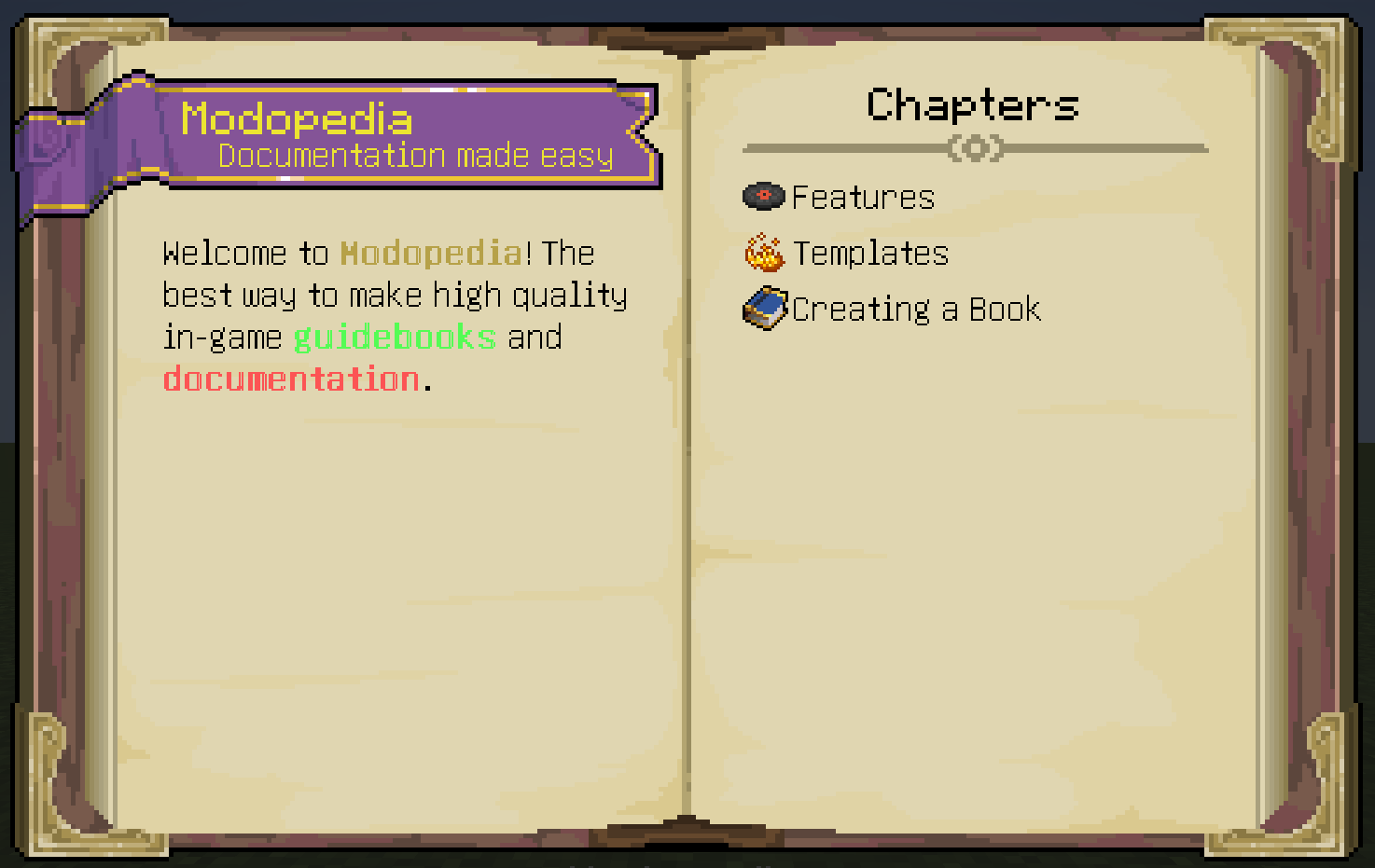
Modopedia is a resource-driven guidebook and in-game documentation mod for Minecraft available on Neoforge and Fabric featuring an extensive API and a wide range of out-of-the-box content. The keen eyed among you may be thinking "Well, isn't this just Patchouli?". No! Modopedia sports numerous API improvements for mod developers and gives much more freedom in creating customised content, such as:
- Customisable textures, including the dimensions and number of pages. You control almost everything about how the book renders.
- Ability to quickly find the page for a specific item using the "Study" key with no extra setup.
- JSON format supporting circular dependencies and multiple categories per entry.
- Clear error handling on a per-component level. No more nuking the entire entry!
- Multiple templates on a single page.
- And much, much more!
Support Development
Modopedia has taken many hours of my time and was made possible by the wonderful modding community and players of my other mod, Enchanted: Witchcraft. I greatly appreciate any support and feedback. If you would like to help buy new assets for Modopedia and my other projects, show some appreciation or fund my crippling potion addiction, then consider supporting me on Ko-Fi.
Documentation
Modopedia's Entry JSONs are slightly less abstracted than most other book mods. Rather than working with pages, you place components either directly or by using templates. While this does take a little effort to set up initially, it provides far more extensive customisability than alternatives like Patchouli.
The GitHub Wiki can be used to view how to create books and integrate with your own mods, if something isn't covered or you need help you can also join the Discord and ask in there.
FAQs
- Can I add this to my modpack? - Of course! Just please don't redistribute the mod elsewhere without asking me first and don't claim credit for creating it.
- Can you add X thing? - Feel free to leave suggestions on the discord. I read and consider all feedback.
- Edition: Minecraft Java
- File type: .jar
- Minecraft version listed: 1.21.1
- How to install: Install the matching mod loader (Forge, Fabric or NeoForge) for your Minecraft version. → Download the .jar. → Put it in the .minecraft/mods folder and launch that loader profile.
- Where to get it: Opens on CurseForge — not every file is mirrored on our own servers.
Install steps are the general flow for this file type — How to install Minecraft Java mods & modpacks walks through it step by step.
Modopedia is a free Minecraft Java mod. Compatible with Minecraft 1.21.1. Downloaded 978,225 times (via CurseForge). Download it and open it directly in the game.