Constructor's WorldTools Mod (1.21.4, 1.20.1) – Saves Detailed Server World Snapshots
Constructor's WorldTools Mod provides the ability to capture and save detailed snapshots of server worlds locally. It enables the download of…
⬇ DownloadConstructor’s WorldTools Mod provides the ability to capture and save detailed snapshots of server worlds locally. It enables the download of comprehensive world information, including terrain, entities, and metadata, ensuring an accurate representation of the server’s environment.
Features:
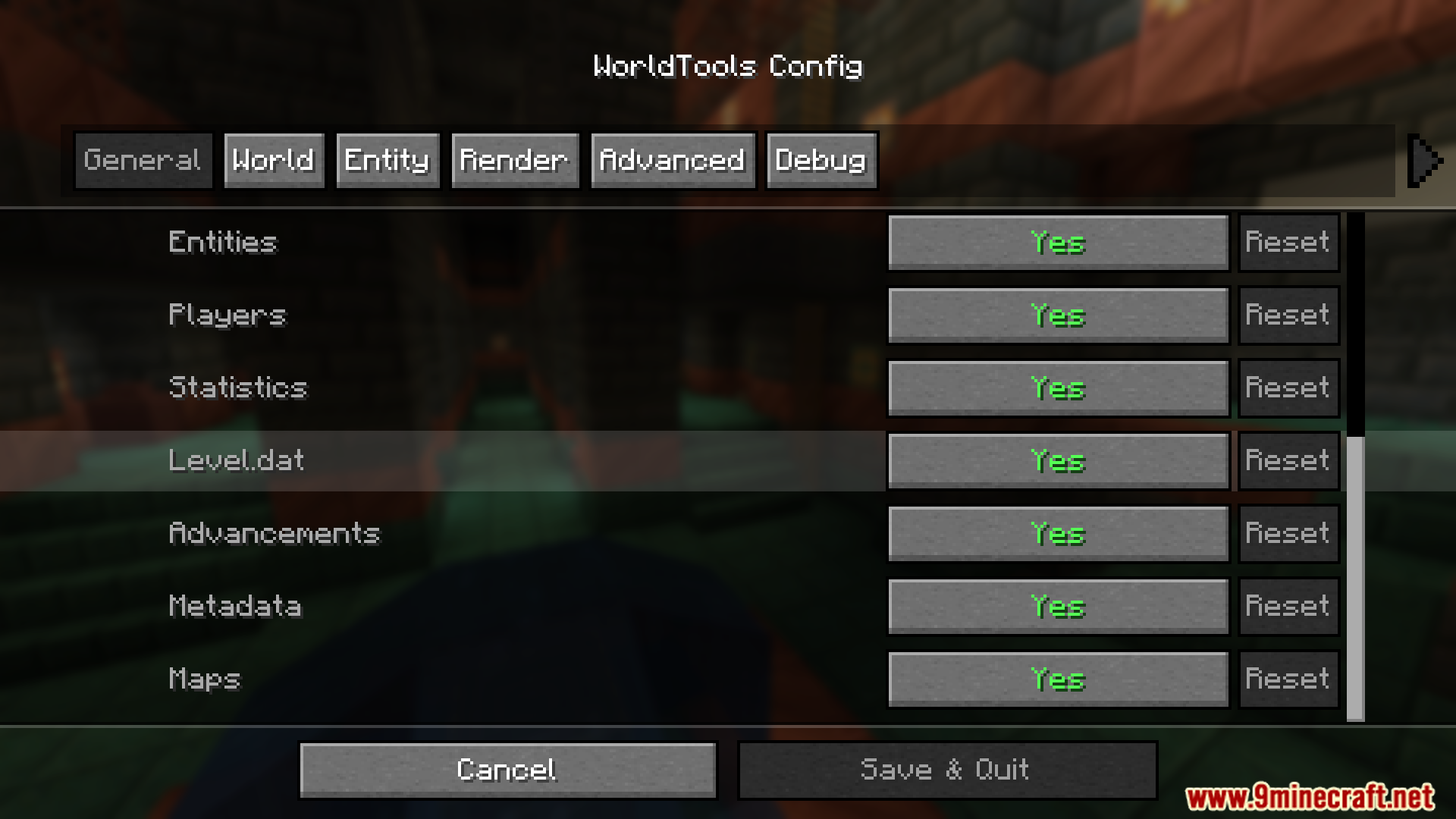
- Saves detailed server world snapshots, including terrain, biomes, and structures.
- Captures positions, attributes of entities, and contents of tile entities like chests, hoppers, and shulkers.
- Records player positions, inventories, statistics, and advancements.
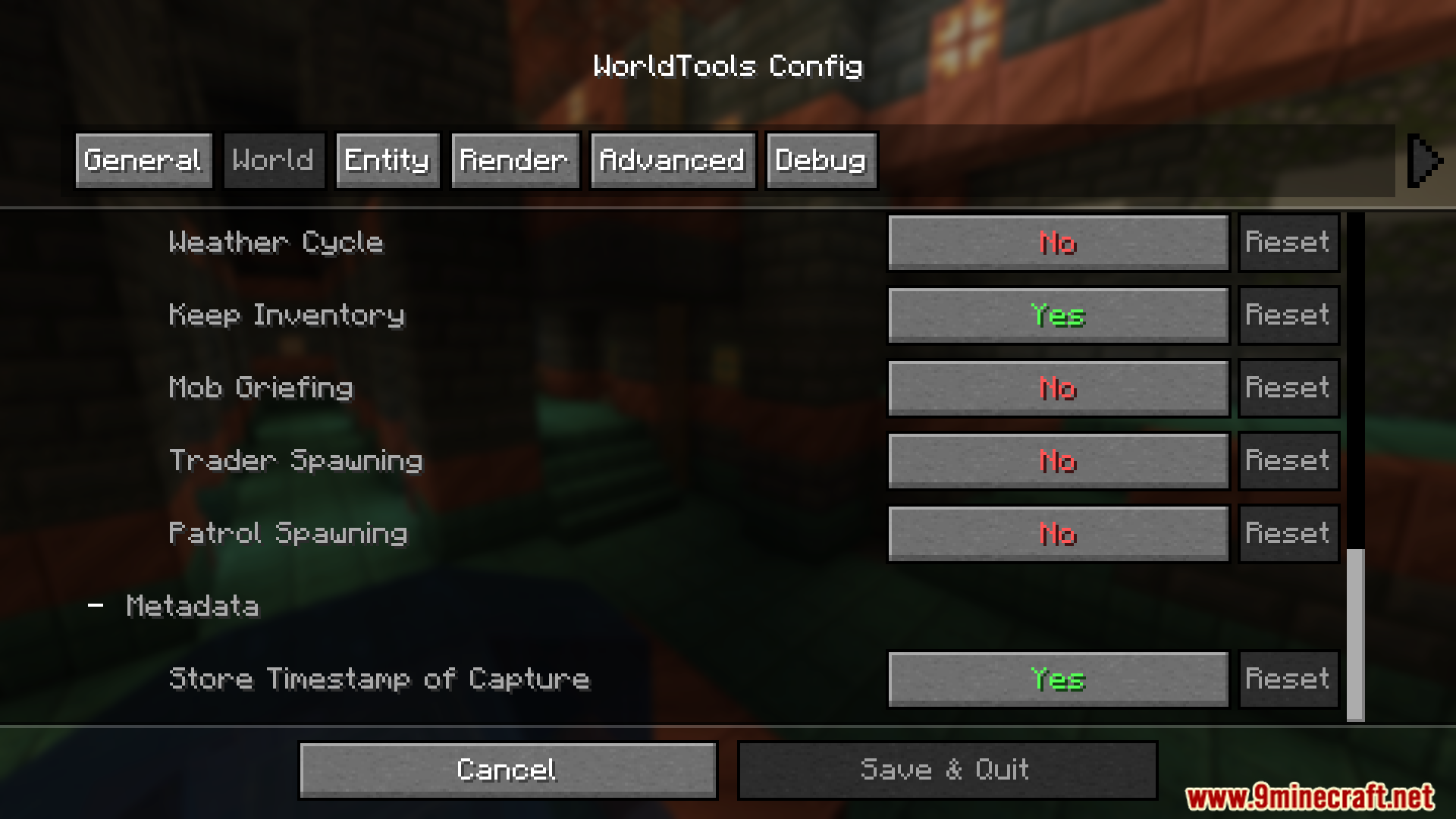
- Includes server version, modt, and other server details.
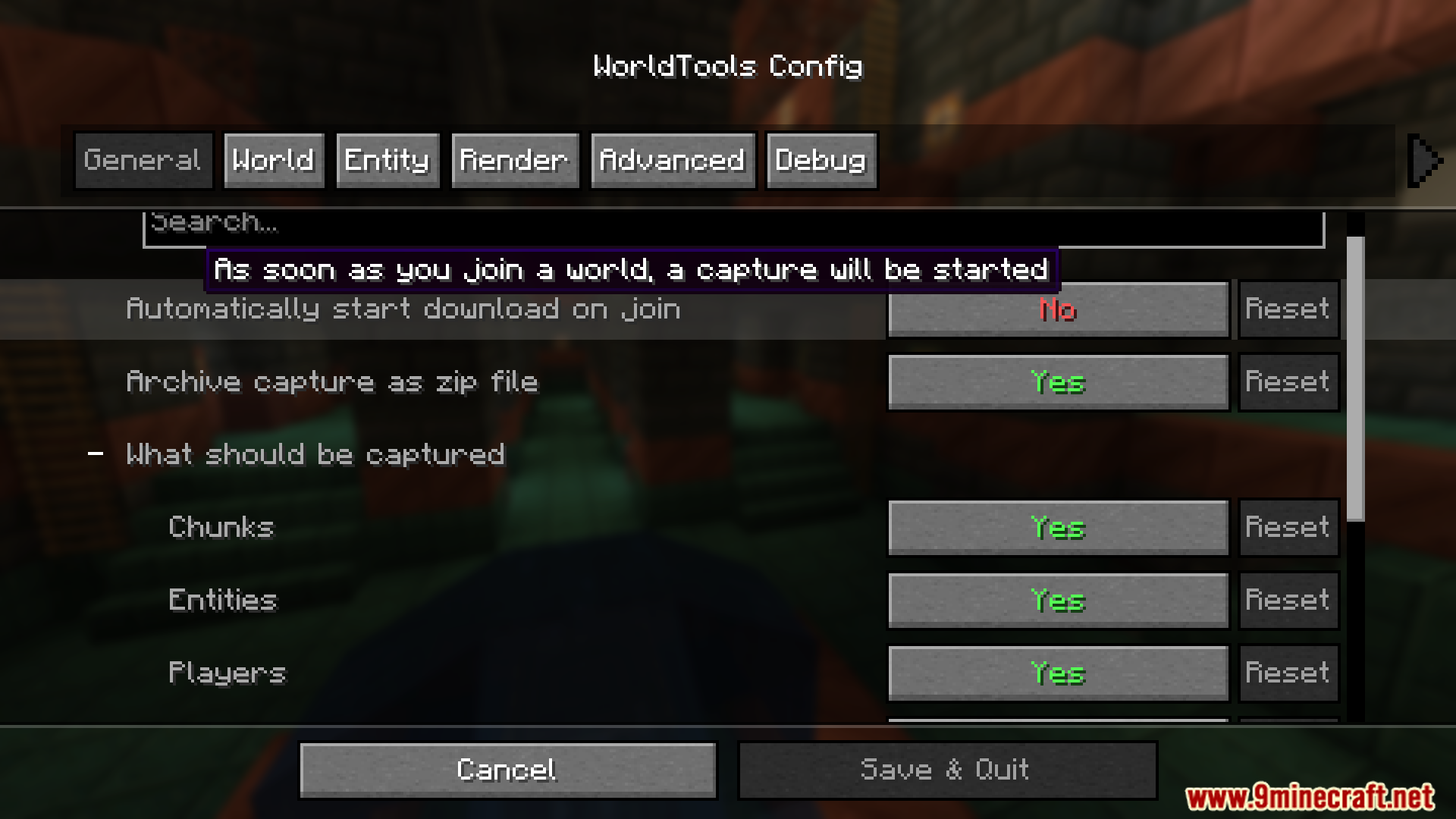
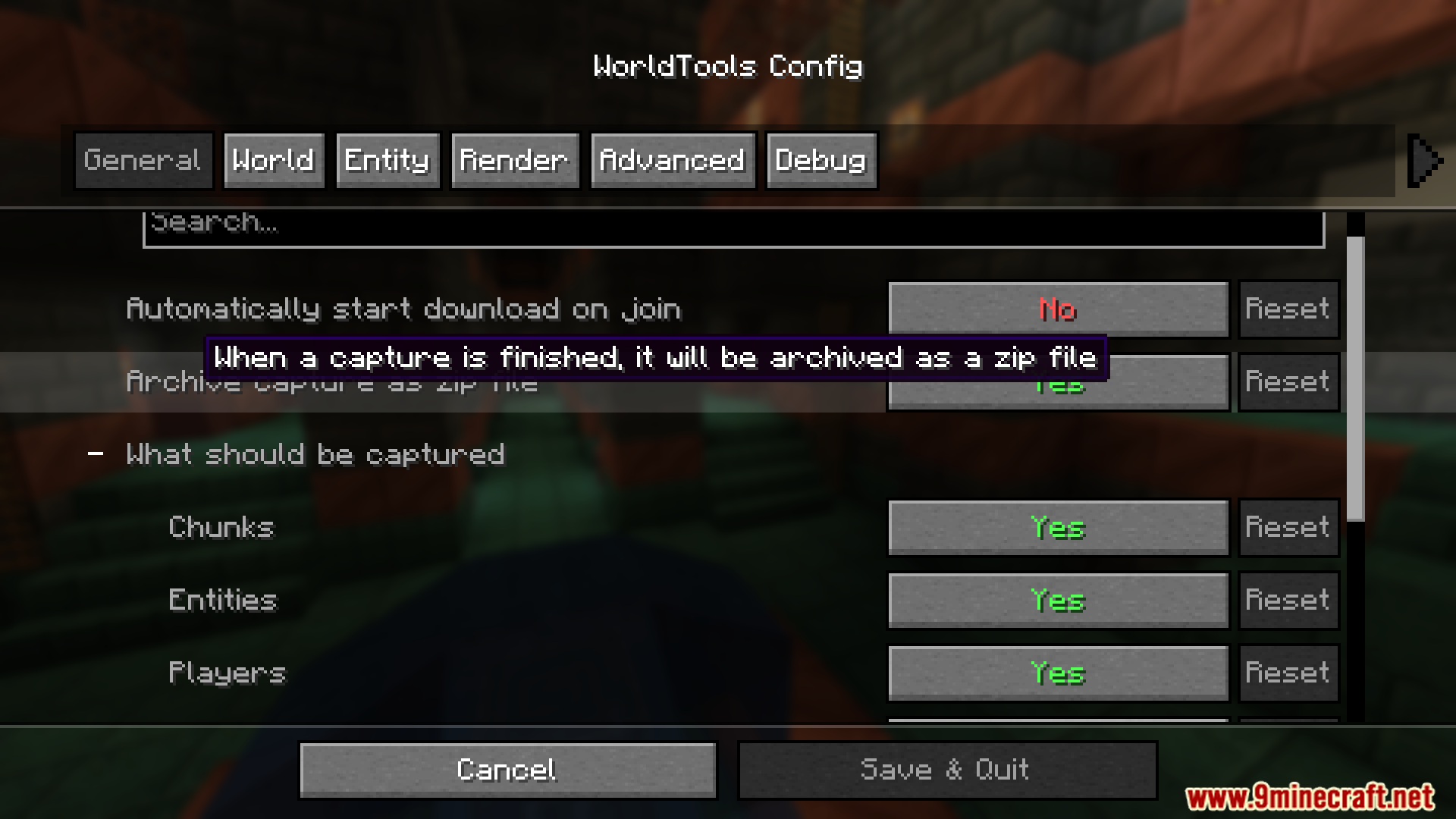
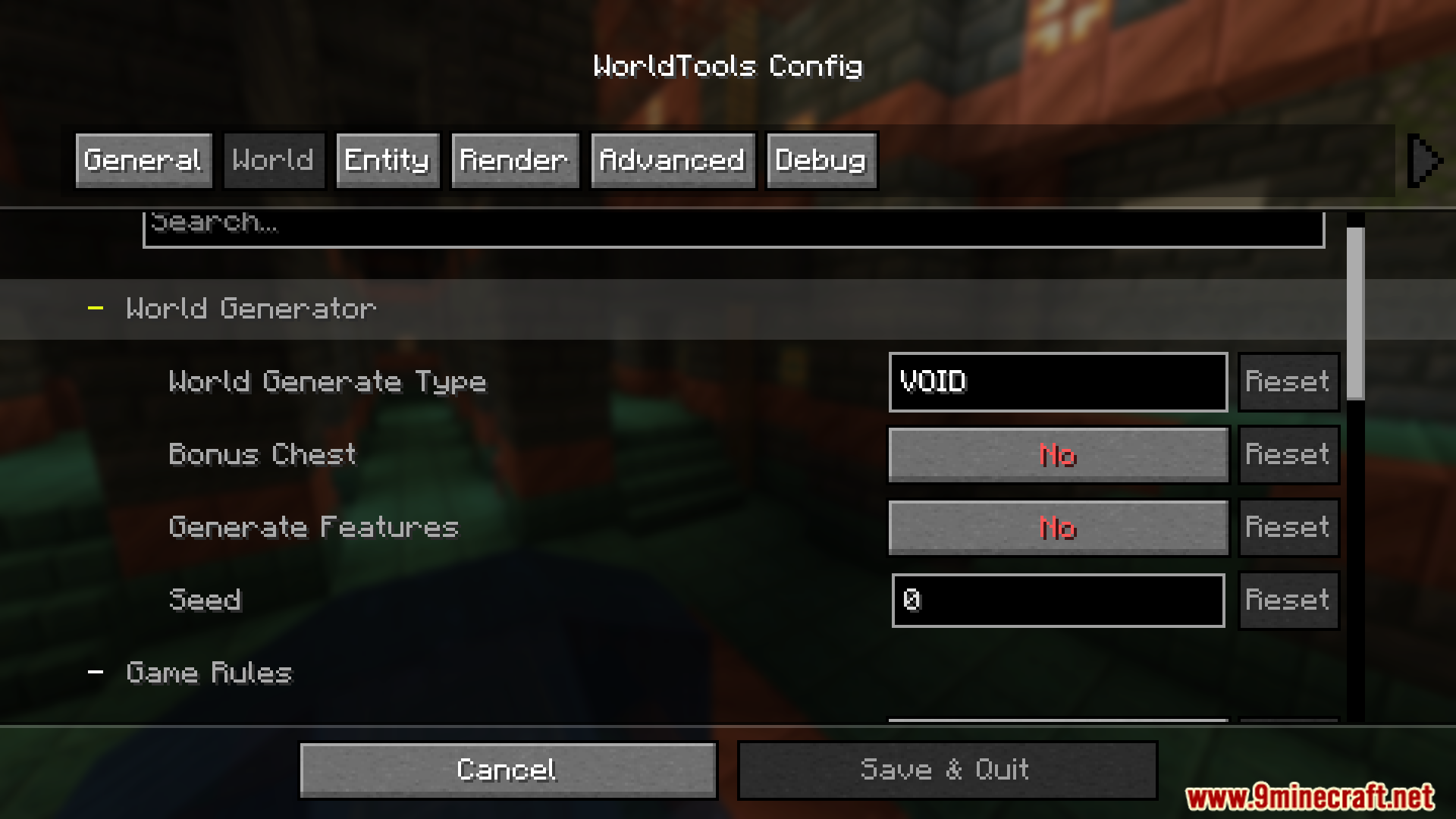
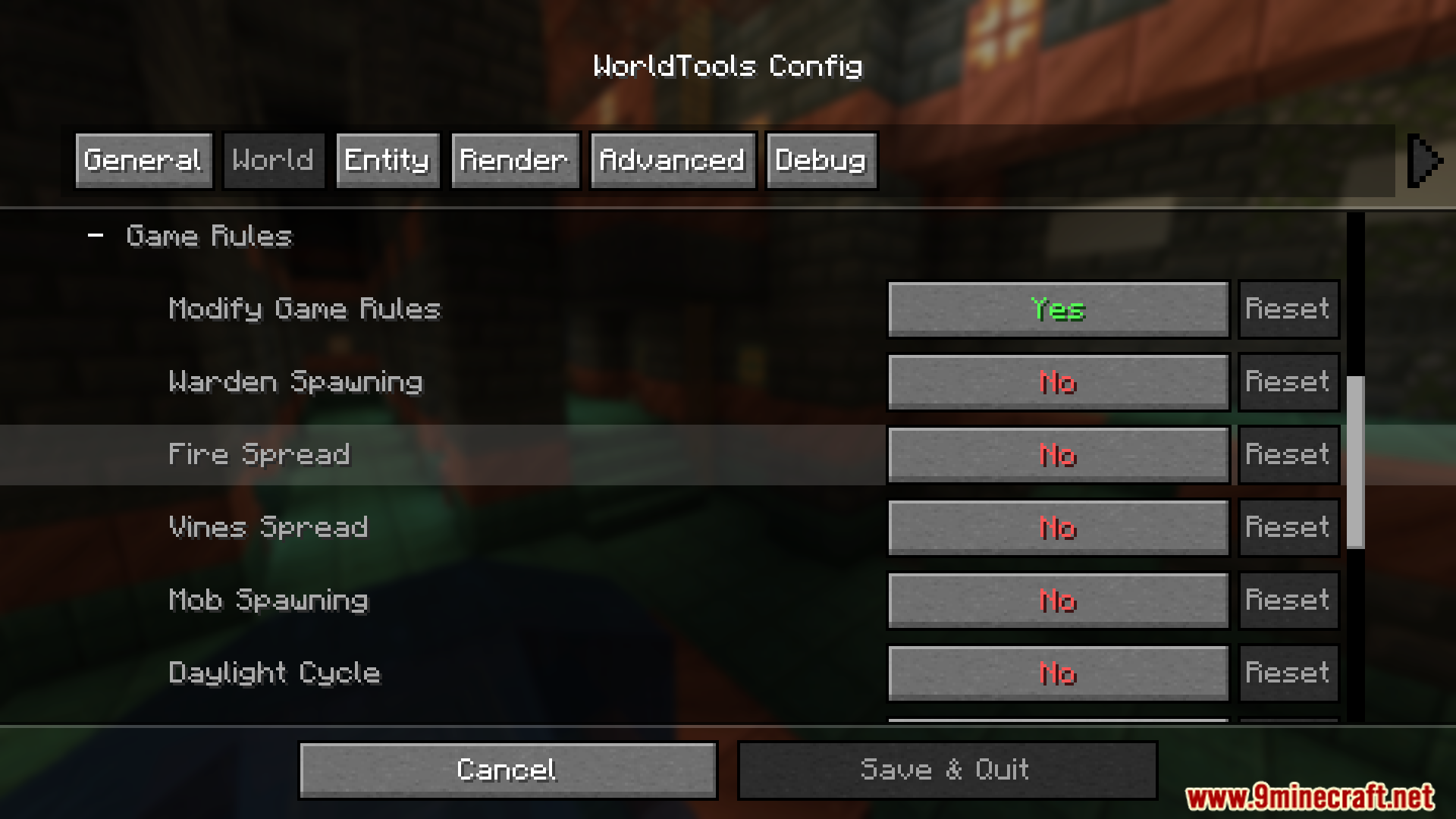
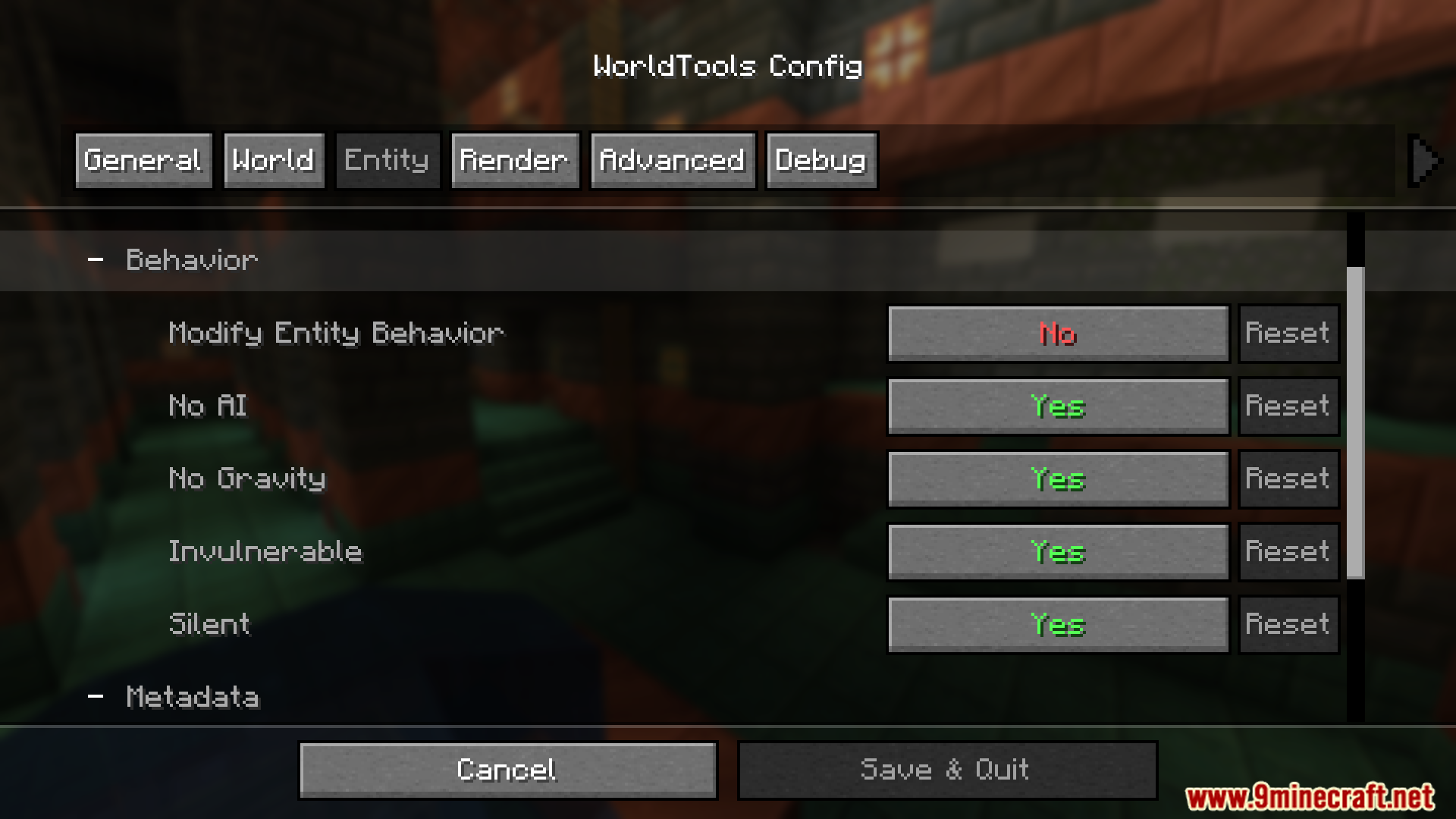
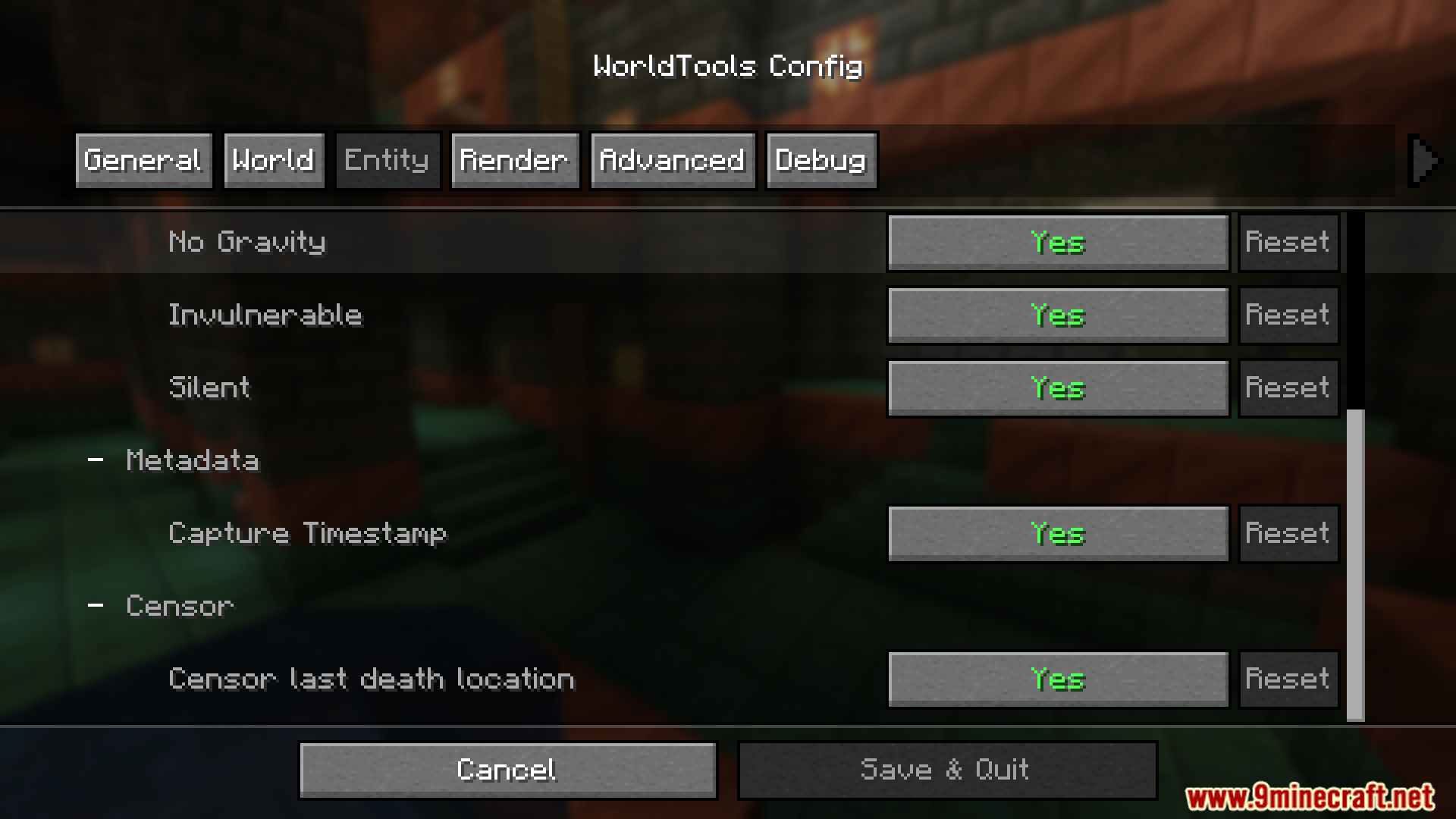
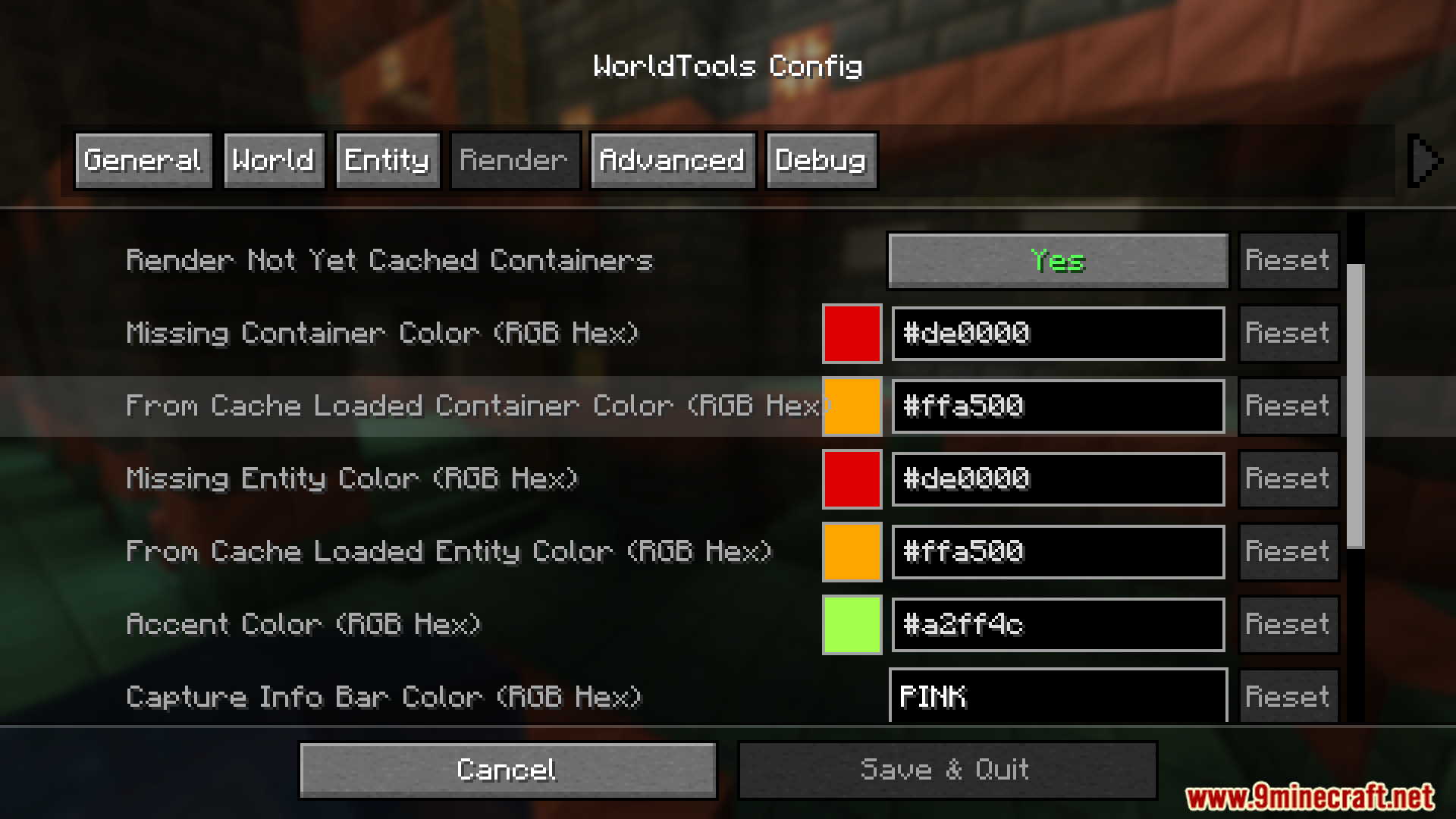
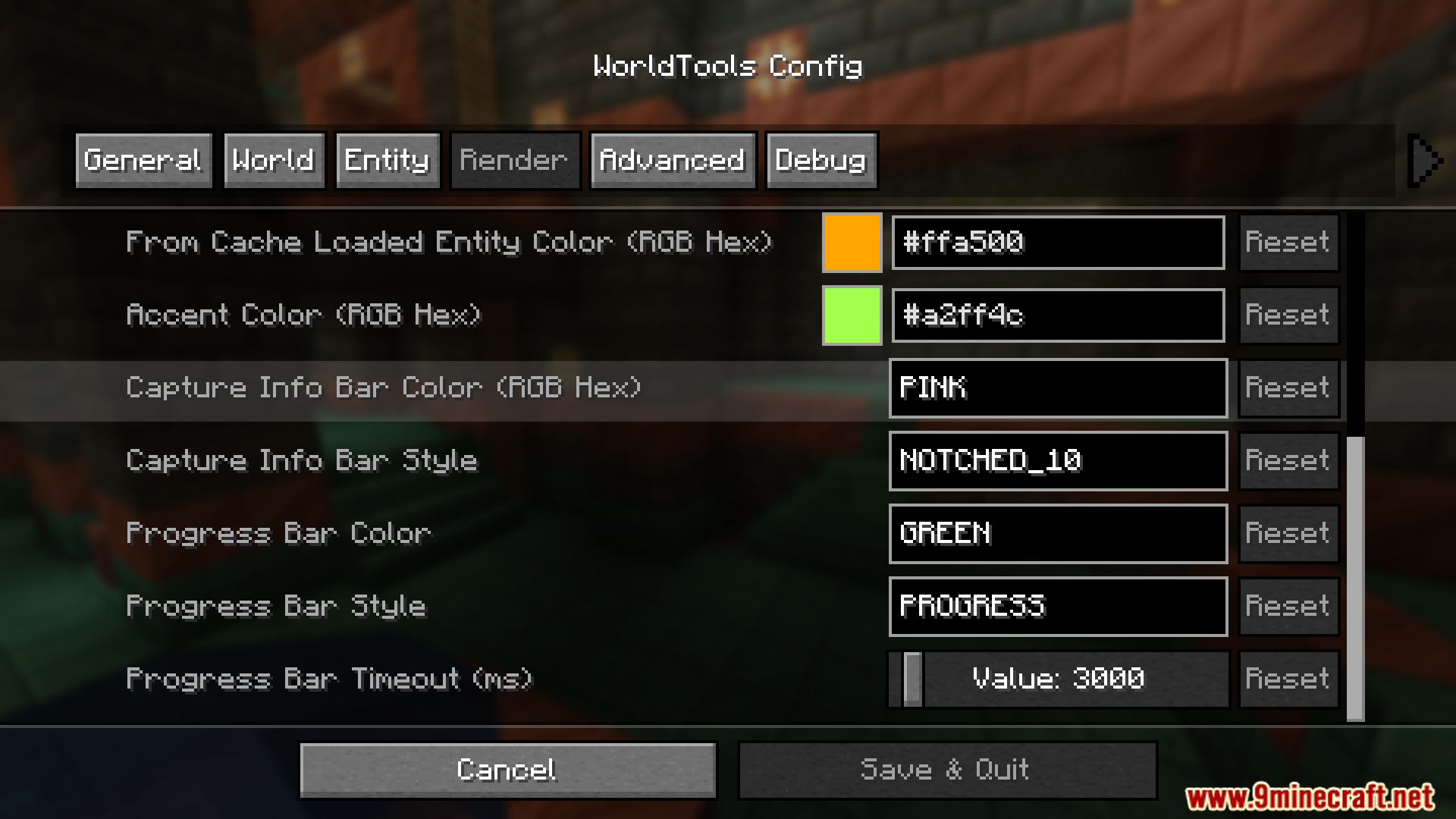
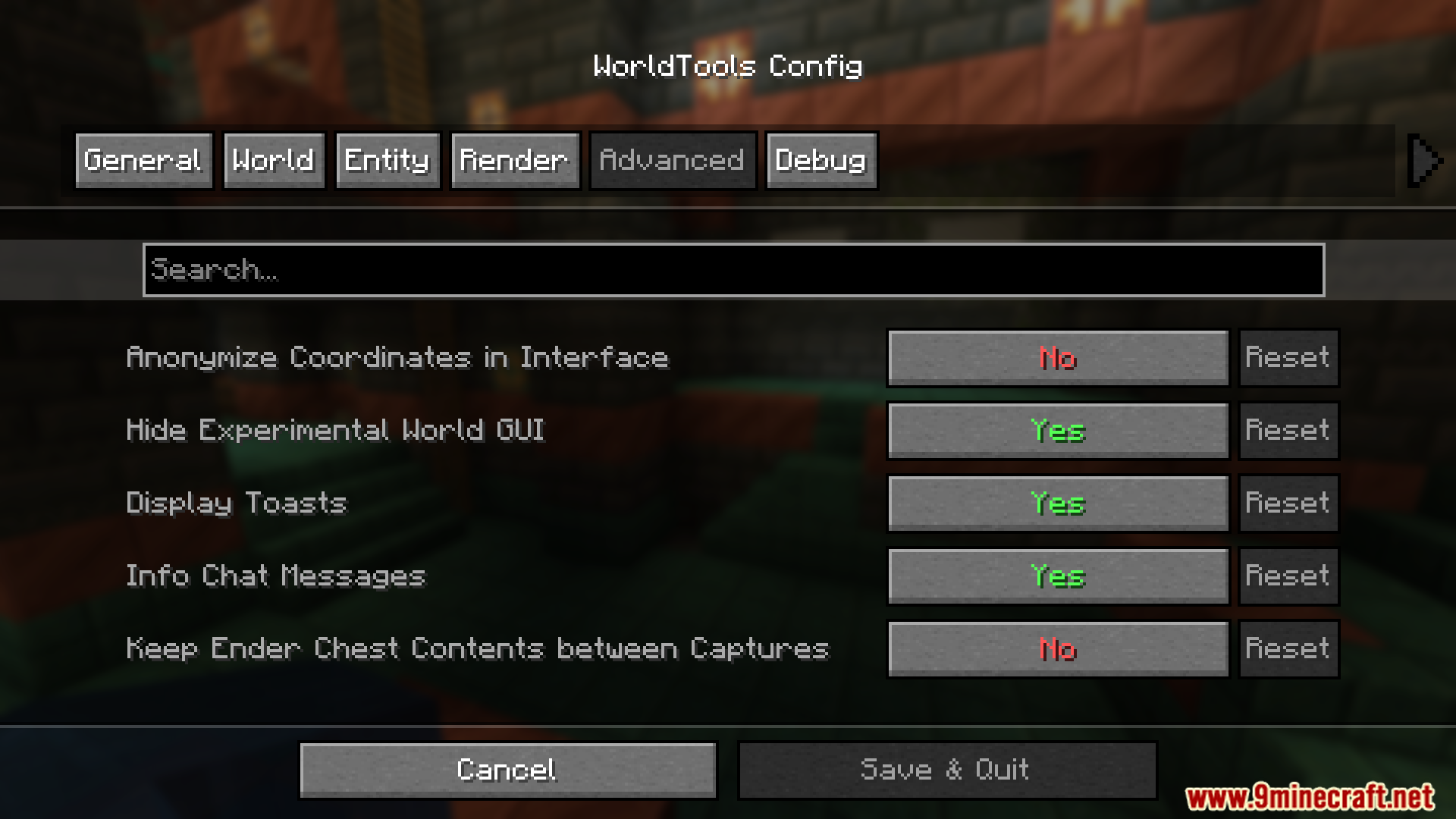
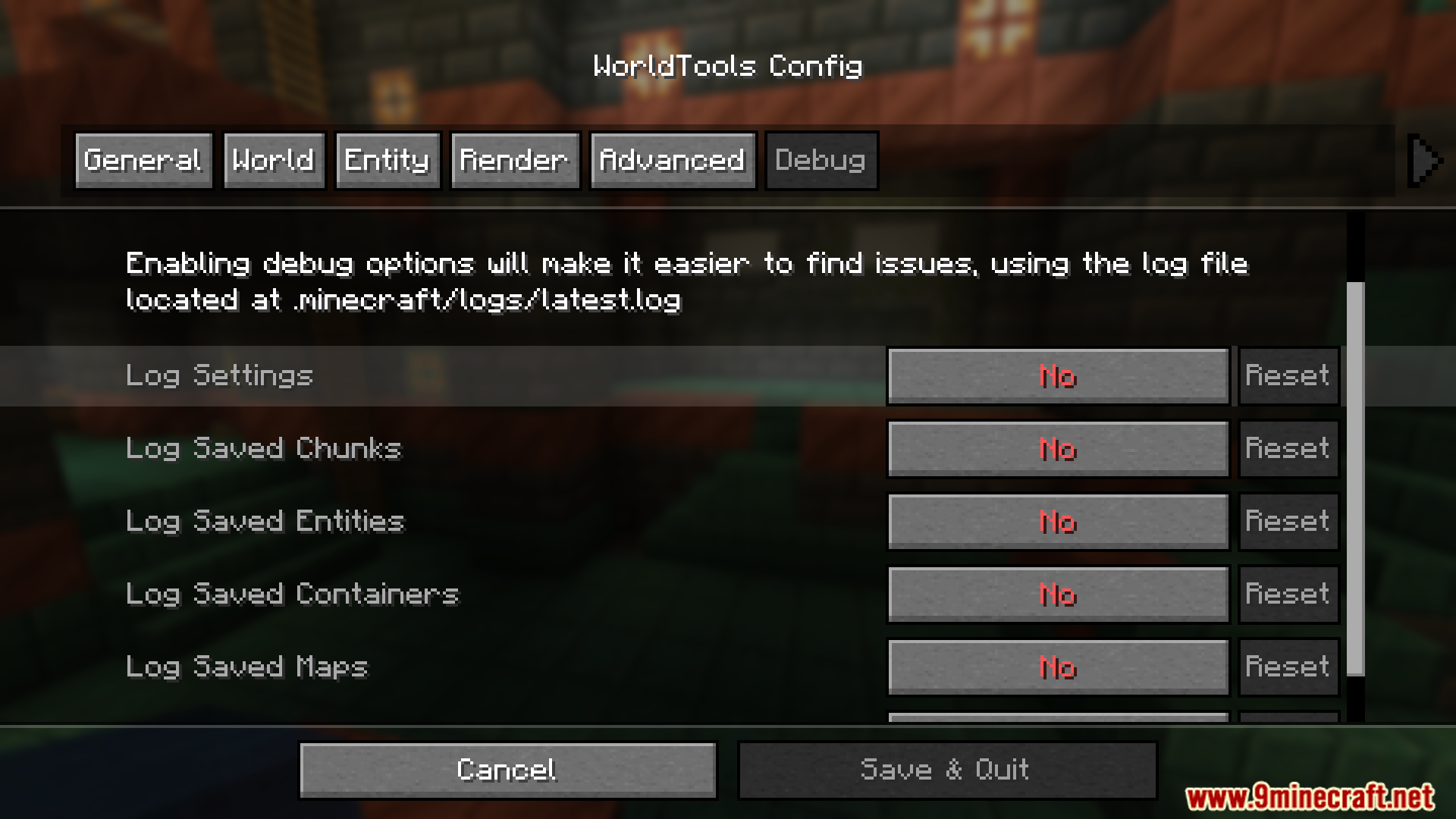
- Offers advanced settings to tailor the capture process, such as game rules and entity NBT data adjustments.
- Locally saved worlds appear in the single-player worlds list for convenient exploration.
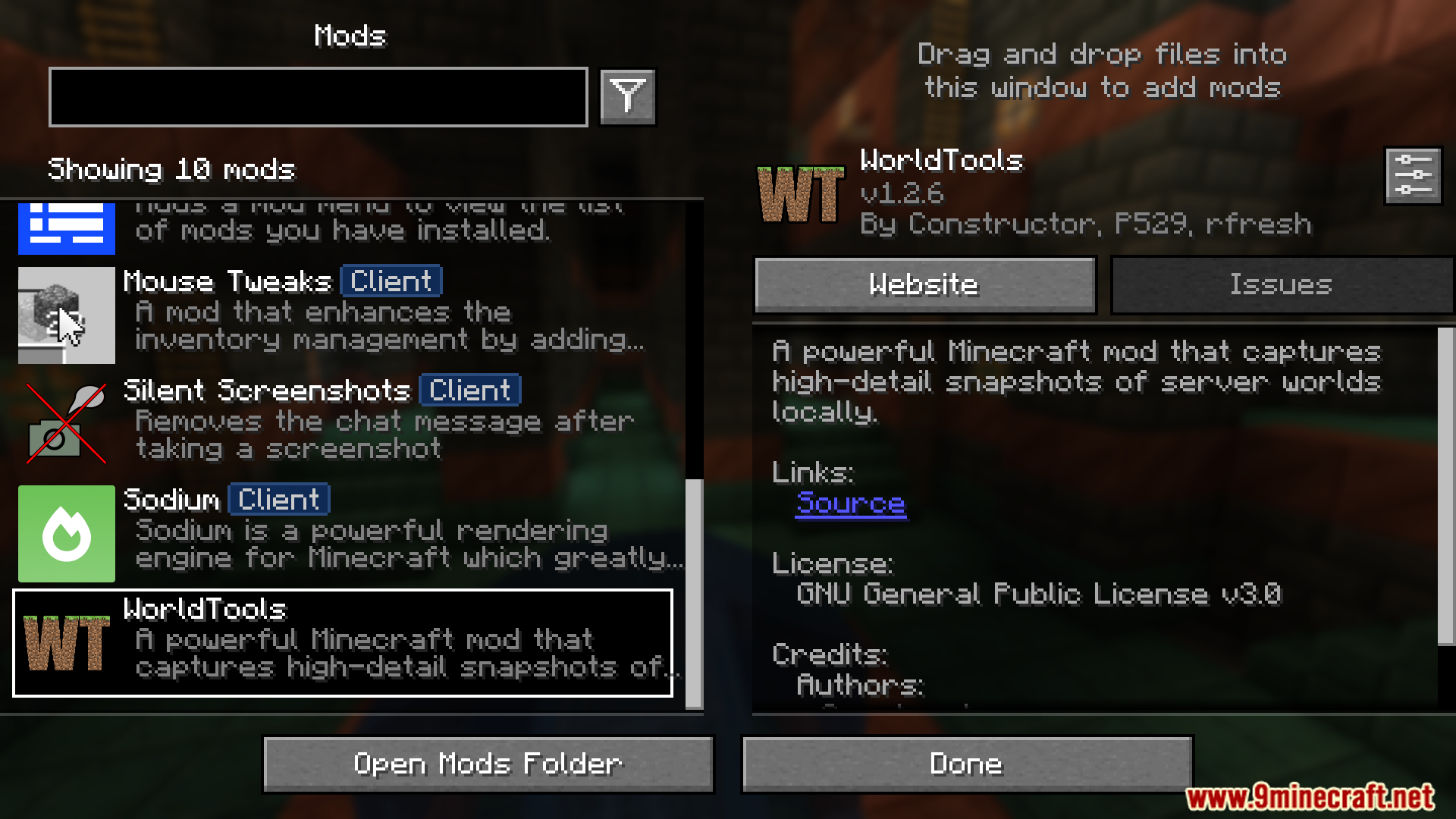
- Features a GUI and configurable keybinds for streamlined capture initiation and customization.
Screenshots:
Constructor’s WorldTools Mod Download Links
For Minecraft 1.21.4
Forge Version: Download from Server 1 – Download from Server 2
Fabric Version: Download from Server 1 – Download from Server 2
For Minecraft 1.21.1, 1.21
Forge Version: Download from Server 1 – Download from Server 2
Fabric Version: Download from Server 1 – Download from Server 2
For Minecraft 1.20.4
Forge Version: Download from Server 1 – Download from Server 2
Fabric Version: Download from Server 1 – Download from Server 2
For Minecraft 1.20.2
Forge Version: Download from Server 1 – Download from Server 2
Fabric Version: Download from Server 1 – Download from Server 2
For Minecraft 1.20.1
Forge Version: Download from Server 1 – Download from Server 2
Fabric Version: Download from Server 1 – Download from Server 2
- Edition: Minecraft Java
- File type: .jar
- Minecraft versions listed: 1.21.4, 1.20.1
- How to install: Install the matching mod loader (Forge, Fabric or NeoForge) for your Minecraft version. → Download the .jar. → Put it in the .minecraft/mods folder and launch that loader profile.
- Where to get it: In MC Java Mods, or directly above on this page.
Install steps are the general flow for this file type — How to install Minecraft Java mods & modpacks walks through it step by step.
- Downloads as 198062.mcaddon
- Download size: 429 KB
- Download link checked 26 Jul 2026 — working
- Mirrored on our own servers — the download does not depend on the original host
These come from our own check of the pack file, not from the source page.