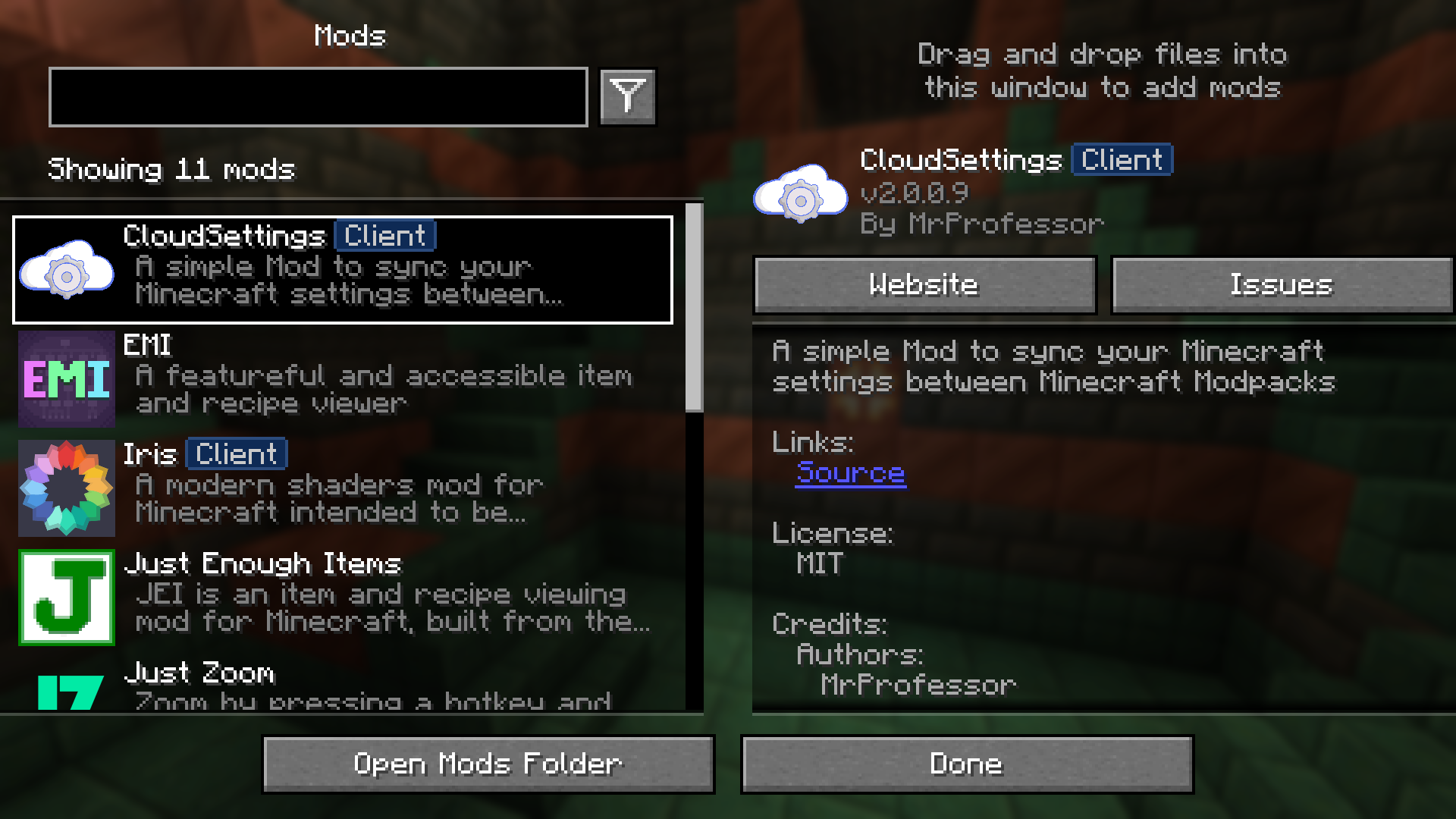
CloudSettings Mod enables synchronization of game settings to cloud storage for a consistent experience across devices. Settings are automatically loaded upon game startup, ensuring convenience and efficiency.
Features:
- Synchronizes game settings to cloud storage.
- Automatically loads settings at game startup.
- Ensures consistent preferences across multiple devices.
- Simplifies the process of managing and preserving game configurations.
Screenshots:
CloudSettings Mod Download Links
Quick facts
- Edition: Minecraft Java
- File type: .jar
- Minecraft version listed: 1.20.1
- How to install: Install the matching mod loader (Forge, Fabric or NeoForge) for your Minecraft version. → Download the .jar. → Put it in the .minecraft/mods folder and launch that loader profile.
- Where to get it: In MC Java Mods, or directly above on this page.
Install steps are the general flow for this file type — How to install Minecraft Java mods & modpacks walks through it step by step.
CloudSettings Mod (26.2, 1.20.1) – Synchronizes Game Settings to Cloud Storage is a free Minecraft Java mod. Compatible with Minecraft 1.20.1. Download it and open it directly in the game.