Optimal Eat Mod (1.21.1, 1.20.1) – Automatically Stops Eating When You Have Fully Used An Item
The way eating in Minecraft works is slightly complicated. When you eat an item in the game, the eating animation does not actually stop until you receive a packet from the server that tells the client that you have actually finished eating the item. On servers with high pings, this will lead to longer eating times. Optimal Eat Mod is here with the solution. This mod makes it so that you automatically stop eating once you’ve fully used an item.
Features:
- In Minecraft, you continue eating an item until the server sends packets telling the client that you finished the item.
- This leads to longer eating times.
- This mod fixes this issue.
Screenshots:

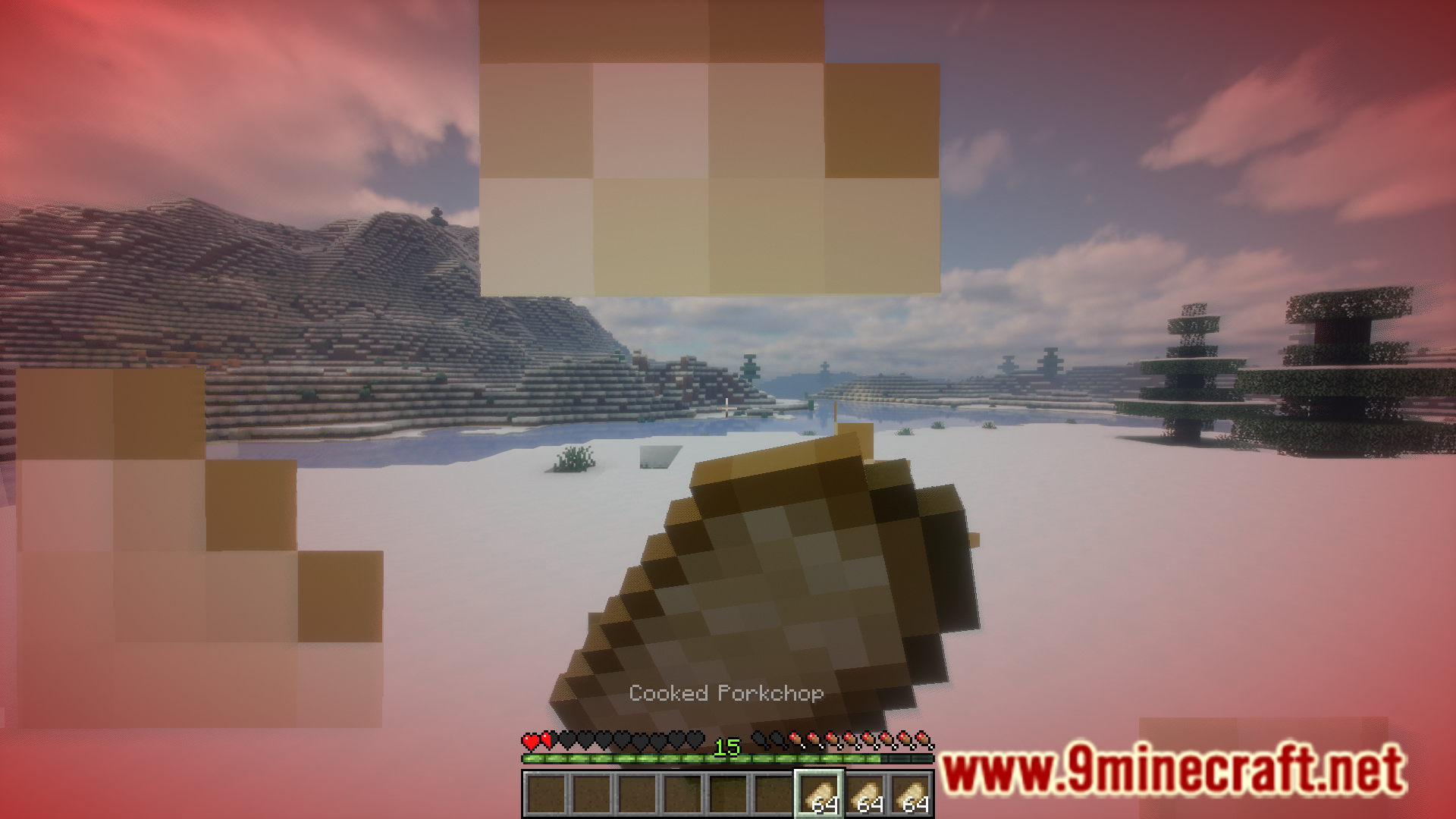

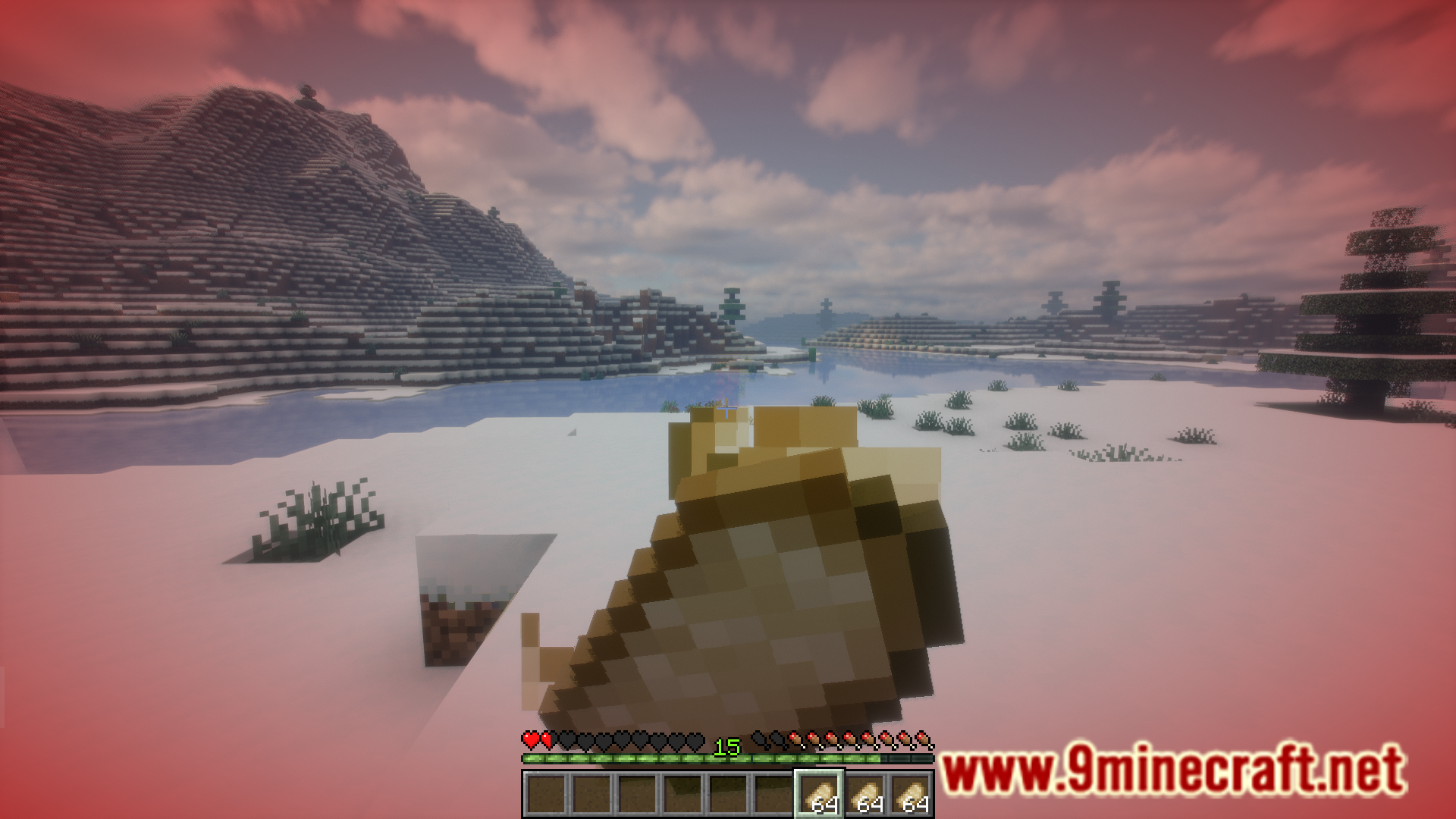

Optimal Eat Mod Download Links
For Minecraft 1.21.1, 1.21, 1.20.6
Fabric version: Download from Server 1 – Download from Server 2
For All Versions from Minecraft 1.19.4 to Minecraft 1.20.4
Fabric version: Download from Server 1 – Download from Server 2
- Edition: Minecraft Java
- File type: .jar
- Minecraft versions listed: 1.21.1, 1.20.1
- How to install: Install the matching mod loader (Forge, Fabric or NeoForge) for your Minecraft version. → Download the .jar. → Put it in the .minecraft/mods folder and launch that loader profile.
- Where to get it: In MC Java Mods, or directly above on this page.
Install steps are the general flow for this file type — How to install Minecraft Java mods & modpacks walks through it step by step.
- Downloads as 198098.mcaddon
- Download size: 15 KB
- Download link checked 26 Jul 2026 — working
- Mirrored on our own servers — the download does not depend on the original host
These come from our own check of the pack file, not from the source page.