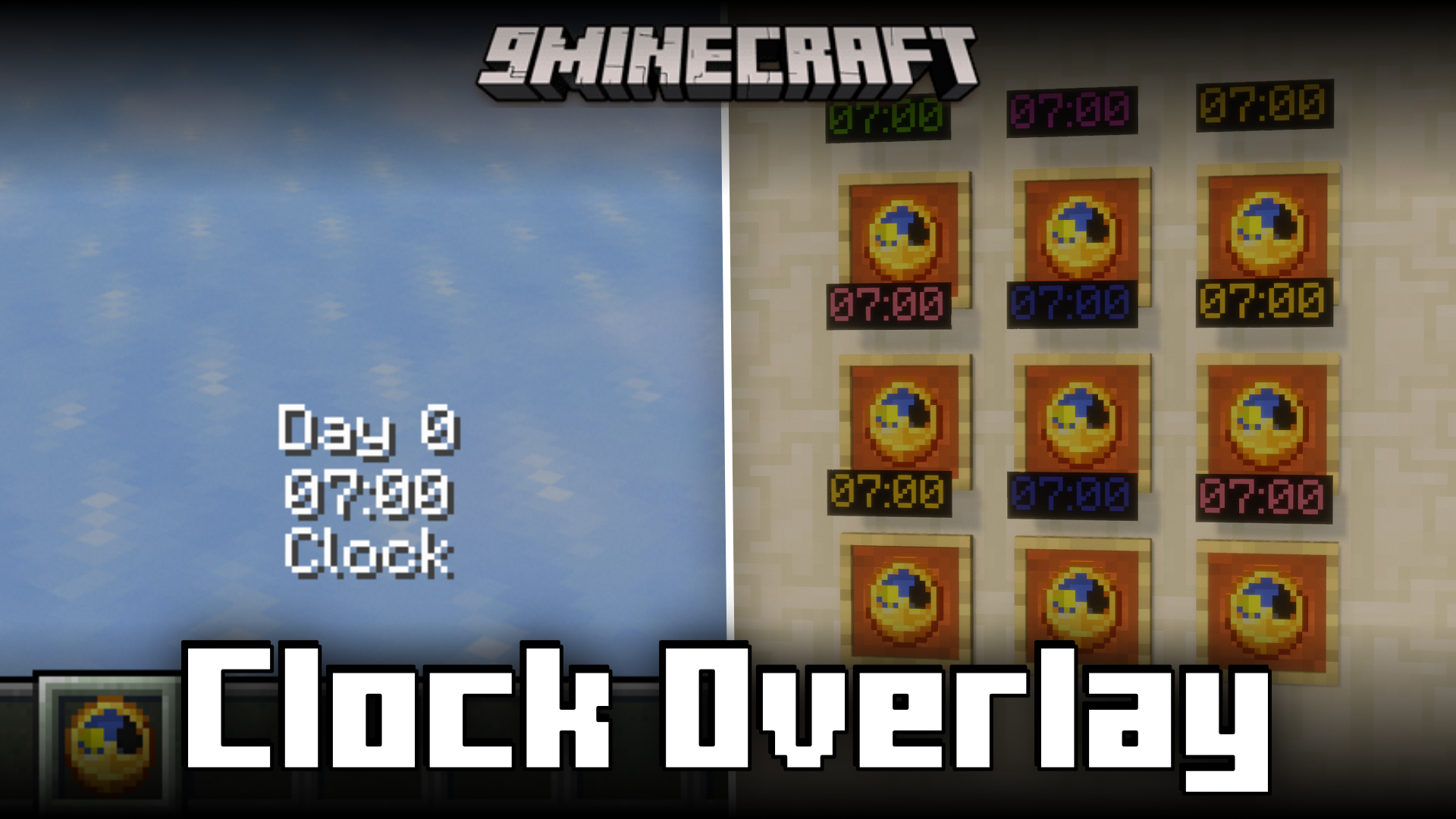
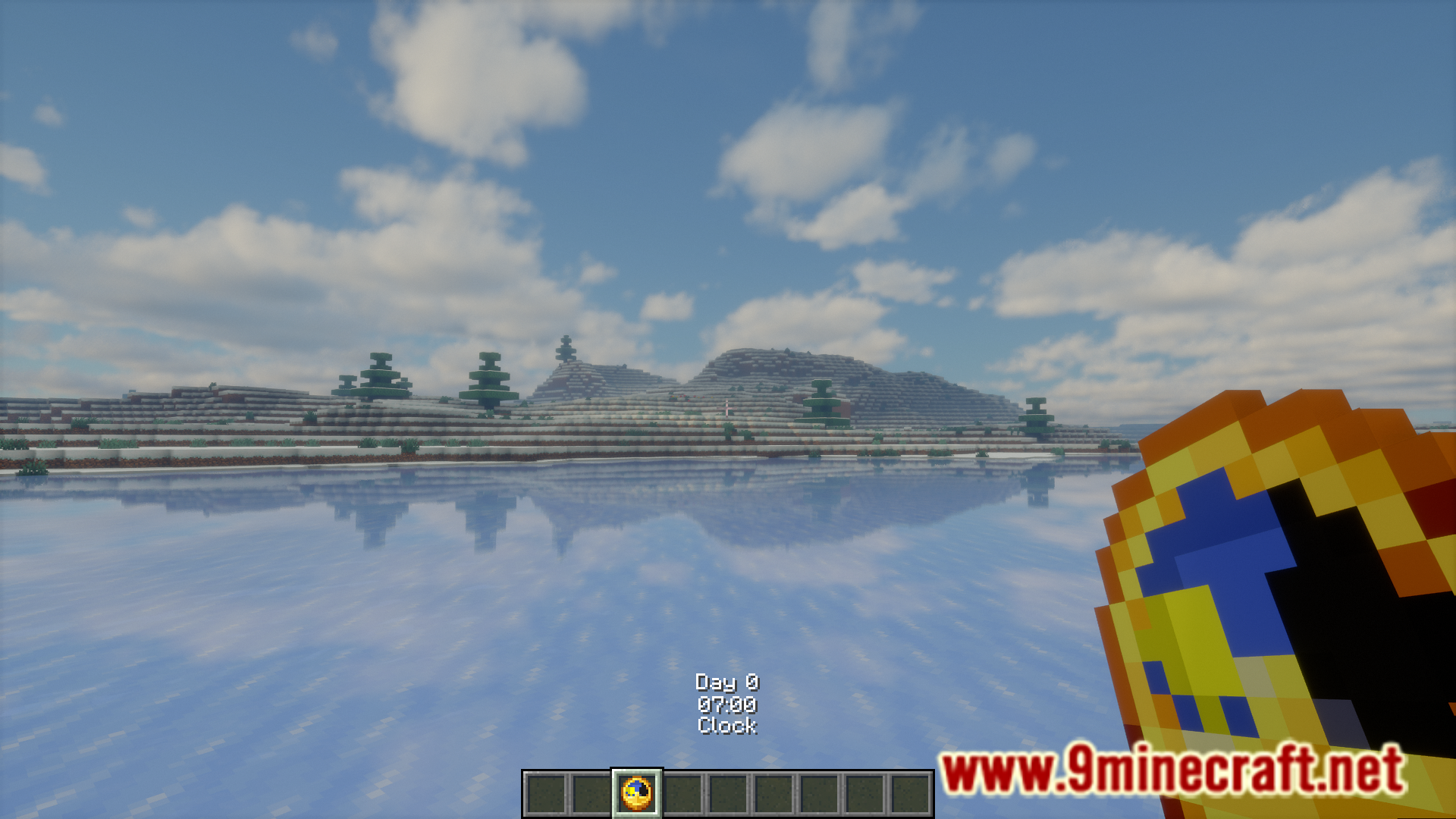
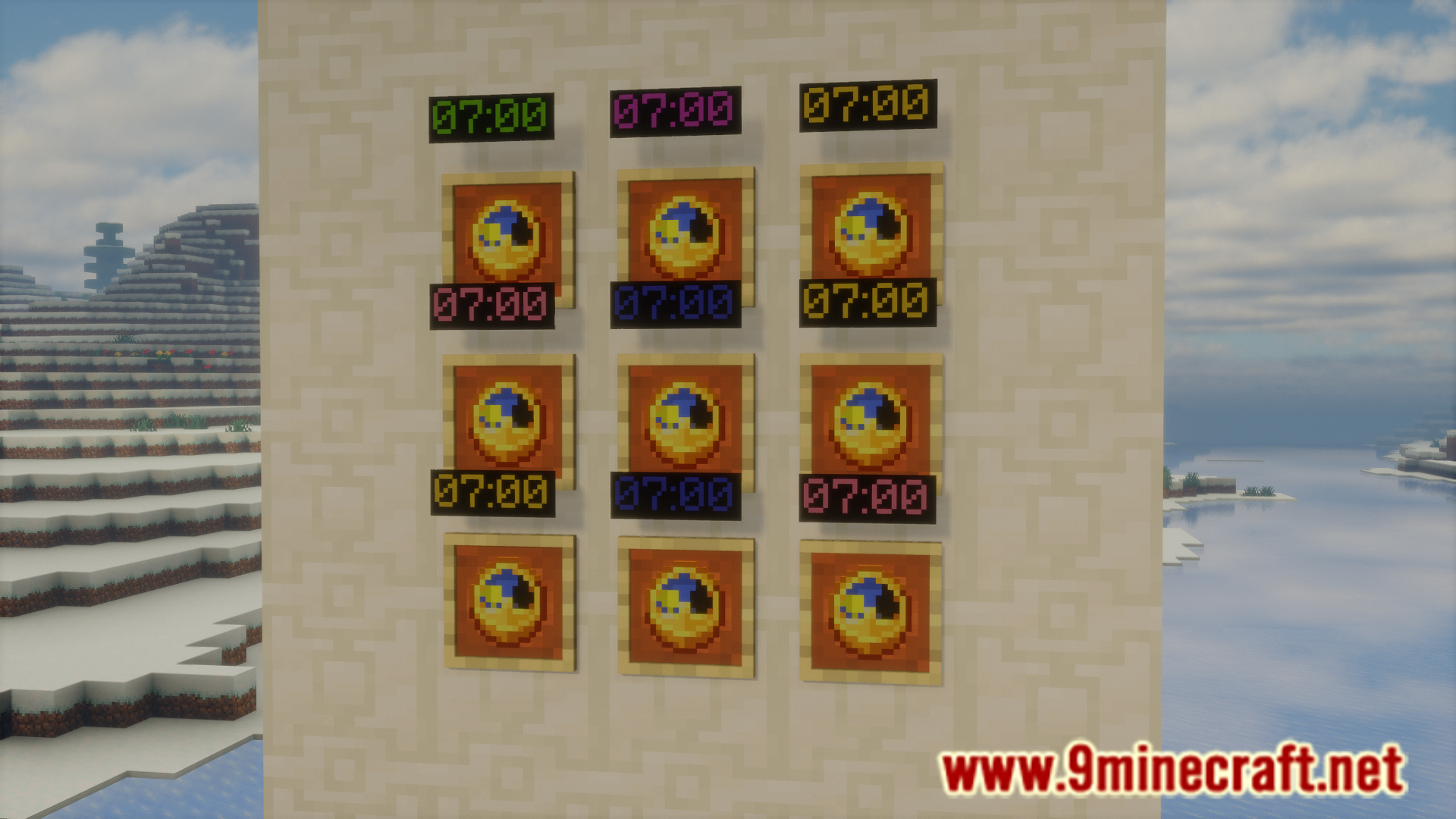
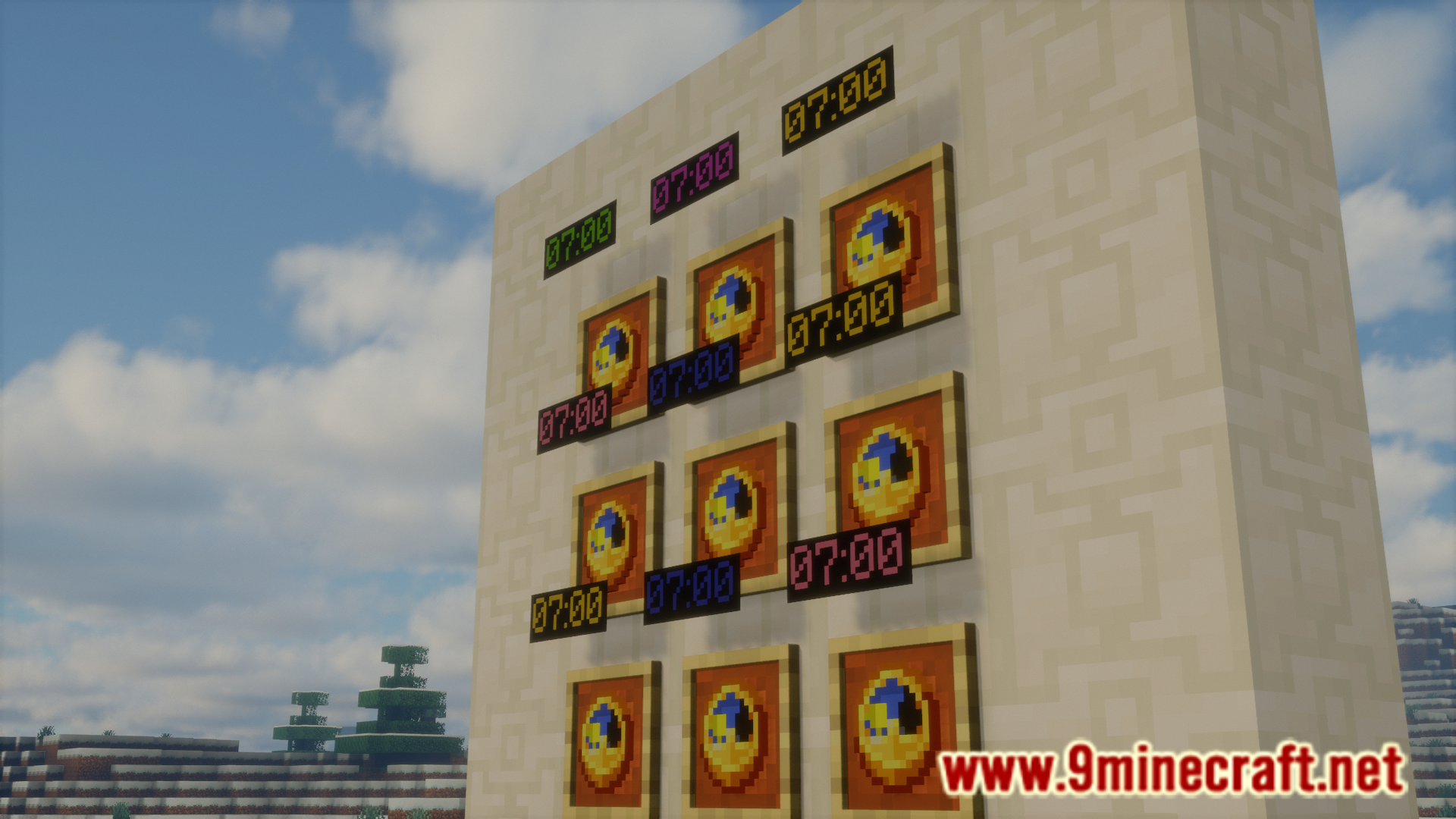
The clocks in Minecraft are very much functional and can be used to determine the in-game time. But due to the small display of the clock, it is difficult to accurately determine the time in-game using the in-game clocks. Clock Overlay Mod is here to change that. This mod adds an overlay that shows the accurate in-game time using a clock. You can configure the settings so that the time overlay is displayed when the clock is in the player’s inventory or to be displayed only when the player is holding the clock in-hand. Clocks placed on walls in item frames will also project a hologram showing the in-game time.
Features:
- Clocks now show the accurate in-game time using overlays.
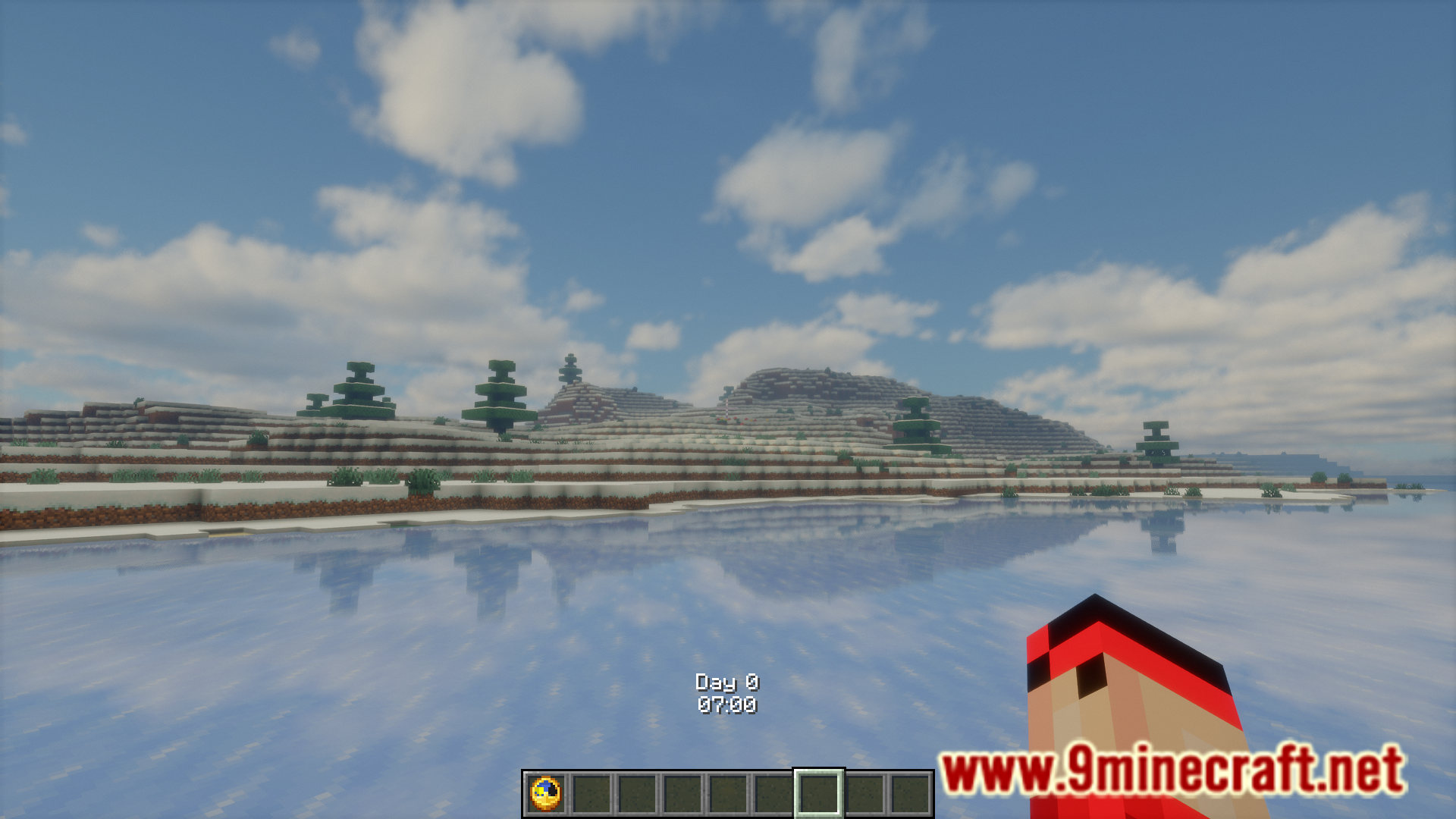
- Option for showing the overlay when a clock is in the player’s inventory or only when the player is holding the clock in-hand.
- Clocks placed on walls in item frames will project a hologram showing the in-game time.
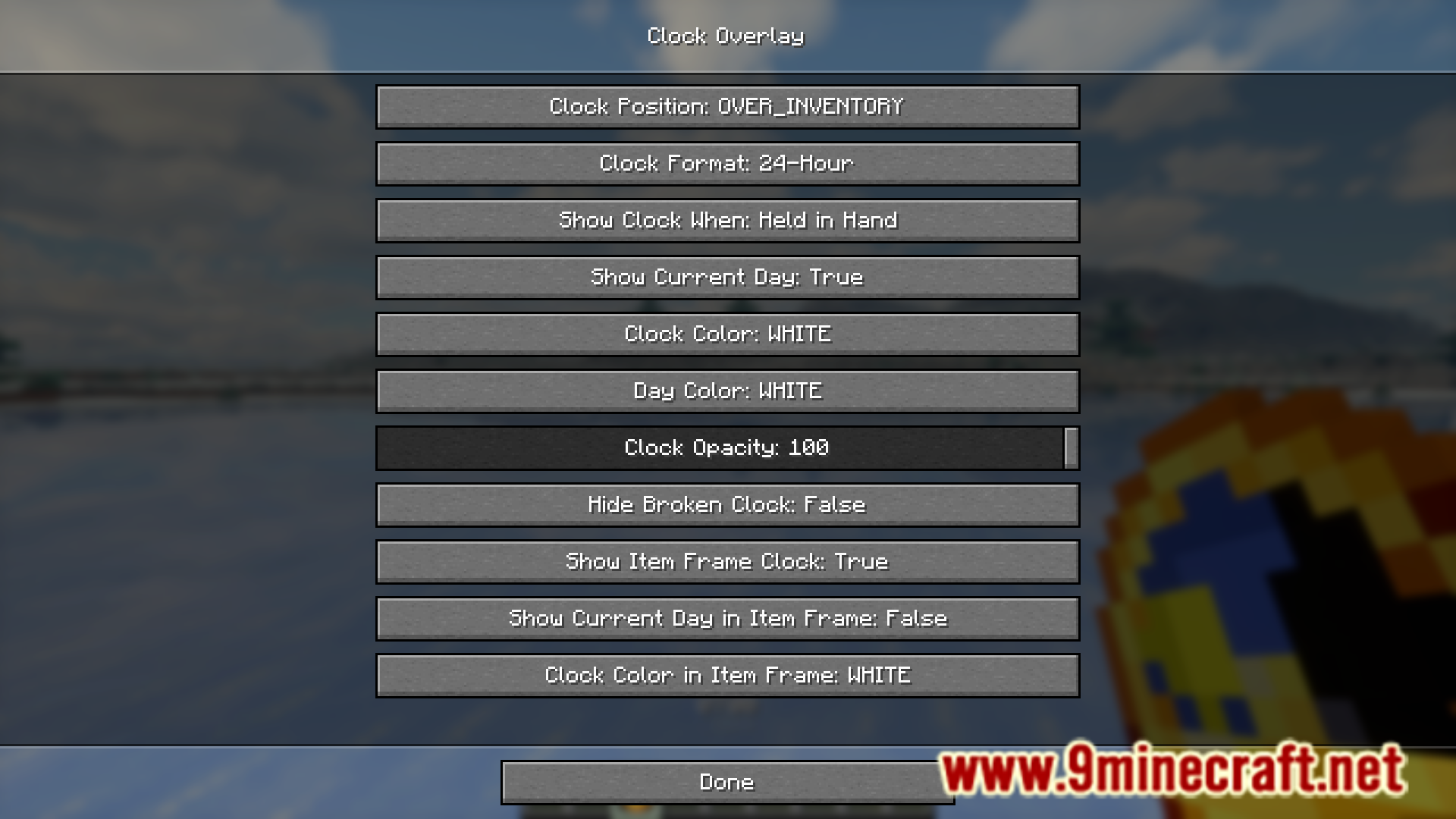
- High configuration options. Change the placement, color, etc.
Screenshots:
Clock Overlay Mod Download Links
For Minecraft 1.21.1, 1.21
Fabric version: Download from Server 1 – Download from Server 2
For Minecraft 1.20.4
Fabric version: Download from Server 1 – Download from Server 2
For Minecraft 1.20.1
Fabric version: Download from Server 1 – Download from Server 2
- Edition: Minecraft Java
- File type: .jar
- Minecraft versions listed: 1.21.1, 1.20.1
- How to install: Install the matching mod loader (Forge, Fabric or NeoForge) for your Minecraft version. → Download the .jar. → Put it in the .minecraft/mods folder and launch that loader profile.
- Where to get it: In MC Java Mods, or directly above on this page.
Install steps are the general flow for this file type — How to install Minecraft Java mods & modpacks walks through it step by step.
- Downloads as 198102.mcaddon
- Download size: 41 KB
- Download link checked 26 Jul 2026 — working
- Mirrored on our own servers — the download does not depend on the original host
These come from our own check of the pack file, not from the source page.