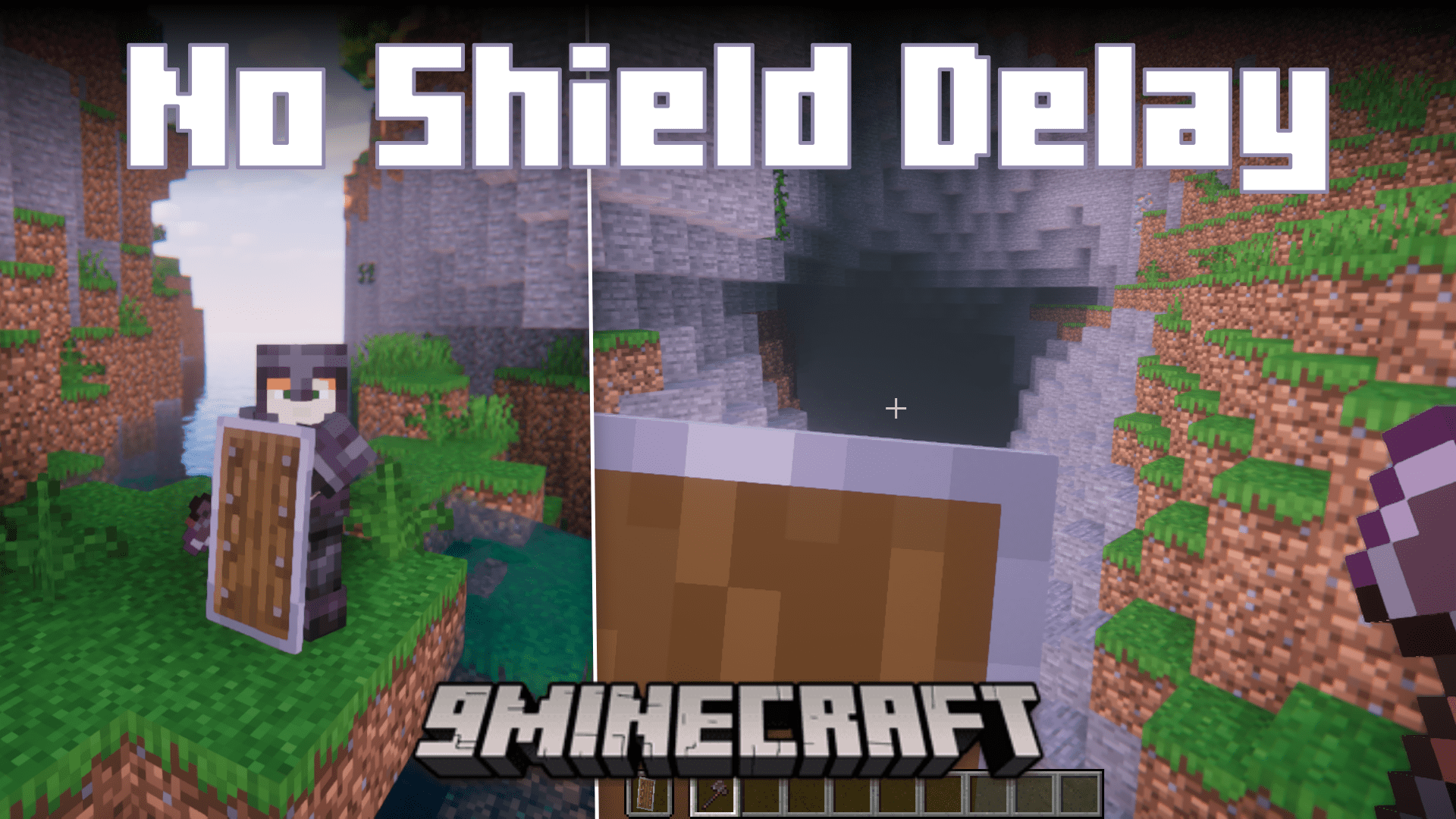
If you have the habit of using Minecraft shields regularly, you might have come across an issue where the shield does not block an arrow even when you have raised it, resulting in you being hit with the arrow. This is due to a delay that is given to shields in the vanilla game. No Shield Delay Mod removes the delay, and even better, the mod actually lets you configure the delay. This ensures that you will no longer get unfairly hit.
Features:
- No Shield Delay Mod: This Minecraft mod, based on Revvilo’s Responsive Shields, offers a configurable reduction in the delay of the game’s blocking system.
- Eliminate Annoying Delay: Tired of experiencing delays when trying to block and attack in Minecraft? This mod removes the frustrating delay, ensuring that your shield works when it’s supposed to.
- Customizable Shield Behavior: With the use of mixin, this mod allows you to adjust the delay threshold, giving you control over the blocking mechanism to suit your preferences, ensuring it activates at the desired time.
Configs
- Files and contents:
No-shield-delay.toml
- RaiseTime
(From 0 to 5. default: 0) The amount of time, in ticks, from when you right-click before the game will block attacks. Setting 0 will let you raise the shield immediately.
- Enabled
(Default: true) Whether or not the effect of the mod is enabled.
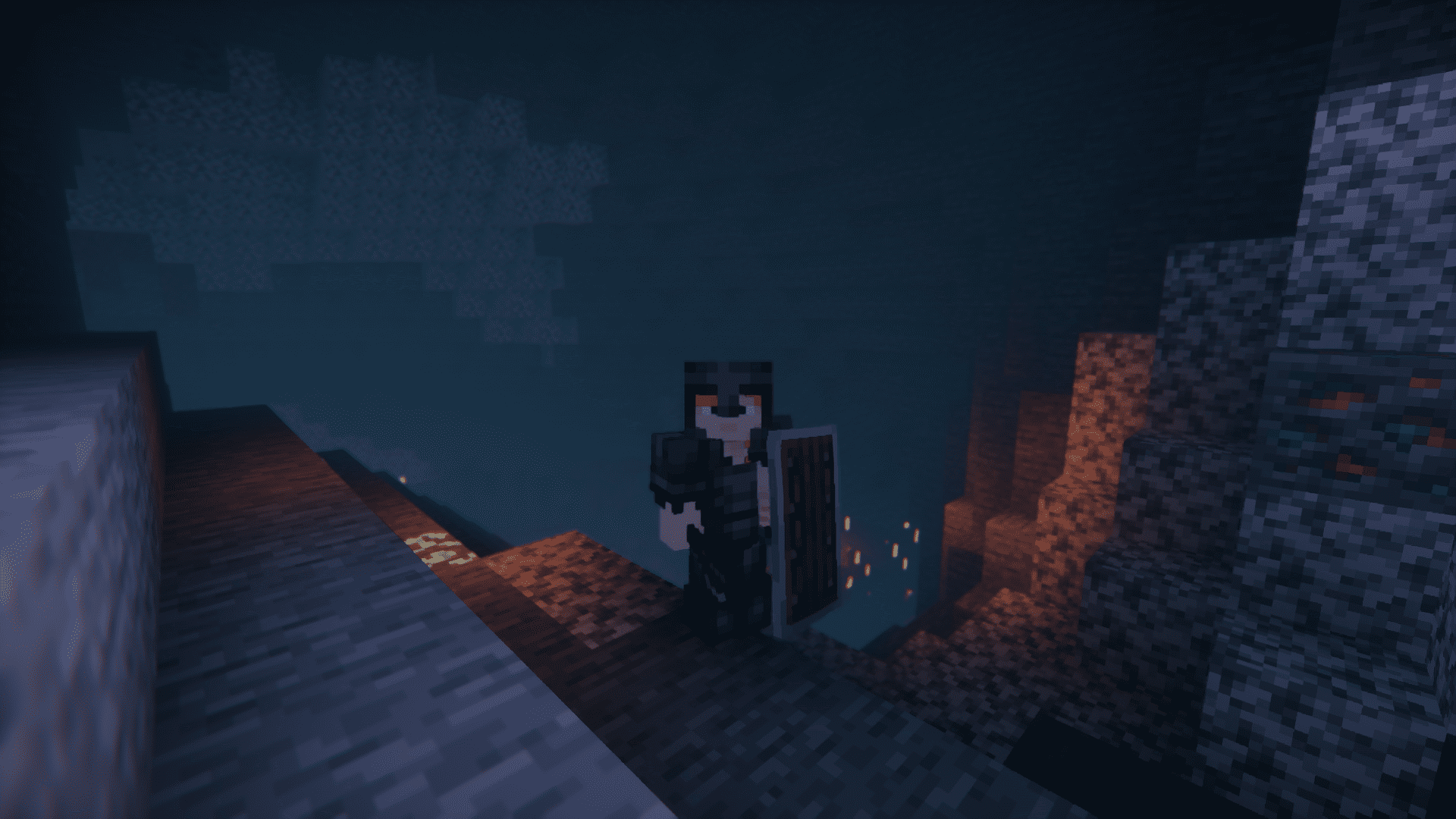
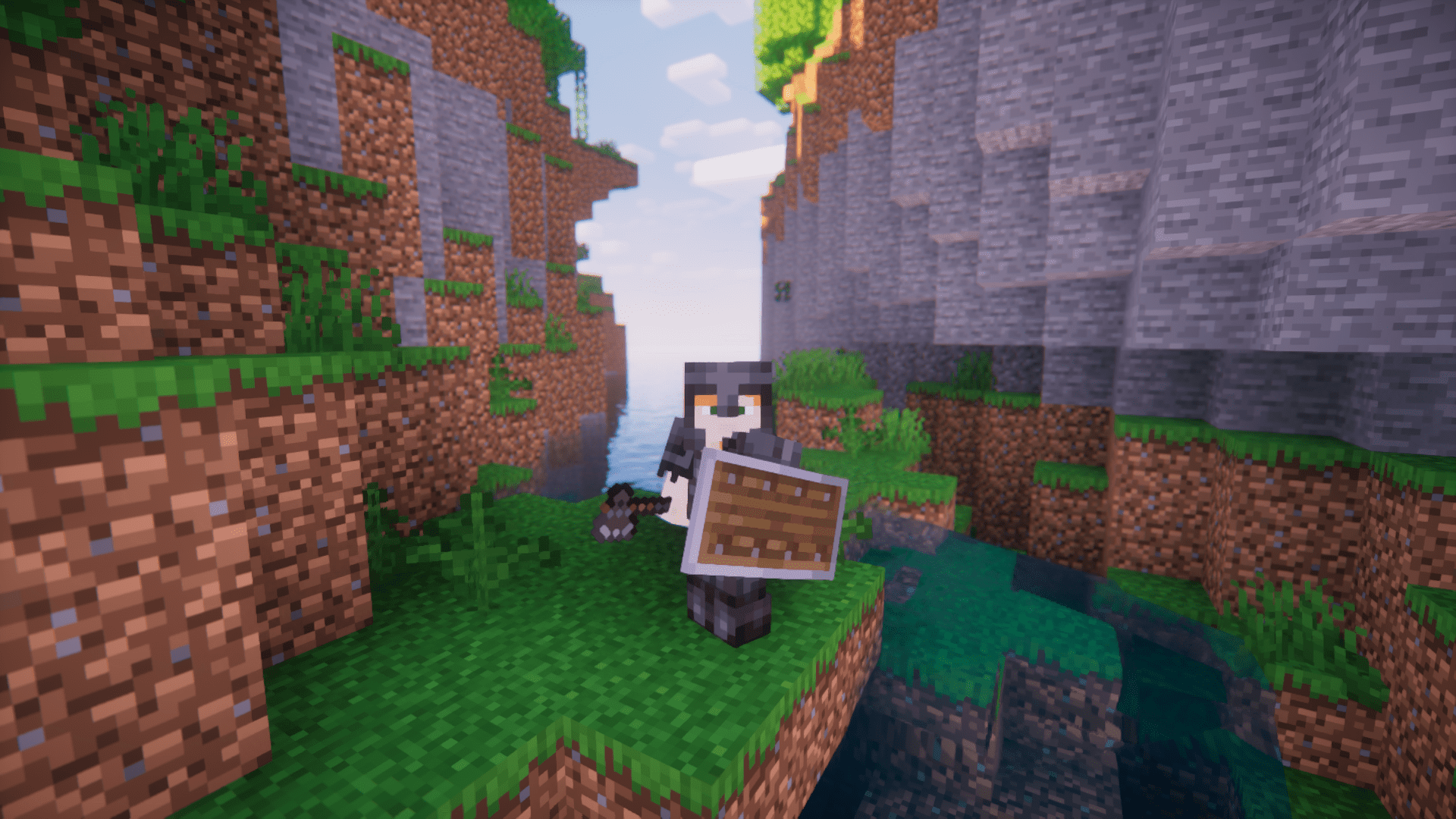
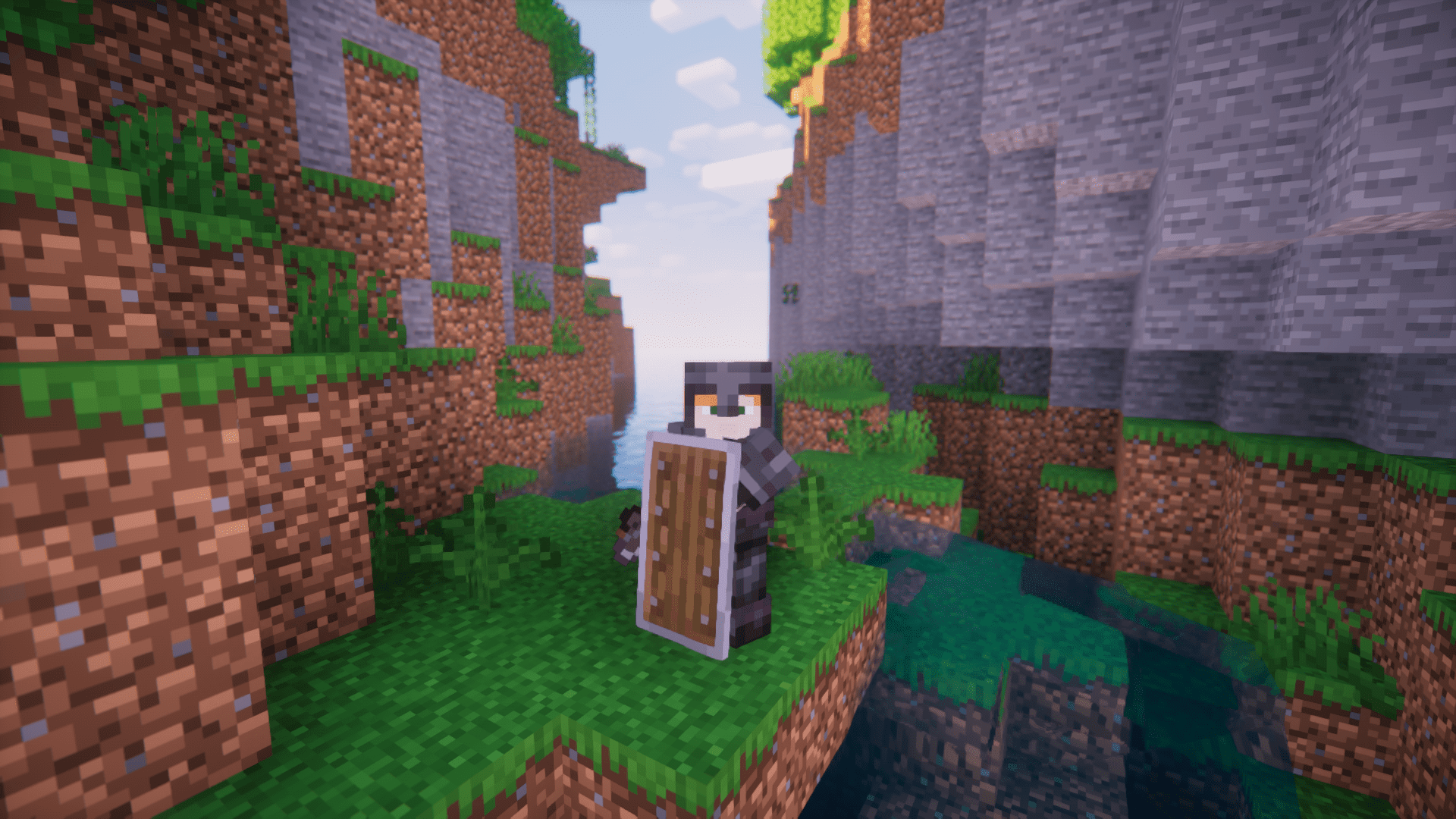
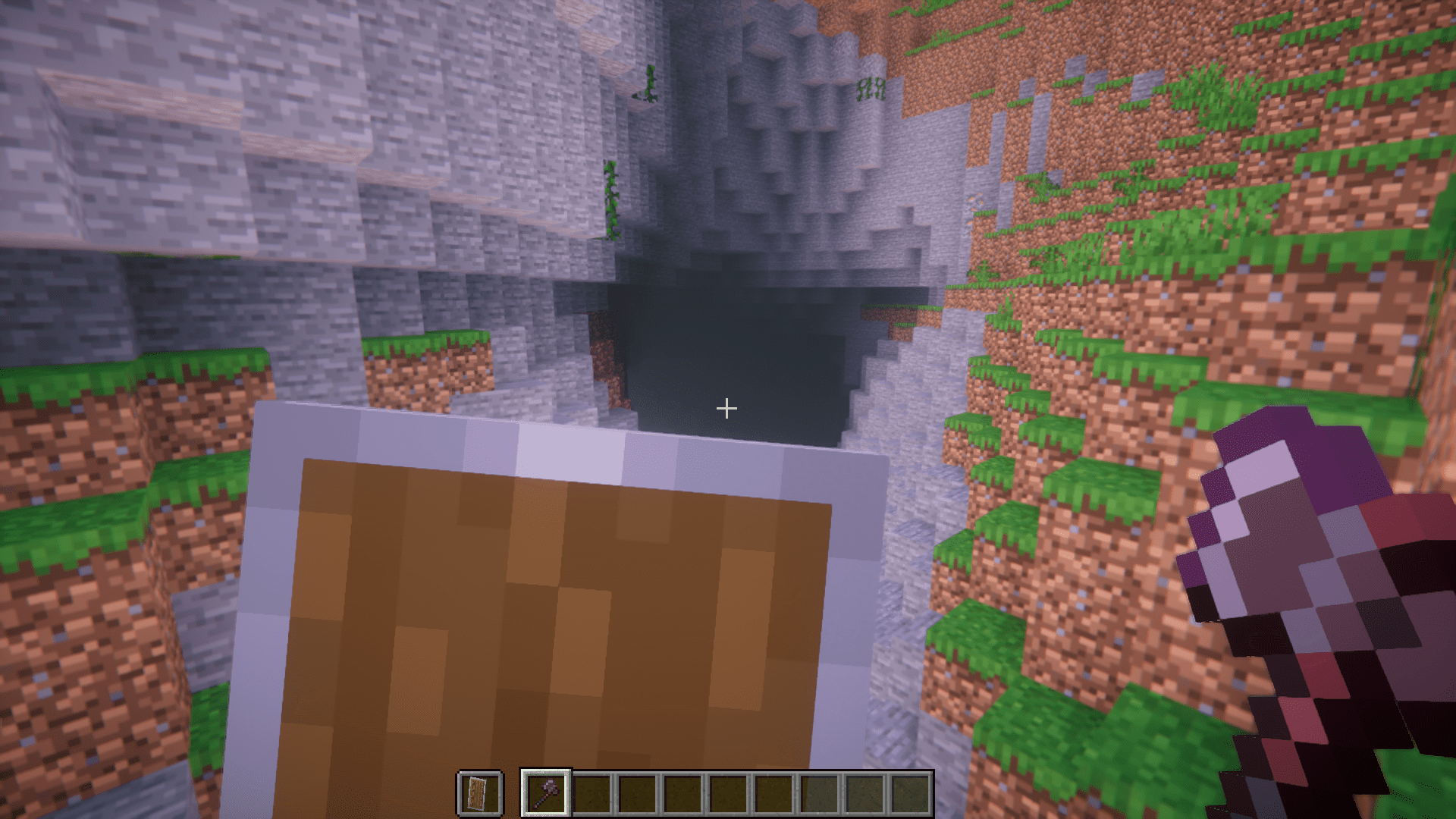
Screenshots:

No Shield Delay Mod Download Links
For Minecraft 1.21.4
Fabric/Quilt version: Download from Server 1 – Download from Server 2
For Minecraft 1.21.1, 1.21
Fabric/Quilt version: Download from Server 1 – Download from Server 2
For All Versions from Minecraft 1.17.1 to Minecraft 1.20.2
Fabric/Quilt version: Download from Server 1 – Download from Server 2
- Edition: Minecraft Java
- File type: .jar
- Minecraft versions listed: 1.21.4, 1.20.1
- How to install: Install the matching mod loader (Forge, Fabric or NeoForge) for your Minecraft version. → Download the .jar. → Put it in the .minecraft/mods folder and launch that loader profile.
- Where to get it: In MC Java Mods, or directly above on this page.
Install steps are the general flow for this file type — How to install Minecraft Java mods & modpacks walks through it step by step.
- Downloads as 198177.mcaddon
- Download size: 499 KB
- Download link checked 26 Jul 2026 — working
- Mirrored on our own servers — the download does not depend on the original host
These come from our own check of the pack file, not from the source page.