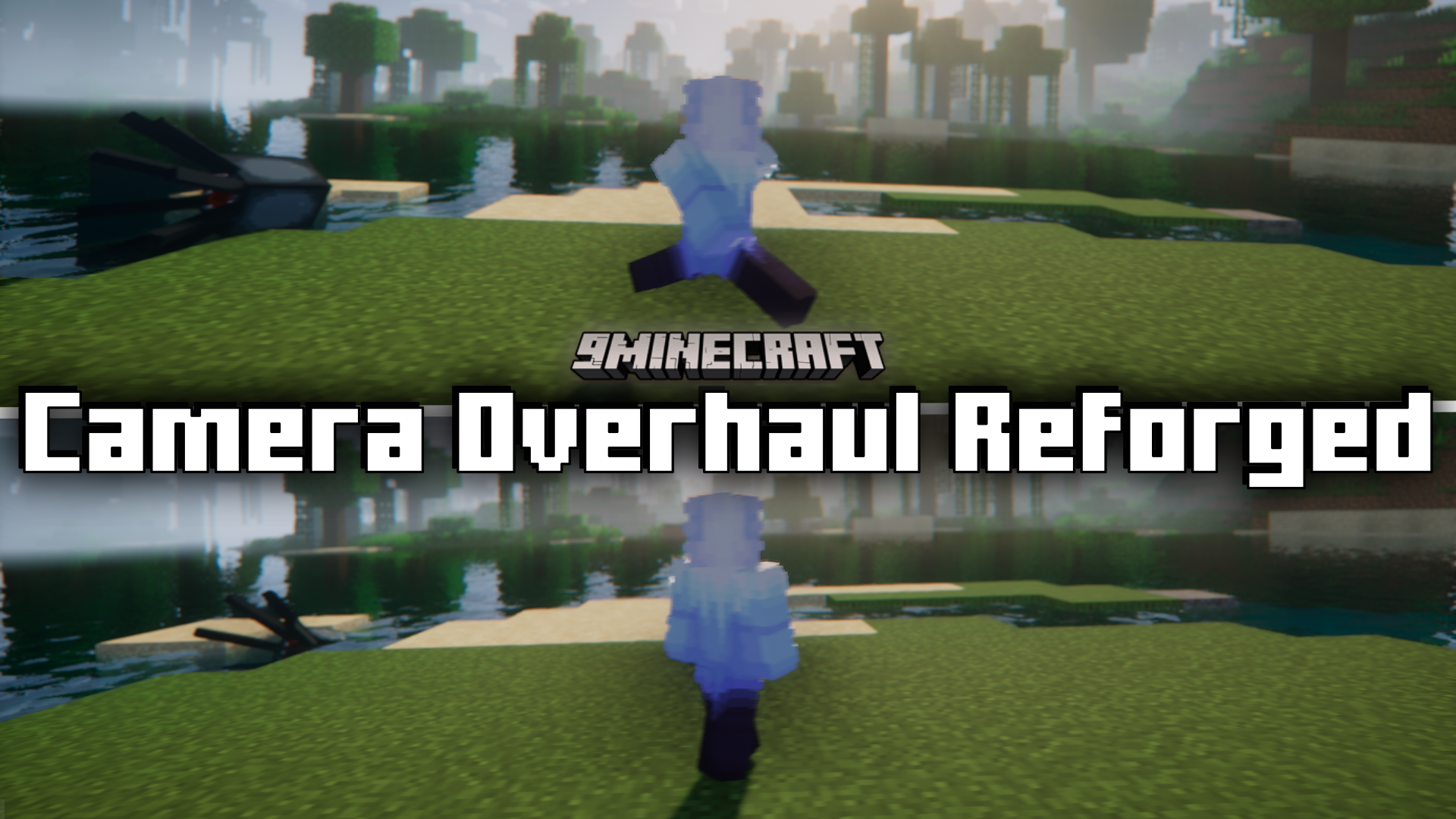
Camera Overhaul Reforged Mod is the forge version of the popular mod Camera Overhaul. This mod adds some dynamic tilts to the camera as your player on the screen moves. If you move to the left, the camera will slightly tilt to the left. If you move to the right, the camera will slightly tilt to the right. If you stand stationary and just rotate your view, the camera will still tilt slightly in that direction. The images given below will help you understand the effects of this mod better.
Screenshots:
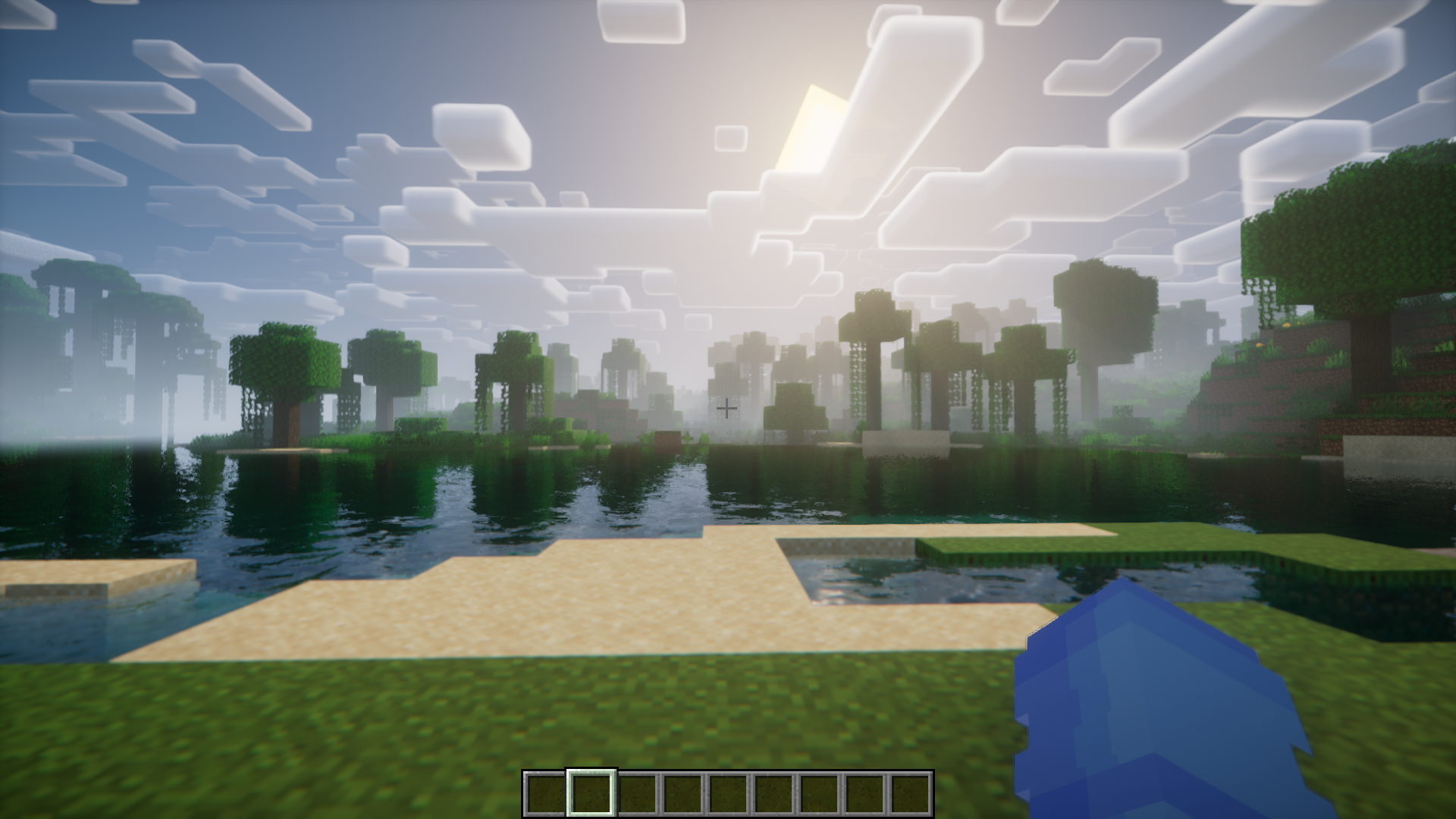
In this image the player is stationary, and therefore the camera is angled straight.
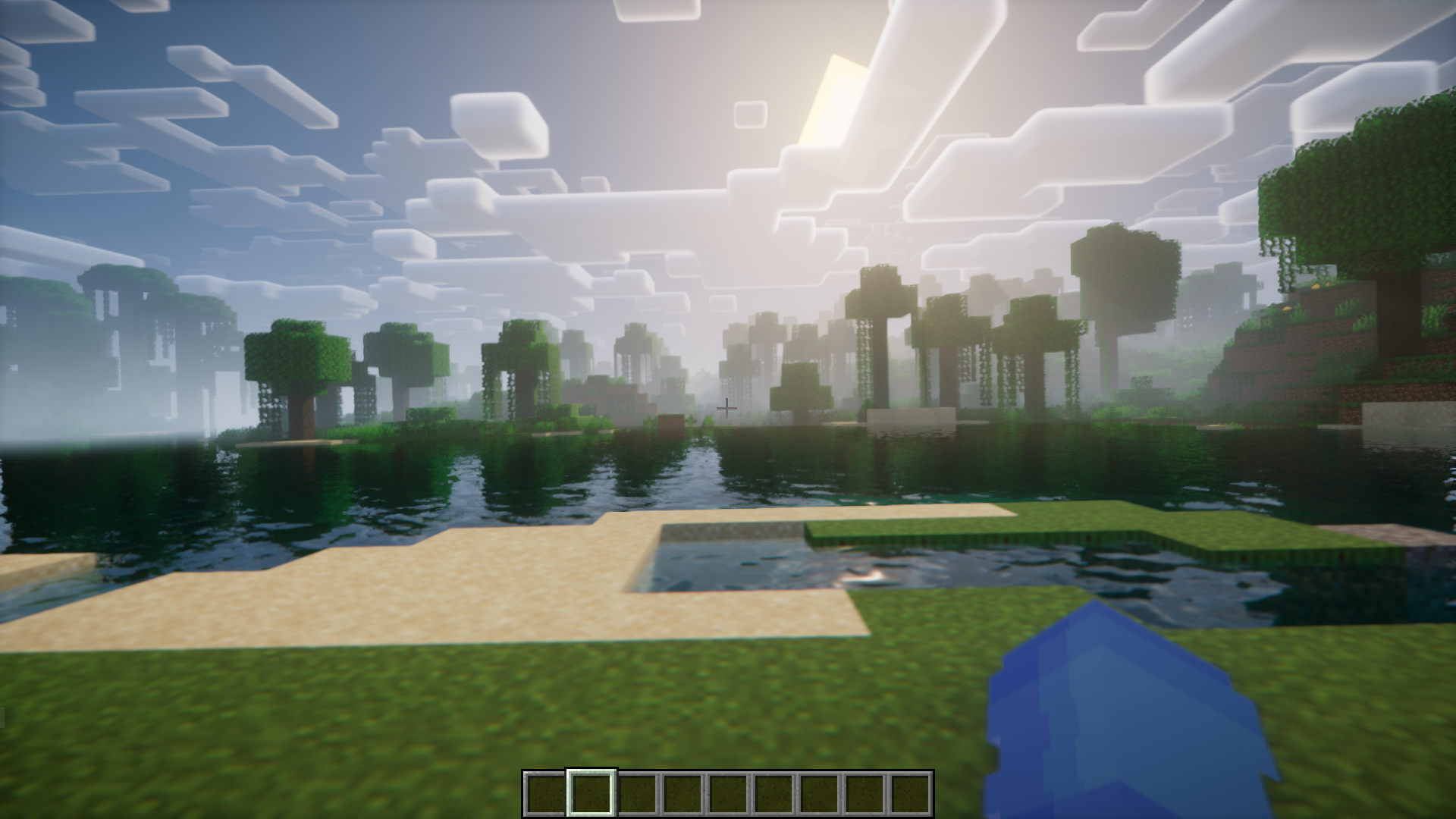
In this image, the player is moving to the right. And in comparison with the previous image, you will notice a tilt to the right.
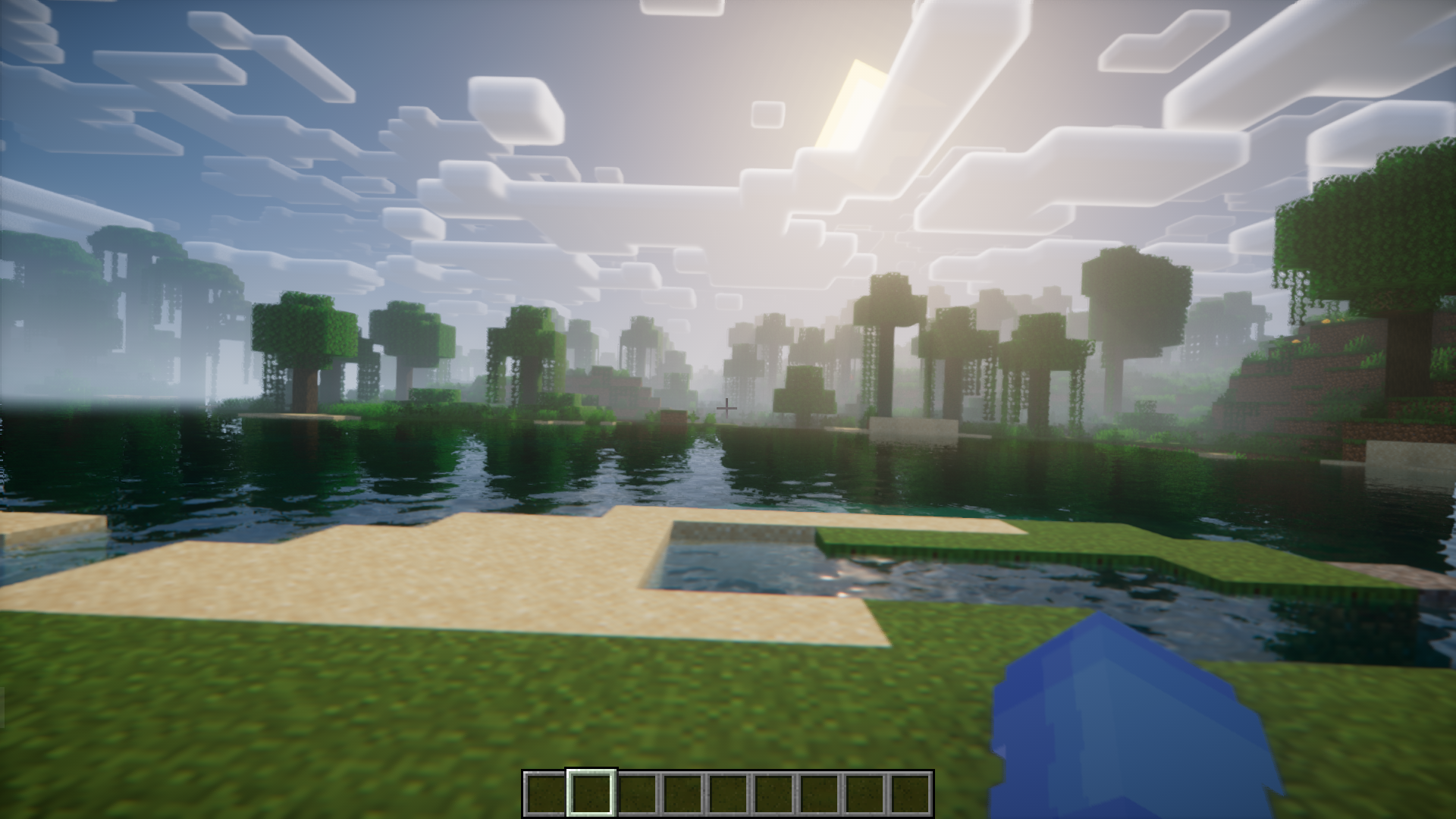
Here, the player moves to the right, and therefore the camera tilts to the right.
Let us check out the same in third person perspective. This image shows the stationary position.
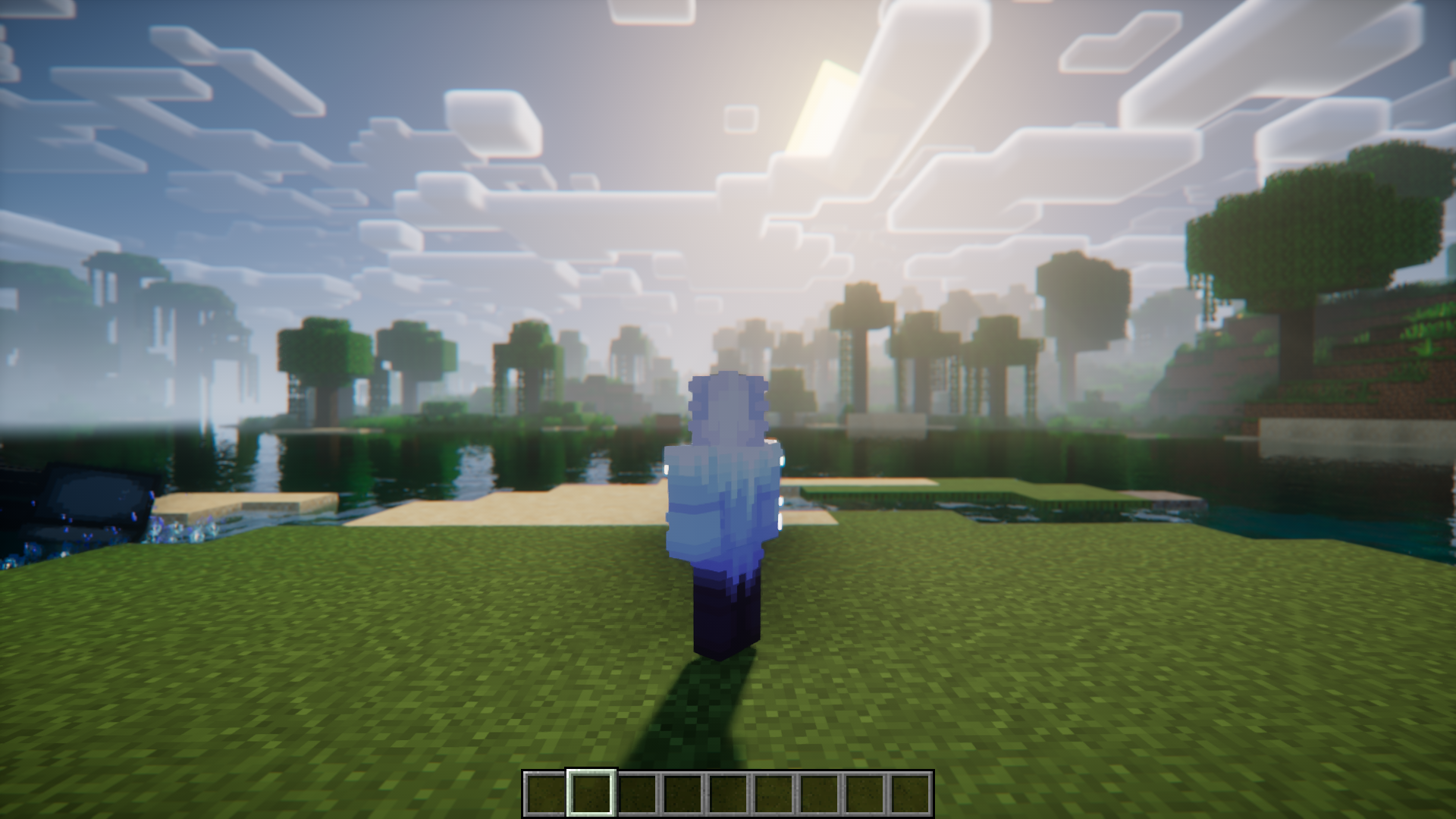
Moving to the right.
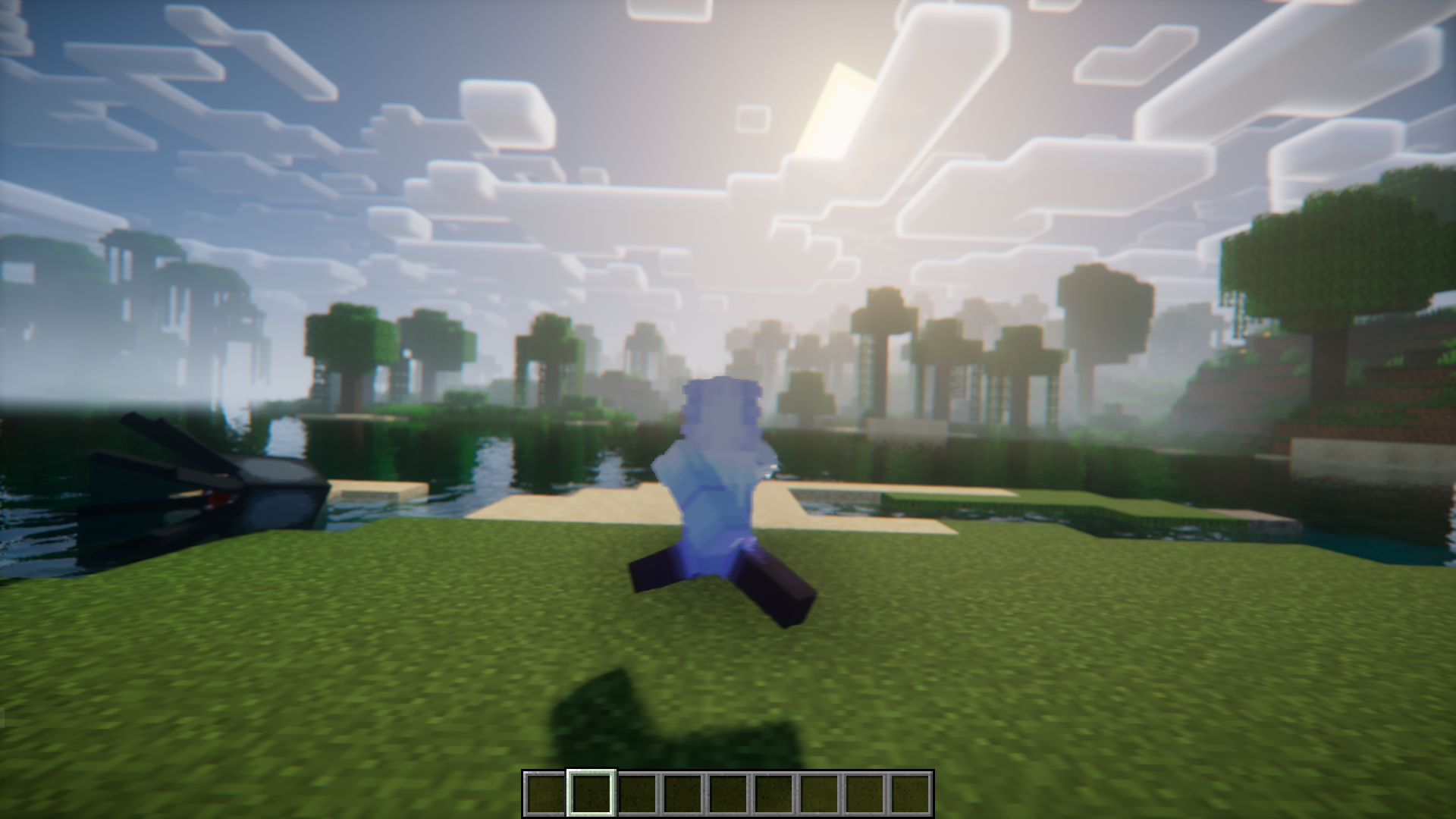
Moving to the left.
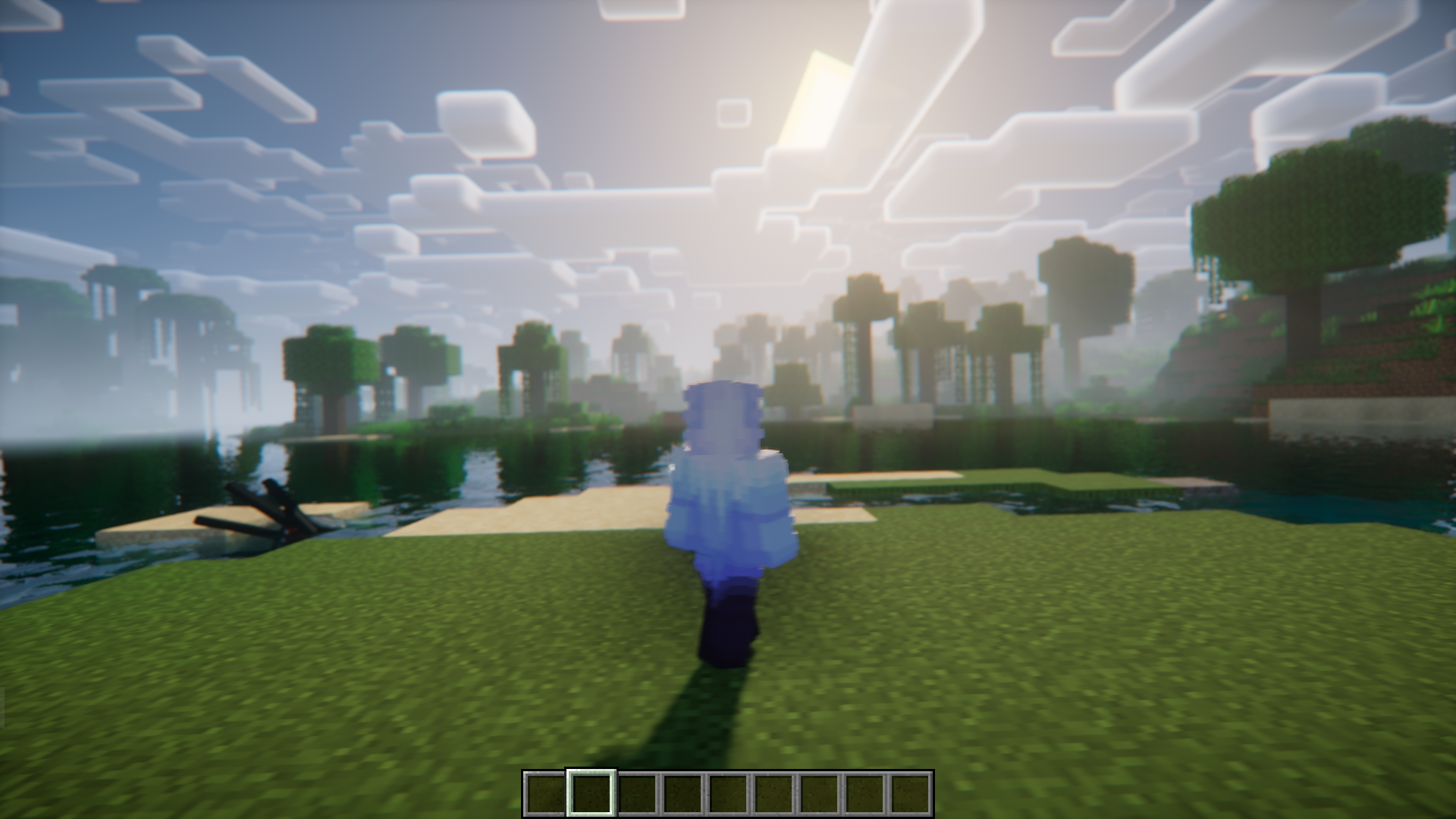
Even when jumping the crosshair tends to maintain some level. This results in a change in the direction the player is facing. This is subtle, but noticeable. Try it out yourself!
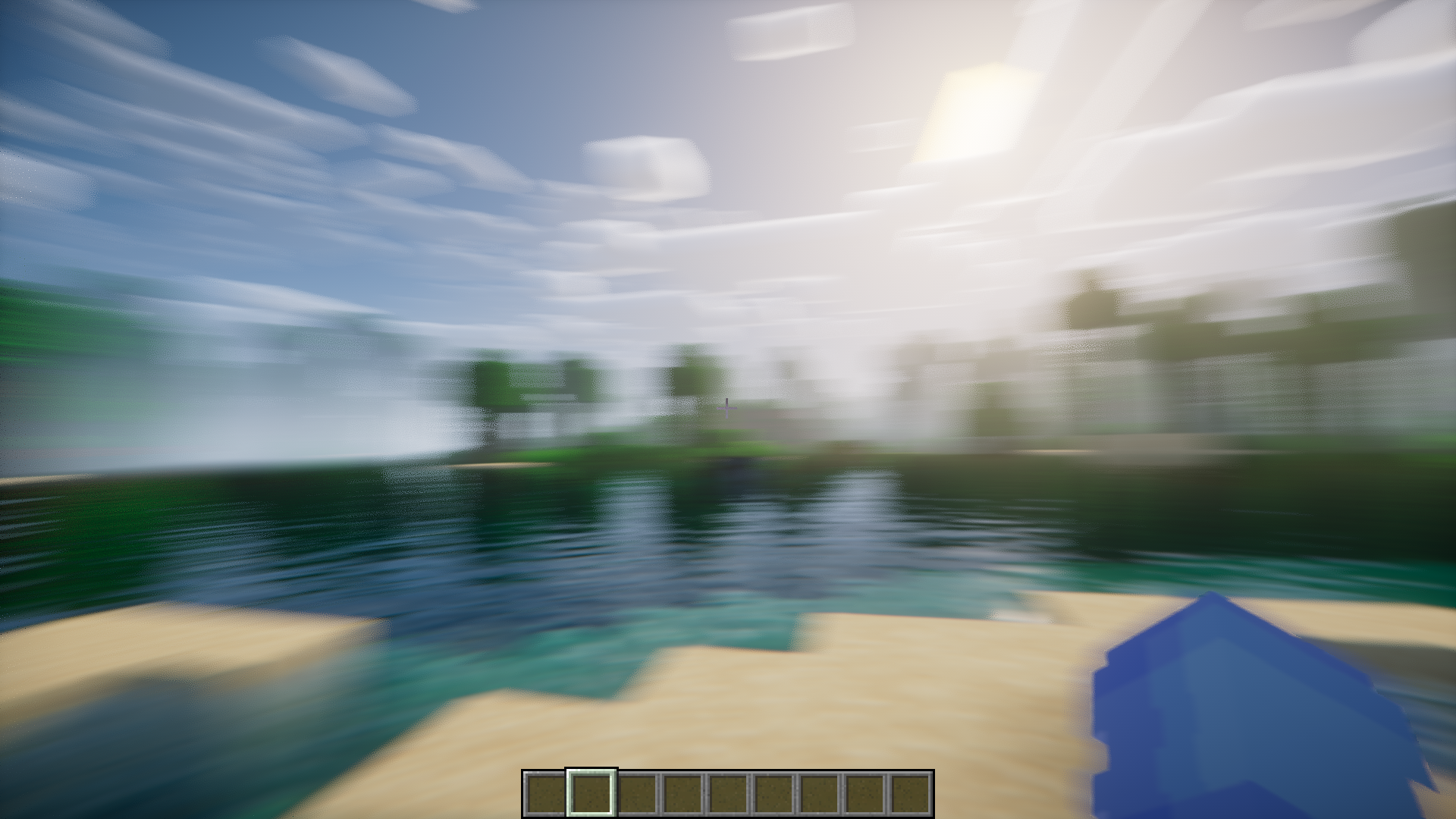
Tilt effect while the player turns.
Camera Overhaul Reforged Mod Download Links
For Minecraft 1.21.4
Forge version: Download from Server 1 – Download from Server 2
NeoForge version: Download from Server 1 – Download from Server 2
For Minecraft 1.21.3, 1.21.2
NeoForge version: Download from Server 1 – Download from Server 2
For Minecraft 1.21.1, 1.21
Forge version: Download from Server 1 – Download from Server 2
NeoForge version: Download from Server 1 – Download from Server 2
For Minecraft 1.20.6
Forge version: Download from Server 1 – Download from Server 2
For Minecraft 1.20.4, 1.20.1
Forge/NeoForge version: Download from Server 1 – Download from Server 2
For Minecraft 1.19.4
Forge version: Download from Server 1 – Download from Server 2
- Edition: Minecraft Java
- File type: .jar
- Minecraft versions listed: 1.21.4, 1.20.1
- How to install: Install the matching mod loader (Forge, Fabric or NeoForge) for your Minecraft version. → Download the .jar. → Put it in the .minecraft/mods folder and launch that loader profile.
- Where to get it: In MC Java Mods, or directly above on this page.
Install steps are the general flow for this file type — How to install Minecraft Java mods & modpacks walks through it step by step.
- Downloads as 198178.mcaddon
- Download size: 35 KB
- Download link checked 17 Jul 2026 — working
- Mirrored on our own servers — the download does not depend on the original host
These come from our own check of the pack file, not from the source page.