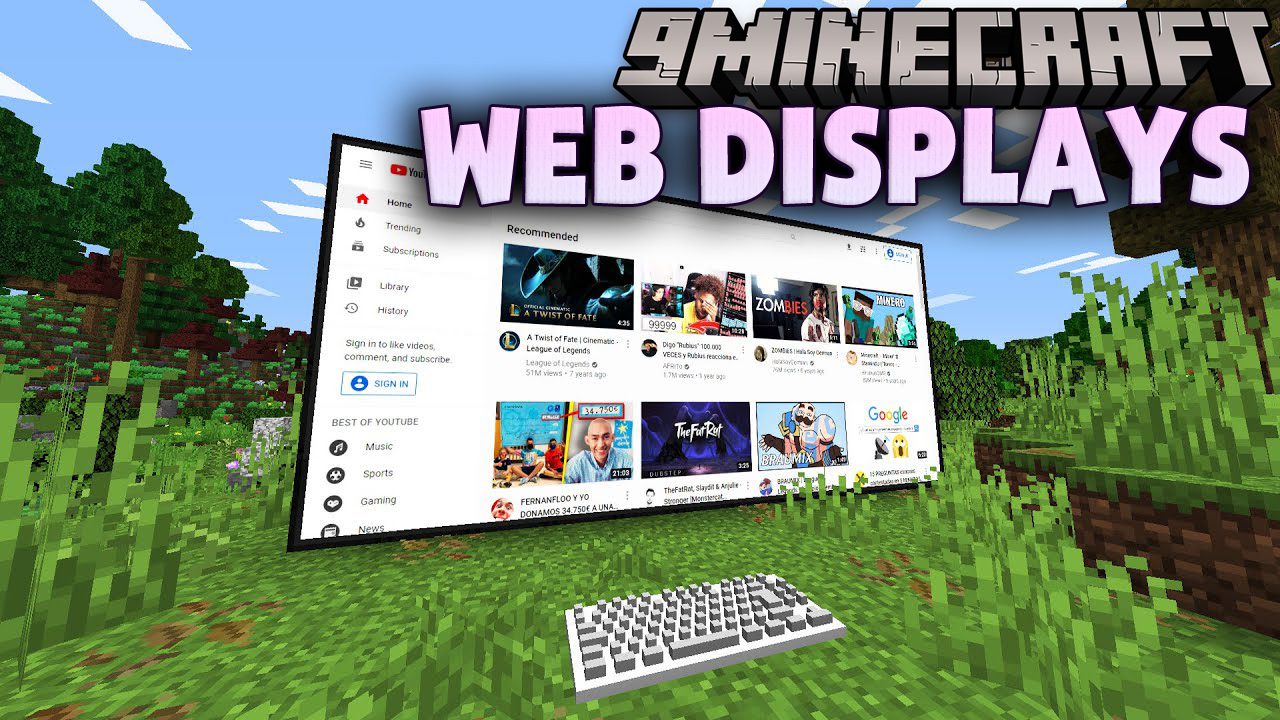
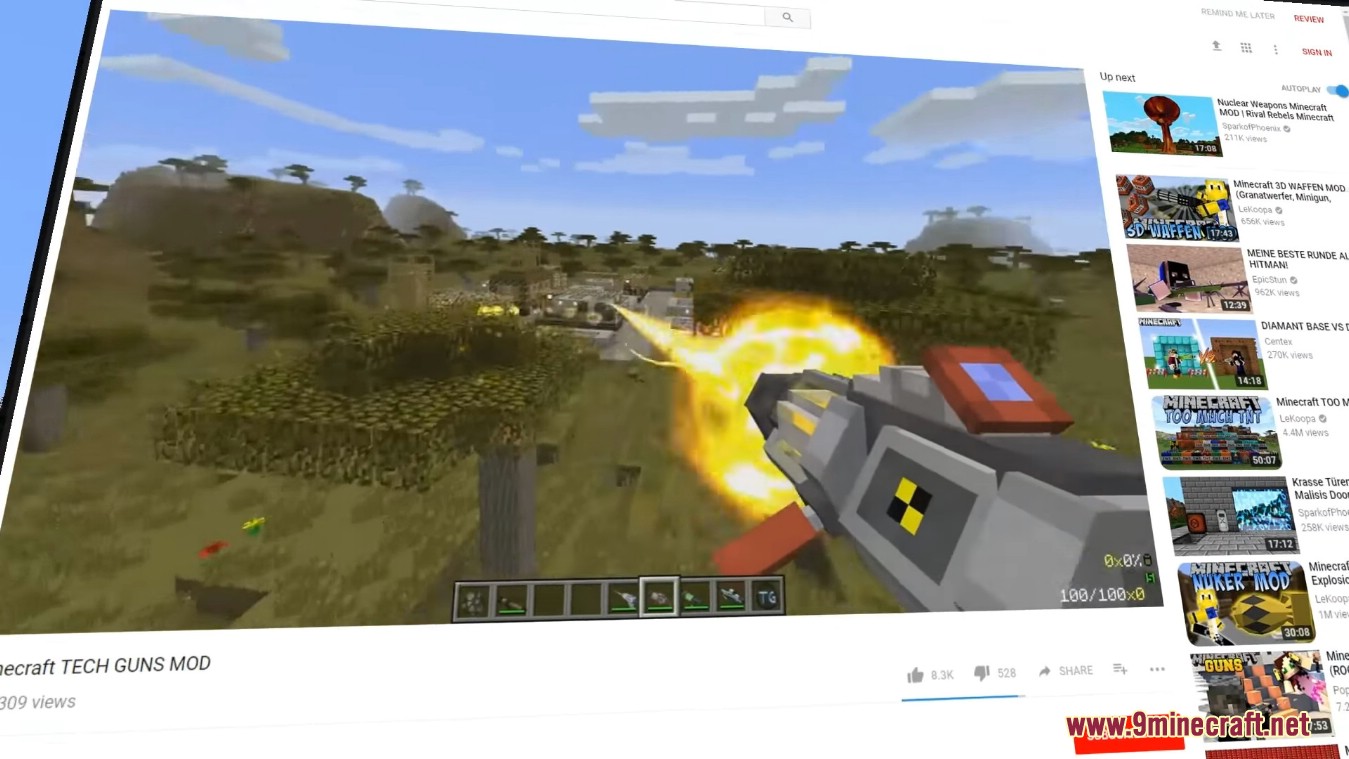
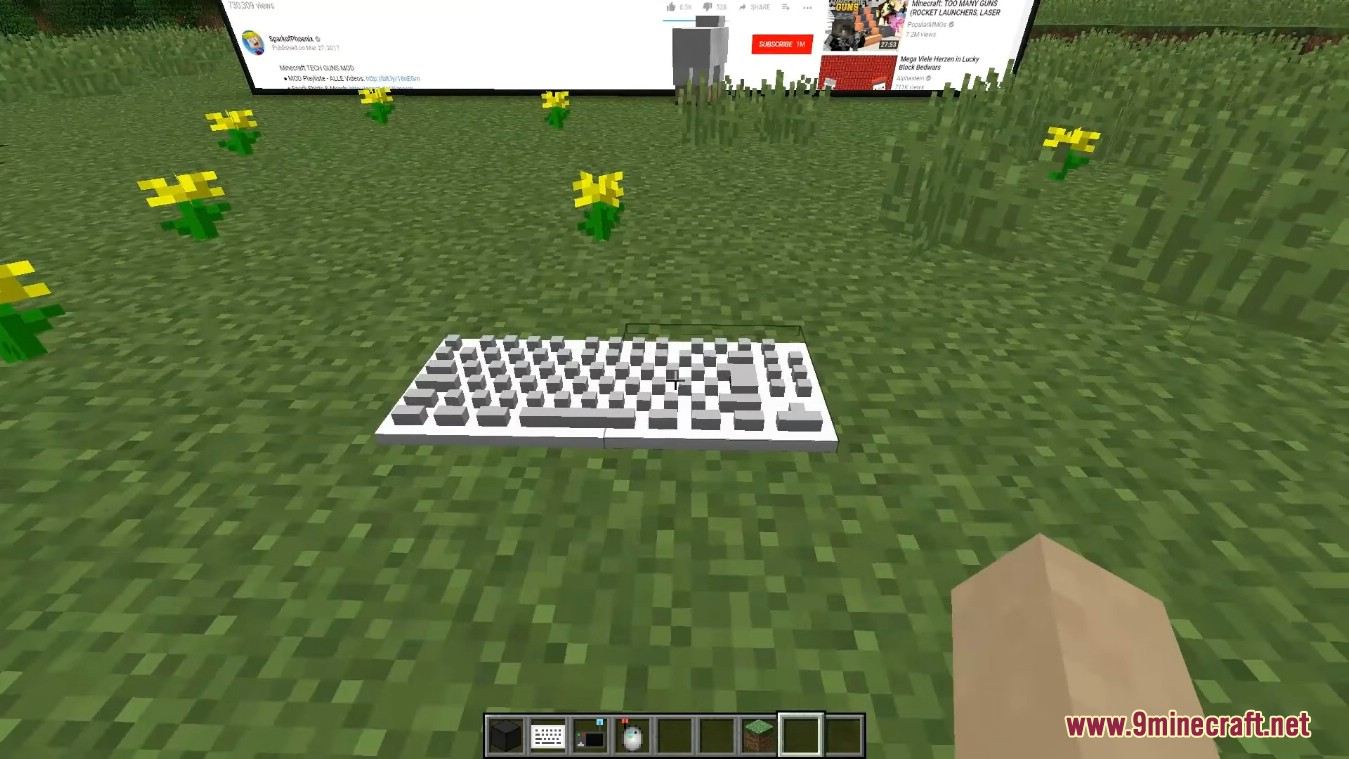
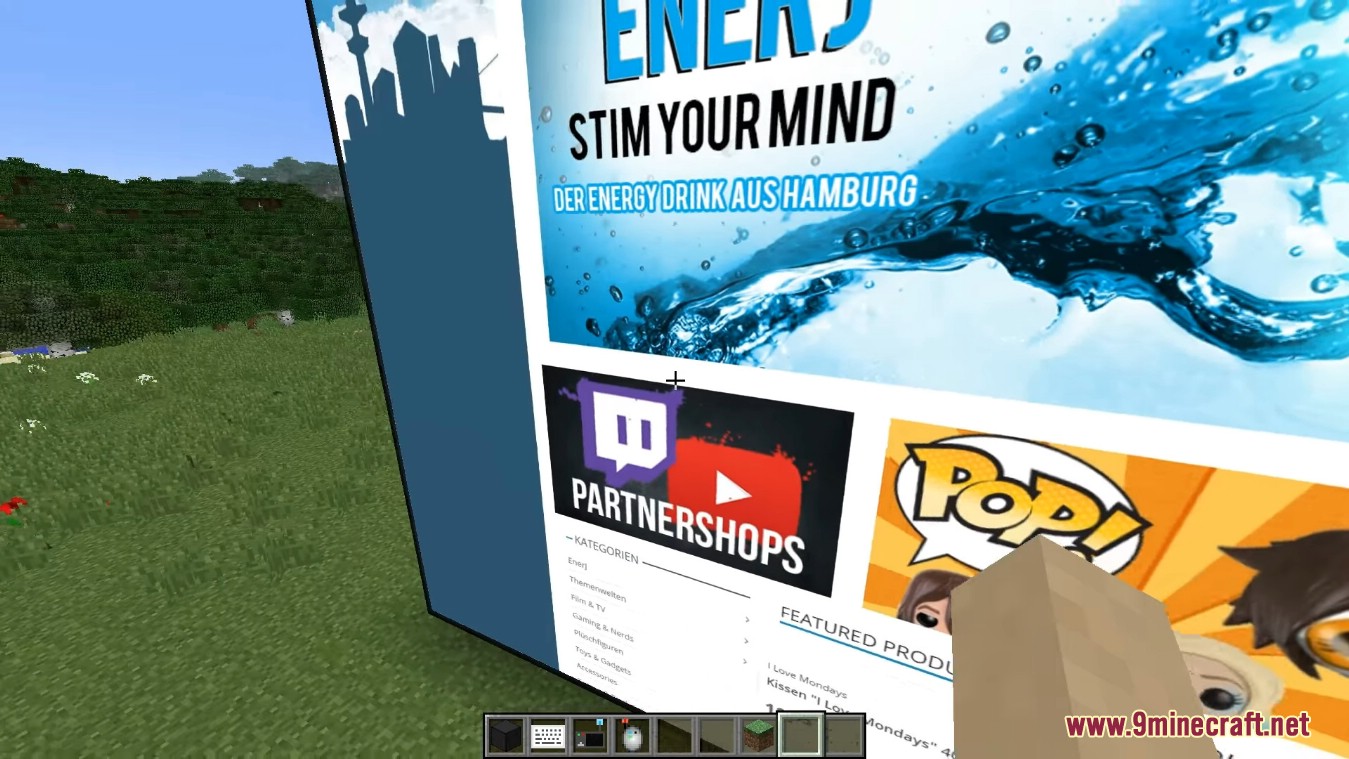
WebDisplays Mod allows you to create an interactive screen and keyboard which means you can freely browse the web from inside your Minecraft world. This web browser can be used in many ways: displaying videos, billboarding, and much more. This is a port of the Web Displays Mod.
Features:
- You can place screens in your Minecraft world that display web pages.
- These screens can be used to browse the internet, allowing you to view websites directly in-game.
- WebDisplays offers redstone input and output ports, enabling web pages to interact with redstone signals.
- This feature allows the use of a laser pointer within the game.
- Adds a JavaScript function to fetch the X, Y, and Z coordinates of the screen.
Screenshots:
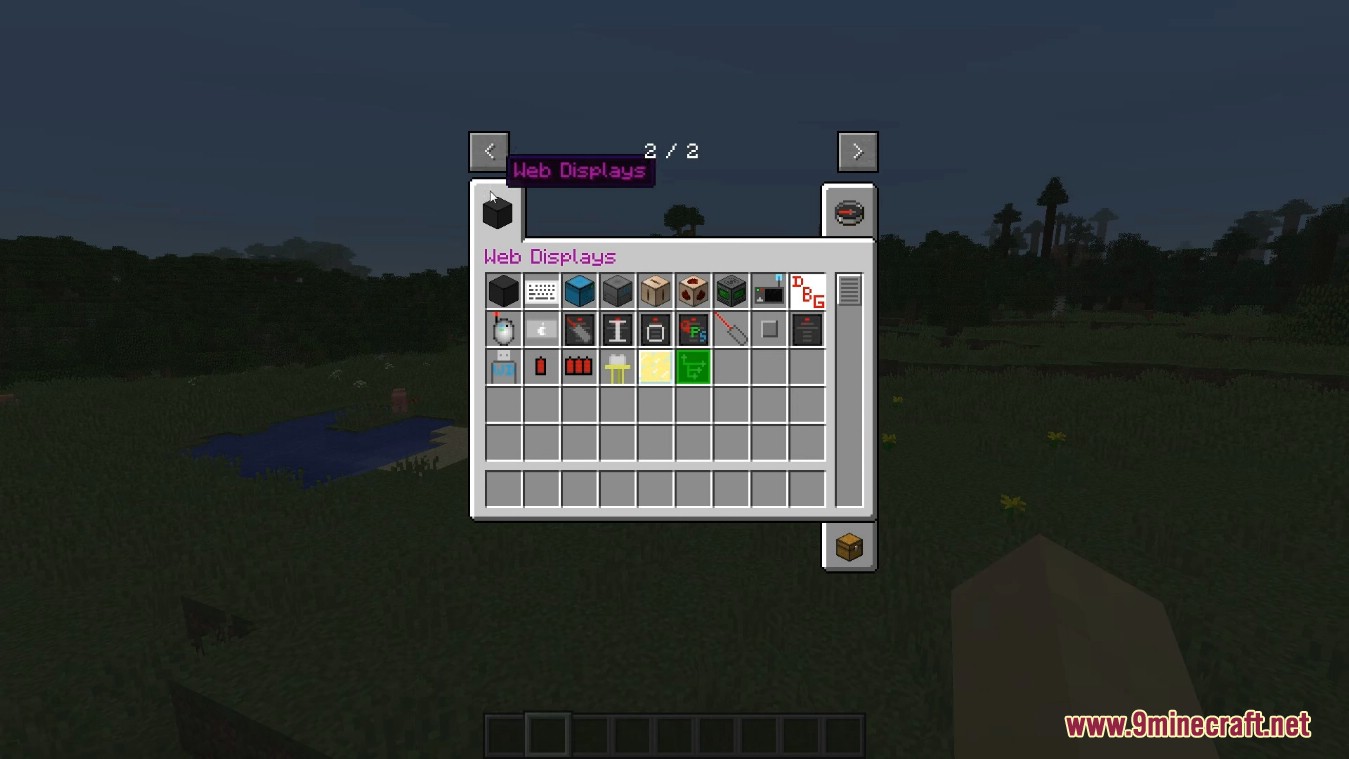
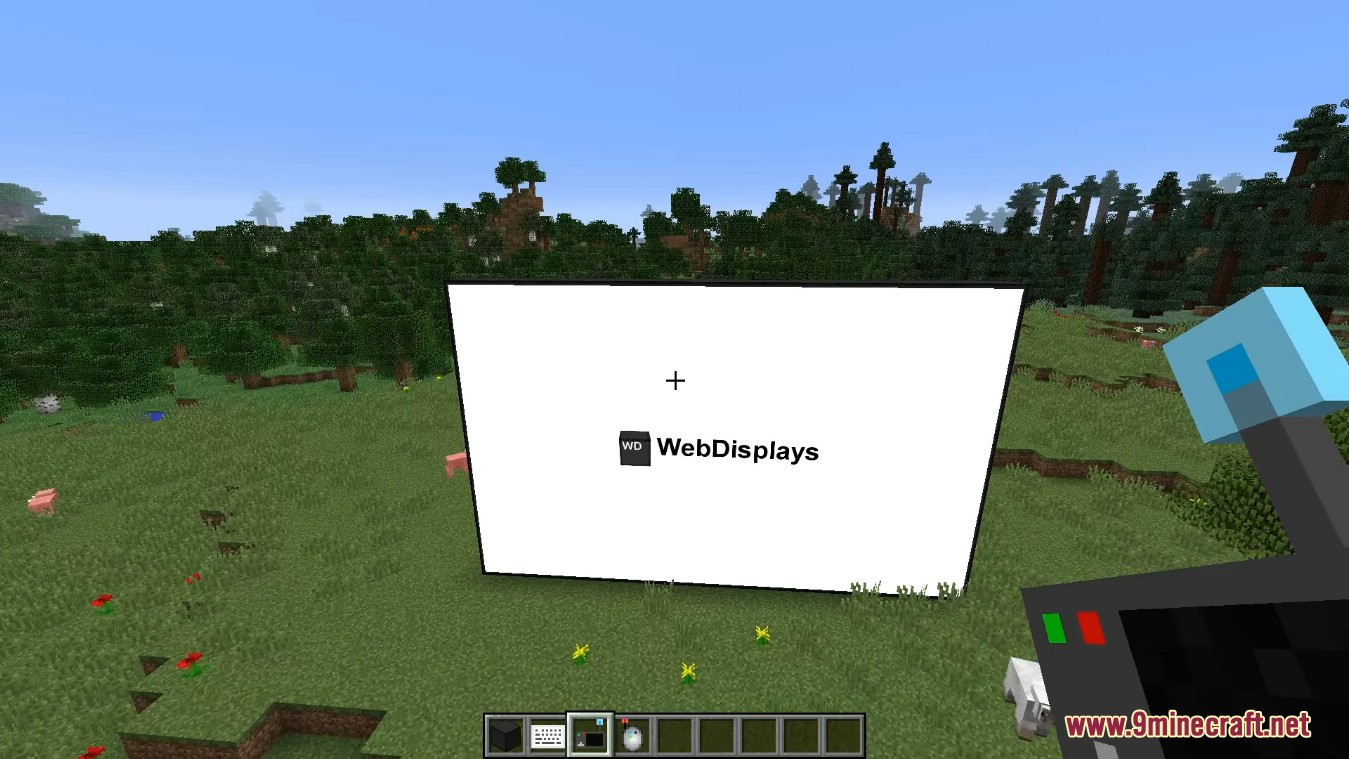
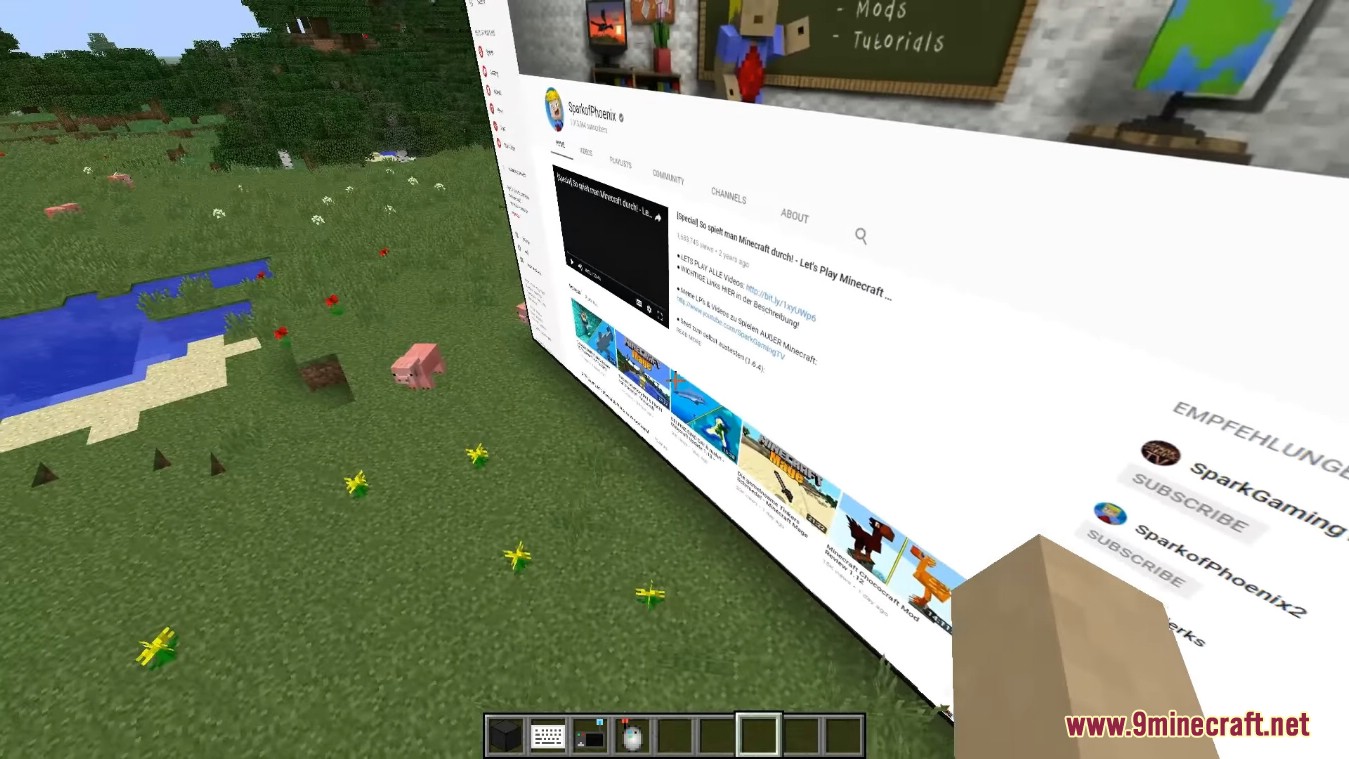
WebDisplays Mod Download Links
For Minecraft 1.20.1, 1.20
Forge/NeoForge version: Download from Server 1 – Download from Server 2
For Minecraft 1.19.2
Forge version: Download from Server 1 – Download from Server 2
For Minecraft 1.18.2
Forge version: Download from Server 1 – Download from Server 2
For Minecraft 1.12.2
Forge version: Download from Server 1
For Minecraft 1.10.2
Forge version: Download from Server 1
For Minecraft 1.7.10
Forge version: Download from Server 1
- Edition: Minecraft Java
- File type: .jar
- Minecraft versions listed: 1.20.1, 1.19.2
- How to install: Install the matching mod loader (Forge, Fabric or NeoForge) for your Minecraft version. → Download the .jar. → Put it in the .minecraft/mods folder and launch that loader profile.
- Where to get it: In MC Java Mods, or directly above on this page.
Install steps are the general flow for this file type — How to install Minecraft Java mods & modpacks walks through it step by step.
- Downloads as 198268.mcaddon
- Download size: 793 KB
- Download link checked 26 Jul 2026 — working
- Mirrored on our own servers — the download does not depend on the original host
These come from our own check of the pack file, not from the source page.