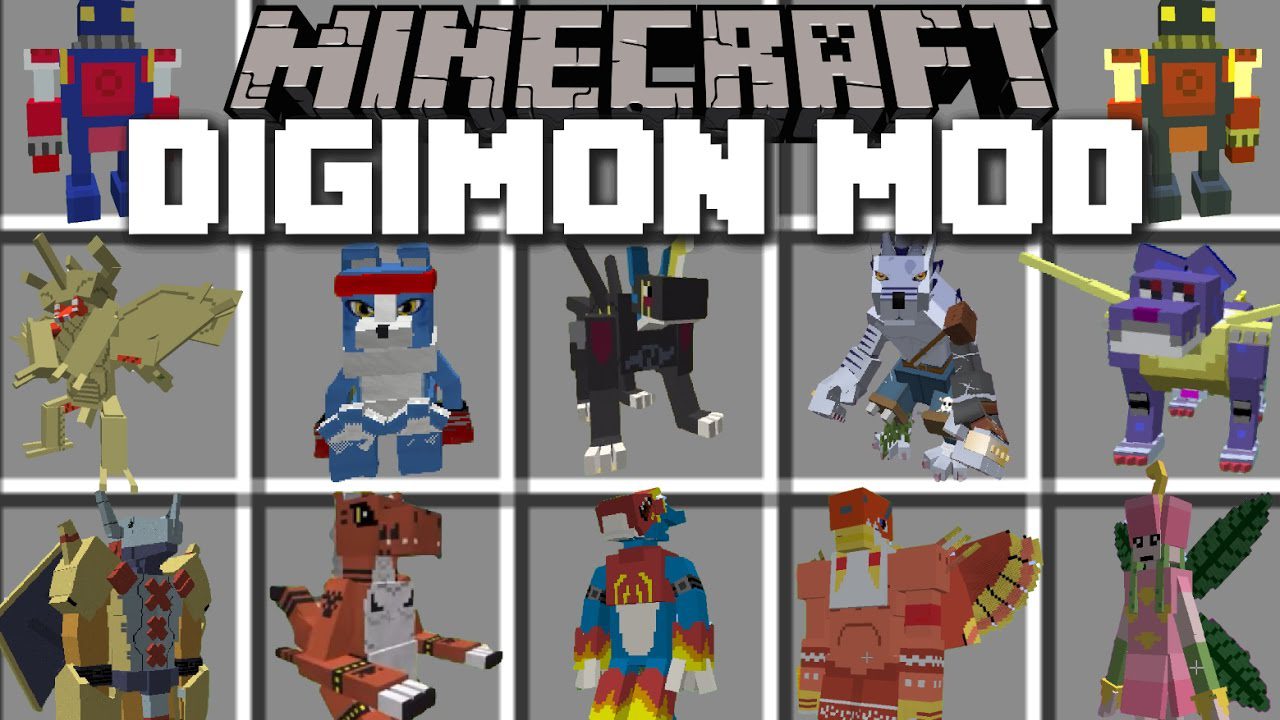
Digimobs Mod (1.20.1, 1.16.5) – Digimon in Minecraft
Digimobs Mod adds many mobs, blocks and items to Minecraft from the Digimon series. If you are a fan of the Digimon cartoon, you should not ignore this…
⬇ DownloadOpen in MCModsHubGet it on Google Play →Digimobs Mod adds many mobs, blocks and items to Minecraft from the Digimon series. If you are a fan of the Digimon cartoon, you should not ignore this game because of its greatness. It will not more wonderful when you experience your favorite characters to your preference. What will you find in the untamed world of digital monsters?
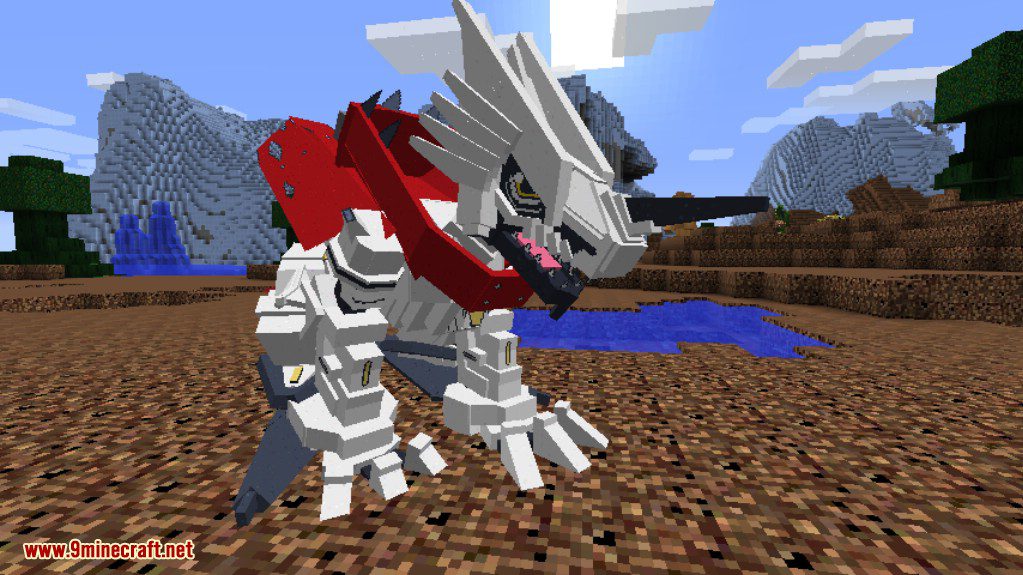
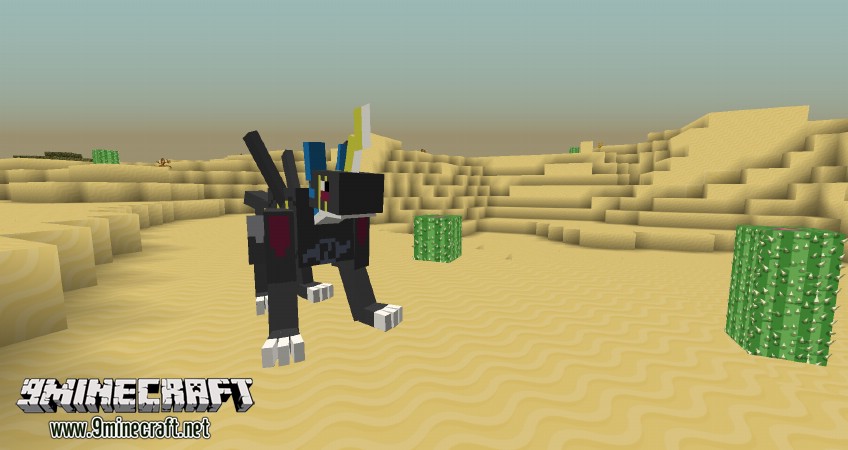
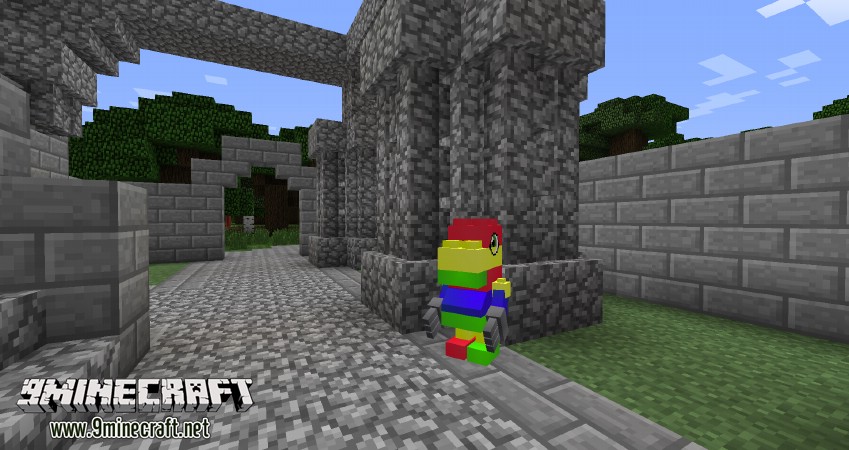
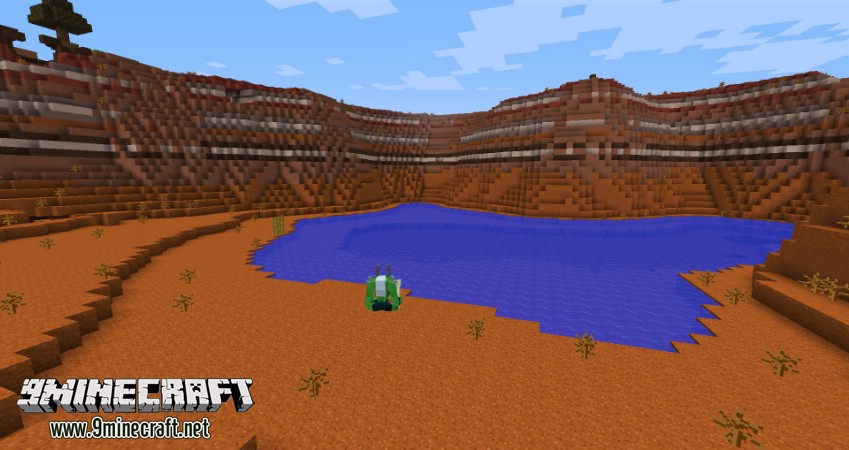
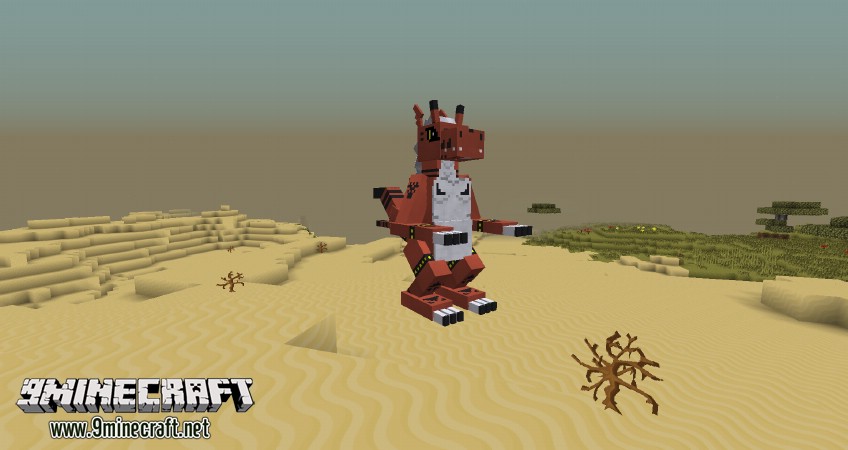
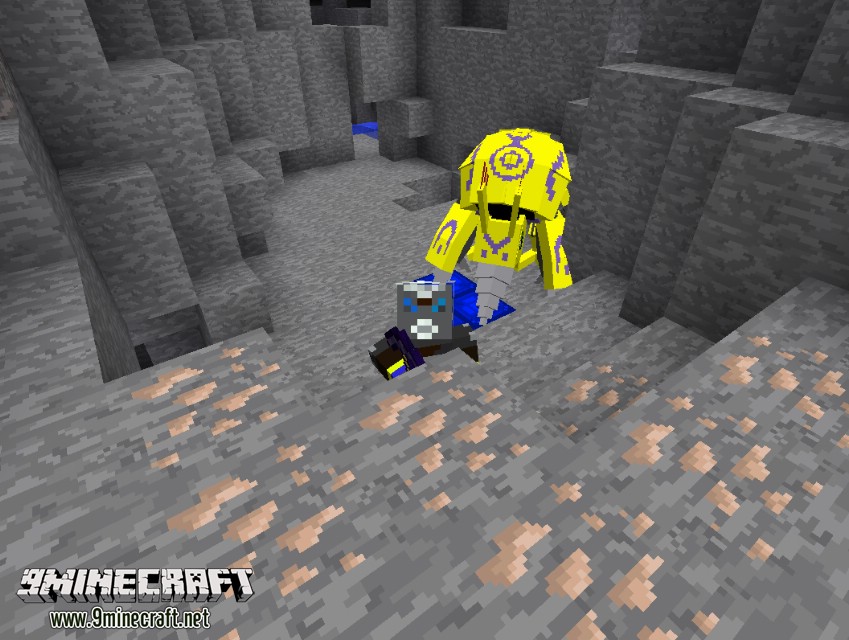
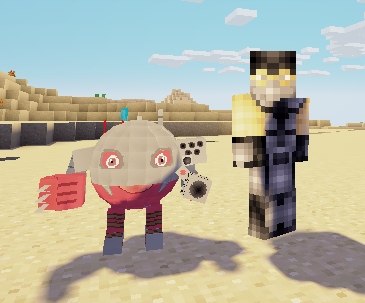
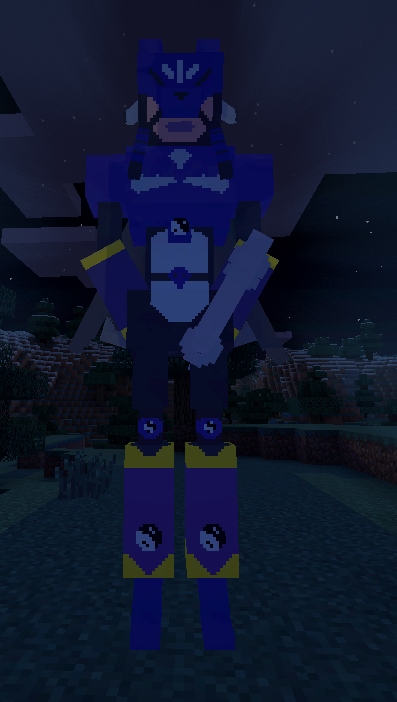
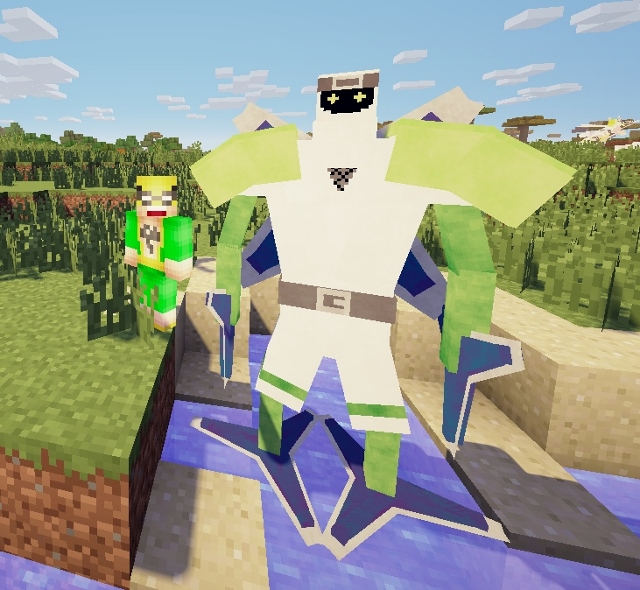
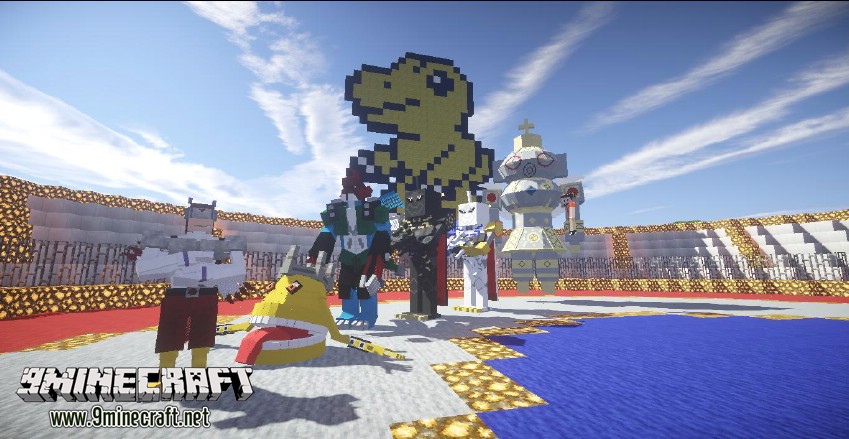
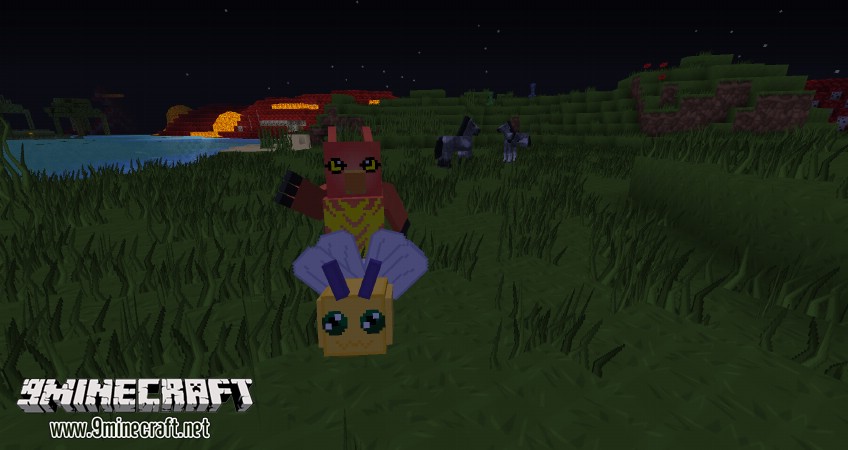
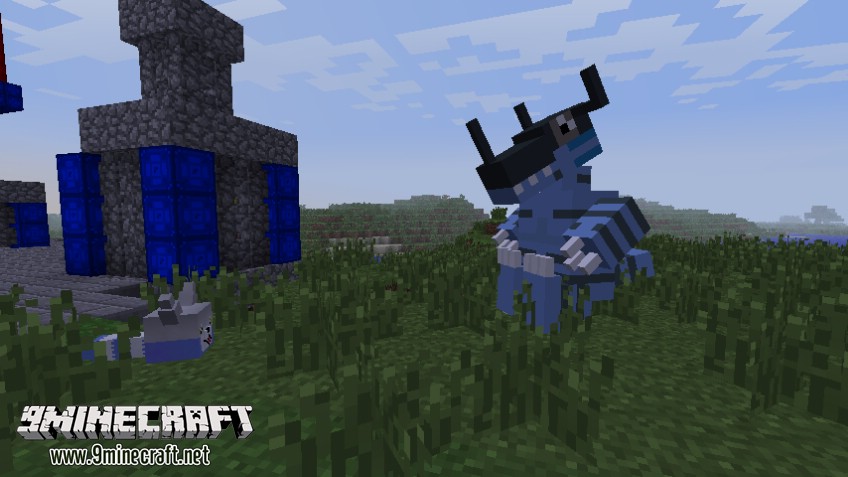
Have you ever known or heard about the Digimon series? Digimon stands for Digital Monster. It is a famous series that is associated with the childhood of many people. Essentially, this mod comes along with the addition of creatures named Digimon as well as a lot of mobs, blocks, and items into the Minecraft game world. They will recreate the plot of this series. In this mod, you will experience a lot of unique creatures. Each of them will have their own appearance and ability. From that, your character world will be more diversified.
Features:
- Adds hundreds of Digimon to Minecraft, which can be found and collected in the Nether, End, and Overworld dimensions.
- When you start the mod, you can select an initial Digimon partner or have one chosen for you based on a series of questions.
- Includes quests to help you learn the controls and get started with your Digimon adventure.
- Allows you to digivolve your Digimon during fights, making them stronger and more powerful.
- Offers two visual styles for Digimon – beautiful custom 3D models and 2D pixel art, allowing for a personalized experience.
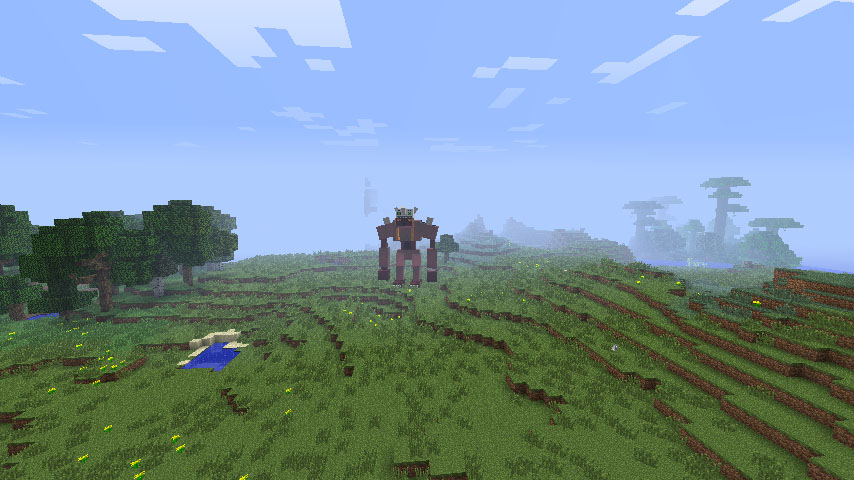
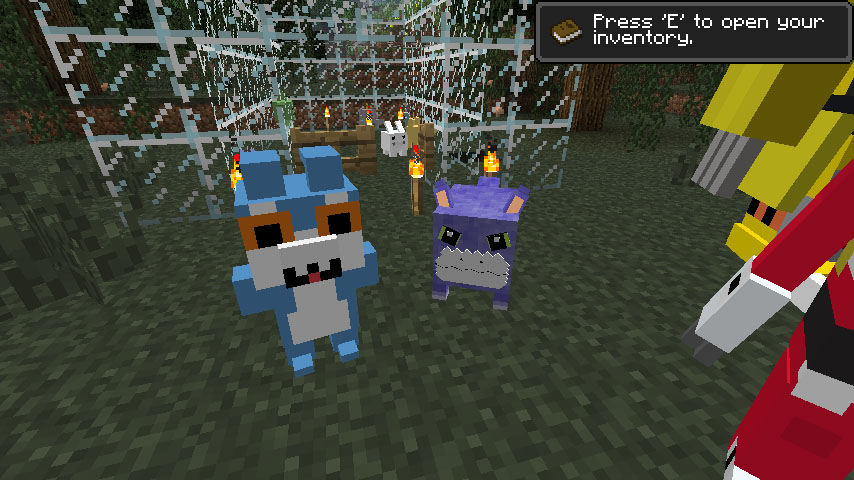
Screenshots:
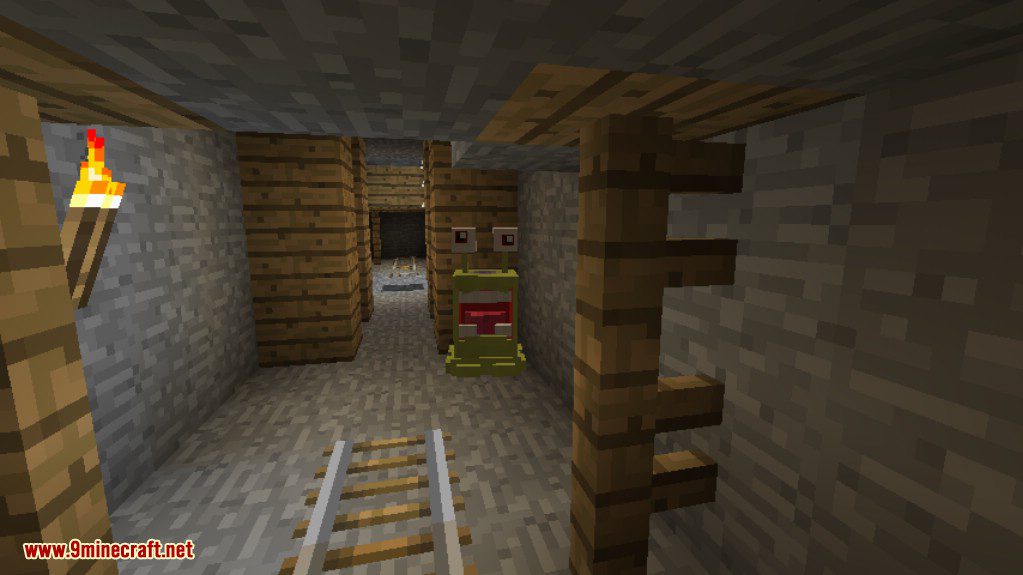
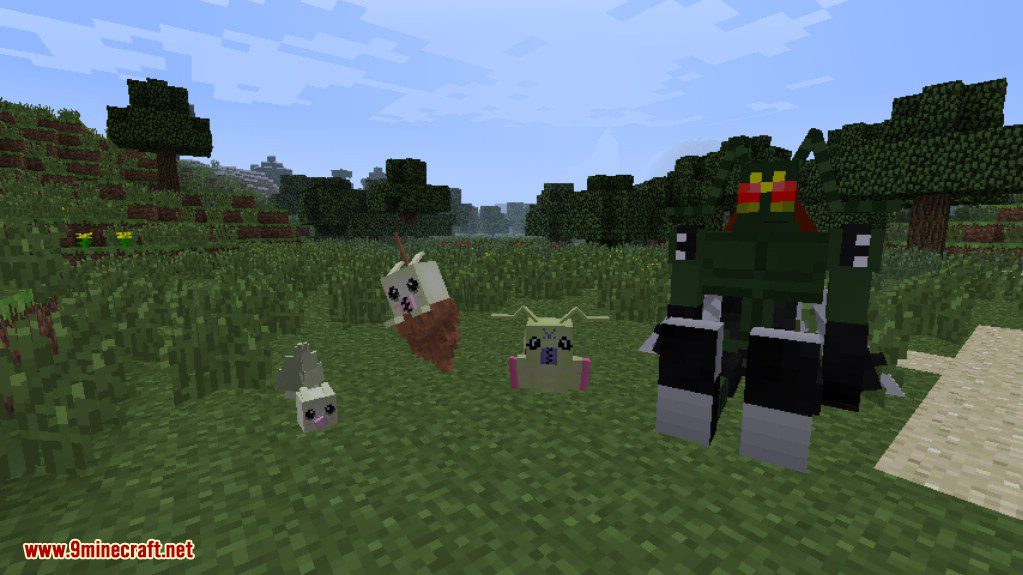
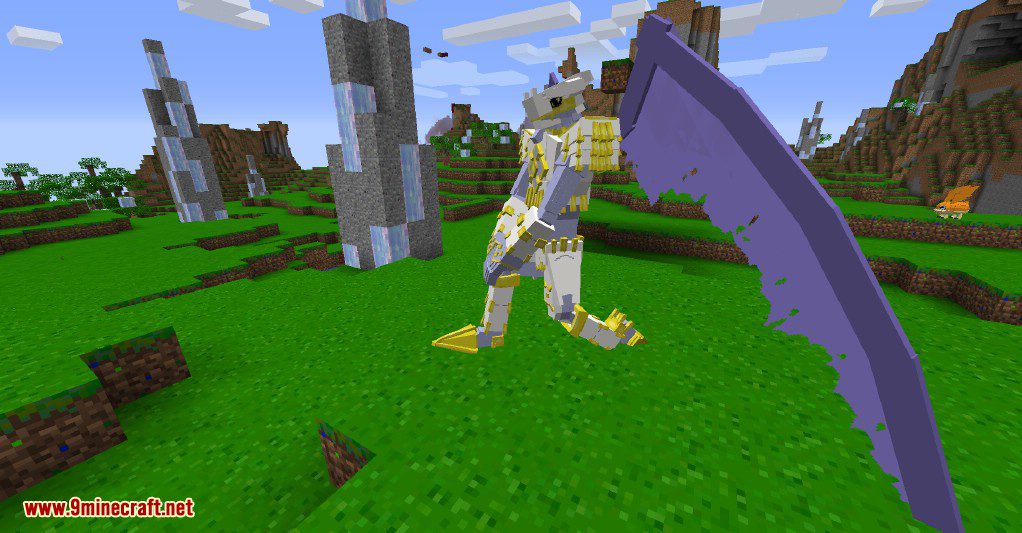
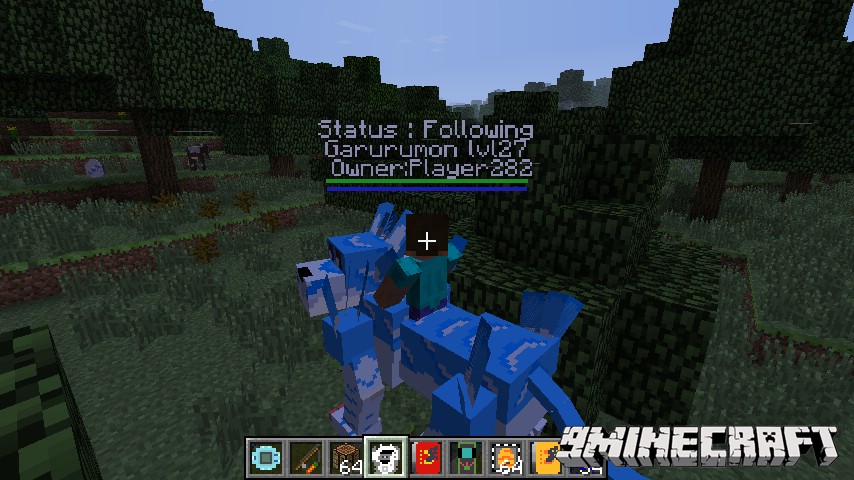
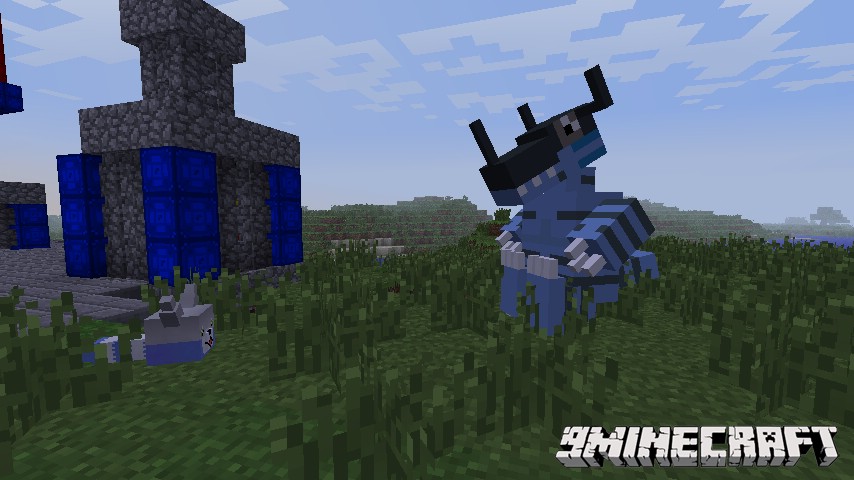
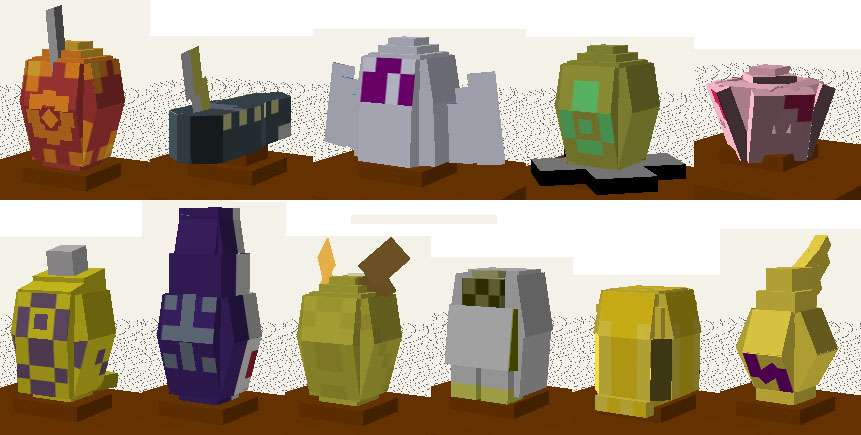
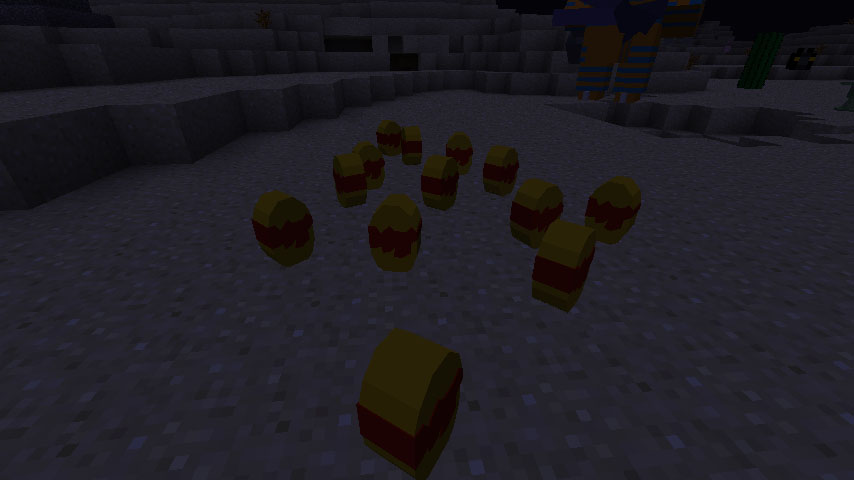
Digimobs Mod Download Links
For Minecraft 1.20.1, 1.20
Forge version: Download from Server 1 – Download from Server 2
For Minecraft 1.16.5
Forge version: Download from Server 1 – Download from Server 2
For Minecraft 1.15.2
Forge version: Download from Server 1
For Minecraft 1.12.2
Forge version: Download from Server 1
For Minecraft 1.8.9
Forge version: Download from Server 1
For Minecraft 1.7.10
Forge version: Download from Server 1 – Download from Server 2
Digimobs Mod (1.20.1, 1.16.5) – Digimon in Minecraft is a free Minecraft Java mod. Compatible with Minecraft 1.20.1, 1.16.5. Download it and open it directly in the game.