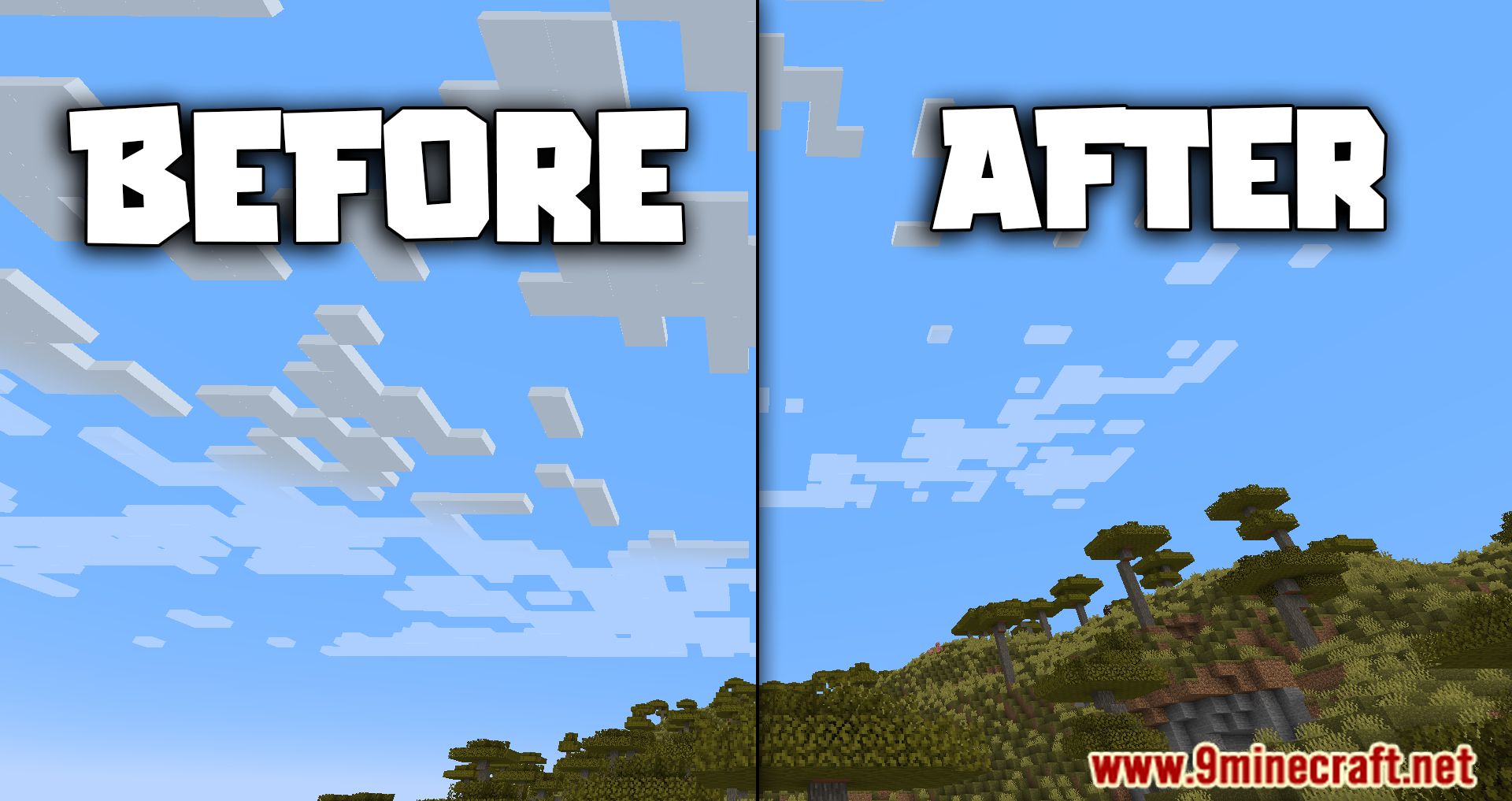
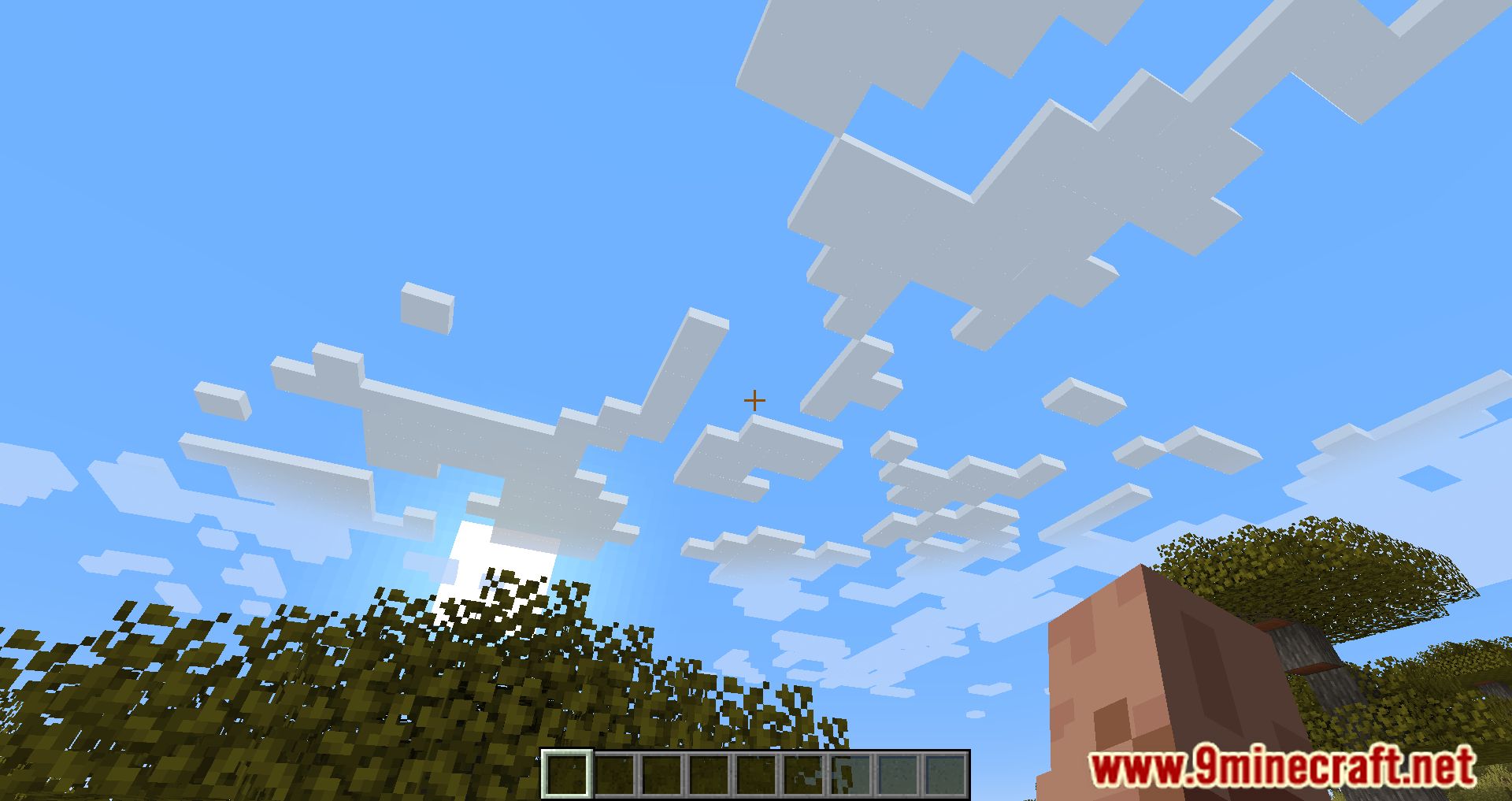
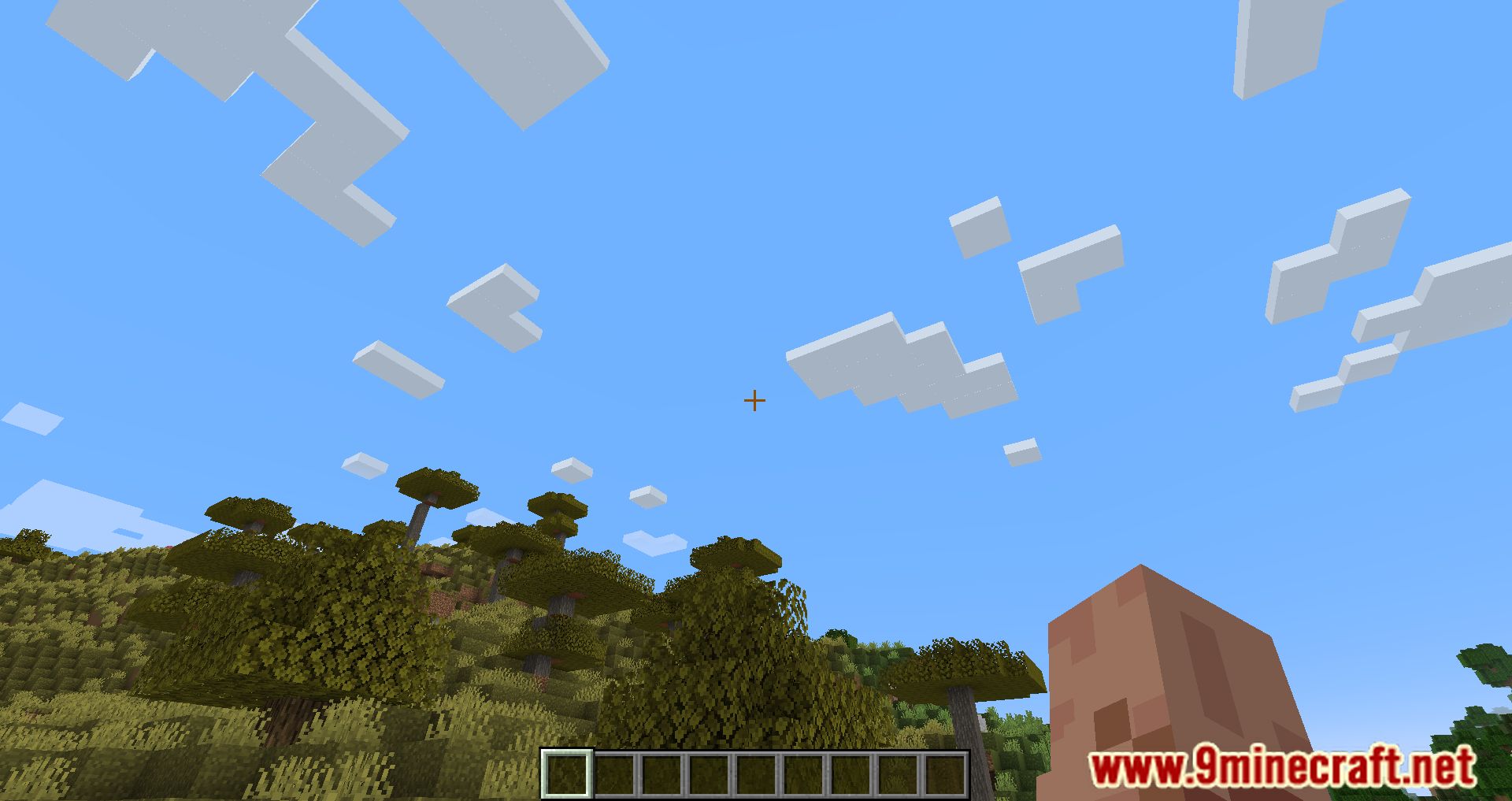
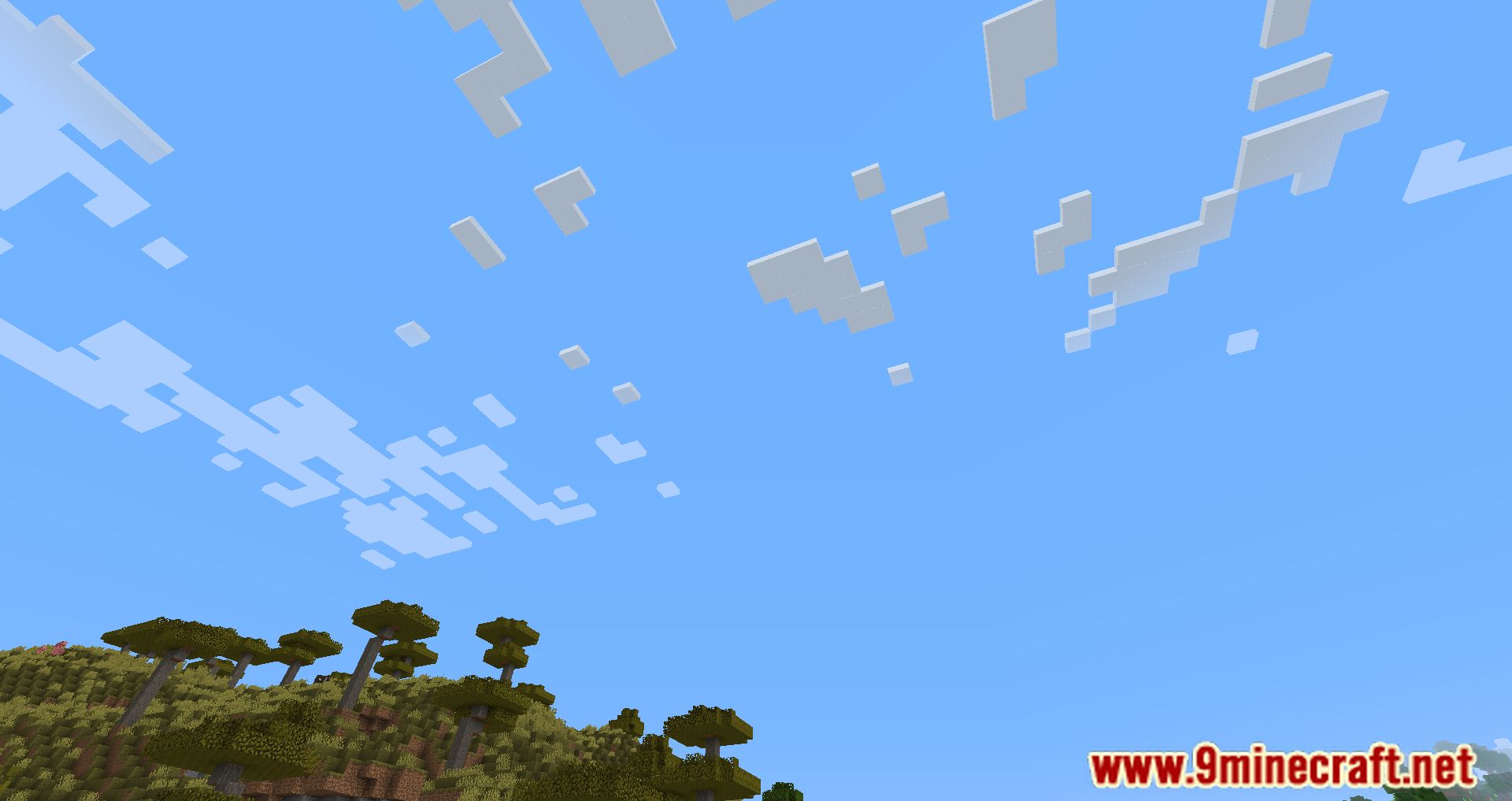
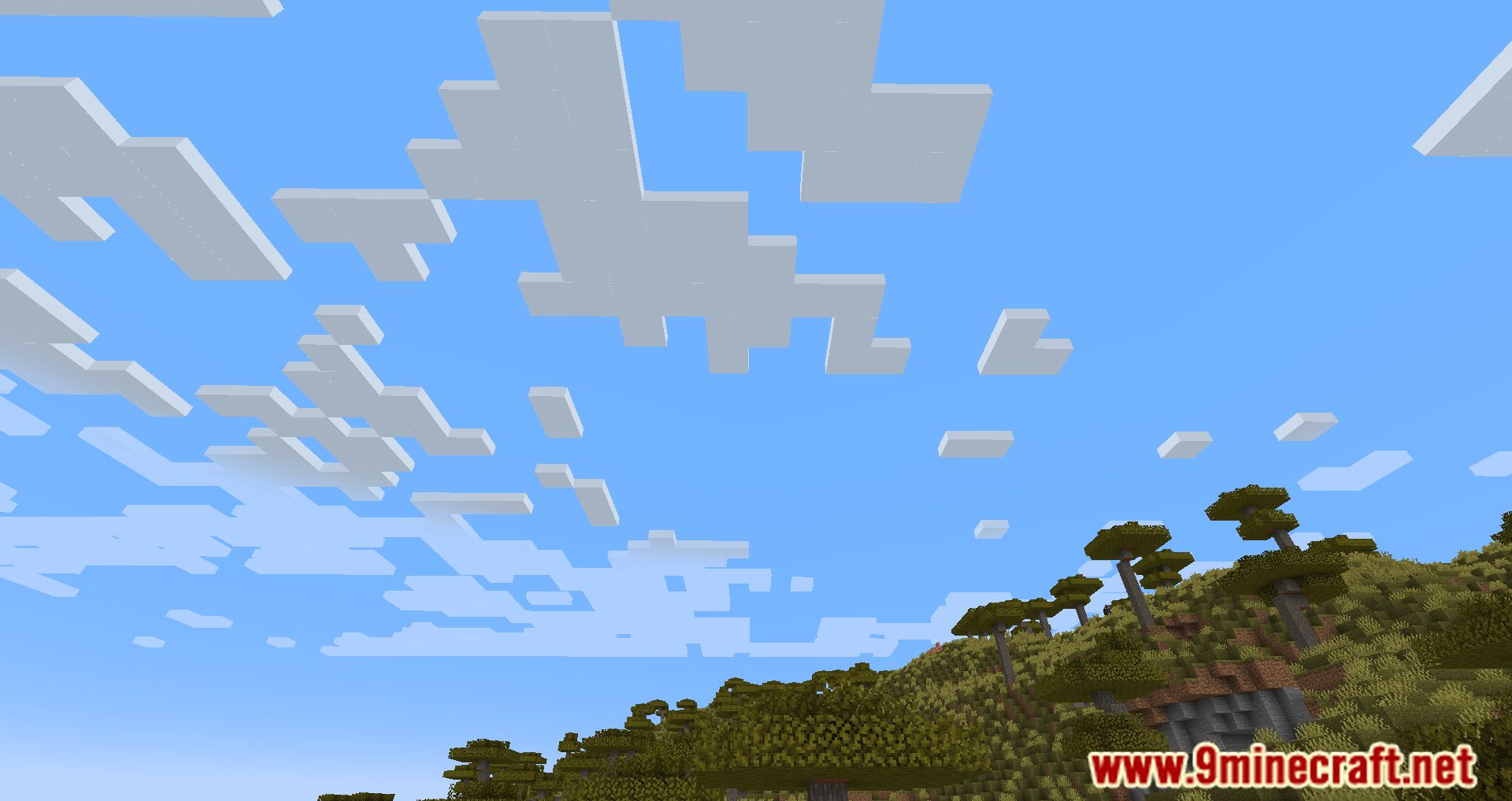
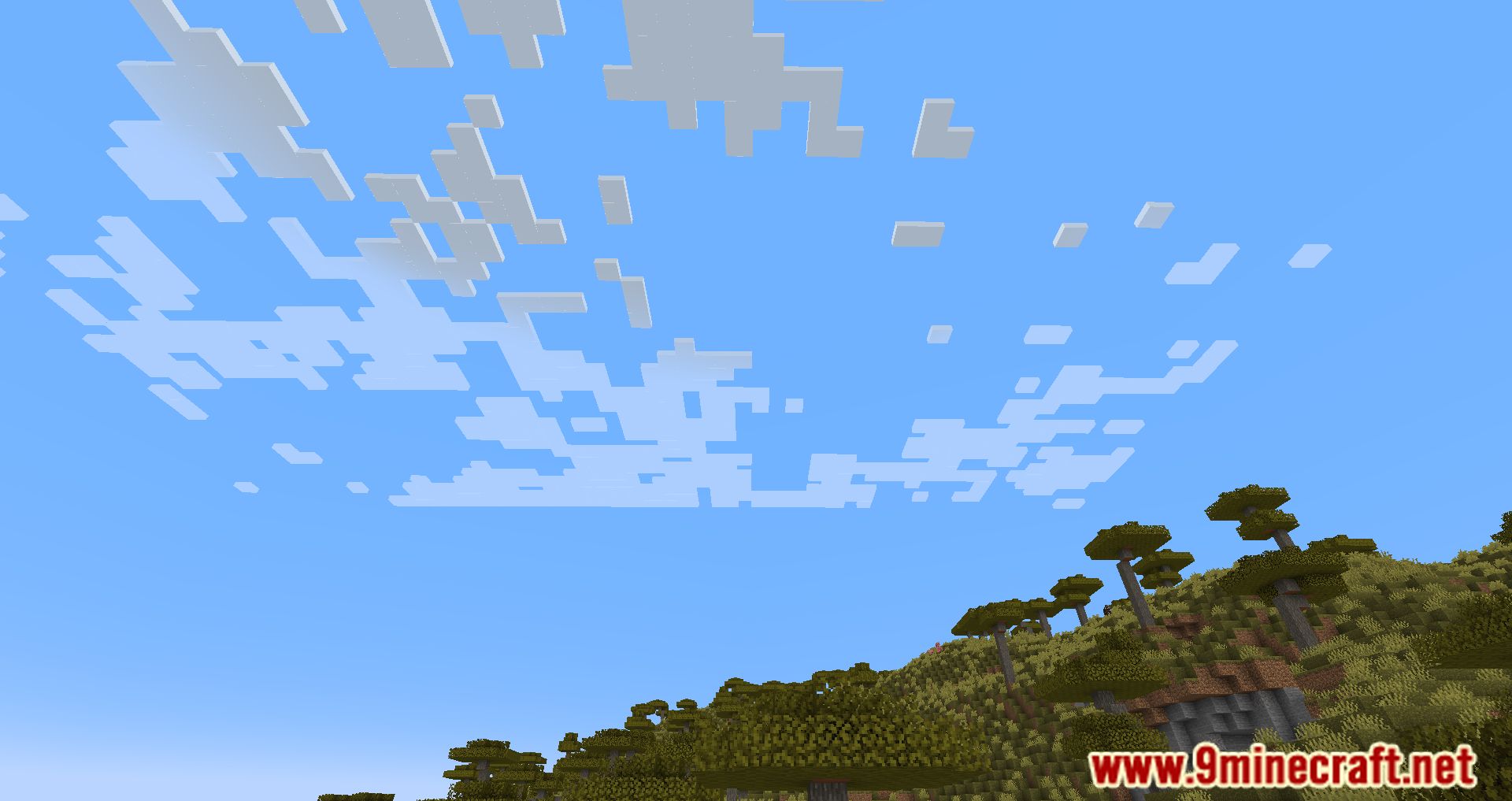
IBICF Mod (I Believe I Can Fly) introduces a rather interesting mechanic that allows players to move clouds away without removing them completely. The idea does seem quite odd and impossible initially, yet with IBICF, players can definitely pull this off with ease and enjoy a clear, beautiful sky. With the ability granted through IBICF, players would expect a godlike ability to change reality itself, yet, realistically, players can really only move annoying clouds away, thus the balance and the identity of Minecraft are kept intact. Furthermore, IBICF can also work as a performance optimization Mod as the fewer clouds that are present on players’ screens, the higher FPS players will get. Unlike the default option to remove clouds completely, IBICF allows players to observe them from a far away distance or in places that don’t really affect the main gameplay.
Features:
- Players can fly using the command /fly.
- Players can land by typing /fly again.
- Players can specify a custom flying speed using /fly [modifier].
- Players can only fly when holding the shift key, allowing for more flexible movement.
- The mod uses the permission node IBICF.fly to control who can fly.
- Players no longer receive damage when landing (hitting the ground).
- The mod supports multiple worlds, and players stop flying when entering a new world.
- Players can configure the default flying speed
Screenshots:


IBICF Mod Download Links
For Minecraft 1.16.5
Forge Version: Download from Server 1
For Minecraft 1.18.2
Forge Version: Download from Server 1
For Minecraft 1.19
Forge Version: Download from Server 1
For Minecraft 1.19.1
Forge Version: Download from Server 1
For Minecraft 1.19.2
Forge Version: Download from Server 1
For Minecraft 1.19.3
Forge Version: – Download from Server 2
For Minecraft 1.19.4
Forge Version: Download from Server 1 – Download from Server 2
For Minecraft 1.20
Forge Version: Download from Server 1 – Download from Server 2
Fabric Version: Download from Server 1 – Download from Server 2
For Minecraft 1.20.1
Forge Version: Download from Server 1 – Download from Server 2
Fabric Version: Download from Server 1 – Download from Server 2
For Minecraft 1.20.4
Forge Version: Download from Server 1 – Download from Server 2
NeoForge Version: Download from Server 1 – Download from Server 2
Fabric Version: Download from Server 1 – Download from Server 2
For Minecraft 1.20.5
NeoForge Version: Download from Server 1 – Download from Server 2
Fabric Version: Download from Server 1 – Download from Server 2
For Minecraft 1.20.6
NeoForge Version: Download from Server 1 – Download from Server 2
Fabric Version: Download from Server 1 – Download from Server 2
For Minecraft 1.21.1, 1.21
NeoForge Version: Download from Server 1 – Download from Server 2
Fabric Version: Download from Server 1 – Download from Server 2
For Minecraft 1.21.4
NeoForge Version: Download from Server 1 – Download from Server 2
Fabric Version: Download from Server 1 – Download from Server 2
- Edition: Minecraft Java
- File type: .jar
- Minecraft versions listed: 1.21.4, 1.20.1
- How to install: Install the matching mod loader (Forge, Fabric or NeoForge) for your Minecraft version. → Download the .jar. → Put it in the .minecraft/mods folder and launch that loader profile.
- Where to get it: In MC Java Mods, or directly above on this page.
Install steps are the general flow for this file type — How to install Minecraft Java mods & modpacks walks through it step by step.
- Downloads as 198400.mcaddon
- Download size: 4 KB
- Download link checked 26 Jul 2026 — working
- Mirrored on our own servers — the download does not depend on the original host
These come from our own check of the pack file, not from the source page.