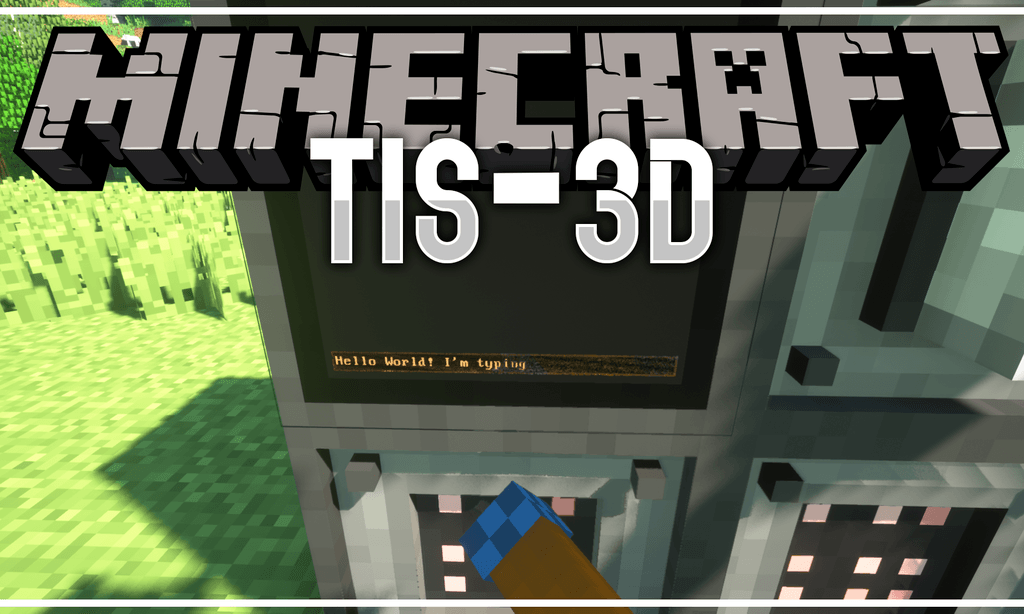
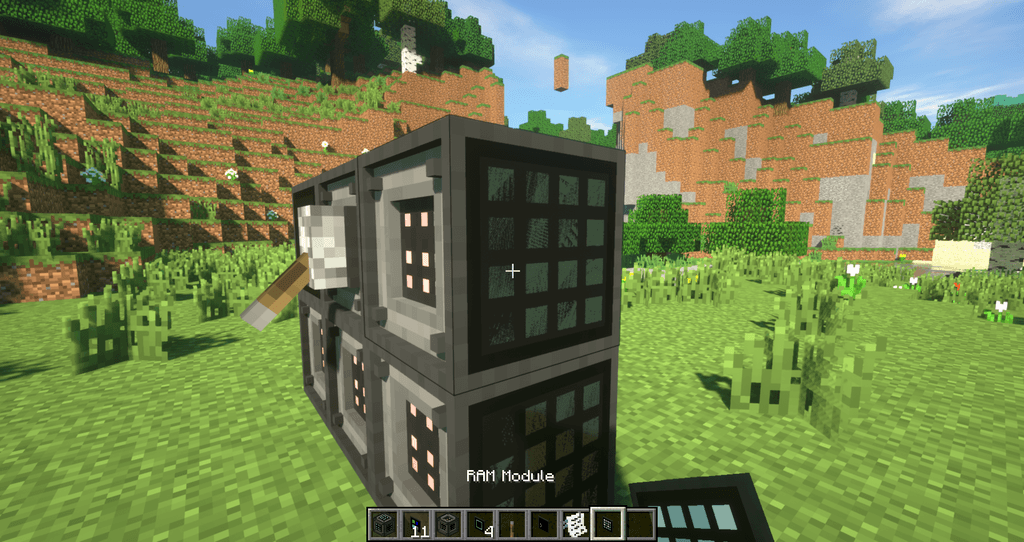
TIS-3D Mod (Low-tech Computing for Minecraft) is a mod inspired by the brilliant game TIS-100 (buy it, seriously). It takes the concept of minimal, programmable nodes (called “modules” in the mod) and expands it to the third dimension. This allows building multi-block computers from different modules in a super-flexible manner. Some generally useful modules include the executable module, which can be programmed in an ASM dialect (as introduced by TIS-100 but with a few more quality-of-life instructions), and the redstone module, which allows reading and writing redstone signals, enabling basic interaction with the world. More specialized modules include the stack module, providing a small data storage, the infrared module, allowing for wireless transmission of data between TIS-3D computers, and the terminal module, providing rudimentary text input and output. And there’s plenty more.
Overview
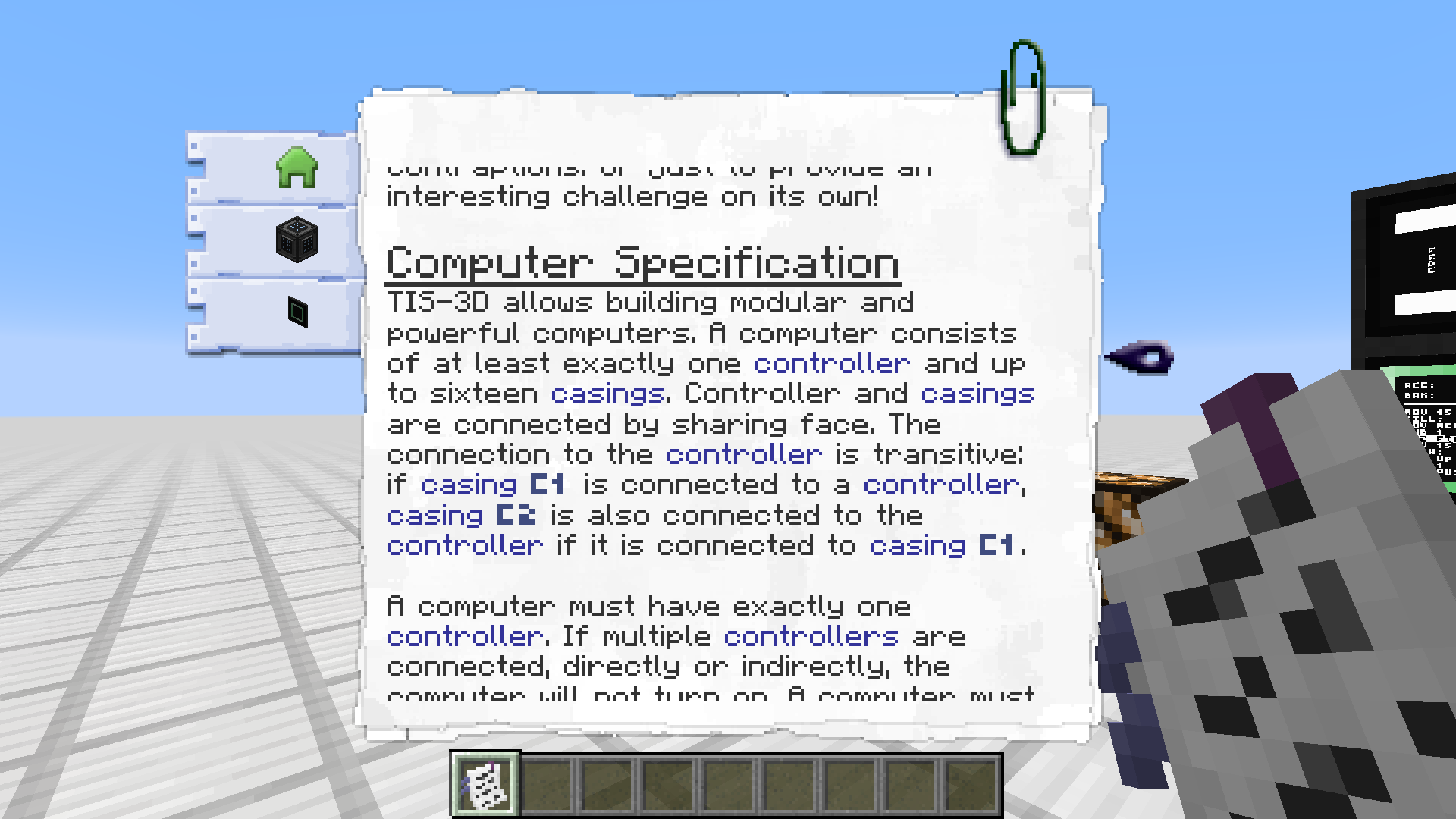
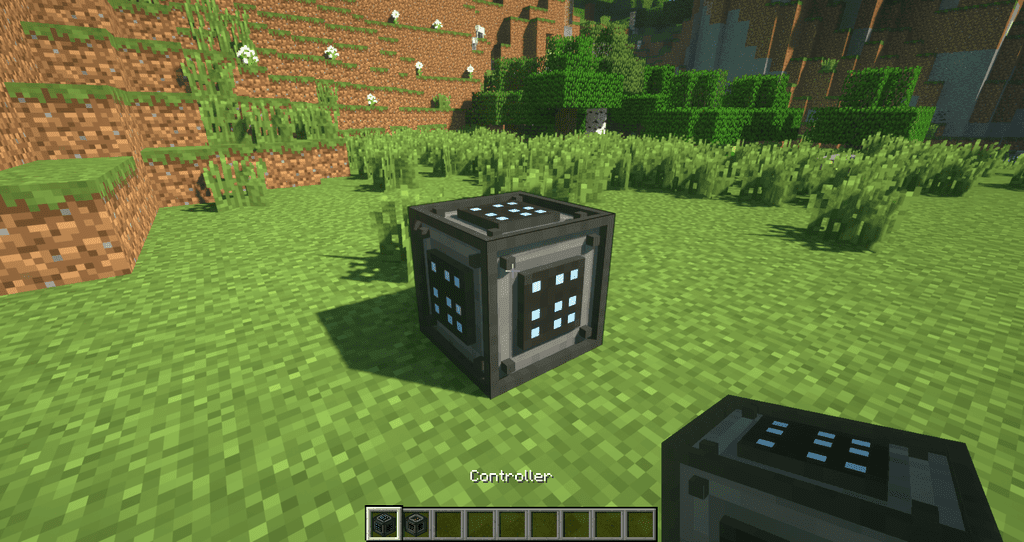
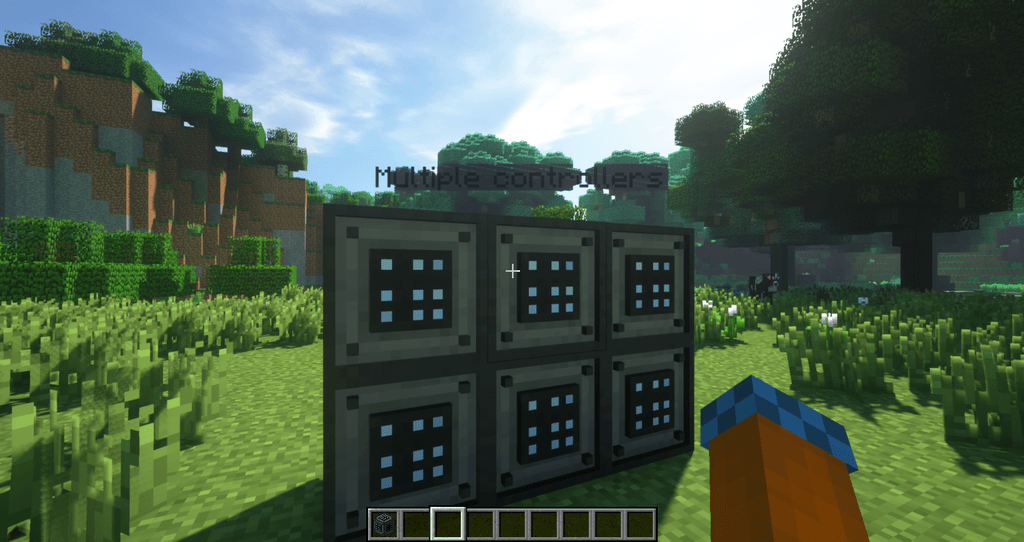
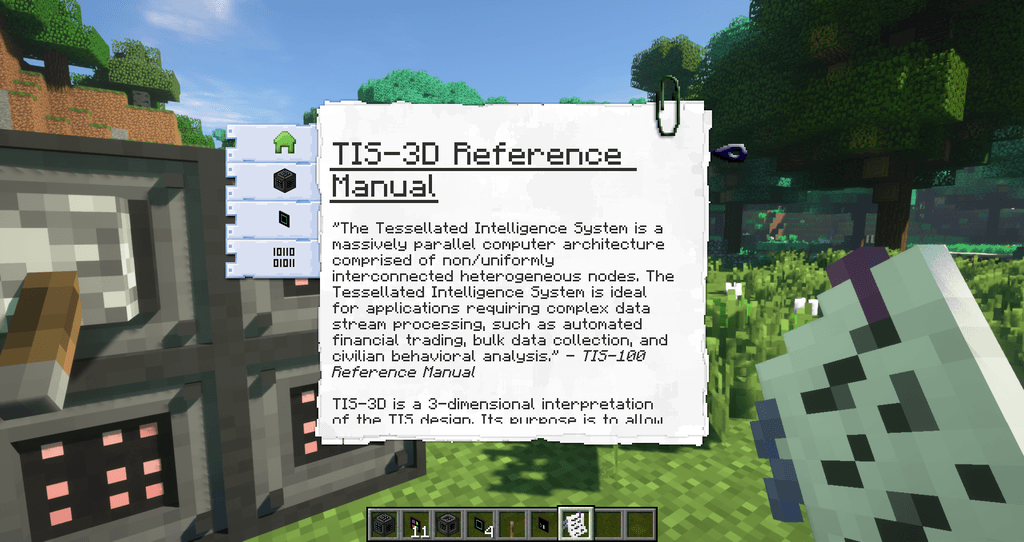
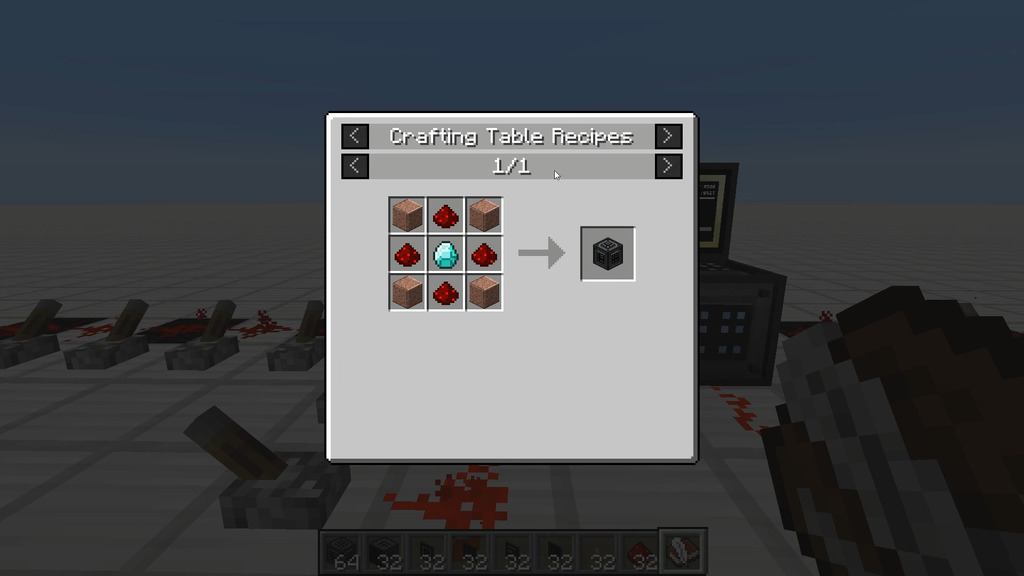
To get started, craft a controller and a few casings. For looking up recipes I strongly recommend grabbing JEI. To get a copy of the in-game manual, use a book on a placed controller (i.e. right click the block with the vanilla book in hand). You should find all the further information you require in the manual.
Programming TIS-3D Computers
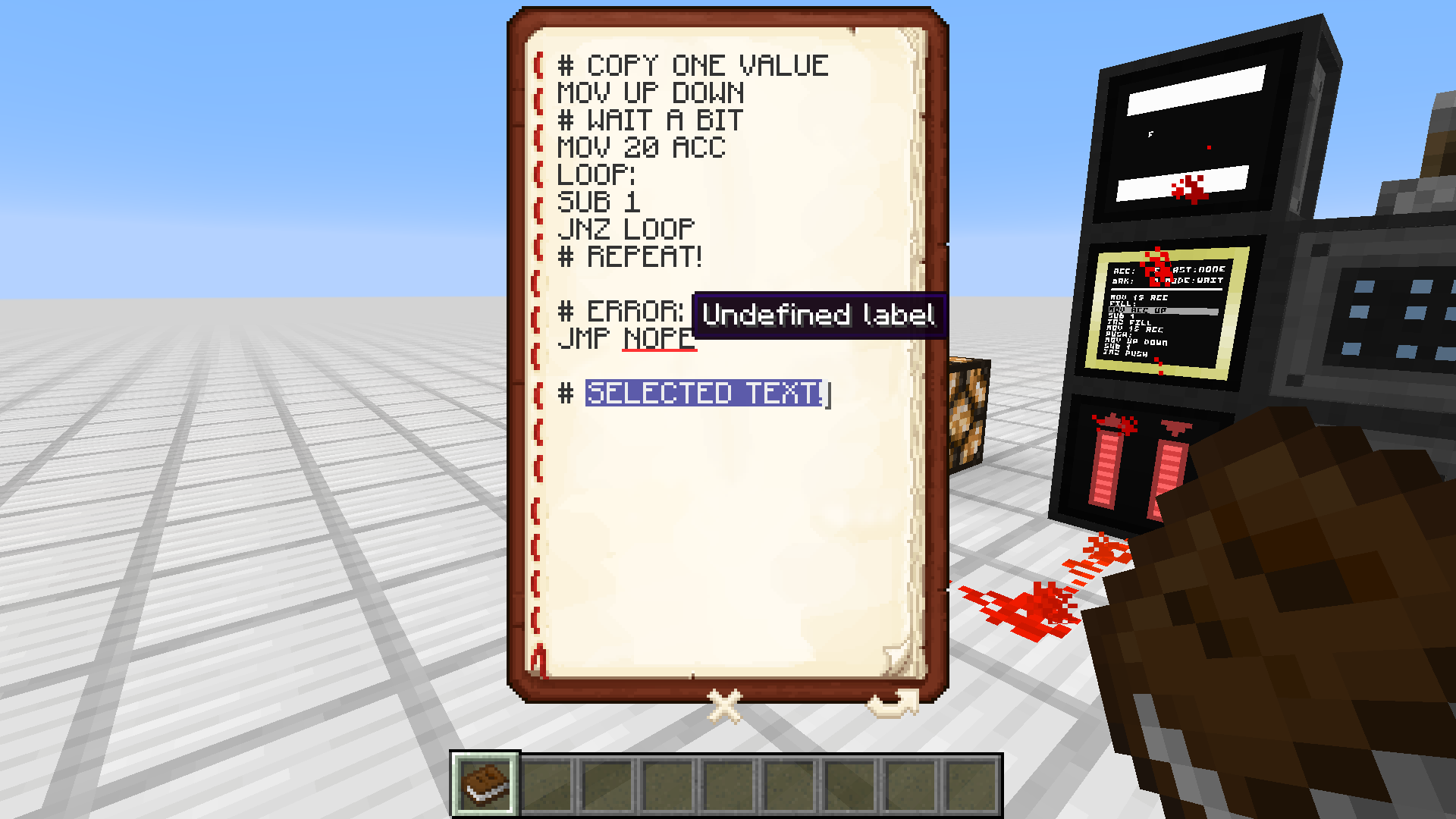
To program a TIS-3D computer, you can either use a vanilla Book & Quill or the TIS-3D Code Bible. To install a program from one of the two onto an execution module, simply use the book on the installed module (i.e. right-click it while holding the book in hand). When using the Book & Quill, each book will be treated as one long program, i.e. all pages will be concatenated when the program is installed on an execution module. When using the Code Bible, each page is treated as an individual program, and the program on the currently selected page will be installed on the module. You can also copy programs from execution modules back into the Code Bible by using it on an execution module while sneaking.
What now?
So what do you actually do with the mod? Have fun with it! Use it as a means of automating things you’d otherwise automate using complicated redstone circuitry. Create a music machine. Design a machine-code interpreter and run even larger programs (programmed into a ROM module). Go nuts!
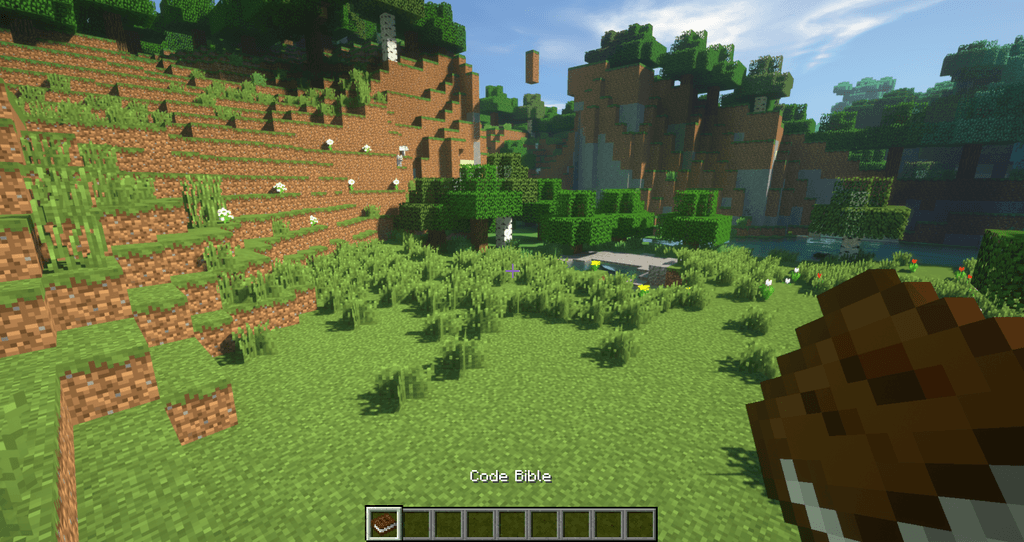
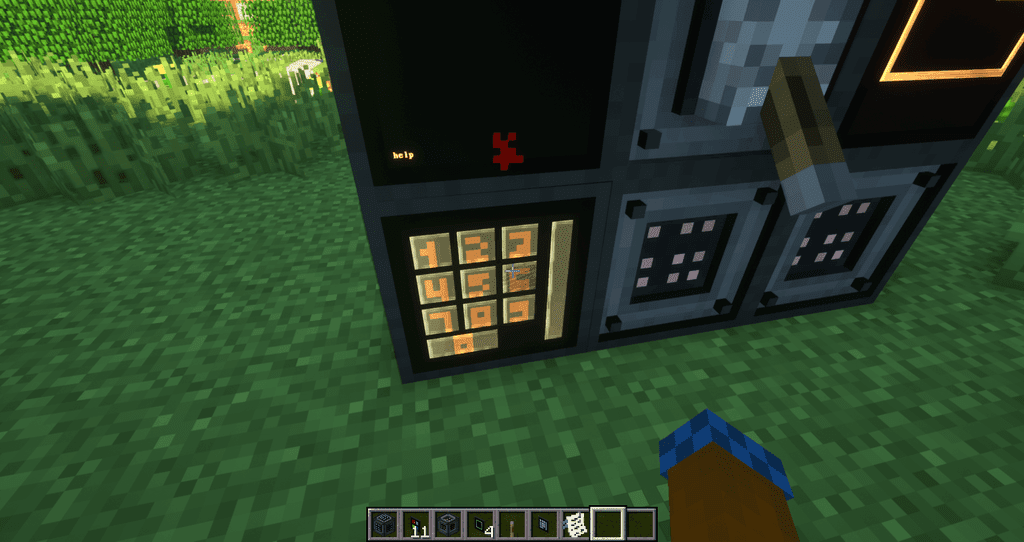
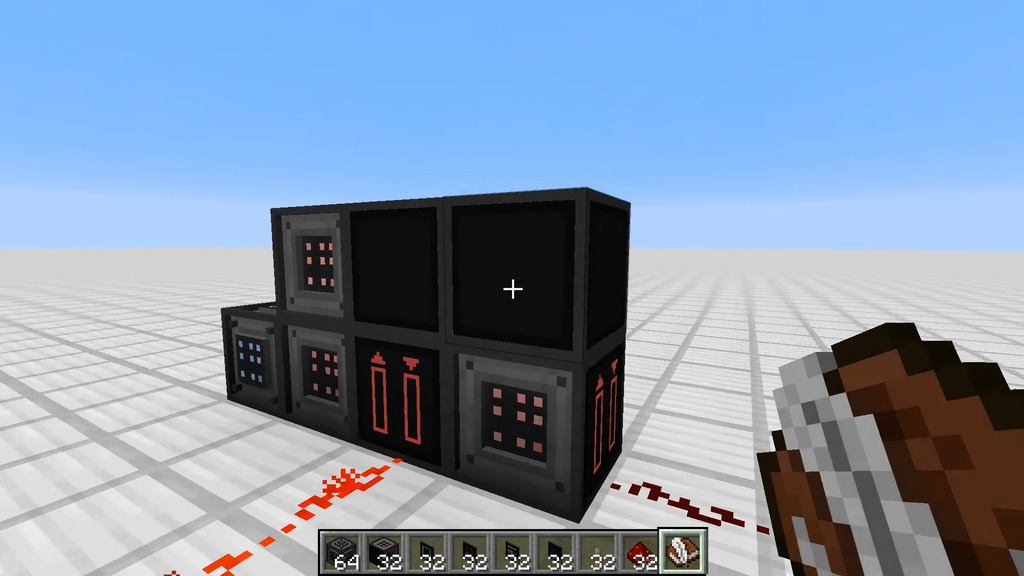
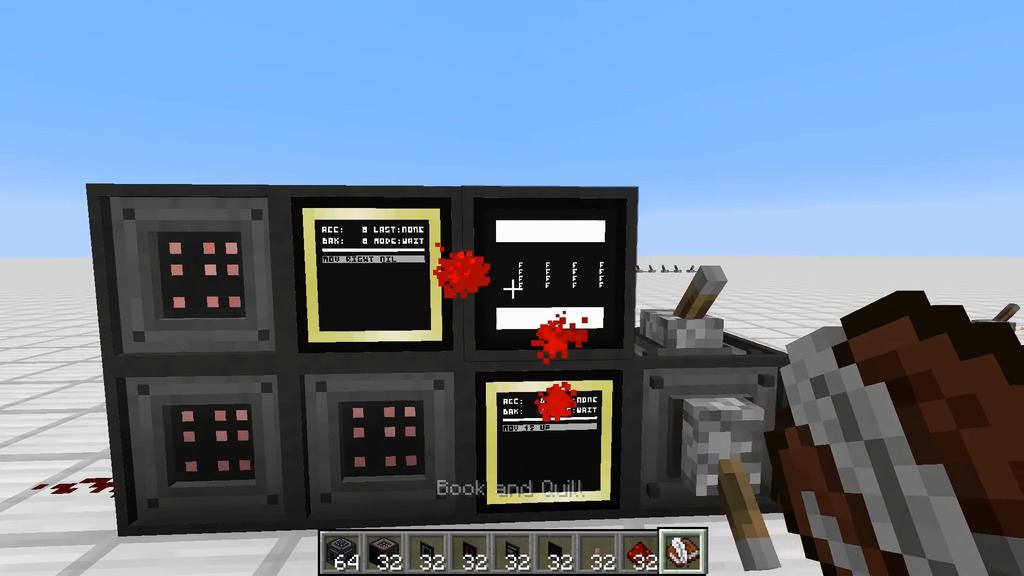
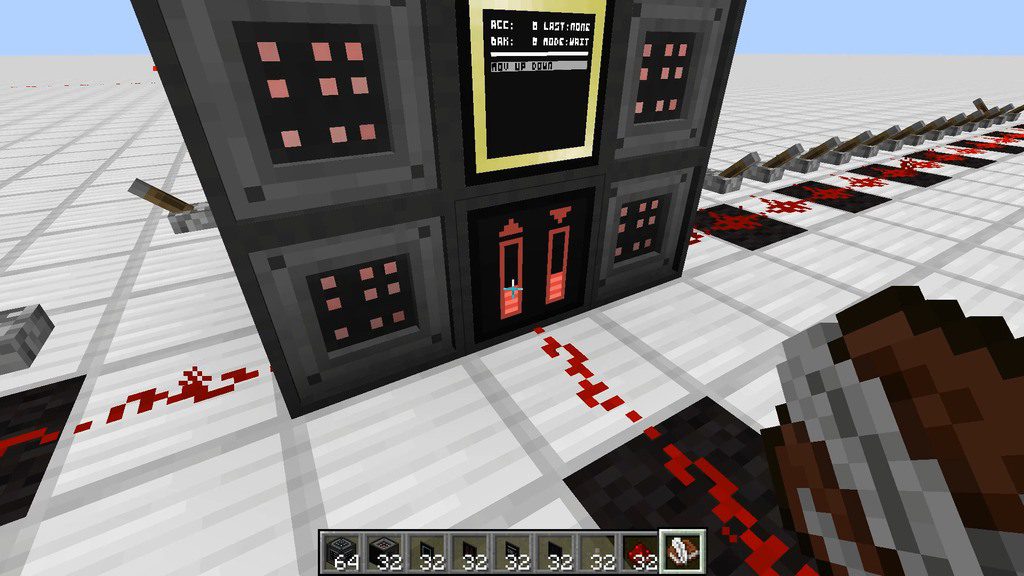
Screenshots:
TIS-3D Mod Download Links
For Minecraft 1.7.10
Forge version: Download from Server 1
For Minecraft 1.12.2
Forge version: Download from Server 1
For Minecraft 1.15.2
Fabric version: Download from Server 1
For Minecraft 1.16.5
Forge version: Download from Server 1
Fabric version: Download from Server 1
For Minecraft 1.17.1
Forge version: Download from Server 1
For Minecraft 1.18.2
Forge version: Download from Server 1
For Minecraft 1.19
Forge version: Download from Server 1
For Minecraft 1.19.2
Forge version: Download from Server 1 – Download from Server 2
Fabric version: Download from Server 1 – Download from Server 2
For Minecraft 1.19.3
Forge version: Download from Server 1 – Download from Server 2
Fabric version: Download from Server 1 – Download from Server 2
For Minecraft 1.20.1, 1.20
Forge version: Download from Server 1 – Download from Server 2
Fabric version: Download from Server 1 – Download from Server 2
For Minecraft 1.20.4
Forge version: Download from Server 1
Fabric version: Download from Server 1
NeoForge version: Download from Server 1
- Edition: Minecraft Java
- File type: .jar
- Minecraft versions listed: 1.20.4, 1.20.1
- How to install: Install the matching mod loader (Forge, Fabric or NeoForge) for your Minecraft version. → Download the .jar. → Put it in the .minecraft/mods folder and launch that loader profile.
- Where to get it: In MC Java Mods, or directly above on this page.
Install steps are the general flow for this file type — How to install Minecraft Java mods & modpacks walks through it step by step.
- Downloads as 198452.mcaddon
- Download size: 563 KB
- Download link checked 26 Jul 2026 — working
- Mirrored on our own servers — the download does not depend on the original host
These come from our own check of the pack file, not from the source page.