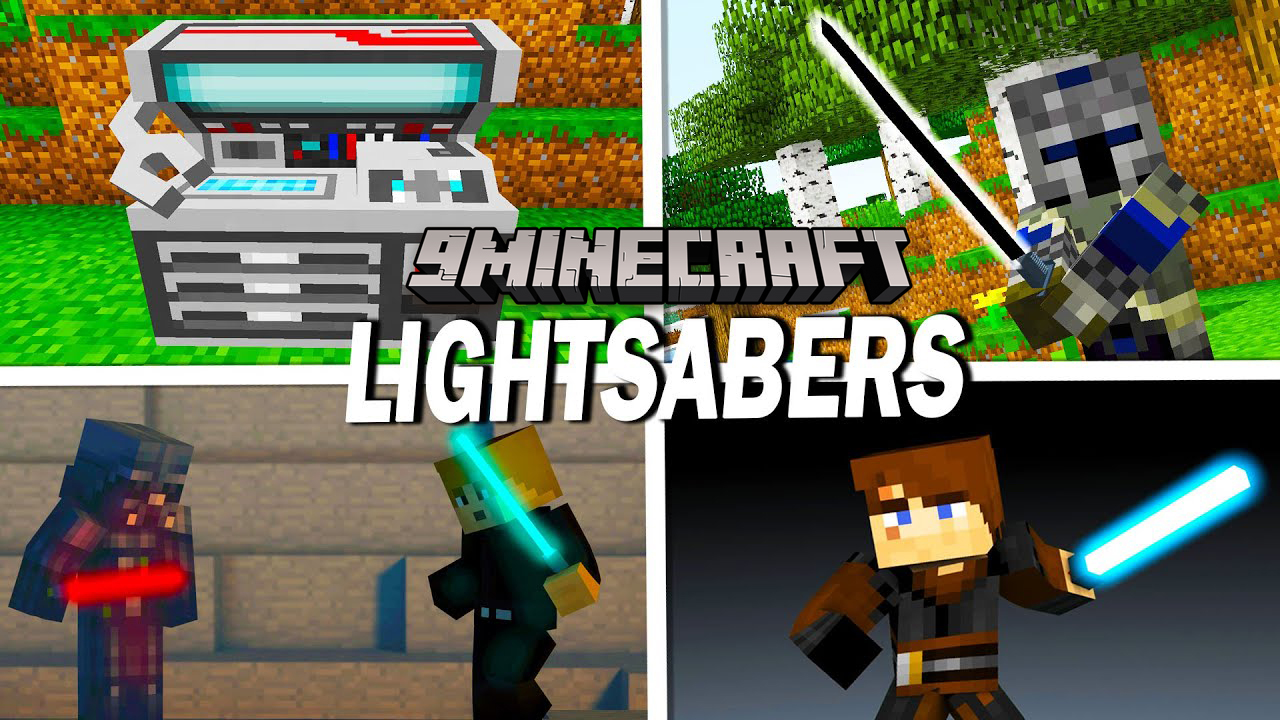
Advanced Lightsabers Mod (1.7.10) – Standard Lightsabers, Double-Bladed
Minecraft Java mod. Downloads from the MC Java Mods app on Android.
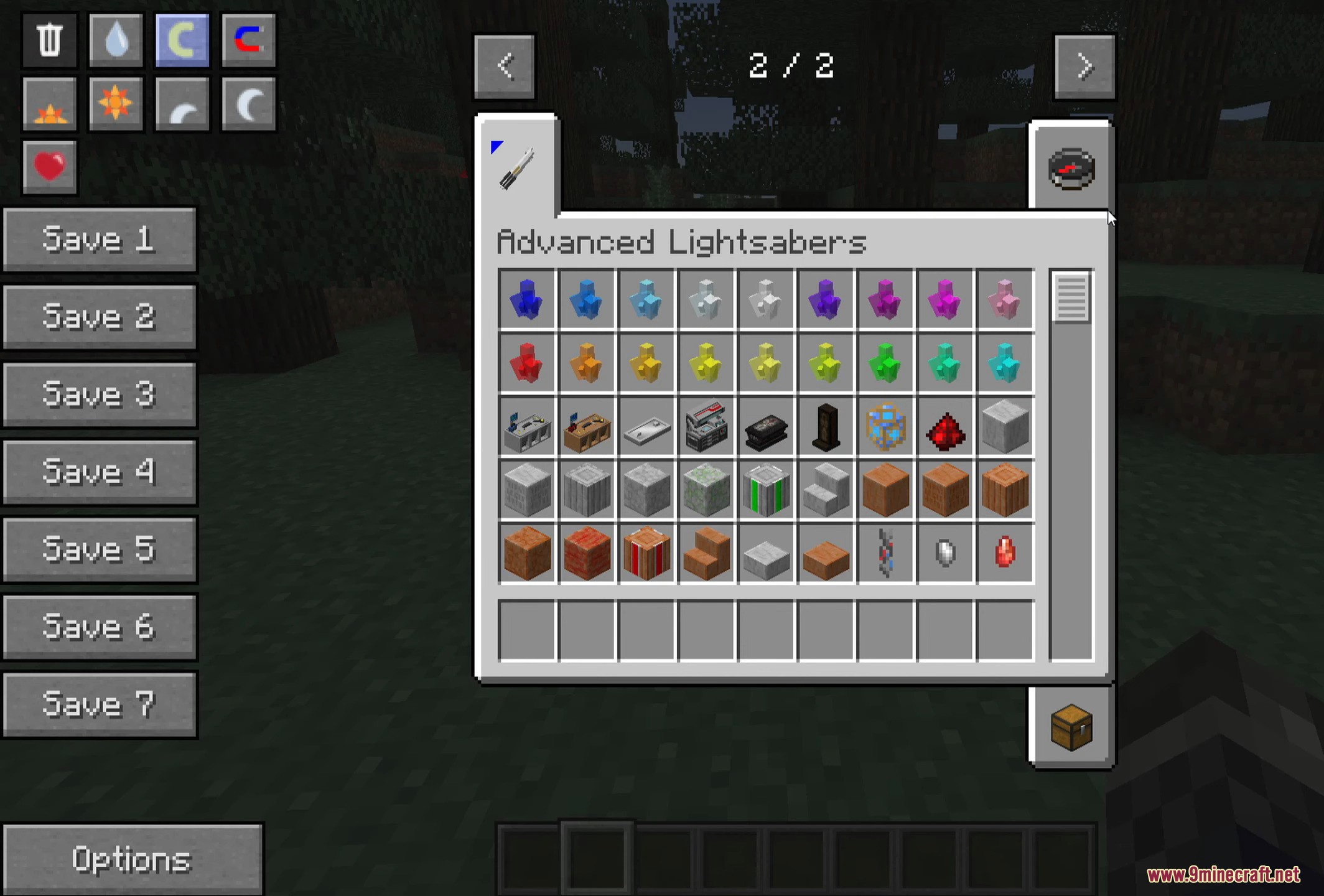
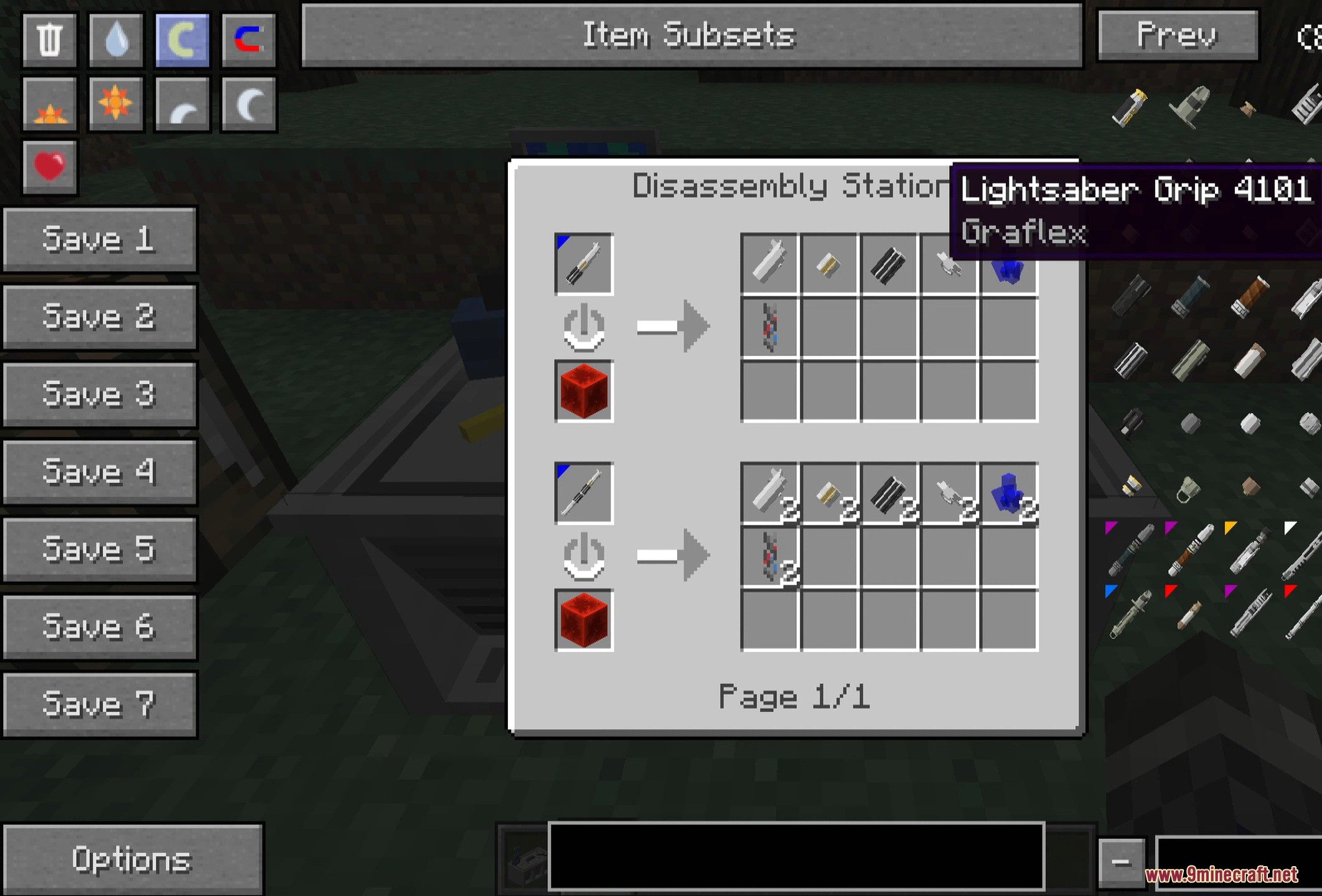
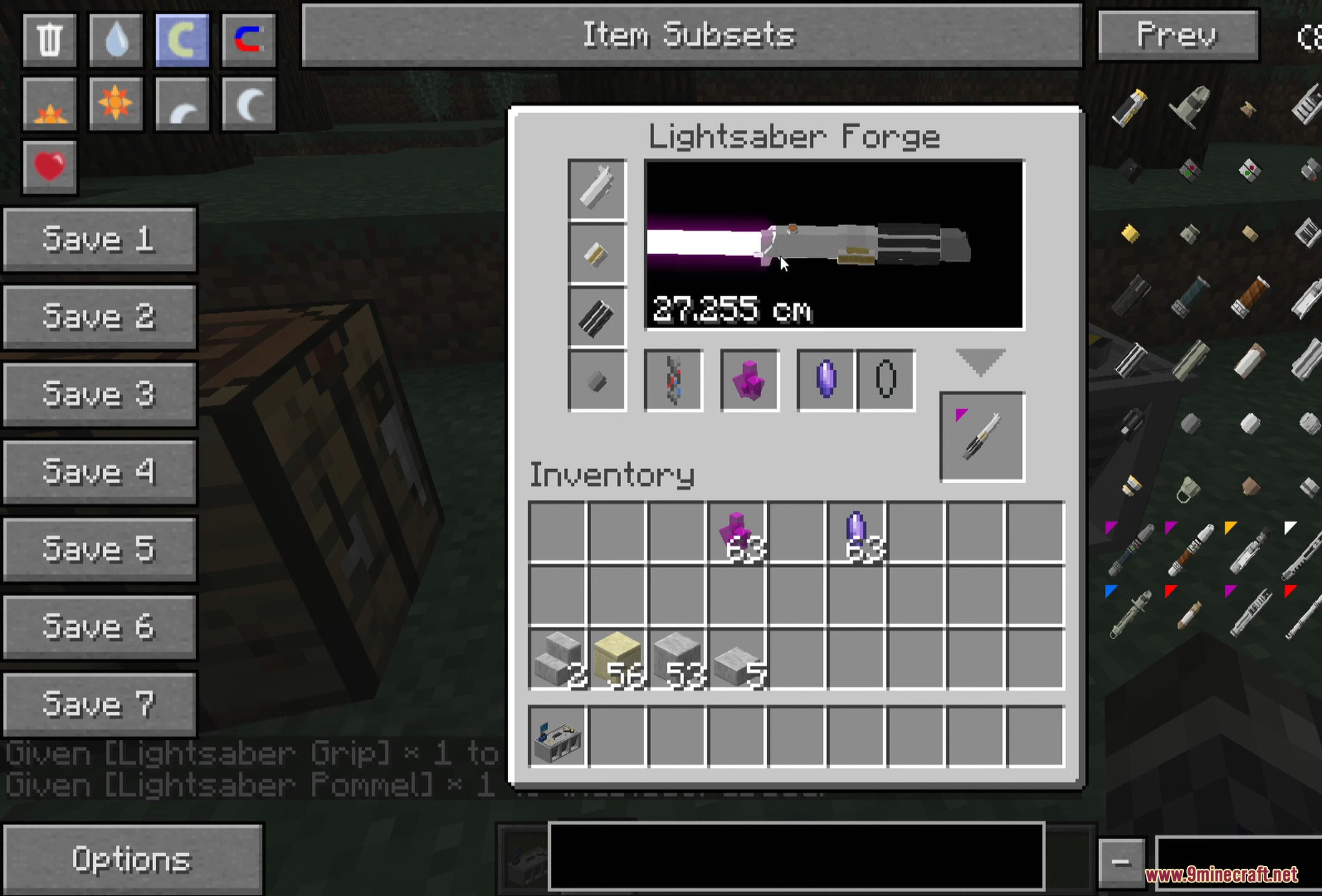
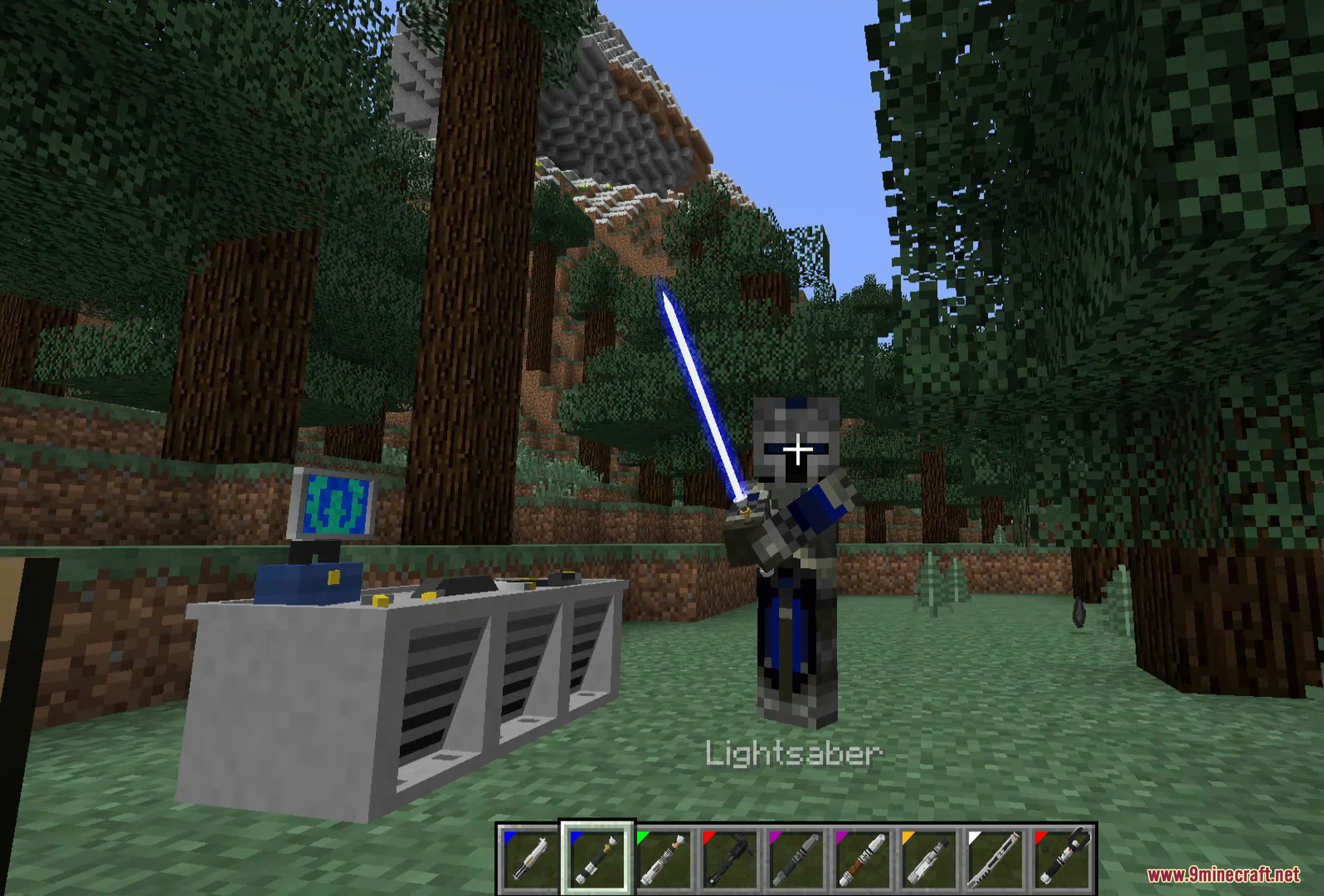
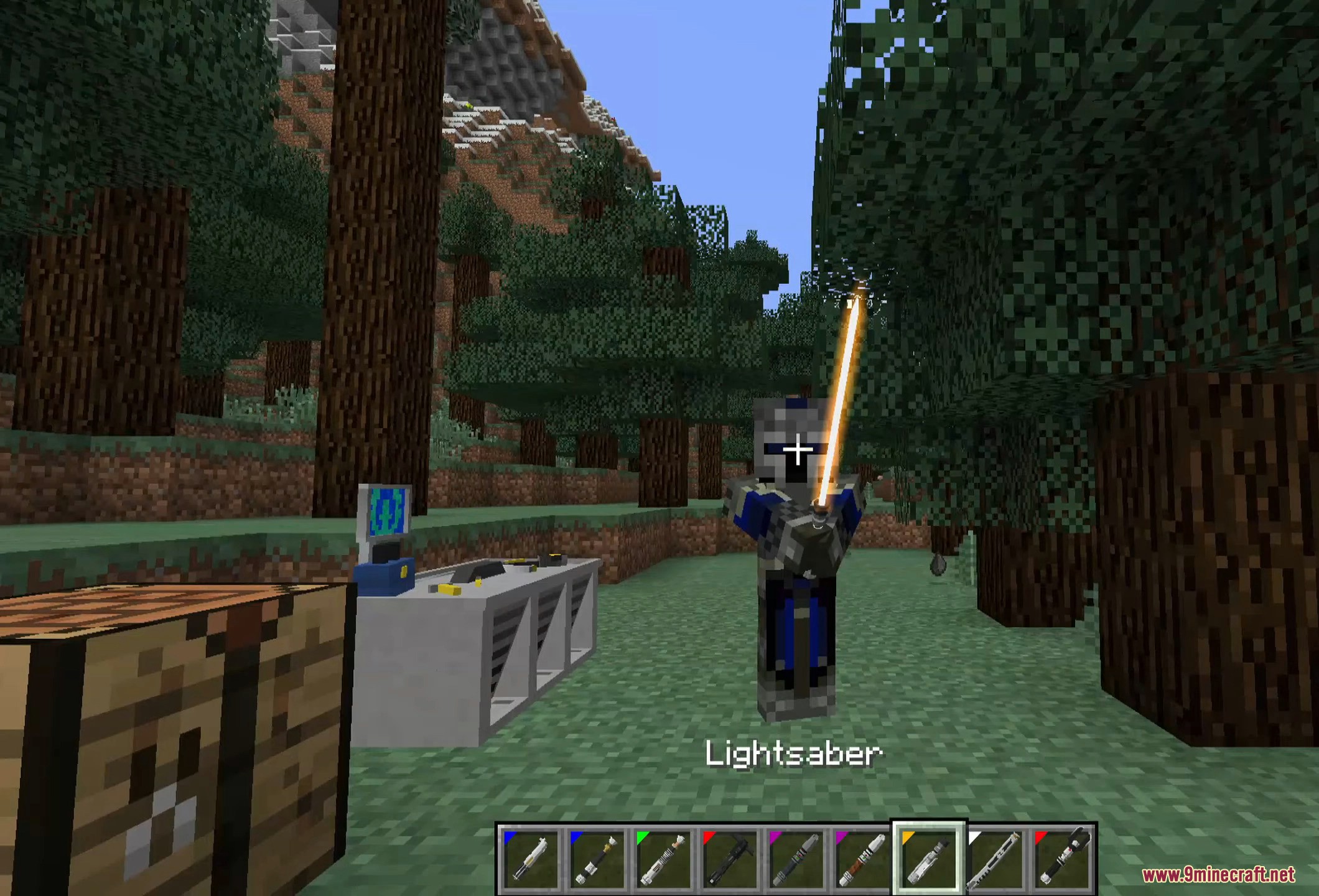
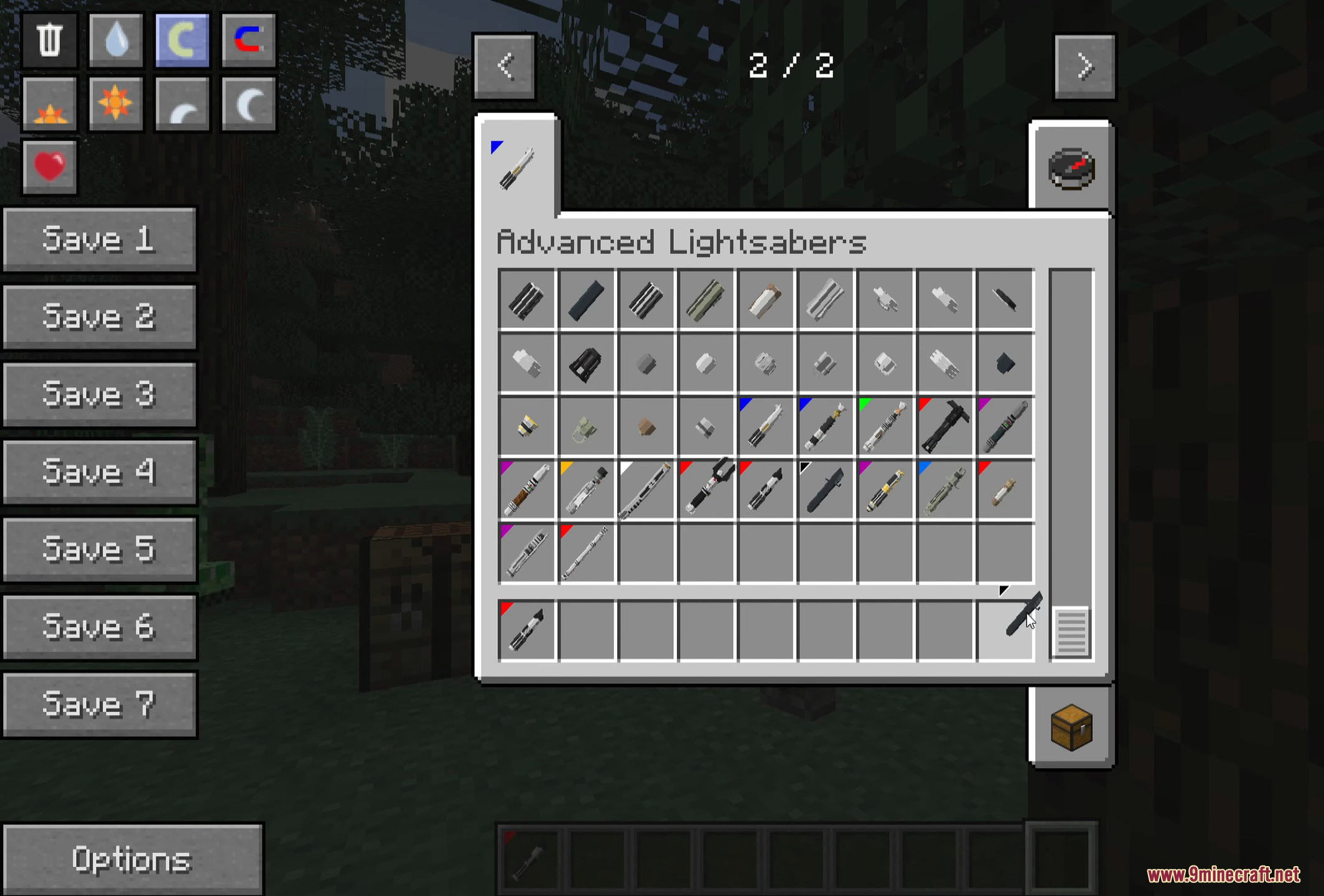
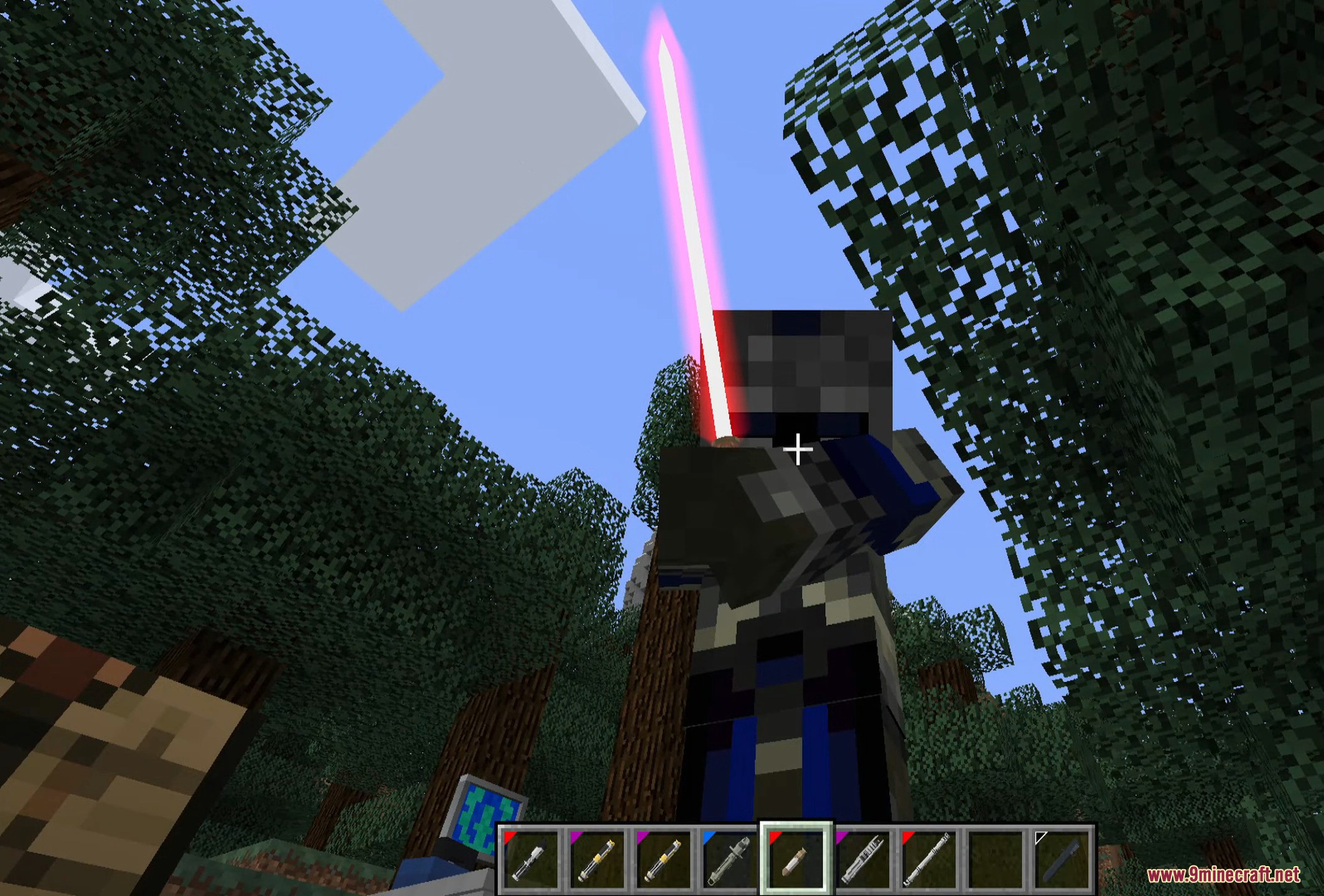
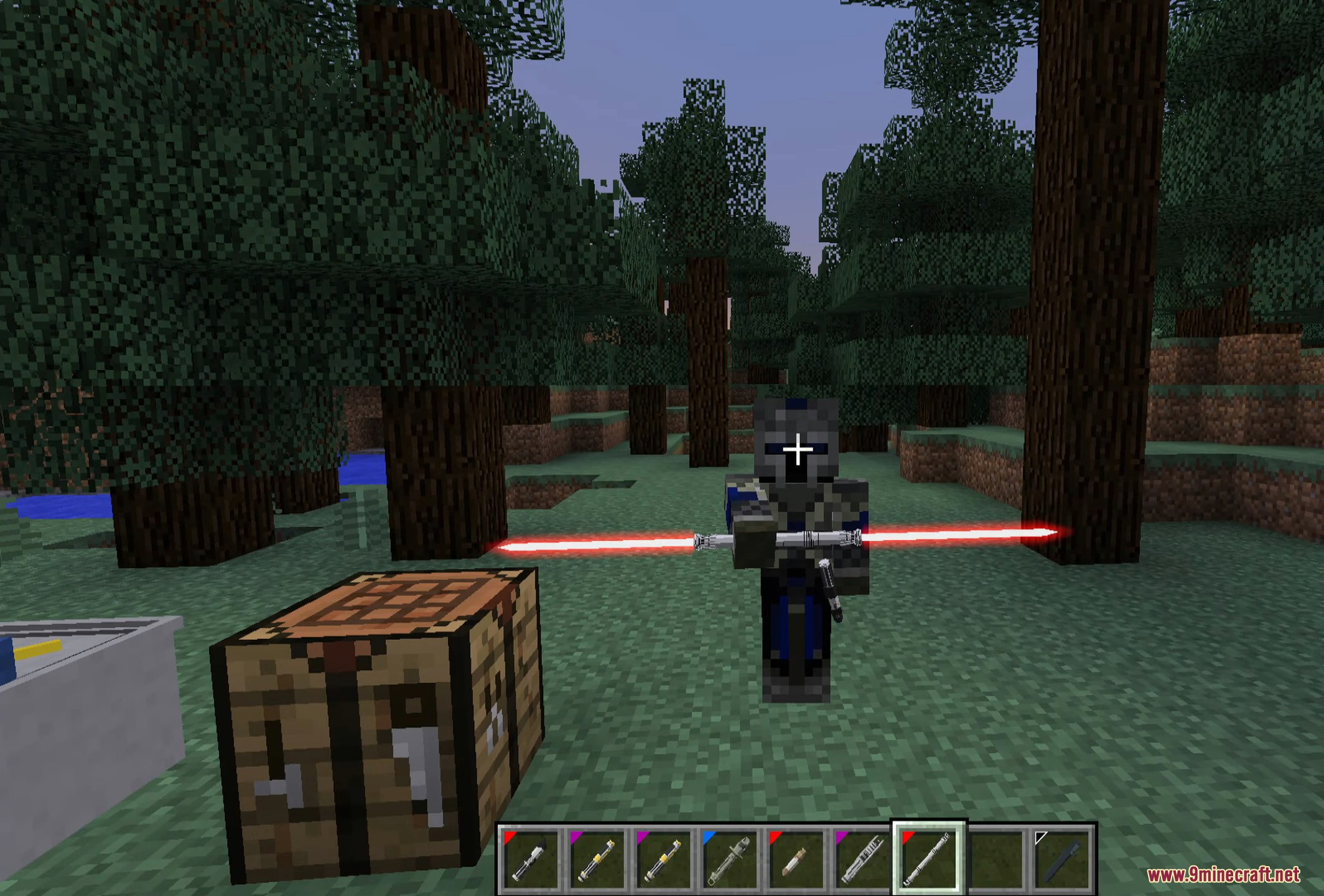
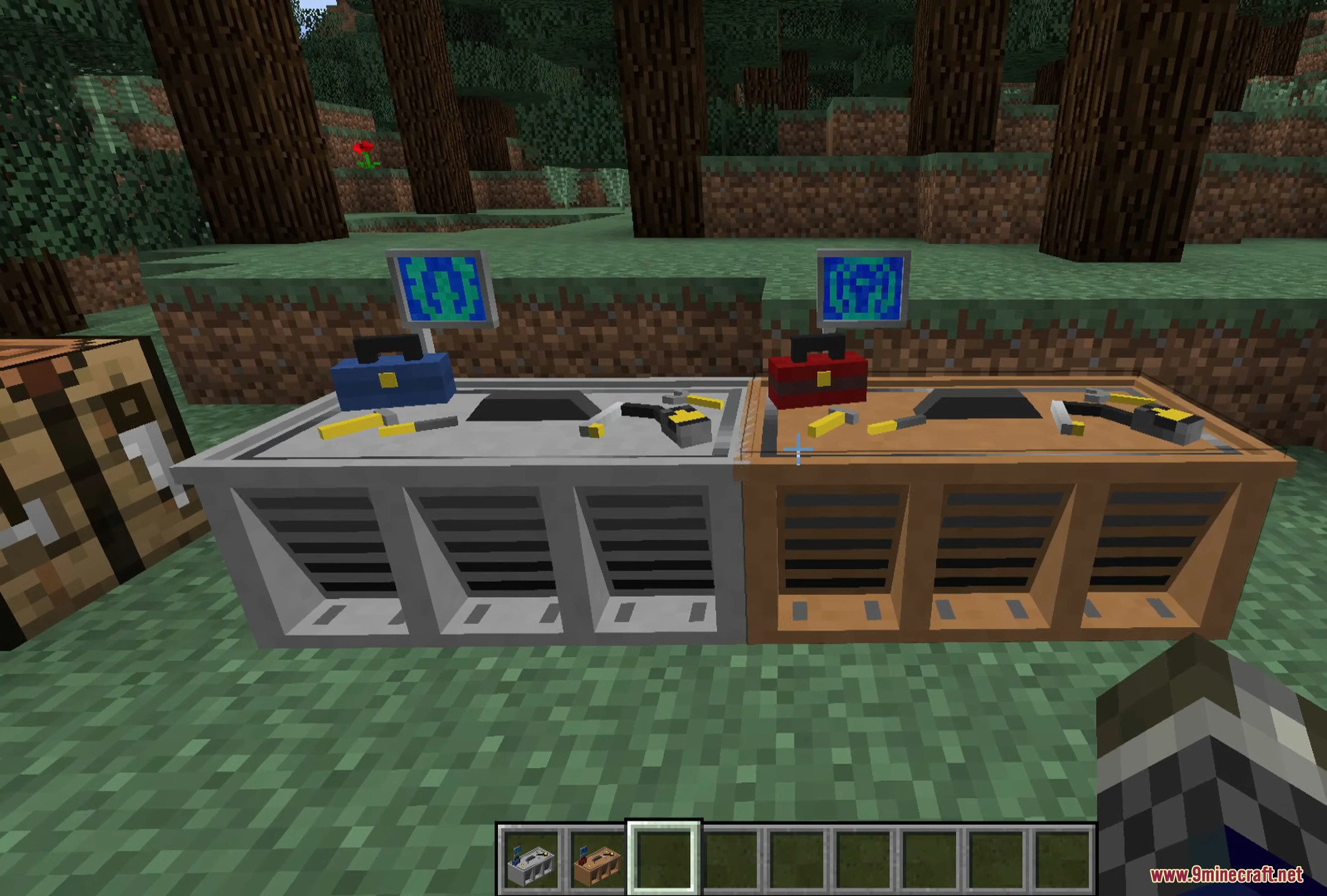
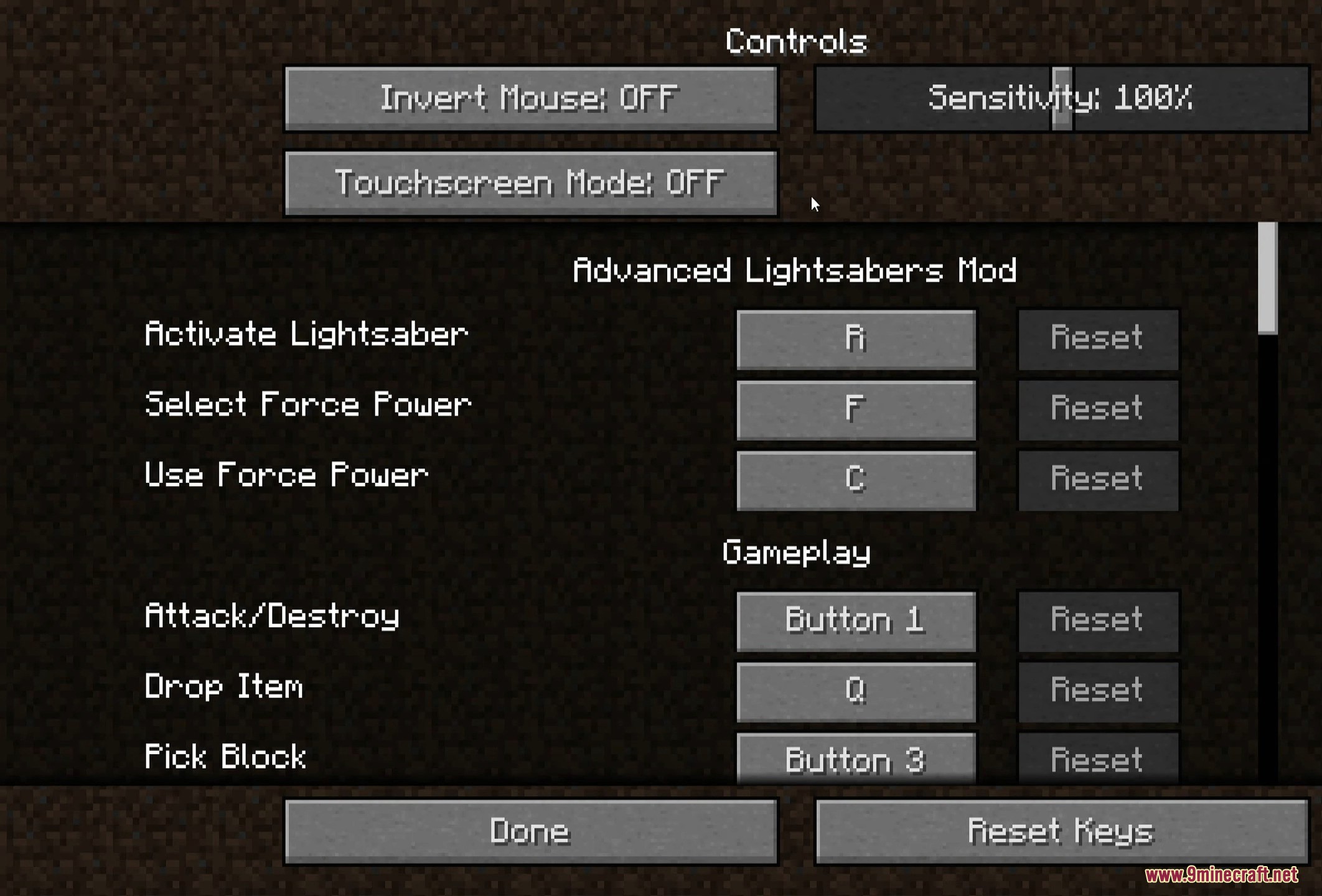
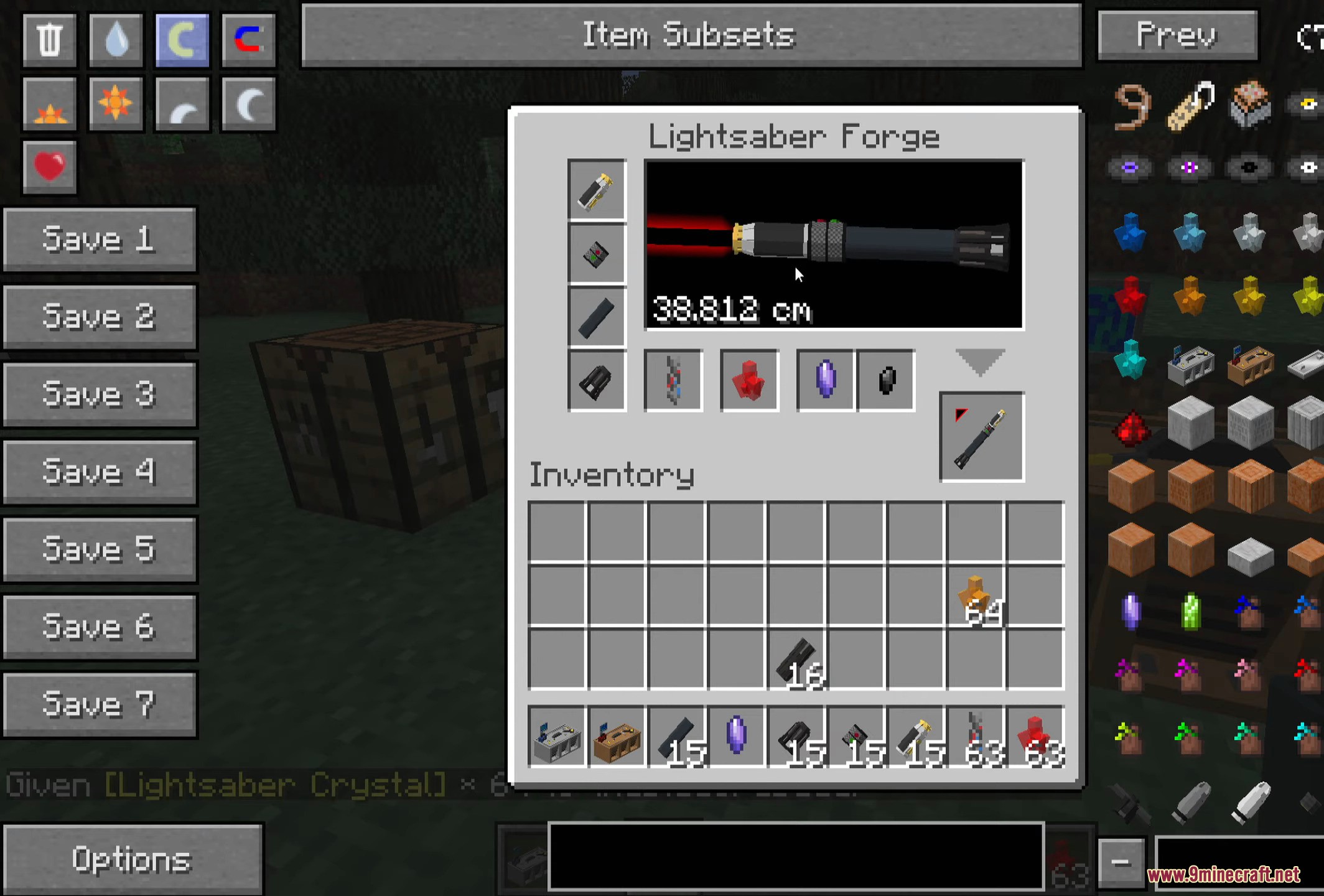
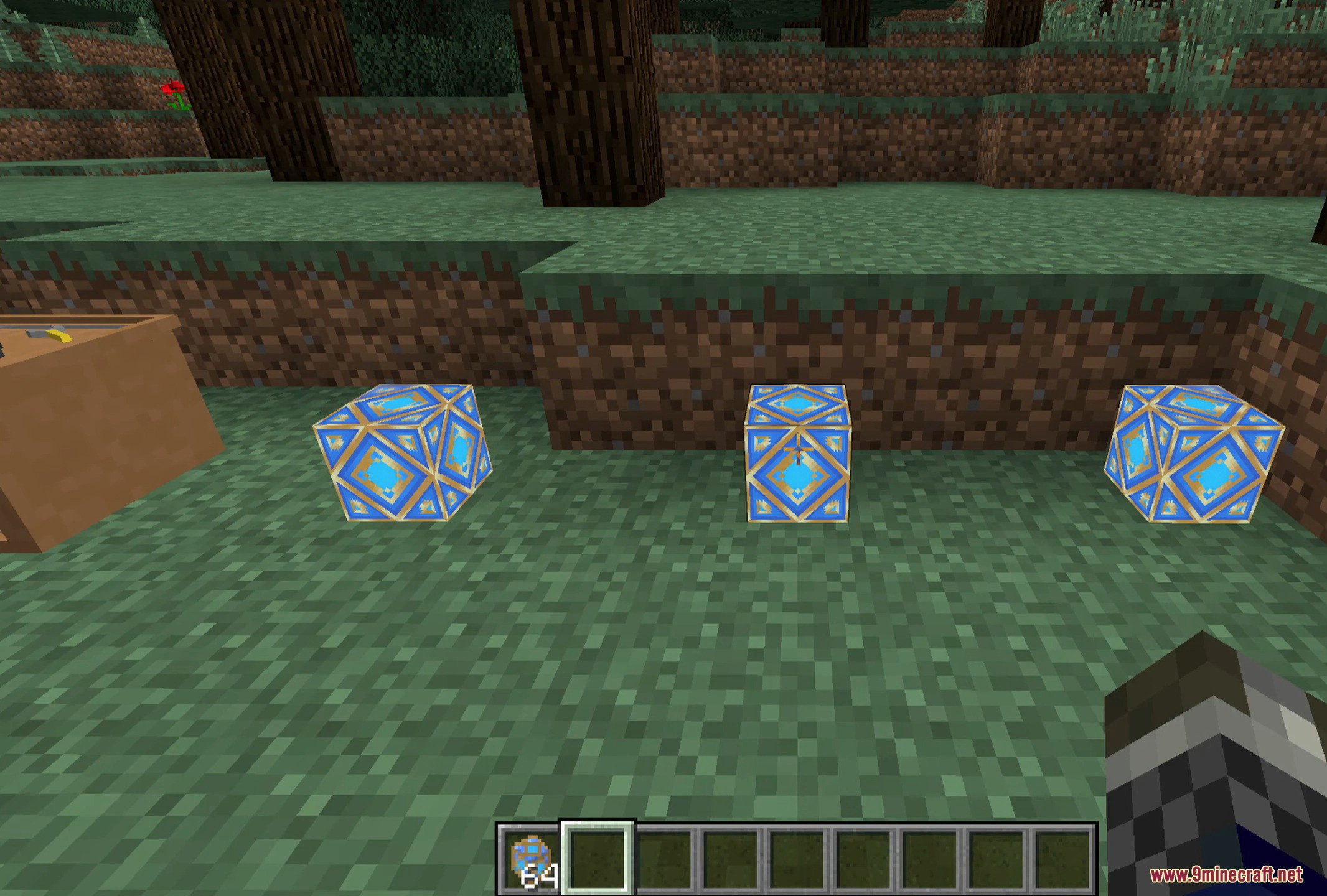
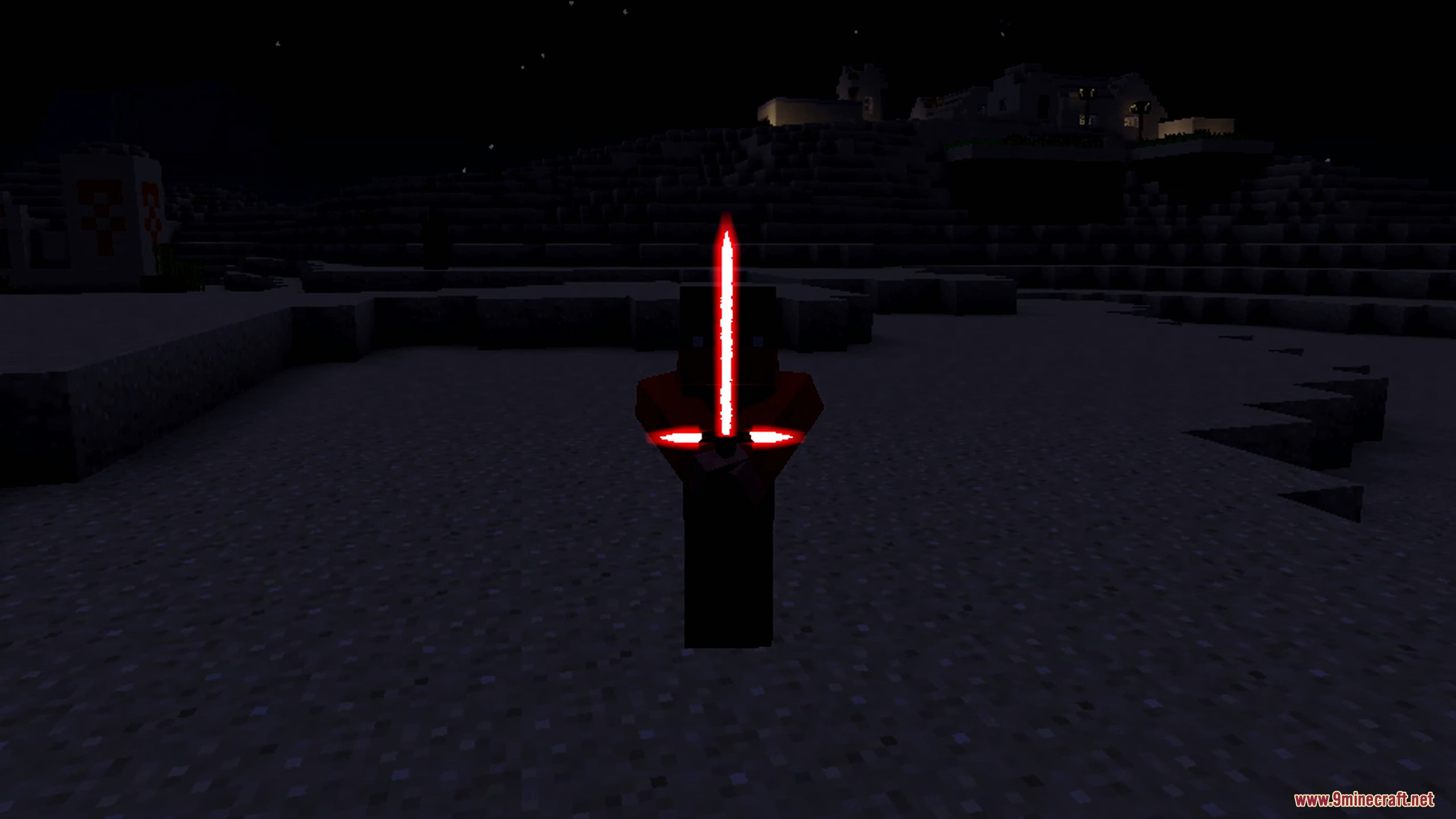
⬇ DownloadAdvanced Lightsabers Mod is a mod that allows us to create the iconic lightsabers from the Star Wars saga to fight and defend ourselves in our Minecraft worlds. You can create both a standard lightsaber and a double-bladed lightsaber, in various colors. Additionally, you can equip ourselves with two robes, one black and one brown. To create lightsabers, you will need to collect crystals that will appear in mines, in various colors, combined with the two pieces that are part of the lightsaber hilt, plus a button. To create a double-bladed lightsaber, you need to place two standard lightsabers of the same color, along with an iron ingot, on the crafting table. The lightsabers will add two bars at the top of our screen, indicating the force and jump that you can use.
Currently, the abilities with the lightsabers are:
- Shift + left-click: Throws the lightsaber, hitting enemies and returning to our hands automatically.
- Shift + Space: Allows us to make high jumps. The longer you hold the “Space” key, the higher you jump, and you won’t take fall damage.
Features:
- Lightsabers are rendered in 3D with lights and sounds.
- You can create double-bladed lightsabers by combining two single lightsabers in a crafting grid.
- Lightsabers can be toggled on and off by shift-right-click while wielded.
- Includes 13 unique, upgradable abilities that can be unlocked with Holocrons found in the world.
- Players gain Force XP alongside standard XP to purchase and upgrade powers, as well as advance overall Force Mastery.
- Abilities include Drain Life, Shock (Force Lightning), Wound (Choke), Heal, Fortify, Stun, Stealth, Speed, and more.
- Offers a wide range of hilt combinations and structures, with over 67 trillion possible combinations.
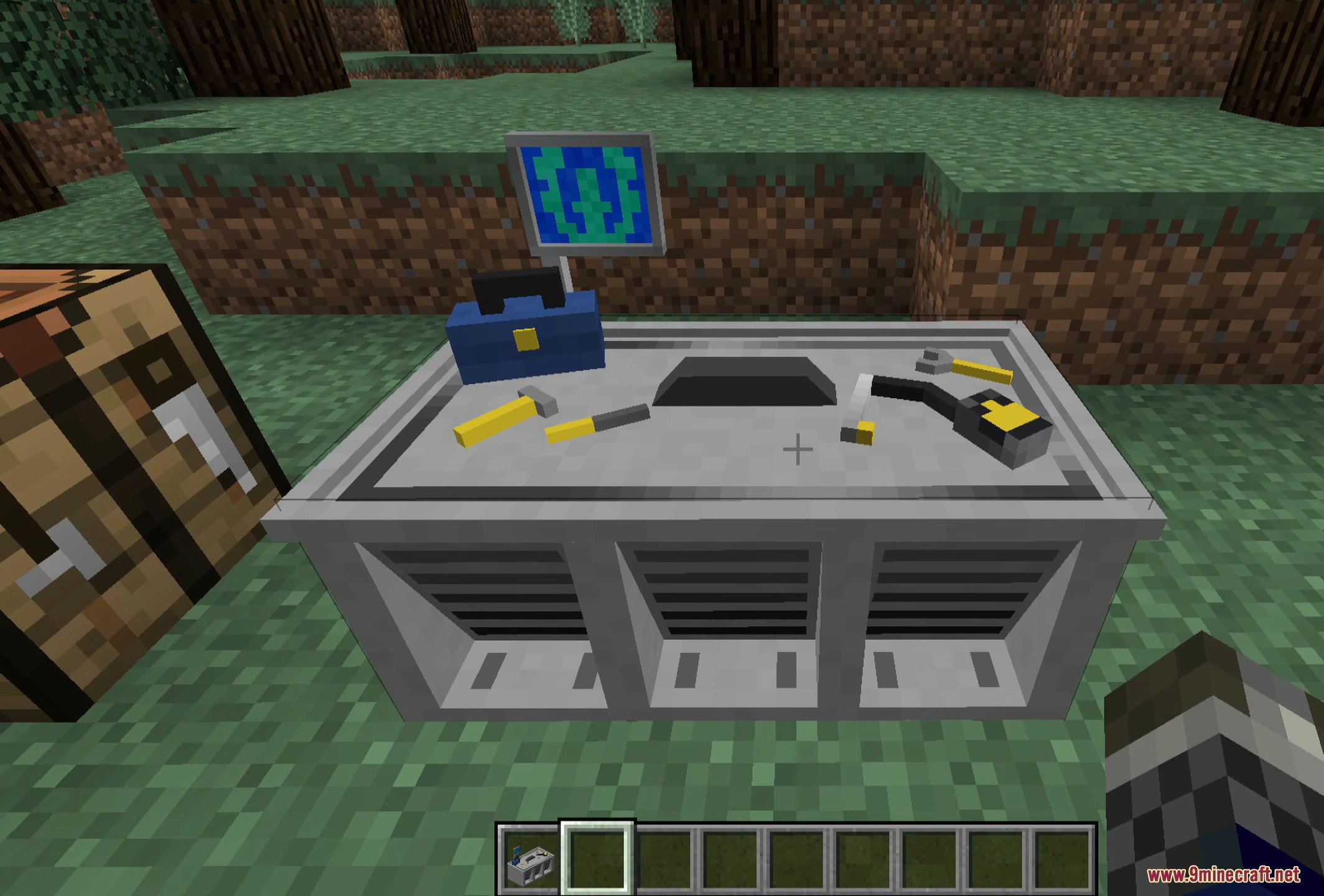
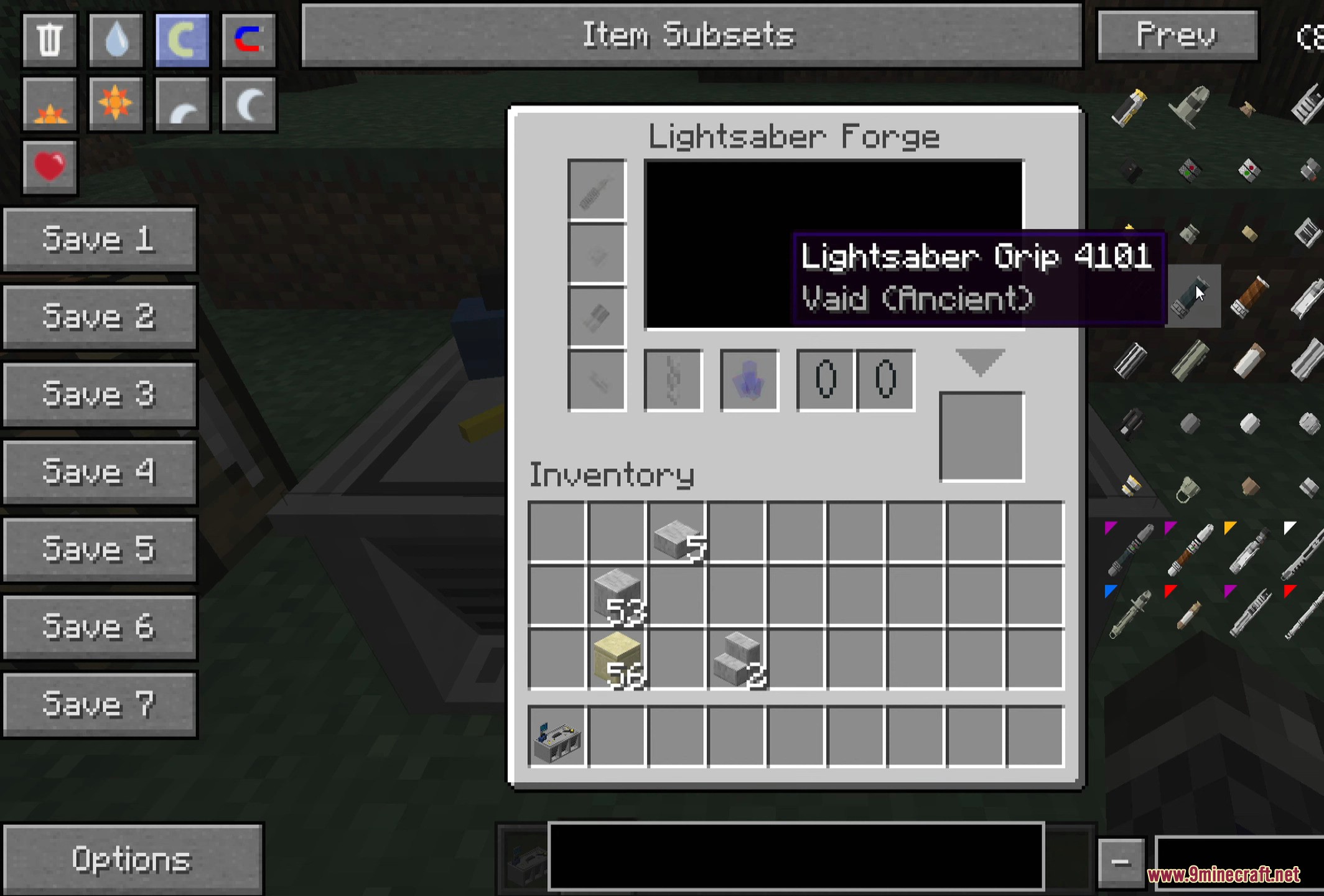
Screenshots:
Advanced Lightsabers Mod Download Links
For Minecraft 1.7.10
Forge version: Download from Server 1 – Download from Server 2
- Edition: Minecraft Java
- File type: .jar
- How to install: Install the matching mod loader (Forge, Fabric or NeoForge) for your Minecraft version. → Download the .jar. → Put it in the .minecraft/mods folder and launch that loader profile.
- Where to get it: In MC Java Mods, or directly above on this page.
Install steps are the general flow for this file type — How to install Minecraft Java mods & modpacks walks through it step by step.
- Downloads as 198453.mcaddon
- Download size: 6.9 MB
- Download link checked 26 Jul 2026 — working
- Mirrored on our own servers — the download does not depend on the original host
These come from our own check of the pack file, not from the source page.